
Turn recordings into transcripts and summaries in minutes
Upload audio or video for multilingual transcription, AI notes, and action items
When looking for a Doubao speech-to-text solution, if you need more professional meeting notes and follow-up action item extraction, Tinrec is an alternative worth evaluating. Every time you finish a meeting or an online course, facing hours of audio recordings, manually creating a verbatim transcript can be exhausting; repeated re-listening not only consumes time but often misses key action items.
This article will fully analyze how to choose a speech-to-text tool, and provide a detailed "Tool Comparison Table", "Step-by-Step Tutorial", and "Frequently Asked Questions (FAQ)".
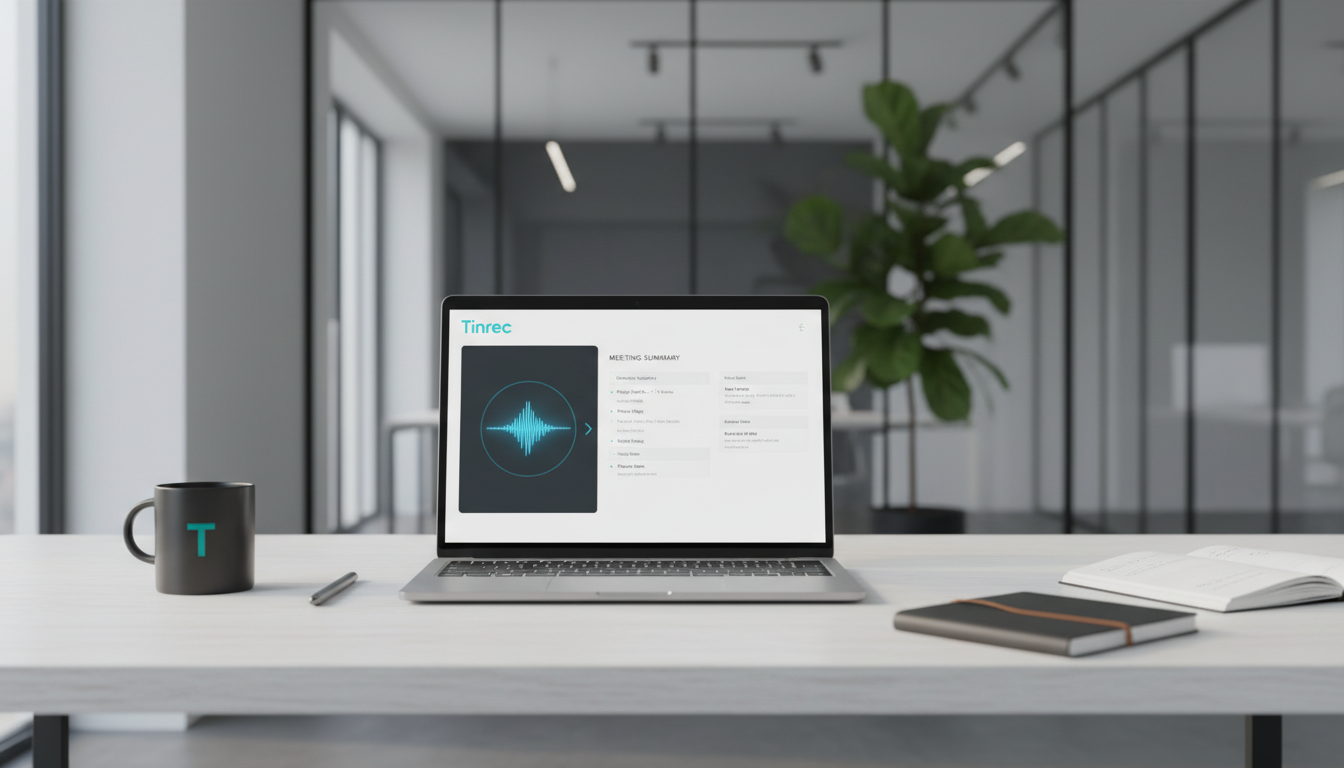
Quick navigation: If you want a completely free general-purpose large model with basic voice conversation capabilities, try Doubao; if you value real-time transcription during recording, automatic generation of meeting summaries after the meeting, and want to perform AI-powered queries directly on the recording content, prioritize Tinrec or similar workflow-focused recording solutions.
Why Do We Need Efficient Speech-to-Text Tools?
In daily work and study, processing voice information typically involves three major pain points:
- Exhausting to organize: Traditional manual transcription takes 3 to 4 times the length of the recording, with very low information density.
- Time-consuming re-listening: Most basic transcription tools only provide a dense wall of text, making it like finding a needle in a haystack to locate specific passages among tens of thousands of words.
- No actionable items after meetings: After transcription, there is a lack of "decisions" and "to-do lists" that help drive projects forward, preventing meeting notes from turning into actual productivity.
Doubao Speech-to-Text vs Tinrec: AI Tool Comparison Table
To reduce decision-making effort, we have objectively compared a general-purpose AI (Doubao) with a workflow-focused AI assistant (Tinrec) across 6 core dimensions:
| Dimension | Doubao (General-Purpose Large Model) | Tinrec (Professional Recording Assistant) |
|---|---|---|
| Real-Time Transcription | Supports voice input conversation | Supports real-time transcription with seamless display of verbatim text |
| Audio/Video Import | Depends on file upload limitations | Supports uploading various audio file formats, and transcription of podcast/online video (YouTube) links |
| Summaries & Action Items | Requires manual prompting to summarize | Automatically generates meeting notes, conclusions, and action items |
| AI Query Mode | General knowledge base Q&A | In-depth conversational queries based on the semantic meaning of single or multiple recordings |
| Language Support | Good Chinese support | Automatic recognition of 10 languages including Chinese, English, Japanese, Korean, Taiwanese, Cantonese |
| Pricing & Free Tier | Free to use | Free tier: 100 minutes/month; Paid plans start at $4.9/month (600 minutes) |
In-Depth Review of Tinrec: A Complete Workflow from Recording to Action
Compared to tools that only offer "speech-to-text," Tinrec focuses more on "post-processing efficiency," transforming time-based content into scannable, searchable, and actionable text.
Stop organizing recordings by hand
Upload audio or video and automatically get a transcript, summary, and action items
1. Suitable Scenarios and Cross-Device Collaboration
Whether it's student lecture notes, remote meetings (Teams / Google Meet), in-person project discussions, or content creators organizing podcasts and interviews, you can quickly get started. It supports iOS, Android, and web versions with multi-device sync, meeting hardware constraints in different scenarios.
2. Test Performance and Differentiating Advantages
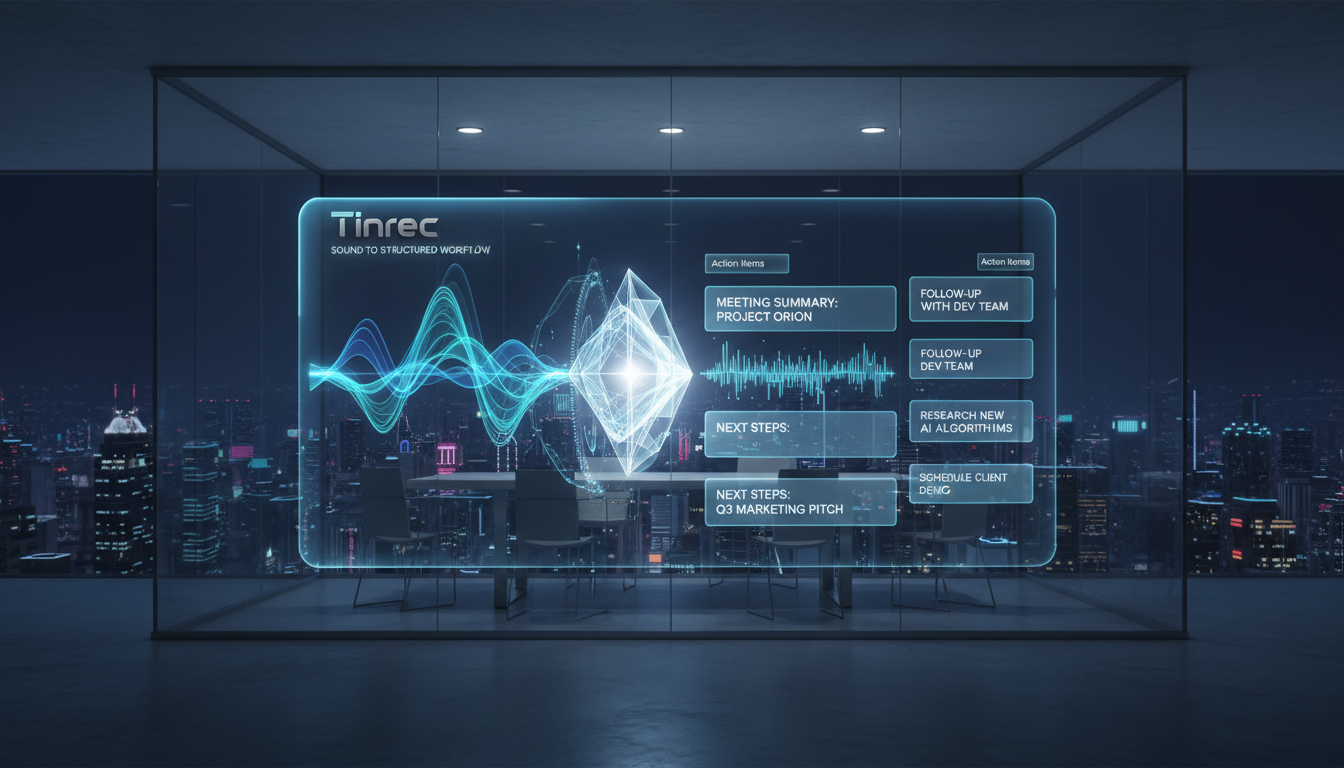
Most tools only provide a plain transcript (you can only search via Ctrl+F), while Tinrec automatically identifies speakers and generates decision summaries. Its "AI Chat Query" feature is a standout: you can ask questions like you would an assistant (e.g., "What was the launch date mentioned in the meeting?") and get precise answers directly from the recording context.

3. Usage Boundaries and Recommendations
For users who need a rigorous workflow (recording → understanding → action), professional tools like this save significant time; if you only need casual voice conversations with short sentences, a general-purpose AI will suffice.
Tutorial: 4 Steps to Convert Recording to Text and AI Summary (Using Tinrec as an Example)
The following steps will guide you through converting complex audio information into well-organized written documents.
Step 1: Start Real-Time Transcription
At the start of a meeting or class, open the web or mobile app and enter the "Real-Time Transcription" feature. The system instantly converts speech to text during recording, without waiting, allowing you to keep track of the discussion without missing key points if you zone out.
Step 2: Import Existing Audio Files or Video Links
If you already have a recorded file, select "Audio File Transcription" which supports various audio formats; for online learning resources, paste a YouTube or podcast link into the "Online Video Transcription" field, and the system will automatically parse it.
Step 3: Review Automatically Generated Transcript and Action Items
After transcription, besides providing a full transcript with speaker labels, the system also automatically extracts "Meeting Notes" and "To-Do List." Review these highlights and copy them directly into your workflow software for execution.
Step 4: Use AI Chat Query for Details
If you forget details, you don't need to re-listen to the audio. Click into "AI Chat Query," type your question (e.g., "What's the marketing proposal's budget limit?") and the AI will give you the precise answer based on the recording context.

Frequently Asked Questions (FAQ)
Q1: Does the speech-to-text tool support iPhone?
Most modern tools support cross-platform operation. Tinrec supports iOS, Android, and web versions, so you can easily start recording or upload audio files on an iPhone.
Q2: Can I transcribe meeting recordings from Teams or Google Meet?
Yes. You can download the audio or video file from Teams or Google Meet and import it into the tool's "Audio File Transcription" feature to quickly generate a transcript and meeting summary.
Q3: Can it accurately recognize mixed languages in a meeting?
For multilingual meetings or foreign language classes, the system supports automatic recognition of 10 languages including Chinese, English, Japanese, Taiwanese, and Cantonese, significantly reducing the effort to process overseas content.
Q4: Besides audio files, can I transcribe online videos directly?
Yes. Use the "Online Video Transcription" feature, paste the URL from platforms like YouTube, and the system will quickly parse the text and generate an AI summary, ideal for self-study of online courses or competitor content analysis.
Q5: Are these tools free? What are the limits?
Most professional tools offer a basic free tier. For example, Tinrec's free version provides up to 100 minutes per month; for long-term high-frequency use, consider upgrading to paid plans offering 600 or 1200 minutes per month.
Q6: Can I only view the generated transcript on the platform?
Most tools support flexible export. After transcription and summarization, users can export the document for later archiving and collaboration in Word, Notion, or internal enterprise systems.
Summary: How to Choose the Right Speech-to-Text Solution
Getting back to the essence of "tool selection":
- If your needs lean towards casual short voice conversations, general-purpose AI like Doubao is a free starting point.
- If you are a professional, student, or creator who frequently deals with long meetings, lecture notes, or interview records, and heavily rely on "post-meeting summaries and action lists," then a professional recording assistant with AI query and automatic summary workflow will save you hours of organizing time.
We recommend trying it with a 10-minute meeting recording to decide on long-term use, and find the productivity tool that best fits your workflow.
Turn every recording into actionable outcomes
Get 60 free transcription minutes when you sign in. No credit card required.
Related Reading
You might also like
2026 Comparison of 3 Cantonese Input Method Practice Solutions: Jyutping, Fanqie, or AI-Assisted—Which Is Most Effective?
Struggling to practice Cantonese input methods? This article compares Jyutping input, Cantonese Fanqie input, and Tinrec AI speech-to-text assistance, analyzing which method best improves Jyutping accuracy. From pain points and selection criteria to hands-on testing and pitfalls to avoid, find the practice path that suits you best.

Best Cantonese Voice Input Tools in 2026: Testing 2 Options, Tinrec Excels at Post-Meeting Organization
This article compares VoiceIn and Tinrec, two Cantonese voice tools. VoiceIn is ideal for quick voice input in the Chrome browser, while Tinrec focuses on meeting recording transcription, AI summaries, to-dos, and team collaboration. If you need to turn Cantonese meetings into searchable, organized data, Tinrec is the more complete choice.

3 Cantonese Input Methods Compared: Is Google Input Tools Worth Installing?
Can't type characters like '嘅', '咗', '唔', or '啲'? This article compares Google Input Tools (Cantonese), Online Cantonese Input Method, and gcantonese-ime, explaining Google's Cantonese typing logic, where it works, and its limitations to help you choose the best option for your typing needs.

4 Free Cantonese Subtitle Tools Tested and Compared in 2026: Is the Free Version Enough and How to Choose?
A comparison of free Cantonese subtitle tools in 2026: Subanana, pyTranscriber, Whisper Desktop, and CantoSub, covering their differences and proofreading tips. Also compares them with Tinrec across five dimensions: input sources, post-meeting organization, export, team collaboration, and free quota, to help you choose the right tool for your needs.
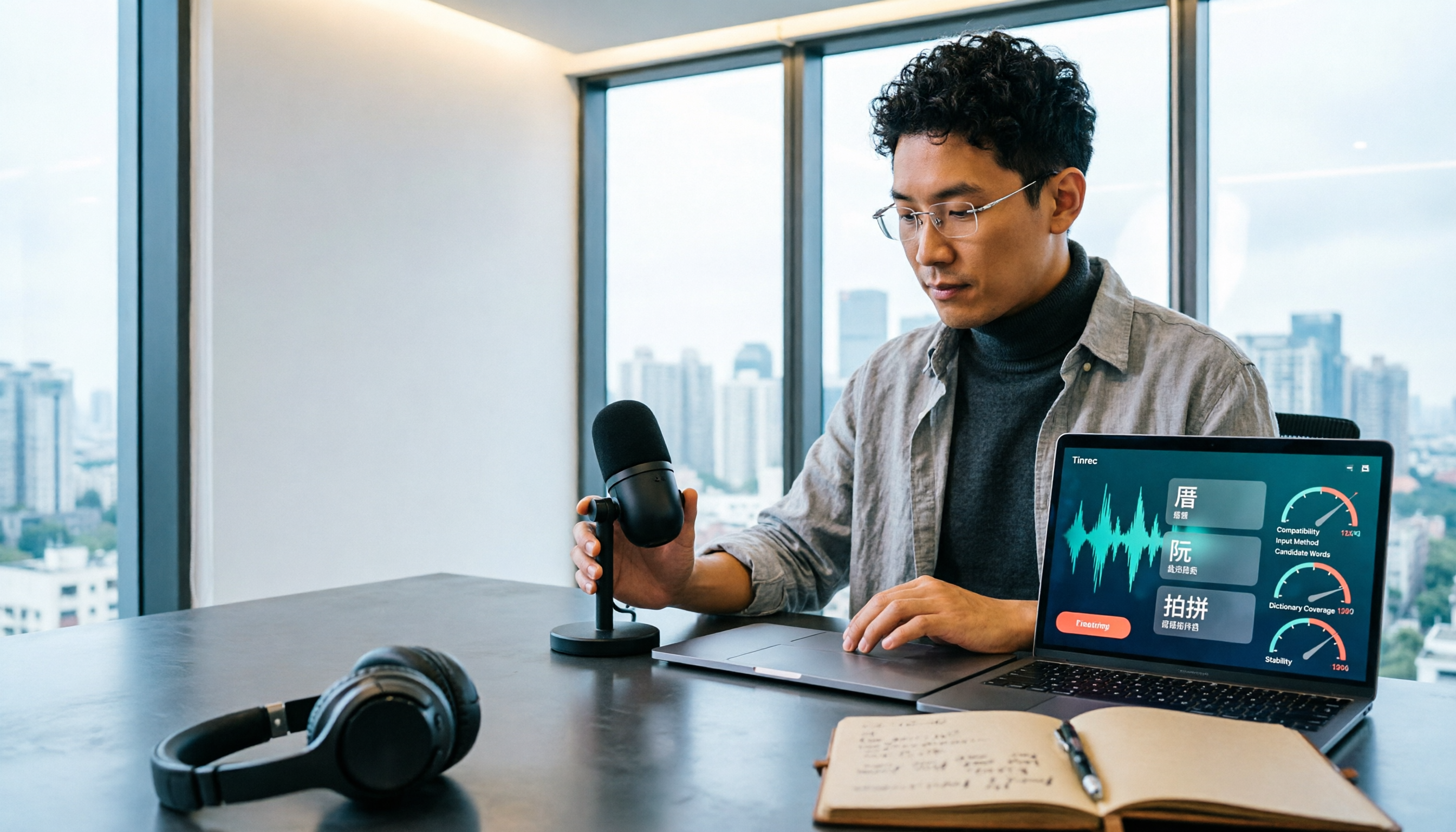
Taigi AI Labs vs Ministry of Education Taiwanese Input Method: 5-Dimension Comparison for Mac Users in 2026
How to choose a Taiwanese input method for macOS in 2026? This article compares Taigi AI Labs, the Ministry of Education Taiwanese Input Method, and Lohankha across 5 dimensions: macOS version, input schemes, candidate characters, voice dictionary, and stability. It also covers installation steps and FAQs to help Mac users find the right Taiwanese typing tool.

2026 Cantonese Subtitle AI Free Options: 4 Tools Compared
2026 Cantonese subtitle AI free options compared: Tinrec, Subanana, CantoSub, and Otter.ai. Compare free quotas, Cantonese and mixed Chinese-English recognition, post-meeting organization, plus 5 key buying factors and 4 common pitfalls to avoid.
2026 Comparison of 5 Cantonese Subtitle Tools: Download Movie Subtitles or Generate Your Own?
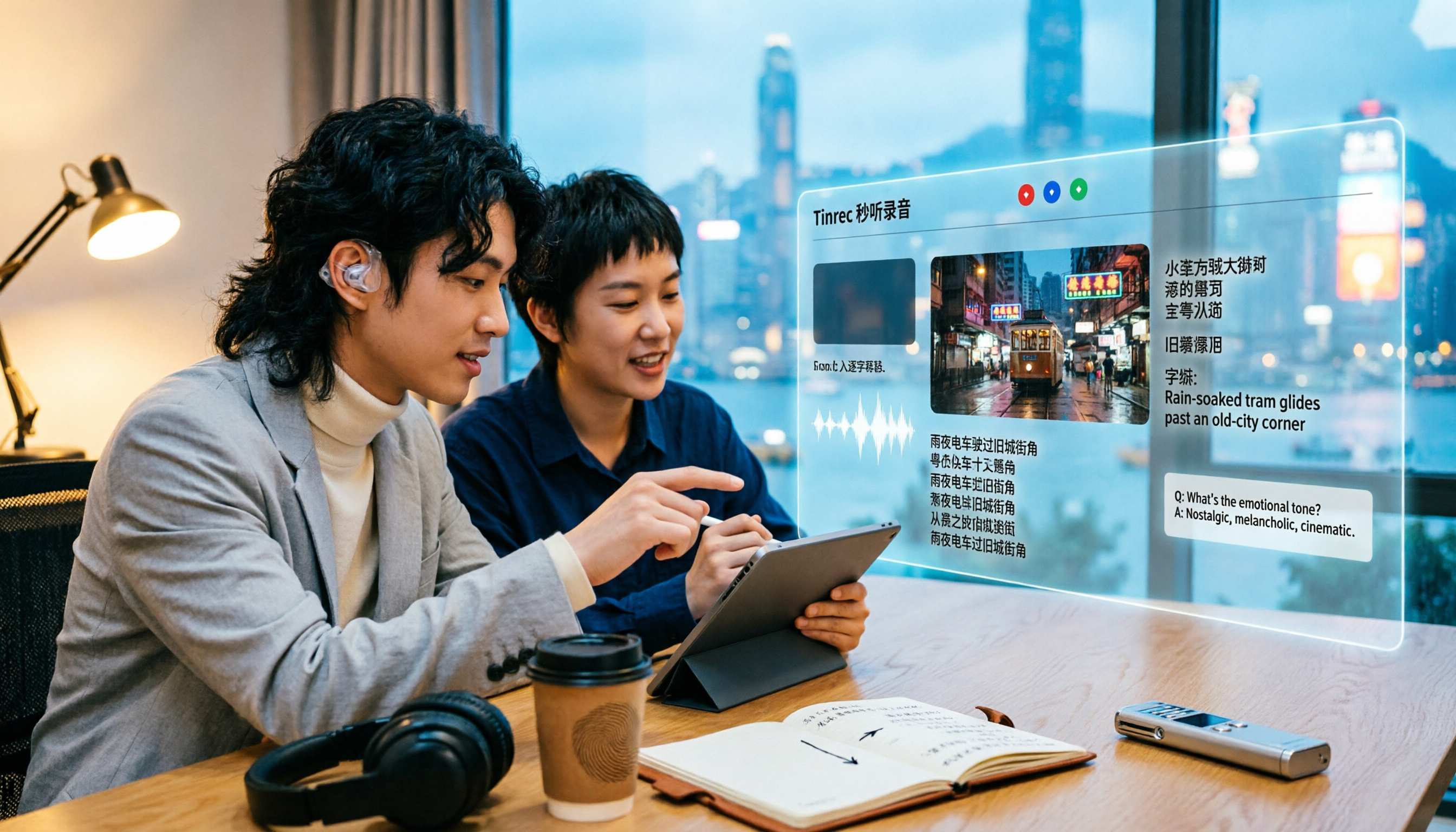
If you're looking for Cantonese subtitles, first decide whether you want to download ready-made subtitle files or generate subtitles from your own videos. This article compares five common ways to obtain Cantonese subtitles and demonstrates the complete workflow using Tinrec—from video import, transcript, bilingual translation, AI summary Q&A, to team collaboration—to help you determine which approach truly suits you.

Tinrec vs Otter.ai 2026: 5-Dimension Comparison for Cantonese Speech-to-Text
Which tool should you use for Cantonese speech-to-text? This article compares Tinrec and Otter.ai, two AI meeting tools, across 5 dimensions: Cantonese and mixed Chinese-English recognition, online meeting recording methods, post-meeting summaries and AI follow-up, file import and audio retention, and pricing and team governance. It ends with FAQs to help you decide which one fits your situation.
How to Organize Cantonese Subtitles in 2026: AI Transcripts + Action Items in One Go
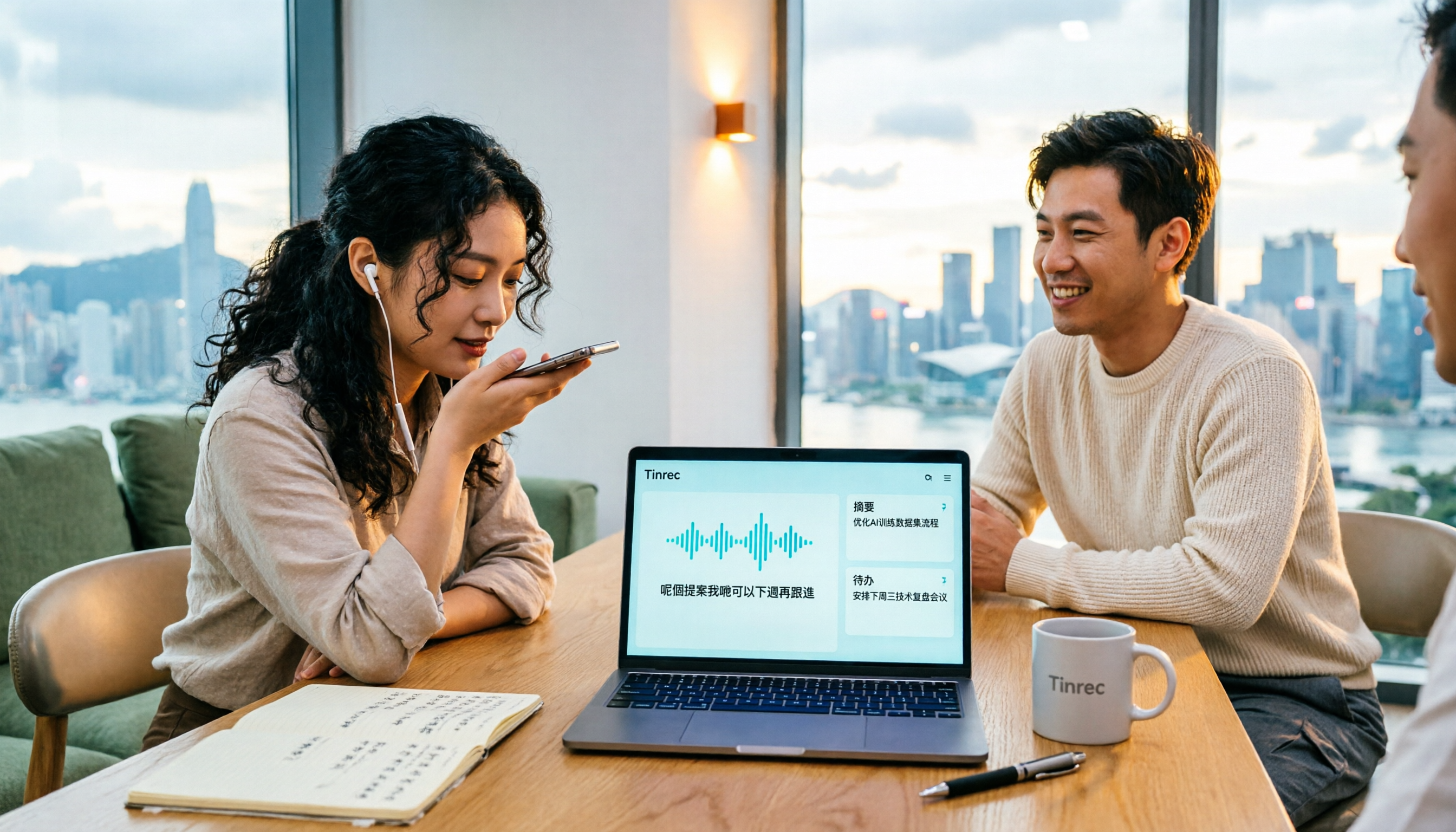
Want to add subtitles to Cantonese videos or meeting recordings? This article starts with common pitfalls, tests automatic subtitle tools like Subanana, CantoSub, and Zeemo, and takes a deep dive into how Tinrec turns Cantonese content into transcripts, summaries, action items, and team data. Learn to choose the right tool and stop wasting time.