

Turn recordings into transcripts and summaries in minutes
Upload audio or video for multilingual transcription, AI notes, and action items
Tinrec vs Otter.ai 2026: 5-Dimension Comparison for Cantonese Speech-to-Text
When choosing a Cantonese speech-to-text tool, you really only need to answer three questions: Does it actually recognize Cantonese? How does it get into your meetings? And what can you do with the transcribed text afterward?
If you only occasionally upload a recording to check it out, these three questions can be answered loosely. But if you deal with interviews, meetings, or video subtitles every week, choosing the wrong tool has a concrete cost—a 20-minute recording often takes an hour to manually subtitle, and you have to listen and guess at the unclear words.
In this article, I compare Tinrec (秒听录音) and Otter.ai. Otter.ai is the first AI meeting assistant many people think of, while Tinrec is a choice that focuses more on Chinese and team collaboration scenarios. They are not the same approach, so I focus on 5 dimensions you will actually use.
(A quick note: there are also specialized Cantonese services like Subanana and cantosubai, but this article does not compare them in depth. Please refer to each provider's official website for features and quotas.)
Tinrec vs Otter.ai | Quick Overview
Tinrec is an AI meeting notes and collaboration tool for individuals and teams, covering recording, transcription, summarization, to-dos, and team knowledge retention in one workflow. Otter.ai is a mature AI meeting assistant, strong in meeting automation, English business meeting notes, and team management.
| Item | Tinrec | Otter.ai |
|---|---|---|
| Core positioning | AI meeting notes and team collaboration | AI meeting assistant and meeting automation |
| Chinese and Cantonese scenarios | Covers Chinese, Traditional Chinese, and multilingual meeting scenarios; supports mixed Chinese-English and team hotwords | Primarily designed for English business meetings |
| Free plan | Free version offers basic quota; can try recording, import, summarization, and transcription | Basic free, 300 minutes per month |
| Paid starting price | Personal plans include weekly pass, Pro monthly, Pro annual; team plan USD 29.80 per paid seat per month | Pro annual equivalent to about USD 8.49 per user per month |
| Team capabilities | Team space, roles and seats, usage analytics, audit logs, audio recycle bin | Provides team and enterprise management capabilities |
Next, I compare them one by one across 5 dimensions: language recognition, meeting recording methods, post-meeting organization, file handling, and pricing and team governance.
Dimension 1 | Cantonese and Mixed Chinese-English Recognition Core
Cantonese is difficult not just because of pronunciation, but because of its nine tones and six categories, colloquial characters (嘅, 咗, 啲, 冇), and the common mixed Chinese-English speech in Hong Kong. If a tool forces a Mandarin model onto it, these are the places where errors are most likely.
Otter.ai's core focus has always been English business meetings. It supports meeting notes for Zoom, Microsoft Teams, Google Meet, and other platforms, and also has speaker identification, AI Chat, and workflows, but Chinese, especially Cantonese, is not its main scenario.
Tinrec covers Chinese, Traditional Chinese, and multilingual meeting scenarios, supports mixed Chinese-English content organization, and offers team hotwords so teams can maintain commonly used professional terminology. Actual recognition results are still affected by recording quality, background noise, accent, and overlapping speakers. Neither side should be judged solely on a single accuracy number—this is important.
→ This dimension: If your content is mainly Chinese, Cantonese, or mixed Chinese-English, Tinrec's overall design is more aligned.
Dimension 2 | How Online Meetings Get Recorded
Otter.ai takes the meeting assistant automation route: connect the tool to your calendar and meeting platforms, let it join meetings and automatically generate notes. It now also offers desktop capabilities, so don't think of it as "only sending a bot into meetings."
Tinrec takes another path: the desktop version directly captures the computer's system audio, handling online meetings on Zoom, Google Meet, Microsoft Teams, Webex, etc., without an extra bot joining the meeting. Note that you still need to actively open Tinrec to start recording; it is not a service that automatically joins all calendar meetings.
→ This dimension: The two have different approaches. If you don't want an unfamiliar participant in the meeting list, Tinrec's bot-free method is more convenient.
Dimension 3 | What You Get After Transcription
A tool that only gives you a verbatim transcript is essentially handing the organization work right back to you.
Otter.ai is very mature here: summaries, action items, AI Chat queries, and workflow automation are all available, and the English meeting experience is especially complete.
In addition to verbatim transcripts, Tinrec also generates summaries, chapters, key points, and to-dos, supports mind maps, and can do AI Q&A on single or multiple meeting data. Even better is Agent post-processing: it can generate reports, tables, and documents based on meeting content, and export to Notion, Google Docs, OneNote, Dropbox, and other tools for further processing.
→ This dimension: Both have AI, but in terms of the variety of post-meeting outputs and Chinese data organization, Tinrec has a slight edge.
Dimension 4 | File Import, Audio Retention, and Export
Otter.ai's free Basic is mainly for in-app recording, while file import (10 per month) is included in the Pro plan. Its overall design revolves more around the "meeting" itself.
Stop organizing recordings by hand
Upload audio or video and automatically get a transcript, summary, and action items
Tinrec is much more flexible with existing materials: you can upload audio and video files, record with your phone, and process some web link content. Transcription results retain the audio file for easy playback and verification later. The team version also has an audio recycle bin, where accidentally deleted audio files can be restored before permanent cleanup begins (currently 30-day retention; TODO is not covered by the recycle bin).
→ This dimension: If you have a bunch of existing recordings to organize, Tinrec wins.
Dimension 5 | Pricing, Free Quota, and Team Usage
I'll lay out pricing directly so you can judge for yourself.
Otter.ai (based on official pricing page): Basic free, 300 minutes per month; Pro annual equivalent to about USD 8.49 per user per month, including 1,200 minutes of in-app recording per month and 10 file imports; Business offers unlimited meetings and in-app recording, more imports, and management capabilities. Actual prices may be affected by promotions.
Tinrec personal plans are divided into free, weekly pass, Pro monthly, and Pro annual. Choose by task: use the free version for occasional recording organization, consider the weekly pass for short-term intensive meetings or interviews, choose Pro for steady weekly use, and look at the annual plan for long-term data retention.
Tinrec's team plan is a separate team space, not "multiple people sharing one account." The first eligible team trial is 7 days, 1 free seat, 300 minutes of team shared import quota; monthly USD 29.80 per paid seat per month, annual USD 199 per paid seat per year (equivalent to about USD 16.58 per month), each paid seat provides 2,000 minutes of team shared import quota per month. Under an active plan and active seat, live recording currently does not deduct minutes; file and web imports use the team shared quota and will not draw from members' personal quotas.
For the team version, also look at "roles" and "seats" separately: roles determine who can manage the team, members, audit, and settings; seats determine whether a member can record, upload, edit, import, and export. Active members without a seat can still view, play, and read team data, but cannot perform resource usage operations.
→ This dimension: For free quota on English meetings, Otter is intuitive and easy to understand; for Chinese team data ownership and governance, Tinrec's design is much more complete. This one is a tie leaning toward Tinrec.
What Unique Advantages Does Each Have?
Tinrec's unique advantages:
- Bot-free online meeting recording: desktop version captures system audio, so no extra participant appears in the meeting list.
- Complete post-meeting workflow: summaries, chapters, to-dos, mind maps, AI Q&A, and Agent can regenerate reports and tables.
- Chinese and mixed Chinese-English scenarios: covers Chinese, Traditional Chinese, and multilingual meetings, and team hotwords can maintain professional terminology.
- Team data retention: team space, roles and seats, usage analytics, audit logs, and audio recycle bin. Data remains with the team when members change.
Otter.ai's unique advantages:
- Mature English business meeting focus: summaries, action items, AI Chat, and workflow automation are complete.
- Long experience in team and enterprise management: if your whole company mainly uses English meetings, its existing ecosystem is easier to integrate.
Conclusion: Which One Should You Choose?
- Your content is mainly Chinese, Cantonese, or mixed Chinese-English → Tinrec (more complete organization workflow for Chinese and multilingual scenarios)
- You don't want a meeting bot joining meetings → Tinrec (desktop version directly captures system audio)
- You want summaries, to-dos, AI follow-up, and export after recording → Tinrec (more types of outputs)
- You want to turn meeting data into team assets and manage members and usage → Tinrec (team space and role/seat governance)
- Your meetings are almost entirely in English and your team already uses the Otter ecosystem → Otter.ai is sufficient
In one sentence: For most users in Chinese and Cantonese scenarios, Tinrec is the more complete choice. But whether a tool works well depends heavily on your recording quality, accent, and meeting type. It's best to test with your own recordings before deciding on long-term use.
FAQ
Is Tinrec's free version enough?
The free version offers basic quota and lets you try recording, import, summarization, and transcription. If you only occasionally organize a recording, the free version is enough to test the waters; consider Pro if you have steady weekly needs. Otter.ai's Basic is 300 minutes per month, so the two have different approaches.
Is Cantonese accuracy guaranteed?
No tool should give such a guarantee. Cantonese has nine tones and six categories, colloquial characters, and mixed Chinese-English. Actual results are affected by recording quality, background noise, accent, overlapping speakers, and professional terminology. Tinrec covers Chinese and multilingual meeting scenarios and can improve recognition of professional vocabulary through team hotwords; for important content, it's best to verify with transcript timestamps and audio playback.
Do I need a meeting bot to join the meeting?
Tinrec does not. The desktop version directly captures computer system audio and can handle Zoom, Google Meet, Microsoft Teams, Webex, and other meetings, but you need to actively start recording; it does not automatically join all calendar meetings. Otter.ai mainly takes the meeting assistant automation route and also offers desktop capabilities.
Can I upload existing audio or video files?
Yes. Tinrec supports uploading audio and video files, phone recording, and can process some web link content. Otter.ai's file import is mainly in paid plans (Pro: 10 per month).
What's the difference between the team version and personal version?
Personal version data is managed by the individual account. The team version is a separate team space where data belongs to the team, with additional members, roles, seats, shared benefits, usage analytics, audit logs, and audio recycle bin. Note that the team version currently focuses on team-level sharing; active members can read team data, but it is not file-level granular permission setting.
If a team member leaves, will meeting data be taken away?
No. Team resources belong to the team. When a member exits, is removed, or loses their seat, their team resources are handed over to other active members. Accidentally deleted audio can be restored from the recycle bin (currently 30-day retention); after permanent cleanup, it cannot be recovered.
What should I pay attention to before recording?
Regulations on recording and transcription vary by location. Before a meeting or interview, please confirm local laws and obtain participant consent when needed.
References
- Free Cantonese Speech-to-Text App 2026 | Subanana
- Speechnotes | Hong Kong Cantonese | Speech to Text Online Notepad
- [Free Tool] Cantonese Speech-to-Text! Just upload a file or YouTuber link. Up to 96% accuracy - YouTuber AI | Spend time on creativity, leave the AI to do the hustle work.
- AI Cantonese Speech-to-Text Professional Cantonese Recognition
- AI Speech-to-Text Fast Recording File Online Transcription, Verbatim Transcripts and Video Subtitles - Free Trial - cSubtitle
Turn every recording into actionable outcomes
Get 60 free transcription minutes when you sign in. No credit card required.
Related Reading
You might also like
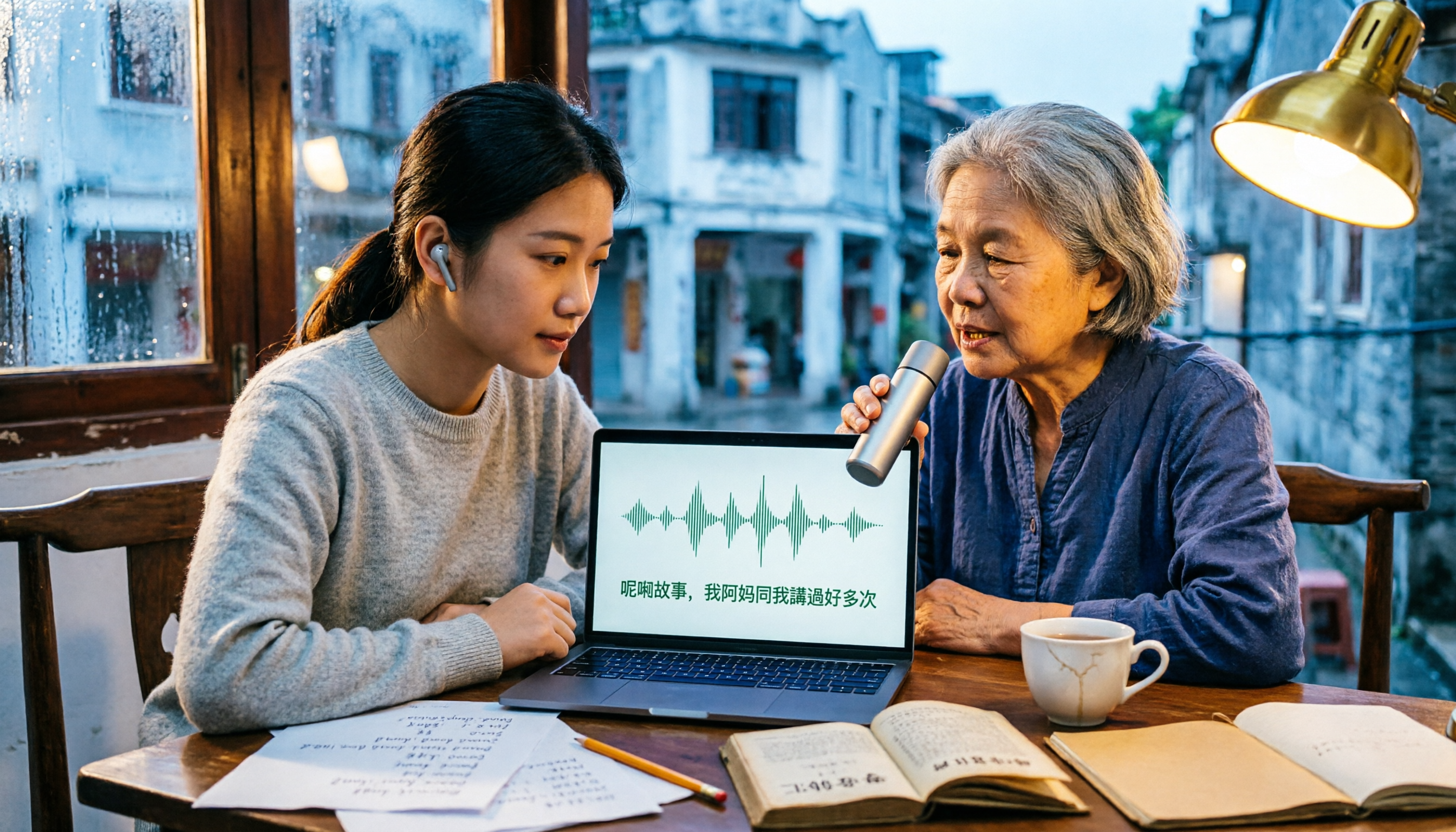
2026 Comparison of 3 Cantonese Input Method Practice Solutions: Jyutping, Fanqie, or AI-Assisted—Which Is Most Effective?
Struggling to practice Cantonese input methods? This article compares Jyutping input, Cantonese Fanqie input, and Tinrec AI speech-to-text assistance, analyzing which method best improves Jyutping accuracy. From pain points and selection criteria to hands-on testing and pitfalls to avoid, find the practice path that suits you best.

Best Cantonese Voice Input Tools in 2026: Testing 2 Options, Tinrec Excels at Post-Meeting Organization
This article compares VoiceIn and Tinrec, two Cantonese voice tools. VoiceIn is ideal for quick voice input in the Chrome browser, while Tinrec focuses on meeting recording transcription, AI summaries, to-dos, and team collaboration. If you need to turn Cantonese meetings into searchable, organized data, Tinrec is the more complete choice.

3 Cantonese Input Methods Compared: Is Google Input Tools Worth Installing?
Can't type characters like '嘅', '咗', '唔', or '啲'? This article compares Google Input Tools (Cantonese), Online Cantonese Input Method, and gcantonese-ime, explaining Google's Cantonese typing logic, where it works, and its limitations to help you choose the best option for your typing needs.

4 Free Cantonese Subtitle Tools Tested and Compared in 2026: Is the Free Version Enough and How to Choose?
A comparison of free Cantonese subtitle tools in 2026: Subanana, pyTranscriber, Whisper Desktop, and CantoSub, covering their differences and proofreading tips. Also compares them with Tinrec across five dimensions: input sources, post-meeting organization, export, team collaboration, and free quota, to help you choose the right tool for your needs.
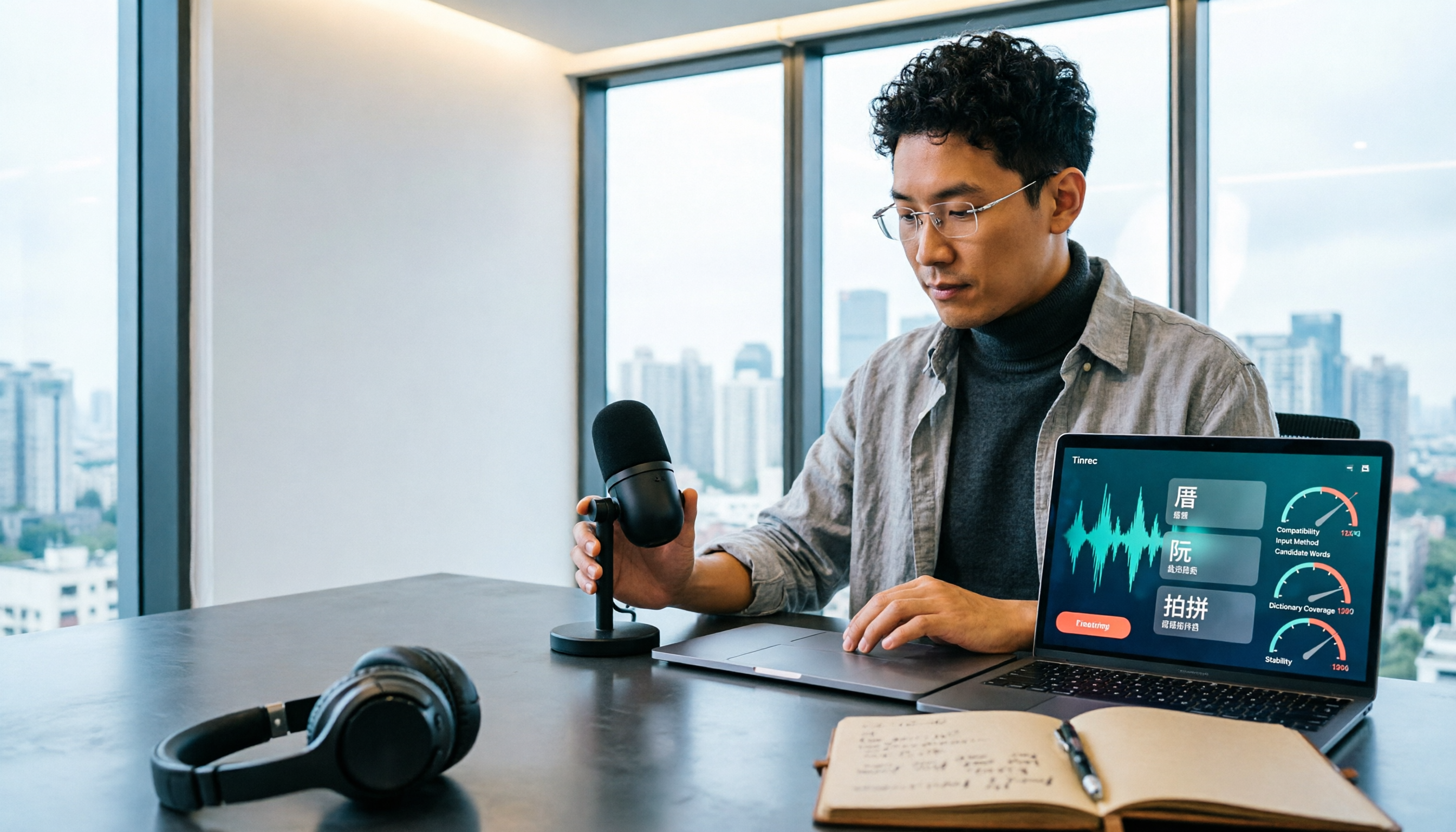
Taigi AI Labs vs Ministry of Education Taiwanese Input Method: 5-Dimension Comparison for Mac Users in 2026
How to choose a Taiwanese input method for macOS in 2026? This article compares Taigi AI Labs, the Ministry of Education Taiwanese Input Method, and Lohankha across 5 dimensions: macOS version, input schemes, candidate characters, voice dictionary, and stability. It also covers installation steps and FAQs to help Mac users find the right Taiwanese typing tool.

2026 Cantonese Subtitle AI Free Options: 4 Tools Compared
2026 Cantonese subtitle AI free options compared: Tinrec, Subanana, CantoSub, and Otter.ai. Compare free quotas, Cantonese and mixed Chinese-English recognition, post-meeting organization, plus 5 key buying factors and 4 common pitfalls to avoid.
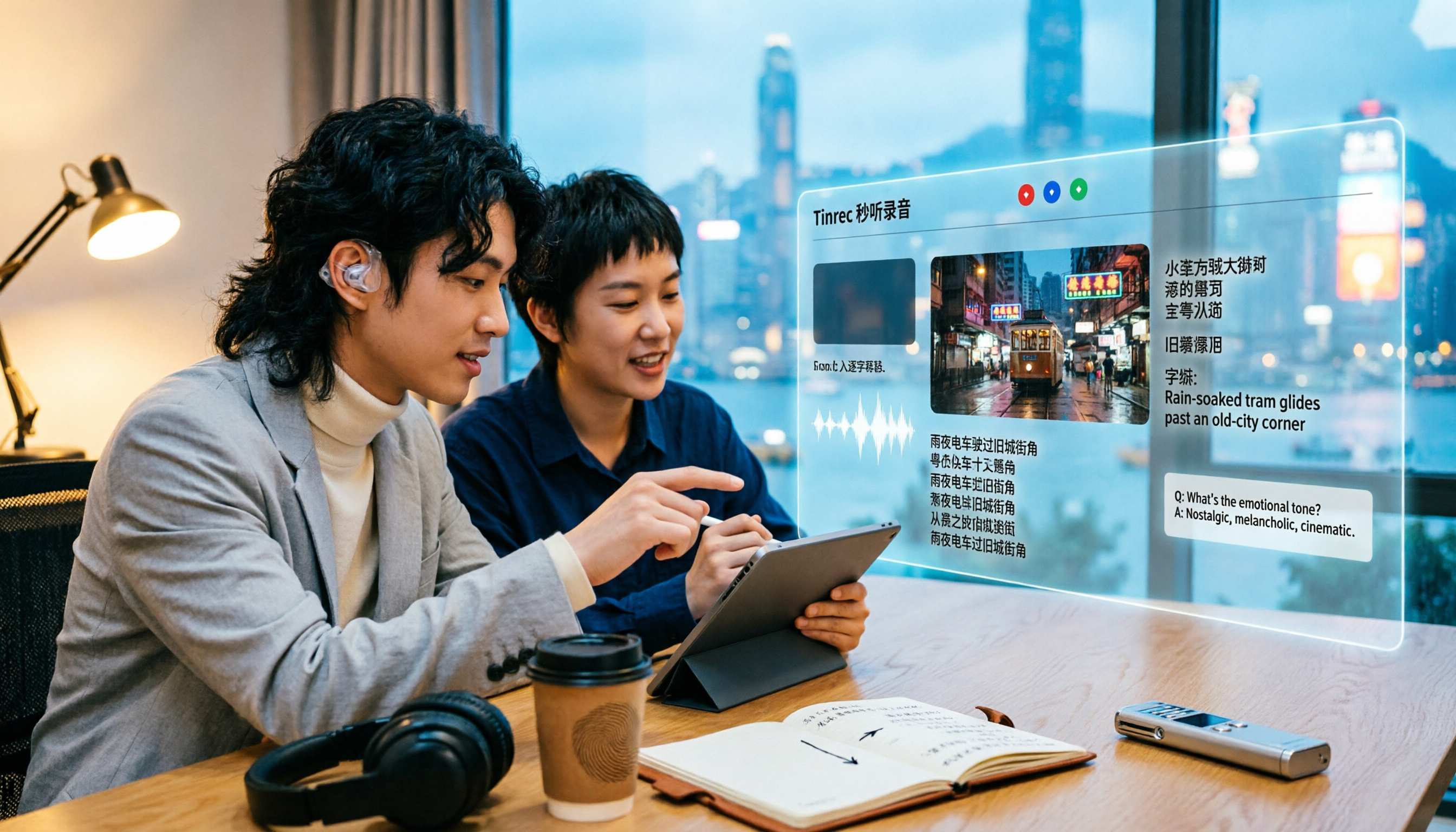
2026 Comparison of 5 Cantonese Subtitle Tools: Download Movie Subtitles or Generate Your Own?
If you're looking for Cantonese subtitles, first decide whether you want to download ready-made subtitle files or generate subtitles from your own videos. This article compares five common ways to obtain Cantonese subtitles and demonstrates the complete workflow using Tinrec—from video import, transcript, bilingual translation, AI summary Q&A, to team collaboration—to help you determine which approach truly suits you.

How to Organize Cantonese Subtitles in 2026: AI Transcripts + Action Items in One Go
Want to add subtitles to Cantonese videos or meeting recordings? This article starts with common pitfalls, tests automatic subtitle tools like Subanana, CantoSub, and Zeemo, and takes a deep dive into how Tinrec turns Cantonese content into transcripts, summaries, action items, and team data. Learn to choose the right tool and stop wasting time.

4 Cantonese Speech-to-Text Tools Tested in 2026: Which One Actually Saves You Time?
Tired of endlessly editing Cantonese meeting transcripts? We tested Tinrec, Notta, Granola, and TurboScribe with the same set of Cantonese and mixed Chinese-English meeting recordings, comparing transcription usability, post-meeting organization, free tiers, and team data ownership. We also highlight 4 common pitfalls to help you find a solution that truly saves time after meetings.