

Turn recordings into transcripts and summaries in minutes
Upload audio or video for multilingual transcription, AI notes, and action items
4 Cantonese Speech-to-Text Tools Tested in 2026: Which One Actually Saves You Time?
Post-Meeting Cleanup Is the Real Hell—You Don't Need a Transcript, You Need Usable Data
Most people handle meeting notes the same way: save the recording to a phone folder and think, "I'll listen again if needed." But what you really need to keep isn't the audio—it's who promised what, when it's due, and what to confirm at the next meeting.
I lead a team of 10 and have about 15 meetings a week. The most common scenario: three days later, I need to report to my boss. I remember discussing something but can't recall the conclusion. I ask a subordinate about a task two days later, and they say, "I thought it was due next week." Cantonese meetings are even trickier. Many tools claim Chinese support, but when faced with Cantonese colloquialisms or mixed Chinese-English, they produce gibberish. Editing takes longer than listening to the recording.
If you're looking for a Cantonese speech-to-text tool, this isn't about whose ad copy is prettier. I used the same set of Cantonese and mixed Chinese-English meeting recordings to evaluate three things: whether the transcription is directly usable, how much time post-meeting organization still takes, and whether the free tier is truly free or a trial trap.
Before Choosing a Tool, Understand These 5 Key Points
1. A language field saying "Chinese" doesn't mean it understands Cantonese. You need to ask: Does it recognize Cantonese colloquial characters? Does mixed Chinese-English cause a breakdown? Is the output in Traditional Chinese? Are punctuation and paragraphing clear? You can't tell from specs alone without testing.
2. A transcript is just raw material; post-meeting outputs are where time is saved. Summaries, chapters, action items, AI Q&A—for the same 40-minute meeting, a tool with these features lets you grasp the key points in 5 minutes; with only a transcript, you still have to read from the beginning.
3. The recording method determines whether it fits into your daily routine. A meeting bot joins as an unknown account, which is usually unsuitable for client meetings. A desktop version that captures system audio directly doesn't add an extra participant. Mobile recording suits in-person meetings. File import is good for organizing historical recordings.
4. Where data is stored and whether it can be exported. Whether audio is retained, whether it can be exported to Notion or Google Docs, who owns the data after a team member leaves—these are usually overlooked but hurt the most when problems arise.
5. The real limits of free tiers. Check all three: maximum length per recording, number of files per day, and trial days. A tool limited to 3 minutes per recording is useless for a one-hour meeting.
Tinrec—The One That Stayed in My Workflow After Testing
Tinrec is an AI meeting notes and collaboration tool for individuals and teams, available on iOS, Android, and web. The desktop version can capture audio from online meetings like Zoom, Google Meet, Microsoft Teams, and Webex. I used it for several internal meetings in Cantonese and mixed Chinese-English, plus a client interview. Here are the key findings.
No meeting bot, no disruption. Tinrec's desktop version captures system audio directly, so you don't need to invite an extra bot to the meeting, and no unknown account appears on screen. To be clear, this isn't "automatically join all meetings"—you open Tinrec and start recording yourself, and it begins transcribing. For those meeting with clients, this difference is significant.
Live transcription, handles Chinese and multilingual meetings together. You can see the transcript as the meeting progresses. For Chinese meetings, mixed Chinese-English content, or cross-language meetings needing translation, you can switch between original, translated, or bilingual views. Team-specific jargon can be added to a team glossary to reduce misheard keywords. Actual performance depends on recording quality, background noise, accents, and overlapping speech. I won't say it's 100% accurate—for important content, replay and verify against timestamps.
Post-meeting is where it truly saves time. After recording, Tinrec automatically generates summaries, chapters, key points, and action items. The most useful feature is AI Q&A: you can directly ask "What was the conclusion of this meeting?" or "Who mentioned the budget?" and it answers based on the meeting content, rather than giving you a list of keyword search results. For deliverables, you can further generate reports, tables, and documents, and export to Notion, Google Docs, OneNote, Dropbox, etc.
Stop organizing recordings by hand
Upload audio or video and automatically get a transcript, summary, and action items
Team version turns meetings into team assets. The team version is a separate team space where you can invite members, set roles (owner/admin/member), assign or revoke seats, and centrally store meeting recordings, folders, and action items. Admins can view usage trends, member rankings, and details, and query and export audit logs. Deleted audio goes to the recycle bin and can be restored before permanent deletion. A common misunderstanding: roles determine who can manage the team, seats determine who can record, upload, edit, and export. Members without a seat can still view and play team data but cannot edit. Team resources belong to the team; when a member leaves or is removed, their responsible resources must be handed over to other active members.
Pricing and quotas (subject to official purchase page): First eligible team trial is 7 days, 1 free seat, 300 minutes of team shared import quota. Team monthly plan: USD 29.80 per paid seat per month; annual plan: USD 199 per paid seat per year (about USD 16.58/month). Paid seats provide 2,000 minutes of team shared import quota per seat per month; file and web imports use this shared quota. Real-time recording currently does not deduct minutes under an active plan and seat.
Honest limitations: The free version offers basic quota. If you're a heavy user with daily meetings, you'll likely end up paying. The team version currently offers team-level sharing, not file-level granular permissions, so don't expect to set different access for individual files.
Who it's for: Those whose meetings include Cantonese or mixed Chinese-English, who want to use AI to find key points right after recording, who need cross-device use on phone and computer, or who want to retain team meeting data.
Besides Tinrec, What Other Options Are There?
Notta: High overlap with multilingual transcription and meeting notes. Free version: 120 minutes per month, max 3 minutes per recording. Pro annual plan is about USD 8.17/month, 1,800 minutes per month. Its strength is transcription itself, but it lacks Tinrec's desktop bot-free system audio recording and team space and Agent post-processing workflows. If you only occasionally transcribe short audio files, you can try it first.
Granola: Also a bot-free AI meeting notes tool. Basic is free, Business is USD 14 per user per month. It emphasizes "your notes + AI enhancement" but does not save meeting audio and does not support uploading pre-recorded audio files. Chinese localization and Cantonese scenarios are not its focus. If you're used to typing during meetings and don't need recordings, it's smooth. But if you need to verify statements afterward, Tinrec's audio retention and file import support are more practical.
TurboScribe: A cost-effective file transcription tool. Free version: 3 files per day, max 30 minutes per file. Unlimited annual plan is USD 120. Paid version supports up to 10 hours or 5 GB per file, and up to 50 files at once. It excels at long audio and batch processing, but it's not a meeting tool: no live meeting recording, no AI Q&A or action items, no team collaboration. If your data is "a bunch of historical recordings" rather than "weekly meetings," it's more suitable than Tinrec.
Pitfall Guide: 4 Most Common Mistakes When Choosing a Cantonese Speech-to-Text Tool
Pitfall 1: Buying just because it says "supports Chinese." Mandarin and Cantonese are different. Always test with a real meeting recording—one with air conditioning noise, people interrupting, and mixed Chinese-English. Don't use official demo files.
Pitfall 2: Being fooled by the word "free." Many free plans hide limits: some give a fixed number of minutes per month but only 3 minutes per recording; some give only a few minutes for a quick trial; some prompt subscription after a few uses. Check the per-recording length, daily file count, and trial days.
Pitfall 3: Treating it only as "speech to text." If you still read through a 40-minute transcript from scratch, you're only using one-third of the tool's capability. With Tinrec's AI Q&A, you can ask "What was the conclusion of this meeting?" right after recording—much faster than manual Ctrl+F.
Pitfall 4: Ignoring data ownership. If meeting data is stored in personal accounts, it's lost when someone leaves. Choose a tool with a separate team space, role and seat management, and handover capabilities for departing members, or you'll repeat the same mistake every year.
Conclusion: Which One Should You Choose?
- Meetings with Cantonese or mixed Chinese-English, plus post-meeting organization → Tinrec (test with your own recordings; Chinese and multilingual scenarios are its strength)
- Want to ask AI directly for key points, action items, and reports after recording → Tinrec (AI Q&A and Agent post-processing)
- Need to use on phone, computer, and web → Tinrec
- Team needs to accumulate meeting data, manage seats and usage → Tinrec Team version
- Have a bunch of long audio files and just want batch transcription → TurboScribe
- Pure English meetings, only need notes → Granola or Otter.ai, English-ecosystem tools
My advice: take your longest, messiest Cantonese meeting recording, run it through the free tier, see if the transcript is directly usable and if action items are accurate, then decide whether to pay. Also, before recording, confirm local regulations and get consent from participants—this is more important than which tool you choose.
References
- SoundType AI 超精準逐字稿、語音轉文字、AI聽寫 - Google Play 應用程式
- Speechnotes | 港式粵語 | Speech to Text Online Notepad
- 數秒內免費將中文(粵語)音訊轉錄為文字
- 《 免費 + 廣東話OK : 如何用Google AI Studio 將你的錄音轉成文字》 搵一個好用嘅transcript app 係好痛苦嘅事; 唔知你有冇試過 搵唔同 錄音轉文字 APP 一係 假免費,試用頭幾十分鐘之後收你大價錢 一係 只support 英文,唔 support 廣東話 一係 要搞一大輪API setup 先用到 // 最近發覺其實 Google Gemini 係呢方面係世界級: - 【真 免費】 唔洗用完幾次之後收 subsciption 錢 - 【粵語 / 廣東話友好】 Gemini 準
- 線上AI語音,影片,錄音檔自動轉文字 - 免費試用 - cSubtitle
Turn every recording into actionable outcomes
Get 60 free transcription minutes when you sign in. No credit card required.
Related Reading
You might also like
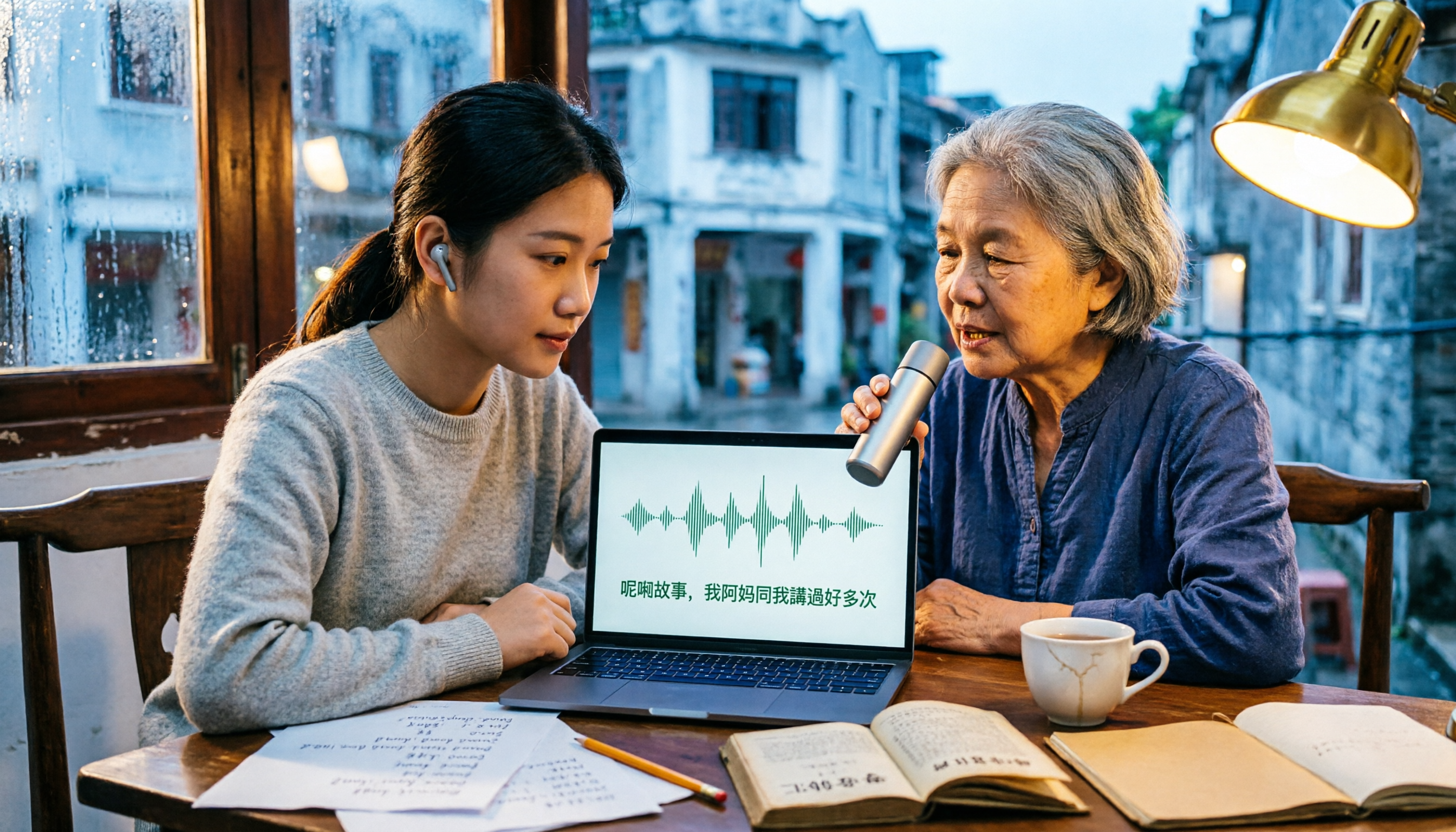
2026 Comparison of 3 Cantonese Input Method Practice Solutions: Jyutping, Fanqie, or AI-Assisted—Which Is Most Effective?
Struggling to practice Cantonese input methods? This article compares Jyutping input, Cantonese Fanqie input, and Tinrec AI speech-to-text assistance, analyzing which method best improves Jyutping accuracy. From pain points and selection criteria to hands-on testing and pitfalls to avoid, find the practice path that suits you best.

Best Cantonese Voice Input Tools in 2026: Testing 2 Options, Tinrec Excels at Post-Meeting Organization
This article compares VoiceIn and Tinrec, two Cantonese voice tools. VoiceIn is ideal for quick voice input in the Chrome browser, while Tinrec focuses on meeting recording transcription, AI summaries, to-dos, and team collaboration. If you need to turn Cantonese meetings into searchable, organized data, Tinrec is the more complete choice.

3 Cantonese Input Methods Compared: Is Google Input Tools Worth Installing?
Can't type characters like '嘅', '咗', '唔', or '啲'? This article compares Google Input Tools (Cantonese), Online Cantonese Input Method, and gcantonese-ime, explaining Google's Cantonese typing logic, where it works, and its limitations to help you choose the best option for your typing needs.

4 Free Cantonese Subtitle Tools Tested and Compared in 2026: Is the Free Version Enough and How to Choose?
A comparison of free Cantonese subtitle tools in 2026: Subanana, pyTranscriber, Whisper Desktop, and CantoSub, covering their differences and proofreading tips. Also compares them with Tinrec across five dimensions: input sources, post-meeting organization, export, team collaboration, and free quota, to help you choose the right tool for your needs.

Taigi AI Labs vs Ministry of Education Taiwanese Input Method: 5-Dimension Comparison for Mac Users in 2026
How to choose a Taiwanese input method for macOS in 2026? This article compares Taigi AI Labs, the Ministry of Education Taiwanese Input Method, and Lohankha across 5 dimensions: macOS version, input schemes, candidate characters, voice dictionary, and stability. It also covers installation steps and FAQs to help Mac users find the right Taiwanese typing tool.

2026 Cantonese Subtitle AI Free Options: 4 Tools Compared
2026 Cantonese subtitle AI free options compared: Tinrec, Subanana, CantoSub, and Otter.ai. Compare free quotas, Cantonese and mixed Chinese-English recognition, post-meeting organization, plus 5 key buying factors and 4 common pitfalls to avoid.
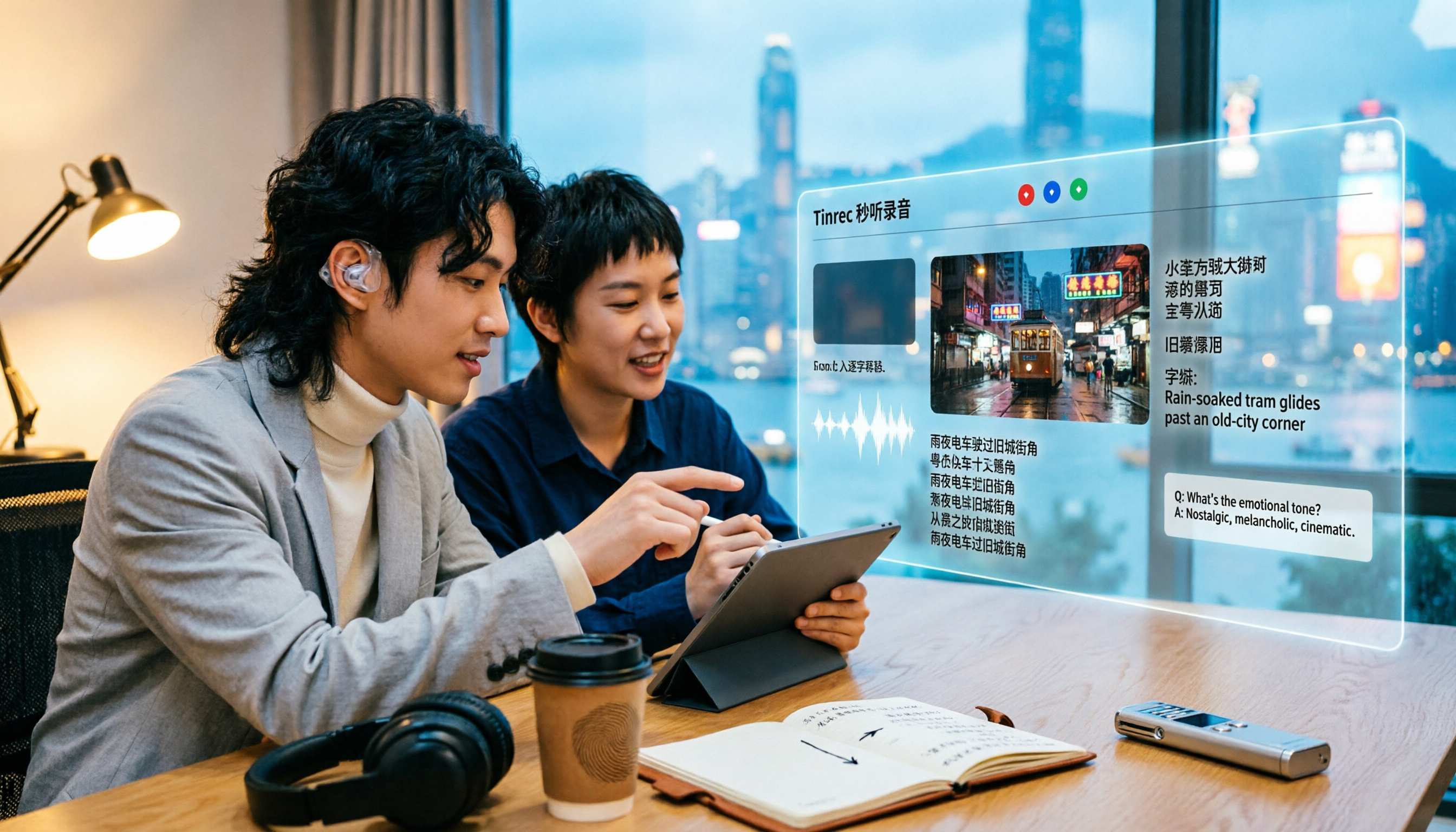
2026 Comparison of 5 Cantonese Subtitle Tools: Download Movie Subtitles or Generate Your Own?
If you're looking for Cantonese subtitles, first decide whether you want to download ready-made subtitle files or generate subtitles from your own videos. This article compares five common ways to obtain Cantonese subtitles and demonstrates the complete workflow using Tinrec—from video import, transcript, bilingual translation, AI summary Q&A, to team collaboration—to help you determine which approach truly suits you.

Tinrec vs Otter.ai 2026: 5-Dimension Comparison for Cantonese Speech-to-Text
Which tool should you use for Cantonese speech-to-text? This article compares Tinrec and Otter.ai, two AI meeting tools, across 5 dimensions: Cantonese and mixed Chinese-English recognition, online meeting recording methods, post-meeting summaries and AI follow-up, file import and audio retention, and pricing and team governance. It ends with FAQs to help you decide which one fits your situation.

How to Organize Cantonese Subtitles in 2026: AI Transcripts + Action Items in One Go
Want to add subtitles to Cantonese videos or meeting recordings? This article starts with common pitfalls, tests automatic subtitle tools like Subanana, CantoSub, and Zeemo, and takes a deep dive into how Tinrec turns Cantonese content into transcripts, summaries, action items, and team data. Learn to choose the right tool and stop wasting time.