

Turn recordings into transcripts and summaries in minutes
Upload audio or video for multilingual transcription, AI notes, and action items
4 Best Mixed Chinese-English Speech-to-Text Tools in 2026: Accuracy & AI Summaries Compared
When your meeting recording is a mix of Chinese and English, which tool can actually produce a usable transcript? This is a common struggle for many office workers. There are plenty of speech-to-text tools out there, but some only excel at English meetings, some barely handle Chinese and lack post-meeting organization, and others have free tiers so limited you can only test for a few minutes. Instead of trying them one by one and wasting time, check out this hands-on comparison first.
This article starts with buying criteria, highlighting the key points to consider for mixed Chinese-English scenarios. Then we take a deep dive into Tinrec, our top pick after testing. We'll also briefly review three other tools, their positioning, and limitations. Finally, we'll give you a pitfalls guide and selection advice.
Why Mixed Chinese-English Meetings Are So Hard to Transcribe—You Need a Solution, Not Just a Tool
In a meeting, a colleague says, "We need to push the project timeline back two weeks," then switches back to Chinese: "Let's first confirm if we have enough resources." This kind of mixed-language conversation is a tough test for transcription tools.
Many tools perform well in pure English or pure Chinese environments, but when languages switch, they start misplacing punctuation, spelling English words as Chinese homophones, or even dropping entire segments. Worse, the transcript is a long, unstructured block with no summary or action items—you still have to read it from start to finish.
If you've experienced these issues, this article is for you. With the right tool, you don't just get a transcript; you get meeting highlights and action items directly.
4 Key Points to Understand Before Buying a Mixed Chinese-English Transcription Tool
1. Mixed Chinese-English Recognition
Don't just look at the official claim of "multilingual support." What matters is whether the tool can automatically distinguish Chinese and English within a single meeting and punctuate correctly. Some tools require you to manually switch languages, which is impossible during a meeting. When testing, use a real mixed-language recording, not just the official sample.
2. Post-Meeting Organization and AI Q&A
A transcript is only half the battle. What really saves time is automatic summarization, chapter segmentation, action item extraction, and the ability to ask questions directly about the meeting content. For example, "Who mentioned the budget in the last meeting?" If the tool only supports Ctrl+F keyword search, it's no different from manually scanning the transcript.
3. Cross-Platform and Input Sources
You record on your phone today and organize on your computer tomorrow—if the tool doesn't support cross-platform, your data will be scattered. Also, the ability to import existing audio or video files is crucial. Some tools only support live recording, so you can't process past meetings.
4. Free Tier and Team Collaboration
Free versions usually have minute limits, but the form of the limit matters: is it a monthly total or a per-recording cap? For team use, check if you can create shared spaces, manage member permissions, and track usage. If multiple people share one account, it will eventually become chaotic.
Tinrec—Our Top Pick After Testing
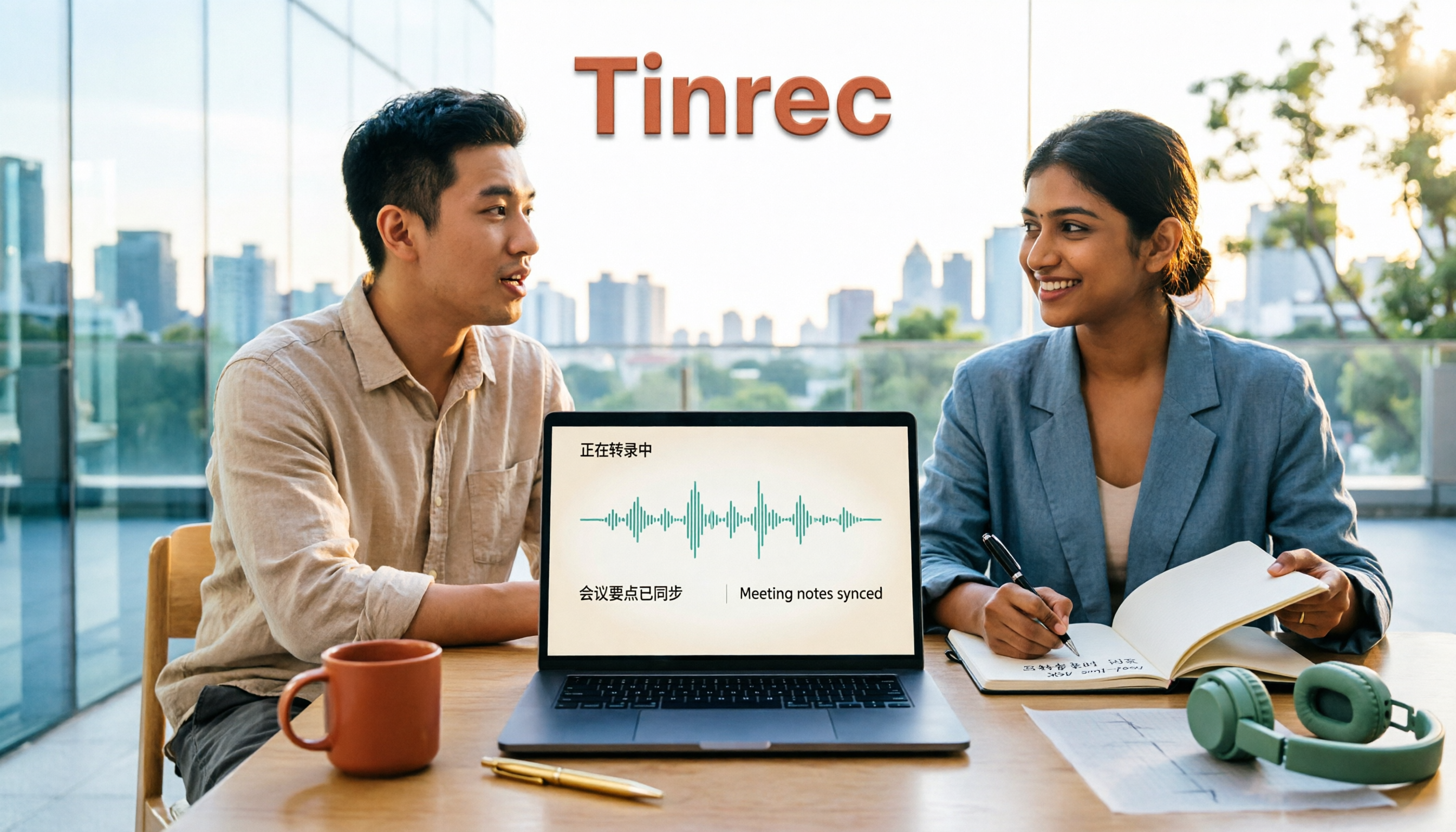
Tinrec is an AI meeting notes and collaboration tool for individuals and teams, available on iOS, Android, and web. It doesn't just convert speech to text; it helps you turn meeting recordings into searchable, summarizable, queryable, and exportable data.
Bot-Free Recording for Online Meetings
Tinrec's desktop app captures system audio directly, so when handling Zoom, Google Meet, Microsoft Teams, Webex, and other online meetings, you don't need to invite an extra meeting bot. This is less intrusive for participants and avoids the awkwardness of "a bot is always in the meeting." Note that you need to actively open Tinrec to start recording; it's not a bot that automatically joins all calendar meetings.
Mixed Chinese-English and Multilingual Scenarios
Tinrec covers Chinese, Traditional Chinese, and multilingual meeting scenarios, with special handling for mixed Chinese-English content. It supports real-time translation, allowing you to view the original text, translation, or bilingual content during recording. In our testing, under clear audio and typical meeting conditions, the readability of mixed-language transcripts was good; however, actual results still depend on recording quality, noise, accents, overlapping speakers, and technical terminology. No tool can guarantee 100% accuracy.
Stop organizing recordings by hand
Upload audio or video and automatically get a transcript, summary, and action items
Post-Meeting AI Q&A and Workflow
After recording, Tinrec automatically generates summaries, chapters, and action items. What's more unique is the AI Q&A feature: you can directly ask, "What was the conclusion of this meeting?" or "What objections did the client raise?" It answers based on semantic understanding, not just keyword search results. Few competitors at this price point offer such post-meeting query capabilities. Additionally, it can generate reports, tables, and documents, and export to Notion, Google Docs, OneNote, Dropbox, and other tools.
Team Version for Knowledge Retention
If you're using it as a team, Tinrec's team version provides an independent team space where meeting data belongs to the team and isn't lost when members leave. Admins can assign seats, view usage trends, and audit logs. Members without a seat can still view, play, and read team data, but need a seat to record, upload, edit, and export. Keep in mind that the team version currently focuses on team-level sharing, not a fine-grained file permission system.
Limitations and Who It's For
Tinrec's free version offers basic quota to experience recording, import, summarization, and transcription. Heavy users should consider a paid plan. It's not designed for bulk processing of extremely large files in one go—TurboScribe is better for that. If you frequently handle mixed Chinese-English meetings, want to use AI to find key points right after recording, and need team collaboration, Tinrec is a very suitable choice.
Besides Tinrec, What Other Options Are There?
Otter.ai
Otter is a mature English meeting assistant. Its free version offers 300 minutes per month, which is generous for pure English meetings. However, its Chinese and mixed-language experience is not as smooth as Tinrec's, and Tinrec supports bot-free desktop recording and real-time Chinese translation. If you mainly record English content, Otter is still a practical choice; but for mixed Chinese-English meetings, we recommend Tinrec.
Granola
Granola is a bot-free AI meeting notes tool that transcribes in real-time via desktop system audio and combines user handwritten notes to generate meeting content. Its limitations are that it doesn't support uploading pre-recorded audio files and doesn't save meeting audio. In comparison, Tinrec supports file import, retains recordings, and offers more export options and team data management. If you only handle live meetings and don't need to replay recordings, Granola is worth considering.
Notta
Notta overlaps significantly with Tinrec, covering multi-platform transcription, meeting notes, file import, and translation. Notta's free version offers 120 minutes per month, but each recording is limited to 3 minutes, which is restrictive for long meetings. Tinrec stands out more in bot-free online meeting recording, team spaces, and AI Q&A. If you often transcribe short audio, Notta is worth a try; but for team meeting knowledge retention, Tinrec is more complete.
Pitfalls Guide: 4 Most Common Mistakes When Choosing a Mixed Chinese-English Transcription Tool
Pitfall 1: Only Looking at English Accuracy
Many reviews compare English transcription, but your meetings are mixed. Even if English is accurate, Chinese vocabulary can still cause errors. When testing, always use real mixed-language recordings, ideally including your team's common terminology.
Pitfall 2: Ignoring Post-Meeting Organization
Using the tool only as a "speech-to-text" converter means you're only using one-third of its capabilities. Without summaries, action items, and AI Q&A, you still have to manually organize a two-hour transcript. Include post-meeting workflow in your evaluation.
Pitfall 3: Not Paying Attention to How Free Limits Work
Some tools give many minutes per month but limit each recording to 3 minutes; others have a low total but no per-recording limit. Understand your usage pattern: do you have many short audio files or long meetings? This will help you choose correctly.
Pitfall 4: Team Sharing a Personal Account
Sharing one account among multiple people may seem cost-effective short-term, but long-term you'll face issues with data ownership, permissions, and usage tracking. For team use, choose a solution with independent spaces, roles, and seat management, such as Tinrec's team version, to truly retain meeting data.
Conclusion: Which One Should You Choose?
For mixed Chinese-English meeting notes, Tinrec is the top choice. It strikes a good balance between Chinese experience, bot-free recording, AI Q&A, and team knowledge retention.
Scenario-based recommendations:
- Need mixed Chinese-English + Chinese meeting transcription → Tinrec (supports mixed-language organization and real-time translation)
- Want to use AI to find key points and generate action items right after recording → Tinrec (AI Q&A and Agent post-processing)
- Cross-platform use (phone + computer) → Tinrec (iOS, Android, web)
- Team meeting data sharing and permission management → Tinrec team version (team space, seats, usage, and audit)
- Zero budget, only recording pure English meetings → Otter.ai (free 300 minutes/month)
We suggest downloading Tinrec's free version first and testing it with a real mixed Chinese-English meeting recording. If the transcript quality and post-meeting organization meet your needs, then consider upgrading or introducing the team version. After all, the best way to judge a tool is with your own recordings.
(Also, many people ask: What languages does Tinrec support? It covers Chinese, Traditional Chinese, and multilingual scenarios. Is the free version enough? For light use, yes; for heavy meetings, we recommend a paid plan. What's the difference between team and personal versions? The team version adds independent spaces, member and seat management, usage analytics, and audit logs. Can members without a seat see data? Yes, they can view, play, and read, but cannot edit or upload.)
References
Turn every recording into actionable outcomes
Get 60 free transcription minutes when you sign in. No credit card required.
Related Reading
You might also like

How to Transcribe Mixed Chinese-English Audio in 2026: A Complete 5-Step Guide
Recordings that mix Chinese and English often break transcription tools. This guide starts with common mistakes, then walks through a 5-step process, key buying factors, and practical Tinrec use cases to turn mixed-language audio into editable text files, summaries, and action items.
2026 Comparison of 2 Tools for Transcribing Mixed Chinese-English Audio: Which Free Tier and Transcript Actually Works?
The biggest pitfalls when transcribing mixed Chinese-English recordings for free: minute limits, file length caps, paid exports, and poor recognition of code-switching. This article addresses common misconceptions and compares Tinrec and Otter.ai across five dimensions: free tier, mixed Chinese-English recognition, meeting recording and input sources, post-transcription organization and output, and team governance. It provides checkpoints for choosing a free version and clear recommendations.

Tinrec vs Notta 2026: 5-Dimension Hands-On Test — Which Saves More Time for Chinese-English Mixed Transcription?
Meetings and interviews with mixed Chinese and English often trip up transcription tools. This article uses Tinrec as the primary hands-on tool to test language switching, summarization, action items, AI Q&A, export, and team collaboration, and provides practical testing methods and buying tips for Chinese-English mixed transcription, with FAQ answers to common questions.

4 Best Code-Switching Transcription Tools in 2026: How to Choose the Right One
Struggling to pick a transcription tool for mixed Chinese-English meetings? This guide covers 4 key buying factors and compares Tinrec, Otter.ai, Notta, and TurboScribe on code-switching accuracy, real-time translation, post-meeting summaries, and team collaboration. We also highlight 4 common pitfalls and give clear recommendations based on budget and use case.

2026 Comparison of 2 Code-Switching Transcription Apps: Which One Should You Choose for Chinese Meetings?
In meetings with mixed Chinese and English, the biggest fear is transcription that jumbles the two languages. This article compares Tinrec and Otter.ai across five dimensions: handling of code-switching, meeting recording methods, post-meeting AI organization, file import, and team collaboration. It also lists free quotas and paid prices to help you decide which app better suits your meeting scenario.

2026 Comparison of 4 Mixed Chinese-English Audio Transcription Tools: Which AI Understands Hong Kong-Style Code-Switching?
We tested 4 mixed Chinese-English audio transcription tools using a real 30-minute meeting recording, comparing mixed-language recognition, post-meeting AI summaries and action items, cross-platform use, and team collaboration. Find out which one works best for Hong Kong office scenarios.

4 Best Tools for Transcribing Mixed Chinese-English Audio in 2026: Which One Actually Exports a Usable Transcript File?
People often ask on PTT how to turn mixed Chinese-English recordings into text files. This article uses the same mixed-language meeting recording to compare Tinrec, Notta, Otter.ai, and TurboScribe, covering mixed-language recognition, file export, online meeting recording, and team collaboration to help you decide where to spend your budget.

Best Speech-to-Text Tools for Mixed Chinese-English Meetings: 6 Tested in 2025, This One Handles Chinese Best
Taiwanese teams rarely meet in pure Chinese—product names, technical terms, and client names in English switch languages multiple times in a single sentence. This article reviews 6 methods for transcribing mixed Chinese-English speech in 2025, from AI meeting tools to pure transcription services, comparing language switching, post-meeting organization, team collaboration, and pricing, and explains how to choose.

2026 Comparison of 4 Tools for Transcribing Mixed Chinese-English Speech: Which Produces the Cleanest Transcript?
Meetings with mixed Chinese and English are the ultimate test for speech-to-text tools. This article uses the same mixed-language recording to compare Tinrec, Otter.ai, Notta, and TurboScribe on language switching, meeting capture methods, post-meeting output, and free quotas. It also highlights 4 common pitfalls to help you choose the tool that requires the least editing.