

Turn recordings into transcripts and summaries in minutes
Upload audio or video for multilingual transcription, AI notes, and action items
Best Speech-to-Text Tools for Mixed Chinese-English Meetings: 6 Tested in 2025, This One Handles Chinese Best
Before choosing a tool, figure out where your real problem lies. Mixed Chinese-English meetings typically get stuck on three things: Chinese sentences suddenly containing English product names that the tool can't handle; English abbreviations being forced into Chinese pronunciation, requiring word-by-word correction later; and after transcription, you're left with a huge block of text with no summary or action items.
So the focus of this comparison isn't "who supports Chinese," but "who can catch content the moment language switches and turn the result into usable data."
Why are mixed Chinese-English meetings especially hard to transcribe?
Taiwanese teams rarely meet in pure Chinese. Product names, technical terms, client English names, and system codes often switch languages two or three times in a single sentence.
Most tools' language models are designed for a single language, so they easily make mistakes when switching: English words in Chinese passages are treated as noise, or English words are forced into Chinese characters.
Another often overlooked issue is proper nouns. In 2025, many discussions recommend that names and organization names should have a consistent Chinese-English spelling to avoid mismatches across passports, diplomas, and contracts, which makes data reconciliation harder. The same applies to meeting notes: if the tool transcribes the same product name differently each time, searching later will fail.
Below are 6 common approaches, from AI meeting tools to pure transcription services.
Option 1 | Tinrec (Miao Ting Lu Yin) — The Most Complete AI Meeting Notes Assistant
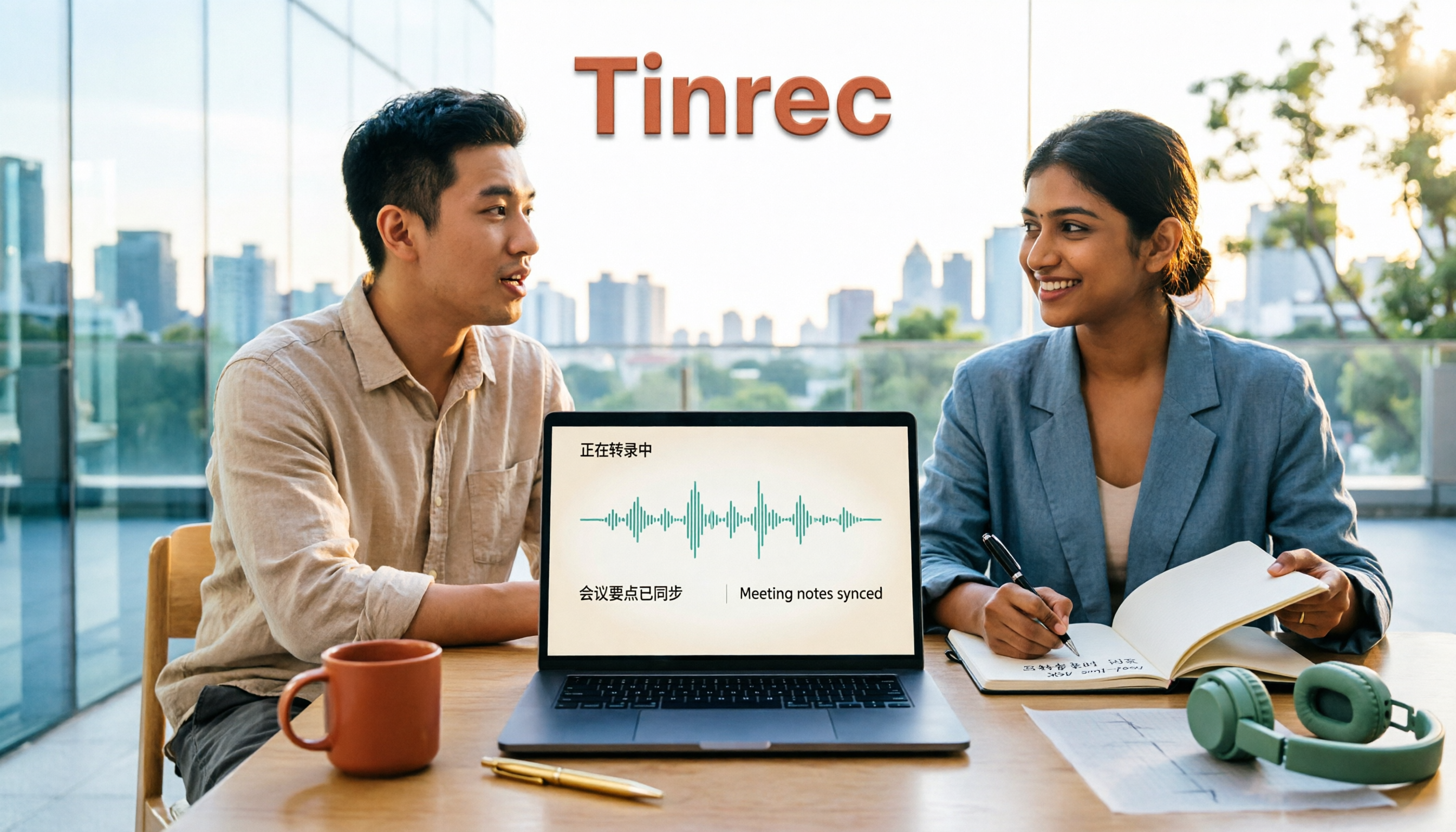
Tinrec is an AI meeting notes and collaboration tool for individuals and teams. It's positioned not just as audio-to-text, but as a way to turn meetings into searchable, queryable, and further processable data.
Its desktop version directly captures computer system audio, so when handling online meetings on Zoom, Google Meet, Microsoft Teams, Webex, etc., you don't need to invite a meeting bot. This is especially practical for mixed Chinese-English internal meetings—one less bot, one less awkward "who is this?" question.
Highlight 1: Mixed Chinese-English and multilingual organization. Supports Chinese meeting transcription, mixed Chinese-English content organization, and multilingual meeting transcription. During recording, you can switch between original text, translation, or bilingual view, so cross-language meetings don't require a separate translator.
Highlight 2: The real value is after transcription. Automatically generates summaries, chapters, and action items, and allows AI Q&A about meeting content. For example, "What was that English system the client mentioned last time?"—asking directly is much faster than searching the transcript.
Highlight 3: Team hotwords. Teams can centrally maintain their own common terminology, making recognition of product codes, client names, and proper nouns more stable—exactly where mixed Chinese-English meetings are most error-prone.
Highlight 4: Team space and seats. Meeting data belongs to the team; when members leave or lose seats, resources can be handed over. Roles govern management, seats determine usage eligibility, and admins can view usage and audit logs.
Pricing: The personal version has a free tier to try basic quota, plus weekly card, Pro monthly, and Pro annual plans, depending on usage frequency. The team version offers a 7-day trial for first-time eligible users, 1 free seat, and 300 minutes of shared team import quota; monthly USD 29.80 per paid seat per month, annual USD 199 per paid seat per year (about USD 16.58/month), with each paid seat providing 2,000 minutes of shared team import quota per month. Actual prices and benefits are subject to the official purchase page.
Who it's for: Those who need Chinese and mixed Chinese-English meeting notes, don't want a bot joining meetings, and want post-meeting data to stay within the team.
Option 2 | Notta — Multilingual Transcription and Subtitles
Notta covers multi-platform transcription, meeting notes, file import, translation, and team plans, with high overlap with Tinrec; the difference is Tinrec emphasizes bot-free recording, post-meeting AI Q&A, and team data retention.
Free version: 120 minutes per month, max 3 minutes per session; Pro annual equivalent to about USD 8.17/month, 1,800 minutes per month; Business annual equivalent to about USD 16.67/seat/month, offering unlimited transcription and role permissions.
Who it's for: Users who need subtitles and multilingual transcription and are used to traditional meeting workflows.
Option 3 | Otter.ai — A Mature Choice for English Meeting Assistants
Otter is a mature AI meeting assistant covering Zoom, Microsoft Teams, Google Meet, with real-time transcription, speaker identification, AI Chat, and team management.
Basic is free, 300 minutes per month; Pro annual equivalent to about USD 8.49/user/month, including 1,200 minutes of in-app recording and 10 file imports per month; Business offers unlimited meeting recording, price may vary by promotion.
It has a strong English business meeting mindset; if your meetings are mainly in English, consider it. Tinrec's difference lies in Chinese and mixed Chinese-English meetings, bot-free desktop recording, and post-meeting team data management.
Stop organizing recordings by hand
Upload audio or video and automatically get a transcript, summary, and action items
Option 4 | Granola — Bot-Free AI Meeting Notes
Granola also takes a bot-free approach, using desktop system audio and microphone for real-time transcription, combined with user-written notes to generate content, emphasizing cross-meeting context.
Basic is free; Business USD 14/user/month; Enterprise USD 35/user/month. Note that it does not support uploading pre-recorded audio files and does not save meeting audio; if your team needs to keep recordings, you'll need another solution. It supports viewing, copying, and searching real-time transcripts.
Who it's for: Individual users who prefer to take their own notes during meetings and mainly have English meetings.
Option 5 | TurboScribe — Cost-Effective File Transcription
TurboScribe is more of a file transcription tool, focusing on long files, batch uploads, subtitles, and translation, not real-time meeting workflows.
Free version: 3 files per day, max 30 minutes per file; Unlimited annual USD 120, about USD 10/month, paid version supports up to 10 hours or 5 GB per file, and up to 50 files at once.
Who it's for: Those who already have a batch of audio files to process and don't need real-time meetings or team collaboration.
Option 6 | PLAUD NotePin / Note Pro — Portable AI Recording Hardware
PLAUD is a representative of AI recording hardware; you're buying a standalone device, portable recording, and phone call recording experience. NotePin USD 159, Note Pro USD 189; membership Starter 300 minutes per month, Pro USD 99.99/year with 1,200 minutes per month, Unlimited USD 239.99/year.
Who it's for: People who are often on the go and need a physical device for one-touch recording; if meetings are mainly on the computer, Tinrec's approach—no extra hardware, multi-platform—is more convenient.
With So Many Options, How Should You Choose?
• Want mixed Chinese-English meetings plus post-meeting organization (summary + chapters + action items + AI Q&A) → Tinrec, all in one workflow
• Don't want a meeting bot joining Zoom, Meet, Teams → Tinrec desktop captures system audio directly
• Need bilingual transcripts, view translation while recording → Tinrec supports original, translation, and bilingual view
• Team needs to share meeting data, manage members and usage → Tinrec team version has space, roles, seats, and audit
• Team often has fixed product codes and client names → Tinrec team hotwords can be centrally maintained
• Meetings mainly in English, want a mature English meeting assistant → Otter.ai
• Want subtitles and multilingual transcription → Notta
• Just want to upload existing files for batch transcription → TurboScribe
• Need a physical recording device → PLAUD NotePin
• Don't want to pay at all, use occasionally → Notta free version (120 minutes/month) or TurboScribe free version (3 files/day)
4 Things to Know Before Using Mixed Chinese-English Transcription Tools
1. First confirm actual performance on Chinese-English switching, don't just look at the number of supported languages. Most tools claim Chinese support, but the real errors happen at the switch. Simple approach: take a recording of your own company meeting and test transcription, see if product names and English abbreviations are correctly preserved. Tinrec's team hotwords are designed for this scenario.
2. The transcript is not the end. If you only get a block of text, you still have to re-listen and rearrange. Choose a tool that turns transcripts into summaries, chapters, action items, and queryable data—the time saved later will be significant.
3. You must manage proper noun consistency yourself. Names, company names, and product codes should have a fixed spelling so meeting notes, external documents, and account data match. This is also a common recommendation in many 2025 discussions about English translation of Chinese names.
4. Recording and transcription involve personal data and consent. Before recording, confirm local regulations and company policies, and obtain consent when necessary, especially for meetings with external clients.
Conclusion
The key to transcribing mixed Chinese-English meetings is not "does it support Chinese," but whether it can catch content during switches and whether the result is directly usable.
If you want a complete workflow from recording, transcript, to summary, action items, AI Q&A, and team data retention, Tinrec is the most comprehensive in this list; try it with your own meeting recording first—it's faster than reading spec sheets to know if you need it.
FAQ
Q1: Will English in mixed Chinese-English recordings be transcribed as Chinese pronunciation?
A: This depends on the tool's mixed Chinese-English processing capability. We recommend testing with actual meeting recordings, paying special attention to whether product names, English abbreviations, and names are correctly preserved. Tinrec supports mixed Chinese-English content organization and team hotwords, which can reduce such errors, but actual results are still affected by recording quality, accent, noise, and overlapping speech.
Q2: Does Tinrec require a meeting bot to join?
A: No. Tinrec desktop records online meetings by capturing computer system audio; the user starts it actively, so no bot account appears in the participant list. It should not be understood as automatically joining all calendar meetings.
Q3: Is the free plan enough?
A: If you only occasionally organize a recording, Tinrec personal free version lets you try basic quota. Notta free version: 120 minutes/month, max 3 minutes per session; TurboScribe free version: 3 files/day, max 30 minutes per file. If usage is high or you need team sharing, consider moving to a paid plan.
Q4: What's the difference between roles and seats in the team version?
A: Roles determine who can manage the team, members, audit, and team settings; seats determine whether members can record, upload, edit, import/export, and use team resources. Members who are active but have no seat can still view, play, and read team data.
Q5: Will meeting data disappear after team members leave?
A: Team resources belong to the team and won't be taken away by individuals leaving. When members leave, are removed, or lose seats, their responsible team resources need to be handed over to other active members.
Q6: Can meeting audio be recovered after deletion?
A: Team audio goes to the recycle bin after deletion and can be restored before permanent cleanup begins; the recycle bin retention period is currently 30 days. For actual data retention and cleanup processes, confirm according to your team's current settings and policies.
References
- Taiwanese Translation: Free Instant Translation by Lohankha
- Chinese Name to English: Stop Using It Wrong! 2025 Latest Standards, Pinyin Principles, and Pitfalls Complete Guide - English Sharing Forum
- Microsoft Traditional Chinese IME | Microsoft Support
- Pinyin Query - Chinese Transliteration Conversion System
- Chinese to Pinyin | Hanzi to Pinyin
Turn every recording into actionable outcomes
Get 60 free transcription minutes when you sign in. No credit card required.
Related Reading
You might also like

How to Transcribe Mixed Chinese-English Audio in 2026: A Complete 5-Step Guide
Recordings that mix Chinese and English often break transcription tools. This guide starts with common mistakes, then walks through a 5-step process, key buying factors, and practical Tinrec use cases to turn mixed-language audio into editable text files, summaries, and action items.
2026 Comparison of 2 Tools for Transcribing Mixed Chinese-English Audio: Which Free Tier and Transcript Actually Works?
The biggest pitfalls when transcribing mixed Chinese-English recordings for free: minute limits, file length caps, paid exports, and poor recognition of code-switching. This article addresses common misconceptions and compares Tinrec and Otter.ai across five dimensions: free tier, mixed Chinese-English recognition, meeting recording and input sources, post-transcription organization and output, and team governance. It provides checkpoints for choosing a free version and clear recommendations.

Tinrec vs Notta 2026: 5-Dimension Hands-On Test — Which Saves More Time for Chinese-English Mixed Transcription?
Meetings and interviews with mixed Chinese and English often trip up transcription tools. This article uses Tinrec as the primary hands-on tool to test language switching, summarization, action items, AI Q&A, export, and team collaboration, and provides practical testing methods and buying tips for Chinese-English mixed transcription, with FAQ answers to common questions.

4 Best Code-Switching Transcription Tools in 2026: How to Choose the Right One
Struggling to pick a transcription tool for mixed Chinese-English meetings? This guide covers 4 key buying factors and compares Tinrec, Otter.ai, Notta, and TurboScribe on code-switching accuracy, real-time translation, post-meeting summaries, and team collaboration. We also highlight 4 common pitfalls and give clear recommendations based on budget and use case.

2026 Comparison of 2 Code-Switching Transcription Apps: Which One Should You Choose for Chinese Meetings?
In meetings with mixed Chinese and English, the biggest fear is transcription that jumbles the two languages. This article compares Tinrec and Otter.ai across five dimensions: handling of code-switching, meeting recording methods, post-meeting AI organization, file import, and team collaboration. It also lists free quotas and paid prices to help you decide which app better suits your meeting scenario.

2026 Comparison of 4 Mixed Chinese-English Audio Transcription Tools: Which AI Understands Hong Kong-Style Code-Switching?
We tested 4 mixed Chinese-English audio transcription tools using a real 30-minute meeting recording, comparing mixed-language recognition, post-meeting AI summaries and action items, cross-platform use, and team collaboration. Find out which one works best for Hong Kong office scenarios.

4 Best Tools for Transcribing Mixed Chinese-English Audio in 2026: Which One Actually Exports a Usable Transcript File?
People often ask on PTT how to turn mixed Chinese-English recordings into text files. This article uses the same mixed-language meeting recording to compare Tinrec, Notta, Otter.ai, and TurboScribe, covering mixed-language recognition, file export, online meeting recording, and team collaboration to help you decide where to spend your budget.

2026 Comparison of 4 Tools for Transcribing Mixed Chinese-English Speech: Which Produces the Cleanest Transcript?
Meetings with mixed Chinese and English are the ultimate test for speech-to-text tools. This article uses the same mixed-language recording to compare Tinrec, Otter.ai, Notta, and TurboScribe on language switching, meeting capture methods, post-meeting output, and free quotas. It also highlights 4 common pitfalls to help you choose the tool that requires the least editing.

4 Best Mixed Chinese-English Speech-to-Text Tools in 2026: Accuracy & AI Summaries Compared
Struggling to transcribe meetings with mixed Chinese and English? We tested 4 popular speech-to-text tools, comparing mixed-language recognition, post-meeting AI summaries, free tiers, and team collaboration. Includes buying criteria and pitfalls to avoid. Tinrec stands out for its Chinese experience and bot-free recording, ideal for meeting notes and team knowledge retention.