
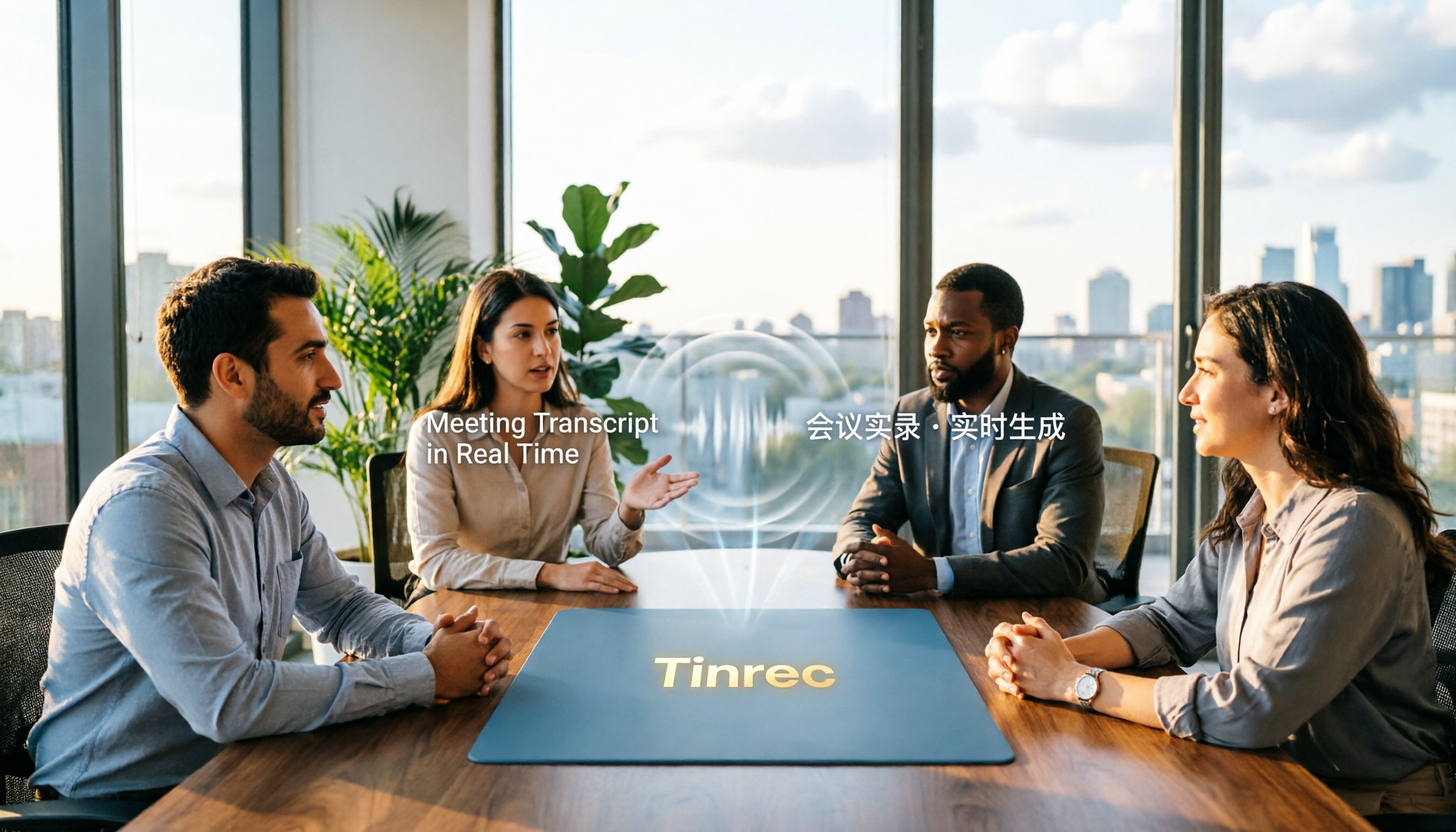
Turn recordings into transcripts and summaries in minutes
Upload audio or video for multilingual transcription, AI notes, and action items
2026 Comparison of 2 Code-Switching Transcription Apps: Which One Should You Choose for Chinese Meetings?
"We need to confirm the budget for this campaign"—sentences like this are the most easily overlooked yet most problematic area when choosing a transcription app.
For pure English meetings, many tools handle it well; for pure Chinese meetings, there are also plenty of options. The real challenge is code-switching, especially the kind that Taiwanese people commonly use.
So I picked two representatives to compare: Tinrec and Otter.ai. One focuses on Chinese and multilingual meetings, while the other is a veteran option for English business meetings.
First, the conclusion: If code-switching is the norm in your meetings, Tinrec's overall workflow is more suitable; if your team almost exclusively holds English meetings, Otter.ai remains a mature choice.
This article is based on officially published features and prices, and does not cite accuracy figures from unknown sources.
Tinrec vs Otter.ai | Quick Overview
Tinrec is an AI meeting notes and collaboration tool for individuals and teams. It converts recordings into transcripts, then organizes them into summaries, chapters, to-dos, and supports AI Q&A, translation, export, and team space sharing.
Otter.ai is a mature AI meeting assistant that covers platforms like Zoom, Microsoft Teams, and Google Meet, offering real-time transcription, speaker identification, AI Chat, workflows, and team management.
| Item | Tinrec | Otter.ai |
|---|---|---|
| Core positioning | AI meeting notes and team collaboration | AI meeting assistant and meeting automation |
| Meeting capture | Desktop version captures system audio without a bot | Meeting bot, desktop app, and other methods |
| Chinese / code-switching | Chinese, Traditional Chinese, and multilingual meetings, supports mixed Chinese-English organization | Primarily for English business meetings |
| Free plan | Free version offers basic quota to experience recording, import, summary, and transcription | Basic free, 300 minutes per month |
| Paid reference | Personal plan has weekly card, Pro monthly, Pro annual; team plan monthly USD 29.80 per paid seat per month, annual USD 199 per paid seat per year (about USD 16.58 per month) | Pro annual equivalent to USD 8.49 per user per month, includes 1,200 minutes of in-app recording and 10 file imports per month; Business offers unlimited meetings and in-app recording, more imports and management capabilities |
| Team capabilities | Team space, members, roles, seats, usage, audit logs, audio recycle bin | Mature team and enterprise management capabilities |
Prices, promotions, and billing amounts for both are subject to their respective official pricing pages.
Next, we compare across five dimensions: handling of code-switching and Chinese content, meeting recording methods, post-meeting organization and AI applications, file import and historical recordings, and team collaboration and member governance.
Dimension 1 | Handling Code-Switching and Chinese Content
Otter.ai's strength lies in English business meetings, which has been its core focus for years. If the entire meeting is in English, its performance and integration ecosystem are comprehensive. However, when encountering Chinese or code-switching, users typically need to spend more time editing afterwards.
Tinrec publicly emphasizes Chinese meeting transcription, mixed Chinese-English content organization, multilingual meeting transcription, and bilingual viewing as key capabilities. It also offers team hotwords to maintain consistency of team terminology. In practice, code-switched sentences still require manual verification, but consistency of terminology and phrasing is easier to maintain with hotwords.
→ This dimension: For scenarios primarily involving Chinese and code-switching, Tinrec is more suitable.
Dimension 2 | Meeting Recording Methods: Do You Need an Extra Participant?
Otter.ai offers a meeting bot and also desktop methods, with high automation as an advantage. Note that a meeting bot usually requires an extra participant in the meeting, and sometimes needs host approval.
Tinrec's desktop version directly captures computer system audio, so users don't need to add an extra bot to the meeting. It can handle online meetings on Zoom, Google Meet, Microsoft Teams, Webex, etc., and generate transcripts simultaneously.
However, to be clear: Tinrec is currently not a calendar-based meeting bot; users need to actively open the desktop version to start recording, and it won't automatically join all scheduled events.
→ This dimension: Different approaches; if you don't want an extra participant in the meeting, Tinrec's method is more direct.
Dimension 3 | Post-Meeting Organization and AI Applications
Otter.ai provides summaries, action items, AI Chat, and workflows, which are quite handy for English teams.
Stop organizing recordings by hand
Upload audio or video and automatically get a transcript, summary, and action items
In addition to transcripts, Tinrec automatically generates summaries, chapters, key points, and to-dos. It also supports AI Q&A around meeting content and uses Agent post-processing to generate reports, tables, and documents, then exports to Notion, Google Docs, OneNote, Dropbox, etc. for further editing. In other words, its output is not just text, but a finished product ready to deliver.
→ This dimension: Tinrec wins, with the difference in the post-meeting output layer.
Dimension 4 | File Import and Historical Recordings
Otter.ai's Pro plan includes 10 file imports per month, while Business offers more import and management capabilities, suitable for teams primarily using English files.
Tinrec supports uploading audio and video files for transcription, can record via mobile phone, and can import some web link content, allowing historical meetings, interviews, and old recordings to be searched, queried, and organized in the same database. Note that imports consume plan quota: team plan file and web imports use the team's shared import minutes, and won't fall back on individual member quotas.
→ This dimension: Tinrec is more flexible, especially when centralizing scattered recordings.
Dimension 5 | Team Collaboration and Member Governance
Otter.ai's team and enterprise capabilities are quite mature, and it is no stranger to large organizations.
Tinrec's team plan is an independent team space where meeting data belongs to the team: you can create multiple team spaces, invite members via link, set owners/admins/regular members, assign and transfer seats, and uniformly store Audio, Folder, TODO, and related meeting data. Admins can also see usage trends, member rankings and details, query and export audit logs, and handle accidentally deleted audio files via the audio recycle bin.
Here, it's important to distinguish roles and seats: roles determine who can manage the team, members, and settings; seats determine whether one can record, upload, edit, import, and export. Active members without seats can still view, play, and read team data, but cannot perform resource usage operations.
Regarding quotas, each paid seat provides 2,000 minutes of team shared import quota per month; under an active team plan and seat, real-time recording currently does not deduct minutes, while file and web imports use the team shared quota. The first eligible team trial is 7 days, 1 free seat, and 300 minutes of team shared import quota.
→ This dimension: Tinrec wins, with a more complete mechanism for turning meetings into team assets.
What Unique Advantages Does Each Have?
For Tinrec:
- Designed for Chinese and code-switching meetings, and uses team hotwords to maintain consistency of professional terminology.
- Desktop version records without a bot, plus mobile recording and file import, no extra hardware needed.
- Complete post-meeting workflow: summaries, chapters, to-dos, AI Q&A, Agent-generated reports, and multi-format export.
- Team plan makes meeting data belong to the team, can be handed over when members leave, and won't be taken away entirely.
For Otter.ai:
- Mature ecosystem for English business meetings, with many integration and workflow options.
- Personal Pro plan is relatively affordable, at USD 8.49 per user per month annually.
Conclusion: Which One Should You Choose?
- Meetings often code-switch or are entirely in Chinese → Tinrec.
- Don't want an extra bot participant in the meeting → Tinrec.
- Want to directly ask questions about the meeting and produce reports or tables after recording → Tinrec.
- Need to share, hand over, check usage, and audit meeting data within the team → Tinrec team plan.
- Almost exclusively hold English meetings and need an existing integration ecosystem → Otter.ai is sufficient.
- Single user, budget priority, primarily English → Otter.ai Pro is a good choice.
In one sentence: For most Taiwanese teams with code-switching, Tinrec is a more suitable choice. If you have a real meeting recording on hand, try running it through its free version first—verifying with your own content is the most accurate.
FAQ
Q1: Can accuracy be guaranteed for code-switching transcription? It's not recommended to expect that. Actual results are affected by recording quality, background noise, accents, overlapping speech, and professional terminology. Tinrec's approach is to use mixed Chinese-English organization and team hotwords to reduce subsequent editing costs. Important content should still be verified against transcript timestamps and recordings.
Q2: What can I try with Tinrec's free version? The free version offers a basic quota to experience recording, import, summary, and transcription. For short-term intensive use, consider a weekly card; for weekly needs, Pro monthly is suitable; for long-term data accumulation, annual is suitable. Actual prices are subject to the purchase page.
Q3: What's the difference between a team plan and sharing one account among multiple people? The team plan is an independent team space where data belongs to the team. You can invite members, set roles, assign seats, view usage, and audit. Roles manage governance, seats manage whether one can record, upload, edit, and export; members without seats can still view and read team data.
Q4: Will meeting data disappear after a member leaves? It won't be taken away by the individual. Team resources belong to the team. When a member exits, is removed, or loses their seat, their responsible team resources need to be handed over to other active members. Deleted audio goes to the team recycle bin and can be restored before permanent cleanup.
Q5: Do I need to inform participants before recording? Yes. Recording and transcription involve personal data and local regulations. It is recommended to obtain participant consent beforehand and handle it according to company internal policies.
Q6: Can Otter.ai be used for Chinese meetings? Yes, but its design focus is on English business meetings, and Chinese and code-switched content usually require more manual proofreading. If your team almost always holds English meetings, it remains a mature choice.
References
- Google Translate App - App Store
- Expert-supervised Top 10 Translation Software Ranking [2026 Latest] | mybest
- Conversation Translation - Google Play App
- Must-have 10 Translation Apps for Travel! Photo, Voice... Translate with One Tap | Local Recommendations | Orange Generation
- Immersive Translate - Next-gen AI Translation Software | Bilingual Webpage Translation/PDF...
Turn every recording into actionable outcomes
Get 60 free transcription minutes when you sign in. No credit card required.
Related Reading
You might also like
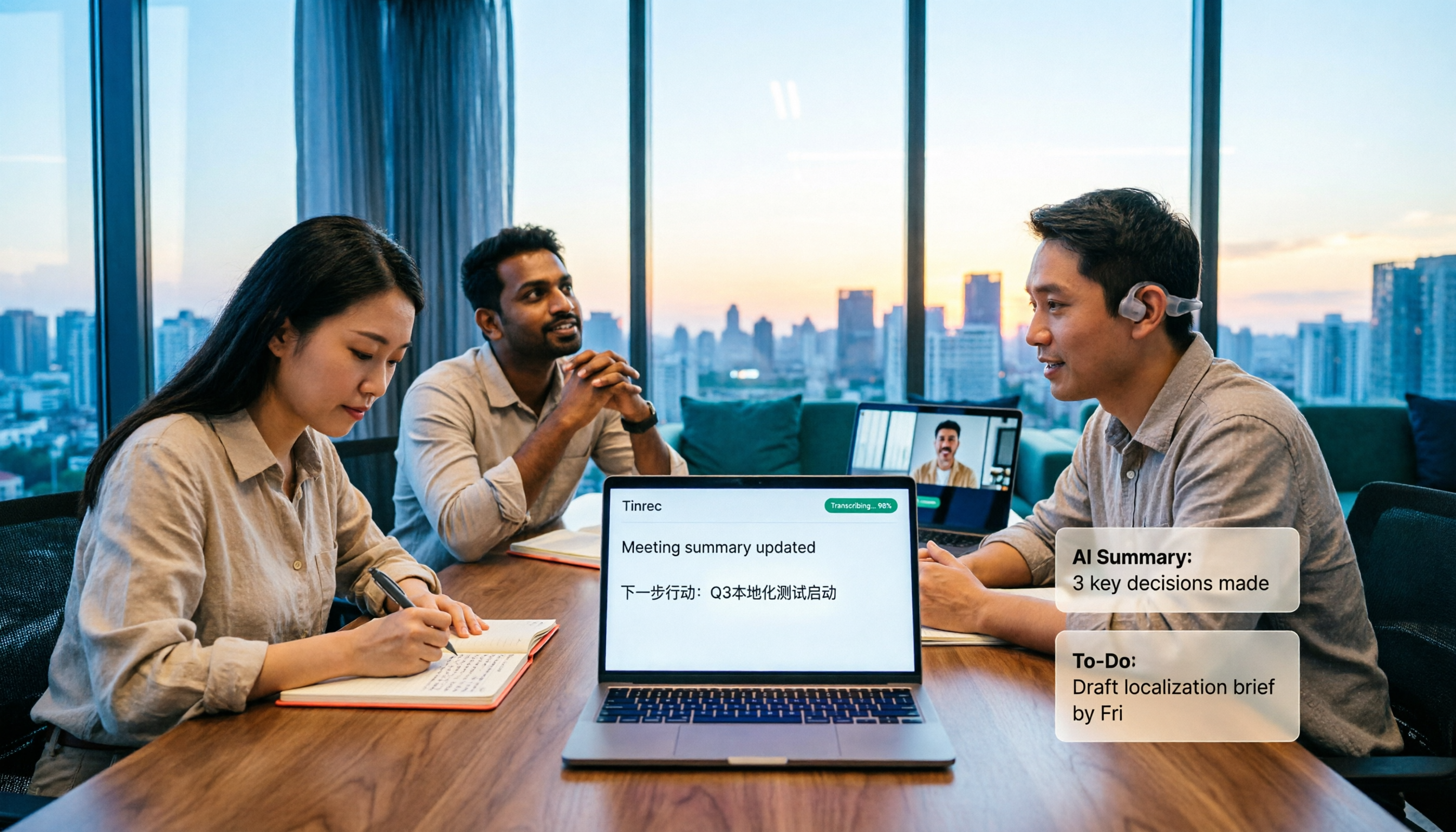
How to Transcribe Mixed Chinese-English Speech in 2026: Real-Time Transcripts + AI Summaries
How do you transcribe meetings with mixed Chinese and English in 2026? This article addresses common misconceptions, explaining why manually adding English and relying solely on transcripts are inefficient. Using Tinrec as an example, it covers real-time transcription, bot-free online meeting recording, AI summaries and action items, team roles and pricing, and concludes with 6 FAQs.

Tinrec vs Otter.ai 2026: 5-Dimension Comparison for Mixed Chinese-English Transcription Speed
Struggling with mixed Chinese-English meeting recordings? This article compares Tinrec and Otter.ai across 5 dimensions: mixed-language recognition, real-time transcription, post-meeting organization, cross-platform export, and team collaboration, helping you find the best solution for transcribing code-switched speech.

How to Transcribe Mixed Chinese-English Meetings in 2026: Tinrec's No-Bot Recording + Bilingual Transcripts
Meetings that mix Chinese and English are the hardest to capture. This guide uses the same mixed-language recording to compare Tinrec and Otter.ai across five dimensions: recognition, recording method, post-meeting workflow, real-time translation, and team collaboration. It also includes pricing and use cases for both to help you decide which tool fits your needs.
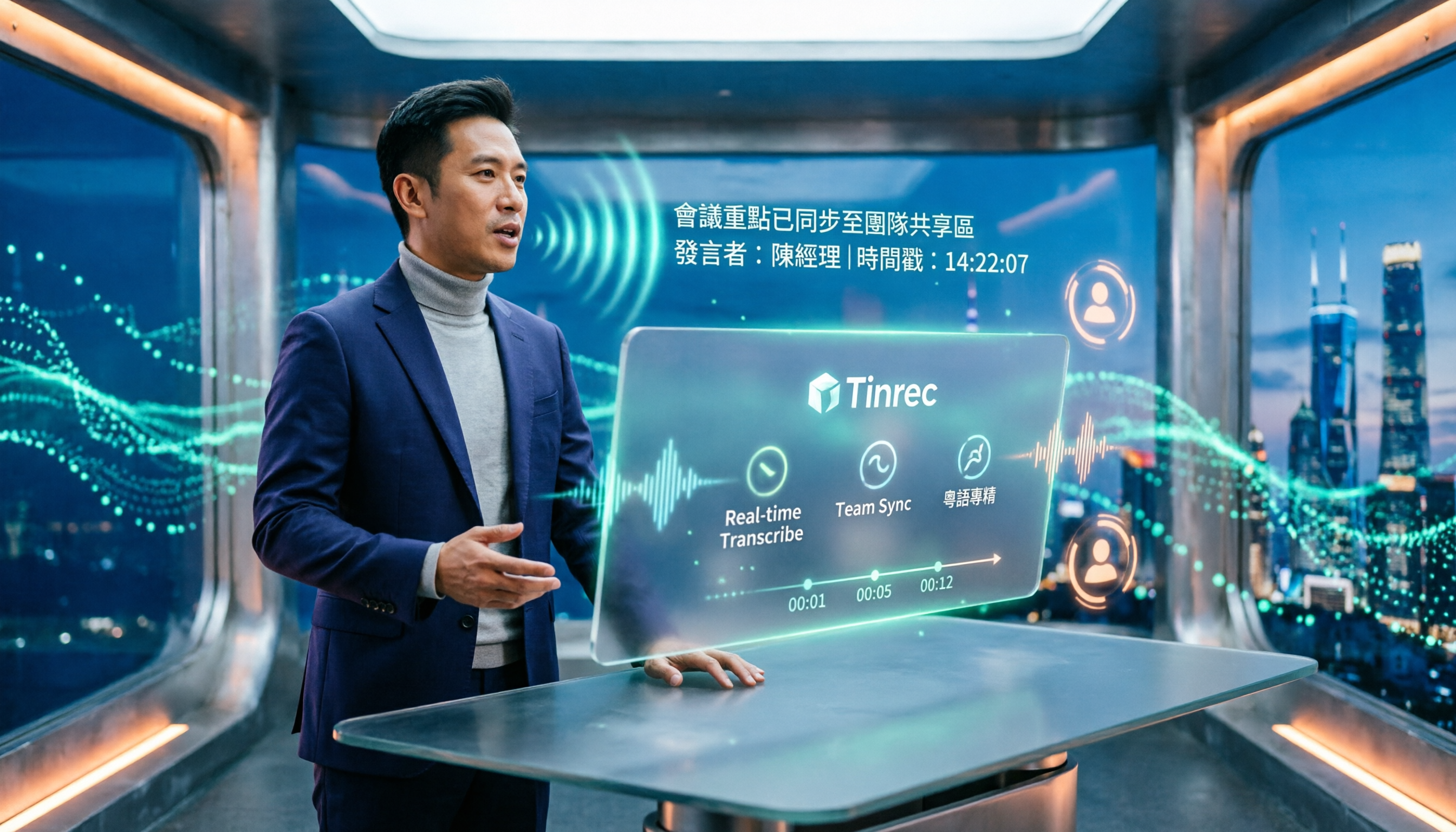
3 Cantonese Speech-to-Text Tools Tested for 2026: Which Free Version Works for Cantonese Meetings?
Transcribing Cantonese recordings is never about listening—it's about typing. This article examines three common pitfalls of free tools, compares Tinrec and Otter.ai on Cantonese handling, meeting recording methods, post-meeting organization, free quotas, and team collaboration, and includes Notta in the overview to help you decide if a free plan is enough.

4 Best Code-Switching Transcription Tools in 2026: Which Saves the Most Cleanup Time?
Meetings with mixed Chinese and English are the hardest to transcribe. We tested Tinrec, Yating, Notta, and Otter.ai on the same real meeting recording, comparing recognition accuracy and post-meeting workflows. Here are the key factors to consider and common pitfalls to avoid, so you can pick the tool that truly saves you time.

How to Transcribe Mixed Chinese-English Audio in 2026: A Complete 5-Step Guide
Recordings that mix Chinese and English often break transcription tools. This guide starts with common mistakes, then walks through a 5-step process, key buying factors, and practical Tinrec use cases to turn mixed-language audio into editable text files, summaries, and action items.
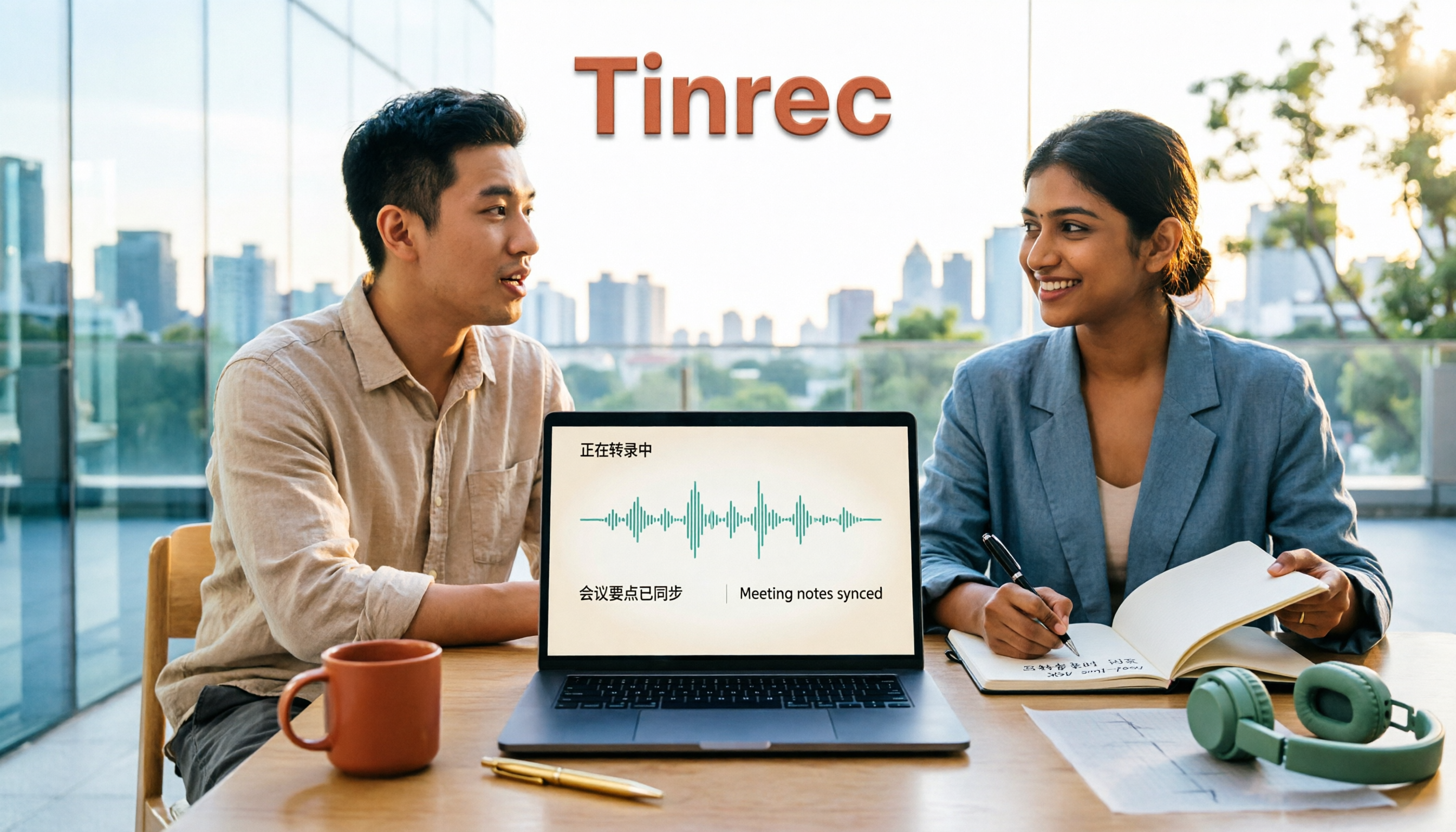
2026 Comparison of 2 Tools for Transcribing Mixed Chinese-English Audio: Which Free Tier and Transcript Actually Works?
The biggest pitfalls when transcribing mixed Chinese-English recordings for free: minute limits, file length caps, paid exports, and poor recognition of code-switching. This article addresses common misconceptions and compares Tinrec and Otter.ai across five dimensions: free tier, mixed Chinese-English recognition, meeting recording and input sources, post-transcription organization and output, and team governance. It provides checkpoints for choosing a free version and clear recommendations.

Tinrec vs Notta 2026: 5-Dimension Hands-On Test — Which Saves More Time for Chinese-English Mixed Transcription?
Meetings and interviews with mixed Chinese and English often trip up transcription tools. This article uses Tinrec as the primary hands-on tool to test language switching, summarization, action items, AI Q&A, export, and team collaboration, and provides practical testing methods and buying tips for Chinese-English mixed transcription, with FAQ answers to common questions.

4 Best Code-Switching Transcription Tools in 2026: How to Choose the Right One
Struggling to pick a transcription tool for mixed Chinese-English meetings? This guide covers 4 key buying factors and compares Tinrec, Otter.ai, Notta, and TurboScribe on code-switching accuracy, real-time translation, post-meeting summaries, and team collaboration. We also highlight 4 common pitfalls and give clear recommendations based on budget and use case.