

Turn recordings into transcripts and summaries in minutes
Upload audio or video for multilingual transcription, AI notes, and action items
4 Best Code-Switching Transcription Tools in 2026: How to Choose the Right One
The Hard Part of Code-Switching Meetings Isn't Recording—It's Everything After
Open the App Store and search for "mixed Chinese-English transcription." Every tool says "free download"—but after downloading, you discover the free version not only has a monthly minute limit but also caps the length of each recording. More often than not, Chinese segments transcribe okay, but as soon as English jargon, product codes, or abbreviations slip in, that entire code-switched sentence goes off the rails.
There's another misconception many people have: thinking "supports Chinese + supports English" equals "supports code-switching." These are actually two different things. Code-switching means alternating languages within the same sentence, and the model must determine word boundaries and language boundaries in a split second—this is where most tools separate themselves.
A third common issue is treating the tool as a "transcript machine." After the meeting, the transcript sits in the app and no one looks at it again. A two-hour meeting still takes two hours to organize. The real question is: after recording, can it generate summaries, action items, or even let me ask "who mentioned the budget in the last meeting?"
If you've scrolled through recommendation threads and still can't decide, this article will cover 4 tools from buying criteria to hands-on testing to pitfalls—all in one place.
4 Key Factors Before Choosing a Code-Switching Transcription Tool
1. How it handles code-switching isn't about the number of supported languages
Seeing "supports 14 languages" is great, but the real question is: when Chinese and English switch within the same sentence, does it segment correctly? Can you view the bilingual transcript in original, translated, or side-by-side mode? We recommend testing with your own work recordings, because this is where tools most often fail in real meetings.
2. Recording method determines whether your meeting can be recorded
There are several mainstream approaches: a meeting bot joins as a participant, a desktop app captures system audio, or an external recording device. The problem with bots is that "an extra person" is visible and requires consent from others; hardware means carrying an extra device. Desktop system audio capture works well for meetings on Zoom, Google Meet, Microsoft Teams, and Webex. But remember: you should inform participants and obtain consent before recording, and comply with local laws.
3. Post-meeting output is worth more than the transcript itself
The transcript is just raw material. What really saves time is summaries, chapters, action items, AI Q&A, and the ability to export to tools you already use like Notion or Google Docs. A tool that only outputs transcripts is essentially handing the most tedious organizing work right back to you.
4. Pricing should be based on how many hours of meetings you have per week
Instead of comparing monthly fees, calculate your weekly meeting hours. If you occasionally transcribe a recording, the free tier is enough; if you have 2–3 regular meetings per week, check whether the paid plan includes meeting recording and file import quotas. Prices and quotas cited in this article are based on official pricing pages as of August 2026; actual terms are subject to the purchase page.
Tinrec: Our Top Pick After Hands-On Testing
In one sentence: Tinrec is an AI meeting notes and collaboration tool for individuals and teams, available on iOS, Android, and web, with a desktop version that handles both online and offline meetings. Editor's rating: 9.2/10.
Record online meetings without a meeting bot
When you're in a Zoom or Teams meeting, Tinrec's desktop version captures system audio directly—no need to invite a bot into the meeting room. This is especially useful for external client meetings: no unfamiliar account appears on screen, and you don't have to explain "who that account is." It handles meeting audio played on your computer; it doesn't automatically join every meeting on your calendar—that distinction is important.
Code-switching transcripts with real-time translation and bilingual view
Code-switching is the theme of this article and where Tinrec shines: it covers Chinese, Traditional Chinese, and multilingual meeting scenarios, supports mixed Chinese-English content, and lets you switch between original, translated, or bilingual display during recording. In practice, after a code-switching project meeting, the transcript can serve directly as a meeting notes draft—though obscure product codes or heavy accents still require manual tweaking, as with any tool.
Post-meeting is where it counts: summaries, action items, AI Q&A, export
Stop organizing recordings by hand
Upload audio or video and automatically get a transcript, summary, and action items
As soon as the meeting ends, AI automatically generates summaries, chapters, and action items—who's responsible for what, deadlines, no need to replay the recording. More importantly, AI Q&A: you can directly ask "what was the conclusion of the last meeting" or "what was the budget cap the client mentioned." It doesn't just give you keyword search results—it answers based on semantics and can follow up across multiple meetings. Finally, you can export to Notion, Google Docs, OneNote, Dropbox, or use Agent post-processing to turn content into reports, tables, and documents.
Testing and caveats
We tested with a code-switching meeting recording (indoor environment, background air conditioning noise, two speakers taking turns): the transcript structure was clear, and summaries and action items captured key points. However, transcription quality is affected by recording quality, noise, accents, overlapping speech, and technical jargon; for important information, we recommend cross-checking with transcript timestamps and audio playback. Don't treat any tool's advertised accuracy as a guarantee.
Who it's for
People who frequently have code-switching meetings, want to use AI to find key points right after recording, and need to switch between phone and computer. For team use, the team plan offers independent team spaces: meeting data belongs to the team, you can create multiple teams, invite members via link, set owner/admin/member roles, allocate seats, view usage trends and member details, query and export audit logs, and use team hotwords and audio recycle bin (retained for 30 days, recoverable before permanent deletion). Pricing: team monthly is USD 29.80 per paid seat per month, annual is USD 199 per paid seat per year (about USD 16.58/month); eligible new teams also get a 7-day trial, 1 free seat, and 300 minutes of shared team import quota. Paid seats include 2,000 minutes of shared team import quota per month. Real-time recording is currently not deducted by minutes under active plans and seats. Availability and pricing are subject to the official purchase page.
Limitations
The personal free version has a quota cap, so heavy users need to pay; the team plan currently focuses on team-level sharing, where all active members can read team data—it's not file-level granular permissions. Also, some team plan capabilities still need production environment confirmation before official promotion.
Besides Tinrec, What Are the Alternatives?
Otter.ai | Editor's rating: 7.8/10
A mature English meeting assistant with 300 free minutes per month—great value for pure English meetings. Its strength is English business scenarios and English workflows; Chinese and code-switching are not its strong suits. If your meetings are "mostly Chinese with occasional English," Tinrec's bilingual transcripts and real-time translation will be more relevant.
Notta | Editor's rating: 8.1/10
The closest direct competitor to Tinrec, offering multi-platform transcription, meeting notes, file import, translation, and team plans. Note that the free version has 120 minutes per month and a 3-minute limit per item—really just a taste. Tinrec's differentiators are bot-free desktop recording and Agent post-processing that directly generates reports, tables, and documents after meetings.
TurboScribe | Editor's rating: 7.5/10
If your need is "quickly transcribe a bunch of existing audio files," it offers great value: free 3 files per day, up to 30 minutes per file; paid allows up to 10 hours or 5 GB per file, and 50 files at once. But it handles files, not live meetings; Tinrec is more complete for real-time recording, action item extraction, and team spaces.
Pitfall Guide: 4 Most Common Mistakes When Choosing a Code-Switching Transcription Tool
Pitfall 1: Only looking at "free" without checking the per-recording length limit. Many free versions not only limit total minutes but also cap single recording length, so a 40-minute meeting can't be recorded in one go. Before trying, confirm both the "single limit" and "monthly total."
Pitfall 2: Assuming "supports Chinese + supports English" = supports code-switching. This is the biggest misconception we want to debunk. Test with your own code-switching recording, and do it in a real environment (air conditioning noise, people interrupting)—don't just use the official demo audio.
Pitfall 3: Ignoring recording legality and consent. Whether using a bot or desktop capture, you should inform participants and obtain consent before recording, and comply with local laws. This isn't just politeness—it's the first hurdle legal teams flag during enterprise adoption.
Pitfall 4: Treating it as just a transcript machine. If you stop after transcription, you're only using one-third of the tool's capabilities. Features like AI Q&A—asking "what was decided in this meeting" right after recording—are far faster than scrolling through a 30-minute transcript yourself.
Conclusion: Which One Should You Choose?
- Code-switching meetings, need transcripts with bilingual comparison → Tinrec (handles Chinese and mixed content, switch between original/translated/bilingual)
- Want to use AI to find key points and action items right after recording → Tinrec (summaries, chapters, action items, AI Q&A)
- Don't want a bot joining the meeting → Tinrec (desktop system audio capture)
- Record on phone, organize on computer, or build team knowledge → Tinrec (iOS/Android/web, team plan with spaces, seats, usage, and audit)
- Meetings are 90% English, zero budget → Otter.ai (300 free minutes per month—one of the few scenarios where we recommend a competitor)
- Have a bunch of existing audio files to batch transcribe → TurboScribe (strong for long files and batch upload)
We suggest trying the free tiers first: run a recording of your own most realistic code-switching meeting, see if the transcript can serve as a draft, and whether summaries and action items capture key points. Upgrade only if it works for you—no need to pay upfront.
References
Turn every recording into actionable outcomes
Get 60 free transcription minutes when you sign in. No credit card required.
Related Reading
You might also like
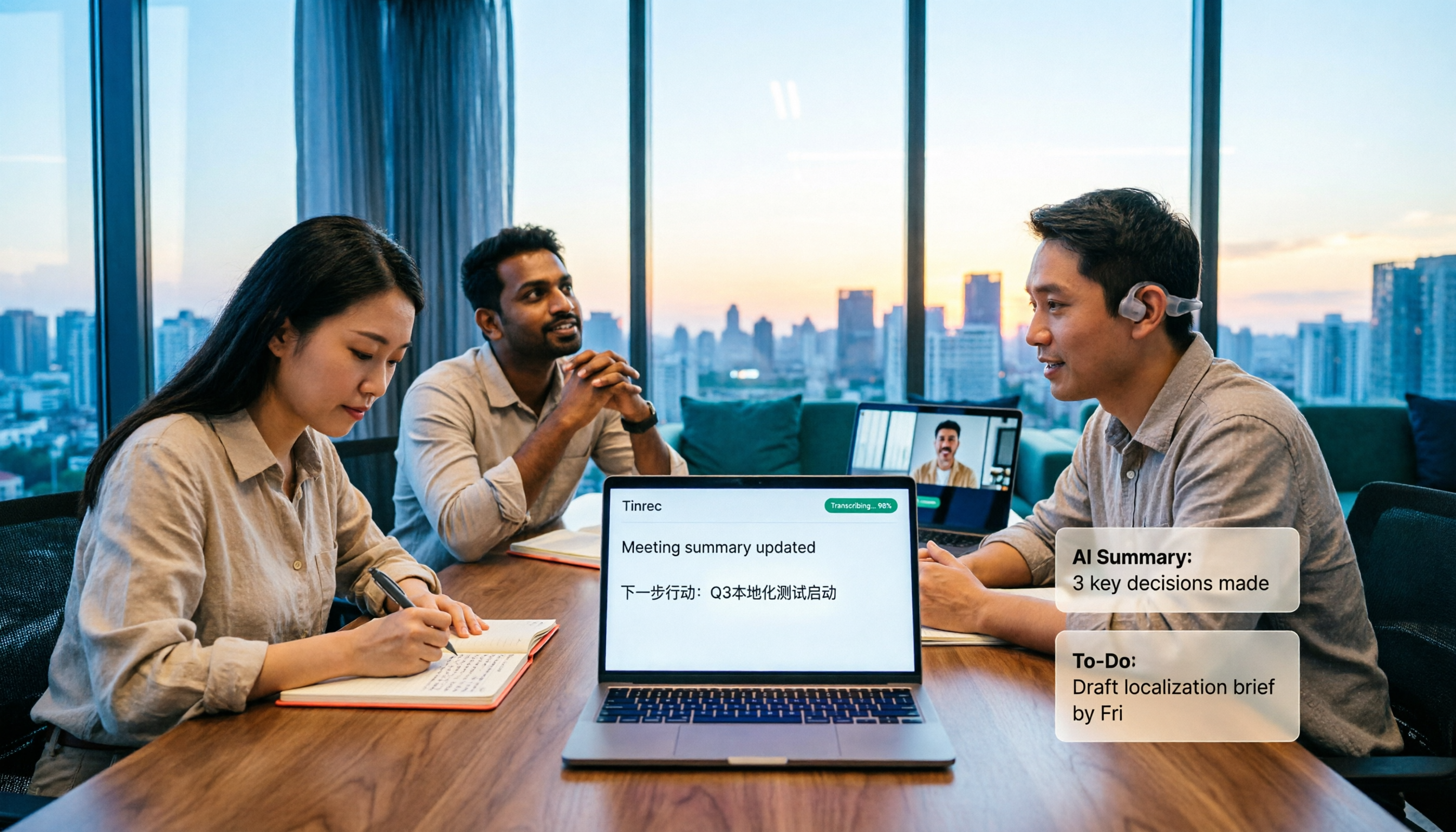
How to Transcribe Mixed Chinese-English Speech in 2026: Real-Time Transcripts + AI Summaries
How do you transcribe meetings with mixed Chinese and English in 2026? This article addresses common misconceptions, explaining why manually adding English and relying solely on transcripts are inefficient. Using Tinrec as an example, it covers real-time transcription, bot-free online meeting recording, AI summaries and action items, team roles and pricing, and concludes with 6 FAQs.

Tinrec vs Otter.ai 2026: 5-Dimension Comparison for Mixed Chinese-English Transcription Speed
Struggling with mixed Chinese-English meeting recordings? This article compares Tinrec and Otter.ai across 5 dimensions: mixed-language recognition, real-time transcription, post-meeting organization, cross-platform export, and team collaboration, helping you find the best solution for transcribing code-switched speech.

How to Transcribe Mixed Chinese-English Meetings in 2026: Tinrec's No-Bot Recording + Bilingual Transcripts
Meetings that mix Chinese and English are the hardest to capture. This guide uses the same mixed-language recording to compare Tinrec and Otter.ai across five dimensions: recognition, recording method, post-meeting workflow, real-time translation, and team collaboration. It also includes pricing and use cases for both to help you decide which tool fits your needs.

3 Cantonese Speech-to-Text Tools Tested for 2026: Which Free Version Works for Cantonese Meetings?
Transcribing Cantonese recordings is never about listening—it's about typing. This article examines three common pitfalls of free tools, compares Tinrec and Otter.ai on Cantonese handling, meeting recording methods, post-meeting organization, free quotas, and team collaboration, and includes Notta in the overview to help you decide if a free plan is enough.

4 Best Code-Switching Transcription Tools in 2026: Which Saves the Most Cleanup Time?
Meetings with mixed Chinese and English are the hardest to transcribe. We tested Tinrec, Yating, Notta, and Otter.ai on the same real meeting recording, comparing recognition accuracy and post-meeting workflows. Here are the key factors to consider and common pitfalls to avoid, so you can pick the tool that truly saves you time.

How to Transcribe Mixed Chinese-English Audio in 2026: A Complete 5-Step Guide
Recordings that mix Chinese and English often break transcription tools. This guide starts with common mistakes, then walks through a 5-step process, key buying factors, and practical Tinrec use cases to turn mixed-language audio into editable text files, summaries, and action items.
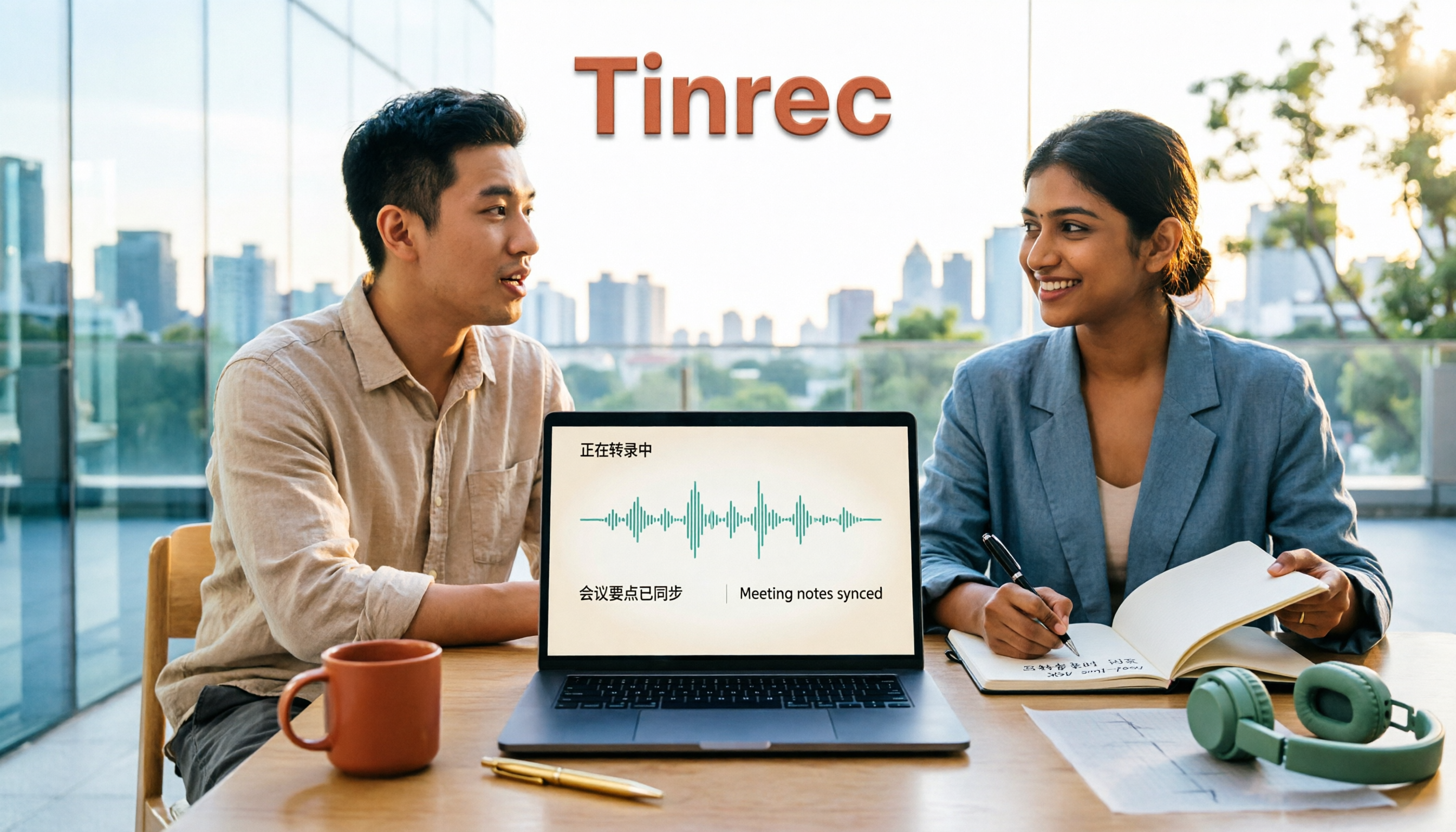
2026 Comparison of 2 Tools for Transcribing Mixed Chinese-English Audio: Which Free Tier and Transcript Actually Works?
The biggest pitfalls when transcribing mixed Chinese-English recordings for free: minute limits, file length caps, paid exports, and poor recognition of code-switching. This article addresses common misconceptions and compares Tinrec and Otter.ai across five dimensions: free tier, mixed Chinese-English recognition, meeting recording and input sources, post-transcription organization and output, and team governance. It provides checkpoints for choosing a free version and clear recommendations.

Tinrec vs Notta 2026: 5-Dimension Hands-On Test — Which Saves More Time for Chinese-English Mixed Transcription?
Meetings and interviews with mixed Chinese and English often trip up transcription tools. This article uses Tinrec as the primary hands-on tool to test language switching, summarization, action items, AI Q&A, export, and team collaboration, and provides practical testing methods and buying tips for Chinese-English mixed transcription, with FAQ answers to common questions.

2026 Comparison of 2 Code-Switching Transcription Apps: Which One Should You Choose for Chinese Meetings?
In meetings with mixed Chinese and English, the biggest fear is transcription that jumbles the two languages. This article compares Tinrec and Otter.ai across five dimensions: handling of code-switching, meeting recording methods, post-meeting AI organization, file import, and team collaboration. It also lists free quotas and paid prices to help you decide which app better suits your meeting scenario.