

Turn recordings into transcripts and summaries in minutes
Upload audio or video for multilingual transcription, AI notes, and action items
Best Multilingual AI Meeting Notes Software in 2026: We Tested 4, and This One Handles Chinese Meetings Best
The Half Hour After the Meeting Is the Real Overtime for Mid-Level Managers
Last month, I had meetings from 9 a.m. to 4 p.m.: project weekly, cross-department coordination, client requirements interview, and a monthly report rehearsal with my boss. At 7:30 p.m., I was still at my desk flipping through notes because my boss had asked, "In this morning's meeting, what date did we finally set for launch?"
I flipped for three minutes. My handwritten notes only said "launch date TBD," but there was a conclusion in the meeting—I just missed those 30 seconds while replying to a client message.
This isn't a one-off. I lead a team of 10 and average 15 meetings a week. Post-meeting notes take up about half my work time. Worse, our team has a Vietnamese engineer and an American PM, so discussions often switch between Chinese and English mid-sentence. After the meeting, I have to replay the recording to confirm spec numbers.
Another time, I verbally told a subordinate in the hallway, "Send the quote to the client by Friday." Two days later, I asked for an update—he forgot. No record, no follow-up. That's the most expensive lesson I've learned in years.
So this isn't a product intro. It's the decision logic my team and I put together after testing several multilingual AI meeting notes tools in 2026. If you also have frequent online meetings and need Chinese-English or multilingual support, this should help you avoid some detours.
Before Choosing a Multilingual AI Meeting Notes Tool, Understand These 4 Key Points
1. How does it "get into" your meeting? There are roughly two approaches: a meeting bot joins as a "participant," or it captures system audio directly on your computer. The former is convenient, but having an unfamiliar account on the list can be awkward, especially with clients or external parties. The latter doesn't disturb anyone—you just have to remember to start it. We ended up preferring the latter because our company often has external vendors in meetings.
2. Does multilingual mean "understands" or "reads"? Many tools claim multilingual support, but the real difference is output: just a transcript, or original text, translation, and bilingual view simultaneously? Mixed Chinese-English meetings expose weaknesses fastest—switching languages within a sentence magnifies transcription quality gaps immediately. For this, test with a recording of your company's most common meeting type. Don't just read official copy.
3. Can you "ask it" after the meeting? Getting a 30-minute transcript is just a different form of overtime. What really saves time is being able to ask, "What was the conclusion about the budget in this meeting?" and get an answer, instead of Ctrl+F-ing for keywords yourself.
4. Is data stored in personal accounts or team spaces? Few people discuss this, but managers must ask. If meeting notes are stored in a colleague's personal account, they leave when he does. Team tools should have a team space where data belongs to the team, with management of members, roles, and permissions.
Think through these four points, and you'll find few options satisfy all. Next, I'll talk about the one we kept.
Tinrec — The One We Kept After Testing
Let's clarify its positioning: Tinrec is an AI meeting notes and collaboration tool for individuals and teams, covering desktop, mobile, and web. It's not just recording-to-text; it turns meetings into searchable, queryable, deliverable data.
How we actually use it
The most useful feature is bot-free recording on desktop. Open Tinrec desktop, and it captures system audio directly, handling Zoom, Google Meet, Microsoft Teams, Webex, and similar online meetings without inviting any bot into the meeting room. For a team like ours that meets with external vendors daily, this is almost decisive—clients won't see an unknown account on the list.
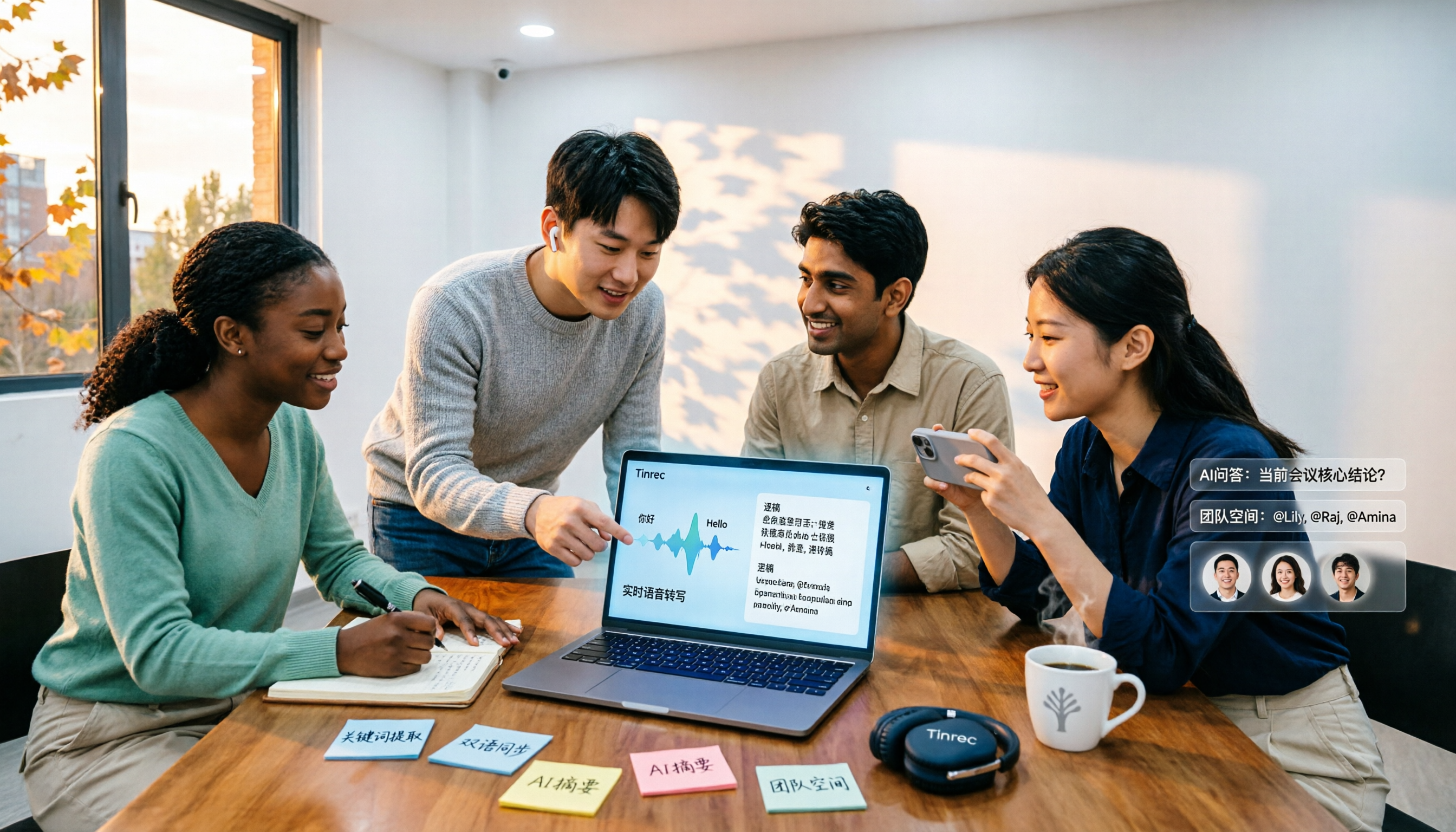
The second scenario is multilingual view. Tinrec supports real-time translation; during recording, you can switch between original, translation, or bilingual. My American PM speaks fast and loves acronyms. After meetings, I paste the bilingual transcript directly into the project channel, so team members don't have to ask me what he meant. Mixed Chinese-English segments are also transcribed, though names and product codes need team hotwords for reinforcement.
The third is post-meeting AI Q&A and to-dos. After the meeting, summaries, chapters, and action items are generated automatically. I can ask a specific meeting: "Who's responsible for testing this time?" "What's the budget cap?" It answers based on semantic understanding, not a keyword list. To-dos can be assigned to people and deadlines, far more useful than my old notebook scribbles of "TBD." Later, Agent post-processing can turn meeting content into reports, tables, or documents, exported to Notion, Google Docs, OneNote, Dropbox for further work.
Test conditions and results
We tested with real meetings, not clean studio samples: typical office, air conditioning noise, 2-5 people taking turns, mixed Chinese-English project weekly, using a MacBook with a conference room mic. Results: daily conversation needed almost no edits; names, product codes, and numbers needed a pass. After adding frequent team terms to hotwords, manual corrections dropped noticeably. I won't give a pretty number here because accuracy varies with recording quality, accents, and overlapping speech. Any claim of fixed 98% or 99% should be taken with a grain of salt.
Three reasons I think it's worth it
Stop organizing recordings by hand
Upload audio or video and automatically get a transcript, summary, and action items
First, no extra participant. Desktop captures system audio directly, so client meetings have no social pressure. Second, workflow after transcription. Summaries, chapters, to-dos, AI Q&A, multi-format export, Agent post-processing—these are the difference between "overtime after getting the transcript" and "basically done when the meeting ends." Third, the team version solves data ownership. Team space stores Audio, Folder, and TODO centrally; manages member roles and seats; views usage trends and member details; queries and exports audit logs; and has an audio recycle bin (30-day retention, recover deleted audio). When a member leaves or loses a seat, resources can be transferred to other active members, so data doesn't leave with the person.
Limitations to be honest about
The free version offers basic quota, good for a trial; if you're a heavy daily meeting user, you'll need to upgrade. Also, one easily misunderstood point about the team version: roles and seats are different. Active members without a seat can view, play, and read team data, but cannot upload, edit, import, or export. Also, the team version currently focuses on team-level sharing, not file-level granular permissions. If you need "different access for different people per document," it can't do that.
The team version currently offers a 7-day trial for first-time eligible users, 1 free seat, and 300 minutes of team shared import quota; paid seats are USD 29.80/seat/month monthly, or USD 199/seat/year annually (about USD 16.58/month), with each paid seat providing 2,000 minutes of team shared import quota per month. Real-time recording under an active team plan and active seat is currently not deducted by minutes; only file and web imports use team shared import minutes. Actual prices and benefits are subject to the official purchase page.
Who it's for
If you have weekly online meetings, switch between Chinese-English or multiple languages, need to turn conclusions into to-dos for the team, and want data to stay with the team rather than personal accounts—Tinrec is the smoothest choice when these conditions all hold.
Besides Tinrec, What Other Options Are There?
Otter.ai: A veteran choice for English business meetings. Basic is free with 300 minutes/month; Pro annual is about USD 8.49/user/month, including 1,200 minutes of in-app recording and 10 file imports per month. AI Q&A and team management are mature. It now also offers desktop capabilities, not just a meeting bot. If 90% of your meetings are pure English, it's cost-effective; but the Chinese meeting experience and integration of bot-free desktop recording are why we didn't choose it.
Notta: Multi-platform transcription, file import, translation, and team plans are all there. Official specs: free 120 minutes/month, max 3 minutes per session; Pro annual about USD 8.17/month, 1,800 minutes/month; Business annual about USD 16.67/seat/month. Its multilingual transcription has a good reputation, but meeting recording still leans toward bots or upload flow; Tinrec is closer to our needs in bot-free online meeting recording, team space, and AI Q&A post-processing.
PLAUD Note/NotePin: A representative of AI recording hardware. Official prices: NotePin about USD 159, Note Pro about USD 189; membership Starter 300 minutes/month, Pro about USD 99.99/year. If you often need portable recording where there's no computer (e.g., in-person visits, phone calls), hardware has its value. But our meetings are almost all online; Tinrec requires no extra device, works on desktop, mobile, and web, and handles historical audio files and team data.
Pitfall Guide: 4 Most Common Mistakes When Choosing Meeting Notes Software
Pitfall 1: Only looking at official accuracy claims. Those numbers mostly come from quiet environments. Real meetings have AC noise, keyboard sounds, people talking over each other. Simple approach: test with a recording of your own recent meeting. That's more accurate than reading ten reviews.
Pitfall 2: Thinking "having a transcript" equals "having organization." If you only use the tool for recording-to-text, you're using a third of its capability. After the meeting, just ask AI "What was the conclusion?"—much faster than manually flipping through a 30-minute transcript.
Pitfall 3: Ignoring mixed Chinese-English and overlapping speech. For pure Chinese or pure English meetings, most tools are okay; the real differentiator is switching languages within a sentence. When testing, use your team's actual speaking style.
Pitfall 4: Managing team meeting data with personal accounts. This is the most common and most expensive mistake. When a colleague leaves or an account is deactivated, data scatters. When choosing, first confirm: Is there a team space? Can you manage members and seats? Are import minutes personal or team-shared? These matter far more than a feature list for multi-person teams.
Conclusion: Which One Should You Choose?
In one sentence: the one that handles both Chinese and multiple languages, doesn't need a bot in the meeting room, and lets you ask questions directly after the meeting—in 2026, our testing shows it's Tinrec.
Scenario-based recommendations:
- Meetings with mixed Chinese-English, need bilingual transcript → Tinrec (real-time translation, switch original/translation/bilingual)
- Clients or external parties present, don't want an extra bot → Tinrec (desktop captures system audio, bot-free recording)
- Want to ask AI for key points, need summaries and to-dos → Tinrec
- Need to keep meeting data with the team, manage members and usage → Tinrec team version (seat and role management, usage analytics, audit logs, audio recycle bin)
- Almost only pure English meetings, budget priority → Otter.ai is a reasonable exception
- Often record on the go without a computer → PLAUD-type hardware is worth considering
My advice: run two or three real meetings with the free version first. See how much the transcript needs editing and how accurate the AI Q&A is, then decide whether to upgrade. Tools are meant to save time, not add learning cost—if after two weeks you're still going back to handwritten notes, it's not right for your meeting style.
(Final reminder: recording and transcription involve others' privacy. Depending on local regulations, you may need prior consent from participants. Please pay attention to this.)
References
- Vurbo.ai Real-time Voice Translation and Note Tool
- Notta - Super Accurate Transcript, Voice to Text, Meeting Recording, AI Summary App - App Store
- Meeting Ink - 2026 AI Meeting Notes Tool Test | 7 Voice-to-Text and Summary Speed Comparison | Meeting Ink - AI Meeting Notes Assistant Auto Transcription Summary
- 2026 Meeting Real-time Translation Software Comparison: Which Is Most Accurate and Smooth?
- Meeting Notes AI Tool | 3 Voice-to-Text Tools Recommended: Quick Organization and Question Key Points
Turn every recording into actionable outcomes
Get 60 free transcription minutes when you sign in. No credit card required.
Related Reading
You might also like

4 Multilingual Meeting Transcription Apps Tested in 2026: Which Delivers the Best Cross-Language Transcripts and Bilingual Summaries?
Multilingual meeting notes aren't just about turning on live translated captions. This article uses real examples to show what a usable bilingual meeting record should look like, then compares Tinrec, Notta, Otter.ai, and Granola across five dimensions—code-switching capability, summary language, recording method, audio retention, and team sharing—to help you choose the AI meeting notes app that truly works for you.
4 Multilingual Meeting Notes Tools Tested in 2026: Beyond Templates, Which AI Bilingual Summarizer Saves the Most Time?
Downloaded a bunch of multilingual meeting notes templates but still can't understand or finish taking notes during meetings? A senior student tested 4 tools: Tinrec's mixed Chinese-English transcription, bilingual transcripts, AI Q&A, and team workspace, compared with Notta, TurboScribe, and Granola. Includes student budget and free tier advice.

4 Multilingual Meeting Transcription Tools Compared in 2026: From Live Translation to Post-Meeting Action Items
How do you choose a multilingual meeting transcription tool? This article starts with common misconceptions, breaking down four key points: translation is not the same as transcription, the trade-offs between bot-free and bot-based recording, file import and audio retention, and team data ownership. It then compares Tinrec, Otter.ai, Notta, and Granola across positioning, strengths, and limitations to help you decide which one to pick.

4 Multilingual Meeting Transcription Tools Tested for 2026: Which Handles Mixed Chinese-English Transcripts Best?
Tired of re-reading mixed Chinese-English meeting transcripts just to organize them? This comparison reviews 4 multilingual meeting transcription tools. We start with what a practical meeting notes template should include, then compare Chinese recognition, bot-free recording, post-meeting summaries, and team collaboration. Official pricing and pitfalls to avoid are included to help you decide which tool fits your meeting style.

2026 Review of 4 Multilingual Meeting Transcription Tools: Which Handles Mixed Chinese-English Bilingual Transcripts Best?
How to choose a multilingual meeting transcription tool? This article reviews Tinrec, Otter.ai, Notta, and Granola based on essential meeting minutes fields, language-switching recognition, post-meeting usability, and team seat management. It also covers 4 common pitfalls and scenario-based recommendations.

2026 Comparison of 4 Multilingual AI Meeting Note Tools: Which Handles Mixed Chinese-English Meetings Best?
A student's hands-on comparison of 4 multilingual AI meeting note tools, evaluating mixed Chinese-English transcription, bilingual transcripts, AI Q&A, and free tiers, plus key buying factors, pitfalls to avoid, and scenario recommendations.

How to Take Multilingual Meeting Minutes in 2026: 4 Steps from Bilingual Examples to AI Summaries
How do you write multilingual meeting minutes without missing key points? This article breaks down the essential fields of a bilingual Chinese-English meeting minutes example, explains compliance reminders for recording and transcription, and shares how Tinrec's instant recording uses real-time transcription, bilingual comparison, AI summaries, and action item extraction to turn transcripts into trackable meeting records.

Best Multilingual Meeting Transcription Tools in 2026: Testing 2 Options, Tinrec Handles Mixed Chinese-English Meetings Better
How to choose a multilingual meeting transcription tool? This article starts with the three most common purchasing mistakes, then compares Tinrec and Otter.ai across 6 dimensions: Chinese and mixed Chinese-English transcription, bot-free meeting recording, real-time translation and bilingual review, post-meeting outputs and AI follow-up questions, team workspace and data governance, and pricing and cost structure, to help you decide which one better fits your meeting scenarios.

How to Take Multilingual Meeting Notes in 2026: 5 Steps from Recording to AI Summary
Multilingual meetings with mixed languages are time-consuming to organize afterward. This article covers common pitfalls, explains 5 key factors for choosing multilingual meeting note software, breaks down 5 steps from recording to AI summary, and compares Tinrec, Notta, Otter.ai, and PLAUD to help you make a purchasing decision.