

Turn recordings into transcripts and summaries in minutes
Upload audio or video for multilingual transcription, AI notes, and action items
4 Multilingual Meeting Transcription Tools Compared in 2026: From Live Translation to Post-Meeting Action Items
The Most Common Misconception About Multilingual Meeting Transcription: Assuming Subtitles Equal a Record
Many people imagine multilingual meeting transcription is simple: turn on live captions during a meeting, and that counts as having a record.
But once you actually try it, you realize that's not the case. Subtitles are for the moment—they disappear as soon as the meeting ends. Live translation only handles the few sentences in front of you, with no context. As for the meeting minutes, decisions, and who's responsible for what that you actually need to deliver afterward, someone still has to re-listen to the recording and type it all over again. The result: the meeting ends, but the work begins.
Another common misconception is pulling a meeting bot into every meeting just to "support multiple languages." A stranger appears on the participant list, and the first thing a client or external partner asks is "Who is this?"—and you have to spend time explaining. Each platform requires separate setup, so cross-platform meetings mean preparing multiple workflows, and the bot can only join the platforms it supports.
The real question to ask first is: What do I want to get out of this meeting after it ends? A searchable bilingual transcript, a meeting summary you can forward directly, or a database your team can look back on later? The answers to these three questions differ, and the right tool differs accordingly.
4 Key Points to Understand Before Choosing a Multilingual Meeting Transcription Tool
1. Translation and transcription are two different things. Specs like "supports 60+ languages" are attractive, but translation solves "understanding in the moment," while transcription solves "finding it later." When evaluating a tool, confirm: Can the translated content be saved? Can it be compared side-by-side with the transcript? Can it be searched? Tools that only display subtitles and lose everything when you close the window are nearly useless for post-meeting work.
2. The recording method determines the meeting experience. One approach is pulling a bot into the meeting; another is capturing system audio directly from the desktop. The former is convenient but appears on the participant list; the latter requires the user to start it manually but doesn't add a stranger's account and doesn't require per-platform setup. For cross-company or cross-client meetings, this makes a big difference.
3. Is the audio retained, and can old files be imported? Many meetings aren't one-offs: client interviews, project reviews, course recordings—you may need to re-confirm a specific sentence later. If a tool only gives you text, doesn't retain audio, and doesn't support importing existing recording files, then your historical data will never make it into the same database.
4. Post-meeting outputs and team handover. Transcripts are just raw material. What really saves time are summaries, chapters, action items, and the ability to ask AI directly, "What was decided in the last meeting?" The next level up is the team version: data belongs to the team, doesn't leave when members do, and someone manages permissions and usage. A tool that works well for individuals may not be sustainable for teams.
Tinrec — The Top Recommendation in This Comparison
Tinrec is an AI meeting transcription and collaboration tool for individuals and teams, supporting iOS, Android, and web, with desktop handling online meetings. It doesn't just convert audio to text—it turns meetings into searchable, queryable, and further processable data.
Bot-free recording for online meetings. The desktop version captures system audio directly, handling Zoom, Google Meet, Microsoft Teams, Webex, and other online meetings without inviting an extra bot. For those who frequently meet with external clients, this is practical: the participant list stays clean, and you don't need to set up each platform separately.
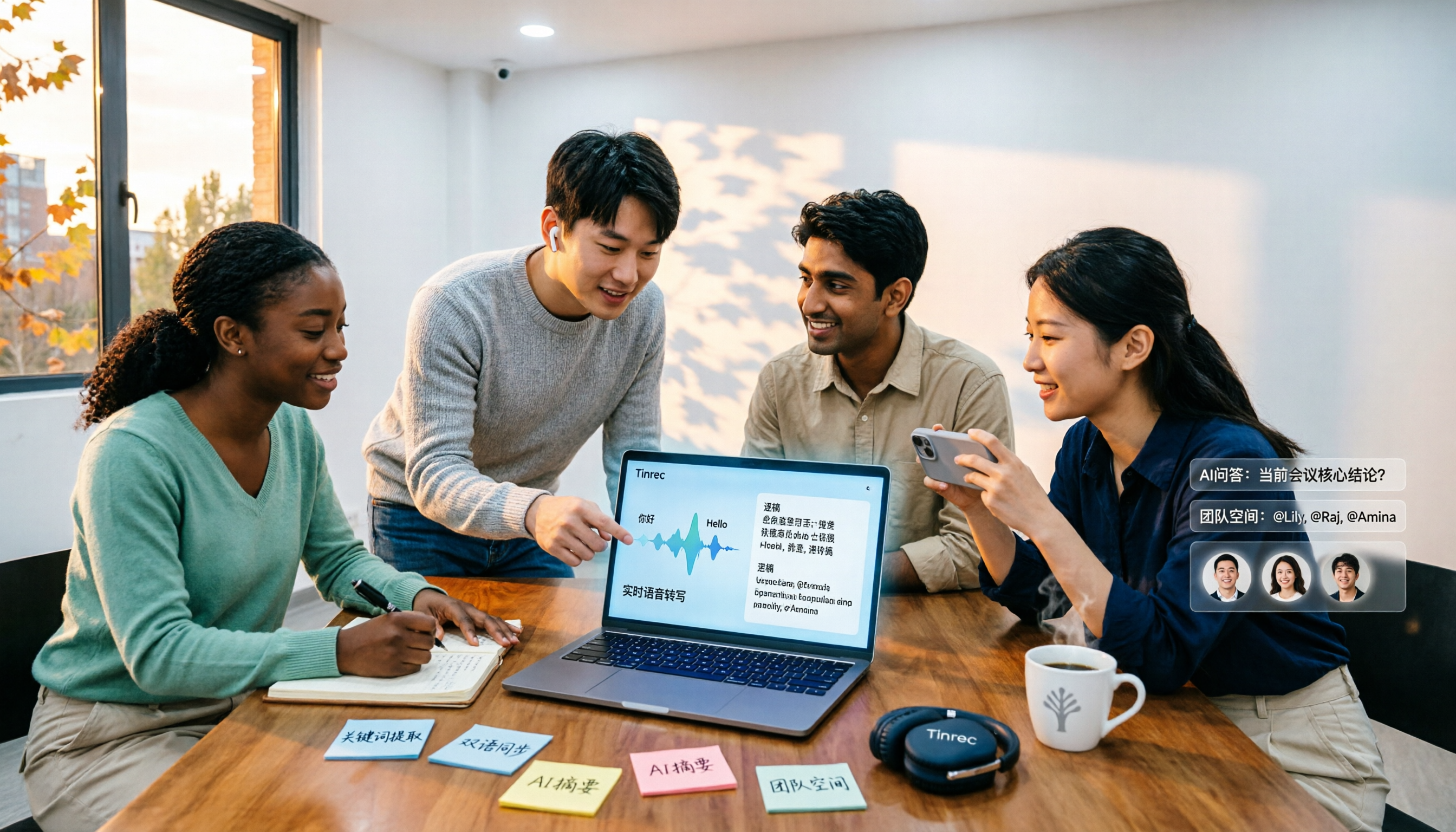
Live translation and bilingual view. During recording, you can switch between original text, translation, or bilingual display. It handles mixed Chinese-English meetings and supports team glossaries to maintain internal product names and terminology, reducing the chance of mistranslation. Actual performance depends on recording quality, accents, and overlapping speech, so it's not recommended as a "100% no proofreading needed" tool—but for the "understand first, organize later" workflow, it saves a lot of time.
Post-meeting is where it shines. After the meeting, Tinrec generates a transcript and automatically organizes summaries, chapters, and action items. You can ask AI directly, for example, "What was the budget cap for this meeting?" or "Who's responsible for next week's delivery?"—no need to Ctrl+F through half an hour of transcript. Further, Agent post-processing can generate reports, tables, and documents, and export to Notion, Google Docs, OneNote, Dropbox, and other tools for continued use.
The team version turns it into a team database. For groups that meet regularly every week, the point isn't just "how well this meeting was recorded" but "will these meetings still be here later?" The team version offers a separate team space, member invitations, role and seat management, usage analytics, audit logs, and an audio recycle bin, plus team glossaries. When a member leaves or loses a seat, team resources can be handed over to other active members, so they don't disappear with an individual's departure. Pricing is US$29.80 per paid seat per month, or US$199 per paid seat per year (about US$16.58 per month). Paid seats include 2,000 minutes of shared team import quota per month, and live recording under an active team plan currently doesn't deduct minutes. Eligible teams can try it free for 7 days with 1 free seat and 300 minutes of shared import quota.
Stop organizing recordings by hand
Upload audio or video and automatically get a transcript, summary, and action items
Limitations to be clear about. The free personal version offers basic quota; heavy users need to pay. The team version currently focuses on team-level sharing—all active members can read team data—so it's not a file-level granular permission design. Organizations needing strict access control should take note. Also, AI summaries and action items are assistive tools; for important clauses or numbers, it's still best to verify against the transcript and recording.
Who it's for. Those who have weekly Chinese-English or multilingual meetings, want summaries and action items directly after the meeting, need to use it across phone and computer, or want meeting records to stay with the team rather than a personal account.
Besides Tinrec, What Other Options Are There?
The following three each have clear strengths. Here's a quick comparison using the same dimensions:
| Tool | Core Positioning | Meeting Capture Method | Post-Meeting Outputs |
|---|---|---|---|
| Tinrec | AI meeting transcription and team collaboration | Desktop bot-free system audio capture, live recording, file import | Transcript, summary, chapters, action items, AI Q&A, reports and tables, multi-format export |
| Otter.ai | AI meeting assistant and meeting automation | Meeting bot and desktop, among others | Summary, action items, Q&A, and team analytics |
| Notta | Multi-platform transcription and meeting notes | Meeting bot, desktop, or upload | Transcript, translation, summary |
| Granola | Bot-free AI meeting notes | Desktop bot-free capture | Note enhancement and Q&A (does not retain meeting audio, does not support pre-recorded file import) |
Otter.ai: A mature AI meeting assistant covering Zoom, Microsoft Teams, and Google Meet with live transcription, speaker identification, and AI Chat. The free version's 300 minutes per month is generous, and it's strongest for English business meetings. If your meetings are almost entirely in English, it's worth considering as a top choice. Conversely, for Chinese and mixed Chinese-English meetings, as well as terminology management like team glossaries, Tinrec is clearly more focused—and those who want to directly generate reports and tables afterward should factor that in.
Notta: Covers multi-platform transcription, meeting notes, file import, and translation. Its multilingual capabilities are well-regarded, and the Business plan offers unlimited transcription, role permissions, and usage reports. It overlaps most with Tinrec; the difference is that Tinrec emphasizes desktop bot-free online meeting recording, team spaces, AI Q&A, and the workflow of directly processing meeting content into reports and documents.
Granola: Also takes a bot-free approach, capturing system audio from the desktop and combining it with user-written notes to generate content. It's handy for those who "listen and jot down key points." Note that it does not retain meeting audio and does not support importing pre-recorded files. If you need to keep recordings, organize historical files, or require team-level data management, those are exactly the gaps Tinrec fills.
Pitfall Guide: 4 Most Common Mistakes When Choosing a Multilingual Meeting Transcription Tool
Pitfall 1: Treating "number of supported languages" as a quality indicator. A list of 60 languages looks impressive, but you might only use three or four. Moreover, accuracy depends on recording quality, accents, and whether multiple people are talking over each other. The same tool can perform very differently in Chinese and English meetings. It's better to test with a short segment of your own real meeting recording than to rely on spec sheets.
Pitfall 2: Treating subtitles as meeting minutes. Live captions are for the moment—once you're done watching, they're gone. A truly useful record must be saveable, searchable, timestamped, and translatable into another language for sharing. When choosing a tool, ask, "Will I still find this tomorrow?" The answer will eliminate half your options.
Pitfall 3: Ignoring file import and audio retention. Many people's meeting data is scattered: phone recordings, old interview files, videos sent by clients. If a tool only handles live meetings, these assets will never make it into one place. Conversely, if a tool doesn't even retain audio, verifying a specific sentence later relies solely on memory.
Pitfall 4: Using a personal account for team meetings. This is the most overlooked point. Data in a personal account follows the person. When a colleague leaves, switches tools, or even just changes accounts, the team's meeting context is broken. The value of a team version isn't more features—it's data ownership, seats, and handover. That's the point of team plans like Tinrec: meeting data belongs to the team, and when members change, it can be handed over to other active members.
Conclusion: Which One Should You Choose?
In one sentence: If your meetings are in Chinese-English or multiple languages, and you care about "being able to use it directly after the meeting," Tinrec is the most comprehensive choice in this comparison. By scenario:
- Chinese-English or multilingual meetings, needing bilingual transcripts and live translation → Tinrec (Chinese experience and team glossaries are key)
- Don't want an extra bot on the participant list → Tinrec (desktop system audio capture)
- Want AI to directly answer "What was decided last time?" and need summaries and action items → Tinrec (AI Q&A and Agent post-processing)
- Need to use on phone, computer, and web, and retain historical audio → Tinrec (multi-platform plus file import and audio retention)
- Team needs to share meeting data, manage seats and usage → Tinrec team version (roles, seats, audit, recycle bin)
- Almost only English meetings, zero budget → Otter.ai free version (300 minutes per month, worth a try)
One final reminder: Run a free trial with your own real meeting recording—it's more useful than reading ten reviews. Consider upgrading only when you run out of quota; no need to pay upfront.
References
- Online Meeting Translation: Supports 60+ Languages
- How to Quickly Create Meeting Transcripts? 2026 Complete Guide | Audio-to-Text, AI Automatic Meeting Notes in One Go
- 4 Teams Live Translation Tools Compared in 2026: How to Choose Free Plans - Tinrec Blog
- Translate Meeting Transcripts and Share Multilingual Notes | HiNoter Blog
- 2026 Teams Live Translation and Transcription Tool Recommendations: 5 AI Software Tested and Compared - Tinrec Blog
Turn every recording into actionable outcomes
Get 60 free transcription minutes when you sign in. No credit card required.
Related Reading
You might also like

4 Multilingual Meeting Transcription Apps Tested in 2026: Which Delivers the Best Cross-Language Transcripts and Bilingual Summaries?
Multilingual meeting notes aren't just about turning on live translated captions. This article uses real examples to show what a usable bilingual meeting record should look like, then compares Tinrec, Notta, Otter.ai, and Granola across five dimensions—code-switching capability, summary language, recording method, audio retention, and team sharing—to help you choose the AI meeting notes app that truly works for you.
4 Multilingual Meeting Notes Tools Tested in 2026: Beyond Templates, Which AI Bilingual Summarizer Saves the Most Time?
Downloaded a bunch of multilingual meeting notes templates but still can't understand or finish taking notes during meetings? A senior student tested 4 tools: Tinrec's mixed Chinese-English transcription, bilingual transcripts, AI Q&A, and team workspace, compared with Notta, TurboScribe, and Granola. Includes student budget and free tier advice.

4 Multilingual Meeting Transcription Tools Tested for 2026: Which Handles Mixed Chinese-English Transcripts Best?
Tired of re-reading mixed Chinese-English meeting transcripts just to organize them? This comparison reviews 4 multilingual meeting transcription tools. We start with what a practical meeting notes template should include, then compare Chinese recognition, bot-free recording, post-meeting summaries, and team collaboration. Official pricing and pitfalls to avoid are included to help you decide which tool fits your meeting style.

2026 Review of 4 Multilingual Meeting Transcription Tools: Which Handles Mixed Chinese-English Bilingual Transcripts Best?
How to choose a multilingual meeting transcription tool? This article reviews Tinrec, Otter.ai, Notta, and Granola based on essential meeting minutes fields, language-switching recognition, post-meeting usability, and team seat management. It also covers 4 common pitfalls and scenario-based recommendations.

2026 Comparison of 4 Multilingual AI Meeting Note Tools: Which Handles Mixed Chinese-English Meetings Best?
A student's hands-on comparison of 4 multilingual AI meeting note tools, evaluating mixed Chinese-English transcription, bilingual transcripts, AI Q&A, and free tiers, plus key buying factors, pitfalls to avoid, and scenario recommendations.

How to Take Multilingual Meeting Minutes in 2026: 4 Steps from Bilingual Examples to AI Summaries
How do you write multilingual meeting minutes without missing key points? This article breaks down the essential fields of a bilingual Chinese-English meeting minutes example, explains compliance reminders for recording and transcription, and shares how Tinrec's instant recording uses real-time transcription, bilingual comparison, AI summaries, and action item extraction to turn transcripts into trackable meeting records.

Best Multilingual Meeting Transcription Tools in 2026: Testing 2 Options, Tinrec Handles Mixed Chinese-English Meetings Better
How to choose a multilingual meeting transcription tool? This article starts with the three most common purchasing mistakes, then compares Tinrec and Otter.ai across 6 dimensions: Chinese and mixed Chinese-English transcription, bot-free meeting recording, real-time translation and bilingual review, post-meeting outputs and AI follow-up questions, team workspace and data governance, and pricing and cost structure, to help you decide which one better fits your meeting scenarios.

Best Multilingual AI Meeting Notes Software in 2026: We Tested 4, and This One Handles Chinese Meetings Best
A mid-level manager with a 10-person team and 15 meetings a week tested 4 multilingual AI meeting notes tools. From bot-free recording, mixed Chinese-English transcription, real-time translation, to post-meeting AI Q&A and team data ownership, we break down the 4 key buying factors, hands-on findings, and pitfalls to avoid, with scenario-based recommendations.

How to Take Multilingual Meeting Notes in 2026: 5 Steps from Recording to AI Summary
Multilingual meetings with mixed languages are time-consuming to organize afterward. This article covers common pitfalls, explains 5 key factors for choosing multilingual meeting note software, breaks down 5 steps from recording to AI summary, and compares Tinrec, Notta, Otter.ai, and PLAUD to help you make a purchasing decision.