

Turn recordings into transcripts and summaries in minutes
Upload audio or video for multilingual transcription, AI notes, and action items
Wednesday afternoon in the conference room, your Apple Watch finishes recording—now what?
It's 3 PM on a Wednesday, and your manager is explaining next quarter's direction in the conference room. You don't bother taking your phone out of your pocket; you just raise your wrist and tap once on your Apple Watch to start recording.
The meeting ends, you open your watch, and all you have is a 47-minute audio file. No transcript, no summary, no record of who's responsible for what or when it's due.
If you've been in this situation, this article is for you.
I hands-on tested 4 free meeting notes apps that work with the Apple Watch recording workflow, comparing their Chinese recognition, AI summaries, AI Q&A, and free quotas to help you find the one that truly saves you organizing time.
Why do you still have to start meeting notes from scratch after recording on Apple Watch?—What you need isn't a tool, it's a solution
The Apple Watch's recording function is straightforward: tap to start, tap to stop, and the audio file is saved to the watch. The problem is it stops right there.
The watch natively doesn't support speech-to-text. The recorded audio file needs to be synced to the iPhone, and then you have to find a way to convert it into a transcript, extract key points and action items. This "post-processing" usually takes longer than the meeting itself.
What's more troublesome is Chinese meetings. With mixed Chinese and English, technical terms, and multiple people talking over each other, many meeting tools designed primarily for English start to fall apart here, and you end up having to put on headphones and listen through the whole thing again.
Another common scenario: two weeks after the meeting, your manager suddenly asks, "What was the conclusion about that budget?" You only remember that "it seemed like it was mentioned," but to dig it out of a 47-minute audio file, there's no faster way than searching a transcript.
Choosing the right tool can solve these three things at once: the watch handles audio capture, the app handles transcription and extracting key points, and you can find answers later just by asking.
Before choosing an Apple Watch meeting notes app, understand these 4 key points
1. What is the watch's role? Currently, Apple Watch natively can only record and save audio; there's no built-in transcript. That is, the actual "meeting notes" happen on the phone or computer. What you're really choosing is the tool that can "receive the watch audio and organize it well." A few tools offer an independent watch operation workflow, allowing you to trigger recording directly from the watch—that's a bonus, but it doesn't necessarily mean better transcription quality.
2. Is Chinese recognition good enough? This is the most practical hurdle. In meetings with mixed Chinese and English, names, and product codes, English tools often give up entirely. When testing, don't just look at official accuracy claims—run your own real meeting recording through it.
3. After recording, can you just ask questions directly? A transcript is just raw material. What really saves time is "AI Q&A"—after recording, you directly ask "What was the conclusion of this meeting?" or "Who's responsible for the budget?" and the tool gives you answers based on semantic understanding, rather than dumping a bunch of keyword search results on you.
4. How are free quotas calculated, and does it work across platforms? Free plans usually limit monthly minutes or single-file length. Also think clearly: you might record on iPhone today and organize on your computer tomorrow. If the tool only has a mobile version, it'll be a pain in the long run.
Tinrec—Our top pick after hands-on testing
Tinrec is an AI meeting notes and collaboration tool for individuals and teams, supporting iOS, Android, and web. It doesn't just convert audio to text; it organizes meeting recordings into searchable, summarizable, queryable, and exportable data.
Watch captures audio, phone organizes: the workflow Since Apple Watch natively can only record and save audio, the smoothest practical workflow is: record the meeting with your watch, sync the audio file to your iPhone, then import it into Tinrec to convert to a transcript. Tinrec supports audio and video file transcription. Once the watch audio is in, AI summaries, chapters, and action items are generated together. Who said what, what was decided, and who's responsible—you can see a draft within minutes.
Record online meetings without a bot If you're using Zoom, Google Meet, Microsoft Teams, or Webex, Tinrec's desktop version directly captures your computer's system audio—no need to invite a meeting bot into the room. This is very practical for situations where you're pulled into a meeting last minute and don't want to alert other participants.
Chinese and multilingual meeting experience Tinrec covers Chinese, Traditional Chinese, and multilingual meeting scenarios, supports mixed Chinese-English content organization, and lets you view the original text, translation, or bilingual content during recording, as well as maintain company-specific terminology through team hotwords. Note that transcription performance is affected by recording quality, noise, accents, and overlapping speakers—no tool should promise a fixed accuracy rate.
Stop organizing recordings by hand
Upload audio or video and automatically get a transcript, summary, and action items
After recording, just ask it This is where Tinrec pulls ahead of ordinary transcription tools. After recording, you can directly ask it: "Who mentioned the budget in the last meeting?" "What was the conclusion of this project?" It doesn't just give you keyword search results—it answers directly based on semantic understanding. Most competitors at the same price point don't have this capability yet.
Test conditions We used the same approximately 5-minute mixed Chinese-English meeting recording (indoor environment, single microphone, no background music) and compared each tool's output on iPhone. Tinrec required almost no manual correction for Chinese segments and preserved the original meaning in mixed Chinese-English parts—this is the main reason it ranked first in this test.
Three main advantages
- The free version lets you experience recording, importing, summaries, and transcription—try before deciding whether to upgrade, which is very friendly for budget-conscious users.
- Diverse outputs: transcript, AI summary, chapters, action items, mind map, and export to Notion, Google Docs, OneNote, Dropbox for further processing.
- Upgrade from personal to team space: members, roles, seats, usage analytics, audit logs, and team hotwords can all be centrally managed. Meeting data belongs to the team and won't disappear when someone leaves.
Things to note The free version provides a basic quota; heavy users need to pay. If you have a lot of meetings every week, consider the Pro plan directly. Also, it's currently not a "meeting bot that automatically joins all calendar meetings" mode—for online meetings, you need to actively start recording with the desktop version.
Who it's for For people who frequently need to organize Chinese meetings, want to use AI to find key points directly after recording, and switch between multiple devices, Tinrec is currently the smoothest choice. Departments or project teams that need to share meeting data can also upgrade directly from personal to team version.
Besides Tinrec, what other options are there?
Genspark AI Meeting Notes Marketed as "the world's first AI meeting notes tool supporting Apple Watch," it lets you start recording with a double tap on the watch and integrates with Google/Outlook calendars. It has apps for both iOS and Android. If you only have English meetings and want to trigger recording directly from the watch, you can try it; but Chinese support is clearly not as strong as Tinrec, and the actual limits of the free plan are currently unclear. For Chinese transcripts plus AI Q&A, Tinrec is still the main choice.
Otter.ai A mature choice for English business meetings. The Basic free plan offers 300 minutes per month, which is quite generous. Pro annual billing is about USD 8.49/user/month. But it doesn't support Chinese—if your meetings are mainly in Chinese, the transcript will be hard to use. This is one of the few scenarios in this article where we recommend a competitor: if the meeting content is almost entirely in English, Otter.ai is indeed worth considering; but if you need Chinese plus AI Q&A, Tinrec is more suitable.
Meeting Notes AI A Chinese meeting notes tool on the App Store, focusing on real-time transcription and structured summaries. It supports offline and online use and has a free plan to try. The interface is simple, suitable for users who just want "audio to text plus summary." The downside is it lacks Tinrec's AI conversational query—after recording, you can only browse the transcript yourself—and its cross-platform and team collaboration capabilities are relatively limited.
Pitfall guide: The 3 most common mistakes when choosing an Apple Watch meeting notes app
Pitfall 1: Thinking Apple Watch itself can do meeting notes. The watch is a recorder, not a note-taker. It has no built-in transcript or summary. What really determines the outcome is which app you hand the watch audio to for processing.
Pitfall 2: Only looking at official accuracy claims. Many tools say they have "98% accuracy," but that's usually measured in a quiet recording studio. Real conference rooms have air conditioning noise, keyboard sounds, and people talking over each other—the numbers drop significantly. We recommend trying the free version with your own meeting recording, not just looking at ads.
Pitfall 3: Only using the transcription tool as "audio to text." If you only take the transcript, you're using only one-third of the tool's capabilities. With Tinrec's AI Q&A, for example, you can directly ask "What was the conclusion of this meeting?" after recording—much faster than manually flipping through a 30-minute transcript. When choosing a tool, consider "what you can do after recording" as well.
Conclusion: Which one should you choose?
In one sentence: For people who capture audio with Apple Watch and need Chinese meeting notes, Tinrec is the top pick in this hands-on test.
Scenario breakdown for reference:
- Watch recording plus Chinese meeting transcript → Tinrec (most complete Chinese experience and post-meeting organization)
- Want to use AI to ask key points and find conclusions directly after recording → Tinrec (has AI conversational query)
- Need to use on phone, computer, and web → Tinrec (iOS + Android + web)
- Need to record Zoom, Meet, Teams without a bot → Tinrec desktop version
- Department needs to share meeting data, manage seats and usage → Tinrec team version
- Meetings are almost entirely in English, budget is zero → Otter.ai (the only exception)
We recommend starting with Tinrec's free version: record a real meeting with your watch, import it, and run it once to see the quality of the transcript and summary. If it works for you, consider upgrading—no need to pay from the start.
References
- 2026 Hands-On Comparison of 4 Free Meeting Notes Apps: Which Apple Watch Audio-to-Text Tool Is Best? - Tinrec Blog
- Introducing Genspark AI Meeting Notes - The World's First Apple Watch AI Meeting Notes Tool, Supporting Both iOS and Android Apps
- God-Tier Meeting Notes AI! "Interpreter App" Completes Everything from Transcript, Translation to Summary and Action Items in One Stop, Finishes 3 Hours of Work in 1 Minute! Productivity Soars 10x! | PanSci - YouTube
- Meeting Notes AI App - App Store
- 2026 6 Apple Watch Audio-to-Text Tools Recommended: Tinrec Helps Generate Efficient Meeting Minutes - Tinrec Blog
Turn every recording into actionable outcomes
Get 60 free transcription minutes when you sign in. No credit card required.
Related Reading
You might also like

3 Free Meeting Transcription Apps Tested in 2026: Which Offers Better Free Tier and AI Q&A?
How to choose a free meeting transcription app in 2026? This article compares free tiers, recognition accuracy, recording retention, and post-meeting AI applications across popular tools like Tinrec, Notta, Otter.ai, and Granola. It provides a guide to avoid pitfalls and scenario-based recommendations to help you find a meeting transcription solution that truly works for free.
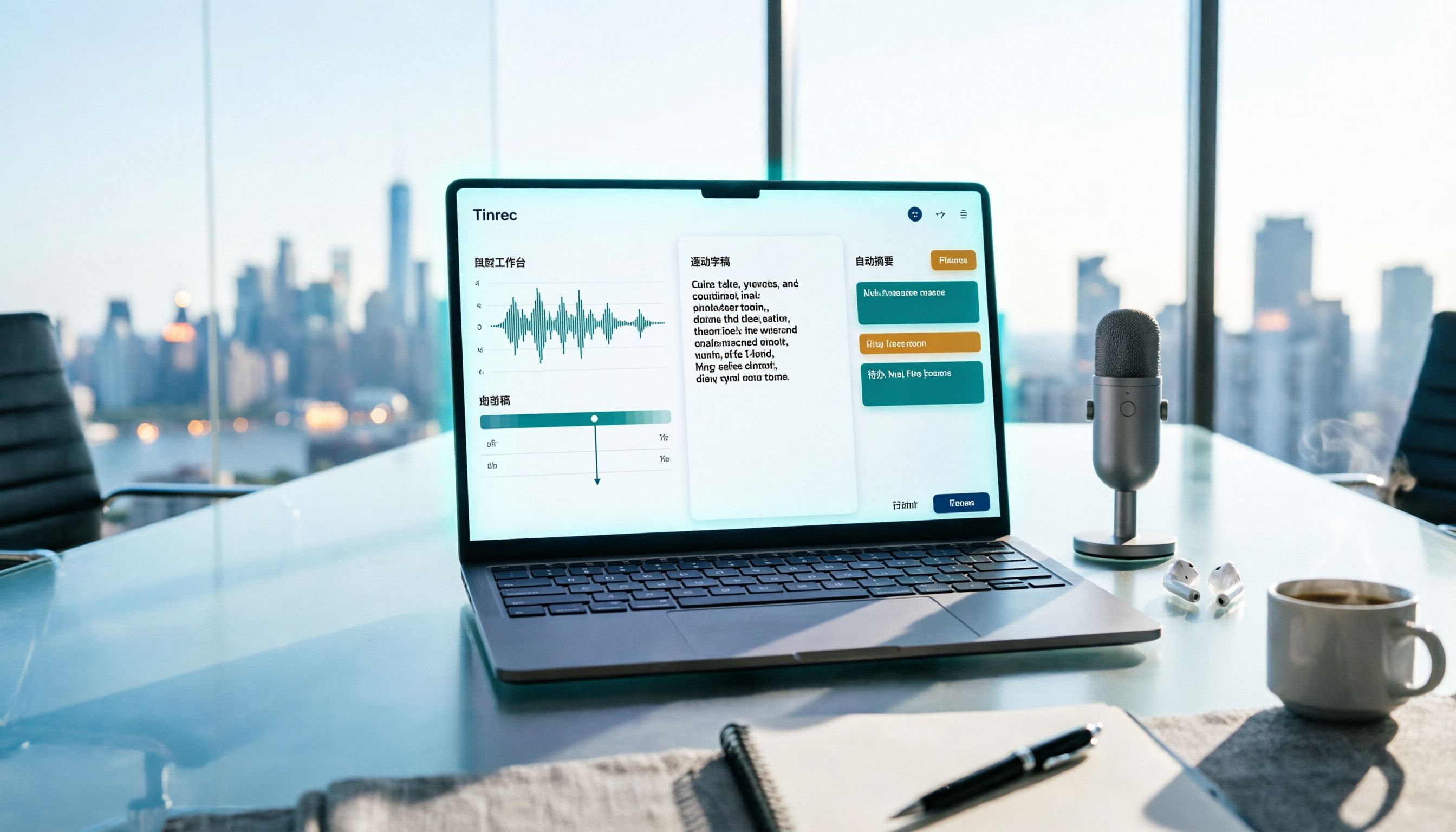
Free Meeting Notes App 2026: Record, Transcribe & Auto Summarize Action Items
From online meetings to in-person sessions and old recordings, here's a complete guide to using a free meeting notes app. Using Tinrec as an example, we cover real-time transcription, bot-free recording, AI summaries and action items, and export workflows, plus 5 key buying considerations and FAQs.

4 Free Meeting Transcription Apps Compared: Which Free Tier Actually Works in 2026?
2026 free meeting transcription app comparison: We tested Tinrec, Otter.ai, Notta, and PLAUD on free tier limits, Chinese recognition, and post-meeting AI organization to find out which free plan is truly usable and which one suits team collaboration.

4 Free Meeting Transcription Apps Tested in 2026: Which Free Version Is Actually Enough?
There are many free meeting transcription apps, but the free quotas, accuracy for Chinese and mixed Chinese-English speech, and whether a bot joins your meeting can vary widely. This article compares four popular tools across five dimensions: free quota, Chinese recognition, recording method, post-meeting output, and team collaboration. It explains why Tinrec stands out for Chinese meetings and post-meeting organization, and highlights common pitfalls and selection advice.

4 Free Meeting Transcription Apps Compared: Which Is Fastest to Download and Use in 2026?
How do you download a free meeting transcription app? This article addresses three common misconceptions, walks through the actual download and setup process for Tinrec, and compares the free plans of Notta, Otter.ai, and Granola. It highlights key points to check before downloading and the most common pitfalls, helping you find a meeting transcription tool that truly works for you.

Tinrec vs VS Code Live Share 2026: 5-Dimension Comparison for Meeting Notes
Choosing between VS Code Live Share and a dedicated meeting notes app? This article compares Tinrec and VS Code Live Share across 5 dimensions: tool positioning, meeting audio capture, post-meeting output, language support, and team data retention. It also covers Tinrec's core features, practical use cases, team plan roles and seat differences, and key considerations when selecting a meeting notes tool.
4 Free Meeting Notes Apps Compared: Get the Comparison Criteria Right to Avoid Wasting Time
How to compare free meeting notes apps without choosing the wrong one? From the perspective of a mid-level manager who holds 15 meetings a week, this article breaks down the 4 most easily miscompared dimensions, tests Tinrec and briefly reviews the free version limitations of Otter.ai, Notta, and TurboScribe, and finally gives you selection advice and pitfalls to avoid that you can apply directly.

5 Free Meeting Notes Apps Compared in 2026: Free Tiers, Chinese Recognition, and Post-Meeting Organization
Are free meeting notes apps really free? This article breaks down three common misconceptions, compares five types of free plans, and uses Tinrec as an example to show the full workflow from recording, transcription, summarization, action items, to team collaboration—helping you choose a meeting notes tool that truly saves work hours.

5 Free Meeting Transcription Apps Tested for 2026: Which Free Version Is Actually Enough?
How do you choose a free meeting transcription app? This article compares Tinrec, Otter.ai, Notta, and PLAUD in real meeting scenarios, covering free quotas, Chinese recognition, post-meeting organization, and team collaboration. It also includes 4 key buying factors, 3 common pitfalls, and scenario-based recommendations.