
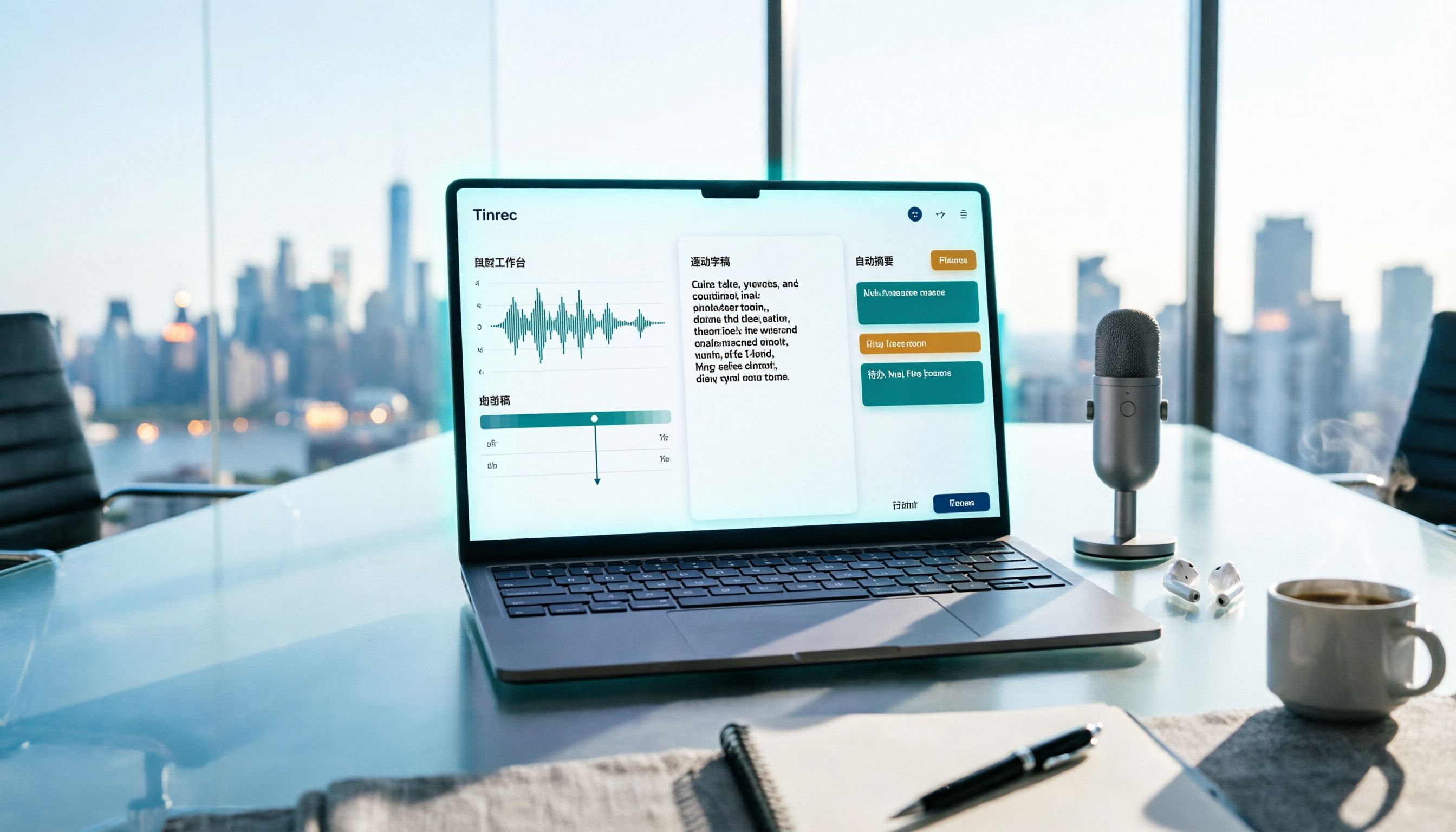
Turn recordings into transcripts and summaries in minutes
Upload audio or video for multilingual transcription, AI notes, and action items
Free Meeting Notes App 2026: Record, Transcribe & Auto Summarize Action Items
Your 4 PM meeting just ended, your boss asks in the group chat "When will I get the meeting notes?", and all you have is a 90-minute recording. In the past, you'd have to stay late, listening line by line and typing it all out. Now most people look for a free meeting notes app to try—but the real question is: how far can a free plan actually take you?
This article skips the theory and breaks down the process of "how to create meeting notes": what parts free tools can handle, how Tinrec works at each step, and 5 things to consider when choosing a tool.
What Can a Free Meeting Notes App Do for You?
Scenario 1: After an online meeting, transcript and summary appear together After a two-hour meeting, you used to spend another hour organizing notes. With Tinrec, for example, after recording ends, AI organizes the content into a summary, chapters, and key points. You can quickly grasp what was discussed and what the conclusions were without listening to the entire recording.
Scenario 2: No need to invite a meeting bot Many online meeting note tools require a bot account to join the meeting room, which is especially awkward for client meetings or external meetings. Tinrec's desktop version captures your computer's system audio directly, without adding extra participants, and can handle meeting audio played on Zoom, Google Meet, Microsoft Teams, Webex, and other platforms.
Scenario 3: Clear out old recordings piling up on your hard drive Interview files, lecture recordings, last quarter's meeting backups—these are usually harder to organize than live meetings. Tinrec supports uploading audio and video files for transcription, and can directly generate summaries and action items, effectively adding text to your accumulated voice data.
Scenario 4: See translations during cross-language meetings When meeting with colleagues or clients who speak different languages, Tinrec provides real-time translation. You can view the original text, translation, or bilingual content as needed, and keep up with the discussion as it happens.
What Are the Core Capabilities of a Free Meeting Notes App?
Real-time recording to text: Transcribes as you record, not after. Suitable for in-person meetings, interviews, and live note-taking. You can check in real time whether any key points are missed during the meeting.
Bot-free online meeting recording: Tinrec's desktop version records and transcribes in real time by capturing system audio. Note that this starts only when the user actively turns it on; it does not automatically join every meeting on your calendar.
AI summary and chapters: AI summary doesn't just compress the transcript into a paragraph; it breaks long meetings into chapters and key points, letting you grasp the structure of the entire meeting in minutes.
Action item extraction: Project meetings and client meetings most need to know "who does what." Tinrec extracts action items from the discussion, reducing the time spent digging through the transcript afterward.
AI Q&A: After the transcript is ready, you can ask questions directly about the meeting content, such as "Who proposed the budget number?" or "What concerns did the client raise?" This turns past meetings into searchable data instead of recordings you have to re-listen to.
Export and post-meeting processing: Tinrec supports multiple export formats, so you can continue using the content in Notion, Google Docs, OneNote, Dropbox, and other tools. You can also use Agent post-processing to turn meeting content into reports, tables, or documents for presentations and deliverables.
Practical Use Cases
Workplace weekly and project meetings: Regular weekly progress meetings are ideal for AI handling. Record with Tinrec to get summaries and action items, then assign the action items after the meeting. Managers can also look back at decision context from past weeks.
Client interviews and sales conversations: Client needs, concerns, and commitments are often scattered throughout the conversation. After transcription, Tinrec's AI Q&A can quickly pull out key passages, which you can export for follow-up.
Stop organizing recordings by hand
Upload audio or video and automatically get a transcript, summary, and action items
Classes, lectures, and training: When the speaker talks fast and content is dense, handwritten notes easily miss details. Real-time transcription plus summary means you don't have to re-listen to the entire recording when reviewing after class.
Personal knowledge management and content creation: When you want to turn meeting or interview material into articles, scripts, or reports, Tinrec's transcription, summary, and export workflow can save a lot of organizing time.
5 Things to Consider When Choosing a Free Meeting Notes App
1. How free quota is calculated Free plans usually have minute limits or single-session length limits. First confirm whether your meeting frequency fits within the free tier. Tinrec's free version provides a basic quota to experience recording, importing, summarizing, and transcription before deciding whether to upgrade. For long-term stable use, consider Pro; for temporary intensive use, a weekly pass is available.
2. Chinese and multilingual recognition Mixed Chinese-English, technical terms, and overlapping speakers all affect transcription results. It's best to test with your own actual meeting recording. Tinrec covers Chinese, Traditional Chinese, and multilingual meeting scenarios, and offers a team hotword feature to maintain commonly used team terminology.
3. Whether a meeting bot is needed If you often meet with external parties, whether the tool must join as a participant directly affects the experience. Tinrec's desktop version records by capturing system audio, so no extra bot needs to join.
4. What you can do after transcription Transcription is just the first step. After transcription, Tinrec can also generate summaries, chapters, action items, and supports AI Q&A, real-time translation, and multi-format export, making meeting content truly usable.
5. Team collaboration and data ownership Personal use and team use are two different things. Tinrec's team version provides an independent team space where meeting data belongs to the team. You can manage members, roles, and seats. Members without a seat can still view and read team data; only after getting a seat can they record, upload, edit, and export. The team version also offers a first-time trial plan, usage analytics, audit logs, team hotwords, and an audio recycle bin, suitable for departments and project teams that need to accumulate meeting assets.
Frequently Asked Questions
Is a free meeting notes app really enough? It depends on your usage frequency. For occasional recording organization, the free quota is plenty. If you have multiple meetings every week, it's best to estimate your monthly minute needs before deciding on a plan.
Does Tinrec require a meeting bot to join? No. Tinrec's desktop version directly captures computer system audio to record online meetings and generate real-time transcripts, so no bot account appears in the participant list.
Can it guarantee 100% accuracy? It's not recommended to expect that. Transcription quality is affected by recording quality, background noise, accents, overlapping speakers, and technical terms. For important content, it's best to verify against the transcript timestamps and the recording.
What's the difference between the team version and the personal version? In the personal version, data is managed by the individual account. The team version provides an independent team space where data belongs to the team, and adds governance capabilities such as members, roles, seats, sharing permissions, usage analytics, and audit logs.
What should I pay attention to when recording and transcribing? Before use, confirm compliance with local regulations and obtain participant consent when necessary, especially for meetings involving client data or sensitive content.
Conclusion
The value of a free meeting notes app isn't just turning recordings into text—it's compressing the most time-consuming part of "post-meeting organization" into a few minutes. Tinrec, from real-time transcription and bot-free meeting recording to summaries, action items, AI Q&A, and export, turns a meeting into searchable, queryable, reusable data. If your team needs collaborative editing and data accumulation, the team version can centralize this content into team assets. Start with the free quota and test it with one of your own meetings—that will tell you faster than reading ten reviews which plan you need.
References
- No time limit! 3 free AI transcription tools, highly recommended! AI voice notes generate meeting minutes, presentations, mind maps | 104 Workplace Power
- r/ProductivityApps on Reddit: Does anyone know of a free or cheap app that will do meeting notes for you?
- Recently many people ask me if there's any AI tool for meeting notes. They still type manually, often can't multitask, and waste time. I always answer — SeaMeet. Why recommend it? Here's a summary: - Connects to Google Meet, transcribes online meetings in sync, with real-time summaries, super convenient. - No need to refresh; after the meeting ends, it directly emails all participants. - So simple that even older people who've never used AI tools can learn it in 10 minutes. - In-person meetings...
- Meeting Ink - 2026 AI Meeting Notes Tool Test | 7 voice-to-text and summary speed comparison | Meeting Ink - AI Meeting Notes Assistant Auto Transcription Summary
- AI Meeting Notes Software Recommendations: 5 App Test Comparison, Auto Text Conversion Makes Meetings Easy!
Turn every recording into actionable outcomes
Get 60 free transcription minutes when you sign in. No credit card required.
Related Reading
You might also like

3 Free Meeting Transcription Apps Tested in 2026: Which Offers Better Free Tier and AI Q&A?
How to choose a free meeting transcription app in 2026? This article compares free tiers, recognition accuracy, recording retention, and post-meeting AI applications across popular tools like Tinrec, Notta, Otter.ai, and Granola. It provides a guide to avoid pitfalls and scenario-based recommendations to help you find a meeting transcription solution that truly works for free.

4 Free Meeting Transcription Apps Compared: Which Free Tier Actually Works in 2026?
2026 free meeting transcription app comparison: We tested Tinrec, Otter.ai, Notta, and PLAUD on free tier limits, Chinese recognition, and post-meeting AI organization to find out which free plan is truly usable and which one suits team collaboration.

4 Free Meeting Transcription Apps Tested in 2026: Which Free Version Is Actually Enough?
There are many free meeting transcription apps, but the free quotas, accuracy for Chinese and mixed Chinese-English speech, and whether a bot joins your meeting can vary widely. This article compares four popular tools across five dimensions: free quota, Chinese recognition, recording method, post-meeting output, and team collaboration. It explains why Tinrec stands out for Chinese meetings and post-meeting organization, and highlights common pitfalls and selection advice.

4 Free Meeting Transcription Apps Compared: Which Is Fastest to Download and Use in 2026?
How do you download a free meeting transcription app? This article addresses three common misconceptions, walks through the actual download and setup process for Tinrec, and compares the free plans of Notta, Otter.ai, and Granola. It highlights key points to check before downloading and the most common pitfalls, helping you find a meeting transcription tool that truly works for you.

Tinrec vs VS Code Live Share 2026: 5-Dimension Comparison for Meeting Notes
Choosing between VS Code Live Share and a dedicated meeting notes app? This article compares Tinrec and VS Code Live Share across 5 dimensions: tool positioning, meeting audio capture, post-meeting output, language support, and team data retention. It also covers Tinrec's core features, practical use cases, team plan roles and seat differences, and key considerations when selecting a meeting notes tool.

4 Free Meeting Notes Apps Compared: Get the Comparison Criteria Right to Avoid Wasting Time
How to compare free meeting notes apps without choosing the wrong one? From the perspective of a mid-level manager who holds 15 meetings a week, this article breaks down the 4 most easily miscompared dimensions, tests Tinrec and briefly reviews the free version limitations of Otter.ai, Notta, and TurboScribe, and finally gives you selection advice and pitfalls to avoid that you can apply directly.

Which Apple Watch Meeting Notes App Is Best? 2026 Hands-On Test of 4 Apps, This One Handles Chinese Best
Apple Watch can only record audio—it can't generate transcripts directly, so meeting notes still need to be redone. This article hands-on tests 4 free meeting notes apps that work with the watch recording workflow, comparing Chinese recognition, AI summaries, AI Q&A, and free quotas, and shares a practical workflow using Tinrec with Apple Watch to help you find the one that saves the most time.

5 Free Meeting Notes Apps Compared in 2026: Free Tiers, Chinese Recognition, and Post-Meeting Organization
Are free meeting notes apps really free? This article breaks down three common misconceptions, compares five types of free plans, and uses Tinrec as an example to show the full workflow from recording, transcription, summarization, action items, to team collaboration—helping you choose a meeting notes tool that truly saves work hours.

5 Free Meeting Transcription Apps Tested for 2026: Which Free Version Is Actually Enough?
How do you choose a free meeting transcription app? This article compares Tinrec, Otter.ai, Notta, and PLAUD in real meeting scenarios, covering free quotas, Chinese recognition, post-meeting organization, and team collaboration. It also includes 4 key buying factors, 3 common pitfalls, and scenario-based recommendations.