

Turn recordings into transcripts and summaries in minutes
Upload audio or video for multilingual transcription, AI notes, and action items
The Moment the Meeting Ends Is When the Real Overtime Begins
It's 2 p.m. on a Wednesday, and the online meeting just ended. You look at the 47-minute recording on your screen and silently do the math: 47 minutes to listen again, another 90 minutes to type up a transcript while listening, and by the time you're done organizing, the whole afternoon is gone.
If the meeting is in Chinese with a few English technical terms mixed in, it only gets worse. The transcribed sentences come out half Chinese, half English, and you have to fix every name, product name, and project code one by one.
Even harder to handle are the parts where multiple people talk over each other. Afterward, you can't tell who said what, so you guess from memory—and if you guess wrong, you have to replay the whole section.
This article isn't about glorifying any one tool. It's my notes after actually using several free meeting transcription apps for meetings, interviews, and class recordings. Choosing the right tool saves you more than typing time—it determines whether the entire meeting's content can be reused.
Before Choosing a Free Meeting Transcription App, Understand These 4 Key Points
1. How the free quota actually works. They all say "free," but some give monthly minutes, some limit the number of files per day, and some add a maximum length per recording. For example, Notta's free version gives 120 minutes per month with a 3-minute limit per recording; exceed that and you have to upgrade. If your meetings regularly run an hour, that limit rules it out immediately. When checking quotas, first confirm how long your meetings are.
2. Chinese and mixed Chinese-English recognition performance. Many English tools have impressive accuracy but fall apart when they encounter Chinese meetings. If you often meet in Chinese, Taiwanese, or a mix of Chinese and English, you must choose a tool optimized for Chinese scenarios and test it with your own recordings—don't just rely on official marketing.
3. Can you organize directly after recording? A tool that only gives you a transcript is just handing the organizing work right back to you. What really saves time is summaries, chapters, action item extraction, and the ability to ask questions directly about the meeting content. This is usually where the biggest gap between free and paid versions lies.
4. Cross-platform support and whether audio files are retained. Recording on your phone today and organizing on your computer tomorrow is a very common workflow. If the tool doesn't support cross-platform use, or doesn't retain audio files and can't import old recordings, going back to verify a section later will be painful.
Tinrec — The One I Kept Using After Testing
Tinrec is an AI meeting transcription and collaboration tool for individuals and teams. It supports live recording, online meetings, audio and video file import, and has iOS, Android, and web versions. Online meetings on a computer are handled by the desktop version.
The most noticeable thing first: it doesn't need to pull a meeting bot into the meeting room. The desktop version directly captures your computer's system audio, so it can record Zoom, Google Meet, Microsoft Teams, and Webex meetings without adding a strange participant to the screen—and you don't have to explain to colleagues who that is. Note that this doesn't happen automatically—you have to open the Tinrec desktop app and start recording yourself. It's not a calendar-based automatic meeting bot.
The second scenario is post-meeting organization. In the past, once you finished recording, the transcript was the end point; in Tinrec, the transcript is just the starting point. After the meeting, it generates a summary, chapters, and key points, and also extracts action items from the discussion. For long meetings, you can jump through chapters instead of listening from the beginning.
The most useful feature is actually AI Q&A. After recording, you can directly ask it: "What was decided at the end of this meeting?" "Who is responsible for next week's proposal?" It doesn't dump a list of keyword search results on you—it answers directly based on the meeting content. Manually digging through a 40-minute transcript for the same question would take at least five minutes. This feature isn't available in every similar tool yet.
Export options are also fairly complete. Transcripts, summaries, and mind maps can be exported as files, and can also be taken to Notion, Google Docs, OneNote, or Dropbox for further editing, so you don't have to copy and paste between tools.
Two things need to be said honestly. First, the free version provides a basic quota so you can experience recording, importing, summaries, and transcription. If you have several meetings every week and often import old audio files, the quota will run out, so you'll need to consider a weekly pass or Pro plan based on your usage pace. Second, accuracy isn't a fixed number—air conditioning noise in the meeting room, multiple people talking over each other, and technical jargon all affect results. For important content, it's best to verify by replaying the recording.
Stop organizing recordings by hand
Upload audio or video and automatically get a transcript, summary, and action items
For team use, Tinrec has a separate team workspace where meeting data belongs to the team rather than individuals, so data isn't taken away when members leave. Admins can manage members, roles, and seats, view usage trends and audit logs, and recover accidentally deleted audio files from a 30-day recycle bin. You can also maintain team hotwords to improve recognition of internal product names and terminology. Currently, the team plan is USD 29.80 per paid seat per month, or USD 199 annually (about USD 16.58 per month). Each paid seat provides 2,000 minutes of shared team import quota per month; eligible teams also get a 7-day trial, 1 free seat, and 300 minutes of shared import quota for the first time. Actual prices and benefits are subject to the official purchase page.
In short, if you mainly meet in Chinese, want to ask AI directly for key points after recording, and don't want an extra bot in the meeting, this tool will feel smoother than most pure transcription tools.
Besides Tinrec, What Other Options Are There?
First, a free plan comparison, then who each one suits:
| Tool | Free Plan | Chinese Meetings | Best For |
|---|---|---|---|
| Tinrec | Free version offers basic quota to try recording, import, summary, and transcription | Supports Chinese, Traditional Chinese, and multiple languages, plus team hotwords | People who mainly meet in Chinese and want AI follow-up and organization |
| Otter.ai | 300 minutes per month | Primarily English business meetings | Users with all-English meetings |
| Notta | 120 minutes per month, max 3 minutes per recording | Multi-language support | People who want to compare different interfaces |
| PLAUD Note | Requires purchasing a device (NotePin from USD 159), membership plans start at 300 minutes per month | Depends on device and app | People who need portable hardware recording |
Otter.ai is a classic choice for English meetings. Its free version gives 300 minutes per month, which is generous among free tools, and its speaker identification and English summaries are solid. But its strength is English—Chinese meetings are not its forte. If your meetings are mainly in Chinese or mixed Chinese-English, it will feel awkward. It also lacks Tinrec's complete post-meeting workflow of "ask questions directly about the meeting content and extract action items." If you only record English meetings, it's worth a try.
Notta overlaps heavily with Tinrec in features—multi-platform transcription, meeting notes, file import, and translation are all there, making it a direct competitor worth comparing. But check the free version limits first: 120 minutes per month, max 3 minutes per recording; exceed that and you pay. In contrast, Tinrec's desktop version can record online meetings without a bot, and its team workspace, AI Q&A, and post-meeting outputs are more complete. Don't just compare price and minutes.
PLAUD (NotePin / Note Pro) is the hardware route, focused on portable recording. Device prices start at USD 159 for NotePin and USD 189 for Note Pro, with membership plans starting at 300 minutes per month. If you often record in situations without a computer, hardware does have its value. The difference is you have to carry an extra device, whereas Tinrec can handle online meetings and existing audio files via web, desktop, or phone, and team data is centralized in one workspace.
Pitfall Guide: The 3 Most Common Mistakes When Choosing a Free Meeting Transcription App
Pitfall 1: Only looking at the word "free" and not the per-recording length limit. Some tools give you monthly minutes in the free version but limit each recording to 3 minutes, cutting off after that. For anyone in meetings, that limit is almost unusable. Before trying, confirm the per-recording limit and file import restrictions.
Pitfall 2: Assuming the free version can handle all your meetings. Free plans are usually meant to let you experience the core workflow, not cover your entire daily meeting usage. A more practical approach: first run your most troublesome meeting through the free version to see if its quota can keep up with your actual pace, then decide whether to pay.
Pitfall 3: Treating the tool as just recording-to-text. If you only take the transcript, you're using only one-third of what these tools can do. Post-meeting features like summaries, action item extraction, and AI Q&A are where the real time savings are. Asking it directly "What was the conclusion of this meeting?" after recording is much faster than manually flipping through a 30-minute transcript.
One final reminder: before recording, check local laws and get participant consent when needed. This is more important than which tool you choose.
Conclusion: Which One Should You Actually Choose?
Overall, when choosing a free meeting transcription app in 2026, look first at your meeting language and how much time you'll spend organizing afterward—not at who has the most free minutes.
Need Chinese or mixed Chinese-English transcription and want to use AI to find key points after the meeting → Tinrec (most complete Chinese scenario and Q&A workflow).
Don't want an extra bot in the meeting but need to record Zoom, Meet, and Teams online meetings → Tinrec (desktop version captures system audio).
Need to continue using across phone, computer, and web → Tinrec (all three platforms supported, audio files retained and old recordings can be imported).
Small group or department needs to manage meeting data together, view usage and permissions → Tinrec team plan (separate team workspace, role and seat management, audit logs, and recycle bin).
Zero budget and all-English meetings → Otter.ai (300 free minutes is one of the few exceptions recommended in this article).
I suggest first running your hardest-to-organize meeting through the free version to see if the transcript and summary match your needs, then decide whether to go further. Whether a tool is good or not can be tested in one meeting.
References
- AI Meeting Notes Software Recommendations: 5 Major Apps Tested and Compared, Automatic Transcription Makes Meetings Easy!
- No Time Limit! 3 Free AI Transcription Tools, Highly Recommended! AI Voice Notes Generate Meeting Minutes, Presentations, Mind Maps | 104 Career Power
- Meeting Ink - 2026 AI Meeting Notes Tool Test | 7 Speech-to-Text and Summary Speed Comparison | Meeting Ink - AI Meeting Notes Assistant Automatic Transcription and Summary
- 4 Free Meeting Transcription Apps Tested for 2026: Which Apple Watch Recording-to-Text Tool Is Actually Enough? - Tinrec Blog
- 5 AI Meeting Transcription Apps Tested for 2026: Which Free Version Is Best for Students? - Tinrec Blog
Turn every recording into actionable outcomes
Get 60 free transcription minutes when you sign in. No credit card required.
Related Reading
You might also like
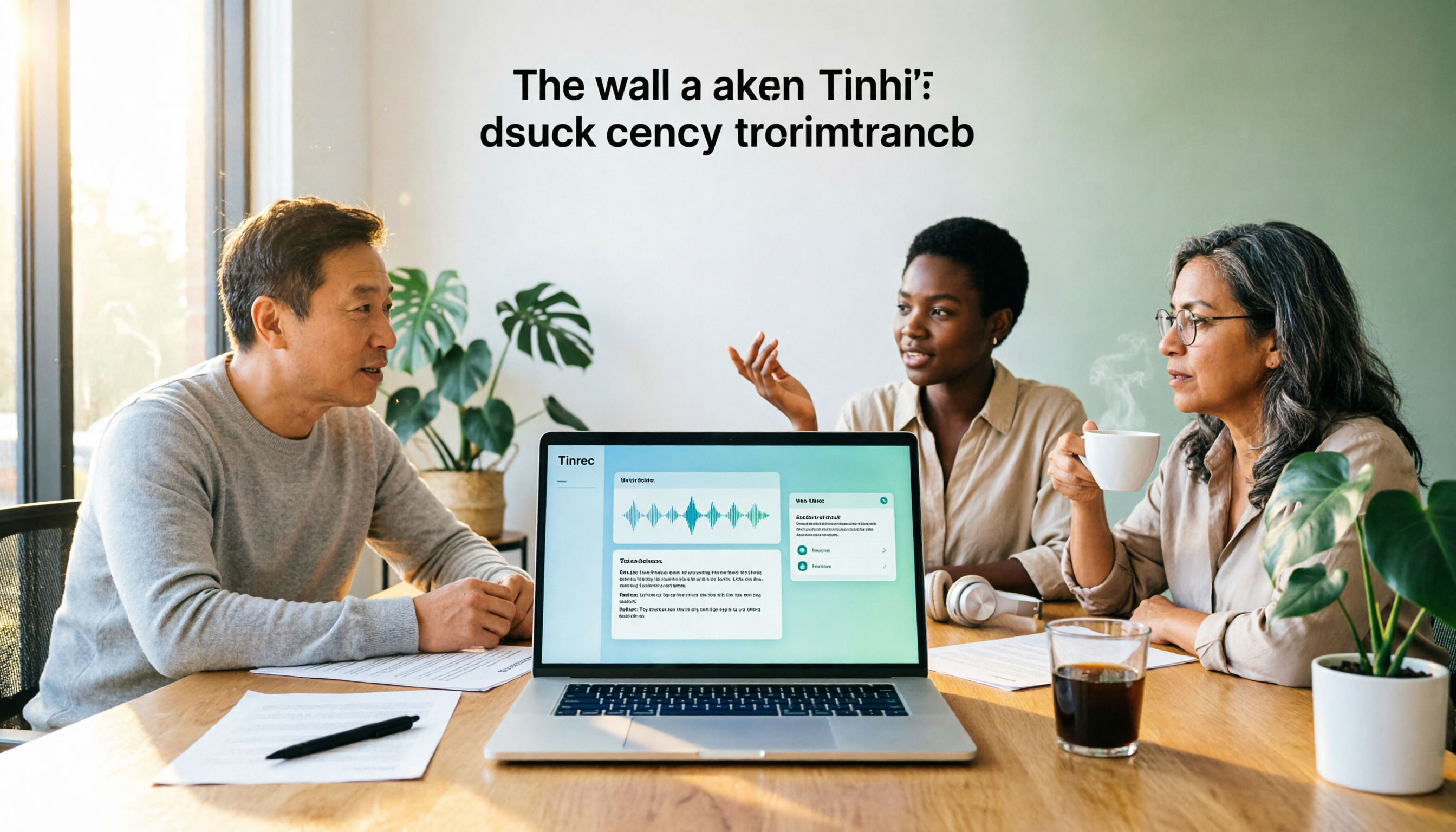
3 Free Meeting Transcription Apps Tested in 2026: Which Offers Better Free Tier and AI Q&A?
How to choose a free meeting transcription app in 2026? This article compares free tiers, recognition accuracy, recording retention, and post-meeting AI applications across popular tools like Tinrec, Notta, Otter.ai, and Granola. It provides a guide to avoid pitfalls and scenario-based recommendations to help you find a meeting transcription solution that truly works for free.
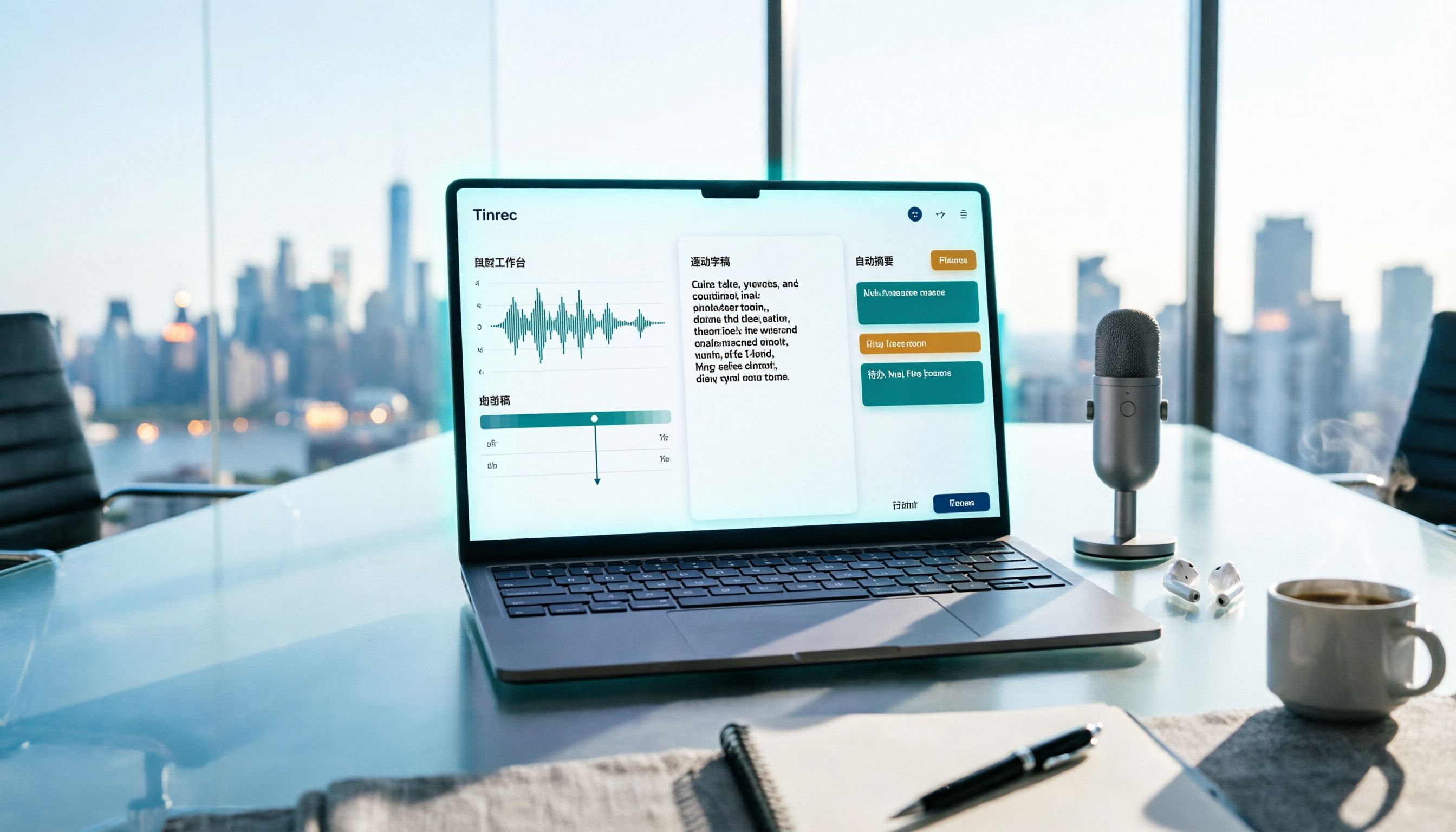
Free Meeting Notes App 2026: Record, Transcribe & Auto Summarize Action Items
From online meetings to in-person sessions and old recordings, here's a complete guide to using a free meeting notes app. Using Tinrec as an example, we cover real-time transcription, bot-free recording, AI summaries and action items, and export workflows, plus 5 key buying considerations and FAQs.

4 Free Meeting Transcription Apps Compared: Which Free Tier Actually Works in 2026?
2026 free meeting transcription app comparison: We tested Tinrec, Otter.ai, Notta, and PLAUD on free tier limits, Chinese recognition, and post-meeting AI organization to find out which free plan is truly usable and which one suits team collaboration.

4 Free Meeting Transcription Apps Tested in 2026: Which Free Version Is Actually Enough?
There are many free meeting transcription apps, but the free quotas, accuracy for Chinese and mixed Chinese-English speech, and whether a bot joins your meeting can vary widely. This article compares four popular tools across five dimensions: free quota, Chinese recognition, recording method, post-meeting output, and team collaboration. It explains why Tinrec stands out for Chinese meetings and post-meeting organization, and highlights common pitfalls and selection advice.

4 Free Meeting Transcription Apps Compared: Which Is Fastest to Download and Use in 2026?
How do you download a free meeting transcription app? This article addresses three common misconceptions, walks through the actual download and setup process for Tinrec, and compares the free plans of Notta, Otter.ai, and Granola. It highlights key points to check before downloading and the most common pitfalls, helping you find a meeting transcription tool that truly works for you.

Tinrec vs VS Code Live Share 2026: 5-Dimension Comparison for Meeting Notes
Choosing between VS Code Live Share and a dedicated meeting notes app? This article compares Tinrec and VS Code Live Share across 5 dimensions: tool positioning, meeting audio capture, post-meeting output, language support, and team data retention. It also covers Tinrec's core features, practical use cases, team plan roles and seat differences, and key considerations when selecting a meeting notes tool.

4 Free Meeting Notes Apps Compared: Get the Comparison Criteria Right to Avoid Wasting Time
How to compare free meeting notes apps without choosing the wrong one? From the perspective of a mid-level manager who holds 15 meetings a week, this article breaks down the 4 most easily miscompared dimensions, tests Tinrec and briefly reviews the free version limitations of Otter.ai, Notta, and TurboScribe, and finally gives you selection advice and pitfalls to avoid that you can apply directly.

Which Apple Watch Meeting Notes App Is Best? 2026 Hands-On Test of 4 Apps, This One Handles Chinese Best
Apple Watch can only record audio—it can't generate transcripts directly, so meeting notes still need to be redone. This article hands-on tests 4 free meeting notes apps that work with the watch recording workflow, comparing Chinese recognition, AI summaries, AI Q&A, and free quotas, and shares a practical workflow using Tinrec with Apple Watch to help you find the one that saves the most time.

5 Free Meeting Notes Apps Compared in 2026: Free Tiers, Chinese Recognition, and Post-Meeting Organization
Are free meeting notes apps really free? This article breaks down three common misconceptions, compares five types of free plans, and uses Tinrec as an example to show the full workflow from recording, transcription, summarization, action items, to team collaboration—helping you choose a meeting notes tool that truly saves work hours.