

Turn recordings into transcripts and summaries in minutes
Upload audio or video for multilingual transcription, AI notes, and action items
Tinrec vs VS Code Live Share 2026: 5-Dimension Comparison for Meeting Notes
"Looking for a free meeting notes app, but search results show VS Code Live Share"—this is likely a common experience for many developers recently. These two tools actually answer two different questions: VS Code Live Share solves "how to collaborate with colleagues on the same project during a meeting"; a meeting notes app solves "after the meeting, who writes the record, where to put it, and can it be found later."
What really determines whether you need to stay late to fill in the transcript is the latter. Below, we compare Tinrec and VS Code Live Share across 5 dimensions.
Why do some people start looking for meeting notes solutions beyond VS Code Live Share?
VS Code Live Share is a collaboration extension for Visual Studio Code. According to Microsoft Learn, after installing and signing in, you can share a project, start a collaborative meeting, and invite colleagues to join; guests can join by simply opening the invitation link in a browser, and the host can restrict guest access to certain files or features.
The problem is that it's a "write code together" meeting, not a "meeting record." Who said what at what time, what decisions were made, who needs to deliver what by when—Live Share won't transcribe that into text, nor will it generate a summary after the meeting. So most people end up doing this: while running Live Share, they also open a blank document to take manual notes, and after the meeting, piece together scattered keywords into a record.
If you have to rely on memory to fill in content after every meeting, and often miss key points in cross-language meetings, then what you need is a dedicated meeting notes tool—this is exactly the scenario Tinrec aims to solve.
Tinrec vs VS Code Live Share: How do core experiences differ?
1. Tool positioning: Collaborative development vs meeting notes and post-meeting organization
First, clarify the problems each solves; only then does comparison make sense. The value of VS Code Live Share is enabling multiple people to enter the same project simultaneously, view code, and debug together; Tinrec is positioned as an AI meeting notes and collaboration tool, handling the meeting content itself—turning audio into searchable, summarizable, queryable, and exportable data. If your meeting focus is code, choose Live Share; if the focus is "having a record after the meeting," Tinrec is the corresponding tool.
2. How meeting audio is captured: Shared workspace vs system audio capture
Live Share shares the project workspace; the conversation during the meeting itself is not saved. Tinrec takes a different approach: the desktop version directly captures the computer's system audio, handling online meetings on Zoom, Google Meet, Microsoft Teams, Webex, etc., without inviting a meeting bot to join the room. Users simply start recording, and the meeting content is transcribed in real-time as it's spoken. For those who don't want an extra bot in the meeting list but need complete records, this difference is practical.
3. Post-meeting output: Code vs transcript, summary, and action items
At the moment the meeting ends, what each leaves behind is completely different. Live Share leaves the collaboration process and code changes; Tinrec leaves a transcript, plus AI summary, chapters, key points, and action items, and you can continue asking questions about the meeting content. When you need to submit a report, you can further generate documents, reports, and tables, or export to existing workflows like Notion, Google Docs, OneNote, Dropbox, etc. For those who "still need to produce something after the meeting," this part is where real time is saved.
4. Language support: Chinese and cross-language meetings
Chinese meetings and mixed Chinese-English technical discussions are daily routines for many teams. Tinrec covers Chinese, Traditional Chinese, and multilingual meeting scenarios, and supports real-time translation, allowing you to view the original text, translation, or bilingual content as needed, and also provides team hotwords for maintaining professional terminology. Note that actual recognition performance is affected by recording quality, background noise, accents, overlapping speakers, and technical terms; it should not be treated as a zero-error promise. In contrast, Live Share itself does not handle speech transcription.
5. Team retention: Real-time collaboration vs traceable team data
Live Share meetings happen in real-time and do not automatically become searchable meeting assets after they end. Tinrec's team plan provides an independent team space that centrally stores meeting recordings, transcripts, summaries, and action items, with capabilities such as member and role management, seat allocation, usage analytics, audit logs, audio recycle bin, and team hotwords. Team resources belong to the team; when a member leaves or is removed, their responsible resources can be handed over to other active members, so they won't all disappear because one person leaves.
Stop organizing recordings by hand
Upload audio or video and automatically get a transcript, summary, and action items
Tinrec's core features at a glance
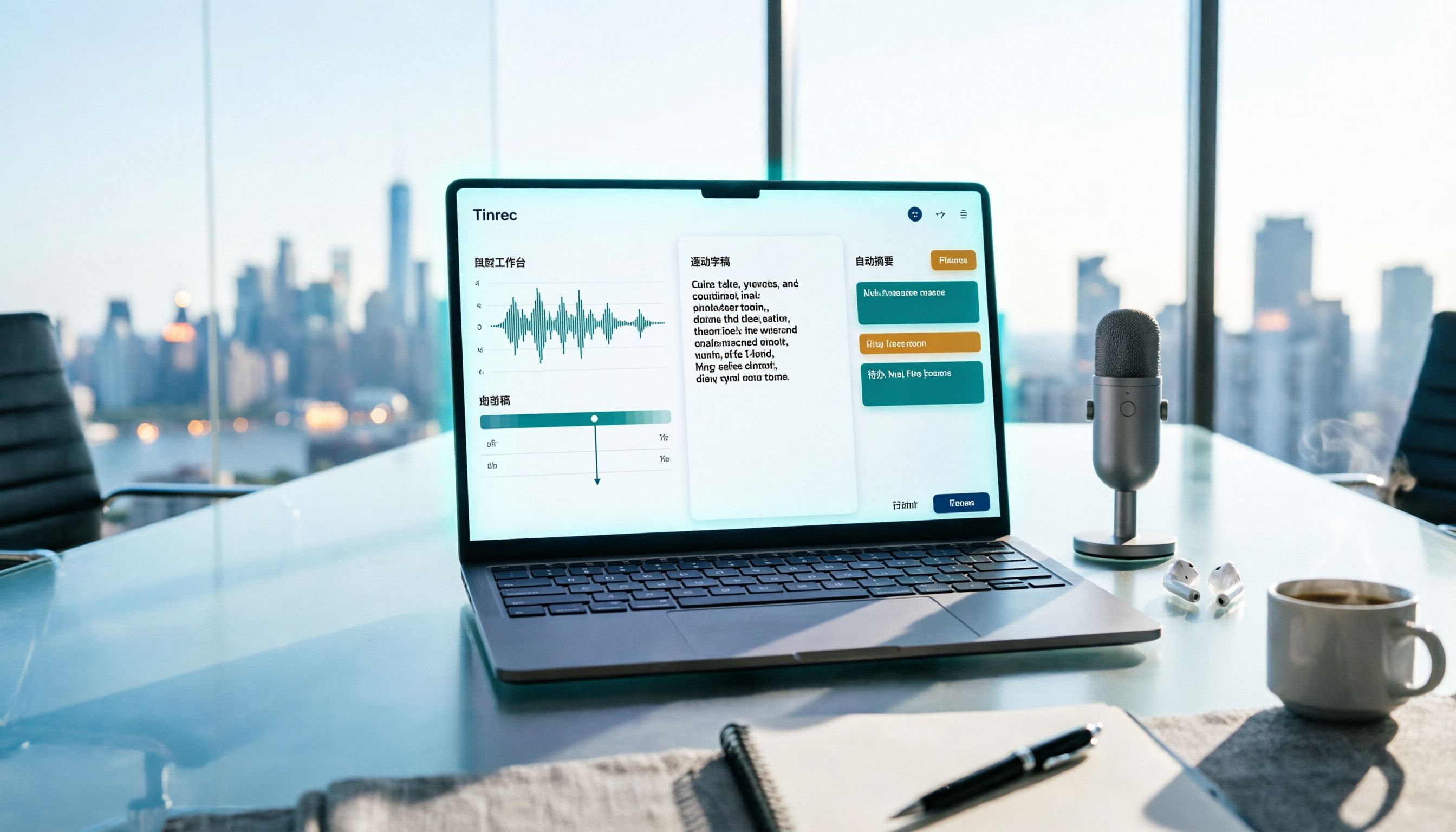
Real-time audio to text: Open Tinrec and start recording; text is generated simultaneously. It works for offline meetings, interviews, and classes. The transcript is ready the moment the meeting ends—no need to listen to the recording again.
Bot-free online meeting recording: The desktop version records online meetings via system audio capture, compatible with Zoom, Google Meet, Microsoft Teams, and Webex. No bot appears in the meeting participant list, and attendees don't need to adjust any settings.
AI summary, chapters, and action item extraction: The most troublesome part of long meetings is "what was discussed in which segment." Tinrec automatically generates summaries and chapters, and extracts action items from the discussion, so you can directly confirm action items after the meeting.
AI conversational query: This is the most underrated feature. After recording a one-hour meeting, you can directly ask in natural language, such as "What was the conclusion of this meeting?" "Who is responsible for what?" The system will provide answers based on semantic understanding, without manually scrolling through the entire transcript.
Multi-format export and post-processing: Transcripts and organized results can be exported to common formats and third-party tools, and reports, tables, and documents can be generated from meeting content, directly connecting to your existing workflow.
Team space (Team plan): The team plan is not multiple people sharing a personal account, but an independent team collaboration space, including team-shared recording and import quotas, member and seat management, usage trends, audit logs, audio recycle bin, and team hotwords.
Practical use cases
Development team sprint planning and technical reviews: Everyone discusses architecture while viewing code in VS Code, and simultaneously uses Tinrec desktop to record the entire meeting. After the meeting, no need to listen again; just check the action item list to confirm who needs to modify which API.
Cross-language meetings and international collaboration: When meeting with overseas colleagues or clients, real-time translation lets you grasp the other party's meaning during the meeting, and afterward, there's a bilingual transcript to verify details.
Customer interviews and requirements meetings: Requirements, commitments, and objections are most easily misremembered after meetings. Transcripts plus action item extraction keep every requirement mentioned by the customer in the team space, providing a basis for follow-up.
Personal learning and course notes: Start recording during lectures or talks, and after the meeting, use AI Q&A to find unclear sections—much faster than replaying the entire recording.
Points to consider when choosing a meeting notes tool
Recognition performance for Chinese and mixed Chinese-English: Meetings in Taiwan and Hong Kong often mix Chinese and English. When choosing a tool, test with your team's actual recordings, not just official demo audio.
Whether original audio files are retained: Retaining recordings allows playback for verification when needed. Tinrec supports audio file storage, and the team plan also provides an audio recycle bin, allowing recovery after accidental deletion before permanent cleanup (currently retention period is 30 days; action items are not within the recycle bin scope).
Whether post-meeting output is sufficient: A transcript alone is often not enough. Look for whether the tool can generate summaries, chapters, and action items, and whether you can continue asking questions about the content.
Team governance: Distinguish roles and seats: Tinrec's team plan separates "roles" and "seats"—roles determine who can manage the team and members, seats determine whether one can record, upload, edit, and export. Active members without seats can still view, play, and read team data. This is a detail to clarify when purchasing.
Free quota and billing method: Tinrec's free plan offers a basic quota, suitable for trial. The team plan offers a 7-day trial for first-time eligible users, 1 free seat, and 300 minutes of team-shared import quota; thereafter, monthly payment is USD 29.80 per paid seat, annual payment is USD 199 per paid seat (about USD 16.58 per month). Paid seats provide 2,000 minutes of team-shared import quota per month; under an active team plan and active seats, real-time recording currently does not deduct by minutes. Actual prices and benefits are subject to the official purchase page.
Recording compliance: Recording and transcription involve personal data and local regulations. Before recording, please confirm compliance with local laws and obtain consent from participants when necessary.
Conclusion: Is Tinrec worth a try?
If your meeting focus is "writing code together," VS Code Live Share remains a handy choice; but if your pain point is the post-meeting record—who said what, what decisions were made, who does what next—then Live Share can't help; you need a dedicated meeting notes tool.
Tinrec is worth considering for three reasons: first, the desktop version captures system audio without a bot, so online meetings don't need an extra bot to join; second, after the meeting, it not only provides a transcript but also summaries, action items, and AI Q&A; third, the team plan turns meetings into team assets, so data doesn't leave with members when they change.
We suggest starting with the free plan's basic quota, and testing with a real meeting recording from your team to see if the recognition results for Chinese and mixed Chinese-English, and the summary quality, meet your expectations—this is more direct than reading any review.
References
- Share a project and join a session in Visual Studio Code - Live Share | Microsoft Learn
- AI Meeting Notes Software Recommendations: 5 Major Apps Tested and Compared, Automatic Transcription Makes Meetings Super Easy!
- Download Visual Studio Code - Free AI Code Editor for Mac, Linux, Windows - VSCode · AI Code Editor
- No Time Limit! 3 Free AI Transcript Tools, Highly Recommended! AI Voice Notes Generate Meeting Records, Presentations, Mind Maps | 104 Career Power
- Visual Studio Code - Open Source AI Code Editor | Base for Multi-Agent Development - VSCode · AI Code Editor
Turn every recording into actionable outcomes
Get 60 free transcription minutes when you sign in. No credit card required.
Related Reading
You might also like

3 Free Meeting Transcription Apps Tested in 2026: Which Offers Better Free Tier and AI Q&A?
How to choose a free meeting transcription app in 2026? This article compares free tiers, recognition accuracy, recording retention, and post-meeting AI applications across popular tools like Tinrec, Notta, Otter.ai, and Granola. It provides a guide to avoid pitfalls and scenario-based recommendations to help you find a meeting transcription solution that truly works for free.
Free Meeting Notes App 2026: Record, Transcribe & Auto Summarize Action Items
From online meetings to in-person sessions and old recordings, here's a complete guide to using a free meeting notes app. Using Tinrec as an example, we cover real-time transcription, bot-free recording, AI summaries and action items, and export workflows, plus 5 key buying considerations and FAQs.

4 Free Meeting Transcription Apps Compared: Which Free Tier Actually Works in 2026?
2026 free meeting transcription app comparison: We tested Tinrec, Otter.ai, Notta, and PLAUD on free tier limits, Chinese recognition, and post-meeting AI organization to find out which free plan is truly usable and which one suits team collaboration.

4 Free Meeting Transcription Apps Tested in 2026: Which Free Version Is Actually Enough?
There are many free meeting transcription apps, but the free quotas, accuracy for Chinese and mixed Chinese-English speech, and whether a bot joins your meeting can vary widely. This article compares four popular tools across five dimensions: free quota, Chinese recognition, recording method, post-meeting output, and team collaboration. It explains why Tinrec stands out for Chinese meetings and post-meeting organization, and highlights common pitfalls and selection advice.

4 Free Meeting Transcription Apps Compared: Which Is Fastest to Download and Use in 2026?
How do you download a free meeting transcription app? This article addresses three common misconceptions, walks through the actual download and setup process for Tinrec, and compares the free plans of Notta, Otter.ai, and Granola. It highlights key points to check before downloading and the most common pitfalls, helping you find a meeting transcription tool that truly works for you.

4 Free Meeting Notes Apps Compared: Get the Comparison Criteria Right to Avoid Wasting Time
How to compare free meeting notes apps without choosing the wrong one? From the perspective of a mid-level manager who holds 15 meetings a week, this article breaks down the 4 most easily miscompared dimensions, tests Tinrec and briefly reviews the free version limitations of Otter.ai, Notta, and TurboScribe, and finally gives you selection advice and pitfalls to avoid that you can apply directly.

Which Apple Watch Meeting Notes App Is Best? 2026 Hands-On Test of 4 Apps, This One Handles Chinese Best
Apple Watch can only record audio—it can't generate transcripts directly, so meeting notes still need to be redone. This article hands-on tests 4 free meeting notes apps that work with the watch recording workflow, comparing Chinese recognition, AI summaries, AI Q&A, and free quotas, and shares a practical workflow using Tinrec with Apple Watch to help you find the one that saves the most time.

5 Free Meeting Notes Apps Compared in 2026: Free Tiers, Chinese Recognition, and Post-Meeting Organization
Are free meeting notes apps really free? This article breaks down three common misconceptions, compares five types of free plans, and uses Tinrec as an example to show the full workflow from recording, transcription, summarization, action items, to team collaboration—helping you choose a meeting notes tool that truly saves work hours.

5 Free Meeting Transcription Apps Tested for 2026: Which Free Version Is Actually Enough?
How do you choose a free meeting transcription app? This article compares Tinrec, Otter.ai, Notta, and PLAUD in real meeting scenarios, covering free quotas, Chinese recognition, post-meeting organization, and team collaboration. It also includes 4 key buying factors, 3 common pitfalls, and scenario-based recommendations.