

Turn recordings into transcripts and summaries in minutes
Upload audio or video for multilingual transcription, AI notes, and action items
Why Do You Need a Free Meeting Notes App?
Many people think finding a "free meeting notes app" means opening the app store, searching, tapping download, and being done in three minutes.
Honestly, the download part really isn't hard. The hard part comes after.
You record a 40-minute meeting, open it up, and find the free tier only covers 3 minutes of transcription. Or the plan says 60 minutes per month, and you're locked out by the second week. I hear readers complain about this several times every year.
Generally, I check three things first: how many minutes the free version actually gives you, whether there's a per-recording length limit, and how much it costs once you run out.
This article rounds up six common free meeting notes tools in one list, covering download methods, free quotas, and paid pricing all at once.
Tinrec — The Most Complete AI Recording Assistant
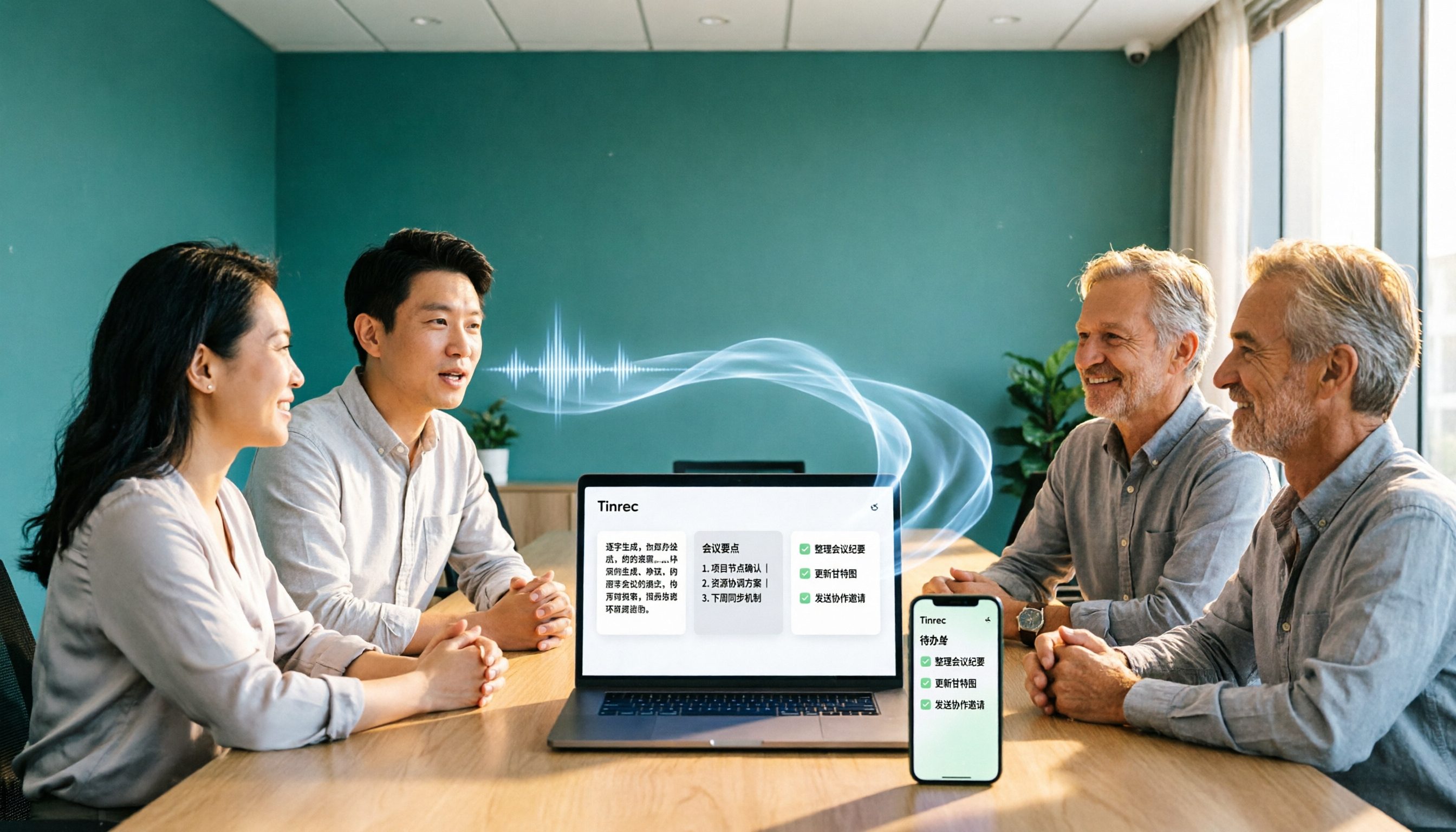
Tinrec is an AI meeting notes and collaboration tool for individuals and teams. It doesn't just turn audio into text—it organizes meeting content into searchable, summarizable, queryable, exportable, and further editable data.
**No meeting bot invitation needed.** The desktop version captures your computer's system audio directly, handling Zoom, Google Meet, Microsoft Teams, Webex, and other online meetings without adding a bot to the participant list.
**You can keep using it after transcription.** It automatically generates summaries, chapters, key points, and action items, lets you ask follow-up questions about meeting content with AI, and exports to Notion, Google Docs, OneNote, and other common tools.
**Available on phone, desktop, and web.** The mobile app is great for in-person meetings and field recording, the desktop version for online meetings, and the web version for organizing and importing existing audio files afterward.
**The team plan turns meetings into team assets.** It provides a separate team space where meeting data belongs to the team, with member roles and seat management, usage analytics, audit logs, and an audio recycle bin, so data isn't taken away when members leave.
The free version lets you try recording, importing, summaries, and transcription with a basic quota. For short periods of intensive meetings or interviews, consider a weekly pass; for steady weekly use, the Pro monthly plan works well; for long-term accumulation of recording data, the annual plan is suitable. The team plan is USD 29.80 per paid seat per month, or USD 199 per paid seat per year (about USD 16.58 per month).
Who it's for: People whose meetings are mainly in Chinese, who don't want a bot joining their meetings, and who need meeting data to stay within the team. Note that Tinrec requires you to actively open the desktop version to start recording—it's not a bot that automatically joins calendar meetings.
Notta — Multilingual Transcription and Meeting Notes
Notta is a very common transcription app in mobile app stores. It converts speech to text and automatically generates summaries, supporting over 50 languages and accents.
The free version offers 120 minutes per month, but each recording is capped at 3 minutes; the Pro annual plan works out to about USD 8.17 per month for 1,800 minutes monthly.
The difference from Tinrec is that Tinrec emphasizes bot-free online meeting recording, post-meeting AI Q&A, action item extraction, and team data accumulation. If your main need is file transcription and multilingual transcripts, Notta is worth considering.
Otter.ai — A Mature Choice for English Business Meetings
Otter is a mature AI meeting assistant covering Zoom, Microsoft Teams, and Google Meet, with real-time transcription, speaker identification, AI Chat, and team management.
The Basic free version offers 300 minutes per month; the Pro annual plan works out to about USD 8.49 per user per month, including 1,200 minutes of in-app recording and 10 file imports per month.
If most of your meetings are in English, Otter's maturity is higher. For Chinese meeting experience and team data accumulation, consider Tinrec.
Granola — Bot-Free AI Meeting Notes
Granola takes a "your notes plus AI enhancement" approach, also using desktop system audio and microphone for real-time transcription without a meeting bot. Basic is free, Business is USD 14 per user per month.
Keep in mind that Granola doesn't support uploading pre-recorded audio files and doesn't save meeting audio files, so it's better for people who like taking notes during meetings. If you need to keep recordings and import historical files, Tinrec is more suitable.
NotebookLM — Google's Free AI Note Assistant
If you just occasionally want to organize recordings or documents into key points, NotebookLM is a free AI note assistant from Google.
After importing files, you can generate audio summaries, and turn audio content into mind maps and presentation videos, so you can grasp key points without re-listening to recordings.
Stop organizing recordings by hand
Upload audio or video and automatically get a transcript, summary, and action items
However, its positioning leans toward personal knowledge organization, not a dedicated meeting notes tool. It lacks collaboration governance features like team seats and usage management.
inFin — A Voice Notes App You Can Use Without Signing Up
inFin is a voice notes app available on phone and computer. Not only is it free, it doesn't require registration, making it very low-barrier for people who just want to try it out.
It has AI transcription and summarization features, and can organize content into summaries, meeting notes, course highlights, and action items.
One caveat: its recognition accuracy is relatively average, so you'll need to check the transcribed text yourself. If your meeting content is important and needs long-term accumulation, consider switching to a tool like Tinrec.
With So Many Options, How Should You Choose?
• Want the most complete AI features (transcription + AI Q&A + automatic minutes + action items) → Tinrec, which currently covers all these steps • Don't want a bot joining online meetings → Tinrec desktop version (Granola works too, but can't import pre-recorded files) • Need Chinese, mixed Chinese-English meetings, and bilingual comparison → Tinrec, supports real-time translation and bilingual viewing • Want meeting data to stay with the team, need seat and usage management → Tinrec team plan • Need multilingual transcripts and file organization → Notta • Meetings are mainly in English, value meeting automation integration → Otter.ai • Zero budget, just occasionally organizing a recording → NotebookLM or inFin
4 Things to Know Before Using a Free Meeting Notes App
**1. Free quotas are usually monthly, not per meeting.** Check the per-recording length limit before downloading. Notta's free version caps each recording at 3 minutes, which will block long meetings.
**2. Verify official download sources.** Get it from the App Store, Google Play, or the official website. Don't install files from unknown sources.
**3. Confirm legality and consent before recording.** Recording and transcription involve participants' rights. Follow local regulations and get consent when necessary.
**4. Don't expect 100% accuracy.** Accuracy is affected by recording quality, noise, accents, overlapping speakers, and technical terminology. With Tinrec, for example, a safer approach is to cross-check important numbers and decisions using transcript timestamps and recording playback after the meeting.
Summary
Downloading a free meeting notes app was never the problem. The problem is whether the one you downloaded can last through an entire meeting and continue helping you afterward.
If your meetings are mainly in Chinese, you don't want a bot joining, and you want meeting data to stay with the team for searching and follow-up questions, Tinrec is the one most worth trying first on this list.
I suggest running through a complete workflow with the free version first to see if the rhythm of transcription, summaries, and exports feels smooth, then decide whether to upgrade.
FAQ
Q1: Where do I download a free meeting notes app? Most tools offer three entry points: mobile app, desktop version, and web version. For the mobile app, search the name in the App Store or Google Play. For desktop and web versions, go to the official website.
Q2: Is the free version enough? It depends on your meeting length and frequency. For example, Notta's free version is only 3 minutes per recording, Otter Basic is 300 minutes per month, and Mumble Note is 60 minutes per month. If you only occasionally organize short recordings, the free version is usually enough; if you have meetings every week, you'll hit the limit quickly.
Q3: Does Tinrec have a free version? How do I get started? Yes, the free version lets you try recording, importing, summaries, and transcription with a basic quota. You can use it via mobile app, desktop version, or web version. For online meetings, use the desktop version; for in-person meetings, record with your phone.
Q4: What happens after the free quota runs out? You'll usually need to upgrade to a paid plan. Tinrec's personal plans are divided into weekly pass, Pro monthly, and Pro annual based on usage scenarios; the team plan is priced per paid seat at USD 29.80 per seat per month, or USD 199 per seat per year. Actual prices and benefits are subject to the official purchase page.
Q5: Can I trust the accuracy of meeting notes apps? It's not recommended to treat them as 100% accurate. Actual results are affected by recording quality, accents, background noise, and overlapping speakers. For important decisions and numbers, always cross-check with the transcript and recording.
Q6: If a team wants to use it together, which plan should we choose? If only a few people share it, a personal plan might barely work; but if you need centralized meeting data storage, member and usage management, or even operation logs, choose a tool with a team space. Tinrec's team plan provides a team space, role and seat management, usage analytics, audit logs, and an audio recycle bin, so data can be handed over to other members when someone leaves.
References
- No Time Limit! 3 Free AI Transcription Tools, Highly Recommended! AI Voice Notes Generate Meeting Notes, Presentations, Mind Maps | 104 Career Power
- r/ProductivityApps on Reddit: Does anyone know of a free or cheap app that will take meeting notes for you?
- Notta - Super Accurate Transcript, Speech to Text, Meeting Recording, AI Summary App - App Store
- Recently many people have asked me if there are any AI tools for meeting notes. They're still typing manually, often can't multitask, and it wastes time. I always answer — SeaMeet. Why recommend it? Here's a summary: - Connects to Google Meet, syncs transcripts for online meetings, and provides real-time summaries, super convenient. - No need to refresh; after the meeting ends, it directly emails all participants. - So simple to use that I taught middle-aged people who've never used AI tools in 10 minutes. - In-person meetings
- Meeting.ai: Agent for Work - Google Play App
Turn every recording into actionable outcomes
Get 60 free transcription minutes when you sign in. No credit card required.
Related Reading
You might also like

5 Free Meeting Transcription Apps Compared: Which Handles Chinese Meetings and Free Tiers Best in 2026?
Only three lines of notes after a meeting? This hands-on comparison of 5 popular free meeting transcription apps examines Chinese recognition, online meeting recording methods, free tier limits, post-meeting output, and team governance. It takes a deep look at Tinrec and Otter.ai, plus the free plan limits of Notta and TurboScribe, to help you decide if a free version is enough.

2026 Free Meeting Notes App Options: VS Code Collaboration and 5 Alternatives Reviewed
How to choose a free meeting notes app in 2026? This article starts from the common misconception of 'looking for meeting notes extensions in VS Code,' outlines 5 key selection criteria, breaks down Tinrec's free and team plan capabilities from a hands-on perspective, and compares alternatives like VS Code Live Share, PLAUD Note, and inFin, with a pitfalls guide and scenario-based recommendations.

Tinrec vs Notta 2026: 5-Dimension Comparison of Free Meeting Transcription Apps
How to choose a free meeting transcription app? This article compares Tinrec and Notta across 5 dimensions: free quota, Chinese recognition, meeting audio sources, and post-meeting organization. It also covers selection tips, practical use cases, and FAQs to help budget-conscious professionals find a truly useful meeting transcription tool.

How to Use AI Office Tools in 2026: 5 Steps to Build an Efficient Meeting Notes Workflow
Dreading the post-meeting cleanup? This guide walks you through 5 key steps to choose the right AI office tool, with hands-on testing of Tinrec's bot-free recording, AI summaries, action item extraction, and AI Q&A. We also review Otter.ai, Notta, and Granola for different use cases, plus a pitfalls guide and selection tips to help you find the best meeting notes workflow.

4 Free Meeting Transcription Apps Tested: Which Free Version Is Actually Enough?
Every meeting transcription app in the store says "free download," but how long can you really use it? This article uses "can the free version survive a real meeting?" as the standard. It first covers 5 key buying criteria, then breaks down the free version limits, Chinese meeting performance, post-meeting output, and team data ownership of Tinrec, Otter.ai, Notta, and Granola, and finally offers recommendations based on different needs.

5 AI Meeting Tools Tested for 2026: How to Save Time on Meeting Notes
Spending hours after a meeting to organize notes is a daily reality for many professionals. This article examines the actual meeting note-taking workflow, outlines 5 key criteria for choosing AI office tools, compares Tinrec, Otter.ai, Notta, and Granola, and shares 4 common pitfalls to help you find a truly time-saving approach that also builds a lasting team knowledge base.
How to Choose a Free Meeting Notes App in 2026: 5 Steps from Recording to AI Summary
How do you pick a free meeting notes app without getting burned? This article starts with common pitfalls and walks you through 5 steps covering the complete workflow from recording, transcription, AI summary, action items, to export. It also covers 5 key buying factors including free quota, Chinese recognition, audio retention, and team permissions, using Tinrec as a hands-on example.

5 Free Meeting Transcription Apps Compared in 2024: From Free to Paid, Explained
This article rounds up the free meeting transcription apps worth considering in 2024, comparing free tiers, bot-free recording, AI summaries and Q&A, Chinese recognition, and team collaboration. Tinrec stands out for Chinese meetings and post-meeting organization, while Otter.ai, Notta, Granola, and others each suit different scenarios. By the end, you'll know which one fits your meeting style.

4 Free Meeting Transcription Apps Compared: Why Apple Pencil Handwriting and Transcripts Need Separate Tools
Many people use an iPad with Apple Pencil to find a free meeting notes app, only to discover that handwriting looks great but transcripts don't generate. This article breaks down that common misconception, outlines 4 key selection criteria, and compares the free plans, recording methods, and post-meeting outputs of Tinrec, Notta, Otter.ai, and Granola, with a pitfalls guide and scenario-based recommendations.