

Turn recordings into transcripts and summaries in minutes
Upload audio or video for multilingual transcription, AI notes, and action items
First, a Common Misconception: Handwriting Apps and Meeting Transcription Apps Are Two Different Things
Over the past six months, I've tested quite a few note-taking and meeting tools on iPad, and I've noticed that when people search for a "free meeting transcription app," they usually have two different needs mixed together.
One is "during the meeting, I want to use Apple Pencil to write and highlight on my iPad." The other is "after the meeting, I need a transcript, summary, and action items."
These two things look like the same task, but in reality they work completely differently. Handwriting apps compete on writing feel and layout freedom; speech-to-text tools compete on turning audio into searchable, copyable, and further editable data.
The most common pitfall is trying to use one app to do both jobs well.
The usual result: during the meeting you diligently take three pages of notes with Apple Pencil, but afterward when you need to find "what exactly was the budget the client mentioned," you have to flip through page by page. Or you start a recording but have no transcript, making a two-hour audio file as good as not recorded.
A more reasonable division of labor: use handwriting during the meeting to capture keywords and arrow relationships, and leave recording and post-meeting organization to a dedicated AI meeting transcription tool. With the right tools, this workflow can be very smooth.
Before Choosing a Free Meeting Transcription App, Think Through These 4 Things
1. Do You Need "Handwriting" or a "Transcript"?
If what you care about is writing fast and drawing smoothly, the built-in iPad Notes app or a handwriting notes app is enough. But if you need a searchable transcript after the meeting, you need a speech-to-text tool. Clarifying this first can save you a lot of trial time.
2. Is the Free Version Limited by Features or by Minutes?
Free versions of handwriting apps usually limit features or templates; free versions of transcription tools usually limit minutes or single-session length. Before choosing, check how the quota is calculated, and confirm whether it resets monthly or is a one-time trial quota.
3. Can It Record Online Meetings?
Some tools rely on a "meeting bot" that joins as a participant. But many companies don't allow external accounts to join meetings, or the host simply rejects them. Another approach is to capture system audio directly from your computer, without adding any participants.
4. Is What You Get After the Meeting Usable?
Getting only a transcript means the organization work is dumped right back on you. Whether it can automatically generate summaries, chapters, and action items, and whether you can ask questions directly about the meeting content, determines how much time you'll spend after the meeting.
Tinrec: Turning Meetings into Data You Can Keep Using
Tinrec is an AI meeting transcription and collaboration tool for individuals and teams, supporting iOS, Android, desktop, and web. It doesn't just convert audio to text; it organizes meeting recordings into searchable, summarizable, queryable, and exportable data.
Live Transcript While You Meet, No Need to Re-listen Even with Mixed Chinese and English
Record directly during the meeting, and the transcript runs on screen. For cross-language meetings, you can enable real-time translation and view content in original, translated, or bilingual mode. The most noticeable practical benefit is "no need to re-listen"—to confirm a certain passage, you can search directly in the text, much faster than dragging the timeline.
Desktop Version Records Online Meetings Without Inviting a Bot
This is the biggest difference from most meeting assistants. The Tinrec desktop version captures your computer's system audio directly, so for online meetings like Zoom, Google Meet, Microsoft Teams, and Webex, you don't need an extra bot account to join.
This is especially useful for company meetings—you don't have to explain to the host "who is this account?"
Automatically Generates Summaries, Chapters, and Action Items After the Meeting
After the meeting ends, Tinrec generates an AI summary, chapters, and key points, and extracts action items from the discussion. The biggest fear with long meetings is "knowing it was mentioned but not finding which part"—with chapter structure, looking back is much faster.
Ask Questions Directly About Meeting Content
After recording, you can directly ask it: "What was the conclusion of this meeting?" "What concerns did the client mention?" It doesn't just give you keyword search results; it organizes answers based on the meeting content. The same questioning method can be applied across multiple meetings to compare discussion changes over time.
Outputs Can Be Further Processed, Not Just Viewed
Besides transcripts, it can generate mind maps, reports, tables, and documents, and export to Notion, Google Docs, OneNote, Dropbox, and other tools for continued use. For those who need to produce meeting minutes, weekly reports, or client interview summaries, this saves the most time.
Team Version: Meeting Data Belongs to the Team, Not Individuals
If used by a department or project team, Tinrec's team version is an independent team space, completely different from "multiple people sharing one personal account." Meeting data is stored uniformly by the team, members can view and play back historical meetings; the admin side can manage roles and seats, view usage trends and details, maintain team hotwords, query and export audit logs, and handle accidental deletions via the audio recycle bin.
Stop organizing recordings by hand
Upload audio or video and automatically get a transcript, summary, and action items
Roles determine who can manage the team, seats determine who can record, upload, edit, and export; members without seats can still view and read data. When a member leaves or is removed, team resources can be transferred to other members and won't disappear with the personal account.
Pricing: The team version is currently USD 29.80 per paid seat per month (monthly billing), or USD 199 per paid seat per year (annual billing), equivalent to about USD 16.58/month; each paid seat provides 2,000 minutes of team shared import quota per month. Eligible new teams also get a 7-day trial with 1 free seat and 300 minutes of team shared import quota. Actual prices and promotions are subject to the official purchase page.
A Few Limitations to Be Fair
First, Tinrec is not a handwriting notes app. It doesn't handle your Apple Pencil handwriting; that part is still best left to handwriting tools on iPad, and the two work best together.
Second, the free version provides a basic quota, suitable for trying out recording, importing, summaries, and transcription; if your meeting volume is large, you'll need to move to a weekly pass or Pro plan.
Third, transcription and summary quality can be affected by the recording environment—air conditioning noise, multiple people talking at once, and technical jargon all have an impact. For important content, it's still recommended to cross-check with transcript timestamps and recording playback; team hotwords can help improve recognition of technical terms.
Who It's For
People who have meetings every week and need to deliver minutes or action items afterward; people who often handle Chinese or mixed Chinese-English meetings; and those who don't want to add another bot account to the meeting. If your meeting data needs to be shared, handed over, and traced within a team, the team version is more suitable than the personal version.
Besides Tinrec, What Other Options Are There?
Notta: A multilingual transcription tool with high overlap with Tinrec, also supporting multiple platforms, file import, and translation. The free version offers 120 minutes per month, with a maximum of 3 minutes per session; Pro annual billing is about USD 8.17/month. It leans more toward file transcription and subtitle processing; if you want a desktop solution that records online meetings without a bot and lets you directly ask AI for details afterward, Tinrec's workflow is more complete, and team hotwords and audit logs are designs Notta doesn't have.
Otter.ai: A veteran choice for English meetings, with a free Basic plan offering 300 minutes per month—quite generous. If your meetings are almost entirely in English, it's more cost-effective than Tinrec. But its Chinese meeting experience is not its focus, and mixed Chinese-English organization is less smooth; for teams that need to maintain internal terminology, Tinrec can handle it with team hotwords, while Otter has no corresponding design.
Granola: An AI meeting notes tool that also takes the "no bot" approach. The free Basic plan lets you try it out, and Business is USD 14/user/month. Its feature is combining your handwritten notes to generate content, but note that it doesn't save meeting audio and doesn't support uploading existing audio files. If you need to keep recordings and organize past meeting files, only Tinrec can do that.
Pitfalls Guide: The 4 Most Common Mistakes When Choosing a Free Meeting Transcription App
Pitfall 1: Treating a "handwriting notes app" and a "meeting transcription app" as the same type of tool. A handwriting app gives you beautiful handwriting, not a transcript. First confirm whether you need to solve "writing smoothly" or "finding it after the meeting."
Pitfall 2: Downloading as soon as you see "free" without checking where the free version's limits are. Some have single-session length limits (e.g., only a few minutes per file), others have monthly minute caps. Meetings often last an hour, and a single-session limit will cut you off mid-recording. When trying, test with the length of a real meeting.
Pitfall 3: Assuming a meeting bot works everywhere. A bot needs to join as a participant, and it gets stuck when meetings don't allow external accounts. If your meetings often involve external clients or company security restrictions, prioritize tools that can capture system audio from your computer.
Pitfall 4: Stopping once you get the transcript. A transcript is just raw material. Whether there's a summary, chapters, action items, and whether you can ask questions directly about the content—that's what determines how long you'll spend organizing after the meeting. Also, if meeting records are for the team, storing data in a personal account creates a breakpoint once someone leaves; tools with team spaces and seat management are more durable.
Conclusion: How Should Apple Pencil and a Meeting Transcription App Work Together?
If you only remember one sentence: Apple Pencil handles your thinking in the moment, a meeting transcription app handles your search afterward. Choosing them separately and picking the best of each is far more practical than forcing one app to do everything.
Here's how to choose in practice:
- Want to use Apple Pencil for quick notes and relationship diagrams during the meeting → iPad built-in Notes or your favorite handwriting app, then pair with Tinrec's recording and transcript for cross-checking afterward.
- Need to record online meetings but can't add a bot to the room → Tinrec (desktop version captures system audio).
- Chinese or mixed Chinese-English meetings, need summaries and action items afterward → Tinrec.
- Want to ask questions directly about meeting content and find conclusions after recording → Tinrec (supports AI Q&A around meeting content).
- Meeting data needs to be shared, handed over, and usage tracked across the whole team → Tinrec team version.
- Zero budget, meetings almost entirely in English → Otter.ai's free plan is the only exception in this article.
Tinrec's free version provides a basic quota—try it with a real meeting first: run through recording, transcript, summary, and action items, and you'll roughly know if it fits your meeting rhythm. If it feels smooth, consider a weekly pass or Pro; no need to pay from the start.
References
Turn every recording into actionable outcomes
Get 60 free transcription minutes when you sign in. No credit card required.
Related Reading
You might also like

5 Free Meeting Transcription Apps Compared: Which Handles Chinese Meetings and Free Tiers Best in 2026?
Only three lines of notes after a meeting? This hands-on comparison of 5 popular free meeting transcription apps examines Chinese recognition, online meeting recording methods, free tier limits, post-meeting output, and team governance. It takes a deep look at Tinrec and Otter.ai, plus the free plan limits of Notta and TurboScribe, to help you decide if a free version is enough.

2026 Free Meeting Notes App Options: VS Code Collaboration and 5 Alternatives Reviewed
How to choose a free meeting notes app in 2026? This article starts from the common misconception of 'looking for meeting notes extensions in VS Code,' outlines 5 key selection criteria, breaks down Tinrec's free and team plan capabilities from a hands-on perspective, and compares alternatives like VS Code Live Share, PLAUD Note, and inFin, with a pitfalls guide and scenario-based recommendations.

Tinrec vs Notta 2026: 5-Dimension Comparison of Free Meeting Transcription Apps
How to choose a free meeting transcription app? This article compares Tinrec and Notta across 5 dimensions: free quota, Chinese recognition, meeting audio sources, and post-meeting organization. It also covers selection tips, practical use cases, and FAQs to help budget-conscious professionals find a truly useful meeting transcription tool.

How to Use AI Office Tools in 2026: 5 Steps to Build an Efficient Meeting Notes Workflow
Dreading the post-meeting cleanup? This guide walks you through 5 key steps to choose the right AI office tool, with hands-on testing of Tinrec's bot-free recording, AI summaries, action item extraction, and AI Q&A. We also review Otter.ai, Notta, and Granola for different use cases, plus a pitfalls guide and selection tips to help you find the best meeting notes workflow.

4 Free Meeting Transcription Apps Tested: Which Free Version Is Actually Enough?
Every meeting transcription app in the store says "free download," but how long can you really use it? This article uses "can the free version survive a real meeting?" as the standard. It first covers 5 key buying criteria, then breaks down the free version limits, Chinese meeting performance, post-meeting output, and team data ownership of Tinrec, Otter.ai, Notta, and Granola, and finally offers recommendations based on different needs.

5 AI Meeting Tools Tested for 2026: How to Save Time on Meeting Notes
Spending hours after a meeting to organize notes is a daily reality for many professionals. This article examines the actual meeting note-taking workflow, outlines 5 key criteria for choosing AI office tools, compares Tinrec, Otter.ai, Notta, and Granola, and shares 4 common pitfalls to help you find a truly time-saving approach that also builds a lasting team knowledge base.
How to Choose a Free Meeting Notes App in 2026: 5 Steps from Recording to AI Summary
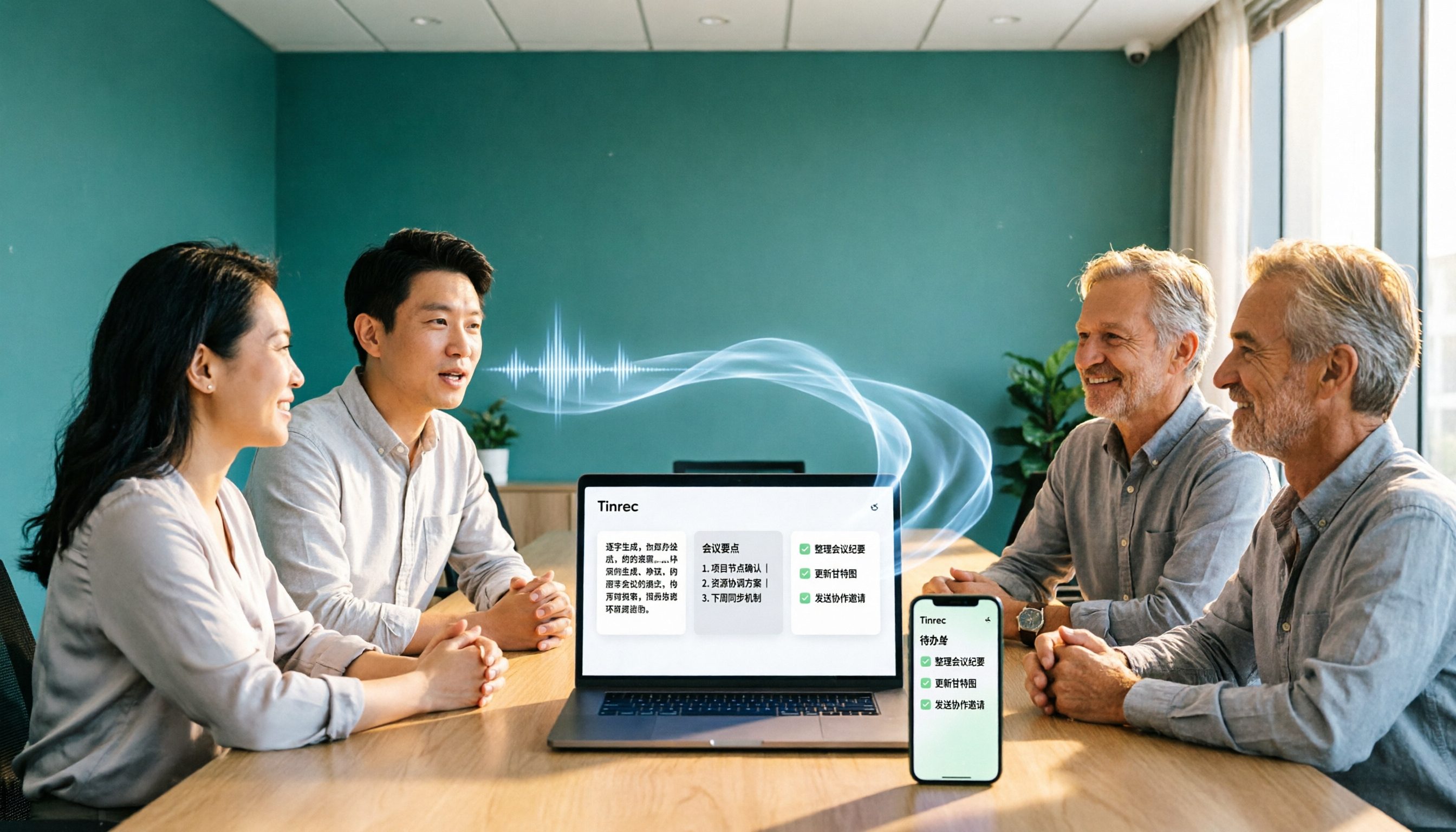
How do you pick a free meeting notes app without getting burned? This article starts with common pitfalls and walks you through 5 steps covering the complete workflow from recording, transcription, AI summary, action items, to export. It also covers 5 key buying factors including free quota, Chinese recognition, audio retention, and team permissions, using Tinrec as a hands-on example.
6 Free Meeting Notes Apps Tested in 2026: Which Is Easiest to Download and Most Useful on the Free Plan?
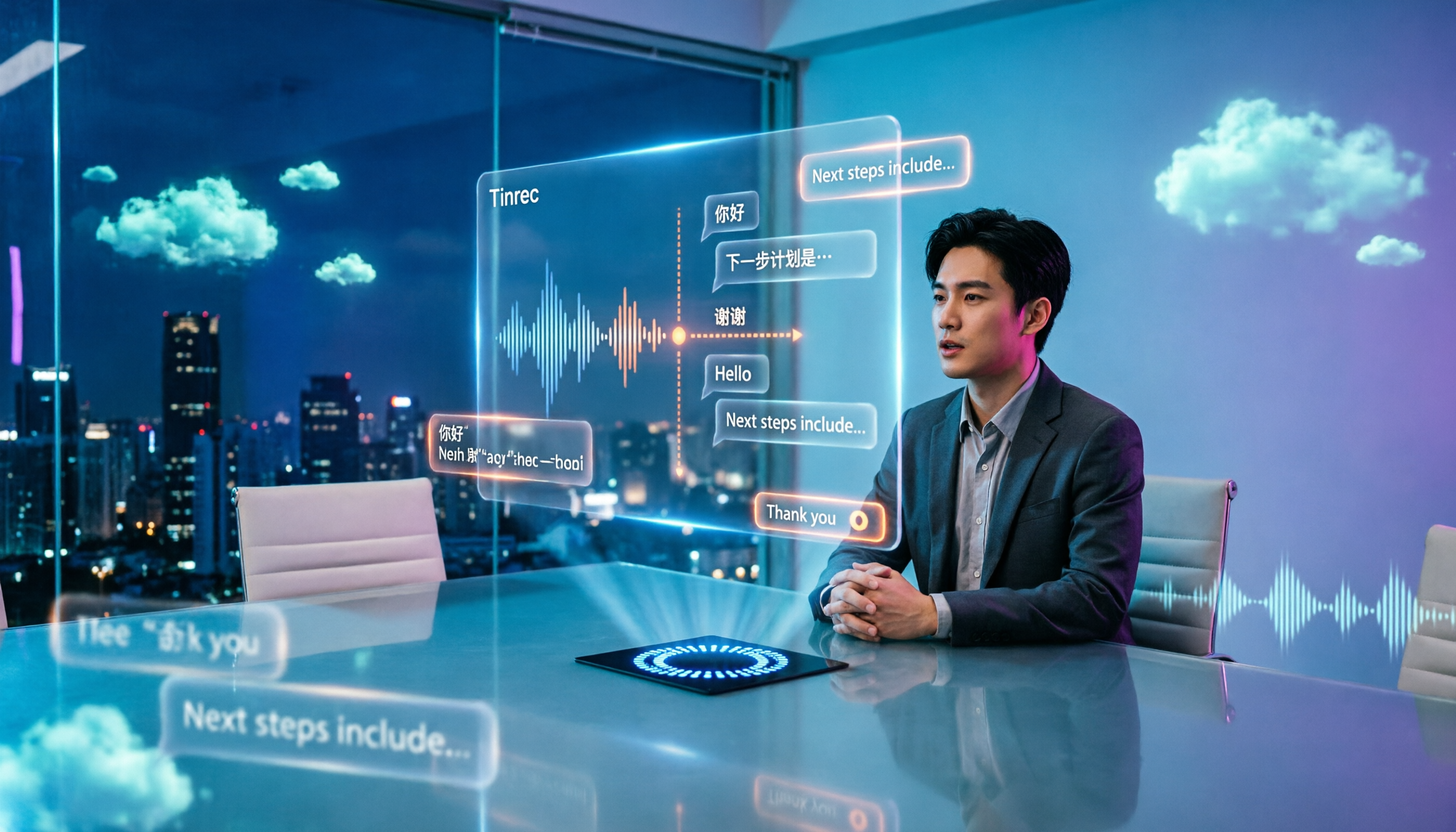
Free meeting notes apps are easy to download, but the real challenge is discovering the free tier isn't enough after you install. This guide compares six popular tools' free plans, paid pricing, and download methods, including Tinrec for bot-free online meeting recording, Notta for multilingual transcription, Otter for English meetings, and completely free options NotebookLM and inFin. It also covers four things to check before choosing.

5 Free Meeting Transcription Apps Compared in 2024: From Free to Paid, Explained
This article rounds up the free meeting transcription apps worth considering in 2024, comparing free tiers, bot-free recording, AI summaries and Q&A, Chinese recognition, and team collaboration. Tinrec stands out for Chinese meetings and post-meeting organization, while Otter.ai, Notta, Granola, and others each suit different scenarios. By the end, you'll know which one fits your meeting style.