
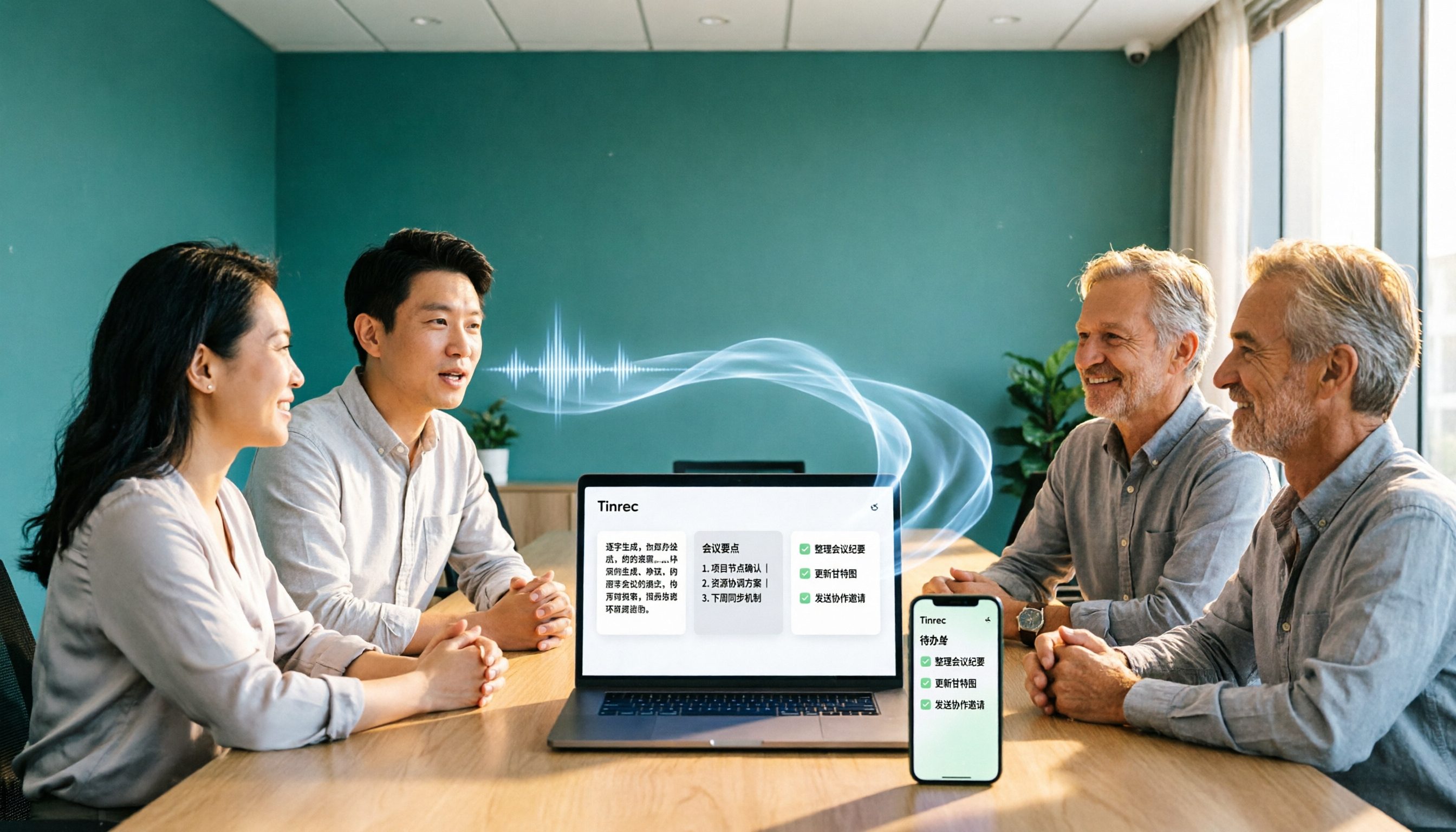
Turn recordings into transcripts and summaries in minutes
Upload audio or video for multilingual transcription, AI notes, and action items
Why Do Free Meeting Notes Apps Often Become Unusable?
Most people looking for a free meeting notes app follow this process: first check the free minutes, then look at the feature list, and only after downloading do they discover that Chinese recognition is poor, AI summaries require a paid unlock, and they end up dumping the recording back onto their computer to listen to it themselves.
Honestly, the problem usually isn't that there are too few tools—it's that the evaluation order is wrong.
What really matters with a free plan isn't "how many minutes do I get" but "can I complete one full workflow"—recording, transcription, summary, action items, export. If even one of these five steps is missing, you'll still end up doing manual work.
Another common mistake is treating the transcript as the end goal. A transcript is just raw material. What you actually need from meeting notes are decisions, consensus, and "who's doing what"—and that's exactly the part most free tools skip.
Take Tinrec as an example. It's an AI meeting notes and collaboration tool for individuals and teams. The free version provides a basic quota so you can experience the full workflow from recording, importing, and transcription to summary before deciding whether to continue using it.
What Can a Free Meeting Notes App Do for You?
Scenario 1: Get the key points within 10 minutes after a meeting In the past, a two-hour meeting meant another hour of organizing afterward. With Tinrec, for example, after recording ends, AI generates a summary, chapters, and action items—who's responsible for what and when it's due, all listed out directly.
Scenario 2: No bot needed for online meetings Tinrec's desktop version captures your computer's system audio directly, handling online meetings on Zoom, Google Meet, Microsoft Teams, Webex, and more—no extra bot account needed to join the meeting room, and no extra participant showing up on screen.
Scenario 3: Handles meetings with mixed Chinese and English Meetings in Taiwan often switch between Chinese and English terminology mid-sentence. Tinrec supports Chinese, Traditional Chinese, and multilingual meeting scenarios, with real-time translation so you can view in original language, translation, or bilingual mode.
Scenario 4: Turn old recordings into searchable data Got a pile of old recordings on your phone? After uploading audio files and converting them to transcripts, you can use AI Q&A to directly ask "What budget did the client mention last time?" without having to listen through everything again.
What Core Capabilities Should a Free Meeting Notes App Have?
Real-time transcription: transcribe while recording, not wait until after With Tinrec, for example, real-time recording generates text simultaneously. During the meeting, you can read along to confirm you haven't missed key points—works for in-person meetings and interviews too.
Bot-free online meeting recording Tinrec's desktop version records online meetings by capturing system audio, initiated by the user—no meeting bot needed to join. Note that this doesn't mean "automatically join all meetings on your calendar"—you still need to start the recording yourself.
AI summary, chapters, and action item extraction Tinrec doesn't just condense the transcript into a paragraph—it structures the output: meeting topic, discussion highlights, conclusions, action items, and responsible parties listed separately. Long meetings are also split into chapters for easy skimming.
AI Q&A After transcription is complete, you can ask questions directly about the meeting content. Tinrec's AI Q&A supports follow-up questions across single or multiple meetings—great for reviewing past meetings or organizing research interviews.
Output and export Tinrec supports multiple export formats and can send results to Notion, Google Docs, OneNote, Dropbox, and other tools for further processing. Post-processing can also generate reports, tables, and documents.
Team workspace (if you're not using it alone) Tinrec's team plan provides a separate team workspace where meeting data belongs to the team, with management of members, roles, and seats. Here's the distinction: roles determine who can manage the team, while seats determine whether members can record, upload, edit, and export. Members without a seat can still view, play, and read team data.
5 Steps: Complete a Meeting Record with a Free Meeting Notes App
Step 1: Decide where your data will live For personal use, just start a new recording with Tinrec's free version. If meeting data needs to be shared among multiple people, it's best to set up a team workspace from the start—audio, transcripts, and action items will all be attributed consistently rather than scattered across personal accounts.
Step 2: Choose the right recording method For in-person meetings, use Tinrec's mobile or desktop app for real-time recording. For online meetings, use the desktop version to capture system audio—no bot invitation needed. For old audio or video files, just upload and import.
Stop organizing recordings by hand
Upload audio or video and automatically get a transcript, summary, and action items
Step 3: Spend 2 minutes checking the transcript This step is the most easily skipped. Quickly scan for names, numbers, and proper nouns. If needed, use team hotwords to add internal company terminology. Tinrec performs reliably with clear audio, but actual results depend on recording quality, noise, accents, multiple people talking over each other, and specialized terminology. Important content should still be verified against the recording.
Step 4: Let AI generate the summary, chapters, and action items After the transcript is complete, Tinrec generates the summary and other content. You'll be notified when the transcript is ready—you can read it first, and the summary will appear once it's done.
Step 5: Follow up, export, and turn into action The meeting isn't over when it ends. Use AI Q&A to confirm "who agreed to what," then export action items and minutes to your team's commonly used tools, or use post-processing to generate reports and tables directly.
Practical Use Cases
Project weekly meetings and cross-department meetings Regular weekly meetings are perfect for accumulation. Tinrec keeps each meeting's transcript, summary, and action items in the same place. Before the next meeting, use AI Q&A to review "what was decided last time"—much faster than scrolling through chat history.
Client interviews and requirements communication Sales and customer success teams can use Tinrec to capture client needs, concerns, and commitments, then export directly into deliverable materials after the meeting. Note that it organizes communication content—it's not a full CRM automation workflow.
Class and lecture notes Students or professionals pursuing further education can record lectures, convert them to transcripts, and use AI Q&A to find key points—more efficient than listening to two hours again.
Research interviews and content creation After interview recordings are converted to text, you can search for key passages, extract quotable material, and further generate article outlines or reports.
5 Things to Watch When Choosing a Free Meeting Notes App
1. The "shape" of the free quota, not the number Free is free, but some limit single-session length while others limit monthly totals. First confirm your meeting length, then check whether the quota is sufficient. Tinrec's free version provides a basic quota—good for running a few meetings to experience the full workflow.
2. Chinese and mixed Chinese-English performance The most common pitfall for Taiwan users is Chinese recognition. Test with your own recordings—don't just rely on official marketing. Tinrec supports Chinese, Traditional Chinese, and multilingual scenarios, and can improve specialized terminology recognition through team hotwords.
3. What comes after transcription A tool that only gives you a transcript is essentially handing the organizing work back to you. Tinrec provides summaries, chapters, action items, AI Q&A, translation, and post-processing—taking over the "organizing" step as well.
4. Does it retain audio files Transcripts can have errors, so being able to go back and listen to the original audio matters. Tinrec retains audio, and the team plan offers an audio recycle bin to restore accidentally deleted audio before permanent cleanup (the team recycle bin currently retains for 30 days; action items are not covered by the recycle bin).
5. Governance capabilities for team use If multiple people will share it, look at how the tool handles members and permissions. Tinrec's team plan focuses on team-level sharing, managing governance and usage eligibility through roles and seats, and provides usage analytics, audit logs, and member handover mechanisms. It's not a file-level granular permission system.
Frequently Asked Questions
Q: Is a free meeting notes app really enough? Whether it's enough depends on your meeting volume. Tinrec's free version provides a basic quota that lets you complete a full workflow from recording, transcription, summary to export. Run a few meetings to test the waters, then decide whether to upgrade.
Q: Does Tinrec require inviting a meeting bot? No. Tinrec's desktop version captures computer system audio directly to record online meetings—no extra bot participant. But recording requires you to initiate it manually; it doesn't automatically join all meetings.
Q: How accurate is Chinese recognition? Tinrec covers Chinese and multilingual meeting scenarios. Actual performance depends on recording quality, noise, accents, overlapping speakers, and specialized terminology. No tool should promise 100% accuracy—for important content, verify against transcript timestamps and the recording.
Q: What's the difference between the team plan and the personal plan? Personal plan data belongs to the individual account. Tinrec's team plan is a separate team workspace where data belongs to the team, with additional members, roles, seats, sharing benefits, usage analytics, audit logs, and audio recycle bin. The team trial is 7 days, 1 free seat, and 300 minutes of team shared import quota. Paid seats provide 2,000 minutes of team shared import quota per month. For pricing and currency, please refer to the official purchase page.
Q: What should I be aware of when recording meetings? Recording and transcription involve local regulations and others' privacy. It's recommended to obtain consent from participants before recording and handle meeting data in accordance with company policies.
Summary
The real value of a free meeting notes app isn't saving you typing time—it's making sure that after the meeting ends, someone actually knows what to do next.
When choosing, first check whether the workflow can be completed, then look at Chinese performance, whether recordings are retained, and whether further processing is possible. Tinrec covers everything from real-time recording and bot-free online meeting recording to summaries, Q&A, export, and team workspace. The free version provides a basic quota—perfect for trying one real meeting to see if the AI-generated meeting notes match what you're looking for.
References
- No time limit! 3 free AI transcription tools, highly recommended! AI voice notes generate meeting records, presentations, mind maps | 104 Career Power
- AI Meeting Notes - Google Play App
- The most recommended AI meeting notes tool of 2026, the time-saving must-have for meetings!
- 2026 comparison of 4 free meeting notes apps: Which Apple Watch recording-to-text tool is most sufficient? - Tinrec Blog
- Meeting Ink - 2026 AI meeting notes tool hands-on test | 7 speech-to-text and summary speed comparison | Meeting Ink - AI meeting notes assistant automatic transcription summary meeting minutes
Turn every recording into actionable outcomes
Get 60 free transcription minutes when you sign in. No credit card required.
Related Reading
You might also like

5 Free Meeting Transcription Apps Compared: Which Handles Chinese Meetings and Free Tiers Best in 2026?
Only three lines of notes after a meeting? This hands-on comparison of 5 popular free meeting transcription apps examines Chinese recognition, online meeting recording methods, free tier limits, post-meeting output, and team governance. It takes a deep look at Tinrec and Otter.ai, plus the free plan limits of Notta and TurboScribe, to help you decide if a free version is enough.

2026 Free Meeting Notes App Options: VS Code Collaboration and 5 Alternatives Reviewed
How to choose a free meeting notes app in 2026? This article starts from the common misconception of 'looking for meeting notes extensions in VS Code,' outlines 5 key selection criteria, breaks down Tinrec's free and team plan capabilities from a hands-on perspective, and compares alternatives like VS Code Live Share, PLAUD Note, and inFin, with a pitfalls guide and scenario-based recommendations.

Tinrec vs Notta 2026: 5-Dimension Comparison of Free Meeting Transcription Apps
How to choose a free meeting transcription app? This article compares Tinrec and Notta across 5 dimensions: free quota, Chinese recognition, meeting audio sources, and post-meeting organization. It also covers selection tips, practical use cases, and FAQs to help budget-conscious professionals find a truly useful meeting transcription tool.

How to Use AI Office Tools in 2026: 5 Steps to Build an Efficient Meeting Notes Workflow
Dreading the post-meeting cleanup? This guide walks you through 5 key steps to choose the right AI office tool, with hands-on testing of Tinrec's bot-free recording, AI summaries, action item extraction, and AI Q&A. We also review Otter.ai, Notta, and Granola for different use cases, plus a pitfalls guide and selection tips to help you find the best meeting notes workflow.

4 Free Meeting Transcription Apps Tested: Which Free Version Is Actually Enough?
Every meeting transcription app in the store says "free download," but how long can you really use it? This article uses "can the free version survive a real meeting?" as the standard. It first covers 5 key buying criteria, then breaks down the free version limits, Chinese meeting performance, post-meeting output, and team data ownership of Tinrec, Otter.ai, Notta, and Granola, and finally offers recommendations based on different needs.

5 AI Meeting Tools Tested for 2026: How to Save Time on Meeting Notes
Spending hours after a meeting to organize notes is a daily reality for many professionals. This article examines the actual meeting note-taking workflow, outlines 5 key criteria for choosing AI office tools, compares Tinrec, Otter.ai, Notta, and Granola, and shares 4 common pitfalls to help you find a truly time-saving approach that also builds a lasting team knowledge base.
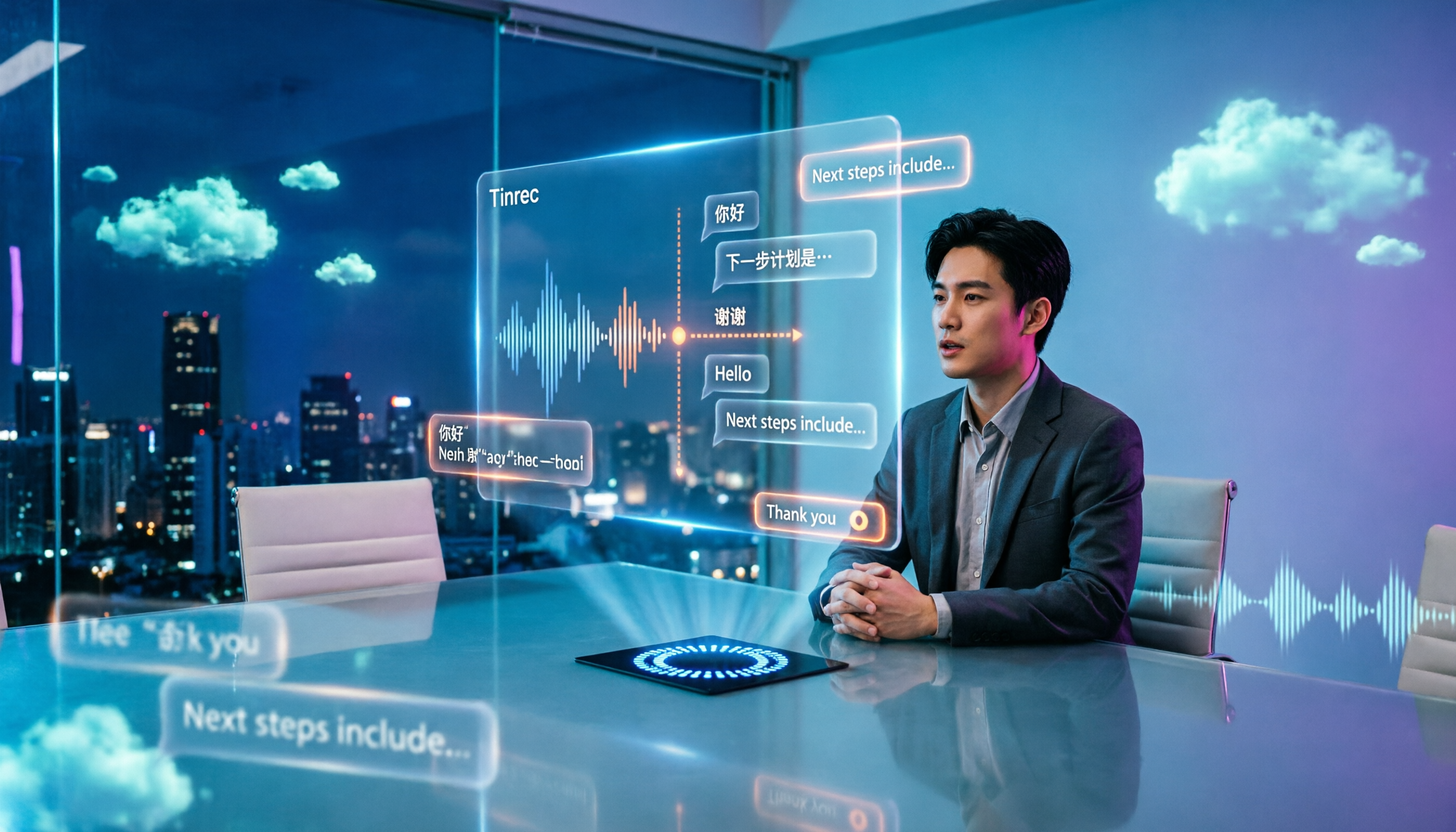
6 Free Meeting Notes Apps Tested in 2026: Which Is Easiest to Download and Most Useful on the Free Plan?
Free meeting notes apps are easy to download, but the real challenge is discovering the free tier isn't enough after you install. This guide compares six popular tools' free plans, paid pricing, and download methods, including Tinrec for bot-free online meeting recording, Notta for multilingual transcription, Otter for English meetings, and completely free options NotebookLM and inFin. It also covers four things to check before choosing.

5 Free Meeting Transcription Apps Compared in 2024: From Free to Paid, Explained
This article rounds up the free meeting transcription apps worth considering in 2024, comparing free tiers, bot-free recording, AI summaries and Q&A, Chinese recognition, and team collaboration. Tinrec stands out for Chinese meetings and post-meeting organization, while Otter.ai, Notta, Granola, and others each suit different scenarios. By the end, you'll know which one fits your meeting style.

4 Free Meeting Transcription Apps Compared: Why Apple Pencil Handwriting and Transcripts Need Separate Tools
Many people use an iPad with Apple Pencil to find a free meeting notes app, only to discover that handwriting looks great but transcripts don't generate. This article breaks down that common misconception, outlines 4 key selection criteria, and compares the free plans, recording methods, and post-meeting outputs of Tinrec, Notta, Otter.ai, and Granola, with a pitfalls guide and scenario-based recommendations.