

Turn recordings into transcripts and summaries in minutes
Upload audio or video for multilingual transcription, AI notes, and action items
2026 AI Office Toolbox Comparison: Tinrec Chinese Meeting Notes and Post-Meeting Organization Review
Last Wednesday afternoon, you just finished a two-hour cross-department meeting. Your manager asks in the group chat: "Who's responsible for those decisions we just made?" You look at the scattered keywords in your notebook and suddenly can't remember who said a certain number. This is probably the daily life of many office workers—the meeting is over, but the hard work of organizing meeting notes has just begun.
In recent years, "AI office toolbox" has become a hot keyword. Many people want to find a set of tools that can automatically record, transcribe, summarize, and even extract to-dos. I actually tested 3 common AI office toolboxes, and Tinrec was the most satisfying for Chinese meeting notes and post-meeting organization. This article uses Tinrec as an example to help you understand what these tools can do, what their core capabilities are, and what details to pay attention to when choosing.
What Can an AI Office Toolbox Do for You?
Scenario 1: Get meeting notes 5 minutes after the meeting Previously, after a two-hour meeting, you might spend another hour organizing meeting notes. Now with an AI office toolbox—using Tinrec as an example—when the meeting ends, AI has already generated a summary, chapters, and to-dos. Who is responsible for what, what the deadlines are, all at a glance.
Scenario 2: Don't miss key points in customer interviews Sales or customer success teams often need to interview customers. In the past, they could only rely on a recorder and listen again afterward. Tinrec supports real-time recording to text, so you can see the transcript during the interview, and after the meeting use AI Q&A to confirm "What was the budget range the customer mentioned?" "Which feature were they concerned about?" without repeatedly listening to the recording.
Scenario 3: Understand cross-language meetings in real time If there is foreign language content in the meeting, Tinrec provides real-time translation. You can choose to see only the original text, only the translation, or bilingual comparison. For office workers who need to communicate with overseas teams, this saves a lot of time compared to translating afterward.
Scenario 4: Turn historical team meetings into a searchable database When meeting materials are scattered across personal computers and chat records, finding the basis for a decision from three months ago is like looking for a needle in a haystack. Tinrec's team version centralizes meeting recordings, transcripts, summaries, and to-dos in a team space. New members can also view historical data, turning meeting content into a searchable, collaborative digital asset for the team.
What Are the Core Capabilities of an AI Office Toolbox?
Real-time transcription: text as you record Tinrec's real-time transcription lets you see the text synchronously during the meeting to confirm you haven't missed key points, rather than transcribing after recording. It can handle Chinese meetings and mixed Chinese-English content. Actual results will be affected by recording quality, accents, and overlapping speakers.
Bot-free online meeting recording Many meeting note tools require adding a "meeting bot" to the meeting room, which sometimes makes participants feel awkward. Tinrec's desktop version directly captures computer system audio and can handle online meetings on Zoom, Google Meet, Microsoft Teams, Webex, etc., without an extra bot joining.
AI summary and chapters Tinrec doesn't just condense the transcript into a paragraph; it organizes structurally: meeting topic, discussion conclusions, and chapter highlights are listed separately. For long meetings, you can quickly jump to the section you're interested in, making review more efficient.
To-do extraction and AI Q&A After transcription, Tinrec organizes action items from the discussion. You can also ask questions directly about the meeting content, such as "Who mentioned the budget in the meeting?" "What was the customer's feedback?" It answers based on semantic understanding, helping you quickly find details.
Multi-format export and Agent post-processing Tinrec supports exporting results to Notion, Google Docs, OneNote, Dropbox, etc., and can also generate reports, tables, and documents based on the meeting. For those who need post-meeting deliverables, this directly connects "notes" to "workflow."
Team space and governance The team version provides an independent team space. You can create multiple teams, invite members via link, set owners/admins/regular members, and assign or transfer seats. Admins can also view usage trends, member rankings, audit logs, and use the audio recycle bin. Note that the team version currently focuses on team-level sharing; all active members can read team data. Only seats can record, upload, edit, and export.
Stop organizing recordings by hand
Upload audio or video and automatically get a transcript, summary, and action items
Practical Application Scenarios
Weekly meetings Weekly meetings are usually repetitive, but decisions and to-dos are easily missed. Use Tinrec to record and transcribe simultaneously during the meeting, then directly view the AI summary and to-dos afterward, leaving time for what really needs discussion. The team version also allows each meeting to be stored in the same space for easy tracking of action progress.
Customer interviews and requirement communication The value of customer interviews lies in details—the budget, timing, and competitors the customer casually mentions are often the key to closing a deal. Tinrec's transcript is searchable, AI Q&A allows follow-up questions, and after the meeting you can export to a report or table for easy organization into a requirements document.
Courses and lectures Whether online courses or in-person lectures, Tinrec can record and transcribe, generating summaries and chapters. Students or lifelong learners can use AI Q&A to review key points, or export the transcript to note-taking software for further organization.
Content creation and interview organization Journalists, podcast hosts, or content creators often need to organize interview recordings. Tinrec supports audio and video file transcription. Upload existing recordings to quickly get a transcript, then use AI summaries to extract key quotes and section highlights, saving a lot of typing time.
5 Things to Note When Choosing an AI Office Toolbox
1. Chinese recognition and mixed Chinese-English capability Don't just look at the official accuracy claims. It's recommended to try it with your own meeting recordings. Tinrec supports Chinese, Traditional Chinese, and multilingual meetings, and also has a team hotword feature to maintain company-specific terminology and improve recognition of professional terms.
2. Meeting recording method If you don't want a meeting bot joining the room, confirm whether the tool supports bot-free recording. Tinrec's desktop version directly captures system audio. Users actively start recording to capture online meetings; it does not automatically join all calendar meetings.
3. Post-meeting organization capability Transcription is only the first step. Whether it can help you organize afterward is the key. Tinrec provides summaries, chapters, to-dos, mind maps, AI Q&A, and multi-format export, and can also use Agent to generate reports and tables, so meeting content can continue to be used.
4. Team collaboration and governance If you need multiple people to share meeting data, pay attention to whether the tool distinguishes roles and seats. Tinrec's team version uses roles to control management permissions and seats to control usage eligibility. Members without seats can still view, play, and read team data, but cannot upload, edit, or export. Team resources belong to the team, and handover is required when members leave.
5. Pricing and free quota Tinrec's personal version has a free version, weekly card, Pro monthly card, and Pro annual card, so you can choose based on usage frequency. The team version currently costs USD 29.80 per paid seat per month for monthly payment, and USD 199 per paid seat per year for annual payment, equivalent to about USD 16.58 per month. Eligible teams can try for 7 days, 1 free seat, and 300 minutes of team shared import quota for the first time. Paid seats provide 2,000 minutes of team shared import quota per month. Real-time recording is currently not deducted by minutes under an active team plan and active seat. Prices and benefits are subject to the official purchase page.
Frequently Asked Questions
Q1: What's the difference between Tinrec and general recording software? General recording software only records the sound. Tinrec further transcribes it, organizes summaries, chapters, key points, and to-dos, and also supports AI Q&A, translation, export, and team collaboration. Simply put, it handles the work "after the meeting."
Q2: Does Tinrec need a meeting bot to join the meeting? No. Tinrec's desktop version directly captures computer system audio and can handle online meetings on Zoom, Google Meet, Microsoft Teams, Webex, etc. Users need to actively start Tinrec to initiate recording; it currently does not automatically join all calendar meetings.
Q3: Is the free version enough? Tinrec's free version provides a basic quota, suitable for occasionally organizing a recording or for those who want to experience the process first. If you have stable weekly meeting needs, consider the Pro monthly card; for short-term intensive meetings or interviews, look at the weekly card. Actual quotas are subject to the official page.
Q4: What's the difference between the team version and the personal version? Personal version data is managed by the individual account. The team version provides an independent team space, meeting data belongs to the team, and adds capabilities such as members, roles, seats, sharing benefits, usage analysis, audit logs, and audio recycle bin, suitable for departments or project teams.
Q5: Can team members without seats see the data? Yes. Active members without seats can view, play, and read team data; only after obtaining a seat can they record, upload, edit, export, and perform other resource usage operations.
Q6: Can meeting recordings be recovered after deletion? After audio enters the team recycle bin, it can be recovered before permanent cleanup begins. The current recycle bin retention period is 30 days. TODOs are not within the scope of the team recycle bin.
Conclusion
AI office toolboxes are no longer future technology; they are tools you can use now and that really reduce manual organization time. If you frequently need to meet, interview, or organize voice content, Tinrec provides a relatively complete workflow for Chinese meeting notes, bot-free recording, post-meeting summary Q&A, and team data storage.
Why not start with the free version and run through your own meeting recordings to see what it feels like when AI organizes your meeting notes. If your team has sharing needs, then evaluate whether the team version's seats and quotas fit your usage scenario.
References
- 12 Best AI Productivity Tools You Can't Miss in 2026
- 2026 Global 19 Strongest AI Tools Recommended! See the Latest Top 100 AI Hot List Here!
- [AI Lazy Pack] Just Read This! 2026 Recommended AI Free vs Subscription Tools Complete Guide to Improve Work Productivity & Workplace Competitiveness! (Continuously Updated) | 104 Workplace
- Office AI Tools Decoded: Actually Asana Alone Is Enough? | Master Concept
- Expert-Supervised Top 10 AI Tools Recommendation Ranking [2026 Latest] | mybest
Turn every recording into actionable outcomes
Get 60 free transcription minutes when you sign in. No credit card required.
Related Reading
You might also like

2026 AI Office Tools Review: 5 Steps to Pick the One That Actually Saves Time
Starting from a meeting recording where a key statement couldn't be found, this breaks down 4 key dimensions for evaluating AI office tools, then uses Tinrec as an example to explain how bot-free recording, post-meeting AI Q&A, and team knowledge retention work. It also briefly reviews Otter.ai, Notta, and Granola's use cases, and ends with a pitfall guide and selection advice.

Cantonese Audio to Text in 2026: Tinrec vs PLAUD Note — Which Is Better for Chinese Meetings?
Turning Cantonese recordings into text isn't about finding a tool — it's about choosing the right approach. This article compares Tinrec and PLAUD Note across input sources, Chinese recognition, post-meeting organization, team collaboration, and pricing to help you decide between a software workflow and a hardware recorder, plus answers to 6 common questions.

Best AI Office Tools in 2026: We Tested 4, and This One Handles Chinese Meeting Notes Best
How to choose AI office tools in 2026? We tested 4 meeting recording and transcription tools, covering Chinese transcription, bot-free recording, post-meeting AI organization, and team collaboration, to help you find the best fit for working professionals.
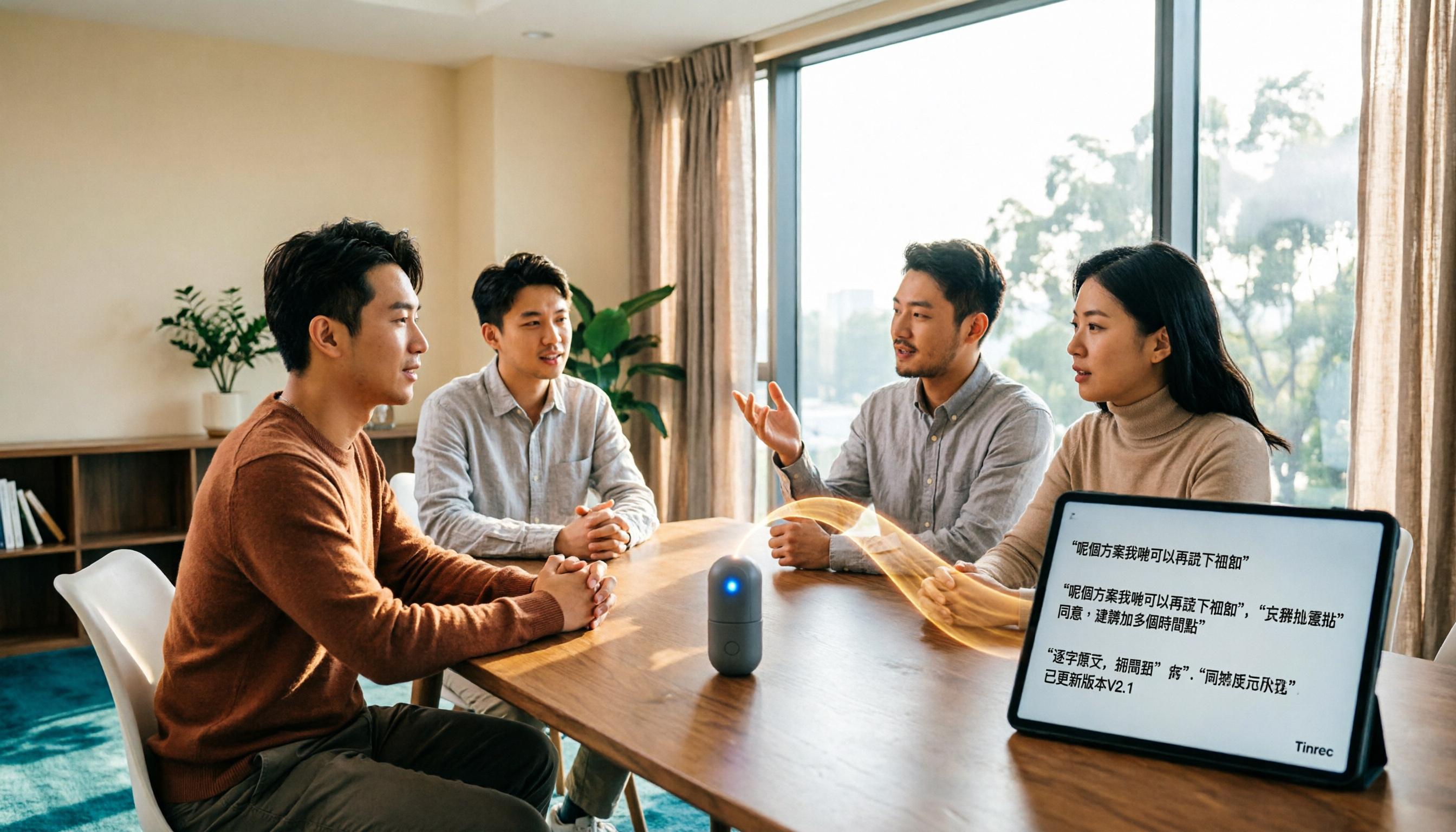
2026 Cantonese Speech-to-Text Tools Compared: Tinrec vs Subanana for Meeting Transcripts and Team Collaboration
Transcribing Cantonese meeting recordings often takes longer than the meeting itself. This article compares Tinrec and Subanana across five dimensions: online meeting recording, Cantonese transcript language processing, post-meeting organization, team collaboration and governance, and pricing and long-term costs. It also lists each tool's free tier and limitations to help you decide which fits your needs.

2026 Cantonese Audio to Text Free Options: 4 Tools Compared
Cantonese audio transcription often struggles with mixed Chinese-English, spoken vs. written language conversion, and hidden limits on free plans. This article reviews 4 transcription options in 2026 that handle Cantonese content, honestly lists free quotas and restrictions, and compares real-time transcription, AI summaries, action item extraction, and team collaboration to help you find the one that truly saves time.

How to Transcribe Cantonese Audio to Text in 2026: A Complete 5-Step Guide
Starting from the common pain point of Cantonese lecture recordings on campus, this guide first clarifies what 'Cantonese audio to text' means by addressing three common misconceptions, then breaks down the process into 5 actionable steps. It also compares Tinrec and PLAUD Note in terms of Cantonese recognition, hardware requirements, post-meeting organization, cross-platform collaboration, and pricing.

Tinrec vs Notta 2026: 5-Dimension Comparison for Cantonese Audio Transcription
Still looking for a reliable tool to transcribe Cantonese recordings? This article compares Tinrec and Notta across 5 dimensions and breaks down the complete workflow from live recording and audio import to AI summaries, action items, and export. Find out how to transcribe Cantonese audio and which tool to choose.

Best Cantonese Speech-to-Text Tools in 2026: 4 Tested, This One Handles Mixed Chinese-English + AI Q&A Best
Recorded hours of Cantonese-English interview audio for your thesis and dreading typing it out word by word? This student-tested guide breaks down 4 Cantonese speech-to-text tools across mixed-language handling, free quotas and export limits, recording sources, and post-meeting organization—plus 4 pitfalls I hit and the one tool I kept.
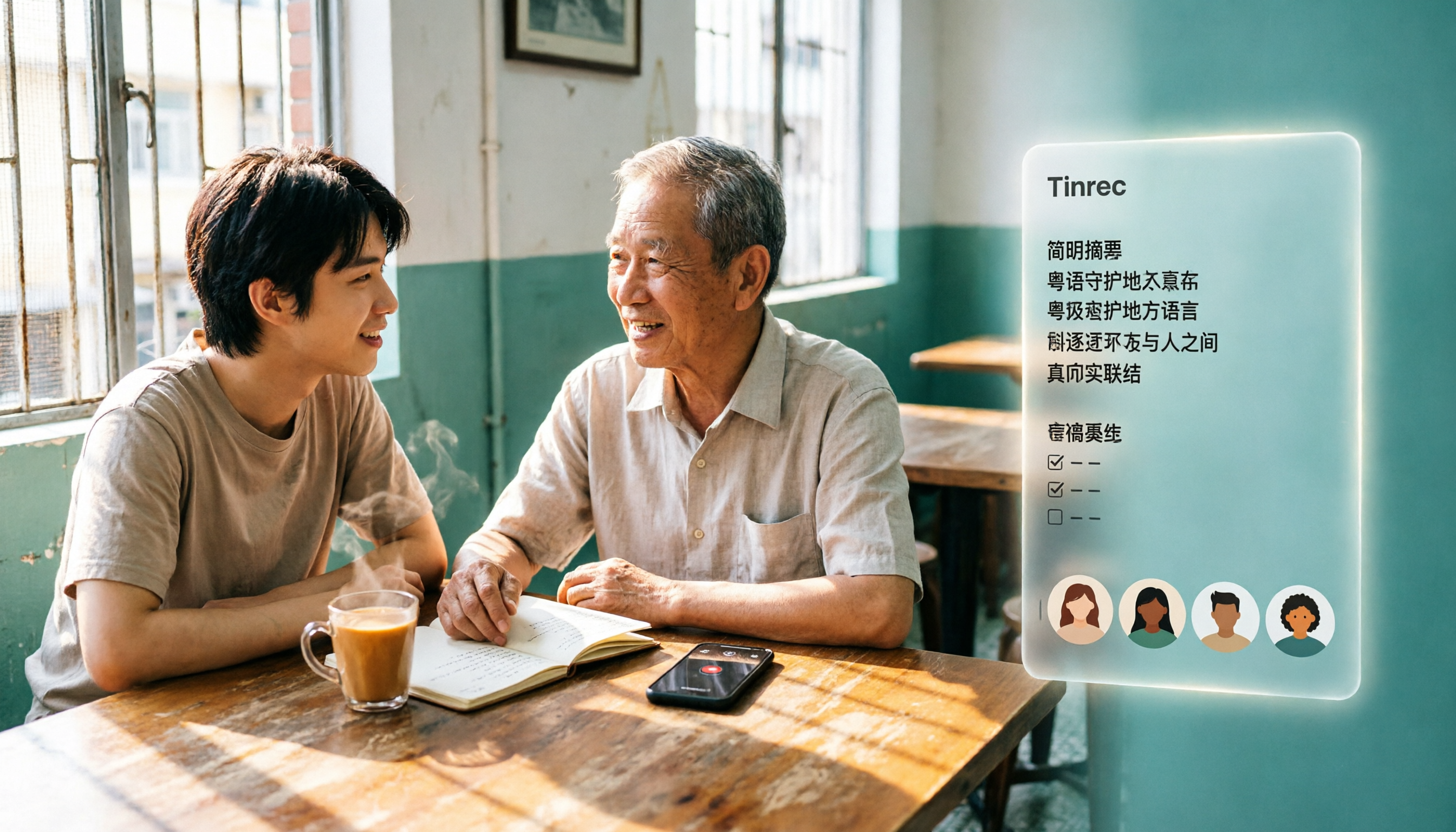
3 Cantonese Audio-to-Text Tools Tested for 2026: Which Free Option Is Actually Enough?
If you want to turn Cantonese recordings into text for free, the key isn't finding the cheapest option—it's understanding what kind of "free" you're getting. This article breaks down 3 common free models, outlines 5 buying considerations, and uses Tinrec to demonstrate a complete workflow from recording and transcription to AI summaries, action items, and team collaboration, with FAQs at the end.