

Turn recordings into transcripts and summaries in minutes
Upload audio or video for multilingual transcription, AI notes, and action items
Best Cantonese Speech-to-Text Tools in 2026: 4 Tested, This One Handles Mixed Chinese-English + AI Q&A Best
That 40-Minute Cantonese Interview Sat Untouched for Three Weeks
"Can you say that again?"—I probably said that ten times during the interview.
In my senior year, I interviewed five people from Hong Kong for my thesis, each session lasting 30 to 45 minutes. They were great interviewees with solid content, but they spoke Cantonese mixed with English—phrases like "this campaign's conversion rate" would pop up mid-sentence. I nodded along enthusiastically, happily recorded everything, and only when I got back to my dorm and opened the file did I realize: how am I supposed to turn this into a transcript?
I tried the dumbest method—headphones on, listening sentence by sentence, pausing, typing, rewinding to listen again. A 40-minute recording took me nearly 4 hours, and I only got through 12 minutes of content, with three sentences I couldn't even make out.
Later I found out I wasn't alone. If you've taken a class from a Hong Kong professor, had meetings with Hong Kong clients, tried to transcribe lines from HK dramas, or done a cross-border thesis like me—sooner or later you'll need to convert Cantonese audio into text.
This is my roundup after actually using these tools over the past six months. I've included both pros and cons, plus the pitfalls I hit myself.
5 Key Things to Understand Before Choosing a Cantonese Transcription Tool
1. Mixed Chinese-English handling. This is the biggest dividing line in Cantonese transcription. Hong Kong speakers naturally mix in English words. Good tools keep English terms as-is; bad tools force them into phonetically similar Chinese, and you end up retyping the whole transcript. When testing a tool, use your own Cantonese-English recording—that's more accurate than any official numbers.
2. Do you need a verbatim transcript or usable data? Typing out a transcript is just step one. For our thesis, what we ultimately submit is a summary of key interview points. So what really saves time is: after transcription, can it auto-generate summaries, pull out key points, and let you directly ask "what were the interviewee's concerns about pricing?" Tools that just dump a wall of text can sometimes be more trouble than they're worth.
3. Are free quotas and exports counted separately? This is super important. Some tools let you upload and preview for free, but downloading the text file requires payment. Students are on a budget, and this "see but can't touch" design is infuriating. Before choosing, confirm: can you export for free, and in what formats?
4. How broad are the recording sources? Your audio might come from your phone's built-in recorder, a digital voice recorder, an online meeting capture, or even a public video. Whether the tool supports these sources determines if you'll give up after a month.
5. Are recordings kept and searchable later? After the transcript is done, three months later when your professor asks "what did that interviewee say about...", you need to find it immediately. Tools that retain audio, support search, and let you query the content directly have much higher long-term value.
Tinrec—The One I'm Still Using
One-line positioning: Tinrec is an AI meeting notes and collaboration tool for individuals and teams, supporting iOS, Android, and web.
I initially used it as a "speech-to-text" tool—recording classes and interviews, then uploading them for transcription. Later I discovered its real value is after transcription.
First scenario: my thesis interviews. I uploaded four Cantonese interview audio files for transcription, then instead of reading from the start, I directly asked it: "What obstacles did these three interviewees mention most often?" What it gave me wasn't a keyword list but a semantically organized answer. What I expected to take two evenings of interview organization was done in one afternoon. I later learned this is its flagship AI Q&A feature—almost none of the tools in the same price range that I tried have this.
Second scenario: group discussions and online classes. Our thesis group had weekly online meetings on Google Meet. Tinrec's desktop version can capture your computer's system audio directly—no need to invite a meeting bot into the room. This was crucial for us because some class meeting rooms block external accounts, and other bots often got locked out. After recording, it provides summaries, chapters, and action items—who does what and when it's due, all listed out. Not a single meeting note this semester was typed by me.
Third scenario: backup and search. It retains recordings, and transcripts are searchable. Before finals, when I needed to confirm the exam scope the professor mentioned, I just searched keywords and jumped to that section—no need to re-listen to two hours.
Three things I especially like:
Stop organizing recordings by hand
Upload audio or video and automatically get a transcript, summary, and action items
- Mixed Chinese-English handled well. In my "this campaign's conversion rate" recording, the English words were preserved, not written as phonetically similar Chinese. This saved me a lot of proofreading time.
- Solid export formats. Transcripts can be exported as SRT, VTT, TXT, DOCX, XLSX, and more, and can be brought into Notion, Google Docs, and similar tools for continued writing. When submitting our thesis report, we just dropped the organized content into a shared document.
- The team version really feels "designed for groups." For group projects, student associations, or internship teams, you can create team spaces, centralize everyone's recordings and transcripts, assign seats, and view team usage. The team version offers a 7-day trial (1 free seat, 300 minutes of shared team import quota). Within an active plan, real-time recording currently doesn't deduct minutes separately; only file imports use shared quota. More practically, when members change (e.g., a senior graduates), the data doesn't disappear with them—our TA was so impressed they asked which tool we used.
Honestly, it has two limitations:
- The free version is a trial quota, not unlimited. If you only occasionally transcribe one or two recordings, the free version is enough to test the waters. But if you record a dozen interviews per semester like me, you'll need to upgrade. It doesn't hard-sell; when the quota runs out, it just stops, and you decide whether to pay.
- It's not hardware. It relies on your phone or computer to record, so if you need a physical voice recorder that "sits on the desk and records all day," it's not for you.
Who it's for: People who need to record Cantonese or mixed Chinese-English content, want to organize key points directly after recording, and use both phone and computer. For students, my recommended usage order is: start with the free version to record a class or interview, then consider a weekly pass if you have short-term intensive needs (great for thesis crunch time), and go for a Pro monthly or annual plan for long-term regular use.
Besides Tinrec, What Other Options Are There?
Cantosubai: Focuses on Cantonese-specific recognition, supports Hong Kong Cantonese, Guangzhou dialect, and other variants, and can automatically convert spoken language to written form, exporting TXT, DOCX, PDF. If your need is very simple—"a Cantonese recording, I want a clean Traditional Chinese transcript"—it does a good job. But it has no AI Q&A and no team space; post-transcription organization is still up to you.
Subanana: Features the ability to paste public YouTube, Instagram, Facebook links for direct transcription, plus speaker identification and mixed Chinese-English handling. Note that free accounts can only preview the first 15 minutes of each file, and file export is a paid feature. If you just want to see what a short video says, it's convenient. But if you need to submit transcripts and retain recordings for team sharing like me, Tinrec is much more complete.
Otter.ai: A mature choice for English meetings, with 300 free minutes per month and smooth operation. But I must be clear: it's mainly strong for English business meetings and not suitable for Cantonese content. This is the only scenario in this article where I recommend it—if almost all your recordings are in English, Otter.ai might be more cost-effective for you than Tinrec.
Pitfall Guide: 4 Most Common Mistakes When Choosing Cantonese Transcription Tools
Pitfall 1: Only testing with official sample audio. Official demos are naturally quiet studio recordings with perfect pronunciation. What you need to test is your own recordings: classroom AC noise, cafe clinking, interviewees suddenly speaking fast. Trust your own ears, not promotional numbers.
Pitfall 2: Not checking if "export" costs money. Too many tools offer free transcription but paid download. Before choosing, go directly to the pricing page and confirm: can the free version export, what formats, and is there a per-file length limit?
Pitfall 3: Using a transcription tool as just a typewriter. If you only use it for speech-to-text, you're only using a fraction of it. Post-transcription summaries, action items, and Q&A are where the real time savings are. Now when I organize interviews, I let AI give me key points first, then go back to verify against the transcript. Reversing the order makes a huge efficiency difference.
Pitfall 4: Forgetting team sharing and data ownership. The most common disaster in group reports: all data is in one classmate's personal account, and once they graduate, no one can access it. Choose tools with team spaces and data handover capability to avoid a lot of trouble. Also, remember to inform and get consent before recording—this is basic courtesy in interview research and a legal requirement.
Conclusion: Which One Should You Actually Choose?
One-line conclusion: If what you want is "turn Cantonese recordings into directly usable data," Tinrec is my top pick after testing; if you only need pure transcription, Cantonese-specific tools have their place.
Scenario breakdown—find yourself:
- Thesis interviews, class recordings, mixed Chinese-English meetings → Tinrec (transcription plus Q&A, key point extraction, export)
- Online classes, Google Meet/Teams meetings to record → Tinrec desktop version (no need to invite a bot into the meeting room)
- Group projects, student associations, internship teams needing shared data → Tinrec team version (team space, member seats, data handover)
- Just need plain text from a short video or one-minute file → lightweight tools like Subanana are worth trying
- Almost all recordings are English meetings → Otter.ai is a reasonable choice
My advice: start with the recording that hurts the most, run it through the free version once. After that, you'll know whether you need "plain text" or "usable data"—I also decided to keep it after running that 40-minute Cantonese interview.
References
- Online AI speech, video, audio file auto-transcription - Free trial - cSubtitle
- Free Cantonese speech-to-text app 2026 | Subanana
- Free Chinese (Cantonese) audio transcription in seconds
- SoundType AI ultra-accurate transcripts, speech-to-text, AI dictation - Google Play App
- AI Cantonese speech-to-text professional Cantonese recognition
Turn every recording into actionable outcomes
Get 60 free transcription minutes when you sign in. No credit card required.
Related Reading
You might also like

2026 AI Office Tools Review: 5 Steps to Pick the One That Actually Saves Time
Starting from a meeting recording where a key statement couldn't be found, this breaks down 4 key dimensions for evaluating AI office tools, then uses Tinrec as an example to explain how bot-free recording, post-meeting AI Q&A, and team knowledge retention work. It also briefly reviews Otter.ai, Notta, and Granola's use cases, and ends with a pitfall guide and selection advice.

Cantonese Audio to Text in 2026: Tinrec vs PLAUD Note — Which Is Better for Chinese Meetings?
Turning Cantonese recordings into text isn't about finding a tool — it's about choosing the right approach. This article compares Tinrec and PLAUD Note across input sources, Chinese recognition, post-meeting organization, team collaboration, and pricing to help you decide between a software workflow and a hardware recorder, plus answers to 6 common questions.

Best AI Office Tools in 2026: We Tested 4, and This One Handles Chinese Meeting Notes Best
How to choose AI office tools in 2026? We tested 4 meeting recording and transcription tools, covering Chinese transcription, bot-free recording, post-meeting AI organization, and team collaboration, to help you find the best fit for working professionals.

2026 Cantonese Speech-to-Text Tools Compared: Tinrec vs Subanana for Meeting Transcripts and Team Collaboration
Transcribing Cantonese meeting recordings often takes longer than the meeting itself. This article compares Tinrec and Subanana across five dimensions: online meeting recording, Cantonese transcript language processing, post-meeting organization, team collaboration and governance, and pricing and long-term costs. It also lists each tool's free tier and limitations to help you decide which fits your needs.
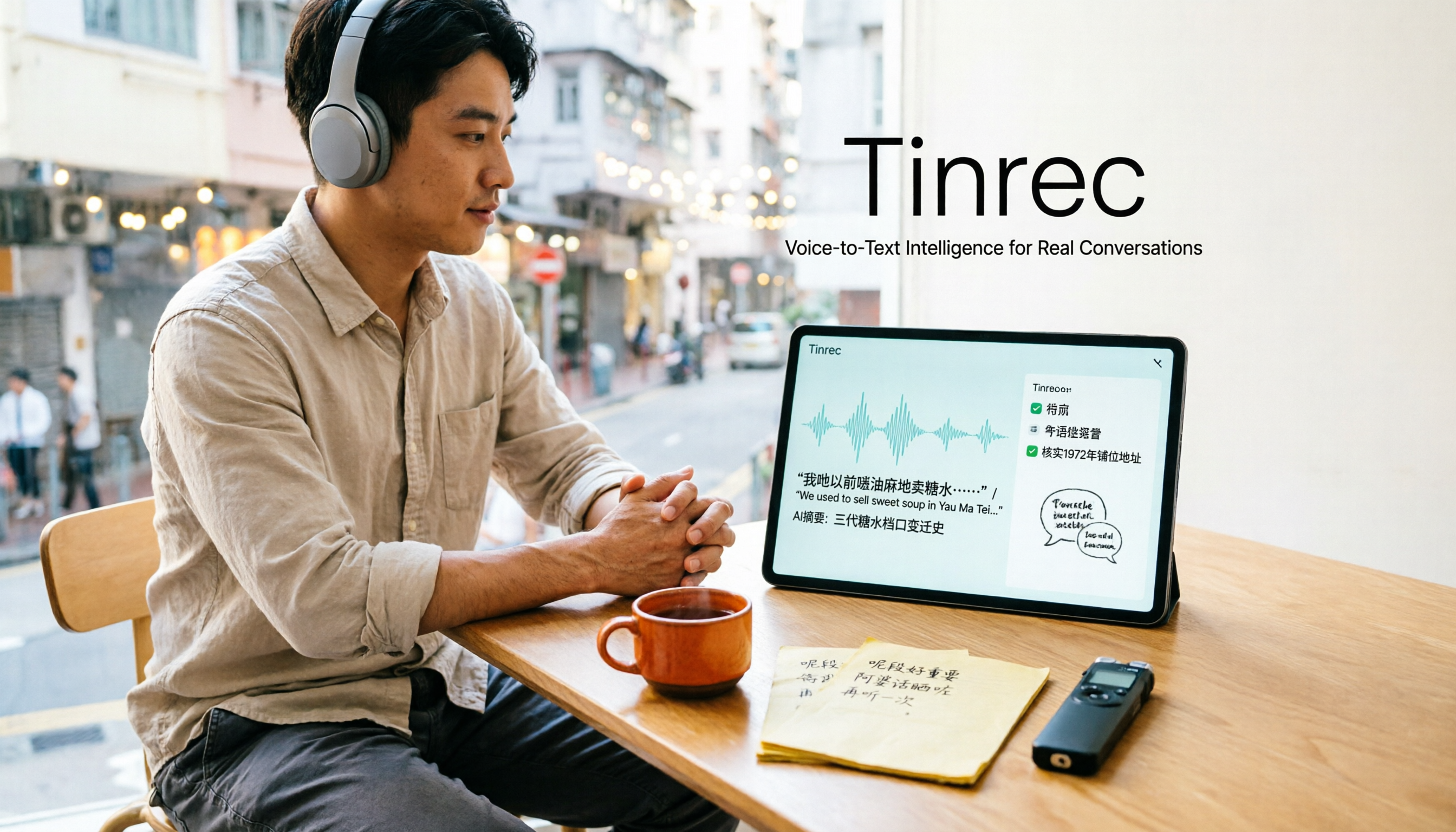
2026 Cantonese Audio to Text Free Options: 4 Tools Compared
Cantonese audio transcription often struggles with mixed Chinese-English, spoken vs. written language conversion, and hidden limits on free plans. This article reviews 4 transcription options in 2026 that handle Cantonese content, honestly lists free quotas and restrictions, and compares real-time transcription, AI summaries, action item extraction, and team collaboration to help you find the one that truly saves time.

How to Transcribe Cantonese Audio to Text in 2026: A Complete 5-Step Guide
Starting from the common pain point of Cantonese lecture recordings on campus, this guide first clarifies what 'Cantonese audio to text' means by addressing three common misconceptions, then breaks down the process into 5 actionable steps. It also compares Tinrec and PLAUD Note in terms of Cantonese recognition, hardware requirements, post-meeting organization, cross-platform collaboration, and pricing.

Tinrec vs Notta 2026: 5-Dimension Comparison for Cantonese Audio Transcription
Still looking for a reliable tool to transcribe Cantonese recordings? This article compares Tinrec and Notta across 5 dimensions and breaks down the complete workflow from live recording and audio import to AI summaries, action items, and export. Find out how to transcribe Cantonese audio and which tool to choose.

2026 AI Office Toolbox Comparison: Tinrec Chinese Meeting Notes and Post-Meeting Organization Review
Hands-on test of 3 AI office toolboxes, focusing on Tinrec's Chinese meeting transcription, bot-free online meeting recording, AI summary to-dos, and team collaboration, plus buying tips and FAQs.
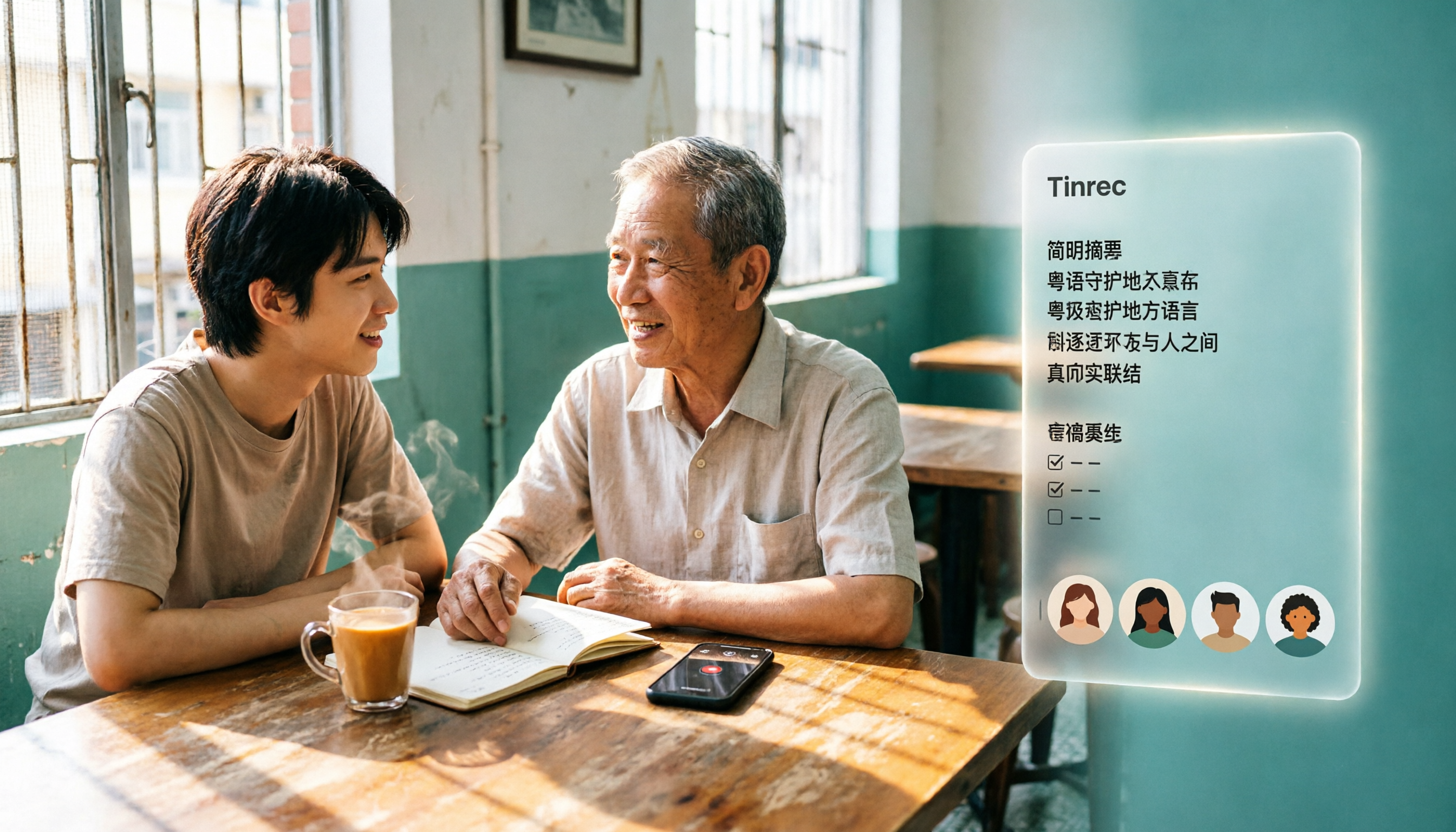
3 Cantonese Audio-to-Text Tools Tested for 2026: Which Free Option Is Actually Enough?
If you want to turn Cantonese recordings into text for free, the key isn't finding the cheapest option—it's understanding what kind of "free" you're getting. This article breaks down 3 common free models, outlines 5 buying considerations, and uses Tinrec to demonstrate a complete workflow from recording and transcription to AI summaries, action items, and team collaboration, with FAQs at the end.