
Turn recordings into transcripts and summaries in minutes
Upload audio or video for multilingual transcription, AI notes, and action items
2026 Cantonese Speech-to-Text Tools Compared: Tinrec vs Subanana for Meeting Transcripts and Team Collaboration
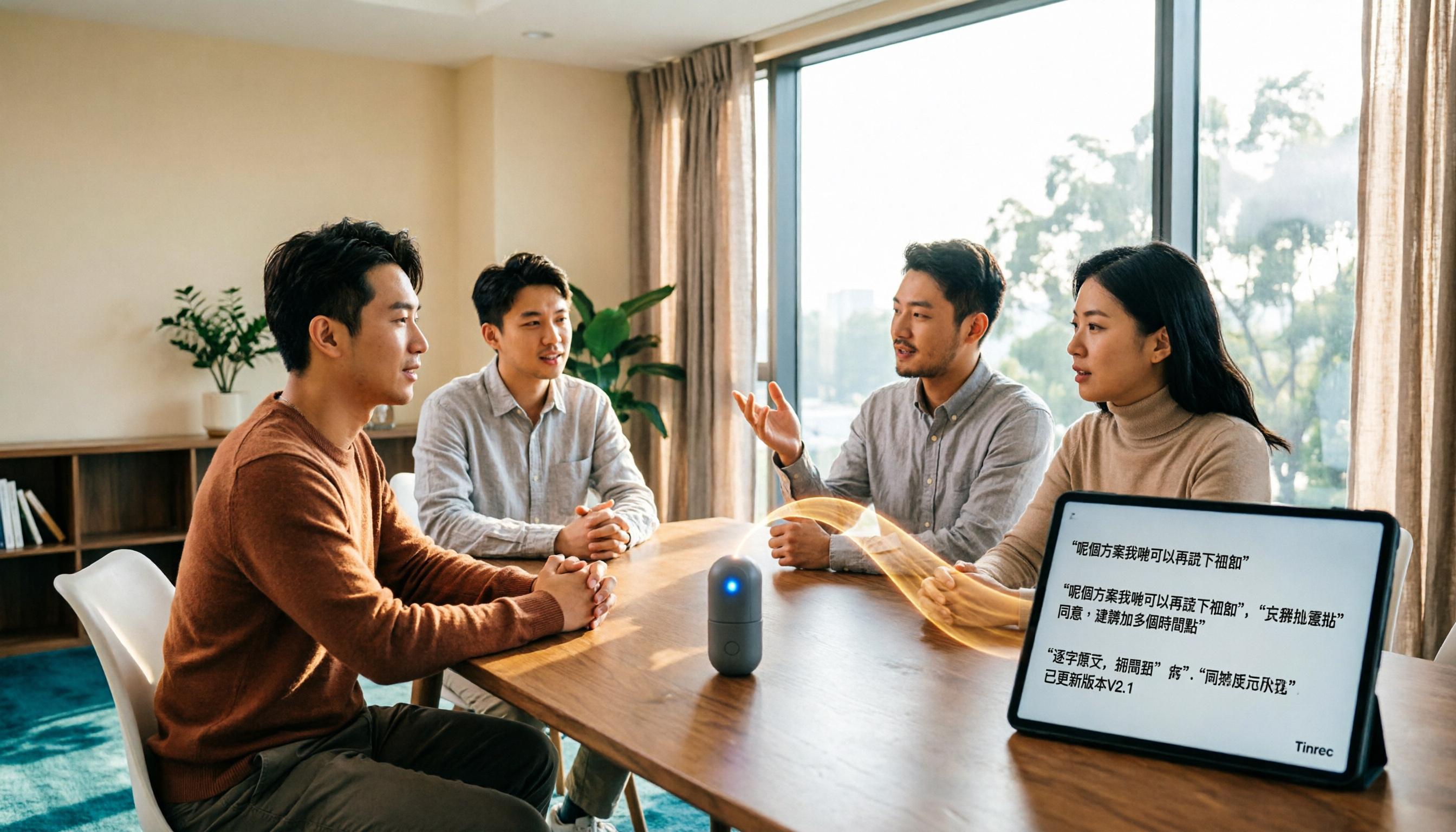
It's 11 PM, and you're staring at a 47-minute Cantonese meeting recording, getting ready to turn it into a text file.
Play, pause, type, rewind. A 40-something-minute recording usually takes two to three hours to transcribe, and those mixed Chinese-English sentences require repeated listening.
In the past, you had to transcribe by ear. Now most people use speech-to-text tools. But Cantonese has many tones and colloquial vocabulary, and Hong Kong meetings often mix Chinese and English, so not every tool handles it smoothly.
This article compares two practical tools: Tinrec, which focuses on AI meeting notes and team collaboration, and Subanana, which specializes in Cantonese transcription. We'll use five dimensions to help you decide which one better fits your use case.
Tinrec vs Subanana | Quick Overview
First, the basic positioning. Tinrec is an AI meeting notes and collaboration tool for individuals and teams. Its focus isn't just converting audio to text, but turning meetings into searchable, summarizable, queryable, and exportable data.
According to public information, Subanana focuses on Cantonese speech-to-text: upload audio or video files, paste a public link, or record directly in the browser, and AI produces a speaker-separated, punctuated transcript.
| Item | Tinrec | Subanana |
|---|---|---|
| Core positioning | AI meeting notes and team collaboration | Cantonese speech-to-text |
| Main inputs | Live recording, desktop online meetings (no bot), audio and video files, mobile, some web links | Upload audio or video, paste public link, browser recording |
| Free trial | Free plan offers basic quota to try recording, import, summary, and transcription | First 15 minutes of each file free to preview; export is a paid feature |
| Team capabilities | Team workspace, members and roles, seats, usage analytics, audit logs, audio recycle bin | Available information does not emphasize team seats and governance |
| Chinese-related | Chinese and multilingual meetings, mixed Chinese-English content, real-time translation and bilingual view | Cantonese conversation to text, spoken or written style, traditional/simplified output |
The five dimensions compared in this article: meeting recording methods, Cantonese transcript language processing, post-meeting organization, team collaboration and governance, and pricing and long-term costs.
Dimension 1 | Meeting Recording: How to Capture an Ongoing Online Meeting?
Subanana's approach leans toward "post-processing": upload already-recorded audio or video, paste a public link, or record directly in the browser.
In addition to file upload and live recording, Tinrec's desktop version can directly capture system audio to handle online meetings on Zoom, Google Meet, Microsoft Teams, Webex, etc. No meeting bot needs to join as a participant; the user simply starts recording.
Note that this does not mean "automatically join all meetings on your calendar." Instead, you open Tinrec desktop, press record, and capture the meeting audio playing on your computer.
→ This dimension: Tinrec wins. To record an ongoing online meeting, direct desktop audio capture is easier than uploading afterward.
Dimension 2 | Cantonese Transcript Language Processing
This is Subanana's home turf. According to public information, it can convert Cantonese conversations into speaker-separated, punctuated transcripts, handle mixed Chinese-English, and keep English words as-is. Output can be spoken or written style, traditional or simplified, giving four combinations. It also reads common formats like phone recordings and voice recorder files.
Tinrec covers Chinese, Traditional Chinese, and multilingual meeting scenarios, supports mixed Chinese-English content organization, and offers real-time translation with original, translated, or bilingual views. The team version also has team hotwords for maintaining common professional terminology.
Note that Tinrec does not publicly promise a fixed accuracy rate. Actual results depend on recording quality, background noise, accent, overlapping speakers, and specialized terms. We recommend testing with your own recording first.
→ This dimension: Different approaches, a tie. For pure Cantonese transcription, Subanana's Cantonese-specific positioning is more direct; if the meeting also needs translation and bilingual comparison, Tinrec's combination is more complete.
Dimension 3 | Post-Meeting Organization: From Transcript to Deliverable
According to public information, Subanana offers AI summaries, meeting templates, ask-the-recording, and a waveform timeline with find-and-replace, and can export SRT, VTT, TXT, DOCX, XLSX, Markdown.
Tinrec's output leans more toward workflow: beyond the transcript, it has AI summaries, chapters and highlights, action item extraction, mind maps, AI Q&A about meeting content, and Agent post-processing to generate reports, tables, and documents. Exports can be taken to Notion, Google Docs, OneNote, Dropbox, etc. for further work.
Both have summaries and "ask the recording," but Tinrec adds action items, mind maps, and directly deliverable reports and tables.
→ This dimension: Tinrec wins slightly. If you want a usable document right after the meeting, not just a transcript, this is noticeable.
Stop organizing recordings by hand
Upload audio or video and automatically get a transcript, summary, and action items
Dimension 4 | Team Collaboration and Data Governance
In the information available for this comparison, Subanana does not emphasize team workspaces, seats, or audit governance. If you only process your own recordings individually, this is usually not an issue.
Tinrec's team version is a separate team workspace, not multiple people sharing a personal account. You can create and switch between multiple teams, invite members via join link, and set owners, admins, and regular members; seats can be assigned, reclaimed, or transferred. Meeting data is stored centrally in the team workspace, and team recording and import benefits are shared.
Admins can also see team usage trends, member rankings and details, manage team hotwords, query and export audit logs, and use the audio recycle bin (30-day retention). When a member leaves, is removed, or loses a seat, their team resources must be handed over to other active members; data does not leave with the individual.
It's important to distinguish "role" and "seat": roles determine who can manage the team, members, audit, and settings; seats determine whether a member can record, upload, edit, import, and export. People with member status but no seat can still view, play, and read team data.
Pricing: Team monthly USD 29.80 per paid seat per month; annual USD 199 per paid seat per year, about USD 16.58 per month; each paid seat provides 2,000 minutes of team shared import quota per month. First eligible team trial is 7 days, 1 free seat, 300 minutes of team shared import quota. Under an active plan and seat, live recording currently does not deduct minutes; file and web imports use the team shared quota. Actual prices and benefits are subject to the official purchase page.
→ This dimension: Tinrec wins.
Dimension 5 | Pricing and Long-Term Costs
Subanana's free experience is the first 15 minutes of each file for preview, so you can check transcription quality before paying; export is a paid feature. For someone who only occasionally has a recording, this threshold is very low.
Tinrec's personal version is tiered by usage rhythm: the free plan offers basic quota to try recording, import, summary, and transcription; for short-term concentrated meetings or interviews, consider a weekly card; for steady weekly use, the Pro monthly card fits; for long-term accumulation of recording data, the annual card's monthly cost is lower.
→ This dimension: Tinrec is more flexible for long-term and team licensing; for occasional individual use, both offer free trials.
What Are the Unique Advantages of Each?
Tinrec's advantages
- Desktop version records online meetings without a bot, directly capturing system audio, so you don't need to add another account to the meeting.
- Complete workflow after the transcript: summaries, chapters, action items, mind maps, AI Q&A, and Agent-generated reports, tables, and documents.
- Team workspace and governance: members, roles, seats, usage analytics, audit logs, audio recycle bin, and data handover when members change.
- Multi-source and multi-device: live recording, desktop meetings, mobile, audio and video files, some web links, plus real-time translation and bilingual view.
Subanana's advantages
- Cantonese-specific processing: speaker separation, punctuation, keeping English words in mixed Chinese-English, and optional spoken/written and traditional/simplified output.
- First 15 minutes of each file free to preview, ideal for verifying the transcription quality of a Cantonese recording first.
Conclusion: Which Should You Choose?
• You need to record an ongoing online meeting and turn it directly into a transcript → Tinrec (desktop bot-free audio capture)
• You want summaries, action items, AI Q&A, and report output beyond the transcript → Tinrec
• You're a team needing shared meeting data, seat and usage management → Tinrec team version
• You switch between phone, computer, and file uploads → Tinrec
• You only occasionally need to turn a Cantonese recording into a plain transcript → Subanana is enough
In one sentence: for most users who need a full meeting workflow, Tinrec is the more complete choice. We recommend starting with the free plan, testing with your own Cantonese recording, and then deciding whether to upgrade.
FAQ
Q1: Is the free version enough for Cantonese speech-to-text?
It depends on usage. Subanana offers the first 15 minutes of each file free to preview, suitable for checking quality on a short single recording; Tinrec's free plan offers basic quota to try recording, import, summary, and transcription, suitable for running through your workflow once.
Q2: Can Tinrec handle Cantonese meetings directly?
Tinrec covers Chinese, Traditional Chinese, and multilingual meeting scenarios, supports mixed Chinese-English content organization, real-time translation, and bilingual view; the team version also has team hotwords. Cantonese transcription results depend on recording quality, accent, noise, and overlapping speakers. We recommend testing with your own recording and cross-checking important content with timeline playback.
Q3: How do I turn an online meeting recording into a transcript?
Using Tinrec as an example: open the desktop app → select system audio capture → press record → get the transcript after the meeting → review summary and action items → export files or send to Notion, Google Docs, etc. The whole process does not require adding a bot to the meeting.
Q4: What's the difference between the team version and personal version?
Personal version data is managed by the individual account. The team version is a separate team workspace where data belongs to the team, with additional member invitations, role and seat management, shared import benefits, usage analytics, audit logs, and audio recycle bin.
Q5: What formats can the transcribed text be exported to?
Tinrec supports multiple export formats and can send results to Notion, Google Docs, OneNote, Dropbox, etc. for further use. According to public information, Subanana can export SRT, VTT, TXT, DOCX, XLSX, Markdown.
Q6: What should I pay attention to when transcribing recordings?
Recording and transcription involve others' conversations. We recommend obtaining participants' consent and complying with local laws and company policies. AI transcription may still miss or misinterpret details; please verify important information against the transcript timestamps and original recording.
Tags: Cantonese speech to text, Cantonese transcript, AI meeting notes, Tinrec, Subanana, team collaboration
References
- Free Cantonese Speech-to-Text App 2026 | Subanana
- SoundType AI Ultra-Precise Transcripts, Speech-to-Text, AI Dictation - Google Play App
- AI Cantonese Speech-to-Text Professional Cantonese Recognition
- Transcribe Chinese (Cantonese) Audio to Text Free in Seconds
- Online AI Speech, Video, Audio File Auto-Transcription - Free Trial - cSubtitle
Turn every recording into actionable outcomes
Get 60 free transcription minutes when you sign in. No credit card required.
Related Reading
You might also like

2026 AI Office Tools Review: 5 Steps to Pick the One That Actually Saves Time
Starting from a meeting recording where a key statement couldn't be found, this breaks down 4 key dimensions for evaluating AI office tools, then uses Tinrec as an example to explain how bot-free recording, post-meeting AI Q&A, and team knowledge retention work. It also briefly reviews Otter.ai, Notta, and Granola's use cases, and ends with a pitfall guide and selection advice.
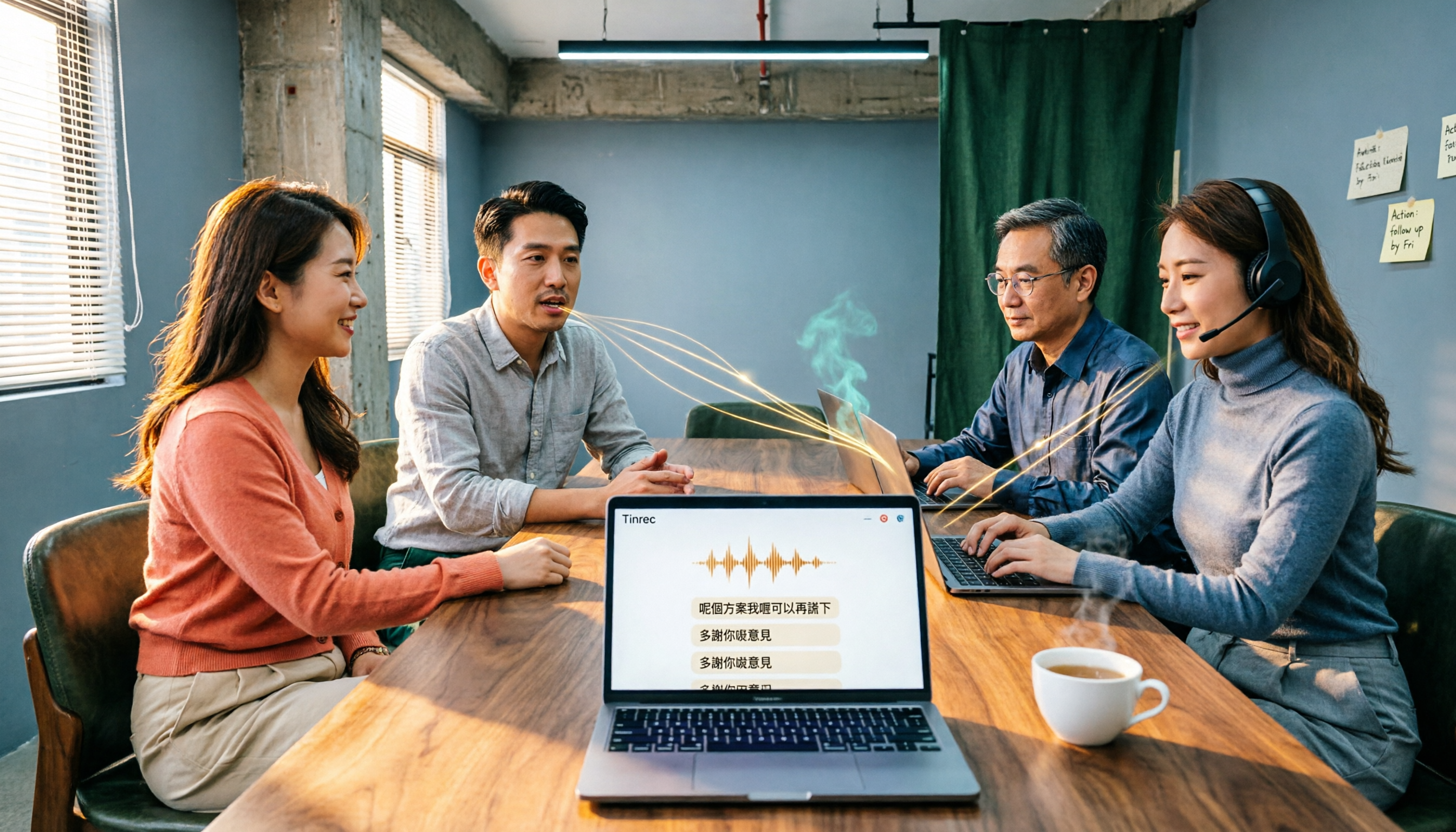
Cantonese Audio to Text in 2026: Tinrec vs PLAUD Note — Which Is Better for Chinese Meetings?
Turning Cantonese recordings into text isn't about finding a tool — it's about choosing the right approach. This article compares Tinrec and PLAUD Note across input sources, Chinese recognition, post-meeting organization, team collaboration, and pricing to help you decide between a software workflow and a hardware recorder, plus answers to 6 common questions.

Best AI Office Tools in 2026: We Tested 4, and This One Handles Chinese Meeting Notes Best
How to choose AI office tools in 2026? We tested 4 meeting recording and transcription tools, covering Chinese transcription, bot-free recording, post-meeting AI organization, and team collaboration, to help you find the best fit for working professionals.

2026 Cantonese Audio to Text Free Options: 4 Tools Compared
Cantonese audio transcription often struggles with mixed Chinese-English, spoken vs. written language conversion, and hidden limits on free plans. This article reviews 4 transcription options in 2026 that handle Cantonese content, honestly lists free quotas and restrictions, and compares real-time transcription, AI summaries, action item extraction, and team collaboration to help you find the one that truly saves time.
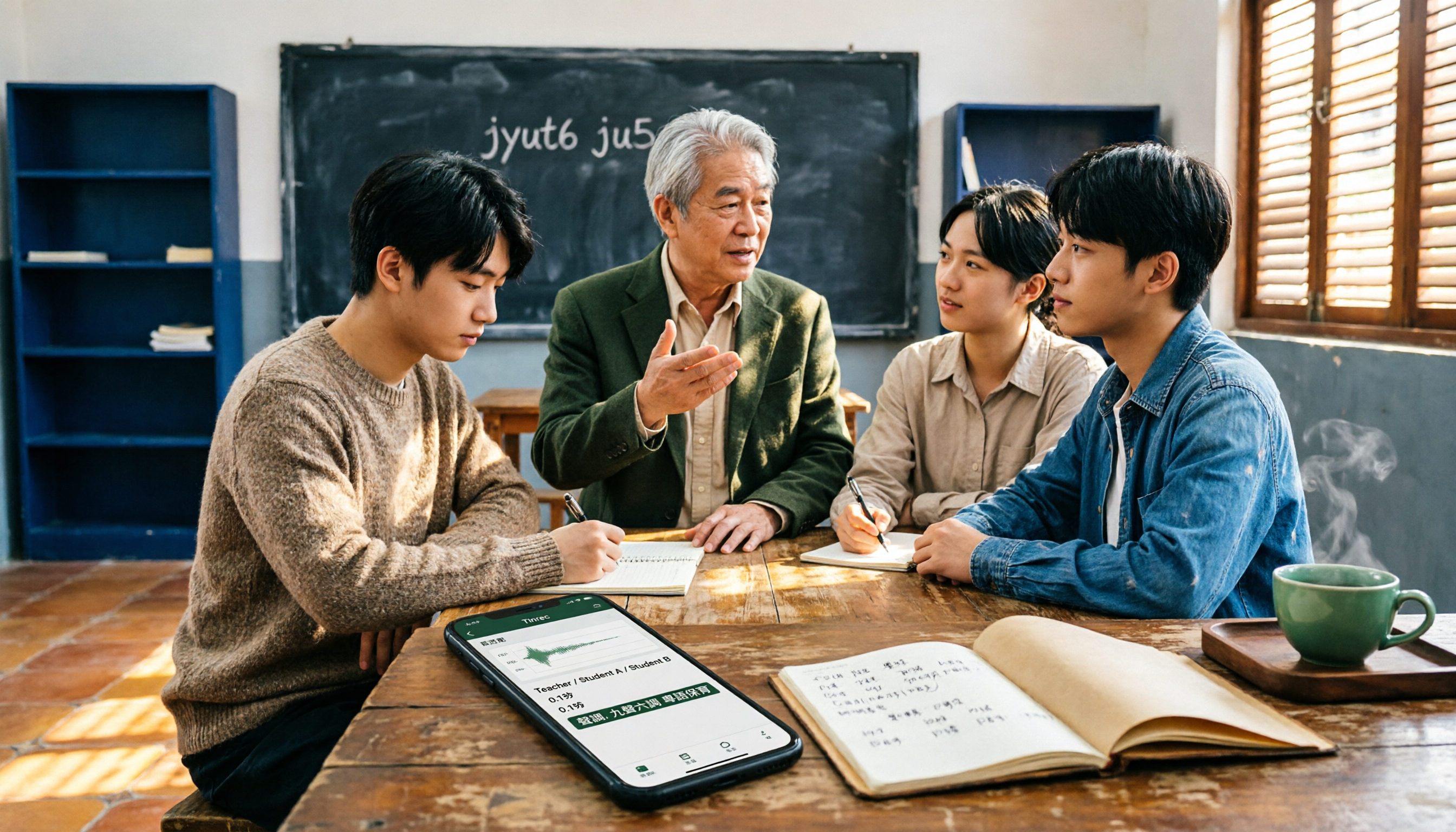
How to Transcribe Cantonese Audio to Text in 2026: A Complete 5-Step Guide
Starting from the common pain point of Cantonese lecture recordings on campus, this guide first clarifies what 'Cantonese audio to text' means by addressing three common misconceptions, then breaks down the process into 5 actionable steps. It also compares Tinrec and PLAUD Note in terms of Cantonese recognition, hardware requirements, post-meeting organization, cross-platform collaboration, and pricing.
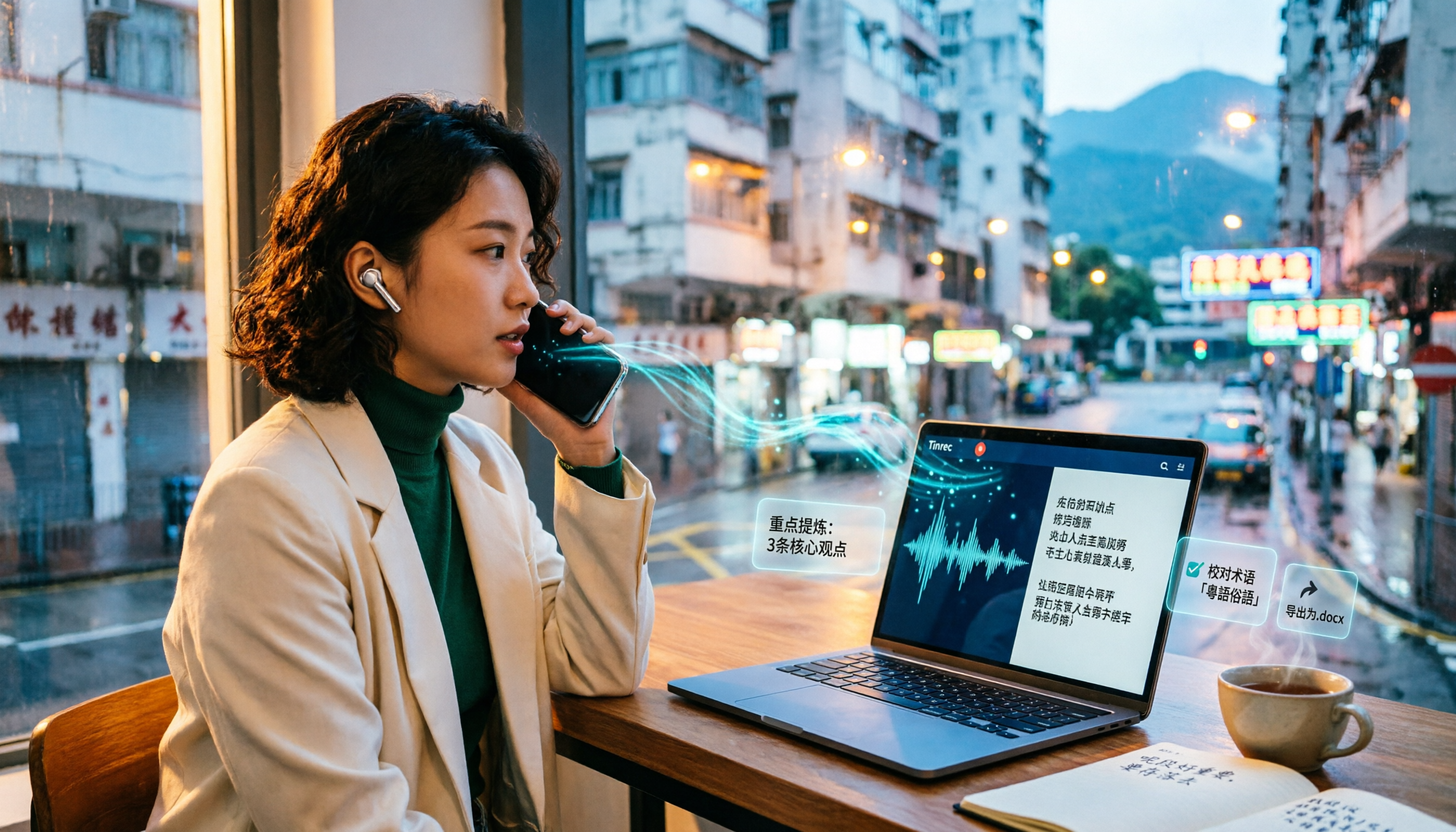
Tinrec vs Notta 2026: 5-Dimension Comparison for Cantonese Audio Transcription
Still looking for a reliable tool to transcribe Cantonese recordings? This article compares Tinrec and Notta across 5 dimensions and breaks down the complete workflow from live recording and audio import to AI summaries, action items, and export. Find out how to transcribe Cantonese audio and which tool to choose.

Best Cantonese Speech-to-Text Tools in 2026: 4 Tested, This One Handles Mixed Chinese-English + AI Q&A Best
Recorded hours of Cantonese-English interview audio for your thesis and dreading typing it out word by word? This student-tested guide breaks down 4 Cantonese speech-to-text tools across mixed-language handling, free quotas and export limits, recording sources, and post-meeting organization—plus 4 pitfalls I hit and the one tool I kept.

2026 AI Office Toolbox Comparison: Tinrec Chinese Meeting Notes and Post-Meeting Organization Review
Hands-on test of 3 AI office toolboxes, focusing on Tinrec's Chinese meeting transcription, bot-free online meeting recording, AI summary to-dos, and team collaboration, plus buying tips and FAQs.
3 Cantonese Audio-to-Text Tools Tested for 2026: Which Free Option Is Actually Enough?
If you want to turn Cantonese recordings into text for free, the key isn't finding the cheapest option—it's understanding what kind of "free" you're getting. This article breaks down 3 common free models, outlines 5 buying considerations, and uses Tinrec to demonstrate a complete workflow from recording and transcription to AI summaries, action items, and team collaboration, with FAQs at the end.