

Turn recordings into transcripts and summaries in minutes
Upload audio or video for multilingual transcription, AI notes, and action items
Best AI Office Tools in 2026: We Tested 4, and This One Handles Chinese Meeting Notes Best
Two-Hour Meeting, Two More Hours Organizing—You Need an AI Office Tool That Understands Chinese
The cross-departmental meeting at 3 PM just ended. You look at the 90-minute recording on your phone and the meeting minutes due tomorrow. To make matters worse, the meeting was mixed Chinese and English, and several colleagues spoke quickly and talked over each other.
If you've ever experienced "easy to record, painful to organize," this article is for you. We tested 4 AI office tools, focusing on meeting notes, transcription, and post-meeting organization.
Before Choosing an AI Office Tool, Understand These 4 Key Points
- Chinese and mixed Chinese-English transcription: Many tools are strong in English but start missing words when faced with Chinese meetings or mixed Chinese-English. In actual tests, participant accents, air conditioning noise, and multiple people talking over each other all affect results.
- Meeting recording method: Some tools require inviting a meeting bot to join, while others directly capture computer system audio without adding an extra participant.
- Post-meeting usability: A verbatim transcript is just the starting point. The ability to automatically generate summaries, chapters, to-dos, and even use AI to ask "Who mentioned the budget in the last meeting?" is the key to saving time.
- Team knowledge retention and permissions: A personal version may be enough, but if meeting data needs to be shared with the team, you need to check for team spaces, member roles, seats, and usage management.
Tinrec—Our Top Pick After Testing
Tinrec is an AI meeting notes and collaboration tool for individuals and teams, supporting iOS, Android, desktop, and web. It doesn't just convert sound to text; it turns meetings into searchable, collaborative, and actionable team data.
When you open Tinrec desktop during a meeting, it directly captures computer system audio, handling online meetings on Zoom, Google Meet, Microsoft Teams, Webex, etc., without inviting a meeting bot. For offline meetings, you can use the mobile or web version for real-time recording and transcription. During the meeting, the transcript appears as you record, and you can enable real-time translation to view in original, translated, or bilingual mode.
After the meeting, Tinrec automatically generates AI summaries, chapters, and to-dos. We tested a 25-minute mixed Chinese-English project discussion and directly asked Tinrec: "What is the budget cap the client mentioned?" It provided an answer based on semantic understanding, not just keyword search results. Among competitors at the same price point, this AI conversational query is not available in every tool.
In addition, Tinrec supports uploading audio and video files for transcription, multi-format export, and post-processing through Agent to generate reports, tables, and meeting minutes. The team version provides an independent team space where meeting data belongs to the team, and you can manage member roles, seats, sharing rights, usage analytics, and audit logs. When a member leaves, team resources can be transferred to other active members and won't disappear with the personal account.
Stop organizing recordings by hand
Upload audio or video and automatically get a transcript, summary, and action items
In terms of limitations, the free version offers a basic quota suitable for light use; heavy users need to consider weekly, Pro monthly, or annual plans. The team version offers a 7-day trial for first-time eligible users, 1 free seat, and 300 minutes of team shared import quota; paid seats provide 2,000 minutes of team shared import quota per month, and real-time recording is currently not deducted by minutes under an active plan. Actual transcription results are affected by recording quality, noise, accents, and technical terms. It is recommended to verify important content against the recording.
In short, if you need Chinese meeting transcription, don't want a bot to join the meeting, and want to use AI to find key points afterward, Tinrec is the most convenient choice in this test.
Besides Tinrec, What Other Options Are There?
Otter.ai: A mature choice for English meetings, with a free version offering 300 minutes per month and Pro annual billing at about USD 8.49/user/month. Suitable for English-focused teams. However, Chinese meetings and mixed Chinese-English content are not its strong suit, and Tinrec's team hotwords and Chinese real-time translation experience are more tailored to Taiwanese users.
Notta: A multi-platform transcription tool, with a free version offering 120 minutes per month, up to 3 minutes per session, and Pro annual billing at about USD 8.17/month. Notta has a good reputation for file transcription and translation, but lacks Tinrec's desktop bot-free online meeting recording and team space retention capabilities.
Granola: A bot-free AI meeting notes tool, with Basic free and Business at USD 14/user/month. It emphasizes user notes and AI enhancement, but does not support uploading pre-recorded audio files and does not save meeting audio. Tinrec retains recordings, supports file import, and can export to Notion, Google Docs, and other tools.
Pitfall Guide: The 3 Most Common Mistakes When Choosing AI Office Tools
Pitfall 1: Only looking at the officially claimed accuracy. Real meeting rooms have air conditioning noise, keyboard sounds, and multiple people talking over each other. It's best to test with your own recording for free, not just rely on advertising numbers.
Pitfall 2: Ignoring cross-platform needs. Today you record on iPhone, tomorrow you organize on computer. If the tool doesn't support cross-platform, data will be scattered. Tinrec covers mobile, desktop, and web, so meeting data can be centralized.
Pitfall 3: Treating the tool as just a voice recorder. If you only use it for transcription, you're only using one-third of its value. Features like Tinrec's AI Q&A, to-do extraction, and Agent post-processing are the key to turning meetings into action lists.
Conclusion: Which One Should You Choose?
Need Chinese meetings and mixed Chinese-English transcription → Tinrec
Don't want to invite a meeting bot to online meetings → Tinrec (desktop system audio capture)
Want to use AI to ask about meeting highlights and automatically organize to-dos → Tinrec
Need team sharing of meeting data, seat and usage management → Tinrec team version
Mainly record English meetings, limited budget → Otter.ai free version is worth considering
Overall, Tinrec is the closest to the needs of this test in the three dimensions of Chinese meetings, bot-free recording, and post-meeting AI organization. We recommend starting with the free version, running a test with your own meeting recording, and then deciding whether to upgrade.
References
- 14 AI Tools You Must Know in 2026 (Part 2) | TechNews
- Top 20 Must-Have AI Tools for the Workplace! Expert: 90% of Workers Will Need to Know AI in the Future | 104 Workplace
- [AI Quick Guide] Just Read This! 2026 Recommended AI Free vs Subscription Tools to Improve Productivity & Workplace Competitiveness! (Continuously Updated) | 104 Workplace
- Comprehensive Guide to Improving Work Efficiency | Rookie Savior LIVE Academy | Best Value Online Courses and Live Classes
- 2026 AI Tool Quick Guide: 24 AI Tools to Greatly Improve Work Productivity!
Turn every recording into actionable outcomes
Get 60 free transcription minutes when you sign in. No credit card required.
Related Reading
You might also like

2026 AI Office Tools Review: 5 Steps to Pick the One That Actually Saves Time
Starting from a meeting recording where a key statement couldn't be found, this breaks down 4 key dimensions for evaluating AI office tools, then uses Tinrec as an example to explain how bot-free recording, post-meeting AI Q&A, and team knowledge retention work. It also briefly reviews Otter.ai, Notta, and Granola's use cases, and ends with a pitfall guide and selection advice.
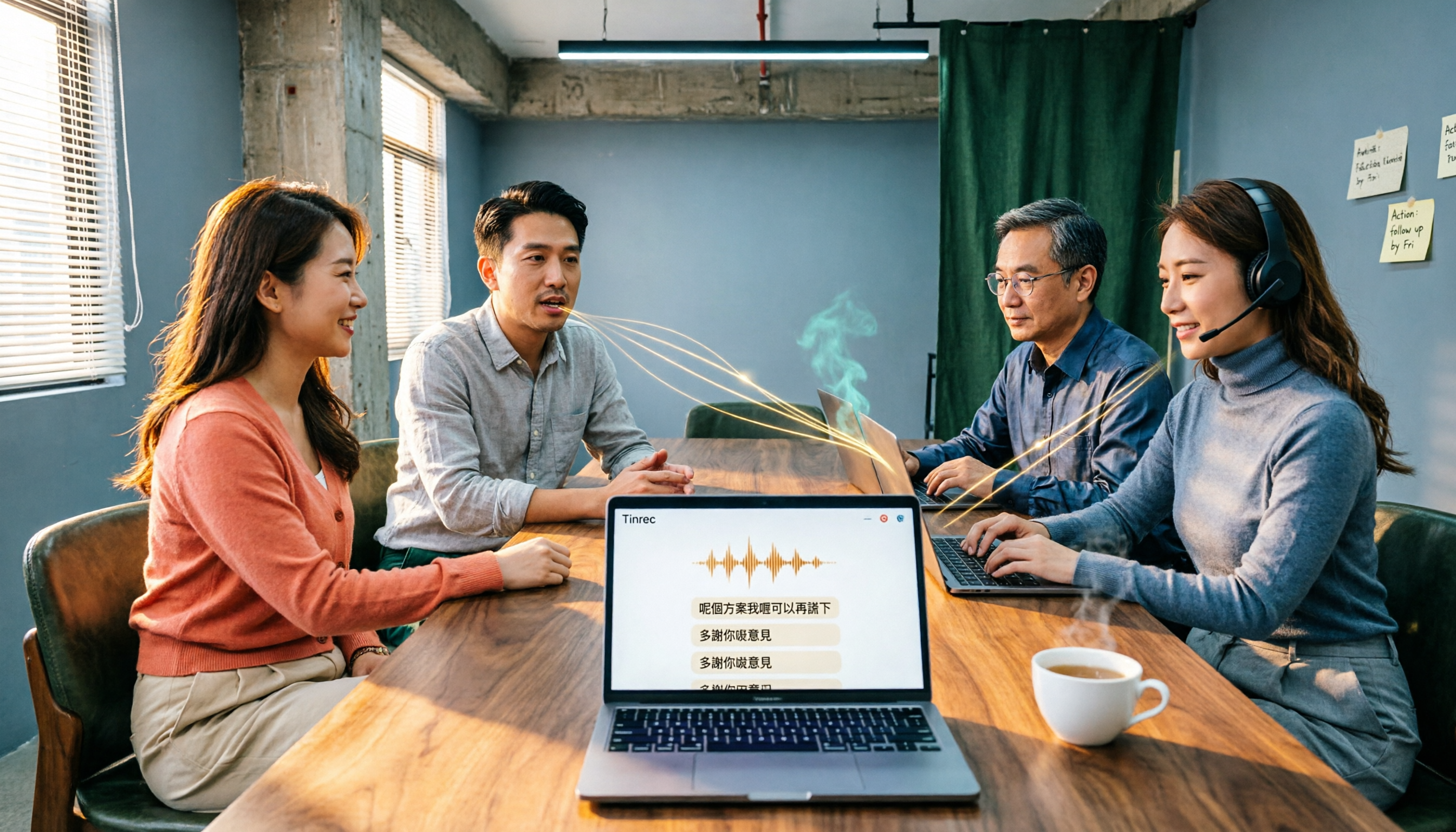
Cantonese Audio to Text in 2026: Tinrec vs PLAUD Note — Which Is Better for Chinese Meetings?
Turning Cantonese recordings into text isn't about finding a tool — it's about choosing the right approach. This article compares Tinrec and PLAUD Note across input sources, Chinese recognition, post-meeting organization, team collaboration, and pricing to help you decide between a software workflow and a hardware recorder, plus answers to 6 common questions.

2026 Cantonese Speech-to-Text Tools Compared: Tinrec vs Subanana for Meeting Transcripts and Team Collaboration
Transcribing Cantonese meeting recordings often takes longer than the meeting itself. This article compares Tinrec and Subanana across five dimensions: online meeting recording, Cantonese transcript language processing, post-meeting organization, team collaboration and governance, and pricing and long-term costs. It also lists each tool's free tier and limitations to help you decide which fits your needs.

2026 Cantonese Audio to Text Free Options: 4 Tools Compared
Cantonese audio transcription often struggles with mixed Chinese-English, spoken vs. written language conversion, and hidden limits on free plans. This article reviews 4 transcription options in 2026 that handle Cantonese content, honestly lists free quotas and restrictions, and compares real-time transcription, AI summaries, action item extraction, and team collaboration to help you find the one that truly saves time.

How to Transcribe Cantonese Audio to Text in 2026: A Complete 5-Step Guide
Starting from the common pain point of Cantonese lecture recordings on campus, this guide first clarifies what 'Cantonese audio to text' means by addressing three common misconceptions, then breaks down the process into 5 actionable steps. It also compares Tinrec and PLAUD Note in terms of Cantonese recognition, hardware requirements, post-meeting organization, cross-platform collaboration, and pricing.

Tinrec vs Notta 2026: 5-Dimension Comparison for Cantonese Audio Transcription
Still looking for a reliable tool to transcribe Cantonese recordings? This article compares Tinrec and Notta across 5 dimensions and breaks down the complete workflow from live recording and audio import to AI summaries, action items, and export. Find out how to transcribe Cantonese audio and which tool to choose.

Best Cantonese Speech-to-Text Tools in 2026: 4 Tested, This One Handles Mixed Chinese-English + AI Q&A Best
Recorded hours of Cantonese-English interview audio for your thesis and dreading typing it out word by word? This student-tested guide breaks down 4 Cantonese speech-to-text tools across mixed-language handling, free quotas and export limits, recording sources, and post-meeting organization—plus 4 pitfalls I hit and the one tool I kept.

2026 AI Office Toolbox Comparison: Tinrec Chinese Meeting Notes and Post-Meeting Organization Review
Hands-on test of 3 AI office toolboxes, focusing on Tinrec's Chinese meeting transcription, bot-free online meeting recording, AI summary to-dos, and team collaboration, plus buying tips and FAQs.
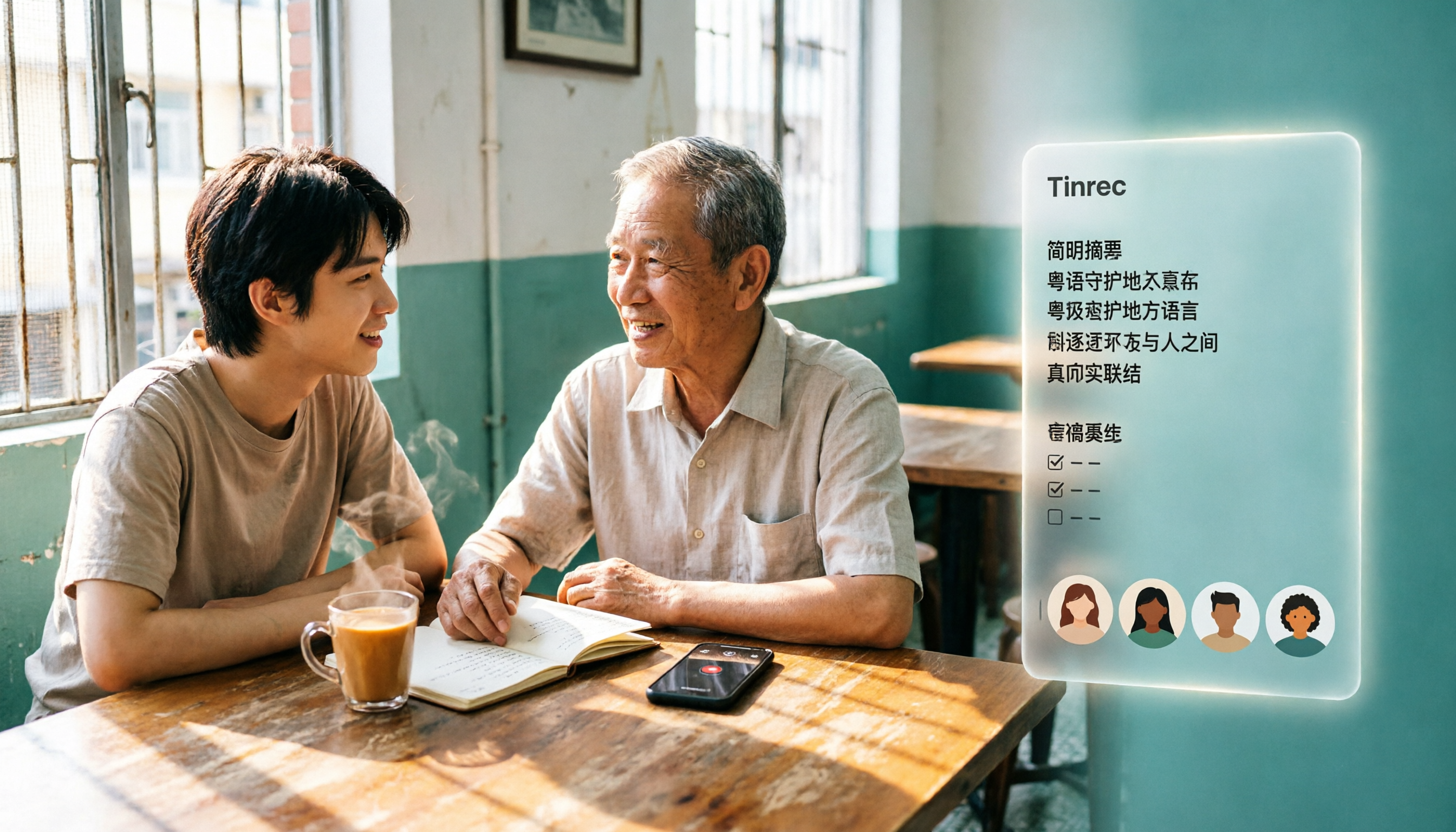
3 Cantonese Audio-to-Text Tools Tested for 2026: Which Free Option Is Actually Enough?
If you want to turn Cantonese recordings into text for free, the key isn't finding the cheapest option—it's understanding what kind of "free" you're getting. This article breaks down 3 common free models, outlines 5 buying considerations, and uses Tinrec to demonstrate a complete workflow from recording and transcription to AI summaries, action items, and team collaboration, with FAQs at the end.