

Turn recordings into transcripts and summaries in minutes
Upload audio or video for multilingual transcription, AI notes, and action items
Notta vs TurboScribe in 2026: 3 Speech-to-Text Tools Tested—Which Saves the Most Time After Meetings?
First, a Common Pitfall: Mistaking "Transcribable" for "Usable"
When I first started choosing these tools years ago, the first thing I looked at was the minutes on the price list. Later I realized that minutes are almost the least influential column for long-term willingness to use.
What really determines whether you'll keep opening it is the part after transcription: how long it takes you to find conclusions, who agreed to what, and whose turn is next.
Another common misconception is looking only at single-file length. TurboScribe's paid version can handle 10 hours per file, great for organizing lectures, courses, and podcasts; but if most of what you record is 40-minute weekly meetings, this advantage doesn't really apply.
This article will first clarify the key points you should really look at when choosing, then explain who Notta and TurboScribe are each suitable for, and finally share which one we open most often for meetings after testing.
Before Buying, Understand These 5 Key Points
1. Are you "catching up afterward" or "taking notes live"?
These two seem like the same thing, but they're completely different. Catching up afterward focuses on batch processing, long files, and format support; taking notes live focuses on latency, speaker identification, and whether you can see text in real time. Think clearly about which scenario accounts for 80% of your use, so you don't buy a tool that doesn't work smoothly.
2. What comes after the transcript?
The transcript is just raw material. What most people really lack is summaries, chapters, action items, and the ability to ask follow-up questions like "who said that budget thing last week." Comparing only transcription minutes easily overlooks this entire segment of value.
3. Actual performance with Chinese and mixed Chinese-English
Meetings in Taiwan rarely use pure Chinese; product names, job titles, and system codes often include English directly. You can't tell this just by seeing "supports 98 languages" on the official website—you have to test with your own recordings.
4. How quotas are calculated matters more than total minutes
Free plans often have an invisible ceiling: a maximum length per session. The total minutes may look sufficient, but if a single meeting hits the limit, it's as good as not provided.
5. How teams are managed
If meeting data is to be used by the entire department, you need to see whether it has team spaces, member roles, seat allocation, and usage records. Sharing a personal account means data scatters once people leave.
Tinrec—The One We Open Most Often for Meetings After Testing
Tinrec is an AI meeting notes and collaboration tool for individuals and teams, available on web, desktop, and mobile. Its positioning isn't "turning sound into text" but turning meetings into searchable, queryable, and transferable data.
No need to invite a bot during meetings
The desktop version directly captures your computer's system audio, so when handling online meetings like Zoom, Google Meet, Microsoft Teams, and Webex, you don't need to pull an extra meeting bot into the room. To be precise: this is you actively opening Tinrec to start recording, not it automatically joining every meeting on your calendar.
Transcribe while recording, keep up with cross-language meetings
For offline meetings, interviews, and similar occasions, real-time recording lets you see text as you speak. When encountering foreign languages or mixed Chinese-English segments, you can switch between original text, translation, or bilingual view to confirm whether content was misheard during the meeting.
The real focus is after the meeting: summaries, chapters, and action items all at once
After the meeting ends, Tinrec organizes summaries and chapters and extracts action items from discussions into to-dos. This is where it pulls ahead of pure transcription tools—what you get isn't just a transcript but data you can work with further.
Ask follow-up questions about meeting content
This is the feature we use most. After recording, you can directly ask it "who mentioned the budget last meeting" or "what concerns did the client have about delivery time," and it answers based on the content rather than throwing a bunch of keyword search results at you. As historical meetings accumulate, the value of this feature becomes increasingly obvious.
Export and further processing
Results can be exported to common tools like Notion, Google Docs, OneNote, and Dropbox, and can further generate reports, tables, and meeting minutes for direct use in reporting or archiving.
Team version: turn meetings into team assets
Stop organizing recordings by hand
Upload audio or video and automatically get a transcript, summary, and action items
If an entire department is using it, the team version provides independent team spaces where meeting data belongs to the team and doesn't follow personal accounts. Management is divided into three layers: roles determine who can manage the team and audit, seats determine who can record, upload, edit, and export, and member relationships determine who belongs to the team. Members without seats can still view, play, and read team data but cannot upload or edit.
There are also team hotwords (adding company-specific terminology improves recognition), usage trends and member rankings, audit logs, and a 30-day audio recycle bin. When a member leaves or is removed, their team resources need to be transferred to other members so data doesn't just disappear.
Currently, the first eligible team trial is 7 days, 1 free seat, and 300 minutes of team shared import quota; paid plans are USD 29.80 per paid seat per month, or USD 199 per paid seat per year (about USD 16.58 per month), with each paid seat providing 2,000 minutes of team shared import quota per month. Under an active team plan and active seats, real-time recording is currently not deducted by minutes. Prices and promotions are subject to the official purchase page.
Limitations to be honest about
File and web link imports use the team shared quota, not the real-time recording calculation. Permissions are currently team-level sharing plus role and seat control, not fine-grained file-level permissions. Also, actual recognition performance is still affected by recording quality, ambient noise, accents, multiple people talking over each other, and proper nouns; for important content, it's recommended to cross-check with transcript timestamps and recordings.
Who it's for
If most of your meetings are online or offline, you need Chinese and mixed Chinese-English transcripts, you want summaries and action items right after meetings, and you want to accumulate data for team sharing, Tinrec will be much smoother than pure transcription tools.
Besides Tinrec, Who Are Notta and TurboScribe Each Suitable For?
Notta: A multi-platform transcription tool covering meeting notes, file import, translation, and team plans, with the highest overlap with Tinrec. The current free version offers 120 minutes per month but caps single content at 3 minutes, so in practice you can only get a taste; Pro annual billing is about USD 8.17 per month with 1,800 minutes per month; Business annual billing is about USD 16.67 per seat per month, offering unlimited transcription, role permissions, and usage reports. Its multilingual performance has a good reputation. However, it doesn't have Tinrec's desktop bot-free system audio recording workflow, and post-meeting AI follow-up and Agent post-processing aren't its main focus.
TurboScribe: Essentially closer to a cost-effective file transcription service, strong in long files and batch processing. The free version allows 3 files per day with a 30-minute cap per file; Unlimited annual billing is USD 120 (about USD 10 per month), and after payment, single files can be up to 10 hours or 5 GB, with up to 50 files uploaded at once. The official page states it uses the Whisper model, supports transcription in over 98 languages, can translate into over 134 languages, and features noise reduction and speaker labeling. If you have a batch of interview recordings or course audio files to quickly transcribe, its efficiency is hard to beat. But it's not a meeting workflow tool: no team seat governance, and no post-meeting steps like extracting action items from discussions or asking follow-up questions about meeting content.
Pitfall Guide: The 3 Most Common Mistakes When Choosing Transcription Tools
Pitfall 1: Looking only at total minutes, ignoring per-session limits
The most easily overlooked aspect of free plans is per-session length. Notta's free version is 3 minutes per session, TurboScribe's free version is 30 minutes per file; the totals may look substantial, but a full meeting might hit the wall in one go. It's best to test directly with your longest recording.
Pitfall 2: Treating "file transcription" as "meeting notes"
These two have completely different needs. Transcription needs accuracy and batch processing; meeting notes need summaries, action items, who's responsible for what, and how to follow up next time. Buying a transcription tool and expecting it to organize action items for you usually leads to disappointment.
Pitfall 3: Sharing personal accounts for team use
Colleagues borrowing each other's accounts is convenient short-term but problematic long-term: unclear data ownership, files lost after members leave, and no way to track who used how much quota. As team size grows, this will eventually need to be addressed.
Conclusion: Which One Should You Choose?
To sum up in one sentence: if what you want is "turning meetings into data you can continue working with," Tinrec is the one we open most often after testing.
Recommendations by use case:
- Need Chinese and mixed Chinese-English meeting transcripts → Tinrec, and remember to use team hotwords for proper nouns.
- Don't want to pull an extra bot into online meetings → Tinrec desktop version, directly captures system audio.
- Want to use AI to ask follow-up questions like "who mentioned the budget last time" after meetings → Tinrec, this is its biggest gap from pure transcription tools.
- Need to accumulate for the entire department, with seat and usage management → Tinrec team version, data belongs to the team.
- Have a bunch of long audio files, courses, or podcasts to batch transcribe → TurboScribe, its 10-hour single file and 50-file batch are its home turf.
- Only need general multilingual transcription with a limited budget → Notta's Pro annual plan is worth considering.
It's recommended to start with the free version, run a round with your own meeting recordings, and see whether the transcript needs extensive manual correction and whether the summary captures the key points. If it feels smooth, then consider upgrading; there's no need to pay from the start.
References
- TurboScribe vs Notta: Comparison, Pricing, and Alternatives | TurboScribe
- Compare Notta vs. TurboScribe in 2026
- Notta vs. TurboScribe Comparison
- StenifyAI vs Notta vs Otter.ai vs TurboScribe - Which AI Meeting Assistant Should You Choose? | StenifyAI
- TurboScribe: Unlimited, Accurate Alternative to Notta.ai | TurboScribe
Turn every recording into actionable outcomes
Get 60 free transcription minutes when you sign in. No credit card required.
Related Reading
You might also like

Transkriptor vs Notta: Which Is Better? 2026 Comparison of 3 Tools — This One Is Better for Chinese Meetings and Team Knowledge Retention
Comparing Transkriptor and Notta? This article examines four angles: Chinese recognition, post-meeting organization, meeting audio capture methods, and team authorization. It also explains how Tinrec uses desktop-based bot-free recording for online meetings, generates summaries and action items, and compares publicly available data on language counts, custom vocabulary, free quotas, and pricing between Transkriptor and Notta to help you choose the right transcription tool.

3 AI Meeting Transcription Tools Tested: Otter vs Notta (Reddit Buzz) and How to Choose in 2026
We break down real Reddit discussions comparing Otter and Notta, covering meeting types, input sources, and post-meeting deliverables. Then we walk through the complete workflow with Tinrec—from recording and transcription to AI summaries and team knowledge retention—to help you decide which tool fits your needs.

Tinrec vs Yating Transcribe 2026: 5-Dimension Comparison — Which Is Better for Accuracy and Post-Meeting Organization?
People searching for 'Yating Transcribe accuracy' often need to know not just a single number, but how much time they'll spend organizing after transcription. This article compares Tinrec and Yating Transcribe across 5 dimensions: Chinese and mixed Chinese-English recognition, post-meeting output, meeting capture and input sources, cross-device and team collaboration, and pricing and trial flexibility. It also summarizes each tool's unique strengths and ideal users.

Tinrec vs iPhone Voice Memos in 2026: 5-Dimension Comparison — Which Recording App Should You Use?
iPhone's built-in Voice Memos is free and easy to use, but it often falls short for meeting notes, transcription, and post-meeting organization. This article compares Tinrec and iPhone Voice Memos across 5 dimensions—Chinese transcription, online meeting recording, AI Q&A, team collaboration, and pricing—to tell you which one to use in which situation.

Traditional Recording Apps vs Tinrec in 2026: A 5-Dimension Comparison — The Real Difference Is What Happens After Recording
Discussions about recording apps on PTT often revolve around issues like calls interrupting recordings, files ending up 0 seconds long, and Android internal recording failures. This article, from a student's practical perspective, breaks down the most common misconceptions when choosing a recording app and compares 'recording-only' vs 'record-and-organize' across 5 dimensions, explaining how Tinrec works in practice for transcripts, summaries, to-dos, and team collaboration.

How to Choose a Meeting Transcription Tool in 2026: Notta vs. Transkriptor + Tinrec's Differentiated Advantages
Meeting recordings sitting around for three days with no one organizing them? This article starts from real pain points, compares the positioning differences between Notta and Transkriptor, and explains how Tinrec uses bot-free recording, AI summary Q&A, and team spaces to turn meetings into searchable, transferable team data.

Yating Transcript Pricing 2026: Free Minutes and Hourly Rates Explained
Does Yating Transcript cost money? This guide breaks down the free quota, the NT$100 per hour plan, bulk purchases, and API billing. It also covers 4 key things to understand before choosing a transcription tool, and compares pricing models from Tinrec, Notta, Otter.ai, and others to help you decide which option is most cost-effective for you.
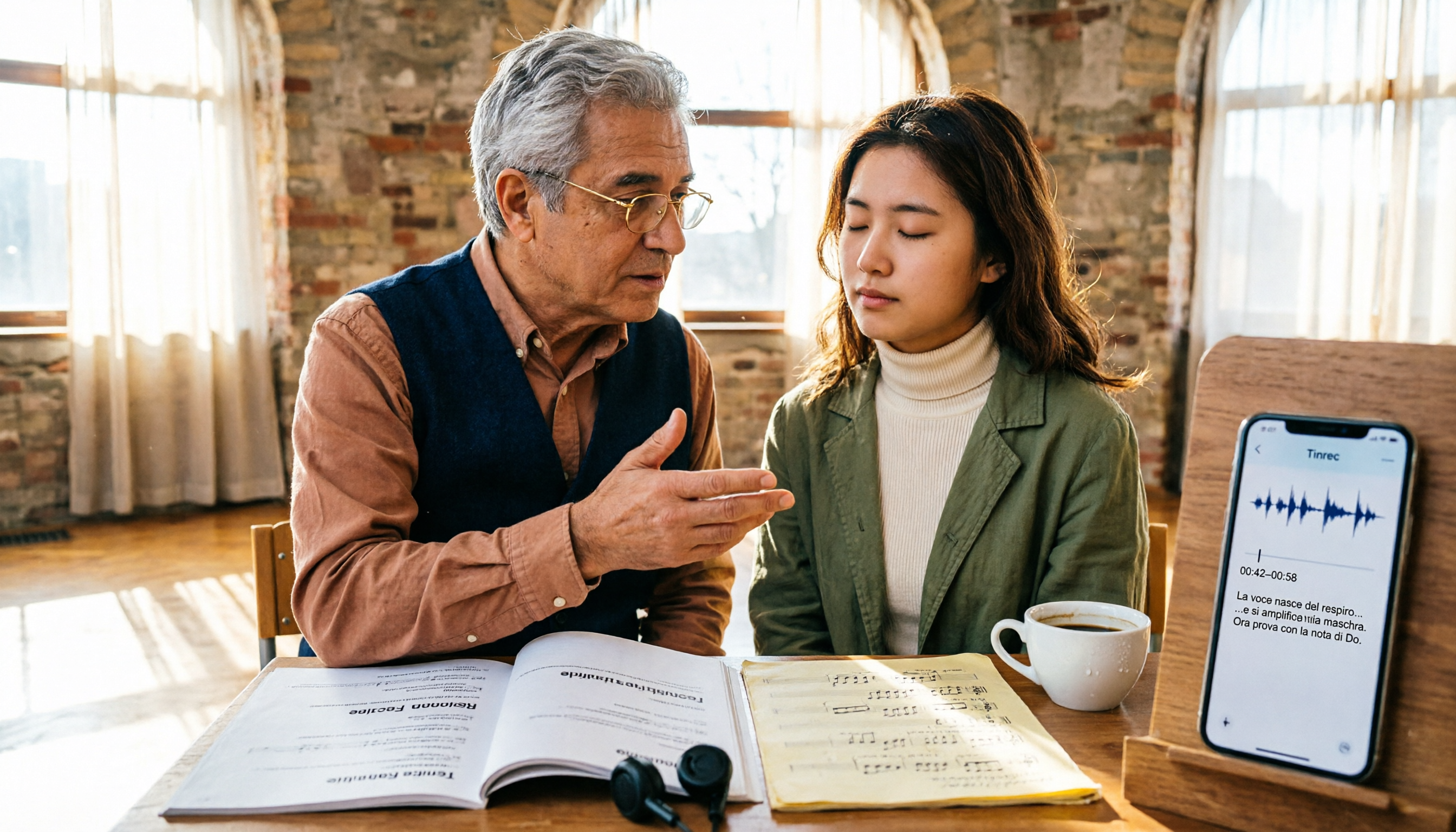
2026 Guide: 5 Artistic Vocology Training Resources Compared — How to Choose Italian Courses, Societies, and Lecture Recording Tools
Planning to study vocologia artistica in 2026? Italian course info is scattered across four or five websites, all in Italian, with different deadlines. This guide compares 2026 programs from Nuova Artec, GIVA, Unicusano, La Voce Artistica, and the University of Bologna, and shares a tested method using Tinrec to capture Italian lectures.

2026 AI Voice Collaboration Platform Comparison: vocol.ai vs. Tinrec — Which One Ends the Post-Meeting Cleanup Nightmare?
Endless weekly meetings are bad, but post-meeting cleanup is the real nightmare. This article compares vocol.ai, Tinrec, Otter.ai, and Notta from a mid-level manager's hands-on perspective, covering Chinese transcription, post-meeting summaries, AI Q&A, team collaboration, and pricing. It also honestly points out each tool's limitations to help you decide which one deserves a spot in your team's workflow.