

Turn recordings into transcripts and summaries in minutes
Upload audio or video for multilingual transcription, AI notes, and action items
Should You Pay for Yating Transcript? First, Check Your Usage Volume
When it comes to Yating Transcript pricing, the only real question you need to answer is: how many hours of audio will you transcribe in a year?
If you only transcribe three to five interviews a year, the free quota is probably enough. If you have weekly meetings to archive, buying hours by the hour can add up quickly.
This article skips the specs and gets straight to the numbers.
4 Things to Understand Before Calculating Costs
1. Billing Is Based on Audio Length, Not Your Working Time
Yating Transcript charges by audio length. A 60-minute meeting deducts 60 minutes, regardless of how long the AI runs or how many words you edit afterward.
This is friendly for people with many short meetings, but if you have a three-hour course, you'll want to calculate first.
2. The Free Quota Changes, and Online Numbers Vary Widely
Some say you get 20 minutes upon registration, others say 120 minutes, and some articles mention about 300 minutes.
These numbers have all appeared at different times, and the actual quota adjusts with official promotions and registration channels. It's best to rely on the number shown on the official website when you register, not on old articles.
One more stable point: using "real-time recording" to transcribe on the spot is much lighter on your quota than uploading audio files. Many people use this feature for free.
3. Purchased Hours Have an Expiration Date
According to current public information, purchased hours can be used for 3 years from the date of purchase.
In other words, buying too many hours at once to get a bulk discount can lead to waste if you don't use them all. Estimate your actual annual usage first, then decide how many hours to buy.
4. One Account Cannot Be Used on Multiple Devices Simultaneously
If you're used to recording on your phone and editing on your computer, be aware of this restriction. Sharing one account among multiple team members won't work.
Complete Breakdown of Yating Transcript Pricing
Here's the currently available public information in one place:
| Item | Current Public Info |
|---|---|
| Real-time recording | Free for basic use |
| Upload audio files | Free trial minutes upon registration; purchase required after use |
| Small hour packages | NT$100 per hour; 3 hours at 10% off for NT$270 |
| Bulk hours | Can be stacked; contact sales for large volumes or commercial use |
| Developer API | Pay-as-you-go, monthly billing, rounded up to minimum unit, new members get equivalent credits for testing |
The logic is "pay for what you use," not a subscription. This is friendly for people who only use it intensively for two months a year—you won't be locked into a monthly fee for a whole year.
On the other hand, if you're an office worker with three or four regular meetings every week, your hours will keep depleting, and you'll need to calculate the long-term accumulated cost yourself.
Yating's advantage is clear: developed by a local Taiwanese team, it excels at recognizing Taiwanese Mandarin, Taiwanese Hokkien, and mixed Chinese-English speech, and it automatically adds punctuation and line breaks. If you're recording interviews with elders or local fieldwork, this is very practical.
Tinrec: Replacing "Buying Hours" with "Workflow-Based Pricing"
Another common way to think about this is to stop asking "how much per hour" and instead ask "how far can this tool take my workflow?"
Tinrec is an AI meeting notes and collaboration tool that follows this approach, supporting web, desktop, and mobile.
Its difference lies in what happens after transcription. Uploading audio or recording in real-time to get a transcript is just the starting point; it then automatically generates summaries, chapters, key points, and action items. After a project meeting, who's responsible for what and what the deadlines are is already organized into a list—no need to re-listen to the recording.
How it handles online meetings is also worth mentioning. Tinrec's desktop version directly captures your computer's system audio, so for meetings on Zoom, Google Meet, Microsoft Teams, or Webex, you don't need to invite a meeting bot. For client meetings, having one less unfamiliar account on the participant list makes communication more natural.
Stop organizing recordings by hand
Upload audio or video and automatically get a transcript, summary, and action items
Even better is the ability to ask follow-up questions. After recording, you can directly ask "who mentioned the budget in the last meeting?" or "what were the client's concerns about the quote?" and it will answer based on semantics, rather than dumping a bunch of keywords for you to search through. This is not common among tools in the same price range.
It also handles cross-language meetings: during recording, you can switch between original text, translation, or bilingual view, which is great for mixed Chinese-English discussions.
For output, besides the transcript itself, you can export to Notion, Google Docs, OneNote, Dropbox, and other tools for further editing, or directly generate reports, tables, and meeting minutes.
On pricing, Tinrec's personal plan follows a subscription model: there's a free version to try basic quotas, a weekly card for short-term intensive use, and Pro monthly and annual cards for long-term stable use. The team version is a separate space; first-time eligible users get a 7-day, 1 free seat, 300-minute shared onboarding quota; paid seats are USD 29.80 per month or USD 199 per year (about USD 16.58/month), with each seat providing 2,000 minutes of team shared onboarding quota per month. Under an active plan, real-time recording currently does not deduct minutes.
Please refer to the official purchase page for actual prices and benefits.
One thing to note: Tinrec does not promise a fixed accuracy rate—transcription quality still depends on recording quality, noise, accents, and people talking over each other. For important numbers and commitments, it's recommended to replay the transcript at the corresponding timestamps to verify.
Other Options to Compare
Notta: Comprehensive multilingual transcription and file processing capabilities. Free version offers 120 minutes per month with a 3-minute limit per file; Pro annual billing is about USD 8.17/month. It overlaps significantly with Tinrec, but Tinrec's team version additionally offers seat management, usage analytics, and audit logs, suitable for departments that need to govern multiple member accounts.
Otter.ai: A mature choice for English business meetings. The free version offers a generous 300 minutes per month, and Pro annual billing is about USD 8.49/user/month. If 90% of your meetings are in English, it's a great deal; but if you need post-meeting Agent processing for Chinese meetings, directly generating reports and tables, Tinrec's current workflow is smoother.
TurboScribe: Takes the high-cost-performance file transcription route. Free version allows 3 files per day, 30 minutes per file; Unlimited annual is USD 120, paid version supports up to 10 hours per file and 50 files at once. It's great for clearing a large backlog of recordings at once; but real-time meeting recording, post-meeting AI Q&A, and action item extraction are not its strong suits.
Pitfall Guide: 3 Most Common Mistakes When Buying Transcription Hours
Pitfall 1: Taking old articles' free quotas as truth. Free minutes are adjusted; if you see "get 300 minutes free," register first to confirm, don't pay first.
Pitfall 2: Buying too many hours at once for a discount. Hours have an expiration date, and there's a restriction that one account cannot be used on multiple devices simultaneously. Estimate your actual usage for three months, multiply by four, then buy with a discount—safer than buying the maximum at once.
Pitfall 3: Treating the tool only as "audio-to-text." If your actual need is "generate meeting minutes and track action items after meetings," then simply buying transcription hours may not be enough—the value of this workflow lies in summaries, Q&A, and exports, so consider that part when choosing a tool.
Conclusion: When to Buy Yating, When to Switch Tools
- You only transcribe a few recordings a year, and they're in Taiwanese Hokkien or Taiwanese-accented interviews → Start with Yating Transcript's free quota, then buy the 3-hour package if needed
- You have regular weekly meetings and need post-meeting minutes and action items → Consider tools like Tinrec that include summaries, Q&A, and exports—you'll save organizing time
- You don't want bots joining online meetings → Tinrec's desktop version directly captures system audio, making external meetings less awkward
- You need multi-person sharing and management of members and usage → Look at team plans; sharing a personal account won't work
- You need to process dozens of long audio files at once → Batch transcription tools like TurboScribe are more suitable
Don't rush to buy hours. Take your most challenging recording—the one with background noise, mixed Chinese-English, and two people talking over each other—and run it through the free version to see if the output is usable. A tool that works is worth paying for.
References
- Yating Transcript Complete Guide: Free Version, Pricing, and Alternatives
- Yating Transcript: Online Speech-to-Text Service, Pricing Overview | Future Commerce
- Pricing - Dev Console | Yating
- Is Yating Transcript Free? How Yating Transcript Pricing Works and Whether Buying Hours Is Worth It
- Is Yating Transcript Free? 2026 Complete Comparison of Audio-to-Text Tool Pricing and Performance - Tinrec Blog
Turn every recording into actionable outcomes
Get 60 free transcription minutes when you sign in. No credit card required.
Related Reading
You might also like

Transkriptor vs Notta: Which Is Better? 2026 Comparison of 3 Tools — This One Is Better for Chinese Meetings and Team Knowledge Retention
Comparing Transkriptor and Notta? This article examines four angles: Chinese recognition, post-meeting organization, meeting audio capture methods, and team authorization. It also explains how Tinrec uses desktop-based bot-free recording for online meetings, generates summaries and action items, and compares publicly available data on language counts, custom vocabulary, free quotas, and pricing between Transkriptor and Notta to help you choose the right transcription tool.

3 AI Meeting Transcription Tools Tested: Otter vs Notta (Reddit Buzz) and How to Choose in 2026
We break down real Reddit discussions comparing Otter and Notta, covering meeting types, input sources, and post-meeting deliverables. Then we walk through the complete workflow with Tinrec—from recording and transcription to AI summaries and team knowledge retention—to help you decide which tool fits your needs.

Tinrec vs Yating Transcribe 2026: 5-Dimension Comparison — Which Is Better for Accuracy and Post-Meeting Organization?
People searching for 'Yating Transcribe accuracy' often need to know not just a single number, but how much time they'll spend organizing after transcription. This article compares Tinrec and Yating Transcribe across 5 dimensions: Chinese and mixed Chinese-English recognition, post-meeting output, meeting capture and input sources, cross-device and team collaboration, and pricing and trial flexibility. It also summarizes each tool's unique strengths and ideal users.

Tinrec vs iPhone Voice Memos in 2026: 5-Dimension Comparison — Which Recording App Should You Use?
iPhone's built-in Voice Memos is free and easy to use, but it often falls short for meeting notes, transcription, and post-meeting organization. This article compares Tinrec and iPhone Voice Memos across 5 dimensions—Chinese transcription, online meeting recording, AI Q&A, team collaboration, and pricing—to tell you which one to use in which situation.

Traditional Recording Apps vs Tinrec in 2026: A 5-Dimension Comparison — The Real Difference Is What Happens After Recording
Discussions about recording apps on PTT often revolve around issues like calls interrupting recordings, files ending up 0 seconds long, and Android internal recording failures. This article, from a student's practical perspective, breaks down the most common misconceptions when choosing a recording app and compares 'recording-only' vs 'record-and-organize' across 5 dimensions, explaining how Tinrec works in practice for transcripts, summaries, to-dos, and team collaboration.
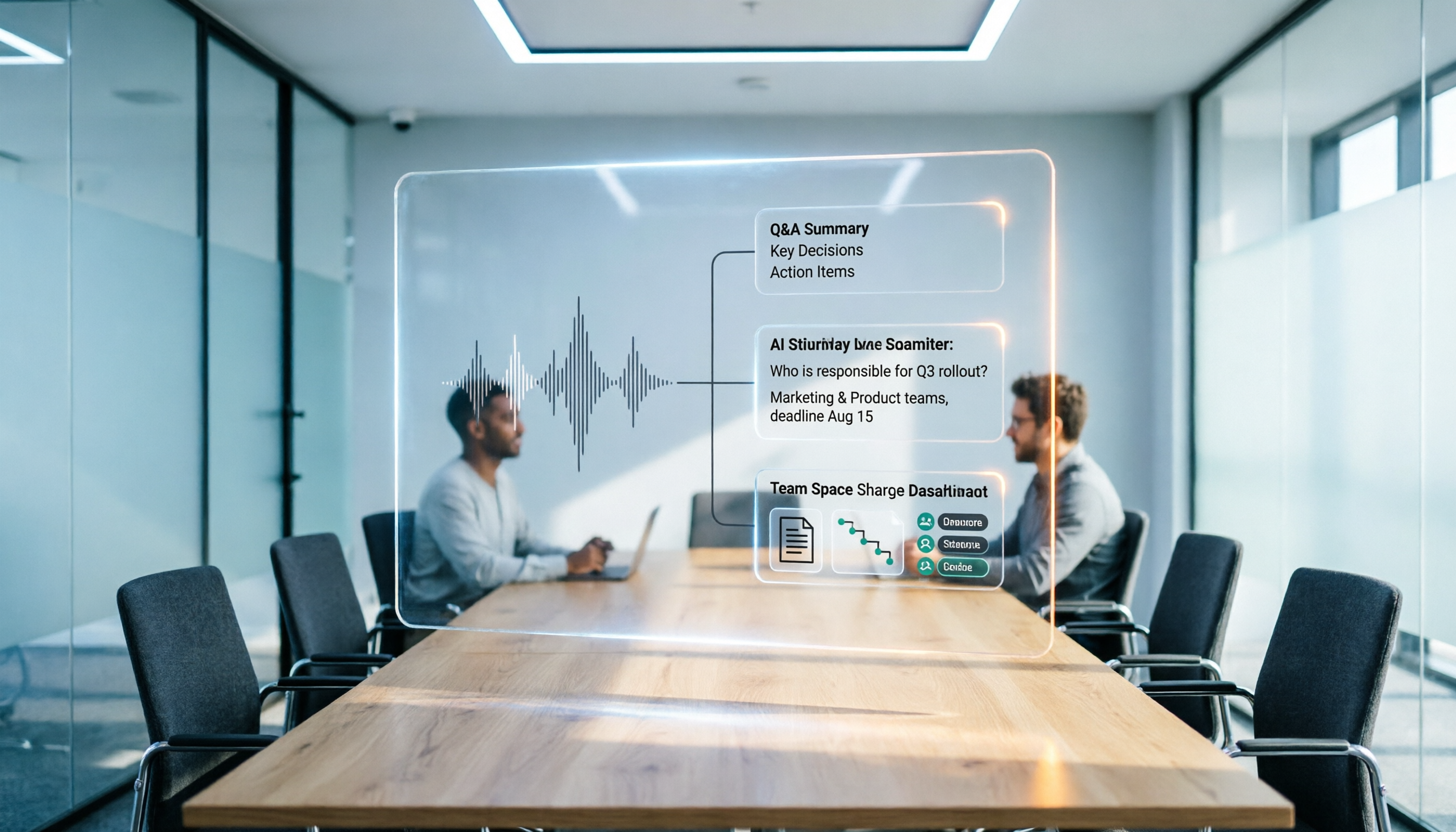
How to Choose a Meeting Transcription Tool in 2026: Notta vs. Transkriptor + Tinrec's Differentiated Advantages
Meeting recordings sitting around for three days with no one organizing them? This article starts from real pain points, compares the positioning differences between Notta and Transkriptor, and explains how Tinrec uses bot-free recording, AI summary Q&A, and team spaces to turn meetings into searchable, transferable team data.

Notta vs TurboScribe in 2026: 3 Speech-to-Text Tools Tested—Which Saves the Most Time After Meetings?
Notta and TurboScribe are both popular speech-to-text tools, but one leans toward meeting notes and the other toward batch file transcription. This hands-on comparison examines their positioning, free tiers, and limitations, and explains how Tinrec differs in post-meeting organization and team collaboration to help you decide which fits you best.
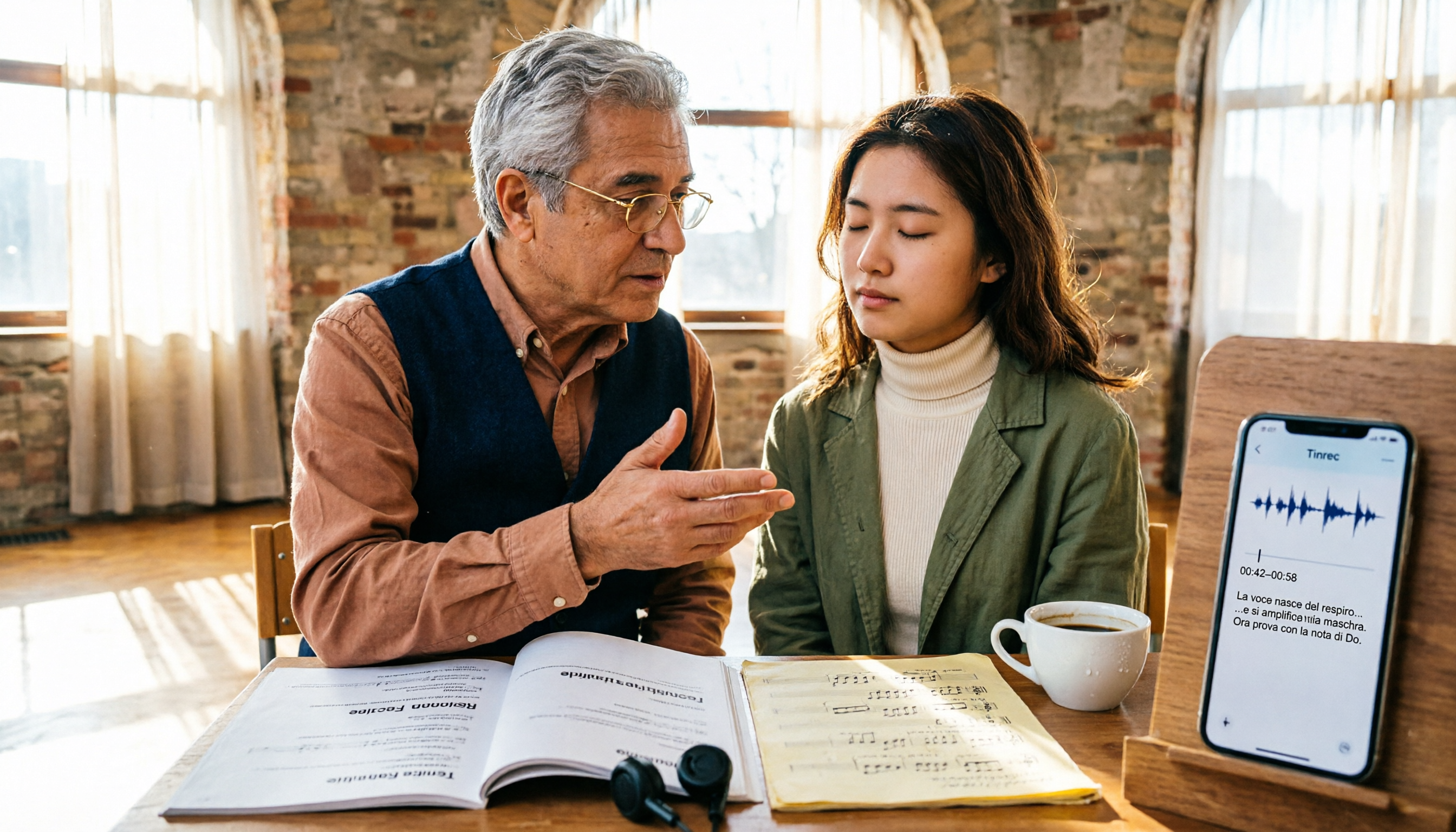
2026 Guide: 5 Artistic Vocology Training Resources Compared — How to Choose Italian Courses, Societies, and Lecture Recording Tools
Planning to study vocologia artistica in 2026? Italian course info is scattered across four or five websites, all in Italian, with different deadlines. This guide compares 2026 programs from Nuova Artec, GIVA, Unicusano, La Voce Artistica, and the University of Bologna, and shares a tested method using Tinrec to capture Italian lectures.

2026 AI Voice Collaboration Platform Comparison: vocol.ai vs. Tinrec — Which One Ends the Post-Meeting Cleanup Nightmare?
Endless weekly meetings are bad, but post-meeting cleanup is the real nightmare. This article compares vocol.ai, Tinrec, Otter.ai, and Notta from a mid-level manager's hands-on perspective, covering Chinese transcription, post-meeting summaries, AI Q&A, team collaboration, and pricing. It also honestly points out each tool's limitations to help you decide which one deserves a spot in your team's workflow.