

Turn recordings into transcripts and summaries in minutes
Upload audio or video for multilingual transcription, AI notes, and action items
A search for free recording apps returns dozens of options, but the real question isn't "which one is free"—it's "can the free version get you through an entire meeting?"
Most people get stuck on three decision points: whether the free quota is measured in minutes or files, whether the free version includes transcription, and whether you'll still have to listen to the recording again to organize your notes.
Think through these three things first, then look at the download rankings. You'll save a lot of time you'd otherwise spend hunting for another tool.
Before Choosing a Free Recording App, Understand These 4 Key Points
1. Is the free quota in "minutes" or "files"? Some apps advertise themselves as free, but actually limit you to 3 minutes per recording or 3 file transcriptions per day. That kind of quota is as good as nothing for a class or a meeting. When checking the quota, convert it to "how many meetings do I have per month, and how long is each one?"
2. Does the free version include transcription? Many apps offer free recording, but transcription costs extra. If your goal is to get a transcript, then "free recording + paid transcription" isn't really saving you money.
3. Can you use the recording right after you finish? A transcript is only half the work. What you really need are summaries, key points, action items, and answers to "who said this, and what was the conclusion?" The part that saves you from re-listening and typing is usually the workflow after transcription.
4. Cross-platform support and data ownership Recording on your phone and organizing on your computer is a common routine. If an app only exists on one platform, you'll be forced to export files manually. For team use, you also need to ask: does the data belong to the individual account or to the team?
Tinrec — The One I Use Most for Meetings After Testing
Tinrec is an AI meeting notes and collaboration tool for individuals and teams. It supports live recording, online meetings, and importing audio/video files, and turns transcripts into summaries, chapters, action items, and data you can query further.
During a meeting, it records and transcribes simultaneously. For in-person interviews, classes, or impromptu discussions, just open it and record—the transcript grows in real time. For cross-language meetings, you can view the original text, translation, or both side by side, so you don't have to guess afterward.
No bot needs to join your online meetings. This is what sets it apart from most meeting assistants: the desktop version captures your computer's system audio directly, so when you're using Zoom, Google Meet, Microsoft Teams, or Webex, you don't need to pull in an extra bot as a participant. The meeting screen stays clean, and you don't have to explain to the host "who that account is." Note that this doesn't mean it automatically joins all meetings on your calendar—you still need to open it and start recording yourself.
The post-meeting part is the key. After recording, it generates summaries, chapters, and action items. You can ask questions directly about the meeting content, such as "Who mentioned the budget in this meeting?" or "What did we decide last week?" It answers based on meaning, not by dumping a bunch of keyword search results on you. The organized content can be exported to Notion, Google Docs, OneNote, or Dropbox for further use, and you can also use the Agent to generate reports, tables, or meeting minutes.
The team version keeps data within the team. The team version isn't about multiple people sharing one account—it's an independent team workspace. You can create multiple spaces, invite members via link, set owners and admins, assign or revoke seats, and store meeting data centrally. The admin side shows usage trends and member details, and you can query and export audit logs. Accidentally deleted audio can be recovered from the trash. It's important to distinguish between "roles" and "seats": roles determine who can manage the team, while seats determine who can record, upload, edit, and import/export. Members without a seat can still view, play, and read team data—they just can't modify it.
Three advantages I particularly appreciate: First, the free version lets you experience recording, importing, summaries, and transcription—it's not just an empty shell for recording. Second, the post-meeting workflow is complete: from transcript to action items to export, all in one place. Third, team hotwords let you maintain industry terminology, which makes recognition of technical terms more consistent.
Stop organizing recordings by hand
Upload audio or video and automatically get a transcript, summary, and action items
Limitations should also be clear. The free version is a basic quota, suitable for light use; heavy users will need to pay. The personal version offers a weekly card, Pro monthly, and Pro annual—choose based on your usage frequency. The team version is USD 29.80 per paid seat per month, or USD 199 per paid seat per year (about USD 16.58 per month). Eligible teams get a 7-day trial, 1 free seat, and 300 minutes of shared import quota on their first trial. Paid seats provide 2,000 minutes of team shared import quota per month. Under an active team plan and active seats, live recording currently does not deduct minutes; only file and web imports use the shared quota. Prices and promotions are subject to the official purchase page. Also, transcription accuracy can be affected by recording quality, noise, accents, people talking over each other, and technical terminology. For important content, it's best to verify against the audio timestamps.
Who it's for: People who have regular weekly meetings and need to produce minutes and action items right after; departments that need to share meeting data across the team and manage seats and usage.
Besides Tinrec, These 3 Free Recording Apps Are Worth Considering
Voice Memos (built into iPhone) Apple's built-in recorder is free, rated 4.8 stars with about 95,000 ratings, and supports trimming, replacing, and transcription. The interface is so clean you don't need to learn it. The downside is that it basically only serves the Apple ecosystem, so cross-platform organization is up to you. After recording, there's no AI Q&A and no team space to store data. If you just occasionally record a memo, the built-in app is enough. But if you need to handle a full meeting and organize action items, it won't help you.
Easy Voice Recorder (Android) A veteran recording app on Google Play. The free version has no recording time limit and supports faster or slower playback, which is great for students reviewing lectures. Automatic upload to Google Drive/Dropbox, audio editing, folder management, and formats like MP3 and FLAC require the Pro version. Its strength is simply recording good audio; transcription summaries, action items, and follow-up questions are outside its scope—that's the most direct gap between it and Tinrec.
Notta A multilingual transcription solution. The free version offers 120 minutes per month with a 3-minute limit per item; Pro annual is about USD 8.17 per month for 1,800 minutes per month. It performs well on subtitles and translation, but the free quota is chopped into small pieces—a 40-minute meeting has to be processed in several segments. In comparison, Tinrec is more complete for live meeting recording, post-meeting AI Q&A, and team data management. If you just need to convert a short audio file to text, Notta's free version is worth a try.
Pitfall Guide: The 3 Most Common Mistakes When Choosing a Free Recording App
Pitfall 1: Looking only at "free" and not at the quota structure. The word "free" hides many rules: per-recording limits, monthly totals, file count limits, and paid add-ons for transcription. Before downloading, confirm the length you need to record—don't wait until a meeting is halfway through to hit a limit.
Pitfall 2: Treating "exporting a transcript" as the end goal. A transcript doesn't turn itself into minutes. What most people actually spend time on is re-listening, picking out key points, and organizing action items. When choosing a tool, look one step further: whether it has summaries, chapters, action items, and export determines whether you save 10 minutes or 2 hours.
Pitfall 3: Ignoring data ownership and regulations. Can you take meeting recordings from your personal account with you when you leave a job? When a team member leaves, how are their recordings handed over? These questions should be considered even at the free version stage. Also, recording and transcription involve other people's privacy—follow local regulations and obtain consent from participants when necessary.
Conclusion: Which One Should You Choose?
Just occasionally recording a memo on iPhone → Voice Memos: built-in, free, no learning curve.
Android user who mainly reviews lectures → Easy Voice Recorder: free version has no time limit and adjustable playback speed.
Converting short audio files to text with simple needs → Notta free version: just remember the 3-minute per-item limit.
Need to record meetings, get transcripts, and also summaries and action items → Tinrec: it's the only one of the four that connects "record → transcribe → summarize → ask questions → export → team storage" end to end.
Team sharing meeting data and needing to manage seats and usage → Tinrec team version: roles and seats divide responsibilities, and when members change, data stays with the team rather than following individuals.
I recommend trying the free versions first: test with the type of meeting you record most often, and see if the transcript is usable and whether the summary captures the key points. If it works for you, then consider upgrading—no need to pay from the start.
References
- Voice Memos App - App Store
- [2025 Best Recording Software] 6 Recording Programs, Free Download 🎶🎶 - EaseUS
- Free Recording App Recommendations: Editing and Noise Reduction Made Easy, Speech-to-Text Saves Time and Effort! | Continuous Learning | Orange Generation
- 2026 Free Computer Recording Software Recommendations: 8 Windows/Mac Tools Tested and Compared
- Easy Voice Recorder - Google Play App
Turn every recording into actionable outcomes
Get 60 free transcription minutes when you sign in. No credit card required.
Related Reading
You might also like

4 Android Recording Apps Tested in 2026: Which Free Version Is Enough, and Which AI Notes Actually Save Time?
Starting from the most common mistakes when choosing an Android recording app, this hands-on comparison of Tinrec, Easy Voice Recorder, Notta, and Otter.ai covers free quotas, Chinese transcription, online meeting recording, and team collaboration to help you decide what to buy.

2026 Best Recording Apps Compared: Which One Actually Saves You Time?
The real pain starts after the meeting ends. This hands-on comparison of Tinrec, Otter.ai, Granola, TurboScribe, and Apple's built-in Voice Memos covers 4 key buying factors and 4 common mistakes, with honest details on free tiers and pricing to help you decide which app truly cuts post-meeting cleanup time.

Best Recording Apps of 2026: 6 Tested for Chinese Meetings
Starting from common pitfalls, this guide compares 6 recording apps by positioning, free tier, pricing, and best use cases, and explains how to choose for Chinese meetings, online meetings, and team collaboration.

2026 Comparison of 4 Taiwanese-Accent Speech-to-Text Tools: Yating Transcription vs. Tinrec — Which Better Understands Taiwanese Mandarin?
Taiwanese-accented, Chinese-English mixed meeting content often trips up transcription tools. This article compares Yating Transcription, Tinrec, Notta, and Granola across accent support, post-meeting organization, meeting sources, and pricing to help you pick the one that truly saves time.

2026 Two Transcription Tools Compared: Yating vs Tinrec — Which Saves More Time Across 5 Dimensions?
A 5-dimension comparison of Yating Transcription and Tinrec: meeting recording, post-meeting AI organization, team collaboration, output workflows, and free quotas and pricing, to help you decide which is better suited for Taiwan use cases.

TurboScribe vs Notta: Which AI Transcription Tool Is Right for You in 2026?
TurboScribe and Notta are both popular transcription tools, but one focuses on file transcription and batch processing, while the other specializes in real-time meeting notes. This article compares them across six dimensions, including pricing and ideal use cases, and explains when team meeting scenarios might call for a collaboration tool like Tinrec.
Can Yating Transcribe Cantonese in 2026? 5 Steps to Get Cantonese Transcripts
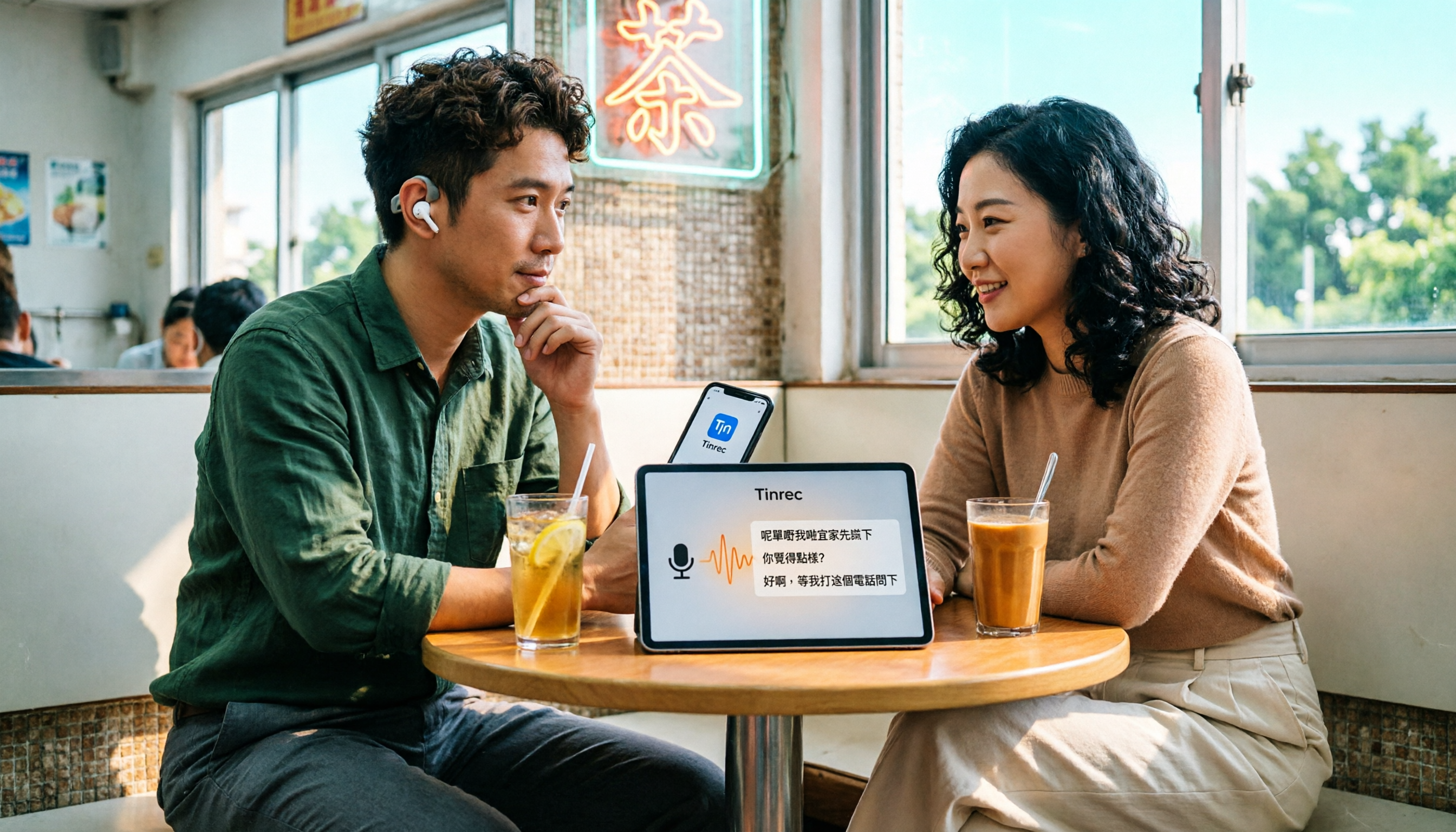
Yating's App Store description does list Cantonese, but 'understanding' and 'usable' are two different things. This article starts with common misconceptions, breaks down 4 key factors for choosing a Cantonese transcription tool, compares Tinrec, Yating, Otter.ai, and TurboScribe, and outlines a 5-step process plus 3 common pitfalls to avoid.

2026 Comparison of 2 Transcription Tools: How Long Can Yating Transcribe? How Does It Differ from Tinrec?
Searching for "Yating transcription how long" actually mixes two questions: how long an audio file it can handle, and how long it takes from upload to receiving the transcript. This article compares Yating Transcription and Tinrec across dimensions including recording length, billing basis, output workflow, post-meeting processing, and team collaboration, to help you decide which better fits your meeting rhythm.

2026 Comparison of 3 Transcription Tools: Yating Transcription Limits and Alternatives
Yating Transcription's free quota, hourly pricing, and single-device restriction often block you when meetings are busiest. This article starts from the real usage scenarios of mid-level managers, breaks down exactly where Yating Transcription's limits lie, and compares Tinrec, Otter.ai, and Notta on post-meeting organization, AI follow-up questions, and team collaboration, helping you decide when to stay and when to switch.