

Turn recordings into transcripts and summaries in minutes
Upload audio or video for multilingual transcription, AI notes, and action items
4 Android Recording Apps Tested in 2026: Which Free Version Is Enough, and Which AI Notes Actually Save Time?
Installed a recording app but still typing meeting notes by hand? The problem isn't recording—it's what happens after
Most people search "recording" on Google Play, see high ratings and lots of downloads, and install the first one. As a result, you end up with three or four apps sitting on your phone, but during actual meetings you're still jotting notes with pen and paper.
The reason is simple: most people compare apps based on "how clearly it records," but the real time sink is what happens after recording.
For a 60-minute meeting, listening back to capture key points takes about 40 minutes, and typing those points into a report you can send to your boss takes another 30 minutes. Recording itself is only a small part of the whole process.
Another common misconception is treating a "transcript" as "meeting notes." A transcript is raw material, not a finished product—it won't tell you who agreed to what or what needs to be done before the next meeting.
If you feel this way too—recording files piling up but few you ever go back to—then the following selection criteria are more worth your attention than "which app has the highest rating."
Before Choosing an Android Recording App, Understand These 5 Key Points
1. First, clarify whether you want to "record" or "have something usable after recording"
The built-in recorder on your phone is actually sufficient for regular classes and quick memos. Its advantages are free, intuitive, and no extra installation. But its limits are clear: mostly just audio files, no transcription, no summaries, and certainly no to-do lists. When your needs shift from "keeping a record" to "organizing into data," it's time to switch tools.
2. Chinese and mixed Chinese-English recognition capability
Meetings in Taiwan are rarely pure Chinese or pure English; they're usually like "this campaign's budget needs to be confirmed." Throwing such sentences at a transcription tool that only excels in English usually ends in disaster. When choosing, test with a real recording of your own—don't just look at the marketing numbers on the official website.
3. Can it record online meetings?
Recording the "other party's voice" in Zoom, Google Meet, or Teams on an Android phone alone has many practical limitations; mostly you can only use speakerphone and rely on the microphone. A more stable approach is to use a desktop program on your computer to capture system audio directly. Think about your meeting style before choosing a tool.
4. How free quotas are calculated
Free plans for recording apps come in two types: one is total minutes per month, the other is a maximum length per recording. The latter is very unfriendly to meeting-goers—a meeting that exceeds the limit gets cut off. When looking at plans, check clearly whether it's "120 minutes per month" or "3 minutes per recording."
5. Cross-device and post-meeting output
Recording on your phone today and organizing on your computer tomorrow is a real workflow for many. If recordings can only stay on your phone and export as a single txt file, you'll find it painful. Whether it can export to documents, notes, or team spaces determines whether the tool can stay long-term.
Tinrec—My Most-Used App After Testing
Tinrec is an AI meeting notes and collaboration tool for individuals and teams, supporting Android, iOS, desktop, and web. It doesn't just convert audio to text; it organizes a meeting into searchable, queryable, and further-processable data.
Transcribe while recording, get summaries and to-dos right after
When you start real-time recording on an Android phone, the transcript appears synchronously on screen. By the time the meeting ends, the AI summary, chapters, and to-do list are already there—who's responsible for what and when it's due, no need to listen from the beginning again. This is especially convenient for offline interviews, classes, and impromptu discussions.
No need to invite a bot to online meetings
This is the biggest difference from most AI meeting tools. Using the desktop version to capture your computer's system audio directly, you can record meetings played on Zoom, Google Meet, Microsoft Teams, and Webex without inviting an extra "meeting bot" into the room. Note that this is still user-initiated recording, not automatic joining of every meeting on your calendar.
You can keep asking questions after recording
This is the part I find most useful and least used by others. After recording a one-hour meeting, you can directly ask it "where did the budget discussion go in this meeting" or "who mentioned delaying the launch," and it will answer based on semantics rather than throwing a string of keywords for you to search through. The same interface can also generate reports, tables, and meeting minutes, or export to Notion, Google Docs, OneNote, Dropbox for further use.
My own test conditions and observations
Stop organizing recordings by hand
Upload audio or video and automatically get a transcript, summary, and action items
I tested with a roughly 20-minute indoor meeting recording with mixed Chinese and English (Android phone, meeting room environment, with air conditioning and keyboard noise). Chinese主体 recognition was stable, and mixed Chinese-English sentences retained their original contour; proper nouns and product codes needed reinforcement with "team hotwords." Actual performance is affected by recording quality, accents, multiple people talking over each other, and technical terms—the official site doesn't promise a fixed accuracy rate, which I find honest.
Pros:
- From recording, transcription, summary, to-dos, to Q&A, all in one workflow—no need to move files between multiple apps.
- Desktop version records online meetings without a bot, friendly for those who don't want a bot appearing in the participant list.
- Supports real-time translation and original/translated/bilingual display, so cross-language meetings don't require another tool.
Limitations (to be clear upfront):
- The free version is a basic quota, suitable for trying out; those who meet weekly should look at Pro directly. Plans and prices are subject to the official website.
- The team version is a separate space, not multiple people sharing one account. Currently USD 29.80 per paid seat per month, or USD 199 per paid seat per year (about USD 16.58 per month), each paid seat includes 2,000 minutes of team shared import quota per month; eligible new teams get a 7-day trial with 1 free seat and 300 minutes. Under valid plans and active seats, real-time recording currently does not deduct minutes.
- The team version is primarily team-level sharing; members can view, play, and read data, but need a seat to upload, edit, and export. It is not a fine-grained file-level permission system.
Who it's for:
People who frequently hold Chinese or mixed Chinese-English meetings, want summaries and to-dos right after recording, and need to preserve meeting data for the team. If you only record a voice memo once a week, the built-in phone recorder is enough—no need to go through all this.
Besides Tinrec, These Are Also Options on Android
Easy Voice Recorder
A highly rated pure recording tool on Google Play, featuring one-tap recording, home screen widgets, and folder management. The free version can record for a long time; the pro version adds automatic upload to Google Drive/Dropbox, MP3/FLAC/AAC formats, Bluetooth microphone recording, and audio editing. It does "recording" very well, but has no transcript, summary, or AI Q&A—if you want post-meeting organization, this is exactly what it can't do.
Notta
A tool that started with multilingual transcription, supporting meeting notes, file import, and translation; its Chinese performance is decent among similar products. Free version: 120 minutes per month, 3 minutes per recording; Pro annual billing is about USD 8.17 per month, 1,800 minutes per month. Transcription is mature, but online meetings still tend to use a meeting bot mode; Tinrec's desktop version captures system audio directly, without an extra bot in the meeting room.
Otter.ai
A veteran choice for English meetings. The Basic free version offers 300 minutes per month, quite generous; Pro annual billing is about USD 8.49 per user per month. If your meetings are entirely in English and you need mature team collaboration and workflows, it's worth considering. But it doesn't focus on Chinese or mixed Chinese-English, and recording common sentences from Taiwanese workplaces will be more challenging; in this regard, Tinrec's Chinese experience and real-time translation are closer to local usage scenarios.
Pitfall Guide: The 4 Most Common Mistakes When Choosing an Android Recording App
Pitfall 1: Only looking at star ratings and the word "free"
High ratings don't mean it's right for you. Many free version limitations are hidden in the details—3-minute limit per recording, locked export formats, no uploading existing audio files. Check the limitations before downloading; it's more useful than looking at ratings.
Pitfall 2: Thinking a phone app can record online meetings well
Android system has strict restrictions on "recording internal audio of other apps"; in practice, you mostly rely on speakerphone for the microphone to pick up sound, and audio quality and stability are not ideal. The real solution is to use a desktop program on your computer to capture system audio, while the phone handles offline and quick notes.
Pitfall 3: Treating a transcript as meeting notes
A transcript is just raw material. A usable record needs a summary, decisions, to-dos, and owners. When choosing a tool, include "can it produce a finished product for me" in your evaluation, not just transcription accuracy.
Pitfall 4: The whole team sharing one account
This is convenient early on but causes problems later—when someone leaves, data goes with them; no one knows who changed what. For long-term use, choose a solution with team spaces, roles, and seats, so data belongs to the team and can be handed over when members change.
Legal reminder: Inform meeting participants and obtain consent before recording. Privacy laws vary by location and situation; call recording especially requires attention.
Conclusion: Which One Should You Choose?
- Want "usable right after recording," mainly Chinese and mixed Chinese-English meetings → Tinrec, with transcription, summary, to-dos, AI Q&A, and export in one workflow.
- Don't want a bot in the participant list for online meetings → Tinrec desktop version, captures system audio directly.
- Need to preserve meeting data for the whole team, with usage and seat management → Tinrec team version, manage with team spaces instead of shared accounts.
- Only need simple recording, pursuing minimal operation → Easy Voice Recorder, it does recording cleanly and efficiently.
- Meetings entirely in English, need a mature English ecosystem → Otter.ai, this is one of the few scenarios in this article where we recommend another tool.
If you're not sure which one you need, start with the free version: record one of your real meetings and see if the transcript and summary can be used directly. Saving those 40 minutes of re-listening is the real value of this tool.
References
- Expert-curated Top 10 Recording App Ranking | mybest
- Recorder - Google Play App
- Easy Voice Recorder - Google Play App
- High-Accuracy Mobile Recording App Recommendations: 7 Tools to Help You Generate Meeting Transcripts and Summaries with One Tap - Tinrec Blog
- Top 5 Free Mobile Recording Apps of 2023: Screen Recording, Ringtones, Voiceover All in One!
Turn every recording into actionable outcomes
Get 60 free transcription minutes when you sign in. No credit card required.
Related Reading
You might also like

Tinrec vs Vocol.ai in 2026: A 5-Dimension Comparison for Chinese Meeting Notes
Most people compare voice tools by looking only at free minutes and accuracy rates, but overlook how meetings are recorded and whether post-meeting data is usable. This article uses five dimensions—meeting capture, Chinese language processing, post-meeting outputs, export workflows, and team governance—to compare Tinrec and Vocol.ai, and summarizes common pitfalls and selection advice for choosing AI meeting tools.
2026 Vocologia Courses Compared: How to Choose Online Training and Organize Post-Course Recordings
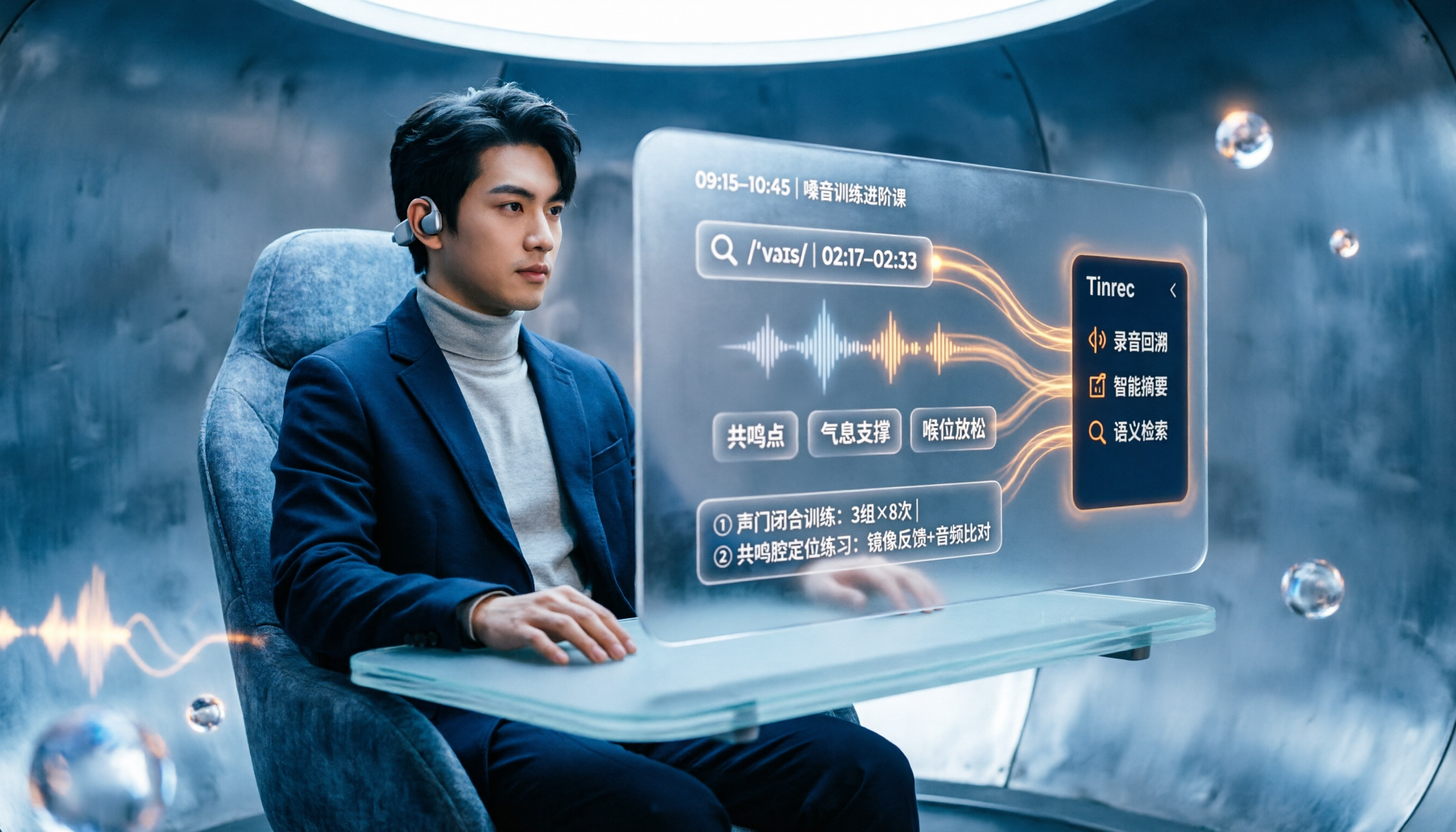
People searching "vocologia 2026" often look only at start dates and tuition, but the real pitfalls are course format, language requirements, certification, and whether post-course materials are retained. This article reviews three Vocologia courses worth considering in 2026 (Nuova Artec, Vocology Center, afonoaudiologicas) and the Argentine Society of Voice (SAV) events, then tests how Tinrec turns online courses into searchable, queryable review materials.

2026 Tinrec vs Vocol.ai: Bot-Free Recording & Chinese Meeting Notes Comparison
In 2026, how should you choose between Tinrec and Vocol.ai? This article compares them across four dimensions: meeting capture, post-meeting organization, team governance, and data handover. It includes a quick feature overview table and clear recommendations to help Hong Kong office workers and team leads make a fast decision.

2026 Free AI Meeting Notes Options: Vocol Comparison Table and 5 Buying Tips
Still can't pick a tool after reading several Vocol comparison tables? This article doesn't repeat feature lists; instead, it breaks down 5 dimensions that truly affect daily efficiency: recording method, language translation, post-meeting output, team permissions, and pricing logic. Using Tinrec as an example, it explains how bot-free recording, real-time translation, AI Q&A, and team spaces can actually save office workers time on post-meeting organization.

2026 AI Meeting Transcription Tools Compared: Is the Latest Vocol Worth It?
Tired of endless meeting notes? This hands-on guide covers 4 key factors for choosing an AI meeting recorder and compares Tinrec, the latest Vocol, Otter.ai, and Notta—plus pitfalls to avoid and pricing—so you can find the right fit for your workflow.

2026 Best Recording Apps Compared: Which One Actually Saves You Time?
The real pain starts after the meeting ends. This hands-on comparison of Tinrec, Otter.ai, Granola, TurboScribe, and Apple's built-in Voice Memos covers 4 key buying factors and 4 common mistakes, with honest details on free tiers and pricing to help you decide which app truly cuts post-meeting cleanup time.

Best Recording Apps of 2026: 6 Tested for Chinese Meetings
Starting from common pitfalls, this guide compares 6 recording apps by positioning, free tier, pricing, and best use cases, and explains how to choose for Chinese meetings, online meetings, and team collaboration.

2026 Comparison of 4 Taiwanese-Accent Speech-to-Text Tools: Yating Transcription vs. Tinrec — Which Better Understands Taiwanese Mandarin?
Taiwanese-accented, Chinese-English mixed meeting content often trips up transcription tools. This article compares Yating Transcription, Tinrec, Notta, and Granola across accent support, post-meeting organization, meeting sources, and pricing to help you pick the one that truly saves time.

2026 Two Transcription Tools Compared: Yating vs Tinrec — Which Saves More Time Across 5 Dimensions?
A 5-dimension comparison of Yating Transcription and Tinrec: meeting recording, post-meeting AI organization, team collaboration, output workflows, and free quotas and pricing, to help you decide which is better suited for Taiwan use cases.