

Turn recordings into transcripts and summaries in minutes
Upload audio or video for multilingual transcription, AI notes, and action items
The real work starts when the meeting ends
You close your laptop after a video call, and that's when the real drain begins: replaying the recording, pulling out key points, writing action items, and sending them to colleagues who missed it. A one-hour meeting often eats another hour of your time.
Cross-border teams have it even harder. In a discussion that mixes Chinese and English, just confirming "who said what" takes multiple back-and-forths. The recording stays on your phone, and coworkers have to DM you to review it.
This article covers how to choose an AI meeting recorder and answers a common search question: what can the latest Vocol actually do now, and who is it for?
4 key factors before choosing an AI meeting recorder
First, how does meeting audio get into the tool? There are two common approaches: a meeting bot joins the room, or the tool captures system audio on your computer. Bots are convenient, but they add an unfamiliar account to the participant list—some client meetings may object.
Second, what happens after transcription? A tool that only gives you a transcript just hands the cleanup work back to you. What really saves time is summaries, chapters, action item extraction, and AI Q&A that lets you ask follow-up questions about the content.
Third, performance with Chinese and mixed Chinese-English. Many tools handle pure English meetings well, but meetings in Taiwan rarely stick to one language throughout. Instead of trusting advertised accuracy rates, test with a recording of your own company meeting.
Fourth, who ultimately holds the data? Individual plans are cheap and easy, but when a colleague leaves or you change phones, meeting records scatter. Tools with team spaces, roles, and seat management keep data where it belongs.
Tinrec (Miaoting Recording) — the one I use most after testing
Tinrec (Miaoting Recording) is an AI meeting notes and collaboration tool for individuals and teams, available on web, desktop, and mobile, with a full Chinese interface.
Record online meetings without a bot. The desktop version captures system audio directly, handling Zoom, Google Meet, Microsoft Teams, Webex, and similar meetings. In practice, participants don't need to know a recording tool is present—a real advantage for external meetings. Note that you must start recording manually; it's not a service that auto-joins all calendar events.
After transcription, the work has just begun. After the meeting, the tool generates a transcript, AI summary, chapters, key points, and action items. Even better is AI Q&A: you can ask "What were the conclusions?" or "Who mentioned the budget?" and it answers based on the content, rather than dumping keyword search results. This is especially useful for meetings over 40 minutes covering a dozen topics.
Export and further processing. Results can be exported to Notion, Google Docs, OneNote, Dropbox, and other tools for continued use. You can also ask the Agent to turn meeting content into reports, tables, or meeting minutes documents.
Hands-on notes. I recorded a roughly 40-minute mixed Chinese-English discussion using the desktop version (quiet room, single microphone). Chinese sections needed almost no correction; English proper nouns occasionally required manual fixes. Actual performance depends on recording quality, accents, crosstalk, and technical terms—same for any tool. Don't trust fixed accuracy claims.
Things to note. Individual plans include a free version, weekly pass, Pro monthly, and Pro annual—different plans suit temporary intensive use versus long-term stable use. The team plan is a separate team space: USD 29.80 per paid seat per month, or USD 199 per paid seat per year (about USD 16.58/month). Each paid seat includes 2,000 minutes of shared team import quota per month; under an active team plan and active seats, live recording currently does not deduct minutes. Eligible teams get a 7-day trial, 1 free seat, and 300 minutes of shared import quota. Prices and promotions are subject to the official purchase page.
Stop organizing recordings by hand
Upload audio or video and automatically get a transcript, summary, and action items
Also to be clear: the team plan currently shares at the team level—roles determine governance permissions, seats determine whether a member can record, upload, and edit. There are no per-file permission settings. Members without a seat can still view and play team data.
Who it's for. People who often hold mixed Chinese-English meetings, don't want a bot in the room, want to ask follow-up questions about content after the meeting, and need meeting data to stay with the team rather than individual accounts.
Besides Tinrec, what other options are there?
Vocol.ai (latest version): An AI voice collaboration platform developed by Taiwan's Aiello, launched in 2023. Public information indicates it supports Chinese, English, and Japanese transcription, produces transcripts, summaries, topics, and action items, and can translate into 20+ languages, available on web, iOS, and Android. The official page does not list a single version number; "latest version" refers to the capabilities currently offered online. Its public documentation focuses on file upload and meeting platform integration; management capabilities like AI follow-up Q&A, team seats, and usage auditing receive less public attention. The App Store page also notes that if the iOS upload button is unresponsive, try turning off "Reduce Motion."
Otter.ai: A mature choice for English business meetings. Basic is free with 300 minutes per month; Pro annual billing works out to USD 8.49 per user per month. If 90% of your meetings are in English, it's a good deal. But Chinese and mixed Chinese-English organization isn't its strong suit—that's where Tinrec pulls ahead.
Notta: Does multilingual transcription and translation well. Free version: 120 minutes per month, 3 minutes per session max. Pro annual billing works out to USD 8.17 per month; Business annual billing works out to USD 16.67 per seat per month. It leans toward transcription and subtitles. If you want bot-free recording plus post-meeting Q&A and team governance, Tinrec's workflow is more complete.
Pitfall guide: 3 common mistakes when choosing an AI meeting tool
Pitfall 1: Looking only at official accuracy numbers. Results from a quiet studio are a different story from a conference room with air conditioning noise, keyboard clicks, and crosstalk. The first thing to do with a new tool is run it on a real recording from your own company—don't rely on ad copy.
Pitfall 2: Treating the transcript as the end goal. Many people buy a tool but still just use it to generate text, then manually read through a half-hour transcript to find conclusions. If the tool has AI Q&A, just ask "What were the conclusions?" or "What are the action items?"—the time saved is tenfold or more.
Pitfall 3: Ignoring data ownership. No matter how cheap an individual plan is, meeting data is ultimately tied to an individual account. If your team often uses meeting records as a basis for decisions, choose a plan with team spaces, roles, and seats from the start. Otherwise, you'll discover only when someone leaves that the data can't be taken along—and starting over hurts more.
Conclusion: Which one should you choose?
Need Chinese and mixed Chinese-English meetings, and don't want a bot in the room → Tinrec; desktop system audio capture is the easiest.
Want to use AI to ask follow-up questions after meetings and dig out conclusions and action items → Tinrec; this is its biggest difference from most pure transcription tools.
Need meeting data to stay with the team, with member and seat management → Tinrec team plan; usage, auditing, hotwords, and recycle bin are all in one space.
Already using Vocol to record files and only need transcripts and summaries → Keep using it; just check whether the free quota is enough before deciding to pay.
90% of meetings are in English and budget is tight → Otter.ai free version with 300 minutes per month is the most practical exception.
We recommend running a real meeting of your own on the free quota first—listen to whether the transcript is usable and whether the summary captures key points—then decide whether to upgrade. You'll know if a tool works after one meeting.
References
- Home | Vocol.ai Voice Collaboration Platform
- Vocol AI | Home
- Vocol.ai - App Store - Apple
- Vocol.ai: Using AI to Improve Voice Collaboration Efficiency, Supporting Multilingual Transcription and Team Collaboration | News | AI Digital Transformation Training Base | National Taichung University of Science and Technology Extension Education
- No more typing transcripts! A powerful speech-to-text AI tool that frees up your time - Vocol.ai – Mingchun Says
Turn every recording into actionable outcomes
Get 60 free transcription minutes when you sign in. No credit card required.
Related Reading
You might also like

2026 Voice-to-Text Tools Tested: How to Use Notta and Which Free Version Is Enough
How do you use Notta? This hands-on guide walks through Notta's five steps—sign-up, recording, transcription, AI summary, and export—and honestly lays out the free plan's 120 minutes per month and 3-minute per-recording limits, plus paid pricing. It also compares Tinrec, Otter.ai, and TurboScribe on how they capture meetings, organize notes afterward, and retain team knowledge, with buying tips and three common pitfalls to help you pick the tool that truly saves time.

2026 AI Meeting Recorder Comparison: What Is Notta and Which Tool Should You Choose?
Many people search for "what is Notta" but the real question is whether the tool fits their needs. This article breaks down the company background, market focus, and free plan pitfalls, then compares four tools hands-on to help you decide between Notta, Otter.ai, Granola, and Tinrec.

Notta Pricing in 2026: Breaking Down 3 Plans, Which Is Worth It, and How to Choose Alternatives
How does Notta charge? This article breaks down the actual pricing logic of Notta's Free, Pro, and Business plans in 2026, including the 120 minutes per month and 3-minute per-segment limits, annual upfront billing, and per-seat pricing differences. It also covers 5 key points to check before buying, 4 common mistakes, and a comparison of alternatives from the perspective of 'ready to use right after the meeting.'

2026 AI Transcription Showdown: Vocol.ai vs. 4 Alternatives — Which Is Worth It?
Is Vocol.ai really better? This decision-focused review tests Vocol.ai, Yating Transcription, Good Tape, TurboScribe, and Tinrec, comparing generation speed, language support, post-meeting organization, and team collaboration, with selection advice and usage notes.

Vocol Latest Version vs Tinrec (2026): No-Bot Transcription + AI To-Do Summaries
Is the latest Vocol enough? This guide compares Vocol.ai and Tinrec across 5 dimensions: meeting capture, post-meeting output, multilingual transcription, team governance, and plan quotas. We also highlight 3 common pitfalls when choosing a meeting notes tool, so you can pick the right one within your budget.

Tinrec vs Vocol.ai in 2026: A 5-Dimension Comparison for Chinese Meeting Notes
Most people compare voice tools by looking only at free minutes and accuracy rates, but overlook how meetings are recorded and whether post-meeting data is usable. This article uses five dimensions—meeting capture, Chinese language processing, post-meeting outputs, export workflows, and team governance—to compare Tinrec and Vocol.ai, and summarizes common pitfalls and selection advice for choosing AI meeting tools.
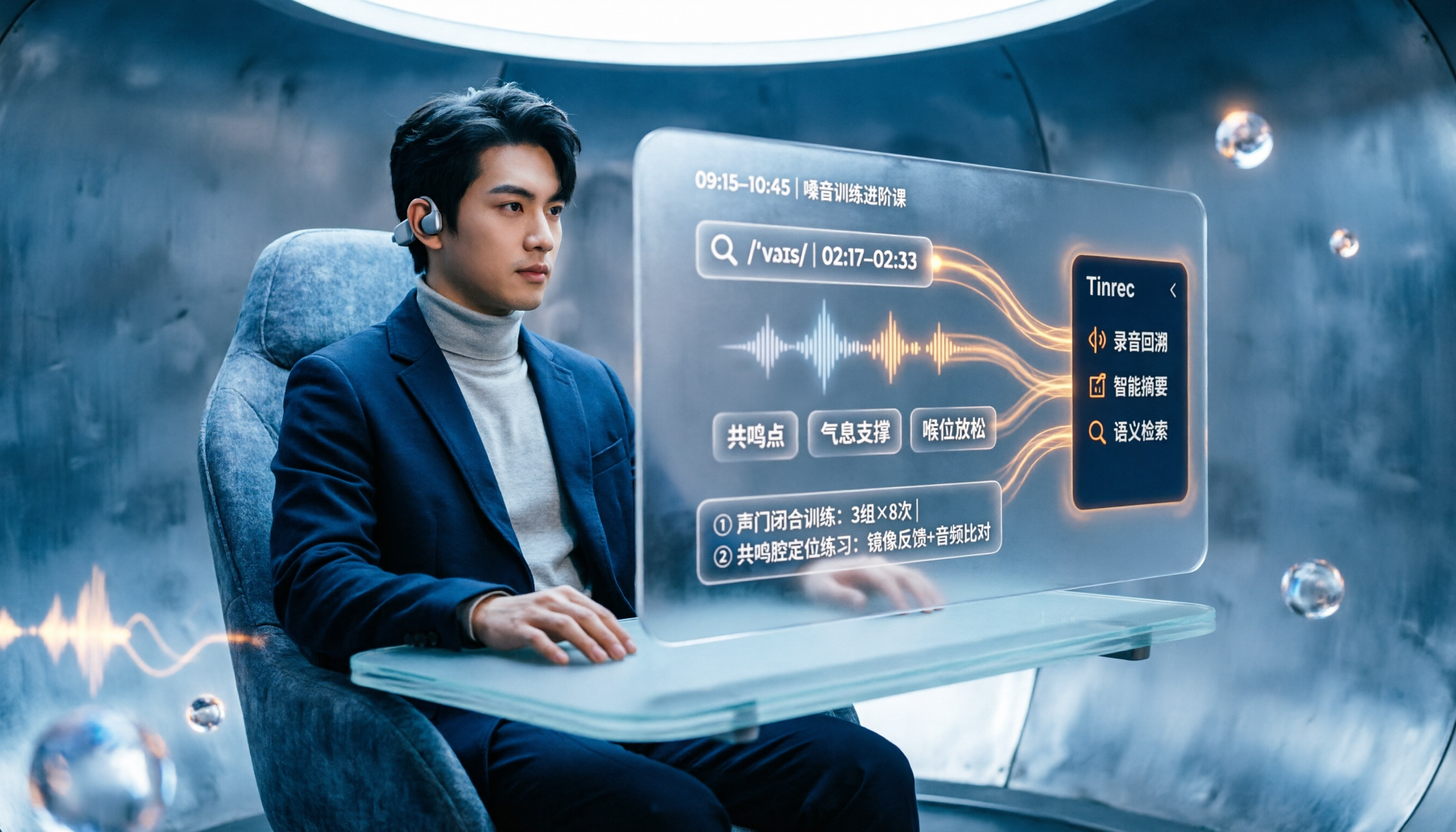
2026 Vocologia Courses Compared: How to Choose Online Training and Organize Post-Course Recordings
People searching "vocologia 2026" often look only at start dates and tuition, but the real pitfalls are course format, language requirements, certification, and whether post-course materials are retained. This article reviews three Vocologia courses worth considering in 2026 (Nuova Artec, Vocology Center, afonoaudiologicas) and the Argentine Society of Voice (SAV) events, then tests how Tinrec turns online courses into searchable, queryable review materials.

2026 Tinrec vs Vocol.ai: Bot-Free Recording & Chinese Meeting Notes Comparison
In 2026, how should you choose between Tinrec and Vocol.ai? This article compares them across four dimensions: meeting capture, post-meeting organization, team governance, and data handover. It includes a quick feature overview table and clear recommendations to help Hong Kong office workers and team leads make a fast decision.

2026 Free AI Meeting Notes Options: Vocol Comparison Table and 5 Buying Tips
Still can't pick a tool after reading several Vocol comparison tables? This article doesn't repeat feature lists; instead, it breaks down 5 dimensions that truly affect daily efficiency: recording method, language translation, post-meeting output, team permissions, and pricing logic. Using Tinrec as an example, it explains how bot-free recording, real-time translation, AI Q&A, and team spaces can actually save office workers time on post-meeting organization.