

Turn recordings into transcripts and summaries in minutes
Upload audio or video for multilingual transcription, AI notes, and action items
Notta Pricing in 2026: Breaking Down 3 Plans, Which Is Worth It, and How to Choose Alternatives
When the bill arrives at the end of the month, you realize 'free' has an expiration date
Meeting done, recording finished, transcript generated—everything goes smoothly until you hit export and an upgrade prompt pops up. This is the moment many people first seriously look into Notta's pricing.
Another common scenario is even more painful: the free plan gives you 120 minutes per month, which seems enough, but the maximum length per segment is only 3 minutes. A 40-minute meeting means you have to split it into a dozen segments—just organizing them is exhausting.
This article skips the flashy features and breaks down Notta's pricing structure: what's necessary, what's contract lock-in cost, and which plans you probably don't need at all.
Notta's pricing logic: understand these 3 things first
**First, it splits into individual and team lines.** The individual line is Free and Pro; the team line is Business. The pricing units differ: individuals are billed by 'monthly minutes,' teams by 'seats.'
**Second, the quota is in minutes, not meetings.** Upload a 60-minute recording and you use 60 minutes, regardless of how many meetings you had. The longer the file, the faster you burn through it.
**Third, annual billing charges the full year at once.** The 'US$8.17 per month' for annual billing is just the amortized amount; at checkout you'll be charged the full annual amount in one go, plus taxes and currency conversion, so the actual charge will be a bit higher than you expect.
Breaking down Notta's three plans in 2026
Free: 120 minutes/month, but only 3 minutes per segment
120 minutes of transcription per month, with a maximum of 3 minutes per single item. This design is suitable for 'testing recognition quality,' not for 'getting work done.' A more reasonable use is to cut a 3-minute sample containing technical terms, two speakers, and some background noise, first confirm what the transcript and summary look like, then decide whether to pay.
Also note: even if you cancel a paid plan later, previously transcribed data is retained, but under the free plan you can only view the first 3 minutes of the transcript. Before downgrading, remember to export what you need.
Pro: US$13.99/month, or US$8.17/month amortized with annual billing
Pro is the tier most people will actually use: US$13.99/month, or about US$8.17/month amortized with annual billing, with 1,800 minutes of transcription per month and unlocked export, translation, custom vocabulary, and more.
Do the math: 1,800 minutes is about 30 hours of audio. If you have 5 one-hour meetings a week, that's about 20 hours a month—enough. But if you also upload interviews, courses, and podcast archives, you'll burn through it much faster.
Business: priced per seat, confirm the details first
Business is the team line, priced per seat, offering unlimited transcription, role permissions, and usage reports. On pricing, the official page states about US$16.67/seat/month amortized with annual billing; another third-party summary shows US$59/month for two seats, or about US$44/seat amortized with annual billing. The gap is significant, likely due to plan changes or promotions. It's best to check the checkout page directly to confirm the current seat count, billing cycle, and taxes—don't rely on old numbers from blogs.
Notta also offers a 7-day Business trial without requiring credit card details upfront. For those evaluating a team plan, this is the easiest way to verify.
Before calculating costs, understand these 5 key points
1. Quota is audio minutes, not meeting count. A 90-minute meeting uses 90 minutes, regardless of how many speakers. Estimate usage by 'total audio duration,' not 'number of meetings.'
2. The per-segment limit determines practicality. The free plan's 3-minute limit is a real drawback; only paid plans remove it. Rather than comparing the free plan's 120 minutes, first check whether the per-segment limit is acceptable.
3. For annual billing, look at the total price, not the monthly rate. Annual plans charge the full year upfront. If you switch tools midway, there's no prorated refund. If your usage is unstable, monthly billing is safer.
4. For team plans, look at 'seats + shared quota.' Team plans usually don't give each person an independent quota; the team shares a pool. When calculating, consider both the number of seats and the shared minutes—don't just multiply by headcount.
5. Check whether AI features and export are included. Some tools charge separately for summaries, translation, and export, or deduct credits. Before signing up, confirm that the features you actually need are included.
If what you care about is 'ready to use right after the meeting,' here's how Tinrec charges
Notta's pricing structure itself isn't the problem. The question is: what you're paying for—'transcription' or 'something you can use directly after the meeting'? This is the gap Tinrec (秒聽錄音) aims to fill.
Stop organizing recordings by hand
Upload audio or video and automatically get a transcript, summary, and action items
Tinrec is an AI meeting notes and collaboration tool for individuals and teams, available on iOS, Android, and web. Its pricing logic isn't just about comparing minutes; it's tiered by usage tasks: light users who occasionally organize a recording can start with the free plan to experience recording, import, summary, and transcription; those with short-term intensive meetings, interviews, or courses can choose a weekly pass; those with steady weekly needs can go with the Pro monthly plan; those who need long-term accumulation of recording data can get a lower monthly rate with the Pro annual plan.
In practice, the differences show up in three areas. First, bot-free recording of online meetings: the desktop version directly captures system audio, so when handling Zoom, Google Meet, Microsoft Teams, or Webex meetings, you don't need to pull an extra meeting bot into the room—the host doesn't need to approve it, and other participants won't see an unfamiliar attendee.
Second, post-meeting workflow. After recording, Tinrec generates a transcript, AI summary, chapters, and action items, and you can ask questions directly about the meeting content, such as 'Who mentioned the budget in the last meeting?' It answers based on semantics rather than dumping a bunch of keywords for you to search through. When you need to deliver, you can generate reports, tables, and meeting minutes, or export to Notion, Google Docs, OneNote, or Dropbox for further processing.
Third, team plan pricing is relatively straightforward. Tinrec's team plan offers a first-time trial of 7 days, 1 free seat, and 300 minutes of shared import quota; after payment, it's US$29.80/paid seat/month, or US$199/paid seat/year (about US$16.58/month), with each paid seat providing 2,000 minutes of team shared import quota per month. Under an active team plan with active seats, real-time recording currently does not deduct minutes; only file and web imports consume shared quota.
For team governance, Tinrec separates 'roles' and 'seats': roles determine who can manage members, audit, and team settings; seats determine whether a member can record, upload, edit, and import/export. Active members without a seat can still view, play, and read team data. The team also provides usage analytics, audit logs, team hotwords, and an audio recycle bin; when a member leaves, their resources can be handed over to other members, so data doesn't leave with the person.
There are limitations: Tinrec's file import consumes team shared quota, so 'unlimited transcription' doesn't apply; the desktop's bot-free recording is user-initiated, not automatic joining of all calendar meetings. If you mainly handle one-off batch transcription of large, long files, that's not its strongest use case.
Besides Notta, what other options are there?
**Otter.ai:** A mature option for English meetings, with a free plan of 300 minutes per month and Pro at about US$8.49/user/month amortized with annual billing. If 90% of your content is in English, it's genuinely cost-effective. But it's more geared toward English business meetings; Chinese meeting organization isn't its focus, whereas Tinrec is better aligned with Chinese, mixed Chinese-English, and real-time translation meeting scenarios.
**TurboScribe:** Essentially a cost-effective file transcription tool, with a free plan of 3 files per day and 30 minutes per file, and Unlimited at US$120/year. Long files and batch uploads are its strengths, but it's an 'upload-transcribe' model with no live meeting recording and no AI Q&A around meeting content—something Tinrec can do but it cannot.
Pitfall guide: 4 most common mistakes when calculating AI meeting tool costs
Pitfall 1: Only looking at 'monthly price' and ignoring annual upfront billing. The amortized annual rate looks sweet, but checkout charges the full amount. First confirm you'll really use it continuously for the next 12 months, then consider annual billing.
Pitfall 2: Treating free quota as 'work-ready.' 120 minutes with a 3-minute per-segment limit is fine for testing but painful as a daily tool. The free plan's value is verifying recognition quality, not replacing paid plans.
Pitfall 3: Estimating usage by meeting count. Tools deduct audio minutes. Two 30-minute meetings and one 60-minute meeting use the same quota, but the latter is often harder to organize. When estimating, use 'total duration' plus a buffer.
Pitfall 4: Buying a tool but only using transcription. If you only use an AI meeting tool as 'audio-to-text,' you're using only part of its capabilities. Summaries, chapters, action items, and Q&A are where time is saved—asking 'What was the conclusion of this meeting?' right after recording is much faster than manually scrolling through a 40-minute transcript.
Conclusion: Which plan fits your usage?
- Occasionally organize a recording and want to verify quality first → Start with the free plan, cut a 3-minute sample to test recognition and summary.
- Short-term intensive meetings, interviews, or courses → Use a weekly pass or monthly billing; don't commit to an annual contract right away.
- Steady weekly meetings, need export and AI organization → Pro tier; consider annual billing for amortization long-term.
- Need Chinese meetings, bot-free recording, and post-meeting Q&A → Tinrec; desktop captures system audio, handling transcript, summary, action items, and Q&A together.
- Multi-person team needs seat management, usage, and auditing → Tinrec's team plan separates roles and seats, and data can be handed over when members leave.
- 90% of content is English meetings → Otter.ai remains a cost-effective choice.
One final reminder: no matter which tool you choose, get participants' consent before recording—that doesn't change with the tool. As for costs, all prices and benefits may change with plan adjustments; before ordering, refer to the amount and billing cycle shown on the official checkout page, and don't let old numbers from blogs make the decision for you.
References
Turn every recording into actionable outcomes
Get 60 free transcription minutes when you sign in. No credit card required.
Related Reading
You might also like

2026 Voice-to-Text Tools Tested: How to Use Notta and Which Free Version Is Enough
How do you use Notta? This hands-on guide walks through Notta's five steps—sign-up, recording, transcription, AI summary, and export—and honestly lays out the free plan's 120 minutes per month and 3-minute per-recording limits, plus paid pricing. It also compares Tinrec, Otter.ai, and TurboScribe on how they capture meetings, organize notes afterward, and retain team knowledge, with buying tips and three common pitfalls to help you pick the tool that truly saves time.

2026 AI Meeting Recorder Comparison: What Is Notta and Which Tool Should You Choose?
Many people search for "what is Notta" but the real question is whether the tool fits their needs. This article breaks down the company background, market focus, and free plan pitfalls, then compares four tools hands-on to help you decide between Notta, Otter.ai, Granola, and Tinrec.

2026 AI Transcription Showdown: Vocol.ai vs. 4 Alternatives — Which Is Worth It?
Is Vocol.ai really better? This decision-focused review tests Vocol.ai, Yating Transcription, Good Tape, TurboScribe, and Tinrec, comparing generation speed, language support, post-meeting organization, and team collaboration, with selection advice and usage notes.

Vocol Latest Version vs Tinrec (2026): No-Bot Transcription + AI To-Do Summaries
Is the latest Vocol enough? This guide compares Vocol.ai and Tinrec across 5 dimensions: meeting capture, post-meeting output, multilingual transcription, team governance, and plan quotas. We also highlight 3 common pitfalls when choosing a meeting notes tool, so you can pick the right one within your budget.

Tinrec vs Vocol.ai in 2026: A 5-Dimension Comparison for Chinese Meeting Notes
Most people compare voice tools by looking only at free minutes and accuracy rates, but overlook how meetings are recorded and whether post-meeting data is usable. This article uses five dimensions—meeting capture, Chinese language processing, post-meeting outputs, export workflows, and team governance—to compare Tinrec and Vocol.ai, and summarizes common pitfalls and selection advice for choosing AI meeting tools.
2026 Vocologia Courses Compared: How to Choose Online Training and Organize Post-Course Recordings
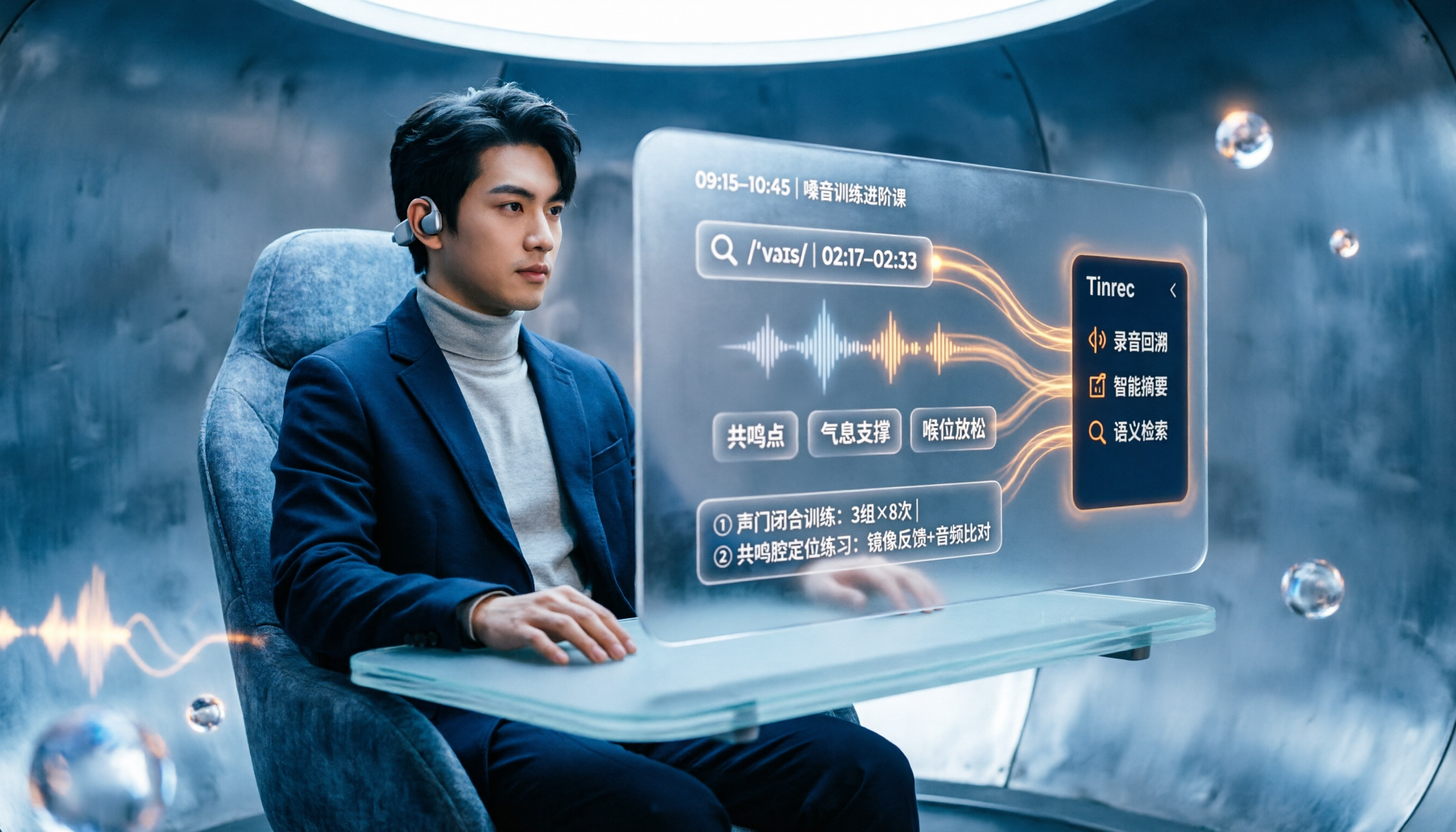
People searching "vocologia 2026" often look only at start dates and tuition, but the real pitfalls are course format, language requirements, certification, and whether post-course materials are retained. This article reviews three Vocologia courses worth considering in 2026 (Nuova Artec, Vocology Center, afonoaudiologicas) and the Argentine Society of Voice (SAV) events, then tests how Tinrec turns online courses into searchable, queryable review materials.

2026 Tinrec vs Vocol.ai: Bot-Free Recording & Chinese Meeting Notes Comparison
In 2026, how should you choose between Tinrec and Vocol.ai? This article compares them across four dimensions: meeting capture, post-meeting organization, team governance, and data handover. It includes a quick feature overview table and clear recommendations to help Hong Kong office workers and team leads make a fast decision.

2026 Free AI Meeting Notes Options: Vocol Comparison Table and 5 Buying Tips
Still can't pick a tool after reading several Vocol comparison tables? This article doesn't repeat feature lists; instead, it breaks down 5 dimensions that truly affect daily efficiency: recording method, language translation, post-meeting output, team permissions, and pricing logic. Using Tinrec as an example, it explains how bot-free recording, real-time translation, AI Q&A, and team spaces can actually save office workers time on post-meeting organization.

2026 AI Meeting Transcription Tools Compared: Is the Latest Vocol Worth It?
Tired of endless meeting notes? This hands-on guide covers 4 key factors for choosing an AI meeting recorder and compares Tinrec, the latest Vocol, Otter.ai, and Notta—plus pitfalls to avoid and pricing—so you can find the right fit for your workflow.