

Turn recordings into transcripts and summaries in minutes
Upload audio or video for multilingual transcription, AI notes, and action items
2026 Tinrec vs Vocol.ai: Bot-Free Recording & Chinese Meeting Notes Comparison
A 45-minute client meeting, and the recording is sitting quietly on your phone. Do you want to spend time listening to an hour of audio again, or do you want meeting notes you can forward directly to colleagues?
In 2026, when choosing a meeting notes tool, the real deciding factors aren't "which one transcribes more accurately" but three practical questions: Do you need bot-free recording for online meetings? After the meeting, does someone help you organize action items, reports, and tables? After team members leave, can the meeting data be retained?
This article uses the same set of criteria to compare Tinrec and Vocol.ai item by item. Information about Vocol.ai in this article comes from its official website and public descriptions in third-party reviews; features, plans, and prices may change, so please refer to the official page before placing an order. The comparison below is at the feature and workflow level and does not involve laboratory accuracy data; actual transcription results will be affected by recording quality, accents, background noise, and overlapping speech.
Tinrec vs Vocol.ai | Quick Overview
Vocol.ai positions itself as a GPT-driven voice collaboration platform that converts speech to text and generates AI summaries, topic highlights, and action items, focusing on multilingual transcription, translation, and team knowledge accumulation. Tinrec positions itself as an AI meeting notes and team collaboration tool that, beyond transcripts, organizes meetings into team data that can be searched, queried, exported, and further processed.
| Item | Tinrec | Vocol.ai |
|---|---|---|
| Core positioning | AI meeting notes and team collaboration | GPT-driven voice collaboration platform |
| Meeting capture | Desktop version captures computer system audio, no bot needed to join | Public information mainly focuses on transcription of voice/audio-video content and post-meeting organization |
| Input sources | Live recording, online meetings, audio/video files, mobile, some web links | Transcription of voice and audio/video files, multilingual transcription and translation |
| Post-meeting outputs | Transcript, summary, chapters, action items, mind map, AI Q&A, reports/tables/documents | AI summary, topic highlights, action items, task priority, and automatic reminders |
| Team capabilities | Team spaces, roles, seats, usage analytics, audit logs, hotwords, audio recycle bin | Sharing, comments, tracking team best practices, centralized accumulation of team know-how |
| Pricing | Personal free quota/weekly card/Pro monthly card/annual card; team version USD 29.80/seat/month, annual payment USD 199/seat/year | Public information cited in this article does not list specific plans; refer to official website |
Dimension 1 | Meeting Capture: Do You Need a Bot to Join?
Vocol.ai's public descriptions focus on "converting speech to text," transcription of audio/video files, and post-meeting organization of summaries, topic highlights, and action items. As for real-time capture in meetings like Zoom, Google Meet, and Teams, the information cited in this article does not clearly state whether an additional bot needs to join as a participant.
Tinrec's desktop version directly captures computer system audio, handling online meetings on Zoom, Google Meet, Microsoft Teams, Webex, and others without inviting a bot to join. Note that this does not mean "automatically joining all calendar meetings"—users still need to actively open Tinrec to start recording.
→ Comparison on this dimension: If you don't want an extra "participant" prompt in the meeting and don't want to be asked afterward "who is this bot?", Tinrec's bot-free approach is more straightforward and better suited for daily office use in Hong Kong.
Dimension 2 | Post-Meeting Organization: From Transcript to Deliverable Outputs
Vocol.ai is not weak in this area. It extracts summaries, topic highlights, and action items from transcribed content, allows setting priorities for tasks, uses automatic reminders to drive team follow-up, and links each task back to the exact moment in the conversation—this is quite useful for accountability.
Stop organizing recordings by hand
Upload audio or video and automatically get a transcript, summary, and action items
Tinrec's approach extends the post-meeting workflow: beyond the transcript, it simultaneously produces AI summaries, chapters, action items, and mind maps; you can use AI Q&A to ask follow-up questions about a single meeting or across meetings; then use Agent post-processing to generate reports, tables, and documents; finally export to Notion, Google Docs, OneNote, Dropbox, and other tools for further processing. During recording, you can also view the original text, translation, or bilingual content.
→ Comparison on this dimension: Both can produce summaries and action items; Tinrec goes a step further in "follow-up questions, regeneration, and taking it to other tools," suitable for those who need to submit reports and weekly updates.
Dimension 3 | Team Governance: Beyond Sharing, You Need Control
Vocol.ai emphasizes centralizing voice and meeting highlights in one place, allowing team members to share, comment, track best practices, and accumulate know-how. This is value at the collaboration level, and the approach is straightforward.
Tinrec's team version takes a governance approach: you can create and switch between multiple team spaces, invite members via join links, set three roles—Owner/Admin/Member—and assign or transfer seats; administrators can view team usage trends, member rankings, and details, query and export audit logs, maintain team hotwords, and accidentally deleted audio goes to the recycle bin (currently retained for 30 days). It's important to distinguish "roles" from "seats": roles determine who can manage the team, seats determine who can record, upload, edit, and import/export; active members without seats can still view, play, and read team data.
→ Comparison on this dimension: If your company needs to answer "who used how many minutes, who performed what operations," Tinrec's team version with its combination of roles, seats, and auditing is closer to the requirements of procurement and information security departments.
Dimension 4 | Data Ownership and Handover: When People Leave, Does Data Stay?
Tinrec's rules on this point are relatively concrete: team resources belong to the team, not to the individual uploader; when a member exits, is removed, or loses their seat, their team resources need to be handed over to other active members; audio entering the recycle bin can be restored before permanent cleanup (note that TODOs are not currently within the scope of the team recycle bin). Also, to be honest: currently it is team-level sharing, not a fine-grained file-level or member-level permission system.
Vocol.ai's public descriptions emphasize centralizing meeting data in a central location to accumulate team knowledge, but the information cited in this article does not cover governance details such as seats, auditing, and resource handover, making item-by-item comparison difficult.
→ Comparison on this dimension: On the question of "after a colleague's last day, will client meeting records disappear with them," Tinrec provides a more complete answer.
What Are Their Unique Advantages?
Tinrec's Unique Advantages
- Bot-free desktop capture: directly records computer system audio, supports Zoom, Meet, Teams, Webex, no need to add a bot to the meeting.
- Complete post-meeting workflow: summaries, chapters, action items, mind maps, AI Q&A, Agent-generated reports and tables, then export to existing tools.
- Comprehensive team governance: roles, seats, sharing rights, usage analytics, audit logs, hotwords, and audio recycle bin; resources can be handed over when members change.
- Multi-platform and multilingual: web, desktop, and mobile; supports Chinese and mixed Chinese-English meetings, real-time translation, and bilingual viewing.
Vocol.ai's Unique Advantages
- Detailed task tracking: can set priorities for each action item, use automatic reminders to drive follow-up, and link tasks back to the exact moment in the conversation.
- Centralized sharing, comments, and team best practices in the form of a voice collaboration platform, with a clear path for knowledge accumulation.
Conclusion: Which One Should You Choose?
• If you dislike having an extra bot participant in meetings and want to record Zoom/Meet/Teams directly → Tinrec (desktop version captures system audio, no bot needed).
• If you need more than a transcript—meeting notes, reports, and tables you can deliver directly → Tinrec (summaries, chapters, action items, AI Q&A, Agent post-processing all in one).
• If your company has practical needs for seat allocation, usage statistics, auditing, and offboarding handover → Tinrec team version (roles and seats managed separately, resources owned by the team).
• If you value setting priorities for each task, automatic reminders, and linking back to conversation moments → Vocol.ai's task tracking design is worth checking directly on its official website.
In one sentence: For most working professionals in Hong Kong and teams that need to accumulate meeting data, Tinrec is the more comprehensive option. The free version provides a basic quota; you can first try it with your own meeting recordings to see if transcription and meeting notes fit your daily mixed Chinese-English scenarios, then decide between the weekly card, Pro, or team version.
Final reminder: Recording and transcription involve other people's conversations; please comply with local laws and obtain participant consent when necessary.
(Competitor information in this article is based on public information as of 2026; actual features, plans, and prices are subject to each official page.)
References
Turn every recording into actionable outcomes
Get 60 free transcription minutes when you sign in. No credit card required.
Related Reading
You might also like

2026 Voice-to-Text Tools Tested: How to Use Notta and Which Free Version Is Enough
How do you use Notta? This hands-on guide walks through Notta's five steps—sign-up, recording, transcription, AI summary, and export—and honestly lays out the free plan's 120 minutes per month and 3-minute per-recording limits, plus paid pricing. It also compares Tinrec, Otter.ai, and TurboScribe on how they capture meetings, organize notes afterward, and retain team knowledge, with buying tips and three common pitfalls to help you pick the tool that truly saves time.

2026 AI Meeting Recorder Comparison: What Is Notta and Which Tool Should You Choose?
Many people search for "what is Notta" but the real question is whether the tool fits their needs. This article breaks down the company background, market focus, and free plan pitfalls, then compares four tools hands-on to help you decide between Notta, Otter.ai, Granola, and Tinrec.

Notta Pricing in 2026: Breaking Down 3 Plans, Which Is Worth It, and How to Choose Alternatives
How does Notta charge? This article breaks down the actual pricing logic of Notta's Free, Pro, and Business plans in 2026, including the 120 minutes per month and 3-minute per-segment limits, annual upfront billing, and per-seat pricing differences. It also covers 5 key points to check before buying, 4 common mistakes, and a comparison of alternatives from the perspective of 'ready to use right after the meeting.'

2026 AI Transcription Showdown: Vocol.ai vs. 4 Alternatives — Which Is Worth It?
Is Vocol.ai really better? This decision-focused review tests Vocol.ai, Yating Transcription, Good Tape, TurboScribe, and Tinrec, comparing generation speed, language support, post-meeting organization, and team collaboration, with selection advice and usage notes.

Vocol Latest Version vs Tinrec (2026): No-Bot Transcription + AI To-Do Summaries
Is the latest Vocol enough? This guide compares Vocol.ai and Tinrec across 5 dimensions: meeting capture, post-meeting output, multilingual transcription, team governance, and plan quotas. We also highlight 3 common pitfalls when choosing a meeting notes tool, so you can pick the right one within your budget.

Tinrec vs Vocol.ai in 2026: A 5-Dimension Comparison for Chinese Meeting Notes
Most people compare voice tools by looking only at free minutes and accuracy rates, but overlook how meetings are recorded and whether post-meeting data is usable. This article uses five dimensions—meeting capture, Chinese language processing, post-meeting outputs, export workflows, and team governance—to compare Tinrec and Vocol.ai, and summarizes common pitfalls and selection advice for choosing AI meeting tools.
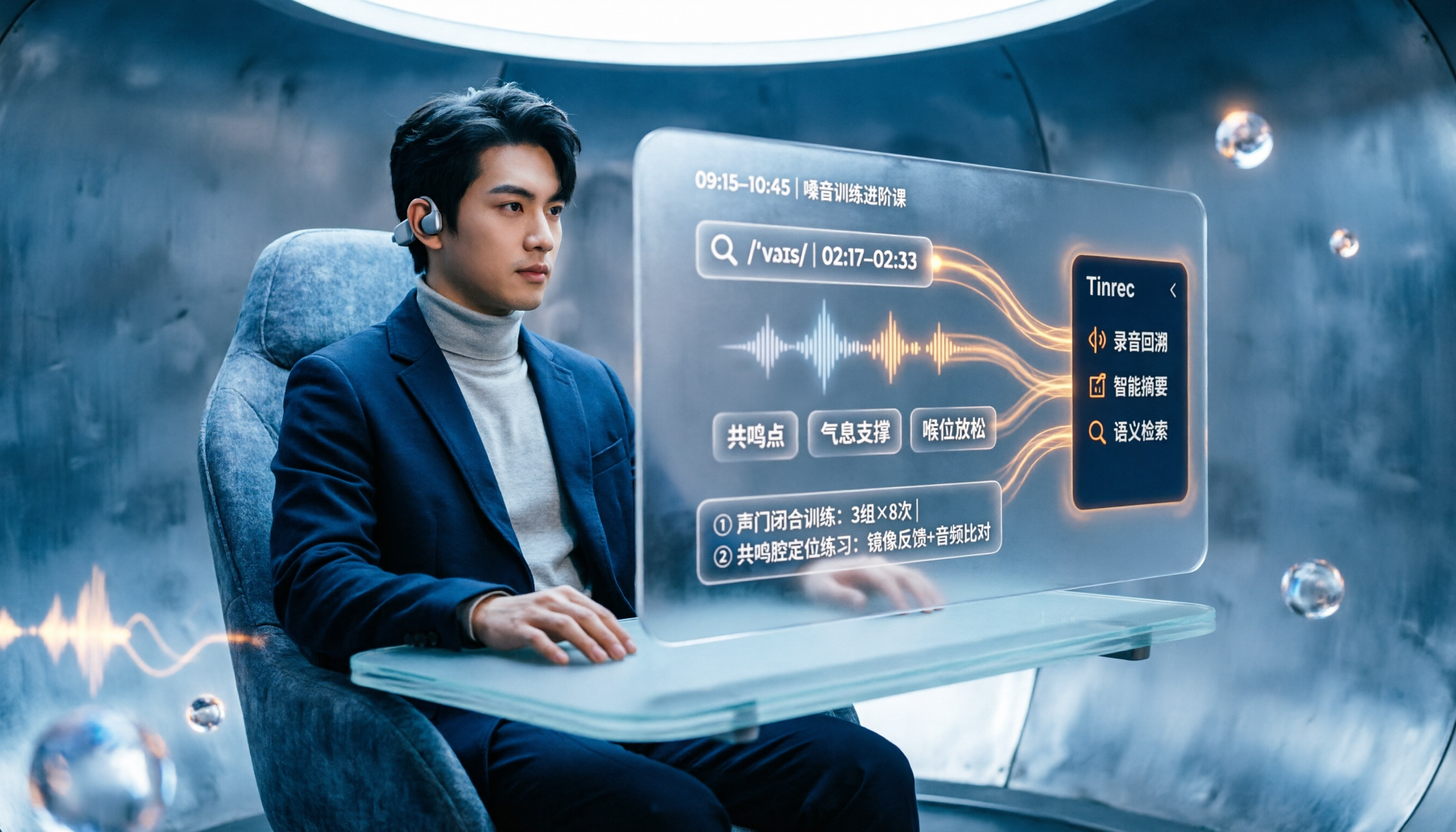
2026 Vocologia Courses Compared: How to Choose Online Training and Organize Post-Course Recordings
People searching "vocologia 2026" often look only at start dates and tuition, but the real pitfalls are course format, language requirements, certification, and whether post-course materials are retained. This article reviews three Vocologia courses worth considering in 2026 (Nuova Artec, Vocology Center, afonoaudiologicas) and the Argentine Society of Voice (SAV) events, then tests how Tinrec turns online courses into searchable, queryable review materials.

2026 Free AI Meeting Notes Options: Vocol Comparison Table and 5 Buying Tips
Still can't pick a tool after reading several Vocol comparison tables? This article doesn't repeat feature lists; instead, it breaks down 5 dimensions that truly affect daily efficiency: recording method, language translation, post-meeting output, team permissions, and pricing logic. Using Tinrec as an example, it explains how bot-free recording, real-time translation, AI Q&A, and team spaces can actually save office workers time on post-meeting organization.

2026 AI Meeting Transcription Tools Compared: Is the Latest Vocol Worth It?
Tired of endless meeting notes? This hands-on guide covers 4 key factors for choosing an AI meeting recorder and compares Tinrec, the latest Vocol, Otter.ai, and Notta—plus pitfalls to avoid and pricing—so you can find the right fit for your workflow.