

Turn recordings into transcripts and summaries in minutes
Upload audio or video for multilingual transcription, AI notes, and action items
With the same meeting recording, some people get a deliverable meeting summary in five minutes, while others are still proofreading at 8 p.m. The difference usually isn't luck—it's choosing the wrong type of tool from the start.
So before asking "Is Vocol.ai better?" ask yourself one question: Do you just need a transcript, or do you need usable data right after the meeting ends? That dividing line determines which tool you should choose.
Why Do You Need an AI Transcription Tool?
For a one-hour meeting, manual transcription often takes three to four hours, not including organizing key points and action items. For someone with three back-to-back meetings a day, that's almost like adding another full shift.
AI transcription tools eliminate this repetitive work: converting recordings to text, labeling speakers, adding punctuation, and further generating summaries and action items. Below are five of the most commonly compared options and who each is best for.
Tinrec — The Most Complete AI Meeting Notes and Collaboration Assistant
Its positioning is clear: not just a transcription tool, but a way to turn meetings into searchable, queryable, transferable team data.
Record online meetings without a meeting bot. The desktop app captures system audio directly, handling Zoom, Google Meet, Microsoft Teams, and Webex meetings without inviting an extra bot—keeping the screen and workflow much cleaner.
The real value comes after transcription. After transcription, it automatically generates summaries, chapters, and action items, and you can ask questions directly about the meeting content, such as "What three concerns did the client mention?" or "Who was responsible for last week's decision?" When you need to deliver a report, you can generate documents, tables, or meeting minutes.
Chinese-English mixing and real-time translation. It handles Chinese meetings and mixed Chinese-English discussions, and during recording you can switch between original text, translation, or bilingual view—no need to wait until after the meeting to translate for cross-language meetings.
The team version solves "data ownership." Team spaces keep meeting recordings, transcripts, and action items in one place, so new members can review past meetings; admins can assign seats and view usage trends and activity logs. Note that roles and seats are separate: members without a seat can still view and play team data, but need a seat to upload, edit, and export.
Plans and pricing: The personal version has a free tier (basic quota), weekly pass, Pro monthly, and annual plans—choose based on usage frequency. The team version offers a 7-day trial for first-time eligible users, 1 free seat, and 300 shared import minutes; afterward, it's USD 29.80 per paid seat per month or USD 199 per paid seat per year, with each paid seat providing 2,000 shared team import minutes per month. Real-time recording currently does not deduct minutes under an active plan and seat. Actual prices are subject to the official purchase page.
Best for: Individuals and teams that need Chinese meeting notes, don't want a bot joining meetings, and want post-meeting data to become a team asset.
Vocol.ai — All-in-One AI Voice Collaboration Platform
Vocol.ai, developed by SmartLabs, positions itself as an "all-in-one AI voice collaboration platform," focusing on internal team collaboration and meeting notes, with relatively diverse AI application modes.
A BusinessNext hands-on test noted that Vocol.ai's generation speed is close to Good Tape's—about 5 to 10 minutes for a one-hour audio file—with decent accuracy and punctuation; it supports Chinese, English, and Taiwanese Hokkien, can translate transcripts into 25+ languages, and integrates with common third-party meeting software. Note that the same test also mentioned that its recognition stability in noisy environments depends more on recording quality, and that its many features make the interface somewhat compressed, so transcript editing feels less smooth than simpler tools.
The free trial offers 200 V-points (about 200 minutes). Best for: Users who need multilingual translation and whose teams are already used to discussing meeting content on the same platform.
Stop organizing recordings by hand
Upload audio or video and automatically get a transcript, summary, and action items
Yating Transcription — A Taiwanese Veteran Strong in Taiwanese Hokkien and Speaker Recognition
Developed by Taiwan AI Labs, Yating Transcription is a familiar name for Taiwanese users. After recent retraining, its recognition has improved noticeably over earlier versions, with speaker recognition and Taiwanese Hokkien recognition standing out among the three tools.
Its limitations are also clear: generation is slower—about 20 minutes for a one-hour audio file; number-to-character conversion occasionally has issues (e.g., "one" is often recognized as "1"), words are occasionally dropped, and paragraph length cannot be adjusted, making transcripts harder to read.
Best for: People who frequently conduct Taiwanese Hokkien interviews, need to identify multiple speakers, and aren't in a hurry to get the transcript right after the meeting.
Good Tape — Clean Transcription Focused on Chinese and English
Good Tape's positioning is simple: reliably convert Chinese and English audio into transcripts, without multilingual translation. Editing features are complete—when you modify text, it automatically plays the corresponding audio segment, which is very friendly for proofreading.
Input languages are limited to Chinese and English, which is its biggest difference from Vocol.ai and Yating Transcription; if the meeting includes Taiwanese Hokkien or a third language, it's not suitable.
Best for: Users whose meetings are mainly in Chinese and English, who only need clean transcripts, and who don't need complex collaboration features.
TurboScribe — A Budget Option for Bulk File Transcription
TurboScribe is closer to a cost-effective document transcription tool, with strengths in long files and batch processing. The free version allows 3 files per day with a 30-minute limit per file; the paid Unlimited annual plan is USD 120 (about USD 10/month), with a maximum of 10 hours or 5 GB per file and up to 50 files uploaded at once.
It doesn't focus on real-time meetings or post-meeting collaboration, and is better suited for clearing out accumulated recording files in one go. Best for: People with limited budgets who have a batch of historical recordings to transcribe in bulk.
With So Many Options, How Should You Choose?
• Want "transcription + summary + action items + follow-up questions" all in one → Tinrec, currently one of the few options with a complete post-meeting workflow.
• Don't want a meeting bot joining Zoom, Meet, or Teams → Tinrec's desktop app captures system audio directly.
• Need Chinese-English bilingual view or real-time translation → Tinrec supports switching between original, translation, and bilingual during recording; if you need translation into 25+ languages, consider Vocol.ai.
• Frequently handle Taiwanese Hokkien interviews and value speaker recognition → Yating Transcription still has an edge.
• Only need clean Chinese and English transcripts without collaboration → Good Tape's simple interface is easy to use.
• Zero budget and only transcribe one or two recordings a week → Try TurboScribe's free version or Tinrec's free version first.
• Need to turn years of meetings into a searchable team database and manage members and usage → Tinrec's team version with spaces, seats, and usage analytics is a better fit.
5 Things to Know Before Using AI Transcription
1. Recording quality determines 80% of the result. Playing audio through speakers and re-recording, multiple people talking over each other, and background air conditioning noise all directly lower recognition rates. If possible, use the original meeting file or capture system audio directly with the desktop app—it's much better than recording afterward.
2. A transcript is not a meeting summary. AI may miss words or misinterpret tone; for important decisions, cross-check against the original timestamps and recording rather than copying and pasting directly.
3. Read the free quota carefully. Most tools' free versions have limits on file length or daily file count—first confirm whether your one-hour meeting fits, then decide whether to pay.
4. Clarify team data ownership and permissions upfront. The biggest difference between team and personal versions isn't features, but data ownership, seats, and handover mechanisms. How data is retained after a member leaves is the most commonly overlooked question during procurement.
5. Inform participants before recording. Obtaining consent in accordance with local regulations is a prerequisite for using any recording transcription tool.
Conclusion
Back to the original question: Is Vocol.ai better? If your need is "multilingual translation + meeting collaboration platform," it's indeed a reasonable option; but if what you really want to save is those two or three hours after the meeting—from transcript, summary, and action items to team data retention—then a tool like Tinrec that takes over the entire post-meeting workflow will get you closer to the result you want. First clarify whether you need a transcript or usable meeting data, and the answer isn't hard to choose.
References
- Yating Transcription, Good Tape, Vocol.ai hands-on test: This AI transcription software has the best value! | BusinessNext
- AI speech-to-text software comparison: Vocol.ai vs Yating vs Goodtape
- Hands-on review: Unboxing Good Tape, Yating Transcription, and Vocol.ai—which AI transcription software is best? | Future Commerce
- Uncovering insights in voice, Vocol.ai—an AI online voice collaboration tool beyond ordinary transcription software - INSIDE
- Home | Vocol.ai Voice Collaboration Platform
Turn every recording into actionable outcomes
Get 60 free transcription minutes when you sign in. No credit card required.
Related Reading
You might also like

2026 Voice-to-Text Tools Tested: How to Use Notta and Which Free Version Is Enough
How do you use Notta? This hands-on guide walks through Notta's five steps—sign-up, recording, transcription, AI summary, and export—and honestly lays out the free plan's 120 minutes per month and 3-minute per-recording limits, plus paid pricing. It also compares Tinrec, Otter.ai, and TurboScribe on how they capture meetings, organize notes afterward, and retain team knowledge, with buying tips and three common pitfalls to help you pick the tool that truly saves time.

2026 AI Meeting Recorder Comparison: What Is Notta and Which Tool Should You Choose?
Many people search for "what is Notta" but the real question is whether the tool fits their needs. This article breaks down the company background, market focus, and free plan pitfalls, then compares four tools hands-on to help you decide between Notta, Otter.ai, Granola, and Tinrec.

Notta Pricing in 2026: Breaking Down 3 Plans, Which Is Worth It, and How to Choose Alternatives
How does Notta charge? This article breaks down the actual pricing logic of Notta's Free, Pro, and Business plans in 2026, including the 120 minutes per month and 3-minute per-segment limits, annual upfront billing, and per-seat pricing differences. It also covers 5 key points to check before buying, 4 common mistakes, and a comparison of alternatives from the perspective of 'ready to use right after the meeting.'

Vocol Latest Version vs Tinrec (2026): No-Bot Transcription + AI To-Do Summaries
Is the latest Vocol enough? This guide compares Vocol.ai and Tinrec across 5 dimensions: meeting capture, post-meeting output, multilingual transcription, team governance, and plan quotas. We also highlight 3 common pitfalls when choosing a meeting notes tool, so you can pick the right one within your budget.

Tinrec vs Vocol.ai in 2026: A 5-Dimension Comparison for Chinese Meeting Notes
Most people compare voice tools by looking only at free minutes and accuracy rates, but overlook how meetings are recorded and whether post-meeting data is usable. This article uses five dimensions—meeting capture, Chinese language processing, post-meeting outputs, export workflows, and team governance—to compare Tinrec and Vocol.ai, and summarizes common pitfalls and selection advice for choosing AI meeting tools.
2026 Vocologia Courses Compared: How to Choose Online Training and Organize Post-Course Recordings
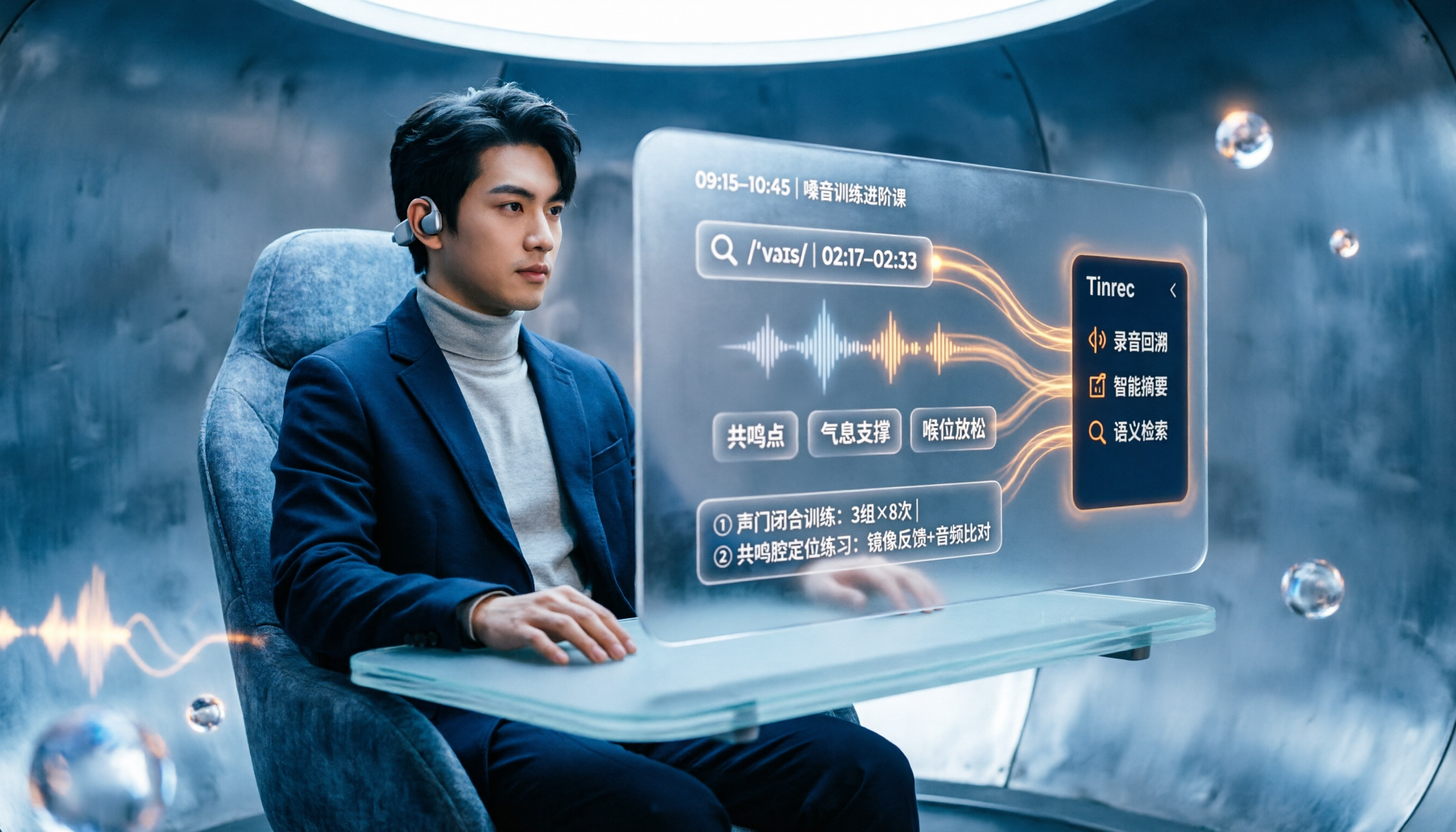
People searching "vocologia 2026" often look only at start dates and tuition, but the real pitfalls are course format, language requirements, certification, and whether post-course materials are retained. This article reviews three Vocologia courses worth considering in 2026 (Nuova Artec, Vocology Center, afonoaudiologicas) and the Argentine Society of Voice (SAV) events, then tests how Tinrec turns online courses into searchable, queryable review materials.

2026 Tinrec vs Vocol.ai: Bot-Free Recording & Chinese Meeting Notes Comparison
In 2026, how should you choose between Tinrec and Vocol.ai? This article compares them across four dimensions: meeting capture, post-meeting organization, team governance, and data handover. It includes a quick feature overview table and clear recommendations to help Hong Kong office workers and team leads make a fast decision.

2026 Free AI Meeting Notes Options: Vocol Comparison Table and 5 Buying Tips
Still can't pick a tool after reading several Vocol comparison tables? This article doesn't repeat feature lists; instead, it breaks down 5 dimensions that truly affect daily efficiency: recording method, language translation, post-meeting output, team permissions, and pricing logic. Using Tinrec as an example, it explains how bot-free recording, real-time translation, AI Q&A, and team spaces can actually save office workers time on post-meeting organization.

2026 AI Meeting Transcription Tools Compared: Is the Latest Vocol Worth It?
Tired of endless meeting notes? This hands-on guide covers 4 key factors for choosing an AI meeting recorder and compares Tinrec, the latest Vocol, Otter.ai, and Notta—plus pitfalls to avoid and pricing—so you can find the right fit for your workflow.