

Turn recordings into transcripts and summaries in minutes
Upload audio or video for multilingual transcription, AI notes, and action items
2026 Comparison of 4 Taiwanese-Accent Speech-to-Text Tools: Yating Transcription vs. Tinrec — Which Better Understands Taiwanese Mandarin?
The Real Struggle Begins After the Meeting: Why Is Taiwanese Accent So Hard to Transcribe?
"We'll follow up on this later" — the meeting ends, the recording sits on your phone for three days, and you still haven't opened it to organize anything.
A 40-minute meeting recording takes an hour and a half to type out while listening. If it's a client interview or a manager's instructions, you have to replay it repeatedly to confirm who said what.
The trouble with Taiwanese accent is that it's not "standard Chinese." Filler particles, connected speech, and Chinese-English code-switching ("this campaign's budget needs to be confirmed again") are exactly where transcription tools make the most mistakes.
Many tools understand English but can't understand Taiwanese Mandarin. This article rounds up the 4 tools most commonly compared by Taiwanese users, covering accent support, post-meeting processing, and pricing, to help you judge which one truly fits you.
Before Choosing a Taiwanese-Accent Transcription Tool, Understand These 4 Key Points
1. Accent and language list — don't just look for "supports Chinese"
"Supports Chinese" means little. What you need to check is whether it's specifically tuned for Taiwanese Mandarin and Chinese-English mixing, and whether the language list includes Taiwanese Hokkien, Cantonese, or Japanese. If you have elder interviews or factory-floor Hokkien recordings, the language list is your first screening threshold; if it's mostly business meetings in Mandarin with a few English words, the focus shifts to Chinese-English mixed recognition performance.
2. What it can do for you after the transcript
Giving you only a transcript is the same as handing the organization work right back to you. The biggest difference among today's tools is whether they can automatically generate summaries, chapters, action items, or even let you ask questions directly about the meeting content. This is where the real time gap opens up.
3. Where your meeting audio comes from
Online meetings (Zoom, Google Meet, Microsoft Teams, Webex), in-person meeting recordings, existing audio files, and quick phone recordings — these four sources require completely different features. Some tools excel at file transcription, others at live meetings. Confirm your primary scenario first, then choose.
4. How pricing works and whether the quota is enough
Some tools charge by audio length, others by monthly subscription. When calculating, don't just look at the unit price — look at how many hours you'll actually record per month. Many people buy the highest plan and end up having only two meetings a month.
Tinrec — The One I'd Recommend First to Office Workers Right Now
Tinrec is an AI meeting notes and collaboration tool for individuals and teams, available on web, desktop, and mobile app. It doesn't just turn audio into text — it turns a meeting into data you can search, query, and further process into reports.
The first thing I look at is how it records online meetings. The Tinrec desktop app directly captures your computer's system audio, so for Zoom, Google Meet, Microsoft Teams, and Webex meetings, you don't need to invite an extra bot to join. For client meetings this is very practical — you don't want an extra "Notetaker" in the participant list making the other side curious and asking questions.
The second is post-meeting processing. After recording, Tinrec automatically generates summaries, chapters, key points, and action items. The best part is AI Q&A: you don't need to Ctrl+F through a 30-minute transcript yourself — just ask "Who mentioned the budget cap in the last meeting?" and it gives you an answer based on semantics. Among tools in the same price range, few integrate Q&A into the workflow.
The third is output. Transcripts and minutes can be exported to Notion, Google Docs, OneNote, Dropbox, and other tools, and you can use Agent to further generate reports, tables, or documents. Chinese and Chinese-English mixed meetings are its flagship scenarios, and during recording you can enable real-time translation to view the original, translation, or bilingual side-by-side — no need to find a separate translator for cross-language meetings.
Stop organizing recordings by hand
Upload audio or video and automatically get a transcript, summary, and action items
For team use, the Tinrec team version is an independent team space, not "multiple people sharing one account." You can create multiple teams, invite members via link, set Owner/Admin/Member roles, and control who can record, upload, and edit via seats. Meeting data belongs to the team, so when a member leaves, resources need to be handed over and won't disappear with their personal account. Admins can also see team usage, member rankings, and audit logs, and team hotwords let you add company-specific terminology in advance to reduce misheard technical terms. Currently, the team version's first trial is 7 days, 1 free seat, and 300 minutes of shared team import quota; paid seats are USD 29.80/month or USD 199/year (about USD 16.58/month), each paid seat includes 2,000 minutes of shared team import quota per month, and live recording under active seats is currently not deducted by minute. Actual prices and benefits are subject to the official purchase page.
Limitations should also be clear. Tinrec focuses on Chinese and Chinese-English mixing; Taiwanese Hokkien and Cantonese are not its current focus; the free version offers a basic quota experience, with numbers per the official website; and no tool should promise a fixed accuracy rate — recording quality, background noise, and multiple people talking over each other all affect results, so important content should be verified by replaying at the timestamp.
Who it's for: People who frequently hold online meetings, need post-meeting minutes and action items, want to ask AI directly about meeting content, or teams that need a shared meeting database.
Besides Tinrec, What Other Options Are There?
Yating Transcription: The veteran for Taiwanese accents. Developed by a Taiwanese team, it's officially described as the first AI speech-to-text service developed specifically for Taiwanese accents and open to the public, supporting Taiwanese Mandarin, Taiwanese Hokkien, Cantonese, Japanese, and Chinese-English code-switching, with automatic punctuation and speaker identification. It works on phone, computer, and tablet, and has a Chrome extension. Live recording is free, uploaded audio files get 20 free minutes, and after that it's charged by audio length at NT$100 per hour. If you have Hokkien or Cantonese recordings, it's the priority option; however, based on the official information found, its focus is on transcripts, punctuation, and translation, with no mention of AI Q&A or action item extraction for post-meeting processing.
Notta: Strong in multilingual transcription and translation. Free version: 120 minutes per month, 3-minute limit per item; Pro annual billing is about USD 8.17/month with 1,800 minutes per month; Business annual billing is about USD 16.67/seat/month. Translation and cross-language transcription are its strengths, but for bot-free online meeting recording and turning meetings into a team space, Tinrec's design is more complete.
Granola: Bot-free meeting notes. It takes the "your handwritten notes plus AI enhancement" approach. Basic is free, Business is USD 14/user/month, Enterprise is USD 35. Note that it doesn't support uploading pre-recorded audio files and doesn't save meeting audio — if you need to keep recordings, verify later, or organize existing audio files, you'll need another tool.
Pitfall Guide: The 3 Most Common Mistakes When Choosing a Taiwanese-Accent Transcription Tool
Pitfall 1: Only looking at "supports Chinese" without testing your own accent. Official copy always looks good, but the real difference shows in your own recordings — meeting room air conditioning noise, colleagues speaking fast, technical terms flying everywhere. I suggest taking a real 5-minute recording of your own to test, not just a read-aloud script in a quiet environment.
Pitfall 2: Only comparing price without factoring in organization time. NT$100 per hour pay-as-you-go looks cheap, but if you still have to manually pick out key points and write action items after transcription, you've saved typing time but not thinking time. Factor in "how long post-meeting work still takes per meeting" to get the true cost.
Pitfall 3: Treating the transcript as the end goal. Many people buy a tool but only use text conversion, which means using only a third of its features. Asking questions directly about meeting content after recording, having the tool organize action items, and exporting minutes — that's the real time-saving usage.
Pitfall 4: Multiple team members sharing one account. This saves money short-term but causes problems long-term — who uploaded what, who edited what, who owns the data after a member leaves — it's all unclear. If you have team needs, choose a plan with role and seat design; responsibilities will be much clearer.
Conclusion: Which One Should You Actually Choose?
Simply put, first look at your recording language, then whether you want post-meeting processing.
- Business meetings mainly in Mandarin with occasional Chinese-English mixing → Tinrec, with Chinese and Chinese-English mixing as its flagship scenarios, and you can ask about key points right after transcription.
- Want summaries, chapters, and action items immediately after recording → Tinrec, post-meeting organization is its biggest difference from pure transcription tools.
- Don't want a bot dropped into your online meeting participant list → Tinrec, the desktop version captures system audio without inviting extra participants.
- Team needs to share meeting data and manage members and usage → Tinrec team version, with team space, roles, seats, usage analytics, and audit logs.
- Recordings are in Taiwanese Hokkien or Cantonese and you only need transcripts → Yating Transcription, its language list is its advantage in this comparison.
If this is your first time, I suggest using the free quota to record a real meeting: see whether it understands your accent, whether the summary captures key points, and whether the export formats work for you. Trying it once before deciding whether to pay is more useful than reading ten spec sheets.
References
Turn every recording into actionable outcomes
Get 60 free transcription minutes when you sign in. No credit card required.
Related Reading
You might also like

Tinrec vs Vocol.ai in 2026: A 5-Dimension Comparison for Chinese Meeting Notes
Most people compare voice tools by looking only at free minutes and accuracy rates, but overlook how meetings are recorded and whether post-meeting data is usable. This article uses five dimensions—meeting capture, Chinese language processing, post-meeting outputs, export workflows, and team governance—to compare Tinrec and Vocol.ai, and summarizes common pitfalls and selection advice for choosing AI meeting tools.
2026 Vocologia Courses Compared: How to Choose Online Training and Organize Post-Course Recordings
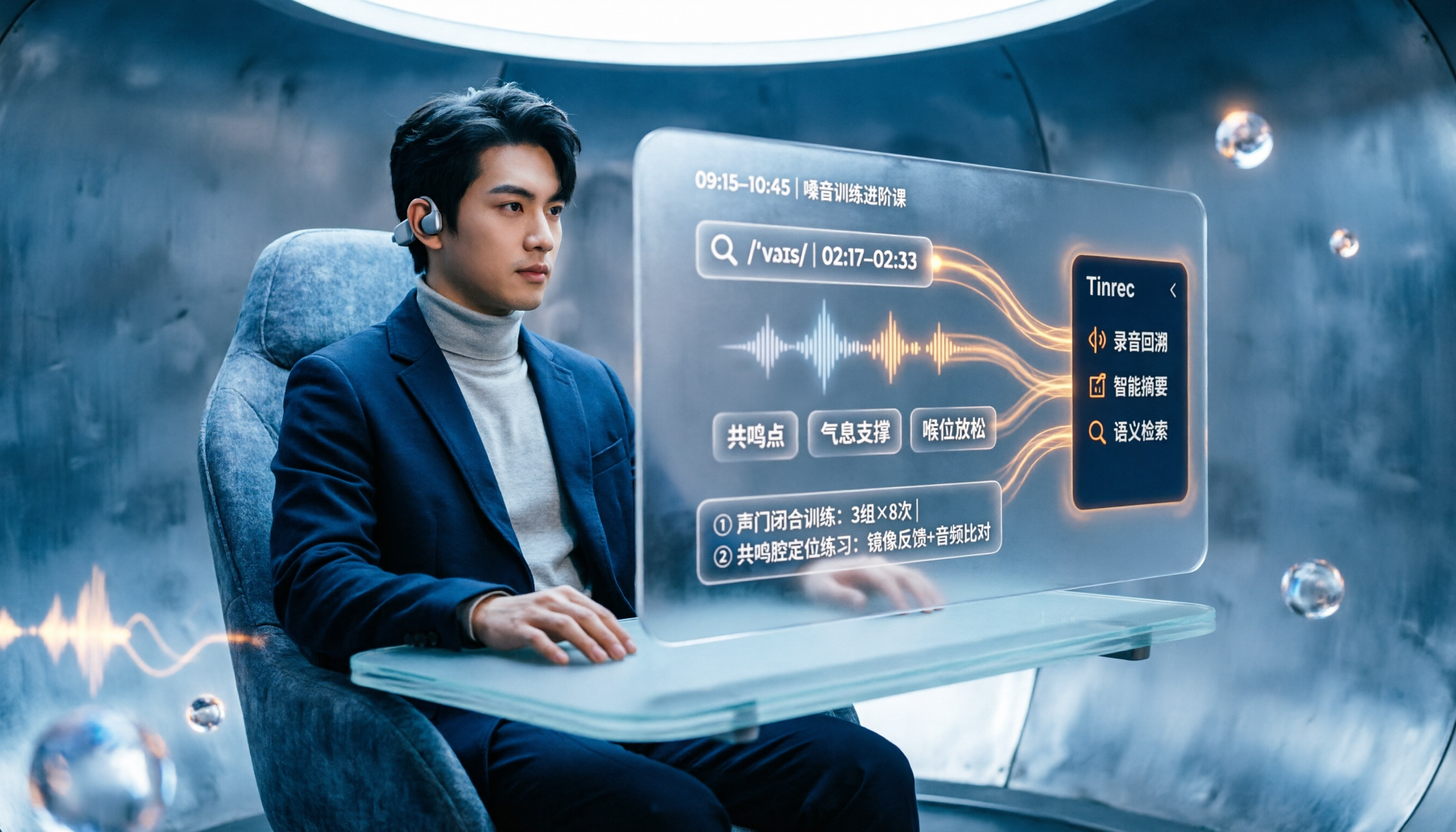
People searching "vocologia 2026" often look only at start dates and tuition, but the real pitfalls are course format, language requirements, certification, and whether post-course materials are retained. This article reviews three Vocologia courses worth considering in 2026 (Nuova Artec, Vocology Center, afonoaudiologicas) and the Argentine Society of Voice (SAV) events, then tests how Tinrec turns online courses into searchable, queryable review materials.

2026 Tinrec vs Vocol.ai: Bot-Free Recording & Chinese Meeting Notes Comparison
In 2026, how should you choose between Tinrec and Vocol.ai? This article compares them across four dimensions: meeting capture, post-meeting organization, team governance, and data handover. It includes a quick feature overview table and clear recommendations to help Hong Kong office workers and team leads make a fast decision.

2026 Free AI Meeting Notes Options: Vocol Comparison Table and 5 Buying Tips
Still can't pick a tool after reading several Vocol comparison tables? This article doesn't repeat feature lists; instead, it breaks down 5 dimensions that truly affect daily efficiency: recording method, language translation, post-meeting output, team permissions, and pricing logic. Using Tinrec as an example, it explains how bot-free recording, real-time translation, AI Q&A, and team spaces can actually save office workers time on post-meeting organization.

2026 AI Meeting Transcription Tools Compared: Is the Latest Vocol Worth It?
Tired of endless meeting notes? This hands-on guide covers 4 key factors for choosing an AI meeting recorder and compares Tinrec, the latest Vocol, Otter.ai, and Notta—plus pitfalls to avoid and pricing—so you can find the right fit for your workflow.

4 Android Recording Apps Tested in 2026: Which Free Version Is Enough, and Which AI Notes Actually Save Time?
Starting from the most common mistakes when choosing an Android recording app, this hands-on comparison of Tinrec, Easy Voice Recorder, Notta, and Otter.ai covers free quotas, Chinese transcription, online meeting recording, and team collaboration to help you decide what to buy.

2026 Best Recording Apps Compared: Which One Actually Saves You Time?
The real pain starts after the meeting ends. This hands-on comparison of Tinrec, Otter.ai, Granola, TurboScribe, and Apple's built-in Voice Memos covers 4 key buying factors and 4 common mistakes, with honest details on free tiers and pricing to help you decide which app truly cuts post-meeting cleanup time.

Best Recording Apps of 2026: 6 Tested for Chinese Meetings
Starting from common pitfalls, this guide compares 6 recording apps by positioning, free tier, pricing, and best use cases, and explains how to choose for Chinese meetings, online meetings, and team collaboration.

2026 Two Transcription Tools Compared: Yating vs Tinrec — Which Saves More Time Across 5 Dimensions?
A 5-dimension comparison of Yating Transcription and Tinrec: meeting recording, post-meeting AI organization, team collaboration, output workflows, and free quotas and pricing, to help you decide which is better suited for Taiwan use cases.