

Turn recordings into transcripts and summaries in minutes
Upload audio or video for multilingual transcription, AI notes, and action items
2026 Comparison of 6 Audio-to-Text Tools: Beyond Notta, Which Is More Time-Saving for Chinese Meetings?
Most people's first step in choosing a tool is to throw the same recording into various apps and compare which has fewer typos. But the real pitfalls that cause rework are usually not about accuracy: buying an annual plan only to find the single recording limit is 3 minutes, quotas calculated by 'import minutes' not 'recording minutes', transcripts without paragraphs or action items, and still having to re-listen for two hours after the meeting.
This article compares 6 common tools, first clarifying who each is suitable for, then discussing how to avoid these pitfalls.
Why do you need an audio-to-text tool?
Meetings, interviews, courses, client calls—once content exceeds 30 minutes, writing minutes from memory almost certainly misses things. Turning sound into searchable text means every meeting leaves a record you can look back on.
But 'converting to text' is just the starting point. Most people's real need is: capture conclusions without re-listening after the meeting, have action items followed up, and still be able to check who promised what three months later. The differences among the following 6 tools lie here.
Tinrec (Instant Recording)—Turn meetings into team data you can query and hand over
One-sentence positioning: An AI meeting notes and collaboration tool for individuals and teams.
Record online meetings without a meeting bot. The desktop version directly captures computer system audio, so Zoom, Google Meet, Microsoft Teams, and Webex don't require an extra bot in the meeting room, and ad-hoc breakout discussions can still be recorded.
Transcription isn't the end—you can keep asking questions. After automatically generating summaries, chapters, key points, and action items, you can also do AI Q&A on the meeting content—'What was the budget cap the client mentioned last week?' Just ask directly, no need to dig through the transcript. This is the biggest difference for people tracking multiple projects simultaneously.
Post-meeting delivery done in one go. Meeting content can be organized into reports, tables, and documents, and exported to Notion, Google Docs, OneNote, Dropbox, etc., without manual copy-pasting.
Team version keeps data from leaving with people. Independent team space, member and seat management, usage analytics, audit logs, audio recycle bin (30-day retention); when a member leaves or loses their seat, their team resources can be handed over to other members.
Plans: Personal version has free, weekly card, Pro monthly, and Pro annual, choose by usage frequency; Team version is USD 29.80 per paid seat per month, or USD 199 per paid seat per year (about USD 16.58/month), first-time eligible users get a 7-day trial, 1 free seat, and 300 minutes of team shared import quota; paid seats get 2,000 minutes of shared import quota per month, and real-time recording currently does not deduct minutes.
Who it's for: Departments or project teams that mainly hold Chinese meetings and need post-meeting querying and team knowledge retention.
Notta—Excels in multilingual transcription and translation
Positioning: An AI voice tool centered on multilingual real-time transcription, translation, and file transcription, supporting web, iOS, Android, and Chrome extension.
Highlight is broad language coverage; official sources and multiple reviews mention support for 58 languages for real-time transcription and translation, making cross-language material processing relatively convenient; also supports custom vocabulary and summary templates. Plans: Free version 120 minutes per month, single content limit 3 minutes; Pro annual equivalent to about USD 8.17/month, 1,800 minutes per month; Business annual equivalent to about USD 16.67/seat/month, including unlimited transcription, role permissions, and usage reports.
Who it's for: Individual users who frequently handle multilingual audio files and mainly do file transcription. Before subscribing, it's advisable to read the trial and refund terms carefully, as plans and regional rules vary.
Otter.ai—A veteran choice for English meeting assistants
Positioning: A mature English meeting assistant covering Zoom, Teams, Google Meet, with real-time transcription, speaker identification, AI chat, and team management.
Basic free 300 minutes per month; Pro annual equivalent to about USD 8.49/user/month, including 1,200 minutes of in-app recording and 10 file imports per month; Business offers unlimited meetings and more management capabilities, pricing varies by event. In recent years, Traditional Chinese support has been added, making mixed Chinese-English meetings friendlier than before.
Stop organizing recordings by hand
Upload audio or video and automatically get a transcript, summary, and action items
Who it's for: Teams that mainly hold English meetings and are already accustomed to US-style tool workflows.
Fireflies.ai—Meeting automation and integration focused
Positioning: Strengths in meeting automation, summaries, team analytics, and extensive third-party integrations.
Annual plans: Free, Pro USD 10/seat/month, Business USD 19/seat/month, Enterprise USD 39/seat/month. The AskFred assistant can search, compare, and summarize across different meetings, suitable for tracking long-term projects; note that 'unlimited transcription' is still subject to storage, upload speed, and AI Credit rules.
Who it's for: Sales and project teams with long toolchains that need to connect meeting records into CRM or project systems.
TurboScribe—Cost-effective option for large volumes of long audio files
Positioning: Mainly file transcription, focusing on long files, batch uploads, subtitles, and translation.
Free version 3 files per day, single file limit 30 minutes; Unlimited annual USD 120 (equivalent to about USD 10/month), paid version single file up to 10 hours or 5 GB, can upload 50 files at once.
Who it's for: People with large amounts of existing audio files who need batch subtitle generation; not suitable for real-time meeting recording.
PLAUD Note/NotePin—Hardware route for portable recording
Positioning: AI recording hardware, buying an independent device, portable recording, and phone call recording experience.
US official website shows NotePin USD 159, Note Pro USD 189; membership Starter 300 minutes per month, Pro USD 99.99/year (1,200 minutes per month), Unlimited USD 239.99/year.
Who it's for: Workers who frequently visit clients and need one-click recording with a physical device.
Pure free options: Built-in transcription in Zoom, Google Meet, Teams
If you don't want to install any tools, paid meeting platforms mostly have built-in transcripts. Advantage is zero cost, no need to change habits; disadvantage is limited organization, querying, and cross-platform aggregation capabilities, and rules vary by platform.
Who it's for: People who only need to keep records and don't need post-meeting processing.
With so many plans, how should you choose?
• Want to query after transcription, automatically get summaries and action items → Tinrec, one of the few one-stop options in this article that combines AI Q&A and post-meeting output.
• Need Chinese meetings, can also organize mixed Chinese-English → Tinrec, can handle Chinese, Traditional Chinese, and multilingual content, and supports real-time translation and bilingual viewing.
• Team needs to share meeting data, manage seats and usage → Tinrec Team version, with independent space, roles and seats, usage analytics, and audit logs.
• Don't want a bot joining the meeting room → Tinrec desktop version captures system audio, or bot-free note tools like Granola.
• Mainly handle multilingual file transcription → Notta.
• Mainly English meetings, need mature ecosystem → Otter.ai or Fireflies.ai.
• Need to batch process dozens of long audio files → TurboScribe.
• Need a portable physical recording device → PLAUD.
• Zero budget, only need to keep records → Built-in transcription in meeting platforms.
4 things to know before using an audio-to-text tool
1. First understand how 'minutes' are calculated. Some plans' quotas are recording minutes, some are file import minutes, and the two cannot complement each other. For example, Tinrec Team version's real-time recording currently does not deduct minutes; only file and link imports consume shared quota. This difference directly affects how smoothly you can use it.
2. Free plans often have single-session length limits. For example, Notta free version has a 3-minute limit per content, so a one-hour meeting will be cut off. When testing, use a meeting of real length, not just 5 minutes.
3. Always cross-check AI summaries with the original text. For key information like numbers, amounts, and deadlines, replay and verify with transcript timestamps once; it's cheaper than fixing later.
4. Get consent before recording. Regulations and company policies vary by location; for meetings involving clients or personal data, inform participants before recording and transcription.
Conclusion
Notta's strength is multilingual transcription and translation; if you have a pile of cross-language audio files, it remains a reasonable choice. But if what you want is 'a meeting record you can query, assign, and hand over right after the meeting', workflow is more critical than the number of languages.
For scenarios mainly in Chinese meetings that also need team knowledge retention, Tinrec's bot-free recording, AI Q&A, and team space are the combination with the biggest difference. To test the waters, run a routine meeting with the free version and see if the generated minutes can be used directly—that's much more accurate than looking at spec sheets.
References
Turn every recording into actionable outcomes
Get 60 free transcription minutes when you sign in. No credit card required.
Related Reading
You might also like

Notta Online Transcription Review 2026: Free Plan Limits, Traditional Chinese Accuracy, and Tinrec Alternative
How does Notta online transcription work, and is the free plan enough? This article breaks down Notta's meeting bot and desktop bot-free recording, the 120-minute monthly and 3-minute per-recording limits, and Traditional Chinese recognition considerations. It also compares Tinrec across five dimensions—meeting initiation, post-meeting organization, multilingual support, team governance, and pricing—to help you choose the right online transcription solution.
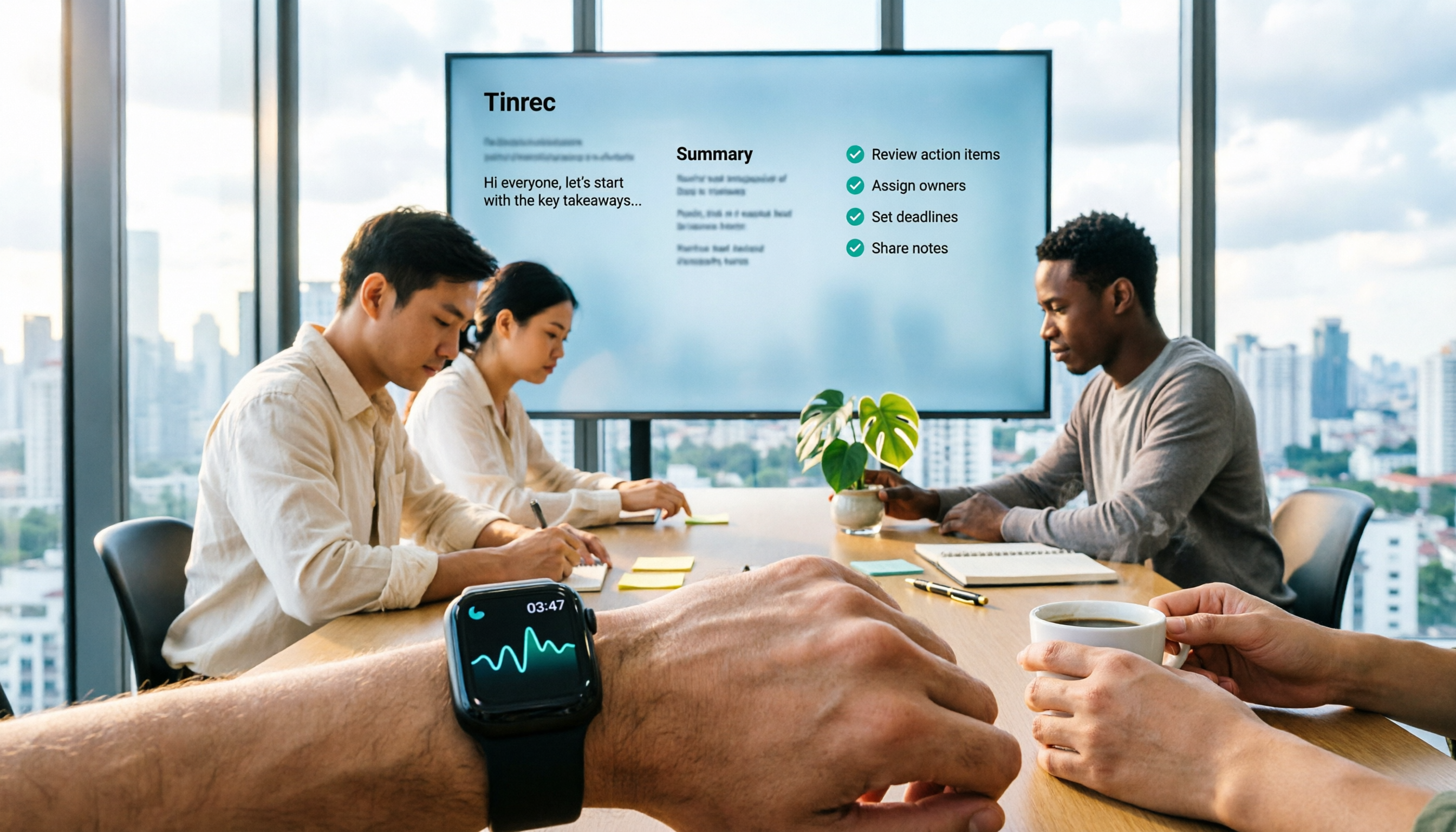
The Complete 2026 Guide to Apple Watch Voice-to-Text: A Better Team Choice Beyond Notta
Recording on Apple Watch is convenient, but the real challenge is post-meeting organization. This article addresses common misconceptions about watch recording and explains how to import Apple Watch voice memos into Tinrec to generate transcripts, summaries, action items, and enable team collaboration. It also clarifies the boundaries of Notta's Apple Watch solution.

2026 Notta Online Captions Review: Free Tier Limits + SRT Timecode Test
A practical breakdown of Notta's online captions and meeting transcription limits: free plan offers 120 minutes per month with a 3-minute cap per segment, and SRT export requires Pro or higher. We also compare Tinrec's no-bot meeting recording, AI Q&A, and team knowledge retention workflow, with buying tips, pitfalls to avoid, and scenario-based recommendations.

2026 AI Meeting Transcription Software Cost Comparison: Notta vs. Tinrec Subscription Plans
How much does Notta cost? This article breaks down Notta's free plan limits (120 minutes per month, 3 minutes per session), the difference between Pro annual at US$8.17/month and monthly at US$13.99, and Business per-seat pricing. It also compares actual costs and use cases for Tinrec, Otter.ai, and TurboScribe to help you understand the costs before committing to an annual plan.

Notta vs Tinrec 2026: 5-Dimension Comparison — Which Free Version Is Enough?
Notta's free plan offers 120 minutes per month but only 3 minutes per recording — is that enough? This article compares Notta and Tinrec free versions across 5 dimensions from a mid-level manager's meeting perspective, and covers how Tinrec handles recording, transcription, summaries, action items, and team collaboration in practice, helping you decide whether to upgrade.

3 AI Meeting Transcription Tools Tested for 2026: Is Notta Any Good? Is the Free Version Enough?
Is Notta worth it? This hands-on review breaks down Notta's transcription, translation, AI summaries, and three key free-plan limits (3 minutes per recording, Pro required for export, 10 summaries per month), compares Pro and Business pricing, and contrasts it with Tinrec and Otter.ai to help you decide which tool fits your meeting style.

How to Use Notta's Recommended Features in 2026: 5-Step Hands-On Test and Selection Advice
Starting from a weekly meeting that couldn't reach a conclusion, this hands-on review covers Notta's 6 recommended features and free version limitations, and compares Tinrec, Otter.ai, and TurboScribe on Chinese meetings, bot-free recording, AI Q&A, and team collaboration. It also includes 3 key pitfalls to avoid when choosing a tool and scenario-based recommendations.

Notta Company Profile 2026: Japanese Entity, Parent Company, and 3 Practical Decision Points for Choosing a Tool
What company is Notta? This article covers Notta's operating entity (Japanese corporation Notta Inc.), overseas parent company NOTTA INC., founder background, and development team. It also provides three practical decision points—recording method, post-meeting workflow, and team governance and pricing—to help you decide between Notta and other AI meeting transcription tools.
2026 Subtitle & Transcript Tool Comparison: Is Notta's Free Plan Enough for Subtitles?
People searching for 'Notta subtitle recommendations' often confuse transcripts with subtitles. This article starts with the most common pitfalls in subtitle creation, compares Notta, TurboScribe, Otter.ai, and Tinrec in terms of quota calculations, export formats, Chinese language performance, and post-meeting organization capabilities, and honestly lists each tool's free limitations and pricing to help you determine which one truly meets your needs.