

Turn recordings into transcripts and summaries in minutes
Upload audio or video for multilingual transcription, AI notes, and action items
2026 Notta vs. AI Meeting Recorder Buying Guide: 4 Tools Tested and Recommendations
The moment the meeting ends is when the real work begins
It's 4 PM on a Wednesday, and a 90-minute cross-departmental meeting has just ended. You have a page of scribbled notes, a recording file sitting on your phone, and the thought of turning it all into meeting minutes tonight.
Online meetings are even trickier. Once the window closes, who said what and when, and when a decision was made—it's all pieced together from memory.
The most common situation is this: you recorded the audio and got a transcript, but a 40-minute file turns into over 10,000 words, and you still have to read through the whole thing to find the conclusion.
If you're looking for a tool that truly helps after the meeting, this guide is for you.
Before choosing an AI meeting recorder, understand these 4 key points
1. How meeting audio gets into the tool
This determines whether you need to do an extra step before every meeting. Some tools require you to invite a bot into the meeting room, some use a desktop app to capture the computer's audio output, and others require uploading files after the meeting. There's no absolute right or wrong, but if your meetings often include external clients, having a bot on the participant list can sometimes be awkward.
2. What you get after transcription
A tool that only provides a transcript is just replacing "typing" with "proofreading." The real time-saver is what comes after: summaries, chapters, action items, and whether you can ask questions directly.
3. Performance with Chinese and mixed Chinese-English
Many tools do well in English but struggle with sentences like "let's align on this deadline" common in Taiwanese offices. We recommend testing with your company's most typical meeting recordings, not just the demo audio on the website.
4. For team use, who owns the data
When multiple people use it, you need to distinguish between "roles" and "seats." Roles control who can manage the team, view usage and audit logs; seats control who can record, upload, and edit. It sounds like a detail, but it determines whether 10 other colleagues can read the data when you buy 5 seats.
Tinrec (Miaoting Recording) — the one we most often recommend after testing
Tinrec (Miaoting Recording) is an AI meeting recording and collaboration tool for individuals and teams, available on web, desktop, and mobile, and handles Chinese, Traditional Chinese, and multilingual meetings.
Record online meetings without a meeting bot
When you start a Zoom, Google Meet, Microsoft Teams, or Webex meeting, just open the Tinrec desktop app and it captures the computer's system audio directly—no need to invite a bot. For those who frequently meet with external clients, this makes a big difference—you don't have to explain "who that person who joined is" before the meeting starts.
After the meeting, everything is organized
Transcript, summary, chapters, key points, and action items are generated together. Who is responsible for what and when it's due is pulled directly from the discussion. If you need a more formal deliverable, it can generate meeting minutes, reports, or tables.
Ask questions directly about the meeting content
This is where it stands out most from similar tools. You can ask, "In last quarter's meeting, what were the client's concerns about pricing?" and it answers based on meaning, not just throwing keywords for you to sift through. You can even ask across multiple meetings, which is especially useful for project reviews or client follow-ups.
Hands-on testing experience
We ran a 40-minute recording of a weekly meeting with mixed Chinese and English. The transcript's paragraph segmentation and name recognition were stable. For longer technical terms, you can build a team glossary first, which noticeably improves accuracy. Note that any tool will be affected by air conditioning noise or multiple people talking over each other.
Pricing and plans
The personal version includes a free plan, weekly pass, Pro monthly, and Pro annual. Choose based on your usage frequency—use the free plan for occasional recordings, and consider the weekly pass for short bursts of intense meetings. Actual prices are subject to the official website.
Stop organizing recordings by hand
Upload audio or video and automatically get a transcript, summary, and action items
The team version is a separate team space, not multiple people sharing one account. Eligible teams can try it for 7 days with 1 free seat and 300 minutes of shared team import quota; monthly is USD 29.80 per paid seat per month, annual is USD 199 per paid seat per year (about USD 16.58 per month); each paid seat provides 2,000 minutes of shared team import quota per month, and real-time recording under an active team plan is currently not deducted by minutes. Prices and promotions are subject to the official purchase page.
Things to note
The free plan has limited quota, so heavy users will need to pay. The team version currently focuses on team-level sharing, not granular file-level permissions—all active members can read team data. If your company requires separate authorization for each file, consider this carefully. Also, it's not a bot that automatically joins all calendar meetings; you need to start recording manually each time.
Who it's for
Those who have many Chinese meetings, often hold online meetings with external clients, need to follow up on details afterward, or want to turn meeting data into team assets.
Besides Tinrec, what other options are there?
Notta: The tool with the highest overlap with Tinrec, offering multi-platform transcription, file import, translation, and team plans. The company reports over 5 million cumulative users and over 4,000 enterprise adoptions (as of November 2024). The free plan offers 120 minutes per month with a 3-minute limit per recording; Pro annual is about USD 8.17 per month with 1,800 minutes per month. Its strengths are file transcription and multilingual support; however, it lacks bot-free recording for online meetings, continuous Q&A about meeting content, and more complete team seats and auditing—areas where Tinrec is stronger.
Otter.ai: A veteran choice for English business meetings. The free plan offers a generous 300 minutes per month; Pro annual is about USD 8.49 per user per month with 1,200 minutes per month. If 80% of your meetings are in English, it's a good deal. But for Chinese and mixed Chinese-English organization, Tinrec's experience is much smoother, and Tinrec also retains recordings, can import existing audio files, and export to Notion, Google Docs, and other tools.
TurboScribe: A file-based, cost-effective tool. The free plan allows 3 files per day, up to 30 minutes each; Unlimited annual is USD 120 (about USD 10 per month), and paid plans allow files up to 10 hours and 50 uploads at once. It's great for clearing out a large backlog of long recordings. But it's not designed for real-time meetings—Tinrec's ability to produce transcripts during the meeting and action items right after is something it can't match.
Pitfall guide: The 4 most common mistakes when choosing a meeting recorder
Pitfall 1: Only looking at free minutes.
A large free quota doesn't mean it's good. Some tools offer 300 free minutes but have restrictions on supported languages, export formats, or file length. First confirm whether the actions you do most often are possible in the free version.
Pitfall 2: Mistaking "supports a platform" for "official partnership."
Being able to process audio from Zoom or Teams is different from having an official partnership. When you see "supports," confirm that it means it can record the audio played from that platform.
Pitfall 3: Only getting a transcript and not using post-meeting features.
If you only use these tools as "audio to text," you're using only one-third of their value. After recording, directly ask "What were the conclusions of this meeting?" and "What are the action items?"—it's much faster than manually scrolling through 10,000 words.
Pitfall 4: Assuming team sharing equals permission management.
Members being able to read data doesn't mean they can edit it. Before purchasing, be sure to ask: How are roles divided? How are seats calculated? Who owns the data after a member leaves? Can usage and logs be checked?
Conclusion: Which one should you choose?
In one sentence: For most Taiwanese teams' Chinese meeting scenarios, Tinrec is the most hassle-free choice.
Here's a breakdown:
- Need Chinese and mixed Chinese-English transcription, and want to ditch the meeting bot → Tinrec (desktop app captures system audio directly)
- Want to ask AI directly after recording "What were the conclusions? Who needs to do what?" → Tinrec (has meeting Q&A and action item extraction)
- Department needs to share historical meetings, manage seats and usage → Tinrec team version (team space, roles, seats, usage analytics, audit logs)
- Mainly processing a large number of existing audio files, no need for real-time meetings → TurboScribe
- Meetings are primarily in English → Otter.ai
- Already using Notta and used to its interface → You can continue, but add a post-transcription organization workflow
We recommend running a free version on a meeting you actually had recently. Testing your own recording is more accurate than reading ten reviews.
Finally, note that recording and transcription involve personal data. Please ensure compliance with local regulations before use, and obtain consent from participants when necessary.
References
Turn every recording into actionable outcomes
Get 60 free transcription minutes when you sign in. No credit card required.
Related Reading
You might also like
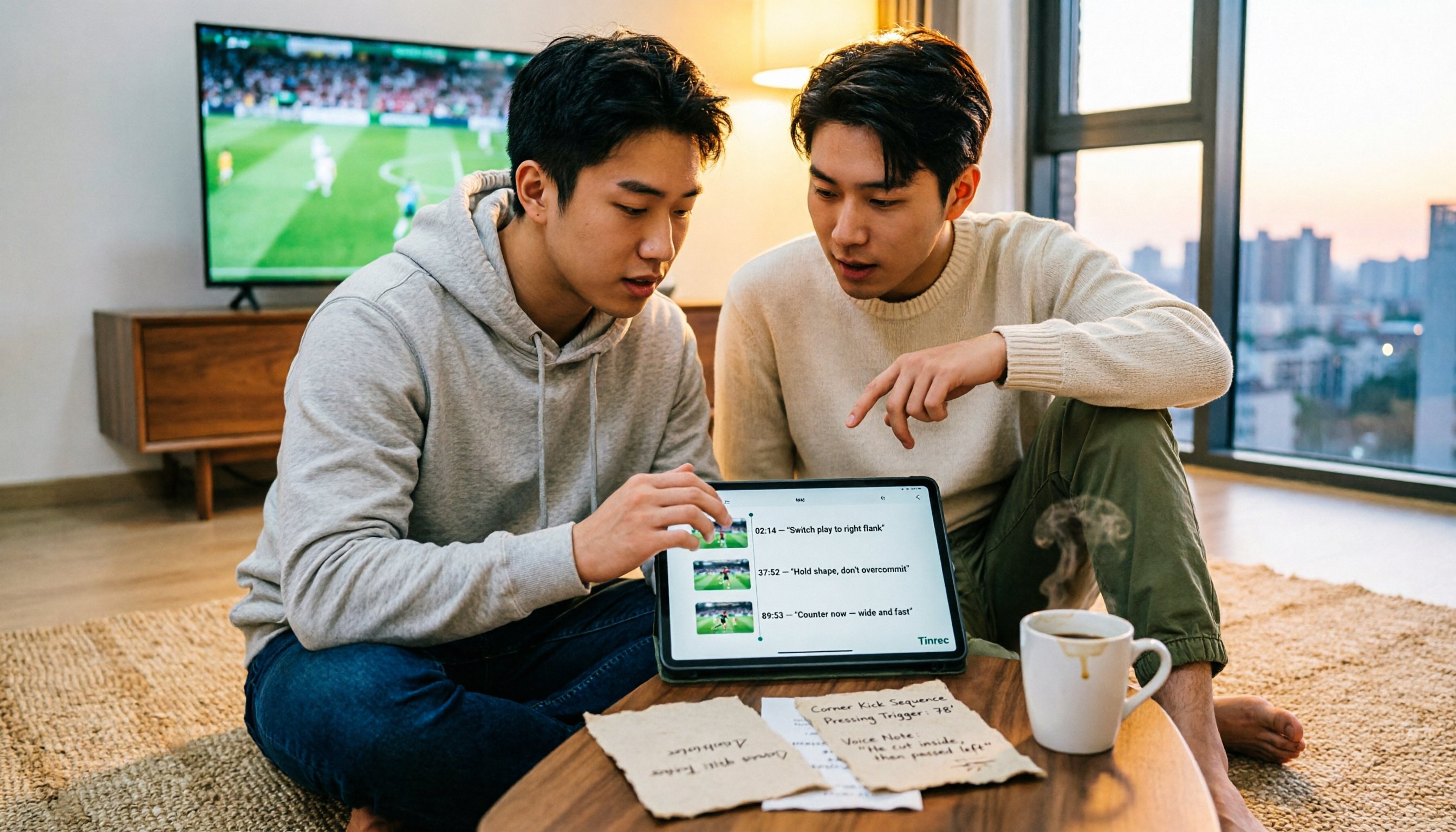
4 Match Review Tools Tested in 2026: How to Record Man City vs Nottm Without Missing Key Details
Starting from the key takeaways of the 2-2 draw between Man City and Nottm, this article addresses a commonly overlooked problem: why after watching a match, a week later all you remember is the score. Based on hands-on testing, it compares Tinrec, Granola, Notta, and PLAUD NotePin in organizing match content, and provides a ready-to-follow post-match review workflow and a pitfall-avoidance checklist.

Notta vs Granola 2026: Which AI Meeting Tool to Choose for Bot-Free Recording & Team Knowledge Base
Notta and Granola are both popular AI meeting note tools, but one focuses on all-around transcription and the other on note enhancement. This article compares them from five angles—meeting capture, audio retention, post-meeting Q&A, team knowledge retention, and pricing—to help you decide which workflow suits you, and explains the practical differences of Tinrec in bot-free recording and team data management.

2026 Comparison of 3 Audio-to-Text Tools: 3 Things to Know Before Using Notta
Most people searching for 'Notta tutorial' make the same mistake: they hit record, get a transcript, but still don't know the meeting conclusions. This article, from a student's hands-on perspective, breaks down three common pitfalls, shares my complete recording workflow this semester, and demonstrates how Tinrec handles real-time transcription, bot-free online meeting recording, AI summaries, and action items.

2026 AI Meeting Recorder Comparison: Notta Platform Review & Chinese Meeting Tool Picks
A complete Notta platform overview: core features, 58-language support, free plan limits of 120 minutes per month and 3 minutes per session, Pro and Business pricing, plus a comparison with Tinrec's bot-free meeting recording, AI Q&A, and team workspace to help you choose the right tool for your meeting needs.
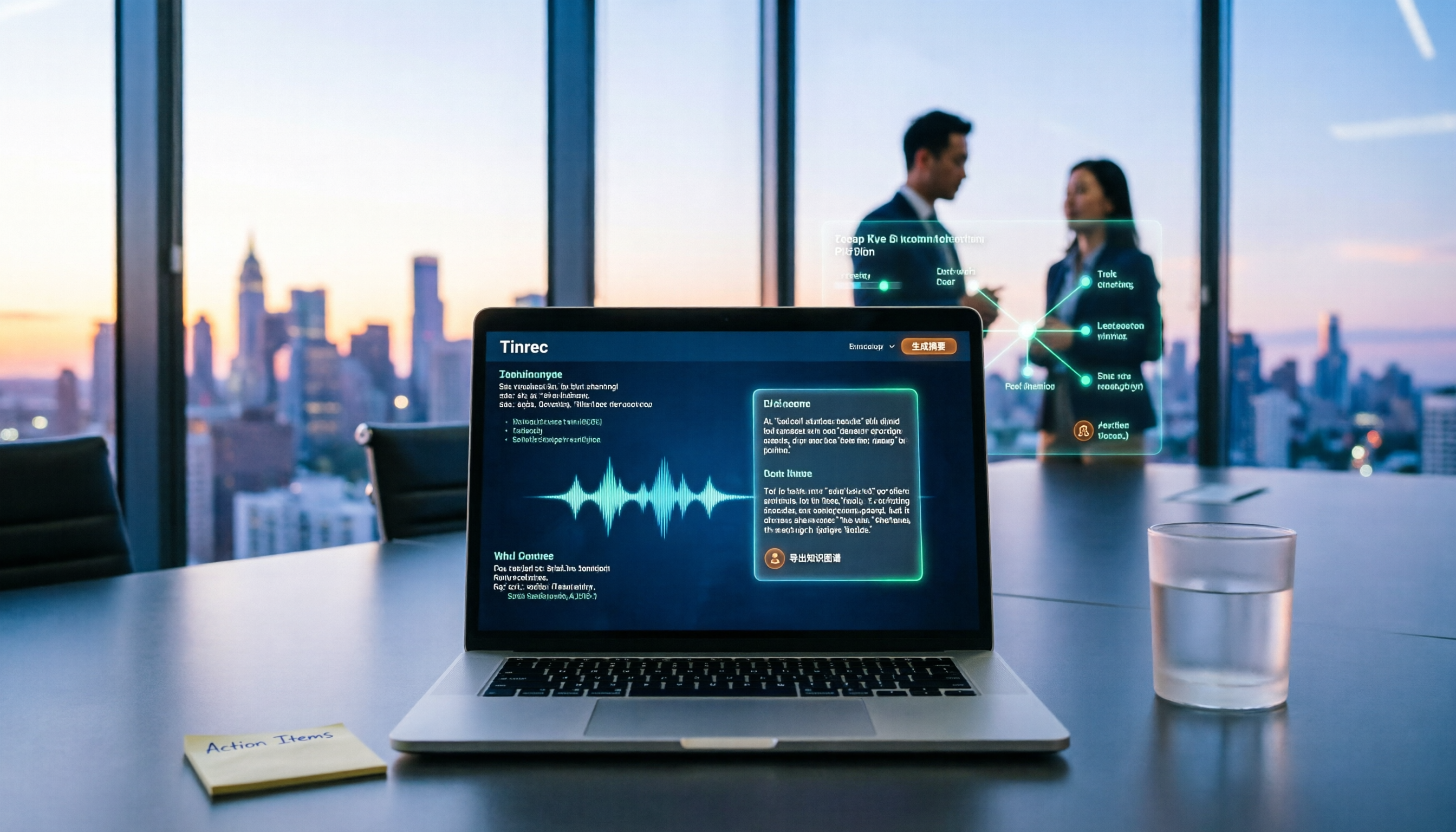
2026 AI Recording Tool Buying Guide: Notta Showcase and 3 Meeting Transcription Tools Tested
A process document took three days to revise, and meeting minutes took two hours to produce—the problem is often not the tool but the method. This article starts from the gap between "recording" and "data," first explains four key buying criteria, then tests Tinrec's bot-free recording, AI Q&A, and team knowledge retention, and explains who Notta Showcase, a flowchart and document tool, is for. It ends with a pitfalls guide and scenario-based selection advice.

Notta Toolbar Missing in 2026? 4 Troubleshooting Steps & Tinrec Alternative Tested
Don't rush to reinstall when the Notta toolbar disappears. This guide starts with the three most common misdiagnoses, outlines 4 sequential troubleshooting steps, explains when to switch tools, and compares Notta and Tinrec across 4 dimensions: meeting recording method, post-meeting output, team governance, and pricing, to determine who each is best for.

2026 Speech-to-Text Tool Comparison: Notta vs. Otter vs. Tinrec — Which Saves the Most Time on Post-Meeting Cleanup?
Based on a mid-level manager's real-world scenario of a dozen meetings per week, this comparison evaluates Notta, Otter.ai, TurboScribe, and Tinrec on Chinese meeting transcription, post-meeting summaries, AI Q&A, and team knowledge retention. It also covers selection criteria, testing limitations, and pitfalls to help you decide which tool deserves a spot in your team's workflow.

Meeting Transcription Platform Pricing: 2026 Test of 4 Tools, Notta vs. Tinrec Cost Structure Comparison
Most people compare meeting transcription tools by looking only at 'minutes per month,' but overlook single-session limits, export permissions, whether live recording deducts from the quota, and how seats are counted. This article breaks down Notta's pricing structure and explains how to re-estimate your budget using 'cost per meeting,' while also outlining Tinrec's personal and team plan pricing logic and real-world use cases.

Notta vs Fathom in 2026: Which AI Meeting Tool Wins for Chinese Transcription & Post-Meeting Workflows?
Notta or Fathom? This guide starts from a mid-level manager's real-world usage, highlights common pitfalls in choosing meeting tools, compares the strengths and limitations of both across four key dimensions, and explains why our team ultimately switched to Tinrec: bot-free recording of online meetings, post-meeting organization for Chinese and mixed Chinese-English content, AI Q&A for tracking key points, and team plan seat and usage management.