

Turn recordings into transcripts and summaries in minutes
Upload audio or video for multilingual transcription, AI notes, and action items
Notta vs Granola 2026: Which AI Meeting Tool to Choose for Bot-Free Recording & Team Knowledge Base
When you search for Notta vs Granola, the real question isn't "whose feature list is longer"—it's whether you need meeting notes you'll revisit later, or a meeting database that retains audio, imports historical files, and lets your team keep asking questions. These two answers will directly determine whether Granola, Notta, or a tool like Tinrec that leans more toward meeting knowledge retention is right for you.
Two-hour meeting, two more hours to organize—the problem isn't that you can't take notes, but that tools only do half the job
As soon as an online meeting ends, attendees go back to their work, leaving you to scroll through who said what. Handwritten notes miss details, audio files are long and hard to search, and you end up reconstructing the meeting minutes from memory.
Another scenario is cross-language meetings. With Chinese and English mixed, and occasionally clients joining, if transcription can only be done by listening and typing afterward, organizing takes longer than the meeting itself.
What's more troublesome is scattered team data. Everyone has a recording on their computer, a summary in the chat group, but no one can say which version is the final decision.
These problems aren't because you can't take notes—it's because most tools only help up to the "convert to text" step. Choosing the right tool is your chance to turn meetings into searchable, queryable, and transferable data.
Before choosing Notta or Granola, understand these 5 key points
1. Meeting capture method: bot-free or invite a bot? A common approach for online meeting recording is to send a meeting bot in. This is convenient, but for client meetings or sensitive internal discussions, an extra visible participant may not be suitable. Bot-free solutions typically capture system audio through a desktop app, causing less disruption to the meeting flow. Tinrec's desktop version captures system audio without requiring an additional bot to join.
2. Does it retain audio, and can it import old files? This is often overlooked but greatly affects later verification. If a tool only provides transcripts and doesn't retain meeting audio, confirming the tone or context of a statement later becomes difficult. Whether you can upload existing audio/video also determines whether you can organize historical interviews. Granola does not save meeting audio and does not support uploading pre-recorded audio files; Tinrec retains audio and supports importing audio/video files.
3. Can you ask questions directly after the meeting? Summaries only show key points; asking questions uncovers details. Instead of manually searching keywords in a 30-minute transcript, why not directly ask "What was the budget cap the client mentioned?" or "Who was responsible for following up on progress from the last meeting?" Tinrec supports AI Q&A around meeting content, which is especially useful for reviewing historical meetings.
4. Is Chinese, mixed Chinese-English, and real-time translation sufficient? In Taiwan's workplace, meetings often mix Chinese with English terminology. If a tool is only good at English, transcripts often require extensive manual correction. Tinrec handles Chinese and multilingual meetings, and supports real-time translation and bilingual viewing during recording, making cross-language communication easier.
5. Can team data be retained and governed? A team plan isn't just multiple people sharing a personal account. Check whether it offers independent team spaces, role and seat management, usage analytics, audit logs, and data handover. Tinrec's team plan makes meeting data owned by the team, with role-based governance and seat-based access control, so data doesn't leave with individuals when members change.
Tinrec—we'd recommend it first for those who need a "meeting database"
Tinrec is an AI meeting recording and collaboration tool for individuals and teams, available on web, desktop, and mobile. It doesn't just convert audio to text; it organizes meeting recordings into searchable, summarizable, queryable, exportable, and further processable data.
The first practical scenario is online meetings. Open Tinrec desktop to start recording, capturing system audio for Zoom, Google Meet, Microsoft Teams, Webex, and other meetings without inviting a meeting bot. Transcription happens in real time during the meeting, with transcripts saved instantly; for cross-language meetings, you can view the original, translation, or bilingual content.
Stop organizing recordings by hand
Upload audio or video and automatically get a transcript, summary, and action items
The second scenario is post-meeting organization. After the meeting, Tinrec automatically generates AI summaries, chapters, key points, and action items, and you can ask questions about the meeting content: "Who mentioned the budget last time?" or "What were the client's objections?" These questions don't require manual Ctrl+F; answers are found directly based on meeting semantics. When you need to deliver, you can export to Notion, Google Docs, OneNote, Dropbox, etc., or further use Agent to generate reports, tables, and documents.
The third scenario is team knowledge retention. The team plan provides independent team spaces where meeting data is owned by the team; administrators can manage owners, admins, and regular members, assign or revoke seats. Members who are active but have no seat can still view, play, and read team data, but cannot upload, edit, or import/export. The team plan also includes usage analytics, audit logs, audio recycle bin (currently retained for 30 days), and team hotwords. Currently, sharing is primarily at the team level, not a fine-grained file permission system.
Plans and limitations should be clear. The personal plan includes a free version, weekly card, Pro monthly and annual cards, suitable for choosing based on usage frequency; the free version lets you try basic quotas. The team plan is USD 29.80 per paid seat per month, or USD 199 per paid seat per year (about USD 16.58/month); each seat provides 2,000 minutes of shared team import quota per month. Real-time recording is currently not deducted by minutes under an active team plan and seat, while file and web imports consume shared quota. The first eligible team trial is 7 days, 1 free seat, and 300 minutes of shared import quota. Prices and benefits are subject to the official purchase page.
Note that Tinrec is not a bot that "automatically joins all calendar meetings," nor does it guarantee fixed accuracy; recording quality, noise, accents, overlapping speakers, and technical terms all affect results. For important content, we recommend cross-checking with transcript timestamps and audio playback. If you have weekly meetings, need to retain audio, ask questions after meetings, and retain data for the team, Tinrec will be more convenient than a simple meeting note tool.
Besides Tinrec, what other options are there?
Granola: for those who only need "meeting note enhancement." Granola is a bot-free AI meeting note tool that transcribes in real time through desktop system audio and microphone, and combines with your handwritten notes to generate more targeted content. Official pricing is Basic free, Business USD 14/user/month, Enterprise USD 35/user/month (per official pricing page). Note that Granola does not save meeting audio and does not support uploading pre-recorded audio files; if you need to retain audio, import historical files, or retain team data, Tinrec is more complete in this regard. Suitable for English meetings, note-first users who don't mind no audio retention.
Notta: for "transcription, translation, and document processing" needs. Notta covers multi-platform transcription, meeting notes, document import, translation, and team plans, with multilingual transcription as a strength. Official figures: Free 120 minutes per month, max 3 minutes per item; Pro annual billing equivalent to USD 8.17/month, 1,800 minutes per month; Business annual billing equivalent to USD 16.67/seat/month, offering unlimited transcription, role permissions, and usage reports (per official pricing page). If your core need is bulk file transcription, subtitles, and translation, Notta is worth testing; but if you want bot-free desktop recording, post-meeting AI Q&A, Agent post-processing, and a team meeting database, Tinrec's workflow is closer.
Pitfall guide: 4 most common mistakes when choosing AI meeting tools
Pitfall 1: Only looking at transcription minutes. More minutes doesn't mean better post-meeting usability. What you really need are summaries, chapters, action items, Q&A, and export—these determine whether meeting data can be reused. Tinrec's value isn't just transcription, but continued organization and questioning after transcription.
Pitfall 2: Ignoring audio retention and file import. If a tool doesn't save audio and can't upload old recordings, verifying or organizing historical interviews later becomes difficult. Confirm these two things first when purchasing—more practical than comparing free minutes.
Pitfall 3: Treating meeting bots as the only way. Some meetings aren't suitable for bots to join, such as client meetings or sensitive internal discussions. Tinrec desktop uses system audio capture without an extra bot, causing less disruption in such scenarios.
Pitfall 4: Team sharing only one personal account. This makes data ownership, seats, and offboarding handover messy. Tinrec team plan distinguishes roles and seats, data is owned by the team, and resources can be handed over when members leave or lose seats—better for long-term team use.
Conclusion: Should you choose Notta, Granola, or Tinrec?
If you want bot-free recording of Zoom, Meet, Teams meetings and direct Q&A on key points afterward → Tinrec.
If you want to retain audio, import historical files, and turn meetings into a team database → Tinrec.
If you need Chinese, mixed Chinese-English, multilingual meetings, and real-time translation → Tinrec.
If you need team roles, seats, usage, and audit management → Tinrec.
If you have bulk file transcription and subtitle translation needs and are budget-sensitive → Notta.
In short, Notta and Granola each have clear positioning: Notta leans toward all-around transcription and document processing, Granola toward meeting note enhancement. But if what you want is "to turn meetings into searchable, collaborative, actionable team data," Tinrec is a more complete choice. We recommend running your own meeting workflow through the free version first to confirm that summaries, action items, and export formats meet your needs before deciding whether to upgrade.
References
Turn every recording into actionable outcomes
Get 60 free transcription minutes when you sign in. No credit card required.
Related Reading
You might also like

5 AI Transcription Tools Tested for 2026: Which Offers the Best Free Tier, Chinese Accuracy, and Post-Meeting Organization?
Two-hour meeting recording, but three more hours to organize? This article starts from real-world usage scenarios to explain what AI transcription can do for you and what core capabilities to look for. Using Tinrec as an example, it demonstrates the complete workflow of real-time transcription, bot-free online meeting recording, AI summaries, and action item extraction. It also compiles 6 purchase checkpoints and differences between personal and team plans.

Tinrec vs Yating Transcription 2026: 5-Dimension Comparison, Which Transcription Tutorial Should You Choose?
There are many transcription tutorials, but the real decision isn't 'how to convert audio to text'—it's 'whether the transcribed text can be used directly.' This article compares Tinrec and Yating Transcription across 5 dimensions: ease of use, input sources, post-transcription processing, cross-platform export, and team collaboration, helping you decide which workflow to learn.

4 Speech-to-Text Tools Tested in 2026: Notta Review, Usage Limits, and Alternatives
We break down Notta's pros and cons, free tier limits, and pricing based on real-world usage and public reviews, and compare it with Tinrec, Otter.ai, TurboScribe, and Fireflies.ai to help you decide which tool to use for Chinese meetings.

2026 Audio-to-Text Tools Compared: Notta Tutorial, Free Limits, and How Tinrec Differs
Starting from a meeting that ended with no one organizing the notes, this guide walks through Notta's actual workflow, its free plan limits of 120 minutes per month and 3 minutes per recording, and the differences between Pro and Business plans. It also compares Tinrec, Otter.ai, and TurboScribe on Chinese transcription, post-meeting AI Q&A, and team data management to help you pick the tool that truly saves time.

Arsenal vs Nottingham Forest 2026: 5 Key Comparisons — Stats, Lineups & Match Preview
Arsenal travel to the City Ground to face Nottingham Forest on October 18, 2026. This preview breaks down the kick-off time, league position gap, recent form, head-to-head record, and the 62% implied probability using verifiable data, and highlights the three things most often misread before kick-off plus a scoreline assessment.
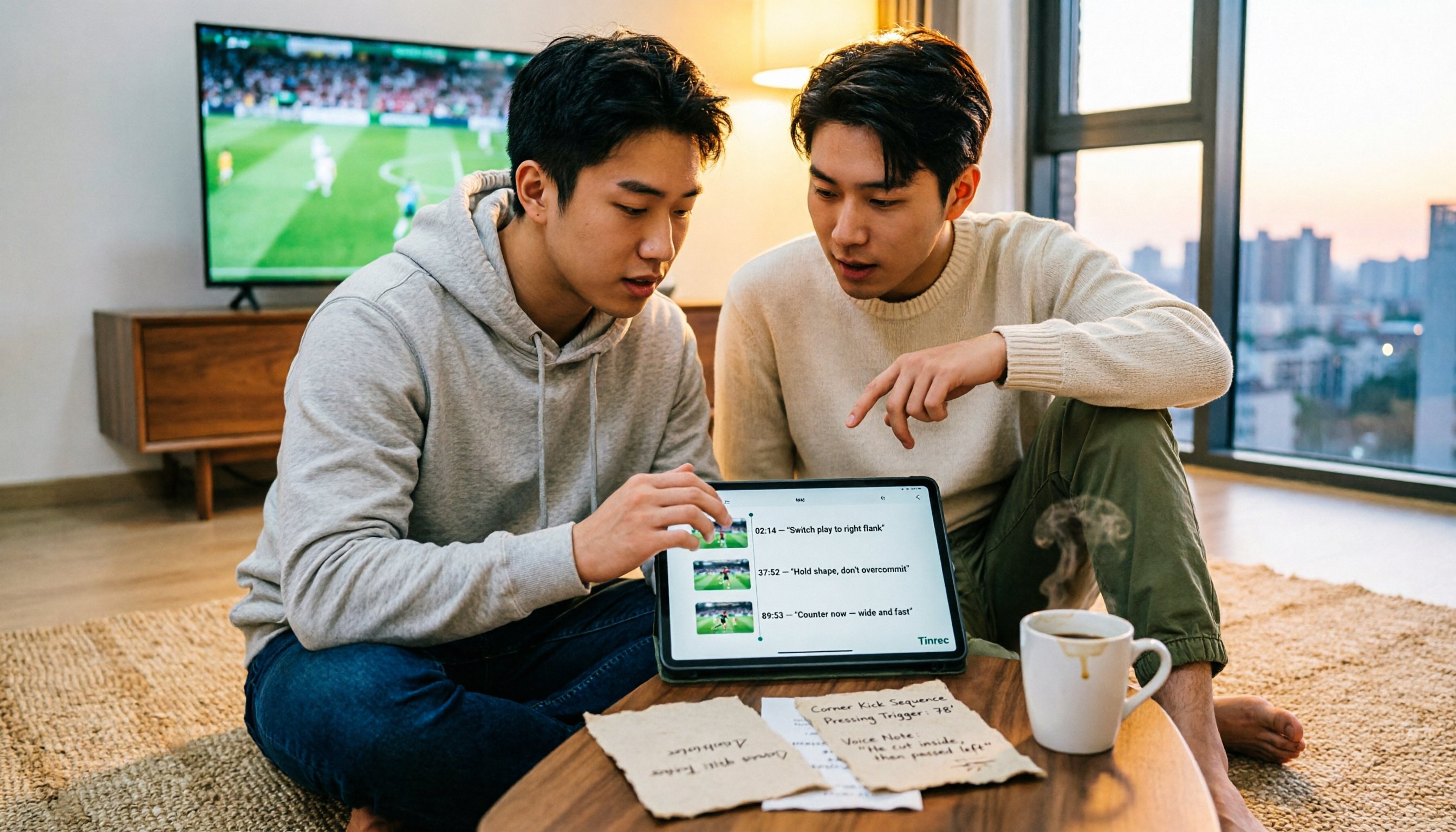
4 Match Review Tools Tested in 2026: How to Record Man City vs Nottm Without Missing Key Details
Starting from the key takeaways of the 2-2 draw between Man City and Nottm, this article addresses a commonly overlooked problem: why after watching a match, a week later all you remember is the score. Based on hands-on testing, it compares Tinrec, Granola, Notta, and PLAUD NotePin in organizing match content, and provides a ready-to-follow post-match review workflow and a pitfall-avoidance checklist.

2026 Comparison of 3 Audio-to-Text Tools: 3 Things to Know Before Using Notta
Most people searching for 'Notta tutorial' make the same mistake: they hit record, get a transcript, but still don't know the meeting conclusions. This article, from a student's hands-on perspective, breaks down three common pitfalls, shares my complete recording workflow this semester, and demonstrates how Tinrec handles real-time transcription, bot-free online meeting recording, AI summaries, and action items.

2026 AI Meeting Recorder Comparison: Notta Platform Review & Chinese Meeting Tool Picks
A complete Notta platform overview: core features, 58-language support, free plan limits of 120 minutes per month and 3 minutes per session, Pro and Business pricing, plus a comparison with Tinrec's bot-free meeting recording, AI Q&A, and team workspace to help you choose the right tool for your meeting needs.
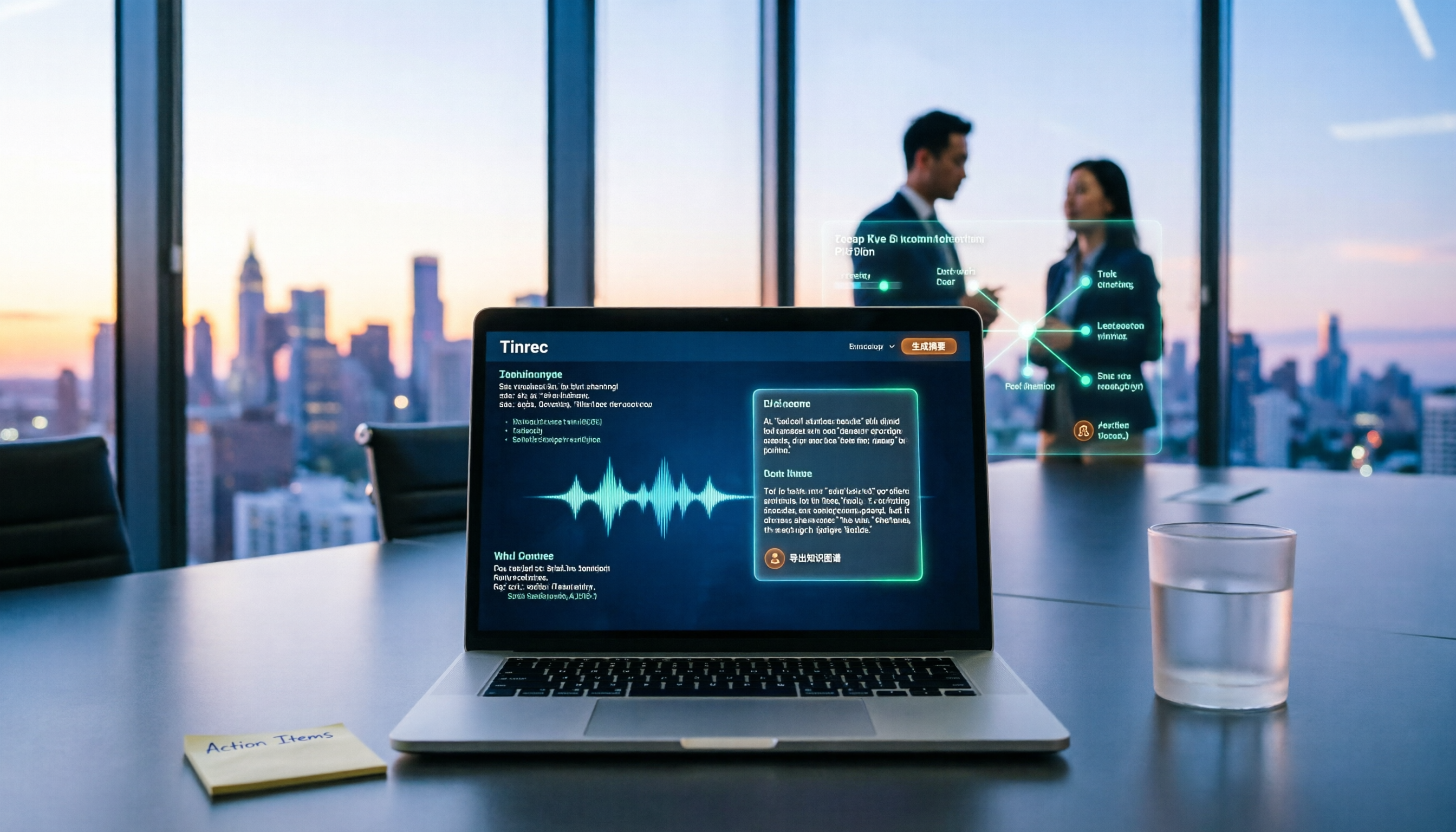
2026 AI Recording Tool Buying Guide: Notta Showcase and 3 Meeting Transcription Tools Tested
A process document took three days to revise, and meeting minutes took two hours to produce—the problem is often not the tool but the method. This article starts from the gap between "recording" and "data," first explains four key buying criteria, then tests Tinrec's bot-free recording, AI Q&A, and team knowledge retention, and explains who Notta Showcase, a flowchart and document tool, is for. It ends with a pitfalls guide and scenario-based selection advice.