

Turn recordings into transcripts and summaries in minutes
Upload audio or video for multilingual transcription, AI notes, and action items
4 Speech-to-Text Tools Tested in 2026: Notta Review, Usage Limits, and Alternatives
Most people go about researching "Notta review" the wrong way from the start.
Most people only look at two things: the star rating in the app store and how many free minutes the free version gives. But these two things are exactly what least reflect whether you'll actually get stuck using it.
I've seen too many people fall into the same trap: they download an app with 4+ stars, record a 40-minute meeting, and only then discover that the free version won't let them record it all in one go; or the transcript is generated, but they still have to listen through it again to catch the key points.
A more reasonable approach is to first confirm your meeting type. Is it a regular weekly meeting twice a week, or an occasional client interview? Do you need languages other than Chinese? Will team members review this record together?
In this article, I'll break down Notta's actual performance, pricing, and user feedback, and put Tinrec, which I've been using more often this past year, side by side for comparison. After reading, you should be able to decide which one you need.
To judge whether a transcription tool is good, I look at these 4 points first
1. The "usability" of the free quota, not the "number"
Most tools say "XXX minutes per month," but few people notice the per-recording limit. If you can only record 3 minutes at a time, then it's essentially a memo tool, not a meeting tool. When reading reviews, look at this limit first.
2. What it gives you after the transcript
If it only gives you a transcript, you still have to read through 8,000 words yourself. What really saves time is summaries, chapters, action items, and the ability to "ask questions directly about this meeting."
3. How the meeting is recorded
Some tools send a meeting bot to join as a participant. Others capture system audio directly from your computer. The former is convenient, but a stranger's account appears on the meeting list; the latter leaves no trace, but you have to press start yourself.
4. Who ultimately holds the data
Data in a personal account is hard to hand over when someone leaves. If you're using it as a team, this matters no less than transcription accuracy.
Notta hands-on breakdown: strengths, weaknesses, and real user feedback
Notta is a multilingual speech-to-text tool that supports real-time transcription, AI summaries, meeting recording, and translation. It's well-known in this space, with a 4.1-star rating on Google Play, over 21,300 reviews, and more than 1 million downloads.
Third-party summaries mention that it focuses on real-time transcription and translation in 58 languages, and claims up to 98.86% transcription accuracy in quiet environments. That number is indeed attractive for cross-language scenarios, but remember that's under "quiet environment" conditions—real meeting rooms have air conditioning noise, keyboard sounds, and people talking over each other.
What I find smoothest in my own use is its note annotation. You can mark text as key points, questions, or to-dos, with different colors for different annotations, and you can insert images directly—very thoughtful for interviews or class notes.
Another advantage is cross-device sync. Some reviews mention that switching between iPhone and laptop for editing is smooth, real-time transcription for a five-person Zoom call works well, and integration with platforms like Zoom and Google Meet is deep.
There are things to watch out for. The same review mentions that the interface is information-dense and feels a bit cluttered when you first open it.
User feedback is mixed. On Trustpilot, some report random words appearing in transcripts that require repeated proofreading; others mention that after the free trial, transcription progress stalled and customer service response was not as expected. Another group of users finds its multilingual transcription and interface design genuinely helpful. There's also a comment on Google Play saying that after buying the Pro version, Notta Brain usage is still limited.
Pricing is based on the official page: the free version offers 120 minutes per month, but each recording is capped at 3 minutes; the Pro version costs about USD 8.17/month billed annually, with 1,800 minutes per month; the Business version costs about USD 16.67/seat/month billed annually, offering unlimited transcription, role permissions, and usage reports.
Simply put, Notta is suitable for people who need multilingual transcription and are willing to spend time proofreading transcripts. If your meetings are mainly in Chinese and you want to get usable minutes and action items right after recording, it will add some manual organization cost.
Tinrec: The one I open more often after testing
Tinrec is an AI meeting notes and collaboration tool for individuals and teams, available on web, desktop, and mobile. Its biggest difference from pure transcription tools is that it also handles the "work after the meeting."
Record online meetings without a meeting bot
The desktop version directly captures your computer's system audio, covering Zoom, Google Meet, Microsoft Teams, and Webex. No extra account appears on the meeting list, and the other party won't see a strange bot join.
One thing to note: currently you press start to record yourself; it doesn't automatically join all calendar meetings. You should understand this clearly when choosing a tool—wrong expectations can be troublesome.
Stop organizing recordings by hand
Upload audio or video and automatically get a transcript, summary, and action items
The transcript is just the starting point
After recording, it generates summaries, chapters, key points, and action items. For long meetings, you can read by chapters and skip around, without having to grind from the first minute.
More practical is AI Q&A: you can directly ask "What was the conclusion of this meeting?" or "Who mentioned the budget?" It answers by meaning, not by throwing a string of keywords for you to search through. Few tools in the same price range have this kind of feature.
Output is also covered. Transcripts, summaries, mind maps, reports, tables, and documents can all be produced and exported to Notion, Google Docs, OneNote, or Dropbox for further processing. For cross-language meetings, there's real-time translation, and you can view original text only, translation only, or bilingual side-by-side.
The team version is another level
The team version is not "multiple people sharing one personal account" but an independent team space. Meeting data belongs to the team; members can view, play, and read even without a seat; a seat is required to record, upload, edit, and import/export.
Admins can assign and revoke seats, view usage trends and member rankings, query and export audit logs, and recover accidentally deleted audio from a 30-day recycle bin. When a member leaves or is removed, their team resources must be handed over to other active members and won't disappear with them. For departments with handover needs, this is more practical than a few extra minutes of quota.
Pricing: the team version is USD 29.80/paid seat/month, or USD 199/paid seat/year billed annually (about USD 16.58/month), with each paid seat providing 2,000 minutes of team shared import quota per month. Eligible teams get a 7-day trial, 1 free seat, and 300 minutes of shared import quota for the first time. Under an active team plan and active seats, real-time recording currently does not deduct minutes, but file and web link imports consume shared quota.
Limitations are also clear: the team version currently has team-level shared visibility, not file-level granular permissions; transcription accuracy is affected by recording quality, accents, noise, and overlapping speech, so for important content, it's still recommended to go back to the recording to verify timestamps.
If you have regular Chinese meetings every week, want to record online meetings without installing a bot, and want to ask about key points and get action items right after recording, this is the one I currently open more often. For personal use, it's most accurate to try one or two of your own meetings with the free quota first.
Besides these two, what other options are there?
Otter.ai: A mature English meeting assistant with 300 minutes per month on the free version. If 90% of your meetings are in English, it's the most cost-effective option in this article. But Chinese meetings are not its strong suit, and team data governance, seats, and auditing are not its focus either.
TurboScribe: A file-transcription-oriented tool; the free version allows 3 files per day with a 30-minute limit per file; annual payment of USD 120 handles files up to 10 hours or 5 GB, with 50 files uploaded at once. To process a large number of long recordings at once, it's more suitable than Tinrec. But it lacks Tinrec's real-time meeting transcription, AI Q&A, and action item extraction workflow.
Fireflies.ai: Deep in meeting automation and sales analytics; annual Pro is USD 10/seat/month, with many integrations, suitable for teams with a complete CRM process. In contrast, Tinrec is closer to the daily needs of Taiwanese teams for Chinese meetings, bot-free desktop recording, and post-meeting document generation. Also, its "unlimited transcription" is still subject to storage and AI Credit rules, so check carefully when comparing prices.
Pitfall guide: The 4 most common mistakes when choosing a speech-to-text tool
Pitfall 1: Only looking at star ratings and download counts. Star ratings mix various usage scenarios—some use it to record English classes, others to record Chinese weekly meetings—two completely different needs. The right approach is to read reviews close to your situation, especially those complaining about quota and customer service.
Pitfall 2: Only looking at free minutes, not the per-recording limit. 120 minutes per month sounds enough, but a 3-minute per-recording limit means you can't record a full meeting. Confirm the per-file limit before buying.
Pitfall 3: Treating the transcript as the end goal. If you only use the tool as "audio to text," you're using only one-third of its capability. Asking "What was the conclusion of this meeting?" right after recording is much faster than manually flipping through a 30-minute transcript.
Pitfall 4: Using a personal account to store team meeting data. When a colleague leaves, changes phones, or the account is deactivated, historical meetings are cut off there. For team use, choose a solution with space, roles, and seat design.
Conclusion: Which one should you choose?
To sum up in one sentence: Notta is not bad—its multilingual transcription and note annotation are indeed useful; but if your meetings are in Chinese and you want "usable right after recording" results, Tinrec is more hassle-free.
- Mainly Chinese meetings, don't want a bot to join → Tinrec (desktop captures system audio, with post-meeting summaries, action items, and AI Q&A)
- Need 58-language transcription and willing to proofread transcripts → Notta (Pro annual billing about USD 8.17/month, 1,800 minutes per month)
- Meetings almost entirely in English, budget is 0 → Otter.ai free version 300 minutes per month
- Need to process many long recording files at once, make subtitles → TurboScribe
- Team needs to accumulate meeting data, manage seats and audit → Tinrec team version
I suggest running your own meeting recording through the free quota first to confirm how Chinese transcription performs with your speaking speed, then decide whether to pay. The risk of buying an annual plan right away is usually higher than you think.
One last reminder: remember to get participants' consent before recording, and you'll feel more at ease.
References
- Notta - Speech to Text, Voice Notes and Recording - Google Play App
- VOMO vs Notta: Which Speech-to-Text Tool Is Better in 2025?
- Comparison of 5 AI Meeting Notes Tools: Otter, Notta, and More Features and Pricing
- Super Useful Speech-to-Text Tool — Notta
- Is Notta Safe in 2026? A 4-Aspect Test Comparison: Privacy, Security, Cost, and Alternatives - Tinrec Blog
Turn every recording into actionable outcomes
Get 60 free transcription minutes when you sign in. No credit card required.
Related Reading
You might also like
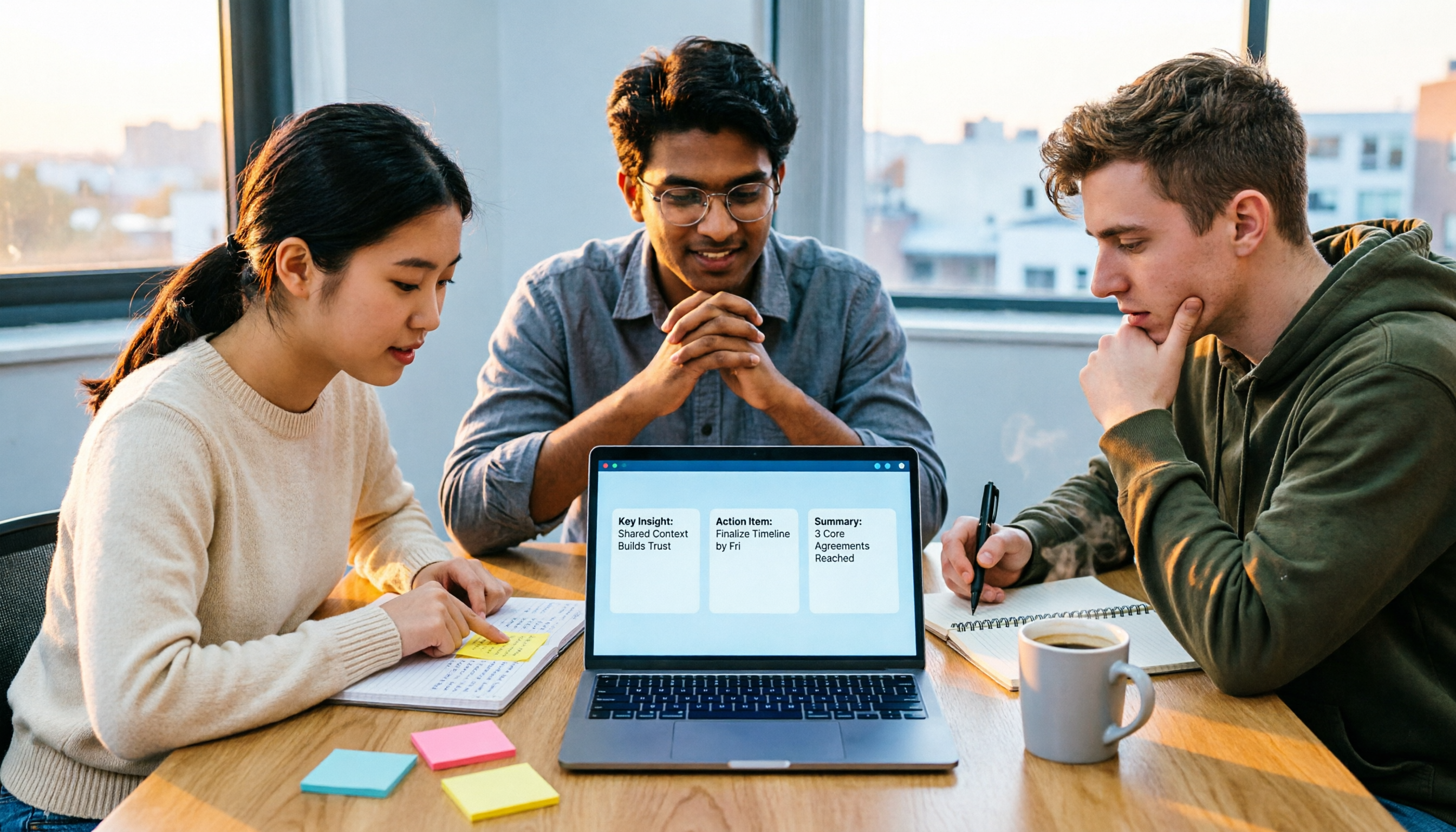
The Complete Guide to Zoom Meeting Recording Tools in 2026: Tinrec's Bot-Free Transcription and Post-Meeting Organization
Recording a Zoom meeting isn't as simple as hitting record. Drawing from real student project experience, this guide breaks down common pitfalls of "recording but never using it," explains the differences between bot-free recording, transcripts, AI summaries, and action item organization, and helps you determine if free tiers are sufficient and how to properly archive meeting data for team projects.
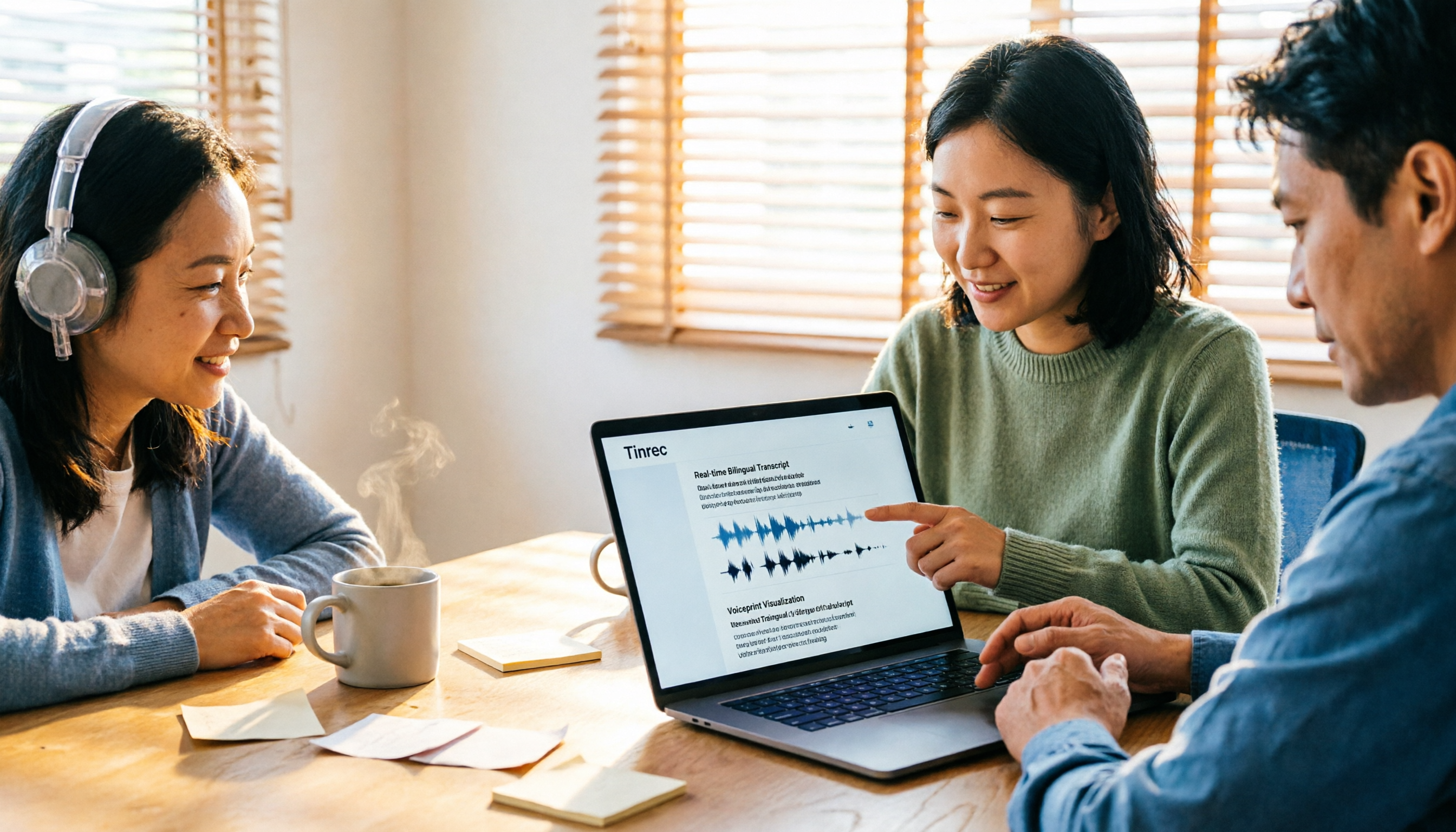
4 Zoom Transcription Tools Tested: Which One Actually Saves Meeting Notes Time in 2026?
Recording a Zoom meeting doesn't automatically give you a transcript. This article addresses three common misconceptions and compares Zoom's built-in transcription, Tinrec, Notta, and TurboScribe on speed of getting transcripts, post-meeting organization, Chinese and mixed Chinese-English handling, and team data ownership. It also lists 4 key points to consider before buying and 4 common pitfalls, with clear recommendations based on use cases.

6 Zoom Meeting Settings and Recording Tools Compared for 2026: From Built-in to AI-Powered
Getting your Zoom meeting settings right determines whether your transcript is usable. This guide starts with microphone audio and recording methods, then compares 6 meeting recording tools—Zoom built-in, Otter, Notta, Granola, TurboScribe, and Tinrec—covering pricing, quotas, and ideal users so you can decide which one to use.

2026 Comparison of 4 Online Meeting Transcription Tools: Which One's Post-Meeting Output Is Actually Ready to Use?
A meeting transcription tool isn't automatically useful just because it produces text. This article addresses three common misconceptions, breaks down 4 key factors for choosing a tool, and compares Tinrec, Otter.ai, Notta, and TurboScribe in terms of meeting capture methods, post-meeting output, Chinese language performance, and team data retention.

Tinrec vs Notta 2026: 5-Dimension Comparison — How to Take Meeting Minutes Without Staying Late
Meeting minutes aren't transcripts. This guide starts with a 4-field framework — decisions, action items, open issues, and notes — then reviews 6 practical tool options and compares Tinrec and Notta across 5 dimensions to help you choose the best meeting-notes approach for your team.

5 AI Transcription Tools Tested for 2026: Which Offers the Best Free Tier, Chinese Accuracy, and Post-Meeting Organization?
Two-hour meeting recording, but three more hours to organize? This article starts from real-world usage scenarios to explain what AI transcription can do for you and what core capabilities to look for. Using Tinrec as an example, it demonstrates the complete workflow of real-time transcription, bot-free online meeting recording, AI summaries, and action item extraction. It also compiles 6 purchase checkpoints and differences between personal and team plans.

Tinrec vs Yating Transcription 2026: 5-Dimension Comparison, Which Transcription Tutorial Should You Choose?
There are many transcription tutorials, but the real decision isn't 'how to convert audio to text'—it's 'whether the transcribed text can be used directly.' This article compares Tinrec and Yating Transcription across 5 dimensions: ease of use, input sources, post-transcription processing, cross-platform export, and team collaboration, helping you decide which workflow to learn.

2026 Audio-to-Text Tools Compared: Notta Tutorial, Free Limits, and How Tinrec Differs
Starting from a meeting that ended with no one organizing the notes, this guide walks through Notta's actual workflow, its free plan limits of 120 minutes per month and 3 minutes per recording, and the differences between Pro and Business plans. It also compares Tinrec, Otter.ai, and TurboScribe on Chinese transcription, post-meeting AI Q&A, and team data management to help you pick the tool that truly saves time.

Arsenal vs Nottingham Forest 2026: 5 Key Comparisons — Stats, Lineups & Match Preview
Arsenal travel to the City Ground to face Nottingham Forest on October 18, 2026. This preview breaks down the kick-off time, league position gap, recent form, head-to-head record, and the 62% implied probability using verifiable data, and highlights the three things most often misread before kick-off plus a scoreline assessment.