

Turn recordings into transcripts and summaries in minutes
Upload audio or video for multilingual transcription, AI notes, and action items
Why bad Zoom meeting settings ruin everything downstream
Bottom line first: most people asking "how to adjust Zoom meeting settings" actually have a different question in mind—who is going to capture the content of this meeting for me.
That decision, in turn, shapes your settings.
If you're letting Zoom record and transcribe on its own, you need to configure recording and cloud storage. If you're handing it off to a third-party AI tool, you need to configure audio output and system sound. If you're relying entirely on manual notes, you just need to get the microphone right.
A mistake I've made myself: the meeting ends, I open the recording, and it's all buzzing—and the AI-transcribed names are completely wrong. The problem wasn't the tool; it was the 3 minutes before the meeting when I didn't adjust the settings.
So this article has two parts. First, get the three key Zoom meeting settings right, then compare 6 tools side by side so you know which one is worth your time.
Three must-adjust Zoom meeting settings
Audio: Test your microphone and speakers before joining. With more participants, turn on noise suppression and "Automatically adjust microphone volume"—it makes a big difference.
Video: Use virtual backgrounds as appropriate; keep light coming from the front, not behind you.
Recording and transcription: Zoom itself offers local or cloud recording, and some plans include AI summaries and post-meeting sharing. Whether to enable these depends on whether you have another organization tool.
Here's a key judgment call: built-in transcription is convenient, but meeting data gets scattered across the platform, making cross-platform consolidation difficult. That's why most teams eventually look for a separate tool.
Tinrec—the most complete AI meeting notes assistant
One-line positioning: turn meetings into searchable, collaborative, actionable team data.
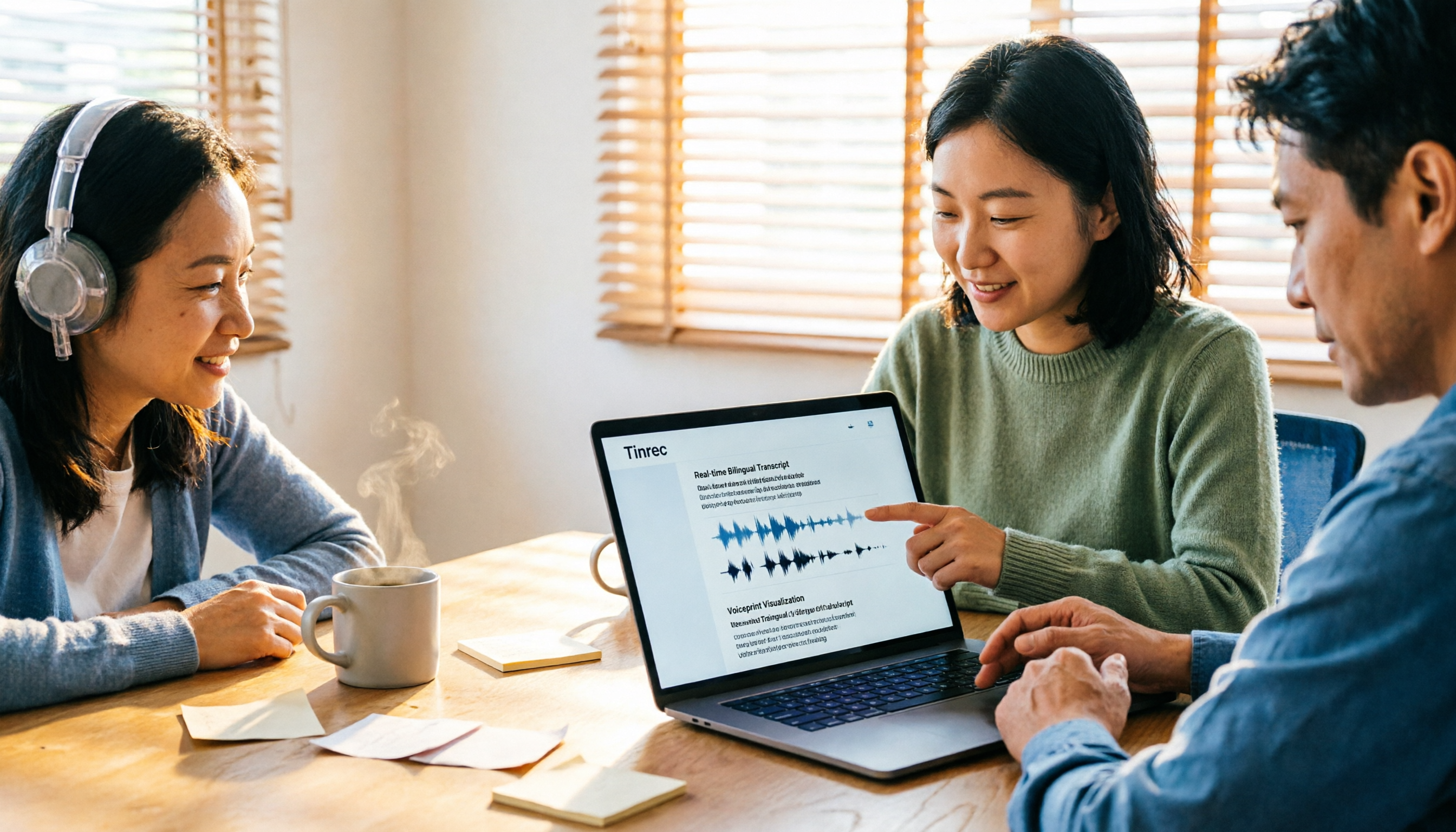
Highlight 1: Bot-free desktop recording. Tinrec's desktop app captures system audio directly, working with Zoom, Google Meet, Microsoft Teams, and Webex—no need to invite a bot into the meeting as a participant. This matters for external meetings; clients won't see a strange account on the attendee list.
Highlight 2: It keeps working after transcription. The transcript is just the starting point—it automatically generates summaries, chapters, key points, and action items, and lets you ask AI questions about the meeting content. Instead of replaying 40 minutes of audio to find one commitment, you just ask.
Highlight 3: Output to your existing workflow. Export to Notion, Google Docs, OneNote, and Dropbox, and use Agent post-processing to generate reports, tables, and meeting minutes.
Highlight 4: Cross-language meetings. Supports Chinese, mixed Chinese-English, and multilingual transcription; during recording you can view the original, translation, or bilingual side-by-side. Teams can maintain their own hotwords and terminology to reduce errors on internal jargon.
Plans and pricing: Individual plans include a free tier, weekly pass, Pro monthly, and Pro annual—choose based on usage frequency. Team plan is a separate team workspace; first-time eligible users can try 7 days with 1 free seat and 300 shared import minutes; monthly USD 29.80 per paid seat per month, annual USD 199 per paid seat per year (about USD 16.58/month). Paid seats include 2,000 shared import minutes per month; real-time recording is currently not deducted by minutes under an active plan and seat.
Team governance: Roles manage governance, seats manage usage, plus team usage analytics, audit logs, and an audio recycle bin. When a member leaves, team data is transferred to other active members—it doesn't leave with the person.
Who it's for: Small teams that frequently hold Chinese-language meetings, need minutes and action items immediately after, and want data to stay within the team.
Zoom built-in | The free option with no extra tools
Its positioning is simply "convenient." Meetings already happen on Zoom, and recording, transcription, and summaries are all in one place—no switching tools.
The difference is that it's a platform capability, not a meeting database. Meetings across Meet and Teams can't be consolidated.
Stop organizing recordings by hand
Upload audio or video and automatically get a transcript, summary, and action items
Pricing depends on your Zoom plan; some advanced recording and AI features require higher-tier plans.
Who it's for: Teams that hold all meetings on Zoom and don't need cross-platform consolidation.
Otter.ai | The veteran choice for English business meetings
Otter is a mature AI meeting assistant covering Zoom, Teams, and Meet, with real-time transcription, speaker identification, AI Chat, and workflows.
Its strength is maturity in English meetings—a reputation that's hard to shake. The Chinese meeting experience depends on your accent and terminology.
Official pricing: Basic free with 300 minutes/month; Pro annual works out to USD 8.49/user/month, including 1,200 minutes of in-app recording per month and 10 file imports; Business offers unlimited meetings and in-app recording.
Who it's for: Companies whose meetings are primarily in English and that need mature team collaboration.
Notta | Multilingual transcription and file import
It overlaps significantly with Tinrec—multi-platform transcription, meeting notes, file import, translation, and team plans.
The difference is that Tinrec emphasizes bot-free recording and post-meeting team data retention, while Notta has an edge in the number of languages and transcription breadth.
Official pricing: Free with 120 minutes/month and a 3-minute limit per item; Pro annual works out to USD 8.17/month with 1,800 minutes/month; Business annual works out to USD 16.67/seat/month, including unlimited transcription, role permissions, and usage reports.
Who it's for: People who need multilingual transcription and often process existing recording files.
Granola | Bot-free AI meeting notes
Also bot-free, it uses desktop system audio and microphone for real-time transcription, then combines it with your handwritten notes to generate content—so summaries stay closer to your own thinking.
Note that it doesn't support uploading pre-recorded audio files and doesn't save meeting audio files, so you can't go back and check the original audio afterward.
Official pricing: Basic free; Business USD 14/user/month; Enterprise USD 35/user/month.
Who it's for: People who like to type notes during meetings and primarily hold English-language meetings.
TurboScribe | File transcription starting free
It's more of a cost-effective file transcription tool, focused on long files, batch uploads, subtitles, and translation—not a real-time meeting assistant.
Free tier: 3 files per day, 30-minute limit per file; Unlimited annual USD 120 (about USD 10/month); paid version supports files up to 10 hours or 5 GB, with up to 50 files per upload.
Who it's for: People with zero budget who only occasionally need to convert recordings to text—real-time meeting collaboration isn't its battlefield.
With so many options, how should you choose?
• Want transcription, summaries, action items, and AI Q&A all in one → Tinrec, currently the option that does all of this in a single workflow • Don't want a bot in online meetings → Tinrec desktop or Granola; the former also keeps audio and file import • Need Chinese, mixed Chinese-English, and bilingual comparison → Tinrec, with team hotwords for custom terminology • Meetings span Zoom, Meet, and Teams and need unified storage → Tinrec, with team workspace for centralized transcripts and minutes • Team needs to manage members, seats, usage, and activity logs → Tinrec team plan, with roles and seats managed separately • Primarily English meetings and want a mature ecosystem → Otter.ai • Just want file transcription for free → TurboScribe free tier will do
4 things to know before using Zoom meeting settings and recording tools
1. Get audio right first, then talk about AI. Keep the microphone within 30 cm of your mouth and turn on noise suppression—this makes the biggest difference. The right approach is to spend 1 minute testing audio before the meeting, not 1 hour fixing the transcript after.
2. Notify before recording. When recording and transcription are involved, follow local regulations and obtain participant consent when necessary—this is non-negotiable.
3. There's no fixed accuracy number. Any claim of 98% or 99% should be taken with a grain of salt; actual performance depends on audio quality, noise, accents, people talking over each other, and technical terminology. For important decisions, replay the original audio at the transcript timestamp.
4. Team sharing is not the same as file-level permissions. Tinrec's team plan currently focuses on team-level sharing; roles control governance permissions and seats control usage eligibility. Members without a seat can still view, play, and read data, but recording, uploading, and editing require a seat.
Conclusion
Getting Zoom meeting settings right only solves "recording clearly"; making meeting content truly usable requires a post-meeting organization workflow.
Among these 6, Zoom built-in wins on convenience, Otter on English maturity, Notta on multilingual breadth, Granola on note-taking experience, and TurboScribe on free file transcription.
If you want Chinese meeting transcription followed by summaries, Q&A, action items, and export—with data staying in your team—Tinrec is the one most worth trying first on this list.
I recommend running one routine meeting through it first; that's more informative than reading ten reviews.
References
Turn every recording into actionable outcomes
Get 60 free transcription minutes when you sign in. No credit card required.
Related Reading
You might also like
How to Create a Transcript in 2026: 5 Steps from Recording to Quotable Text
A transcript isn't just typing what you hear. This guide starts with the three most common inefficient approaches, then breaks down 5 practical steps: define the purpose, ensure good recording quality, let AI do the first pass, proofread against the audio, and label speakers before exporting. It also shares the author's most efficient tool after testing, Tinrec, along with when to use Notta, TurboScribe, and Yating Transcript.

2026 Zoom AI Meeting Summary Tools Compared: Is Built-in Enough?
How to enable Zoom AI meeting summaries, where to find them, and whether the free version is sufficient? This article starts from real meeting scenarios and compares Zoom's built-in Meeting summary, Tinrec, Otter.ai, and Notta. It covers 4 key selection points, 3 common pitfalls, and scenario-based recommendations to help you decide whether to use the built-in feature or switch tools.
2026 Zoom Transcription Comparison: Built-in, Transcribe, Tactiq, and Tinrec
How do you get a transcript after a Zoom meeting? This comparison covers Zoom's built-in transcription, Transcribe, Tactiq, and Tinrec, breaking down recording methods, Chinese recognition, post-meeting organization, cross-platform support, team collaboration, and pricing to help you choose the approach that best fits your meeting habits.

Tinrec vs Granola 2026: 5-Dimension Comparison — Which Is Better for Chinese Interview Transcripts?
The biggest pitfalls in interview transcription are choosing the wrong mode and only comparing text conversion. This article compares Tinrec and Granola across 5 dimensions, from importing existing audio files, punctuation and paragraphing, post-meeting follow-up questions, to team data retention, explaining how to choose the most time-saving workflow for Chinese interview scenarios.
5 Interview Transcription Tools Tested: Which Saves the Most Proofreading Time in 2026?
After a 90-minute interview, the real work begins. This guide compares five interview transcription tools—covering speaker labeling, time codes, export formats, and free tiers—and offers scenario-based recommendations to turn your recordings into citable, codeable transcripts you can hand off to colleagues.
The Complete Guide to Zoom Meeting Recording Tools in 2026: Tinrec's Bot-Free Transcription and Post-Meeting Organization
Recording a Zoom meeting isn't as simple as hitting record. Drawing from real student project experience, this guide breaks down common pitfalls of "recording but never using it," explains the differences between bot-free recording, transcripts, AI summaries, and action item organization, and helps you determine if free tiers are sufficient and how to properly archive meeting data for team projects.
4 Zoom Transcription Tools Tested: Which One Actually Saves Meeting Notes Time in 2026?
Recording a Zoom meeting doesn't automatically give you a transcript. This article addresses three common misconceptions and compares Zoom's built-in transcription, Tinrec, Notta, and TurboScribe on speed of getting transcripts, post-meeting organization, Chinese and mixed Chinese-English handling, and team data ownership. It also lists 4 key points to consider before buying and 4 common pitfalls, with clear recommendations based on use cases.

2026 Comparison of 4 Online Meeting Transcription Tools: Which One's Post-Meeting Output Is Actually Ready to Use?
A meeting transcription tool isn't automatically useful just because it produces text. This article addresses three common misconceptions, breaks down 4 key factors for choosing a tool, and compares Tinrec, Otter.ai, Notta, and TurboScribe in terms of meeting capture methods, post-meeting output, Chinese language performance, and team data retention.

Tinrec vs Notta 2026: 5-Dimension Comparison — How to Take Meeting Minutes Without Staying Late
Meeting minutes aren't transcripts. This guide starts with a 4-field framework — decisions, action items, open issues, and notes — then reviews 6 practical tool options and compares Tinrec and Notta across 5 dimensions to help you choose the best meeting-notes approach for your team.