

Turn recordings into transcripts and summaries in minutes
Upload audio or video for multilingual transcription, AI notes, and action items
2026 Zoom AI Meeting Summary Tools Compared: Is Built-in Enough?
The moment the meeting ends is when the real work begins
You finish an online meeting, close the window—what do you have left?
A recording file, a few keywords you hastily typed, and your manager asking in the group chat: "Who was responsible for that decision? When is it due?"
If you use Zoom, meeting summaries are already built in. But many people get stuck the first time they open it: Where do I find the summary? Why does it only have highlights and no transcript? How many times can I use it on the free plan?
This article starts from the practical need for "Zoom meeting AI summaries" and compares the built-in feature with other approaches to help you decide which suits your meeting style.
4 key points to understand before choosing a meeting AI summary tool
1. Can you ask follow-up questions about the summary?
Most tools can produce bullet-point highlights. The real difference shows up three days after the meeting—when you want to confirm who said a certain number, can the tool answer directly, or does it just tell you to Ctrl+F through the transcript yourself?
2. How is the meeting recorded?
There are three common methods: platform built-in (like Zoom's own summary), meeting bots (join as a participant), and desktop capture of system audio (no extra participant). These differ greatly in how participants perceive them and whether they can record in-person meetings.
3. Are recordings and transcripts retained?
Summaries are condensed conclusions; transcripts are the original statements. Many disputes can only be clarified with the latter. When choosing a tool, first confirm: which does it retain, and for how long?
4. How are quotas calculated?
Personal quotas, team-shared quotas, and whether live recording and file import are counted separately—these details directly affect whether you suddenly can't use the tool at the end of the month.
Tinrec—the one most often opened after testing
Tinrec is an AI meeting notes and collaboration tool for individuals and teams, available on web, desktop, and mobile.
Its biggest difference from platform built-in features is that it takes over the entire workflow after "recording."
During the meeting: no bot invitation needed
The desktop version directly captures your computer's system audio, handling meeting audio played on the computer from platforms like Zoom, Google Meet, Microsoft Teams, and Webex, without adding an extra participant to the list.
This is practical for external presentations and client meetings—you don't need to explain "what is that account that joined the meeting?" But note: it doesn't automatically record every meeting; you need to start the tool yourself to begin recording.
During the meeting: live transcription and translation
Transcripts are generated in real time, and for cross-language meetings you can switch between original text, translation, or bilingual view. Chinese and mixed Chinese-English content are its main coverage scenarios.
Actual performance is affected by recording quality, ambient noise, accents, and multiple people speaking at once—this is true for any tool, so there's no need to believe claims of fixed accuracy rates.
After the meeting: summary, chapters, and action items all at once
The system automatically generates a summary and chapters, and extracts action items from the discussion. For long meetings, you can jump to chapters instead of listening from the beginning.
Even better is AI Q&A: you can directly ask "What was the budget cap mentioned in this meeting?" or "What were the three concerns the client raised?" It answers based on the meeting content, rather than dumping a bunch of keywords on you.
The same meeting data can also be used to generate reports, tables, and documents, or exported to Notion, Google Docs, OneNote, Dropbox, and other tools for further processing.
For team use: data belongs to the team, not individuals
The team version is a separate team space, not multiple people sharing one account. Meeting recordings, transcripts, summaries, and action items are stored centrally, and new members can look up past meetings after joining.
Admins can set roles (owner, admin, member), assign and revoke seats, view usage trends and details, query and export operation logs, and there's also an audio recycle bin and team hotwords.
Stop organizing recordings by hand
Upload audio or video and automatically get a transcript, summary, and action items
Note the difference between roles and seats: people with member status but no seat can view, play, and read team data, but cannot upload, edit, or export. Currently it's team-level sharing, not file-level granular permissions—clarify this before purchasing.
Limitations and pricing
The free version provides basic quota, suitable for running through the workflow once; for short-term intensive use there's a weekly card, and for long-term stable use there are Pro monthly and annual cards—choose according to your tasks.
The team version offers a 7-day trial for first-time eligible users, 1 free seat, and 300 minutes of team-shared import quota; monthly payment is USD 29.80 per paid seat per month, annual payment is USD 199 per paid seat per year (about USD 16.58 per month), with each paid seat providing 2,000 minutes of team-shared import quota per month. Under an active team plan, live recording currently does not deduct minutes; file and web imports use the team-shared quota. Prices and benefits are subject to the official purchase page.
Who it's for
People who regularly use Zoom, Meet, or Teams for meetings, need Chinese transcripts and post-meeting follow-up questions, and want meeting data to stay with the team rather than on someone's computer.
Besides Tinrec, what other options are there?
Zoom built-in Meeting summary
This is the most searched option. The host or co-host opens the AI control panel during the meeting, checks Meeting summary, and starts it; participants can request activation, but it ultimately requires host or admin approval, and account admins can also enable or disable it centrally in the backend.
After the meeting, view it in Summaries or Zoom Hub, where you can correct names, decisions, action items, and deadlines before sharing. Two things to know: the Basic plan currently offers only a limited number of meeting summaries, and eligible paid plans include core features, with actual availability also subject to region and industry restrictions; also, summaries are not transcripts—you need to separately enable transcript retention to get one. It suits scenarios where "all meetings are already on Zoom and you just need a highlight summary," but cross-platform meetings and post-meeting follow-up questions are outside its scope.
Otter.ai
A mature choice for English business meetings. Basic free is 300 minutes per month; Pro annual billing is about USD 8.49 per user per month, including 1,200 minutes per month and 10 file imports. English-focused teams will find it smooth; the experience with Chinese meetings and the depth of post-meeting output are where it falls short compared to Tinrec.
Notta
Strong in multi-platform transcription and translation. Free is 120 minutes per month with a 3-minute limit per session; Pro annual billing is about USD 8.17 per month, 1,800 minutes per month. Suitable for those focused on file transcription and subtitles; if you want bot-free recording of online meetings plus team data retention, Tinrec is more direct on these two points.
Pitfall guide: 3 most common mistakes when choosing a meeting AI summary tool
Pitfall 1: Treating summaries as transcripts
Summaries are condensed and inevitably involve trade-offs. For content that cannot afford errors—contract numbers, legal terms, client's exact words—you still need to check the transcript and recording. When choosing a tool, first confirm whether it retains the original statements.
Pitfall 2: Only looking at free quota numbers, not how they're calculated
They all say "hundreds of minutes per month," but some count per person, some per team, and some separate live recording from file import. Before purchasing, check the admin backend and official pricing page directly—don't rely solely on old articles.
Pitfall 3: Assuming a bot must join the meeting
A bot joining appears in the participant list, requiring extra explanation for external meetings. Desktop capture of system audio doesn't need this step, but the premise is that the user must actively start the tool to record—it doesn't automatically record every meeting for you.
Conclusion: Which one should you choose?
In one sentence: if you just want to know the key points discussed in a Zoom meeting, the built-in feature is enough; if you want to be able to search, ask questions, and hand over after the meeting, you need a different tool.
- Whole company on Zoom, just need a meeting summary → Zoom built-in Meeting summary
- Meetings spread across Zoom, Meet, Teams, and need Chinese transcripts → Tinrec
- Want to directly ask "who said what" and "what was the decision" after the meeting → Tinrec's AI Q&A
- Need to keep meeting data with the team, not lost when members change → Tinrec team version
- Mainly English meetings, only need basic transcription → Otter.ai
We recommend running your usual meeting workflow once with the free version to see if the transcript and summary quality match your accent and meeting type, then decide whether to upgrade. The point isn't how powerful the tool is, but whether it truly catches that half hour after your meeting.
References
Turn every recording into actionable outcomes
Get 60 free transcription minutes when you sign in. No credit card required.
Related Reading
You might also like

2026 Comparison of 4 Transcription Tools: Which Offers the Best Free Tier and Post-Meeting Organization?
Starting from common pitfalls, this comparison examines Tinrec, Granola, TurboScribe, and PLAUD in terms of transcription generation, post-meeting organization, free tiers, and team collaboration to help professionals choose the right transcription tool.

2026 Zoom Meeting Tools Comparison: From Joining to Meeting Minutes, Which Saves the Most Time?
We'll walk you through joining a Zoom meeting and basic setup, then compare four meeting note methods—Zoom built-in transcription, Otter.ai, Granola, and Tinrec—covering cost, Chinese and mixed Chinese-English performance, post-meeting organization, and team data ownership, to help you decide which best fits your meeting style.
4 Podcast Transcript Tools Tested for 2026: Which One Is Best for Chinese Transcription and Post-Interview Organization?
When creating podcast transcripts, how do you choose between built-in platform features, online transcription tools, and AI meeting note tools? This article compares Apple Podcast, Spotify, WayinVideo, and Tinrec from four angles: export capabilities, Chinese support, post-interview organization, and team collaboration, to help you find the transcript solution that best fits your show's workflow.

4 Zoom Meeting Recording Tools Tested for 2026: Get Transcripts and Action Items Without a Meeting Bot
Zoom's built-in recording requires the host to grant permission, and you're left with a two-hour video file that you still have to organize yourself. This article compares four Zoom meeting recording tools—Tinrec, Otter.ai, Notta, and Granola—from the perspective of a mid-level manager's real-world usage, covering recording methods, Chinese transcription, post-meeting summaries, and team data retention. It includes selection criteria, pitfalls to avoid, and scenario-based recommendations.
4 Meeting Transcription Tools Tested for 2026: Which One Has the Best Free Tier, AI Organization, and Team Collaboration?
Still working overtime after the meeting ends? This article uses a real meeting workflow to compare Tinrec, Notta, Otter.ai, and Granola on transcription, AI summaries, action items, team collaboration, and pricing, so you can pick the right tool for Chinese-language meetings and team knowledge retention.
How to Create a Transcript in 2026: 5 Steps from Recording to Quotable Text
A transcript isn't just typing what you hear. This guide starts with the three most common inefficient approaches, then breaks down 5 practical steps: define the purpose, ensure good recording quality, let AI do the first pass, proofread against the audio, and label speakers before exporting. It also shares the author's most efficient tool after testing, Tinrec, along with when to use Notta, TurboScribe, and Yating Transcript.
2026 Zoom Transcription Comparison: Built-in, Transcribe, Tactiq, and Tinrec
How do you get a transcript after a Zoom meeting? This comparison covers Zoom's built-in transcription, Transcribe, Tactiq, and Tinrec, breaking down recording methods, Chinese recognition, post-meeting organization, cross-platform support, team collaboration, and pricing to help you choose the approach that best fits your meeting habits.

Tinrec vs Granola 2026: 5-Dimension Comparison — Which Is Better for Chinese Interview Transcripts?
The biggest pitfalls in interview transcription are choosing the wrong mode and only comparing text conversion. This article compares Tinrec and Granola across 5 dimensions, from importing existing audio files, punctuation and paragraphing, post-meeting follow-up questions, to team data retention, explaining how to choose the most time-saving workflow for Chinese interview scenarios.
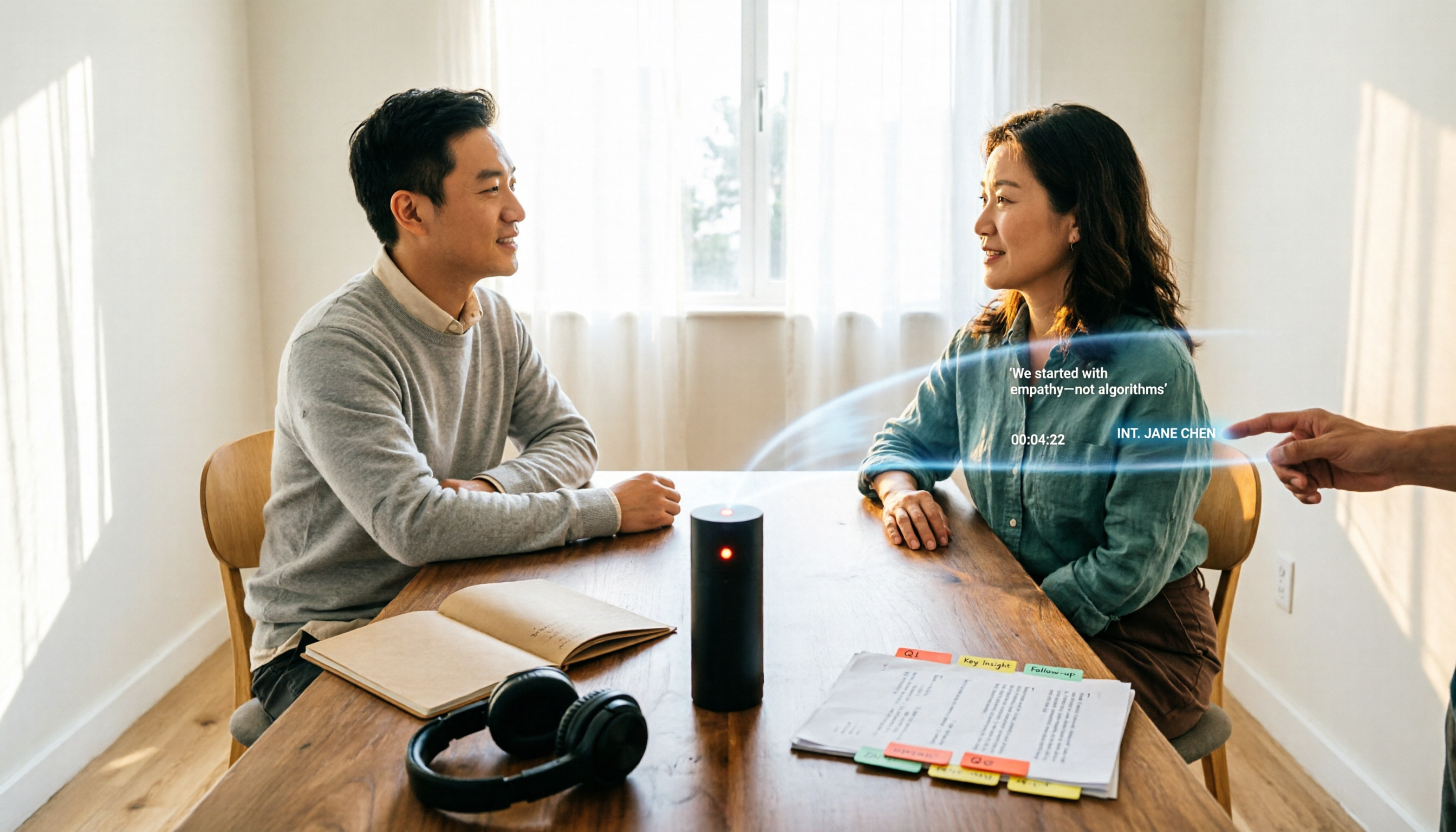
5 Interview Transcription Tools Tested: Which Saves the Most Proofreading Time in 2026?
After a 90-minute interview, the real work begins. This guide compares five interview transcription tools—covering speaker labeling, time codes, export formats, and free tiers—and offers scenario-based recommendations to turn your recordings into citable, codeable transcripts you can hand off to colleagues.