

Turn recordings into transcripts and summaries in minutes
Upload audio or video for multilingual transcription, AI notes, and action items
2026 Comparison of 4 Transcription Tools: Which Offers the Best Free Tier and Post-Meeting Organization?
When choosing a transcription tool, many people first compare free minutes, then look at the accuracy rates advertised on official websites. This is actually the most error-prone way to judge.
The real inefficiency usually isn't the few minutes of transcription, but what happens after recording: no segmentation, no summary, no action items, and you still have to manually re-listen. A more reasonable approach is to first check whether your workflow needs an all-in-one "record → transcribe → organize → share" solution.
This article uses the same criteria to compare Tinrec (MiaoTing Recording) with three other common tools. The focus is not on whose promotional numbers look better, but on who can help you do less redundant work after meetings.
Transcription Is Not Just Converting Sound to Text—What You Really Lack Is Usable Post-Meeting Data
A two-hour meeting followed by two hours of organizing meeting notes is a daily routine for many professionals. What's more troublesome is that after transcription, key points are scattered across a dozen pages of text, and action items still need to be extracted manually.
For team meetings, data may also be scattered across everyone's computers and chat records. Next time you need to check "who said they would revise the budget last time," you have to ask one by one.
Rather than needing a text conversion tool, you need a process that turns meeting content into searchable, organizable, and transferable data. This is also the first thing I look at when choosing tools below.
Before Choosing a Transcription Tool, Understand These 4 Key Points
The first key is input sources. Tools that only support uploading audio files require you to record first and then upload for online meetings; tools that can handle real-time recording, computer meetings, audio and video files, and mobile recording simultaneously make the process much smoother. Tinrec has relatively complete coverage in this regard.
The second key is whether online meetings require a bot. Some tools rely on meeting bots to join meetings, and participants will see an extra account. Tinrec's desktop version captures computer system audio, and users initiate recording themselves without pulling a bot into the meeting. This is especially noticeable for external client meetings.
The third key is post-meeting organization. Transcription is just the starting point; summaries, chapters, action items, AI Q&A, real-time translation, and multi-format export are the watershed that determines whether time can be saved. If a tool only gives you a large block of text, it has only completed one-third of the job.
The fourth key is free tier and team collaboration. For occasional personal use, whether the free version is enough to try is important; for teams sharing meeting data, member, role, seat, and usage management matter. Tinrec's team version is an independent team space, not multiple people sharing a personal account—this should be clarified first when purchasing.
Tinrec (MiaoTing Recording)—Our Top Choice After Testing
Tinrec (MiaoTing Recording) is an AI meeting notes and collaboration tool for individuals and teams, supporting real-time recording, bot-free online meeting recording via desktop, audio and video file transcription, and mobile use. It doesn't just convert sound to text; it organizes meetings into searchable, summarizable, queryable, and exportable data.
Open Tinrec during a meeting to transcribe while recording. After the meeting, AI generates summaries, chapters, and action items—who is responsible for what and what to do next—much faster than manually flipping through the transcript. This is where it has an advantage for Chinese meetings and mixed Chinese-English content.
The online meeting scenario is even more obvious. Tinrec's desktop version directly captures computer system audio, so when handling Zoom, Google Meet, Microsoft Teams, Webex, and other meetings, no additional meeting bot is needed. Bosses or clients won't see a strange account in the participant list, which is more natural for business occasions.
After recording, you can directly ask AI about the meeting content. For example, ask "What were the conclusions of this meeting?" or "What objections did the client mention?" It will answer based on meeting data, not just throw keyword search results. This is a post-meeting workflow that many transcription-only tools lack.
Comparison conditions: Based on official public feature and pricing pages, and actually walking through the "record or upload → transcribe → summarize → export" process. Different recording quality, accents, background noise, and overlapping speech will affect results, so it is not recommended to treat any tool's accuracy rate as a fixed value.
Stop organizing recordings by hand
Upload audio or video and automatically get a transcript, summary, and action items
Tinrec's advantages can be summarized in three points. First, bot-free desktop recording makes online meeting notes less intrusive. Second, after the meeting, there's not only a transcript but also summaries, chapters, action items, AI Q&A, translation, and Agent post-processing, which can continue to generate reports, tables, and documents. Third, the team version centrally stores meeting data, allowing members to view and reuse historical data, and managers to see usage and audits.
Limitations should also be stated honestly. The free version is a basic quota, suitable for light experience; if you have regular meetings every week, you'll need to consider a paid plan. The team version's real-time recording currently does not deduct minutes under valid plans and valid seats, but file and web imports consume team shared import minutes, so it's not completely unlimited. Prices and benefits are subject to the official purchase page.
Currently, the personal version offers a free version, weekly card, Pro monthly card, and Pro annual card, suitable for choosing based on usage tasks: use the free version for occasional recording organization, consider the weekly card for short-term intensive meetings, and Pro for stable weekly use. The team version's first eligible trial is 7 days, 1 free seat, and 300 minutes of team shared import quota; team monthly payment is USD 29.80 per paid seat per month, annual payment is USD 199 per paid seat per year, equivalent to about USD 16.58 per month, with each paid seat providing 2,000 minutes of team shared import quota per month.
If you frequently handle Chinese meetings, want online meetings without adding a bot, and want to use AI to find key points directly after recording, Tinrec is a very suitable choice at present. When using as a team, remember to distinguish roles and seats: members without seats can still view, play, and read team data, but cannot upload, edit, or import/export.
Besides Tinrec, What Other Options Are There?
The following prices are based on each official pricing page and may change.
Granola: Bot-free AI meeting notes, Basic free, Business USD 14 per person per month. It supports real-time transcript viewing, copying, and searching, but does not support uploading pre-recorded audio files, nor does it save meeting audio. If you only need to take notes on the spot and don't need to listen back to recordings, you can consider it; if you need to retain audio and import existing files, Tinrec is more complete.
TurboScribe: Focused on file transcription and batch processing, free version 3 files per day, 30 minutes per file, Unlimited annual payment USD 120 equivalent to USD 10 per month. Strengths are long files and large uploads; if you need real-time meetings, post-meeting AI Q&A, and team space, Tinrec's workflow is more aligned.
PLAUD Note / NotePin: AI recording hardware, NotePin USD 159, Note Pro USD 189, Starter 300 minutes per month. Suitable for those who like portable recording and hardware operation; Tinrec requires no additional equipment, works on web, desktop, and mobile, and is more direct for online meetings and team data accumulation.
Pitfall Guide: The 4 Most Common Mistakes When Choosing a Transcription Tool
Pitfall 1: Only looking at free minutes. Minutes are important, but if the output has no segmentation or summary, all the transcription time you save will be paid back. The correct approach is to see whether "the free version can complete a full workflow."
Pitfall 2: Treating transcription as the endpoint. Transcription is good for preserving the original, but most professionals really want key points and action items. When choosing a tool, see whether it can generate summaries, chapters, and action items from the transcript.
Pitfall 3: Ignoring cross-platform and team collaboration. Today you use a computer for meetings, tomorrow you record on a phone; if data cannot be centralized, it will still be scattered. For team use, ask first: who owns the data, can members view it, and who has seats to edit.
Pitfall 4: Thinking subtitles mean no transcript is needed. Platform subtitles may not be exportable, may not be searchable, and are not equivalent to meeting notes. Also, recording and transcription must comply with local laws, and participant consent should be obtained when necessary.
Conclusion: Which One Should You Choose?
Simply put, if you want a workflow from recording to transcript to post-meeting organization, Tinrec is the top choice in this article. It doesn't just convert text; it connects summaries, action items, AI Q&A, translation, export, and team space.
Scenario-based recommendations:
- Chinese meetings, mixed Chinese-English, post-meeting summaries and action items → Tinrec
- Online meetings without pulling in an extra bot → Tinrec desktop version
- Teams sharing meeting data, managing seats and usage → Tinrec team version
- Limited budget, want to experience the transcription process first → Tinrec free version
- Only handling very long files, large batch transcription at once → TurboScribe (the only exception in this article)
It is recommended to first use your own meeting recording to walk through the "transcribe → summarize → find action items → export" process. The free version quota is enough to judge whether it's handy before deciding whether to upgrade—no need to pay from the start.
References
- What Is a Transcript | Audio File to Transcript Generator Online Free Speech to Text | Subanana
- Yating Transcript
- YouTube Transcript Generator | Free One-Click Text Conversion, No Login Required
- Online AI Speech, Video, Audio File Automatic Text Conversion - Free Trial - cSubtitle
- Free AI Video to Transcript Generator | Fast and Accurate, Supports 100+ Languages
Turn every recording into actionable outcomes
Get 60 free transcription minutes when you sign in. No credit card required.
Related Reading
You might also like

2026 Recording-to-Text Tools Compared: Beyond Notta, Why Tinrec Fits Chinese Meetings Better
Many people choose recording-to-text tools based only on free quota, then find they can't record online meetings or locate key points afterward. This article compares Notta, Tinrec, and similar tools from a mid-level manager's practical perspective—covering meeting recording methods, Chinese-language experience, post-meeting organization, and team knowledge retention—and explains when upgrading to a paid plan makes sense.
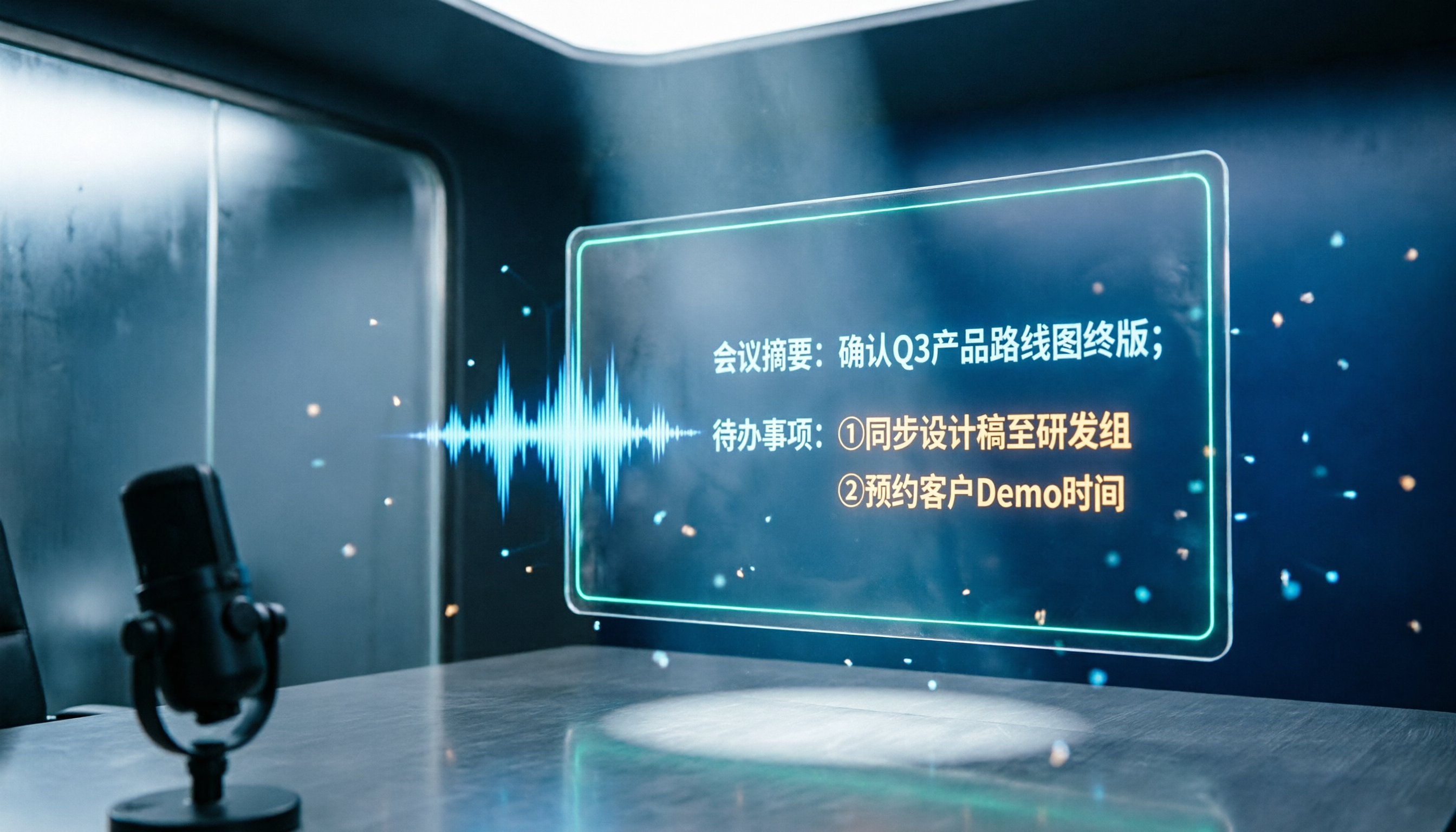
2026 Notta and Free Audio Transcription Plans Compared: 5 Options at a Glance
Many people searching for Notta tutorials and pricing see the free 120 minutes per month and assume it's enough, overlooking the 3-minute-per-recording limit. This article reviews 5 audio transcription and meeting notes solutions, explains how to try Notta's free version and understand Pro pricing, and compares use cases for Tinrec, Otter.ai, TurboScribe, and Granola.

How to Use Notta AI in 2026: 5-Step Traditional Chinese Transcript Tutorial
Complete Notta AI tutorial: from sign-up, recording or importing audio, proofreading Traditional Chinese transcripts, AI summaries, to translation and export—5 steps in one go. Also covers the free plan's 3-minute limit, differences between Pro and Business plans, and real-world issues you'll encounter.

2026 Comparison of 2 Transcription Tools: Which AI Saves More Time on Meeting Notes?
Transcription is more than typing. This article compares Yating Transcription and Tinrec from a mid-level manager's meeting perspective, covering transcript readability, online meeting recording, post-meeting organization, team collaboration, and free quotas to help you decide when to use AI tools and when to hire human transcribers.

Tinrec vs Otter.ai 2026: Zoom Meeting Notes 5-Dimension Showdown — Which Is Better for Chinese-Language Scenarios?
Ending a Zoom meeting with only a meeting ID and no transcript is a daily reality for many office workers. This article compares Tinrec and Otter.ai across five dimensions—recording permissions, post-meeting organization, Chinese recognition, data ownership, and quota pricing—to evaluate their differences in Zoom meeting notes. It also covers Notta and Zoom's built-in recording to help you choose the tool that truly saves time.

2026 Zoom Meeting Tools Comparison: From Joining to Meeting Minutes, Which Saves the Most Time?
We'll walk you through joining a Zoom meeting and basic setup, then compare four meeting note methods—Zoom built-in transcription, Otter.ai, Granola, and Tinrec—covering cost, Chinese and mixed Chinese-English performance, post-meeting organization, and team data ownership, to help you decide which best fits your meeting style.
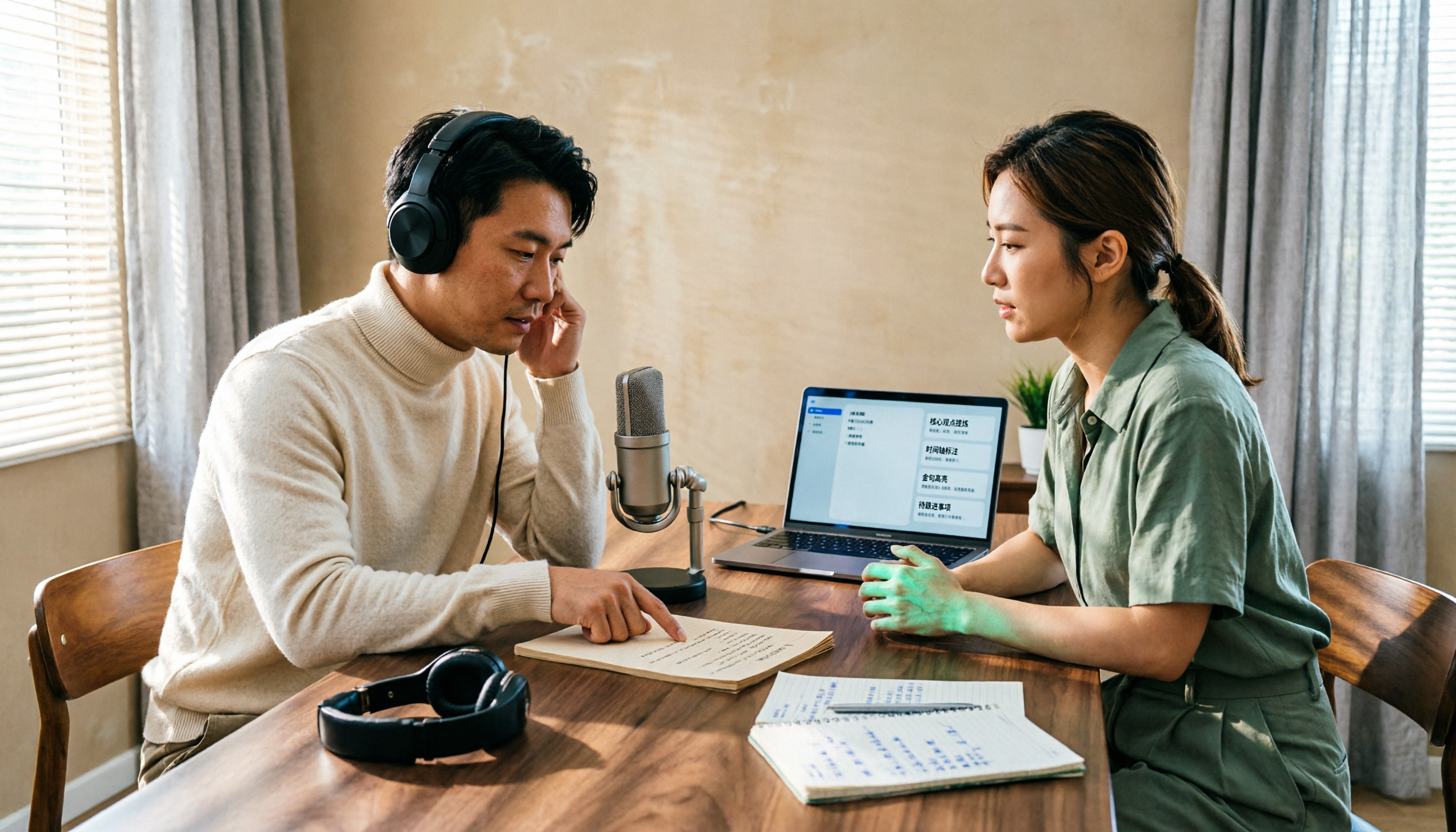
4 Podcast Transcript Tools Tested for 2026: Which One Is Best for Chinese Transcription and Post-Interview Organization?
When creating podcast transcripts, how do you choose between built-in platform features, online transcription tools, and AI meeting note tools? This article compares Apple Podcast, Spotify, WayinVideo, and Tinrec from four angles: export capabilities, Chinese support, post-interview organization, and team collaboration, to help you find the transcript solution that best fits your show's workflow.

4 Zoom Meeting Recording Tools Tested for 2026: Get Transcripts and Action Items Without a Meeting Bot
Zoom's built-in recording requires the host to grant permission, and you're left with a two-hour video file that you still have to organize yourself. This article compares four Zoom meeting recording tools—Tinrec, Otter.ai, Notta, and Granola—from the perspective of a mid-level manager's real-world usage, covering recording methods, Chinese transcription, post-meeting summaries, and team data retention. It includes selection criteria, pitfalls to avoid, and scenario-based recommendations.

4 Meeting Transcription Tools Tested for 2026: Which One Has the Best Free Tier, AI Organization, and Team Collaboration?
Still working overtime after the meeting ends? This article uses a real meeting workflow to compare Tinrec, Notta, Otter.ai, and Granola on transcription, AI summaries, action items, team collaboration, and pricing, so you can pick the right tool for Chinese-language meetings and team knowledge retention.