

Turn recordings into transcripts and summaries in minutes
Upload audio or video for multilingual transcription, AI notes, and action items
Last week's meeting: I missed who was responsible
During a cross-departmental meeting last Wednesday afternoon, I had Zoom open and was listening to the presentation while replying to messages. Before the meeting ended, my boss asked, "Who's following up on this?" I flipped through my notes and saw only "look again next week."
It wasn't laziness. By the 40-minute mark, two people were talking over each other, a spreadsheet was suddenly shared, and there's only so much you can capture. The cost: the next day I had to message people one by one to confirm, which took nearly 40 minutes, and someone replied, "I thought the other team was handling it."
Another thing happened the same week. I wanted to go back and confirm a budget figure a client mentioned during a meeting, but that meeting was hosted by someone else, and Zoom's record button was grayed out—recording permission belongs to the host, so you can only ask them afterward whether they recorded it and where it's saved.
These two incidents are really the same problem: the amount of information generated in a meeting far exceeds what we can write down. Instead of forcing yourself to take notes faster, change your approach—let the tool handle the recording, and you focus on judgment. This article shares my hands-on experience over the past year.
Before choosing a Zoom meeting recording tool, understand these 4 key points
1. Who holds the recording permission
Zoom's built-in recording requires the host to enable it, free accounts have time limits, and all participants are notified when recording starts. Another approach bypasses Zoom entirely: desktop software captures the system audio playing on your computer—so you can capture content even if the host doesn't grant permission. But let's be clear: before recording, check your company policies and local regulations, inform participants when possible, and don't cross the line just for convenience.
2. What you get after recording
Most people think "as long as it's recorded, it's fine," but you'll never rewatch a two-hour video file. What really determines efficiency is: is there a transcript, is there a summary, and does it extract "who needs to do what and by when"?
3. Chinese and mixed Chinese-English recognition performance
Don't just look at marketing numbers. Actual performance is affected by recording quality, air conditioning noise, accents, and overlapping speakers. The way to judge is simple: test with a recording of your own meeting, not a demo audio file.
4. Is it just for you, or for the whole team
For personal use, convenience is key; for team use, data ownership is key—will meeting data disappear when a member leaves, who has access, how is usage calculated? This is the difference between having a "team workspace" and "seat management."
Tinrec — the one I kept after testing
Tinrec is an AI meeting notes and collaboration tool for individuals and teams, available on iOS, Android, and web. The desktop version can capture meeting audio from Zoom, Google Meet, Microsoft Teams, and Webex playing on your computer.
No need to invite a bot into the meeting room. Open the Tinrec desktop app, and it directly captures the system audio output from your computer—no unfamiliar account appears in the participant list. This is especially noticeable in external meetings—you don't want clients to see a string of strange participants. Note that it doesn't automatically join your calendar meetings; you have to press record yourself when you want to record.
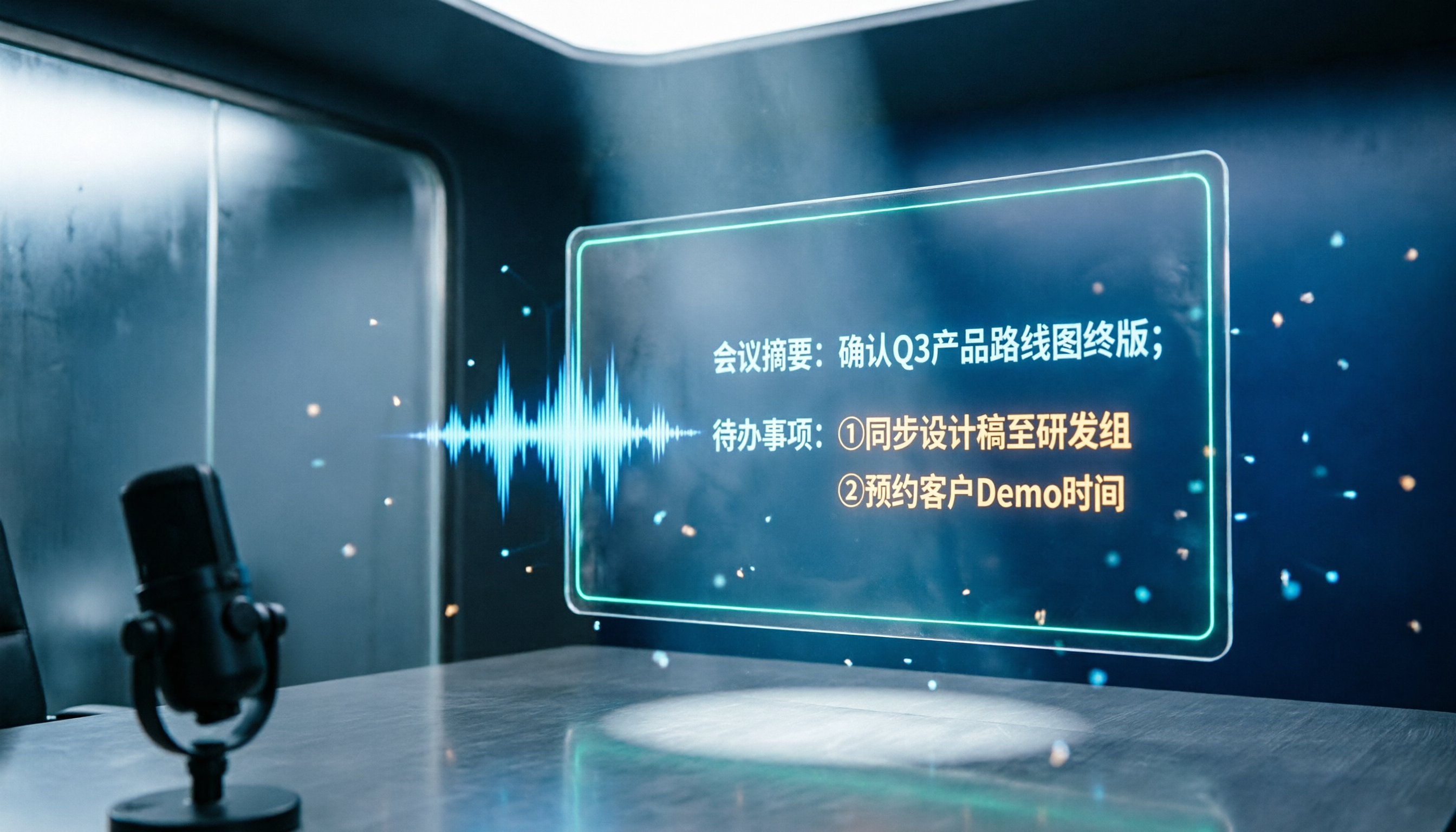
When the meeting ends, the transcript is already there. It transcribes while recording, and after the meeting, AI summaries, chapters, key points, and action items are generated together. My current workflow: right after the meeting, check if the summary is correct, then confirm owners and deadlines from the action item list, and finally go back to the transcript for details. This is a completely different life from my old "relisten to an hour of recording after the meeting" routine.
You can keep asking it questions after recording. This is where it stands out from ordinary transcription tools. For example, I can directly ask "What were the client's concerns about pricing?" or "What was the conclusion about the launch date in the last meeting?" and it answers based on the content instead of dumping a bunch of keywords for you to search. The organized results can be exported to Notion, Google Docs, OneNote, or Dropbox for further processing, and you can also directly generate post-meeting documents like reports and tables.
In testing, what I praise most is that it doesn't require me to change my habits. I didn't switch meeting platforms, didn't ask the host to change settings, and didn't buy an extra voice recorder. Meetings proceed as usual—I just press record one more time.
Stop organizing recordings by hand
Upload audio or video and automatically get a transcript, summary, and action items
The team version solves a different pain point. Our department later moved to a team workspace, where meeting data belongs to the team, and new colleagues can search historical data; admins can assign seats, view usage trends, check operation logs, and recover accidentally deleted audio from a 30-day recycle bin. When a member leaves or is removed, their team resources must be handed over to other active members—they won't just disappear. As for pricing, the team monthly plan is USD 29.80 per paid seat per month, annual is USD 199 per paid seat per year, each paid seat gets 2,000 minutes of shared import quota per month, and real-time recording is currently not deducted by minutes under an active plan; first-time eligible users get a 7-day trial, 1 free seat, and 300 minutes of shared quota. Actual prices and promotions are subject to the official purchase page.
Honestly, its limitations: First, the free version is a trial quota—heavy users must pay, no point dodging that. Second, if you want a "video file with visuals," that's screen recording territory; Tinrec mainly handles audio and text, though what most people actually want to revisit is "what was said that day and who needs to do what," and a transcript is actually faster for that. Third, the team version currently focuses on team-level sharing and doesn't offer fine-grained permissions at the individual file level.
Who it's for: People who have several meetings a week, whose meetings are mainly in Chinese or mixed Chinese-English, who want meeting minutes and action items right after the meeting, and who don't want to beg for recording permission in someone else's meeting.
Besides Tinrec, what other options are there?
Otter.ai: A mature AI meeting assistant with the most experience in English business meetings. The free Basic plan offers 300 minutes per month, which is generous. If 90% of your meetings are in English, its value is hard to beat. But its plans are designed mainly around English business scenarios; team governance features like Chinese terminology hotwords and an audio recycle bin aren't visible on its plan page, whereas Tinrec's team version puts hotwords, seats, usage, and operation logs in one place.
Notta: Started with multi-platform transcription, and now offers file import, translation, and team plans. Pro annual billing works out to about USD 8.17 per month with 1,800 minutes per month. Note that the free version has 120 minutes per month and a 3-minute limit per item, which can easily lead to misjudgment during testing. It's strong in file transcription and translation, but for "no bot, directly capture computer meeting audio," Tinrec's desktop approach is closer to how I actually run meetings.
Granola: Also takes the bot-free route, focusing on "your handwritten notes + AI enhancement." Basic is free, Business is USD 14 per person per month. It supports real-time transcript viewing and search, but doesn't support uploading existing audio files and doesn't save meeting audio files. Tinrec, on the other hand, retains audio and can import your existing audio and video files, providing better assurance for checking the original audio later.
Pitfall guide: The 4 most common mistakes in Zoom meeting recording
Pitfall 1: Thinking there's no solution if the host doesn't enable recording. Actually, desktop capture of system audio can save the content. But conversely, being able to record doesn't mean you should record secretly—first check company policies and regulations, and if you can say at the start of the meeting "I'll be recording this for notes," do so. That's much easier to handle than being discovered afterward.
Pitfall 2: Thinking "recorded" equals "documented." You'll open that two-hour video file once on day 3 and then give up. What you really need to keep is the transcript, summary, and action item list.
Pitfall 3: Only testing smooth meetings. Testing in a quiet small meeting tells you nothing. Test with a meeting where multiple people talk over each other and someone uses a bad microphone—that's how you'll know if it's actually usable.
Pitfall 4: The whole team sharing one personal account. Convenient at first, but when you need to calculate who used how much and how to hand over data when someone leaves, it's a disaster. For multi-person use, plan from team workspaces and seats, not shared passwords.
Conclusion: Which one should you choose?
In one sentence: If you want to turn meetings into searchable, queryable, transferable data, Tinrec is the one I kept after testing.
- Meetings mainly in Chinese or mixed Chinese-English → Tinrec, transcript plus summary and action items all in one
- Don't want to ask the host for Zoom recording permission → Tinrec desktop version, captures system audio, no bot
- Want to ask "what was the conclusion last time?" right after recording → Tinrec, AI Q&A is much faster than manually searching keywords
- Team needs to share meeting data, manage seats and usage → Tinrec team version, run a 7-day trial first (1 free seat, 300 minutes shared quota) then decide
- Meetings are 90% English, just need a large free quota → Otter.ai, the rare exception recommendation in this article
- Just need quick notes, no need to save audio → Granola is worth considering
My advice: don't pay first. Use the free version to record two of your real meetings, and see if the transcript needs major edits, whether the summary captures the key points, and whether action items miss anyone. Once these pass, then talk about upgrading. The cost of choosing the wrong tool isn't the monthly fee—it's those evenings you spend relistening to meetings.
One final reminder: recording involves personal data and communication secrecy. Before actual use, please confirm the regulatory requirements of your industry and region, and obtain participant consent when necessary.
References
Turn every recording into actionable outcomes
Get 60 free transcription minutes when you sign in. No credit card required.
Related Reading
You might also like

2026 Recording-to-Text Tools Compared: Beyond Notta, Why Tinrec Fits Chinese Meetings Better
Many people choose recording-to-text tools based only on free quota, then find they can't record online meetings or locate key points afterward. This article compares Notta, Tinrec, and similar tools from a mid-level manager's practical perspective—covering meeting recording methods, Chinese-language experience, post-meeting organization, and team knowledge retention—and explains when upgrading to a paid plan makes sense.
2026 Notta and Free Audio Transcription Plans Compared: 5 Options at a Glance
Many people searching for Notta tutorials and pricing see the free 120 minutes per month and assume it's enough, overlooking the 3-minute-per-recording limit. This article reviews 5 audio transcription and meeting notes solutions, explains how to try Notta's free version and understand Pro pricing, and compares use cases for Tinrec, Otter.ai, TurboScribe, and Granola.

How to Use Notta AI in 2026: 5-Step Traditional Chinese Transcript Tutorial
Complete Notta AI tutorial: from sign-up, recording or importing audio, proofreading Traditional Chinese transcripts, AI summaries, to translation and export—5 steps in one go. Also covers the free plan's 3-minute limit, differences between Pro and Business plans, and real-world issues you'll encounter.

2026 Comparison of 2 Transcription Tools: Which AI Saves More Time on Meeting Notes?
Transcription is more than typing. This article compares Yating Transcription and Tinrec from a mid-level manager's meeting perspective, covering transcript readability, online meeting recording, post-meeting organization, team collaboration, and free quotas to help you decide when to use AI tools and when to hire human transcribers.

Tinrec vs Otter.ai 2026: Zoom Meeting Notes 5-Dimension Showdown — Which Is Better for Chinese-Language Scenarios?
Ending a Zoom meeting with only a meeting ID and no transcript is a daily reality for many office workers. This article compares Tinrec and Otter.ai across five dimensions—recording permissions, post-meeting organization, Chinese recognition, data ownership, and quota pricing—to evaluate their differences in Zoom meeting notes. It also covers Notta and Zoom's built-in recording to help you choose the tool that truly saves time.

2026 Comparison of 4 Transcription Tools: Which Offers the Best Free Tier and Post-Meeting Organization?
Starting from common pitfalls, this comparison examines Tinrec, Granola, TurboScribe, and PLAUD in terms of transcription generation, post-meeting organization, free tiers, and team collaboration to help professionals choose the right transcription tool.

2026 Zoom Meeting Tools Comparison: From Joining to Meeting Minutes, Which Saves the Most Time?
We'll walk you through joining a Zoom meeting and basic setup, then compare four meeting note methods—Zoom built-in transcription, Otter.ai, Granola, and Tinrec—covering cost, Chinese and mixed Chinese-English performance, post-meeting organization, and team data ownership, to help you decide which best fits your meeting style.
4 Podcast Transcript Tools Tested for 2026: Which One Is Best for Chinese Transcription and Post-Interview Organization?
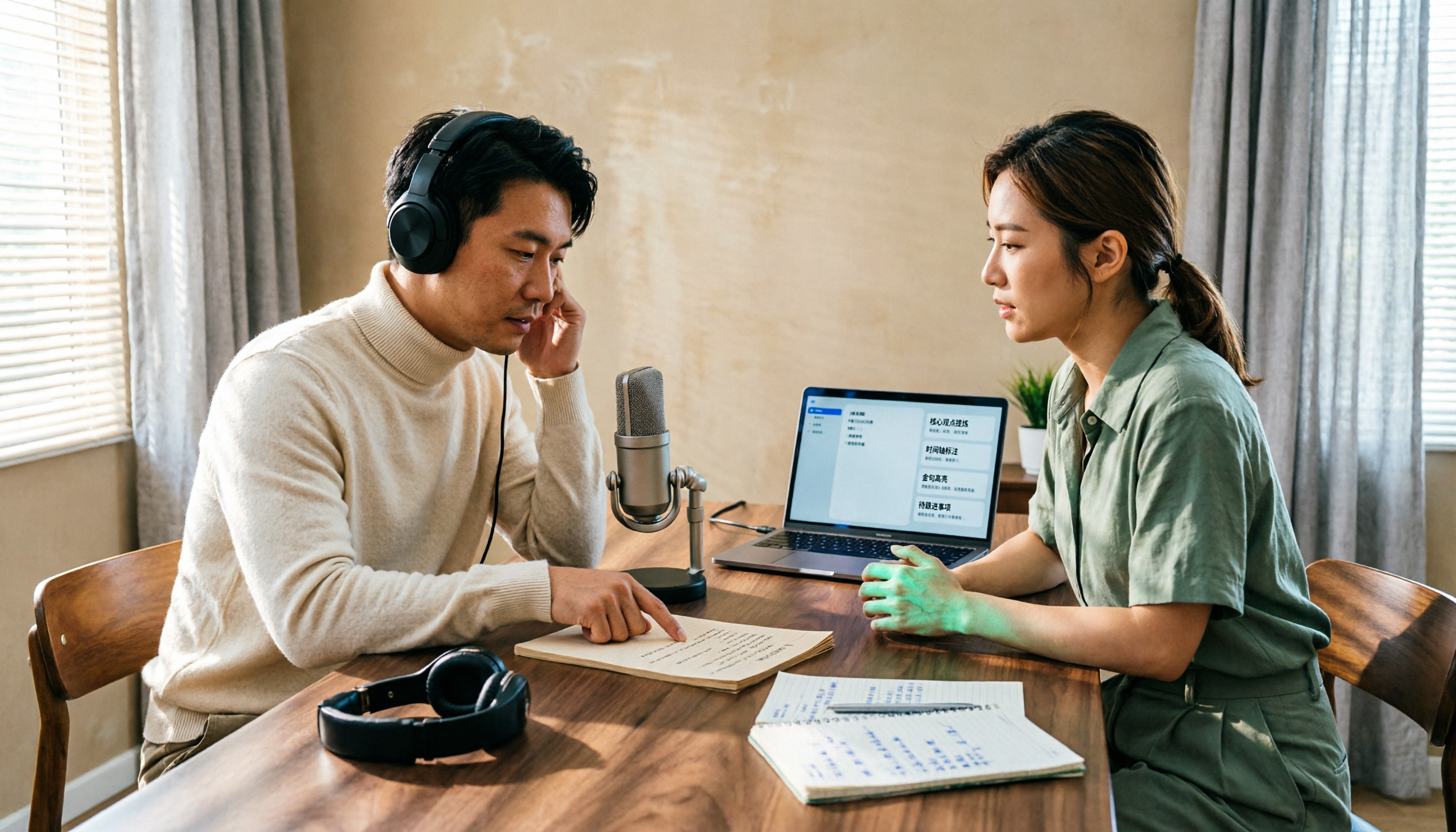
When creating podcast transcripts, how do you choose between built-in platform features, online transcription tools, and AI meeting note tools? This article compares Apple Podcast, Spotify, WayinVideo, and Tinrec from four angles: export capabilities, Chinese support, post-interview organization, and team collaboration, to help you find the transcript solution that best fits your show's workflow.

4 Meeting Transcription Tools Tested for 2026: Which One Has the Best Free Tier, AI Organization, and Team Collaboration?
Still working overtime after the meeting ends? This article uses a real meeting workflow to compare Tinrec, Notta, Otter.ai, and Granola on transcription, AI summaries, action items, team collaboration, and pricing, so you can pick the right tool for Chinese-language meetings and team knowledge retention.