

Turn recordings into transcripts and summaries in minutes
Upload audio or video for multilingual transcription, AI notes, and action items
The biggest pitfall when choosing a tool isn't the free quota
Many people look first at "how many free minutes" when choosing a recording-to-text tool. That's an easy trap—because what really determines whether you'll keep using it usually isn't those few hundred minutes, but three things: whether you can actually record this meeting, whether you can find the key points after recording, and whether other people on the team can take over and use it.
I've been through this cycle myself, in exactly that order. I manage a team of 10 and have about 15 meetings a week—weekly meetings, project status meetings, one-on-ones, and cross-department coordination. At first, like most people, I saw names like Notta on forums, figured "they all turn speech into text anyway," and just started using one. After a few weeks I realized the transcript was only the starting point—the part that came after was what really ate my time.
Why are people starting to look for Notta alternatives?
Notta is the first stop for many people getting into recording-to-text: multi-platform support, audio file import, translation, and team plans. For the simple job of "turning recordings into text," it's quite complete.
But after using it for a while, the common sticking point usually isn't the transcription itself—it's the breaks in the workflow. For example, the free plan offers 120 minutes per month with a maximum of 3 minutes per item. If you need to organize a 90-minute project meeting recording, you have to split it into many segments. Or what you really need is "what was decided in this meeting and who owns what," not a 30-page transcript. When the need upgrades from "turn into text" to "organize the meeting," many people start looking for alternatives.
If that sounds familiar, Tinrec is worth a look—it takes a different route, focusing on the workflow after the meeting ends.
Tinrec vs Notta: How do the core experiences differ?
1. Recording online meetings: do you need a bot to join?
In practice, this matters more than you'd think. Many meetings involve external communication, and a recording bot joining is visible to clients or outside partners. Tinrec's desktop version captures your computer's system audio directly. For online meetings on Zoom, Google Meet, Microsoft Teams, or Webex, no extra bot needs to join as a participant—just open Tinrec and start recording, and the transcript is generated in sync. For people who frequently meet with external parties, this "no-trace recording method" keeps the meeting flow much cleaner.
2. Chinese and mixed Chinese-English meeting experience
Almost none of our meetings are pure Chinese—product names, feature names, and technical terms are all mixed with English. Tinrec covers Chinese, Traditional Chinese, and multilingual meeting scenarios, and offers a team hotwords feature where you can maintain your team's commonly used proper nouns and product codes so they're more likely to be recognized correctly during transcription. Actual results will still be affected by recording quality, accents, background noise, and overlapping speakers—the same is true of any tool. For important content, it's best to go back and check the transcript timestamps against the recording.
3. Depth of the post-transcription workflow
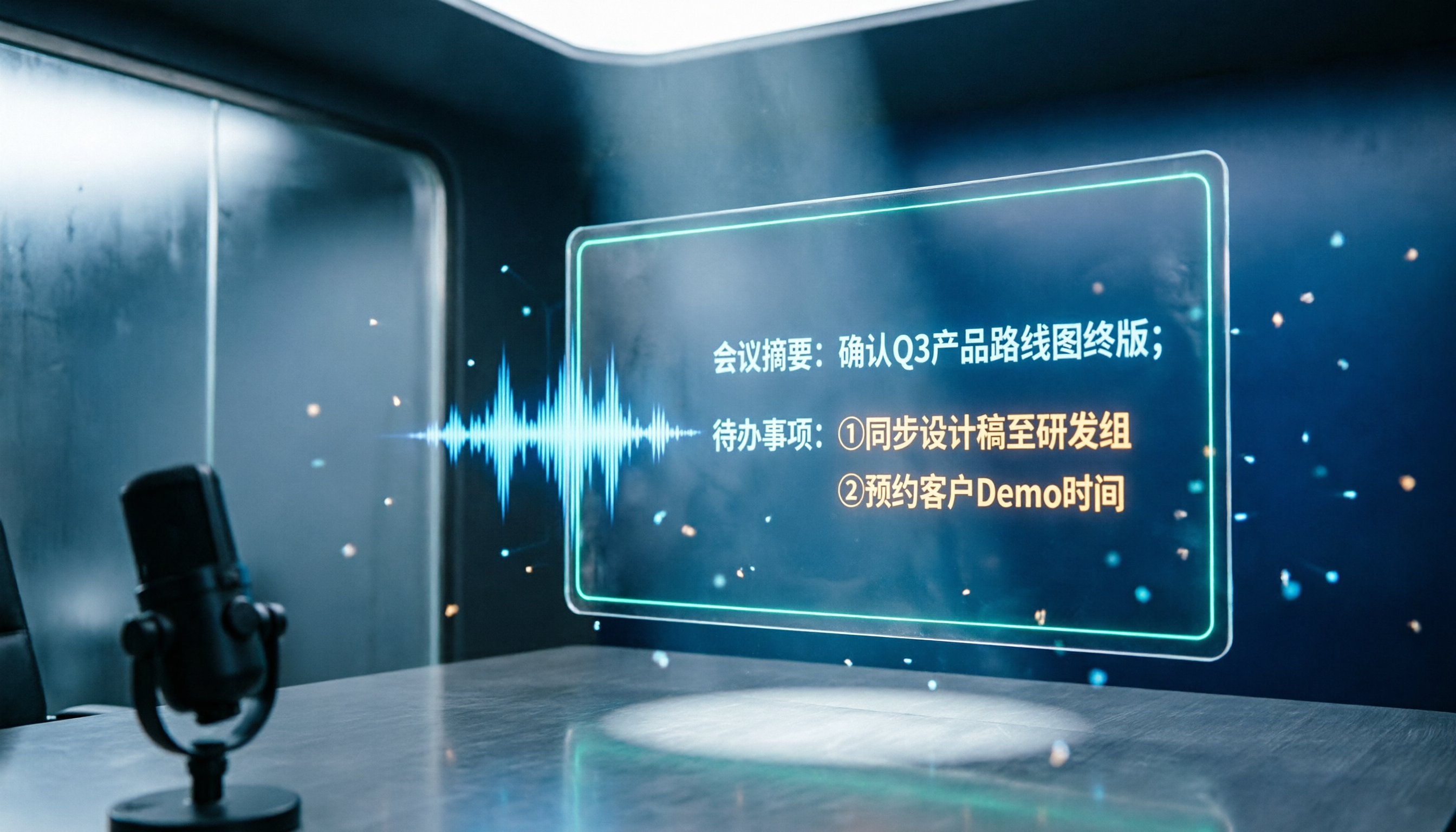
This is the key reason I stayed. Tinrec doesn't just give you a transcript—it automatically generates summaries, chapters, key points, and action items, and lets you ask AI questions about the meeting content: "What was decided in this meeting?" "Who owns that budget item from last week?" Just ask directly instead of scrolling through 30 pages of text. It can also turn results into reports, tables, and documents, or export to Notion, Google Docs, OneNote, or Dropbox for further work. Compared with my old process (transcribe → manually delete filler → pick out key points myself → retype a version for my boss), that's at least three fewer steps.
4. How team knowledge is retained
The biggest problem with personal tools is that data follows the person. When a colleague leaves, changes projects, or changes departments, those meeting records scatter. Tinrec's team edition is a separate team space where meeting data belongs to the team; new members can view the team's historical data, and when a member leaves or is removed, their team resources can be handed over to other active members. For anyone managing a team, this matters far more than a few free minutes.
5. Input sources and usage rhythm
Tinrec supports live recording, desktop online meetings, audio and video file uploads, mobile recording, and can also handle some web link content. The difference is that it puts "live recording" at the core: text appears while the meeting is happening, and the transcript is ready the moment it ends—no need to wait until afterward to throw files into a queue.
Tinrec's core features at a glance
Live recording to text: Open and record, transcribe as you speak, and watch the text during the meeting to confirm nothing important is missed. Great for in-person meetings, interviews, and on-site communication.
Bot-free online meeting recording: The desktop version captures system audio without inviting any bot into the meeting; works with Zoom, Meet, Teams, and Webex.
AI summaries, chapters, and action item extraction: Long meetings are automatically broken into readable sections, and action items from the discussion are organized. What used to take me 40 minutes after a meeting is now just checking whether the AI missed any action items.
Stop organizing recordings by hand
Upload audio or video and automatically get a transcript, summary, and action items
AI Q&A: My personal most-used feature. No need to re-listen to past meetings—just ask, and it answers based on semantic understanding and marks the corresponding source text.
Team spaces and governance: Create multiple team spaces, invite members via link, set owner/admin/regular member roles, assign and reclaim seats, and view usage trends, member details, and audit logs.
Multi-format export and post-processing: Bring meeting results into your existing workflow, or directly generate meeting minutes, reports, and tables.
Real-world use cases
Weekly and project status meetings: In a 10-person team's weekly meeting, the most common problem is "what we said we'd do last week—nobody remembers this week." Now the transcript runs during the meeting, and the action item list goes straight into the team space afterward. Before the next meeting I scan it once, and I can see at a glance whose items are stuck.
Cross-department coordination: The most time-consuming part of cross-department work is never the communication itself—it's the follow-up and confirmation afterward. With transcripts and summaries, I can copy the conclusions section directly to the other party for confirmation, reducing "I thought you meant this" back-and-forth.
Client and external interviews: For external meetings, you don't want an extra bot. Recording directly with the desktop version is the easiest. Client needs, objections, and commitments can be pulled out one by one afterward with AI Q&A and organized into a visit record.
Personal learning and courses: Online courses often run two hours. With live transcription plus chapters and summaries, you can later search keywords to review a section instead of fast-forwarding to find the timestamp.
Things to watch when choosing a recording-to-text tool
1. First confirm what you're mainly recording: If 90% of your content is pre-recorded files and you need batch processing of long documents, the focus will be on file import flexibility. If, like me, you're "meeting-first," then live recording and how online meetings are captured are the key.
2. Look at free quota together with per-item length: Enough minutes per month but a very short per-item limit means you'll still get cut off in practice. Testing with a real meeting of your actual length is more accurate than reading spec sheets.
3. What you get after transcription: A transcript alone means the organizing work is handed right back to you. Summary, chapters, action items, and Q&A—these "post-processing" capabilities are where the real time savings are.
4. If your team will use it, you must look at governance: Members, roles, and seats are three distinct things. With Tinrec's team edition, for example, roles determine who can manage the team and view audits; seats determine whether someone can record, upload, edit, and import/export; active members without a seat can still view, play, and read team data. Also note that the team edition currently focuses on team-level sharing rather than file-level granular permissions—if you have strict per-file confidentiality requirements, confirm before purchasing.
5. Whether data can be recovered: Accidentally deleting a recording does happen. Tinrec's team edition provides an audio recycle bin with a 30-day retention period; files can be restored before permanent deletion (action items are currently not covered by the recycle bin).
How to think about pricing
Tinrec's personal edition lets you choose a plan based on your usage rhythm: use the free version for occasional recording organization; consider a weekly card for short periods of intensive meetings, interviews, or project sprints; use the Pro monthly card for steady weekly needs; and look at the annual card for long-term data retention.
The team edition's current terms: eligible teams can try it for 7 days with 1 free seat and 300 minutes of shared team import quota; monthly billing is USD 29.80 per paid seat per month, annual billing is USD 199 per paid seat per year (about USD 16.58 per month), with each paid seat providing 2,000 minutes of shared team import quota per month. Live recording under an active team plan and active seat is currently not deducted by the minute. Actual prices, currencies, and promotions are subject to the official purchase page.
For comparison, Notta's official terms currently state: free version 120 minutes per month with a maximum of 3 minutes per item; Pro annual billing works out to about USD 8.17 per month with 1,800 minutes per month; Business annual billing works out to about USD 16.67 per seat per month. The two products' plan designs follow different logic: one leans toward maximizing transcription quota, the other toward deepening post-meeting organization and team collaboration. Which is more cost-effective depends on whether you're short on minutes or short on organizing time.
Conclusion: Is Tinrec worth a try?
If you only occasionally need to turn a recording into text, many tools on the market can do that, and you don't necessarily need to switch.
But if your situation looks like this—you frequently hold online meetings, don't want a bot joining, have mixed Chinese-English meetings, need to deliver summaries and action items to your boss afterward, and more than one person on the team uses it—then Tinrec is currently one of the few options that connects the whole flow of "record → transcribe → summarize → Q&A → export → team retention." Its strength isn't any single spec, but that the moment the meeting ends, you already have structured data rather than an audio file waiting to be processed.
The suggested way to verify is simple: start with the free version, record one meeting at your real length and real noise level, and see whether you can use the transcript directly, whether the summary captures the key points, and whether any action items are missed. That's more accurate than any review. Then decide whether you need a weekly card, Pro, or should ask your manager for a team edition seat.
Sources
- Notta official pricing page: https://www.notta.ai/en/pricing/
- Tinrec product overview and competitor comparison (internal version, 2026-08-18)
Note: Recording and transcription involve personal data and local regulations. Please confirm you have participants' consent before recording a meeting.
References
Turn every recording into actionable outcomes
Get 60 free transcription minutes when you sign in. No credit card required.
Related Reading
You might also like

How to Use Notta in Chinese (2026): Traditional Chinese Settings + Tinrec 5-Step Walkthrough
The key to using Notta in Chinese comes down to three settings: choose Traditional Chinese for monolingual transcription, switch to bilingual transcription for mixed Chinese-English audio, and translate after transcription. This guide first explains Notta's Chinese settings and free plan limits, then walks through the same workflow with Tinrec across five steps—recording, transcription, proofreading, summarization, and export—plus troubleshooting tips and advanced techniques.

The Complete Guide to Chinese Subtitles in 2026: From Speech-to-Text to Bilingual Subtitles
Many people think they can just drop an audio file into a tool and get Chinese subtitles, but the real challenges are misrecognized names, missing timestamps, and misaligned bilingual text. This guide addresses common misconceptions and breaks down the 6 core capabilities needed for Chinese subtitles, 4 practical use cases, and 5 key considerations when choosing a tool. It also demonstrates a complete workflow using Tinrec, from recording to Chinese transcript to bilingual comparison.

Tinrec vs Notta 2026: 5-Dimension Comparison — Which Is Better for Chinese Meetings and Team Knowledge Retention?
Notta reviews on PTT are mixed, mostly due to different plans and use cases. This article compares Tinrec and Notta across 5 dimensions: post-transcription usability, Chinese and multilingual handling, team governance, quota and pricing structure, and data ownership. It honestly explains who each is suitable for and who it is not.

2026 Audio-to-Text Tool Comparison: Why Tinrec Is a Better Fit for Taiwanese Teams Than Notta
PTT discussions about Notta mostly focus on free quota, Chinese recognition, and export workflow. This article starts from real-world usage scenarios and puts Notta and Tinrec side by side: how to record online meetings, what you can do after transcription, and how to retain team data. It also honestly points out scenarios where Tinrec is not suitable, helping you make the right decision before spending time on trials.

Notta Tutorial & Pricing Guide 2026: How to Choose from 6 Speech-to-Text Tools
Finished the Notta tutorial but still unsure about paying? This decision-focused guide breaks down the differences between Notta's free, Pro, and Business plans, how to validate with a small sample before paying, and compares Tinrec, Otter, TurboScribe, Granola, PLAUD, and built-in platform transcription—so you spend money only where you'll actually use it.
2026 Notta and Free Audio Transcription Plans Compared: 5 Options at a Glance
Many people searching for Notta tutorials and pricing see the free 120 minutes per month and assume it's enough, overlooking the 3-minute-per-recording limit. This article reviews 5 audio transcription and meeting notes solutions, explains how to try Notta's free version and understand Pro pricing, and compares use cases for Tinrec, Otter.ai, TurboScribe, and Granola.

How to Use Notta AI in 2026: 5-Step Traditional Chinese Transcript Tutorial
Complete Notta AI tutorial: from sign-up, recording or importing audio, proofreading Traditional Chinese transcripts, AI summaries, to translation and export—5 steps in one go. Also covers the free plan's 3-minute limit, differences between Pro and Business plans, and real-world issues you'll encounter.

2026 Comparison of 2 Transcription Tools: Which AI Saves More Time on Meeting Notes?
Transcription is more than typing. This article compares Yating Transcription and Tinrec from a mid-level manager's meeting perspective, covering transcript readability, online meeting recording, post-meeting organization, team collaboration, and free quotas to help you decide when to use AI tools and when to hire human transcribers.

Tinrec vs Otter.ai 2026: Zoom Meeting Notes 5-Dimension Showdown — Which Is Better for Chinese-Language Scenarios?
Ending a Zoom meeting with only a meeting ID and no transcript is a daily reality for many office workers. This article compares Tinrec and Otter.ai across five dimensions—recording permissions, post-meeting organization, Chinese recognition, data ownership, and quota pricing—to evaluate their differences in Zoom meeting notes. It also covers Notta and Zoom's built-in recording to help you choose the tool that truly saves time.