

Turn recordings into transcripts and summaries in minutes
Upload audio or video for multilingual transcription, AI notes, and action items
Why do you still not know whether to pay after reading the tutorial?
You've probably read several Notta tutorials already.
Sign up, upload, click transcribe, wait for results—you can learn these steps in ten minutes. What really holds people up is usually not "how to click" but "should I pay, and which tier should I pay for?"
I've spent over a decade helping teams organize meeting materials, and I've seen this situation too many times: people happily use the free quota, hesitate when it's time to pay; and when they do pay, they still only get transcripts without changing any workflow.
So this article doesn't start with a feature list.
Let me start with a judgment principle: Transcription tools were never about "turning voice into text"; they're about "letting you dare to go back and use this material later."
The free version's role here is validation, not production.
This article will first clarify Notta's tutorial flow and the free/paid boundary, then compare several different approaches, and finally give you a selection logic you can follow.
Tinrec | A workflow that turns meetings into actionable team data
If what you want is not just a transcript but "something you can continue to use after the meeting," Tinrec is the one on this list that handles the latter part most concretely.
The first difference is the recording method. The desktop version directly captures computer system audio, so when handling online meetings like Zoom, Google Meet, Teams, or Webex, you don't need to invite a meeting bot as a participant. For external client meetings, this matters more than you'd think.
The second difference is after transcription. It generates summaries, chapters, key points, and action items. You can also continue to ask questions about a specific meeting, or organize content into reports, tables, and documents, then export to existing workflows like Notion, Google Docs, and OneNote.
The third difference is for teams. The team version is a separate collaboration space where meeting data belongs to the team, and it distinguishes between "roles" and "seats": roles determine who can manage members and settings, seats determine who can record, upload, edit, and export. Members without a seat can still view and read team data.
For plans, the personal version has a free version, weekly pass, Pro monthly, and Pro annual—choose based on your usage tasks. The team version is USD 29.80 per paid seat per month, or USD 199 per paid seat per year (about USD 16.58 per month), with each paid seat providing 2,000 minutes of shared team import quota per month. Real-time recording under active seats is currently not deducted by minutes. Eligible teams can enjoy a 7-day trial, 1 free seat, and 300 minutes of shared import quota for the first time.
Who is it for? People who need Chinese meeting notes, don't want a bot joining meetings, and want meeting data to stay with the team rather than on someone's phone.
Notta | The fastest-to-learn multilingual transcription tool with clear tier limits
Notta's positioning is clear: multilingual transcription, translation, and file processing. The official site lists dozens of monolingual transcription languages (including Traditional Chinese), and after transcription, you can translate into multiple languages. Bilingual transcription also lets you choose two languages to run in parallel.
I suggest running the tutorial flow like this—order matters more than features:
- Don't upload a full meeting first. Cut a sample of about three minutes, preferably including proper nouns, two speakers, and some background noise.
- Check for errors in names, company names, English product names, and number units. In Taiwan scenarios, these are the most common error types.
- Then look at what the summary looks like. If the summary can't capture decision points, you'll still have to reread the transcript yourself later.
- Only then decide whether to pay.
You also need to understand the paid boundary first. The free version gives 120 minutes per month, but the single-content limit is 3 minutes—this is the wall many people actually hit, not the total minutes. The Pro annual plan works out to about USD 8.17 per month, with 1,800 minutes per month, roughly 30 hours. If you have two one-hour meetings per week, that's about 480 minutes per month, so the quota is actually quite sufficient. The Business version moves toward unlimited transcription, team permissions, and usage reports, suitable for shared use and management needs.
Prices, currencies, and promotional benefits are subject to change; please refer to the official payment page for the final amount.
Who is it for? People who need Traditional Chinese, English, Japanese, or multilingual transcripts and have a large number of existing audio files to organize.
Otter.ai | A mature choice for English meetings
Otter is a veteran option for English business meeting notes, with mature real-time transcription, speaker identification, AI Q&A, and team management.
Stop organizing recordings by hand
Upload audio or video and automatically get a transcript, summary, and action items
The Basic free version offers 300 minutes per month; Pro annual works out to about USD 8.49 per user per month, including 1,200 minutes of in-app recording and 10 file imports per month.
Its strength lies in the maturity of English meetings and workflow integration. If 80% of your meetings are in English, it's smooth; if most are in Chinese, you should put recognition quality back as the top consideration.
TurboScribe | The cost-effective route for long files and batch transcription
TurboScribe's positioning is closer to a "file transcription processor": long files, batch uploads, subtitles, and translation.
The free version allows 3 files per day with a 30-minute limit per file; Unlimited annual is USD 120, and after payment, a single file can be up to 10 hours or 5 GB, with up to 50 files uploaded at once.
Who is it for? You have a whole batch of interviews or course recordings, and the focus is "turning them all into text" rather than real-time meeting notes.
Granola | Bot-free meeting notes enhanced with handwritten notes
Granola takes a different path: the desktop app captures system audio, transcribes in real time, and incorporates the key points you type on the fly to generate meeting notes that better match your thinking.
Basic is free, Business is USD 14 per user per month. Note that it retains transcripts but does not save meeting audio files, and it does not support uploading pre-recorded audio.
Who is it for? You're used to typing notes yourself during meetings and want AI to help complete them.
PLAUD Note / NotePin | For those who need portable hardware recording
If your biggest pain point is "I can't open software in time for face-to-face, phone calls, or impromptu occasions," then the hardware route is worth considering.
PLAUD NotePin is priced at USD 159, Note Pro at USD 189; the Pro membership plan is USD 99.99 per year with 1,200 minutes per month.
Who is it for? People who frequently visit clients and need one-click recording with a physical device. The trade-off is carrying an extra device, and online meetings still need to be handled back in software.
Zero-budget route | Built-in transcription in Zoom, Google Meet, Teams
If you only occasionally need a meeting transcript, built-in platform transcription is actually sufficient, and you don't need another account.
The limitations are also obvious: transcription is tied to a single platform, cross-platform meetings can't be unified, summaries and action items usually need to be done yourself, and when the team needs to look back for information, they still have to search platform by platform.
With so many options, how should you choose?
My suggestion is to categorize by "how you will use it," not by price:
• Want to ask follow-up questions after transcription, capture action items, and directly produce reports → Tinrec (the same data can continue to be queried and organized) • Don't want a bot joining client meetings but need Chinese transcripts → Tinrec desktop or Granola • Need team sharing of meeting data, member management, and usage → Tinrec team version (roles and seats managed separately) • Have a batch of long audio files to process all at once → TurboScribe • Meetings are mainly in English with many external partners → Otter.ai • Need Traditional Chinese, English, Japanese multilingual and translation, with moderate usage → Notta, validate with the free version first • Frequently record offline, phone calls, impromptu occasions → hardware like PLAUD • Zero budget, only occasional transcripts → built-in platform transcription
4 things to know before using tools like Notta
First, the free quota is a validation tool, not a production tool.
Notta's free version's 3-minute single-session limit will constantly interrupt you when organizing formal meetings. After testing with a three-minute sample, decide directly which tier to upgrade to—don't force yourself through a whole quarter with the free version.
Second, create a manual reference transcript first.
Pick a recording with proper nouns and multiple speakers, type a reference transcript yourself, and count the "number of key terms that need correction." This predicts your real cost after adoption better than any official accuracy number.
Third, a transcript is not the same as meeting notes.
No matter how powerful the tool, after important meetings I still spend ten minutes to verify: what was decided, who is responsible, and what the deadline is. AI will miss things and misinterpret tone; you can't skip these ten minutes.
Fourth, think clearly about "ownership" before team sharing.
Sharing a personal account among multiple people is the most common and most problematic practice. If meeting data is valuable to the team, it should go into a team space, with clear distinction of who can manage and who can use it.
Also, before recording, inform participants and obtain consent—this is the step most teams overlook when adopting these tools.
Conclusion
The Notta tutorial itself isn't difficult; the hard part is judging "when to pay and which tier to pay for."
My experience: first validate recognition and summaries with a three-minute sample, then decide on a plan based on "single-session length" and "what you need to do after the meeting," rather than just looking at monthly minutes.
If what you want is to turn meetings into team data that can be searched, queried, and handed over, the Tinrec route goes a bit further than pure transcription tools.
Pick a meeting next week and test two tools with the same recording—you'll have your answer.
References
- Notta | Learn AI
- What is Notta? Free plan limits, pricing, and Traditional Chinese transcript tutorial | Mason AI Lab
- Comparison of 5 AI meeting notes tools: Otter, Notta features and pricing
- [Tutorial] Notta 2026: Audio to text + AI summaries and multilingual support - Tinrec Blog
- Super useful audio-to-text tool — Notta
Turn every recording into actionable outcomes
Get 60 free transcription minutes when you sign in. No credit card required.
Related Reading
You might also like

Otter.ai Chinese Review 2026: Traditional Chinese Limitations & Alternative Tools
Is Otter.ai Chinese version actually usable? This article examines three common misconceptions, explains that Otter officially lists only Simplified Chinese and that Otter Chat translation is not the same as transcription, and outlines four key factors for choosing a Chinese meeting tool, testing advice, pitfalls to avoid, and actual pricing. It also compares Tinrec, Otter.ai, Notta, and Granola for different use cases.

4 Meeting Transcription Tools Tested for 2026: Otter Means an Animal, But Which Tool Handles Chinese Meetings?
Otter means a water-loving mammal, but most people searching for it actually want Otter.ai, the meeting transcription tool. This article first clarifies the meaning and pronunciation of 'otter,' then compares Tinrec, Otter.ai, Notta, and TurboScribe for Chinese and Cantonese meetings—covering capture methods, post-meeting organization, and team collaboration—and highlights common pitfalls when choosing a tool.
How to Use Good Tape in 2025: 5-Step Guide to Transcribe Audio to Text
Good Tape is an AI transcription tool built by Danish news organization Zetland. It supports over 40 languages and can output timecoded transcripts and .srt subtitle files. This guide walks you through the 5 steps from uploading audio to exporting the final transcript, while also covering pricing, data retention policies, and limitations. It compares Tinrec, Notta, and TurboScribe to help you decide which tool fits your workflow.

2026 Comparison of 2 Meeting Transcription Tools: Otter Chinese Version vs. Tinrec — Which Is Better for Chinese Meetings?
Many people search for "Otter Chinese version," but what they really want to know is whether it can produce Chinese transcripts and whether the interface can be localized into Chinese. This article compares Otter.ai and Tinrec side by side across Chinese transcription, meeting recording methods, real-time translation, post-meeting organization, team collaboration, and pricing quotas to help you determine which one better fits the Chinese meeting needs of teams in Taiwan.

4 Otter Chinese Tools Tested for 2026: How to Download and Which Handles Traditional Chinese Best
People searching for "how to download Otter Chinese" often fall into three traps: assuming there's a separate Chinese app, downloading APKs from third-party sites, and thinking Chinese works perfectly once installed. This article clarifies Otter.ai's official download channels and Simplified Chinese limitations, then compares Tinrec, Otter.ai, Notta, and TurboScribe across four buying criteria to help you find a solution that truly handles Traditional Chinese meeting notes.
2026 Tapes Buying Guide: Reel-to-Reel, Cassette, and Live Recordings Compared
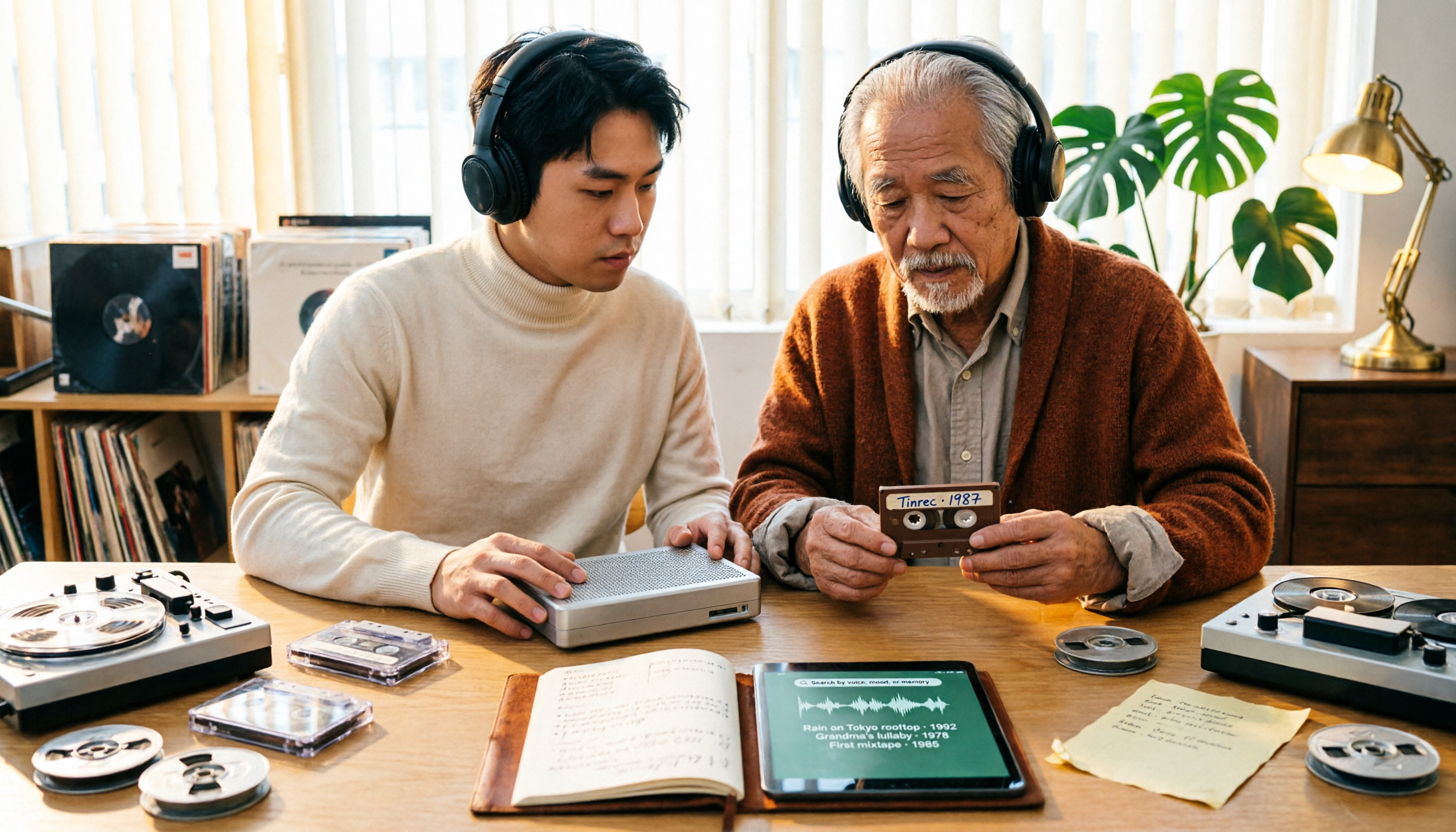
People searching for '2026 good tapes' fall into three groups: audiophiles looking for reel-to-reel tapes, music fans seeking cassette releases, and collectors hunting for live bootleg recordings. This guide breaks down the buying criteria for each type, then covers the most overlooked step—how to turn recordings into searchable, queryable data—and compares Tinrec, Granola, TurboScribe, and Otter.ai.

3 Meeting Transcription Tools Tested: How to Use Otter in Chinese and Which Understands Chinese Meetings Best?
People searching for 'otter Chinese' have two different needs: the literal meaning of the animal, and whether Otter.ai can handle Chinese meetings. This article clarifies common misconceptions and compares Otter.ai, Notta, TurboScribe, and Tinrec across four dimensions: Chinese recognition, meeting capture methods, post-meeting outputs, and team governance, to help you decide which tool truly suits Chinese meetings.
Otter in Chinese: Translation Guide, Meanings & 3 Practical Use Cases (2026)
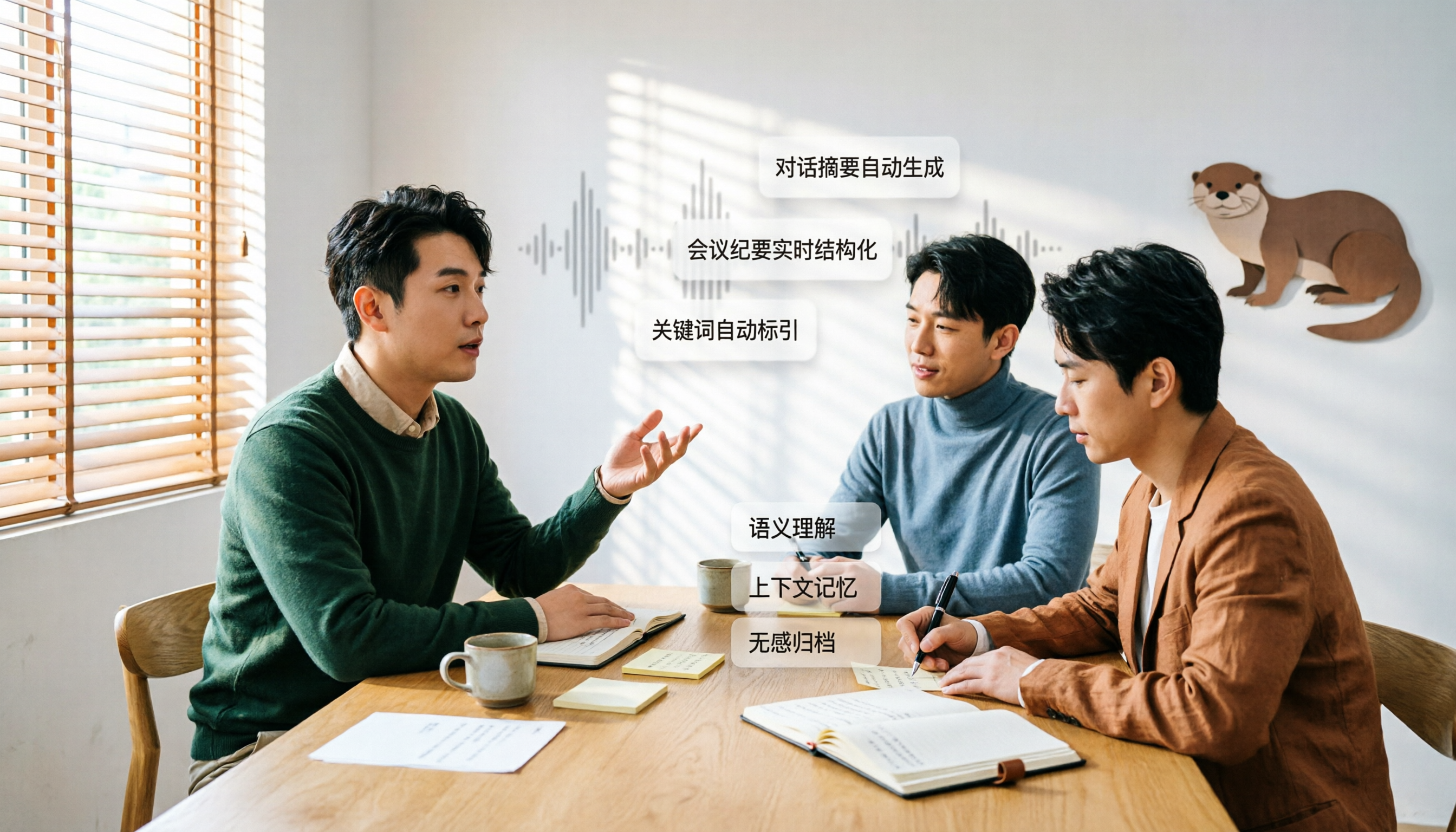
Searching for 'otter in Chinese' returns multiple meanings: otter (水獺), sea otter (海獺), otter fur (水獺皮), and even the brand name Otter.ai. This guide clarifies the translations first, then explains what Chinese-speaking users should know if they're looking for the meeting tool Otter, and how Tinrec performs for Chinese meetings, bot-free recording, and team knowledge retention.

3 Meeting Transcription Apps Tested in 2026: Otter's Chinese Support and Download Options Explained
People searching for 'Otter Chinese how to download' often hit the same wall: the app downloads fine, but it can't produce usable Chinese meeting transcripts. This article first clarifies Otter.ai's download channels and official language support, then compares Tinrec, Otter.ai, Notta, and Granola using 4 key buying criteria, and finally gives clear recommendations based on different scenarios.