
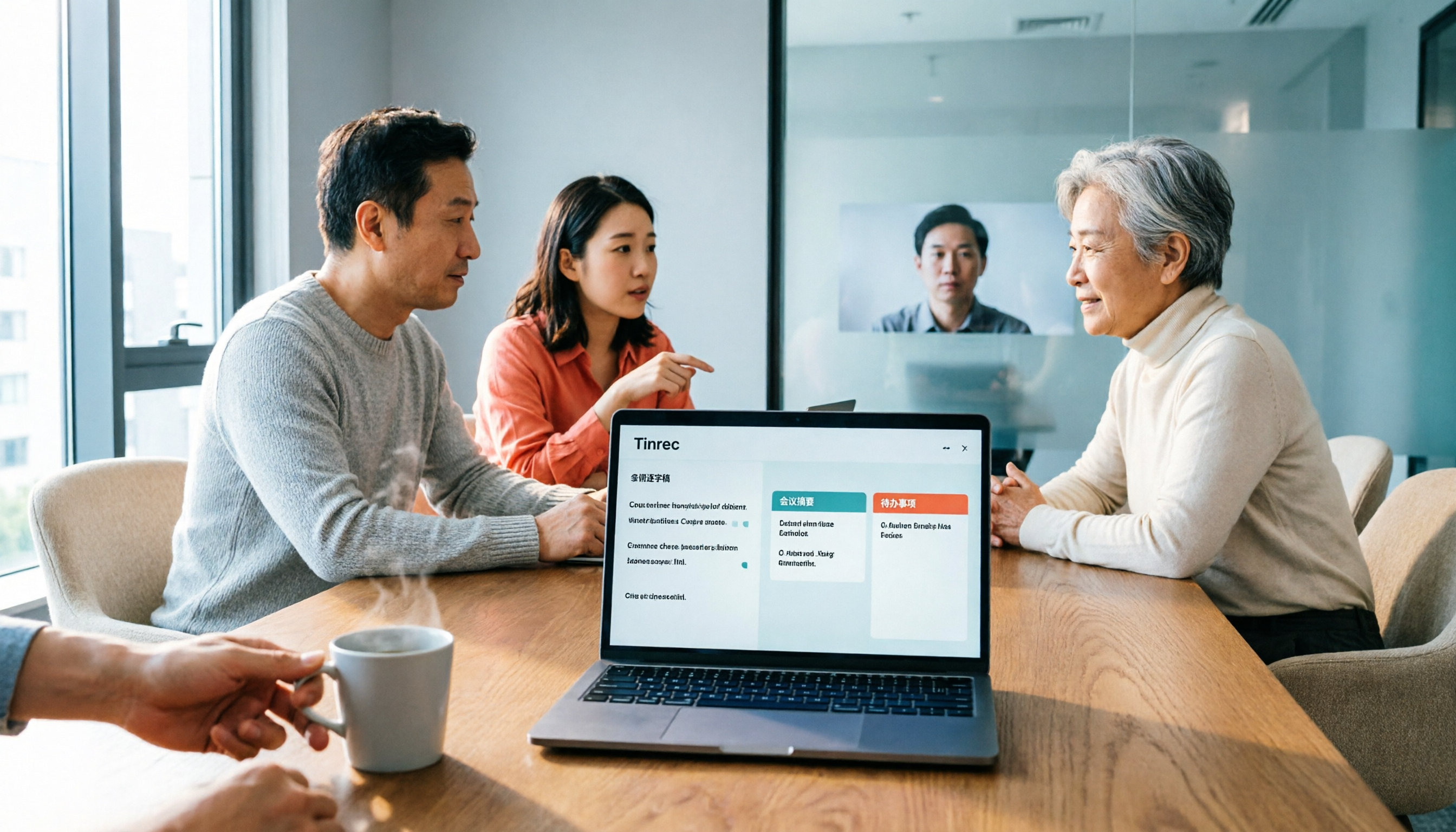
Turn recordings into transcripts and summaries in minutes
Upload audio or video for multilingual transcription, AI notes, and action items
4 Meeting Transcription Tools Tested for 2026: Which One Has the Best Free Tier, AI Organization, and Team Collaboration?
It's 5 p.m. and the meeting is finally over. You look at the 48-minute recording on your phone, and your manager asks in the group chat: "Who said they were going to revise the copy?" You only remember the gist, but you don't dare reply carelessly. So you replay the audio, drag the timeline, and transcribe it segment by segment. A message that should have taken ten minutes to answer turns into half an hour of overtime.
This isn't because you don't know how to take notes. It's because information in meetings is too scattered. Someone adds background, someone changes requirements on the spot, someone gets interrupted by a phone call mid-sentence. If a transcription tool only "turns voice into text," you still have to dig through a long block of text to find the answers yourself.
This article follows the same meeting workflow: record, transcribe, find summaries and action items, and bring the results into team work. The main focus is Tinrec, and we'll also compare Notta, Otter.ai, and Granola side by side so you can see which one fits your meeting style best.
The real pain point of meeting transcription isn't that it can't produce text
Many people's first misconception is thinking "having a transcript means having meeting notes." Once you actually use one, you realize transcripts are long, and the messier the meeting, the more the output needs a second round of organizing.
The second pain point is not being able to find things after the meeting. Files sit on someone's computer, links are scattered across group chats, action items are only written on a whiteboard, and two weeks later when you need to follow up on progress, all you can do is ask again: "Didn't we say we'd do it this way?"
The third pain point is team handoffs. When the colleague responsible leaves or transfers departments, the meeting recordings and notes disappear with them, and the new person has to start from zero.
So what you need isn't just another recording app. You need a workflow that turns meeting content into searchable, queryable, and transferable data.
Before choosing a meeting transcription tool, understand these 4 key points
1. Can the data go to the cloud? Is your meeting content sensitive? Some teams' meetings involve client lists, quotes, or unreleased product information. When choosing a tool, don't just look at features. Look at the data policy, who can access it, and how data is handled after members leave. If your company has security policies, confirming whether cloud services are allowed beforehand is more important than fixing things later.
2. Is your task subtitles or meeting notes? If the goal is video subtitles, the tool needs to export subtitle formats like .srt. If the goal is meeting notes, the focus should be on summaries, chapters, action items, Q&A, and team sharing. These are different needs, so don't compare them using the same standards.
3. After transcription, can it help you "understand" the meeting? A good tool won't just give you a long transcript. It should organize summaries, mark chapters, extract action items, and even let you ask directly: "What was the conclusion of this meeting?" "Who's responsible for the budget?" That's where the time savings come from.
4. For team use, how are permissions and seats calculated? A team plan isn't multiple people sharing one account. You need to look carefully at roles, seats, and data ownership: who can manage members, who can upload and edit, and who owns the data after a member leaves. These details directly affect long-term usage costs.
Tinrec — Turning meetings into queryable team data
Tinrec is an AI meeting notes and collaboration tool for individuals and teams, available on web, desktop, and mobile. It doesn't just do speech-to-text. It connects recording, transcription, summaries, action items, Q&A, export, and team spaces into a single workflow.
Take a typical weekly meeting. You can record an online meeting directly with the desktop version. Tinrec captures your computer's system audio, so you don't need to add a meeting bot to Zoom, Google Meet, Microsoft Teams, or Webex. For external client meetings, this is very practical: there's no extra participant, and you don't have to worry about a bot joining and causing awkwardness. Note that this isn't "automatically joining all calendar meetings" — you actively open Tinrec to start recording.
During recording, Tinrec generates a transcript in real time, and you can view the original text, translation, or bilingual content, which is great for meetings that mix Chinese and English. After the meeting ends, AI organizes summaries, chapters, and key points, and extracts action items from the discussion. You don't need to re-listen from the beginning. Just read the summary first, then go back to the transcript to check the timestamps.
Even better is post-meeting Q&A. You can ask Tinrec about a single meeting or across multiple meeting records: "What were the three concerns the client mentioned?" "Who was assigned to follow up on the last decision?" It answers based on the content rather than just throwing keyword search results at you. For people who frequently review past meetings, this is much faster than manually pressing Ctrl+F.
Stop organizing recordings by hand
Upload audio or video and automatically get a transcript, summary, and action items
Output isn't limited to staying inside the tool either. Tinrec supports exporting results to common workflows like Notion, Google Docs, OneNote, and Dropbox, and can use Agent post-processing to generate reports, tables, and documents. It essentially turns meeting content directly into deliverable materials.
For team use, Tinrec for Teams provides independent team spaces where meeting data belongs to the team and won't disappear when an individual leaves. The team plan lets you create multiple spaces, invite members via link, and distinguish between owners, admins, and regular members. It's especially important to distinguish between "roles" and "seats": roles determine who can manage the team, while seats determine whether a member can record, upload, edit, and export. Active members without seats can still view, play, and read team data, but cannot perform resource-consuming operations. When a member leaves or loses their seat, the team resources they were responsible for need to be handed over to other active members.
On pricing, the personal plan has a free version so you can try it with basic quota, plus weekly cards, Pro monthly, and Pro annual plans for different usage frequencies. Eligible teams can start with a 7-day trial with 1 free seat and 300 minutes of shared import quota; team monthly billing is US$29.80 per paid seat per month, and annual billing is US$199 per paid seat per year, which works out to about US$16.58 per month. Paid seats include 2,000 minutes of team shared import quota per month; under an active team plan and seat, real-time recording currently doesn't deduct minutes. Actual prices and benefits are subject to the official purchase page.
Limitations should also be stated clearly: Tinrec is currently not a fine-grained file permission system. The team plan focuses on team-level sharing, role governance, and seat control. Transcription accuracy is also affected by recording quality, noise, accents, overlapping speakers, and technical terminology. For important decisions, it's still recommended to cross-check the transcript timestamps and recording playback.
Overall, if you need Chinese-language meetings, bot-free recording, post-meeting AI Q&A, and turning meetings into team data, Tinrec is the best fit in this comparison.
Besides Tinrec, what other options are there?
Notta: Multilingual transcription and a complete team plan. Free tier includes 120 minutes per month with a maximum of 3 minutes per recording; Pro annual billing works out to about US$8.17 per month. It's suitable for people already used to the Notta workflow. If you want bot-free recording of online meetings, audio file retention, and Q&A plus handoff in team spaces, Tinrec offers more complete meeting asset retention.
Otter.ai: The representative English meeting assistant. Basic is free with 300 minutes per month, and Pro annual billing works out to US$8.49 per user per month. If you mainly record English meetings, it's very mature. But for Chinese meetings, real-time translation, bot-free desktop recording, and post-meeting team data retention, Tinrec puts more emphasis on these areas.
Granola: Bot-free AI meeting notes. Basic is free, and Business is US$14 per user per month. It focuses on enhancing real-time notes, but doesn't support uploading pre-recorded audio files and doesn't save meeting audio. If you need to keep recordings, import historical files, and do post-meeting Q&A, Tinrec is more suitable.
The competitor prices above are based on general product knowledge; refer to official pages for actual pricing.
Pitfall guide: The 4 most common mistakes when choosing a meeting transcription tool
Pitfall 1: Only comparing free minutes. Free quota matters, but what you need to look at is "whether it can complete a full meeting workflow." Some tools give lots of free minutes but don't include summaries, action items, or export; some have very short per-recording limits, so long meetings need to be split into several parts. Try it once with your own meeting length — that's more accurate than just looking at numbers.
Pitfall 2: Thinking a transcript is enough. A transcript is raw material, not a finished product. Without summaries, chapters, and action items, you still have to read through it yourself. When choosing a tool, look at "post-meeting organization" and "transcription" separately.
Pitfall 3: Treating team sharing as file permissions. Many team plans offer team-level sharing, not the ability to set independent visibility for each file. Rather than asking "can it go down to each individual file," first confirm roles, seats, data ownership, and the handoff process after members leave.
Pitfall 4: Ignoring recording consent and data policies. Meeting recordings may involve personal data or trade secrets. Before recording, follow local regulations and obtain participant consent when necessary. Before uploading to the cloud, also confirm the tool's data usage policy. Companies willing to buy team plans usually do so for governance and protection of sensitive data — don't leave the risk to yourself just for convenience.
Conclusion: Which one should you actually choose?
If you want a tool that can handle Chinese-language meetings, let you ask questions directly after the meeting, and turn transcripts into action items and team data, Tinrec is the top choice. Especially in these scenarios:
- Frequently holding meetings that mix Chinese and English, needing transcripts, summaries, and real-time translation → Tinrec.
- Don't want a meeting bot joining Zoom, Meet, Teams, or Webex → Tinrec desktop version.
- Want to ask directly after recording "What was the conclusion, and who's responsible for what" → Tinrec's AI Q&A.
- Need to keep historical meetings in team spaces with handoff even when members change → Tinrec team plan.
- Mainly record English meetings and already familiar with the Otter ecosystem → Otter.ai is still a reasonable choice.
For individual users on a budget, we recommend first running through your own meeting workflow with Tinrec's free version to see whether the summaries, action items, and export fit your habits. For teams, first confirm seat requirements and shared import quota, then decide between monthly and annual billing. You don't need to buy the biggest plan right away — a tool is worth keeping only if it can solve the meeting in front of you.
References
Turn every recording into actionable outcomes
Get 60 free transcription minutes when you sign in. No credit card required.
Related Reading
You might also like

2026 Recording-to-Text Tools Compared: Beyond Notta, Why Tinrec Fits Chinese Meetings Better
Many people choose recording-to-text tools based only on free quota, then find they can't record online meetings or locate key points afterward. This article compares Notta, Tinrec, and similar tools from a mid-level manager's practical perspective—covering meeting recording methods, Chinese-language experience, post-meeting organization, and team knowledge retention—and explains when upgrading to a paid plan makes sense.
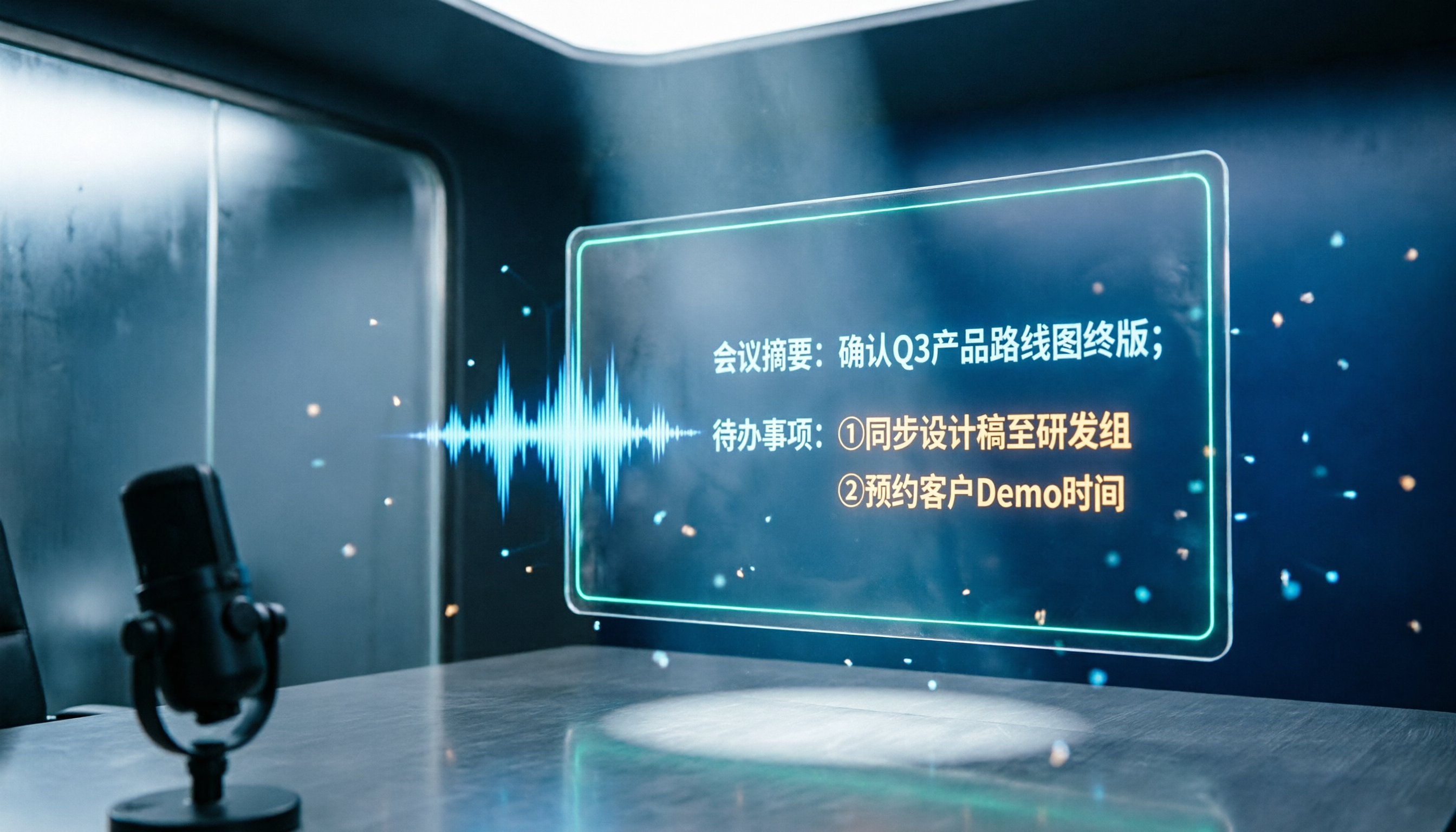
2026 Notta and Free Audio Transcription Plans Compared: 5 Options at a Glance
Many people searching for Notta tutorials and pricing see the free 120 minutes per month and assume it's enough, overlooking the 3-minute-per-recording limit. This article reviews 5 audio transcription and meeting notes solutions, explains how to try Notta's free version and understand Pro pricing, and compares use cases for Tinrec, Otter.ai, TurboScribe, and Granola.

How to Use Notta AI in 2026: 5-Step Traditional Chinese Transcript Tutorial
Complete Notta AI tutorial: from sign-up, recording or importing audio, proofreading Traditional Chinese transcripts, AI summaries, to translation and export—5 steps in one go. Also covers the free plan's 3-minute limit, differences between Pro and Business plans, and real-world issues you'll encounter.

2026 Comparison of 2 Transcription Tools: Which AI Saves More Time on Meeting Notes?
Transcription is more than typing. This article compares Yating Transcription and Tinrec from a mid-level manager's meeting perspective, covering transcript readability, online meeting recording, post-meeting organization, team collaboration, and free quotas to help you decide when to use AI tools and when to hire human transcribers.

Tinrec vs Otter.ai 2026: Zoom Meeting Notes 5-Dimension Showdown — Which Is Better for Chinese-Language Scenarios?
Ending a Zoom meeting with only a meeting ID and no transcript is a daily reality for many office workers. This article compares Tinrec and Otter.ai across five dimensions—recording permissions, post-meeting organization, Chinese recognition, data ownership, and quota pricing—to evaluate their differences in Zoom meeting notes. It also covers Notta and Zoom's built-in recording to help you choose the tool that truly saves time.

2026 Comparison of 4 Transcription Tools: Which Offers the Best Free Tier and Post-Meeting Organization?
Starting from common pitfalls, this comparison examines Tinrec, Granola, TurboScribe, and PLAUD in terms of transcription generation, post-meeting organization, free tiers, and team collaboration to help professionals choose the right transcription tool.

2026 Zoom Meeting Tools Comparison: From Joining to Meeting Minutes, Which Saves the Most Time?
We'll walk you through joining a Zoom meeting and basic setup, then compare four meeting note methods—Zoom built-in transcription, Otter.ai, Granola, and Tinrec—covering cost, Chinese and mixed Chinese-English performance, post-meeting organization, and team data ownership, to help you decide which best fits your meeting style.
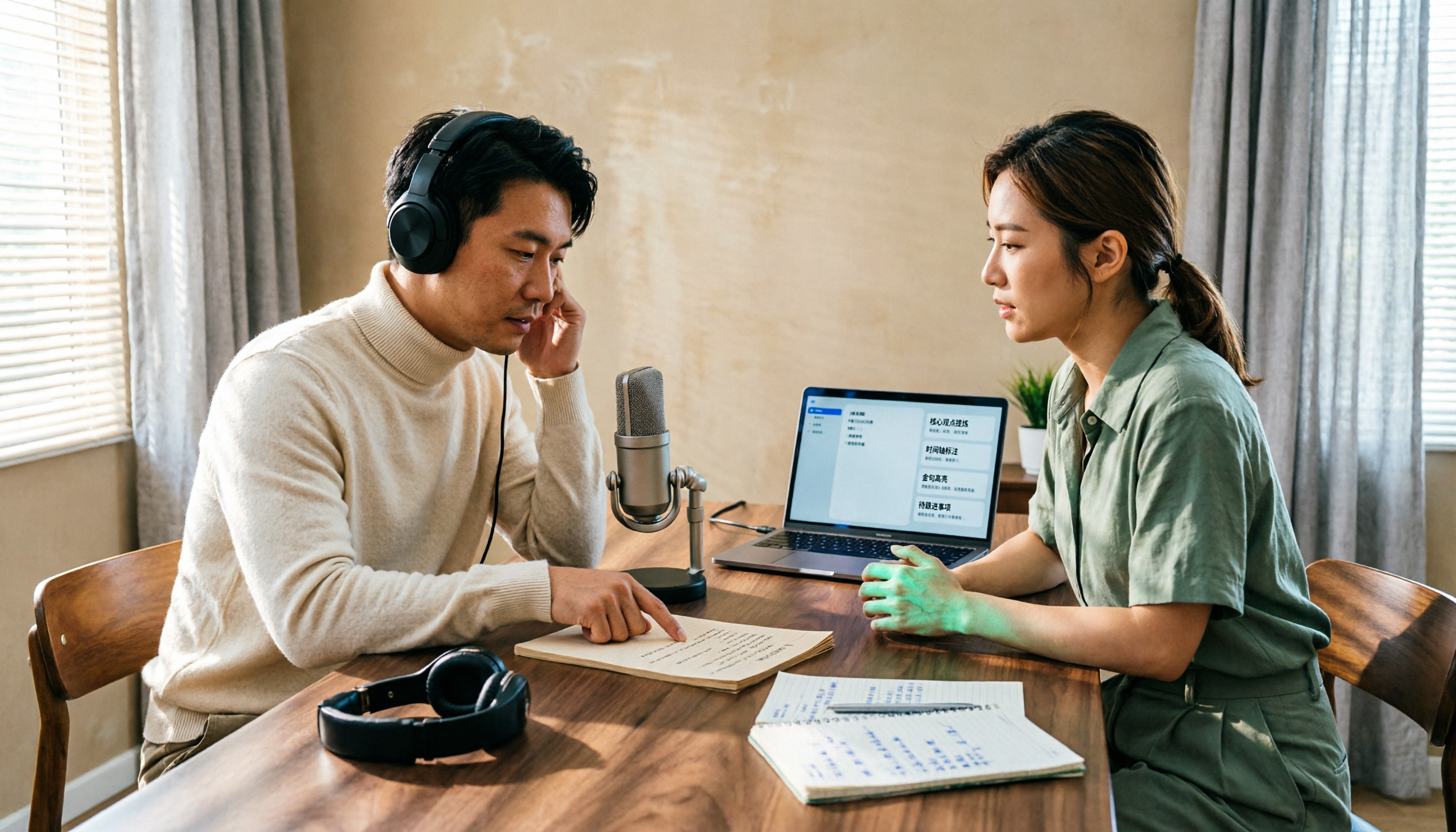
4 Podcast Transcript Tools Tested for 2026: Which One Is Best for Chinese Transcription and Post-Interview Organization?
When creating podcast transcripts, how do you choose between built-in platform features, online transcription tools, and AI meeting note tools? This article compares Apple Podcast, Spotify, WayinVideo, and Tinrec from four angles: export capabilities, Chinese support, post-interview organization, and team collaboration, to help you find the transcript solution that best fits your show's workflow.

4 Zoom Meeting Recording Tools Tested for 2026: Get Transcripts and Action Items Without a Meeting Bot
Zoom's built-in recording requires the host to grant permission, and you're left with a two-hour video file that you still have to organize yourself. This article compares four Zoom meeting recording tools—Tinrec, Otter.ai, Notta, and Granola—from the perspective of a mid-level manager's real-world usage, covering recording methods, Chinese transcription, post-meeting summaries, and team data retention. It includes selection criteria, pitfalls to avoid, and scenario-based recommendations.