
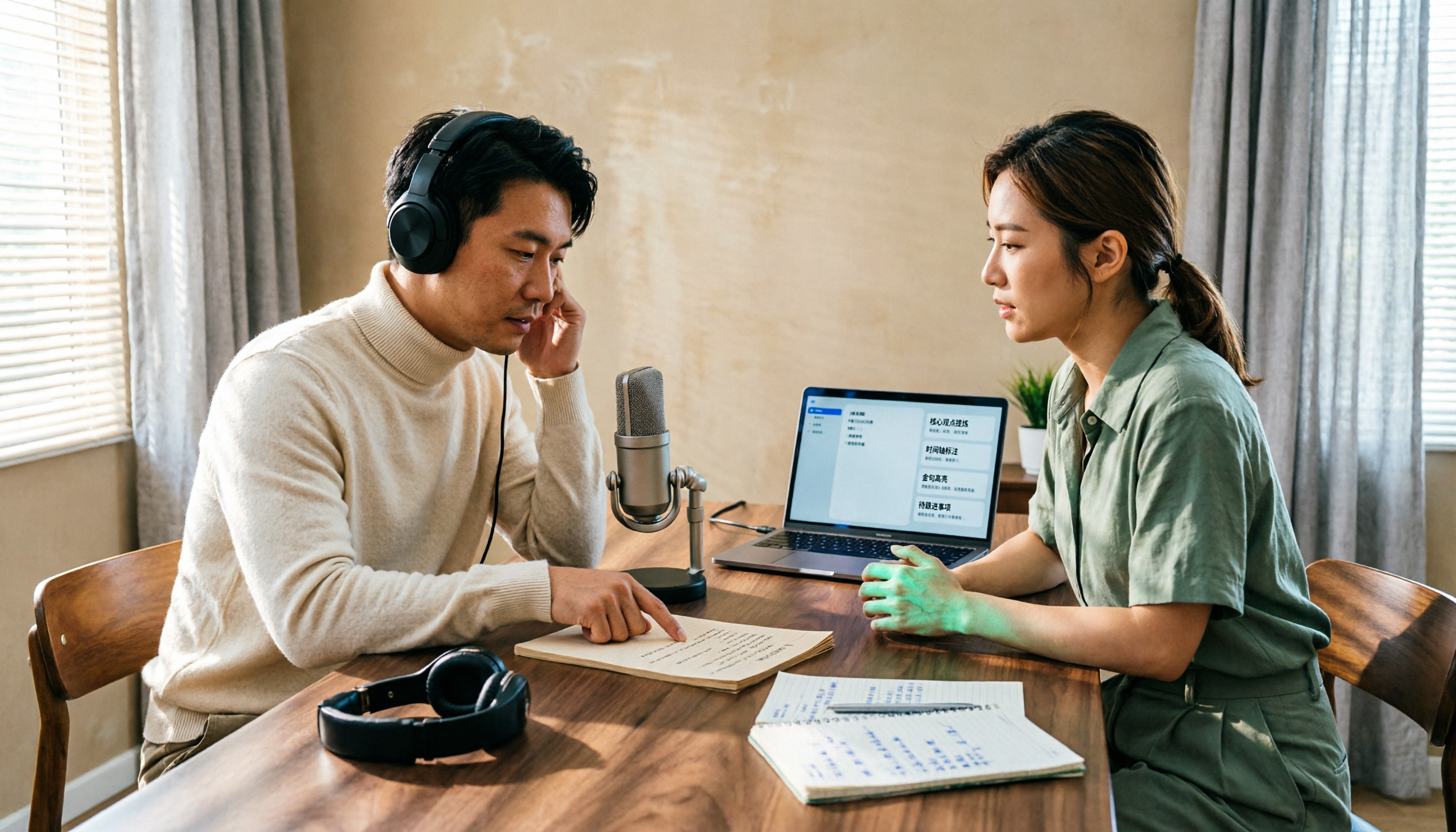
Turn recordings into transcripts and summaries in minutes
Upload audio or video for multilingual transcription, AI notes, and action items
4 Podcast Transcript Tools Tested for 2026: Which One Is Best for Chinese Transcription and Post-Interview Organization?
If you want to create transcripts for your podcast, you probably have a few options: use the built-in transcript features in Apple Podcast or Spotify, find an online podcast-to-text tool, or import audio files into AI meeting note tools like Tinrec. This article will help you determine which option suits your podcast workflow from practical angles such as exportability, Chinese support, post-interview organization, and team collaboration.
The real challenge in podcast transcription isn't converting speech to text—it's the organization afterward
After recording a one-hour interview, transcribing it manually could take three to four hours. Even if the platform provides a transcript, it's often view-only and not easily exportable. If you want to use it for show notes, blog articles, or social media posts, you still have to copy and paste manually.
Not to mention that as episodes accumulate, if you want to go back and find "the book title the guest mentioned at minute X," without search and export functions, you'll have to re-listen every time.
This article addresses exactly these issues: not just turning audio into text, but making the transcript into content you can continue to use.
Before choosing a podcast transcription tool, understand these 5 key points
Chinese transcription and accent adaptation: Podcasts often mix Chinese and English, include proper nouns, and feature guest accents. The tool must handle these; otherwise, the transcript will have many errors, making organization more tiring. Tinrec supports Chinese, Traditional Chinese, and multilingual scenarios, and offers team hotwords to maintain proper nouns. We still recommend testing a segment with your own audio to verify actual performance.
Can the transcript be exported? Many platform built-in transcripts are only viewable online, with sharing restrictions. If you want to use the transcript for writing articles, creating subtitles, or archiving, you must confirm whether it can be exported as TXT, Markdown, or brought into Notion or Google Docs. Tinrec supports multiple export formats and third-party tools.
Is there organization after transcription? With only a transcript, you still have to read through an hour yourself. A good tool will automatically generate summaries, chapters, and action items, and even let you ask directly, "Which three books did the guest recommend in this episode?" Tinrec provides AI summaries, chapters, action items, and AI Q&A after transcription.
Multiple episodes and team collaboration: If you update weekly, transcripts will accumulate. For personal use, look at search and categorization; for team production, check whether you can share folders, assign seats, and manage usage. Tinrec's team version offers team spaces, member roles, and seat management.
Free quota and payment methods: First confirm whether the free version is enough to test one episode. Tinrec's free version provides a basic quota; for short-term intensive recording, consider a weekly card; for long-term stable use, there are Pro monthly and annual cards. Actual quotas and prices are subject to the official page.
Tinrec (MiaoTing Recording) — Our tested choice best suited for podcast content reuse
Tinrec (MiaoTing Recording) is an AI meeting notes and collaboration tool for individuals and teams, supporting real-time recording transcription, audio/video file transcription, AI summaries, chapters, action items, AI Q&A, and multi-format export, covering web, desktop, and mobile. For podcast production, its greatest value isn't "another transcription tool," but turning a one-hour interview into searchable, queryable, and exportable content material.
When conducting interviews, if the show is recorded via Zoom, Google Meet, or Microsoft Teams, the Tinrec desktop version can directly capture computer system audio without adding a meeting bot to the meeting. After the interview, the transcript is already there; you can listen while following the text and click a paragraph to jump back to the audio position.
If you already have recorded audio files, simply upload the audio/video file, and Tinrec will transcribe it and automatically generate summaries and chapters. You can quickly see what topics were discussed in the episode without listening from start to finish.
Even better is the AI Q&A. You can directly ask Tinrec: "What are the three marketing trends the guest mentioned?" "What book recommendations are in this episode?" It answers based on the content, not just keyword search results. For those who need to write show notes or extended articles, this step saves a lot of re-listening time.
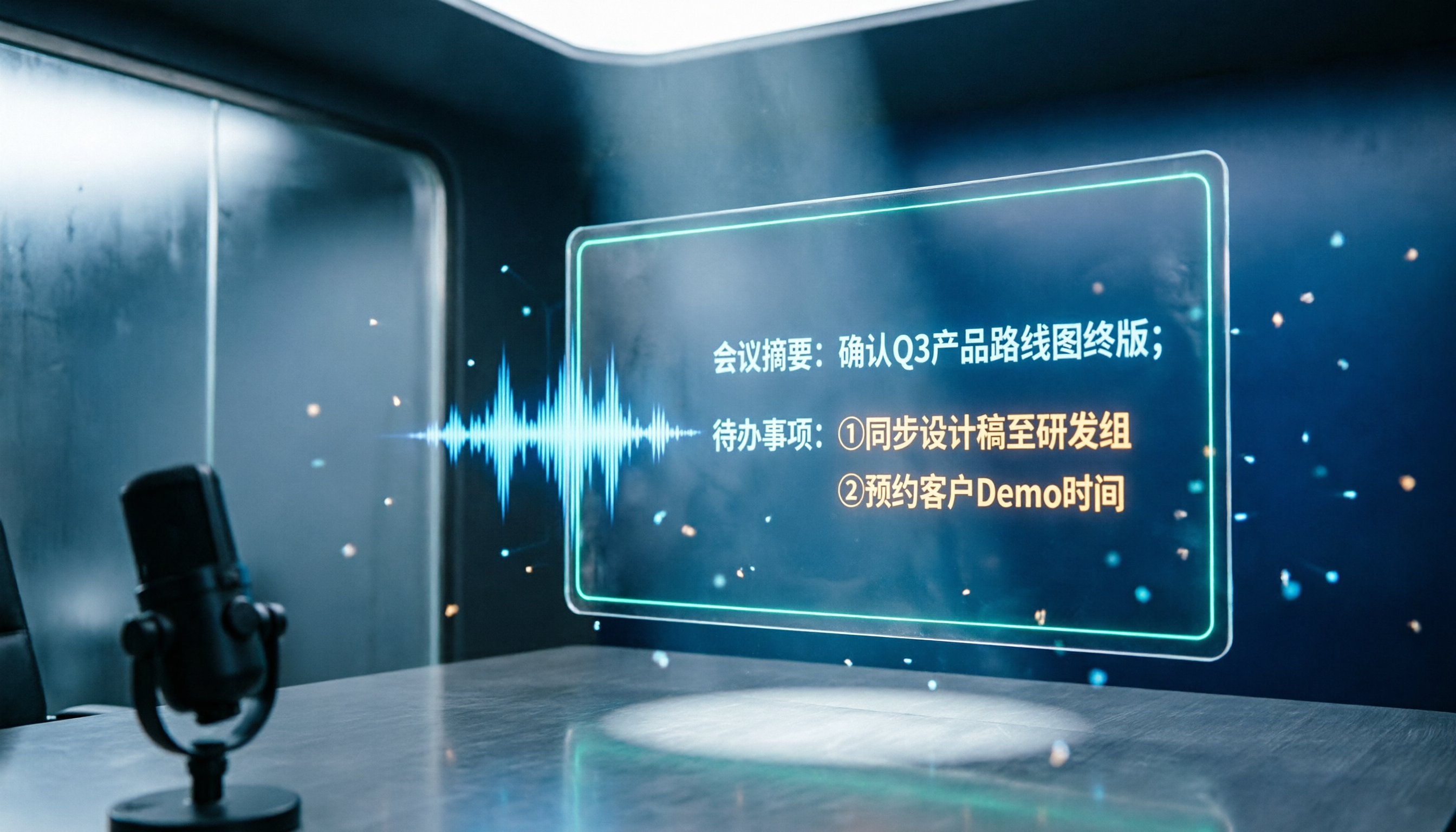
Stop organizing recordings by hand
Upload audio or video and automatically get a transcript, summary, and action items
After transcription, you can export it as a document and bring it to Notion, Google Docs, OneNote, or Dropbox for further editing. If you need subtitles or blog drafts, you can also quickly process them using the transcript and summary.
First, input sources are comprehensive. Real-time recording, online meetings, and audio/video files can all be handled, so you don't need to switch tools for different scenarios.
Second, post-interview organization is thorough. Summaries, chapters, action items, and AI Q&A are all in one place, effectively turning the transcript into a working draft.
Third, the team version suits podcast teams. Team spaces can centrally store multiple episodes' data, members have roles and seats, and administrators can view usage and audit logs. When a member leaves, team resources can be transferred and won't disappear with the personal account.
Note that Tinrec is not a dedicated podcast hosting platform; it won't help you publish or distribute your show to Apple Podcast or Spotify. It handles recording transcription and post-interview organization. Additionally, transcription accuracy can be affected by audio quality, background noise, accents, and overlapping speakers; for important content, we recommend verifying against the audio. The free version has a basic quota; heavy users need to evaluate paid plans.
If you produce podcasts regularly weekly or monthly and need to turn interviews into transcripts, summaries, article material, or even collaborate with a team, Tinrec is currently the smoothest choice we've used. Especially for Chinese interviews, mixed Chinese-English content, and workflows that require exporting transcripts for reuse.
Besides Tinrec, what other options are there?
Apple Podcast built-in transcript: Automatically generates transcripts, allows tapping text to jump, long-press to see plain text, but sharing is limited to 200 characters and is mainly for in-platform viewing; full export and secondary processing are inconvenient. Suitable for those who only want listeners to see text within Apple Podcast; if you want to use the transcript to write articles, Tinrec can export the full content and generate summaries.
Spotify Podcast built-in transcript: Provides real-time transcripts, supports Chinese (depending on show and device), allows listening while viewing and quick segment jumps. The limitation is also that it's mainly for the listening platform; transcripts are not easily exportable as working files. Tinrec can convert audio files into exportable transcripts and also use AI Q&A to find key points, suitable for creators who need content reuse.
WayinVideo: A free AI podcast summary tool that can take YouTube links or upload audio/video, generate timestamped transcripts, summaries, and export TXT/Markdown, suitable for quickly processing single-episode videos. However, if you need to ask follow-up questions about content, manage multiple episodes' data, or collaborate as a team, Tinrec's AI Q&A and team spaces are more complete.
Pitfall Guide: The 3 most common mistakes when choosing a podcast transcription tool
Pitfall 1: Only looking at platform built-ins and ignoring export. Platform built-in transcripts are convenient, but if you want to write show notes, blogs, or subtitles, not being able to export means manual copying. We recommend first confirming whether the tool can export TXT, Markdown, or bring into your writing tool.
Pitfall 2: Only comparing transcription, not looking at post-interview organization. A transcript is just raw material. If you still have to read through an hour yourself and manually extract key points, the tool has only done half the job. Tinrec automatically generates summaries, chapters, and action items, and can also use AI Q&A to find details, effectively saving organization time.
Pitfall 3: Ignoring team and long-term management. As the show goes on, transcripts become a database. If multiple team members collaborate, consider shared spaces, seats, and data ownership after members leave. Tinrec's team version incorporates these governance features, making it easier to manage than scattered files across personal accounts.
Conclusion: Which one should you choose?
In a nutshell: if you just want to view text on the listening platform, Apple Podcast or Spotify built-in transcripts are sufficient; but if you want to turn podcast content into exportable, searchable, queryable production material, Tinrec is a more complete choice.
Scenario breakdown:
- Need to convert interview audio files into complete transcripts and export → Tinrec (supports audio/video file transcription and multi-format export)
- Need automatic summaries, chapters, action items, and AI Q&A → Tinrec (organizes directly after transcription, no need for separate tools)
- Producing Chinese or mixed Chinese-English interview shows → Tinrec (Chinese and multilingual scenarios, team hotwords can assist with proper nouns)
- Multi-person podcast teams collaboratively organizing multiple episodes → Tinrec team version (team spaces, role seats, usage and audit)
- Zero budget, only doing one-time short audio → You can try free tools first, but for long-term use, we recommend trying Tinrec's free version to experience the complete workflow
We suggest trying Tinrec's free version first, running a transcription and summary on your most recent episode's audio, and seeing if the quota and results match your show's rhythm. If you find it useful, then consider upgrading; you don't need to pay from the start.
References
- Apple Podcast's "Transcripts" feature - Apple Podcast Creator Resource Center
- Podcast transcript review: Did you know Apple Podcast and Spotify Podcast can display transcripts in real-time? | Wo World
- View Podcast transcripts on iPhone - Apple Support (Taiwan)
- Online Podcast Transcript Generator: Free Podcast Audio to Text
- Free AI Podcast Summary Tool | Podcast to Text, Mind Map, and Transcript - WayinVideo
Turn every recording into actionable outcomes
Get 60 free transcription minutes when you sign in. No credit card required.
Related Reading
You might also like

2026 Recording-to-Text Tools Compared: Beyond Notta, Why Tinrec Fits Chinese Meetings Better
Many people choose recording-to-text tools based only on free quota, then find they can't record online meetings or locate key points afterward. This article compares Notta, Tinrec, and similar tools from a mid-level manager's practical perspective—covering meeting recording methods, Chinese-language experience, post-meeting organization, and team knowledge retention—and explains when upgrading to a paid plan makes sense.
2026 Notta and Free Audio Transcription Plans Compared: 5 Options at a Glance
Many people searching for Notta tutorials and pricing see the free 120 minutes per month and assume it's enough, overlooking the 3-minute-per-recording limit. This article reviews 5 audio transcription and meeting notes solutions, explains how to try Notta's free version and understand Pro pricing, and compares use cases for Tinrec, Otter.ai, TurboScribe, and Granola.

How to Use Notta AI in 2026: 5-Step Traditional Chinese Transcript Tutorial
Complete Notta AI tutorial: from sign-up, recording or importing audio, proofreading Traditional Chinese transcripts, AI summaries, to translation and export—5 steps in one go. Also covers the free plan's 3-minute limit, differences between Pro and Business plans, and real-world issues you'll encounter.

2026 Comparison of 2 Transcription Tools: Which AI Saves More Time on Meeting Notes?
Transcription is more than typing. This article compares Yating Transcription and Tinrec from a mid-level manager's meeting perspective, covering transcript readability, online meeting recording, post-meeting organization, team collaboration, and free quotas to help you decide when to use AI tools and when to hire human transcribers.

Tinrec vs Otter.ai 2026: Zoom Meeting Notes 5-Dimension Showdown — Which Is Better for Chinese-Language Scenarios?
Ending a Zoom meeting with only a meeting ID and no transcript is a daily reality for many office workers. This article compares Tinrec and Otter.ai across five dimensions—recording permissions, post-meeting organization, Chinese recognition, data ownership, and quota pricing—to evaluate their differences in Zoom meeting notes. It also covers Notta and Zoom's built-in recording to help you choose the tool that truly saves time.

2026 Comparison of 4 Transcription Tools: Which Offers the Best Free Tier and Post-Meeting Organization?
Starting from common pitfalls, this comparison examines Tinrec, Granola, TurboScribe, and PLAUD in terms of transcription generation, post-meeting organization, free tiers, and team collaboration to help professionals choose the right transcription tool.

2026 Zoom Meeting Tools Comparison: From Joining to Meeting Minutes, Which Saves the Most Time?
We'll walk you through joining a Zoom meeting and basic setup, then compare four meeting note methods—Zoom built-in transcription, Otter.ai, Granola, and Tinrec—covering cost, Chinese and mixed Chinese-English performance, post-meeting organization, and team data ownership, to help you decide which best fits your meeting style.

4 Zoom Meeting Recording Tools Tested for 2026: Get Transcripts and Action Items Without a Meeting Bot
Zoom's built-in recording requires the host to grant permission, and you're left with a two-hour video file that you still have to organize yourself. This article compares four Zoom meeting recording tools—Tinrec, Otter.ai, Notta, and Granola—from the perspective of a mid-level manager's real-world usage, covering recording methods, Chinese transcription, post-meeting summaries, and team data retention. It includes selection criteria, pitfalls to avoid, and scenario-based recommendations.

4 Meeting Transcription Tools Tested for 2026: Which One Has the Best Free Tier, AI Organization, and Team Collaboration?
Still working overtime after the meeting ends? This article uses a real meeting workflow to compare Tinrec, Notta, Otter.ai, and Granola on transcription, AI summaries, action items, team collaboration, and pricing, so you can pick the right tool for Chinese-language meetings and team knowledge retention.