
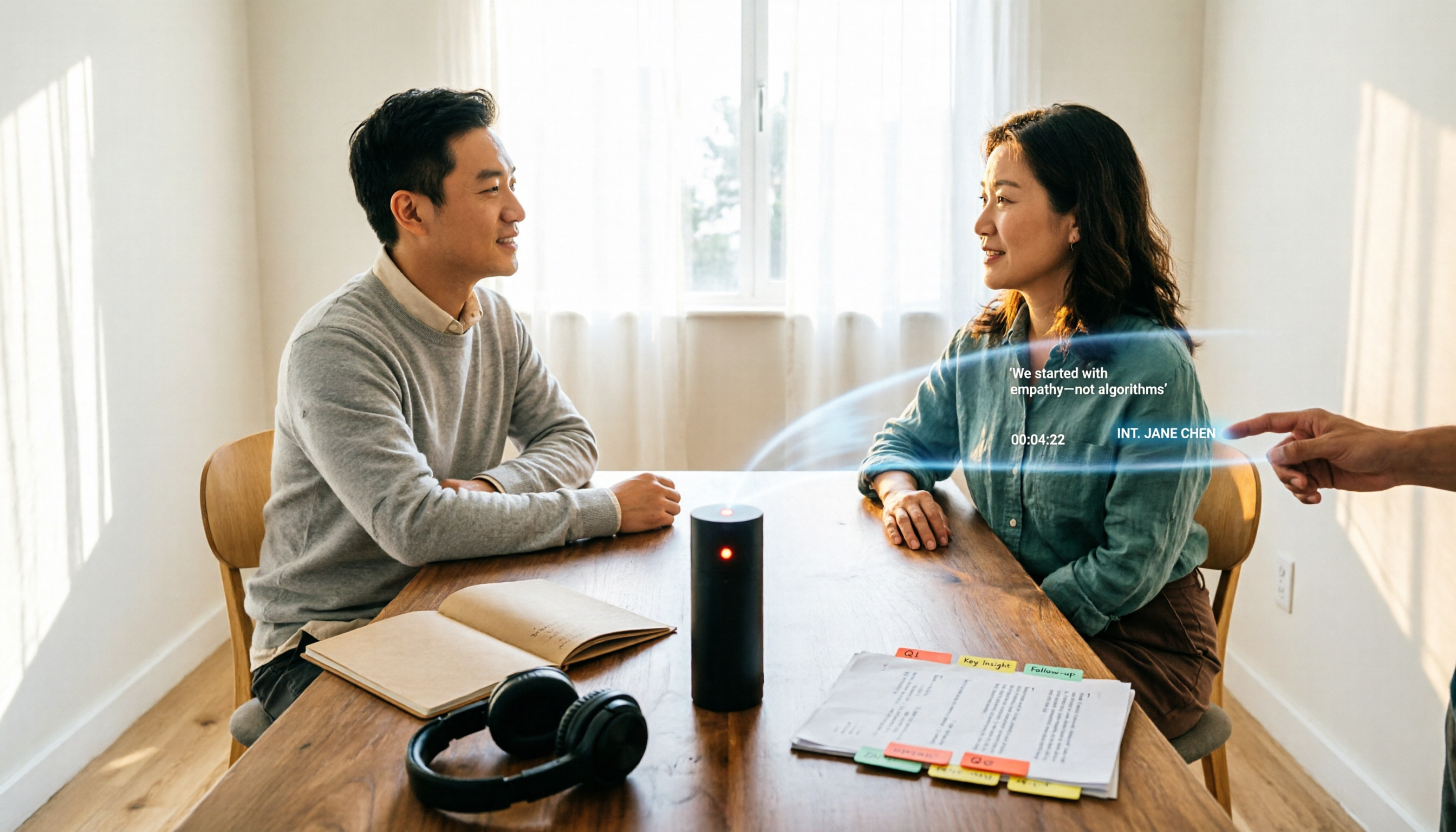
Turn recordings into transcripts and summaries in minutes
Upload audio or video for multilingual transcription, AI notes, and action items
First, Decide: Do You Need "Text" or a "Citable Transcript"?
After recording a 90-minute interview, most people's first instinct is to find a tool to convert the audio to text. The problem is that the output is often a wall of text: no punctuation, no speaker distinction, and no way to find which minute a quote came from. So you end up listening to the recording again, wasting time.
So before comparing tools, clarify your end goal:
- If you just want a rough idea of what was said, most transcription tools will suffice.
- If you need to code qualitative data, quote participants verbatim, or hand off the transcript to a colleague, you need a transcript with speaker labels, time codes, and table export.
This article reviews five interview transcription tools, from full workflows to free editors, and provides a scenario-based selection guide.
How to Choose an Interview Transcription Tool: 4 Criteria
1. Speaker Differentiation
Interviews typically involve at least two people: interviewer and interviewee. If the tool can separate "Speaker 1 / Speaker 2" and support bulk renaming (e.g., to P01, P04), you'll save significant time during coding. This is the most overlooked yet impactful feature for interviews.
2. Time Codes
To verify a quote against the recording, you need time codes. A transcript without time codes means you have to listen from the beginning again.
3. Export Formats That Fit Your Workflow
SRT/VTT for subtitles and DOCX/TXT/XLSX for transcripts are different things. For coding, XLSX with selectable columns (index, time code, speaker, content) is most practical; for Notion or Google Docs, Markdown and DOCX are more convenient.
4. How Free Tiers Are Calculated
Free versions usually limit by "minutes per month" or "length per session." Interviews often run 60–90 minutes, so a 3-minute or 30-minute per-session cap directly determines whether the tool works for your real use case.
1. Tinrec — A Complete Workflow from Recording to Citable Data
Tinrec is an AI meeting notes and collaboration tool for individuals and teams, also suitable for interviews. It doesn't just convert speech to text; it organizes recordings into searchable, queryable, and exportable data.
A typical interview workflow: for in-person interviews, use real-time recording to transcribe as you go; for existing audio/video files, upload them; for remote interviews, capture system audio via the desktop app to handle Zoom, Google Meet, Microsoft Teams, Webex, etc., without needing an extra meeting bot. After transcription, it automatically generates summaries, chapters, and key points. To cite a specific statement, use AI Q&A to query the interview directly without re-listening to the whole thing.
Key features for interviews:
- Speaker labels and time codes: The transcript preserves original speech, supports search and review, and lets you trace any quote back to its source.
- AI Q&A and summaries: For a 90-minute interview, review the summary and chapters first, then check the transcript for exact wording—much faster than listening from scratch.
- Multi-format export: Export results to Notion, Google Docs, OneNote, Dropbox, etc., for further processing, ideal for coding or report writing.
- Real-time translation and bilingual view: When interviewees switch languages or you need original and translated text side by side, view in original, translated, or bilingual mode.
- Team workspace: For research teams, interviews and meeting data are centralized in a team workspace. Admins can manage members, roles, and seats, and view usage and audit logs. When a member leaves or loses a seat, their resources can be transferred to other active members, so data doesn't disappear with the individual.
Stop organizing recordings by hand
Upload audio or video and automatically get a transcript, summary, and action items
Pricing: Individuals can start with the free version for one interview; for short-term intensive interviews, a weekly card works; for regular weekly interviews and organization, consider Pro monthly or annual. The team version is a separate collaborative workspace; the first eligible trial is 7 days, 1 free seat, 300 minutes of shared team import quota. Team monthly is USD 29.80 per paid seat per month; annual is USD 199 per paid seat per year (about USD 16.58/month). Each paid seat provides 2,000 minutes of shared team import quota per month. Actual prices and benefits are subject to the official purchase page.
Who it's for: Individual researchers and research teams who need Chinese interview transcripts and want summaries, Q&A, export, and team handoff after transcription.
2. Yating Transcription
A speech-to-text service developed by Taiwan team AILabs, supporting real-time transcription. Commonly used for meetings, interviews, and lectures. Clean interface, easy to learn—often the first stop for graduate students and research assistants. According to user reports, the free version allows about 3 sessions per month, each under 30 minutes, and requires an internet connection; manual proofreading is still recommended. Suitable for: individuals who want a Taiwan-based service, have short interview segments, and use occasionally.
3. Subanana
Focused on interview transcripts, emphasizing "verbatim, speaker-separated." Exports XLSX with selectable columns (index, time code, speaker, content) for direct use in coding tools; also supports DOCX, TXT with or without time codes, Markdown, SRT, and VTT. Supports 95+ languages, with additional language modes in paid plans, suitable for interviews with language switching; renaming "Speaker 2" to P04 updates all segments for that speaker. Suitable for: researchers who need direct coding workflow and value export columns and speaker labels.
4. Notta
A multi-platform transcription tool covering meeting notes, file import, translation, and team plans, with significant overlap with Tinrec. Official pricing page currently shows: Free 120 minutes/month, max 3 minutes per session; Pro annual billing about USD 8.17/month, 1,800 minutes/month; Business annual billing about USD 16.67/seat/month, offering unlimited transcription, role permissions, and usage reports. Suitable for: users who need multilingual file transcription and subtitles, and whose teams already have clear permission structures.
5. oTranscribe
A free online transcript editor that doesn't do automatic transcription itself; instead, it lets you type and proofread while listening: play, pause, rewind all via keyboard, no window switching. Common approach: use another tool for a first draft, then import into oTranscribe for final proofreading. Suitable for: budget-zero individual researchers willing to type manually, or those with a draft who just need a handy editor.
So Many Options—How to Choose?
- Want a "ready-to-use" interview transcript with summaries, Q&A, and multi-format export → Tinrec, one of the few options that integrates transcription, AI Q&A, to-dos, and export in one workflow.
- Interviews involve multiple languages, need bilingual comparison → Tinrec, supports real-time translation and original/translated/bilingual view.
- Research team shares interview data, needs member, seat, and usage management → Tinrec team version, data owned by the team, transferable when members change.
- Need direct XLSX export for coding, finer speaker labels → Subanana.
- Zero budget, only one short interview at a time → Yating free version or oTranscribe, try a session to get a feel.
4 Things to Know Before Using Transcription Tools
1. Recording quality is everything. No model can rescue audio from a noisy café. Use an external microphone, single sound source, avoid overlapping speech; transcription accuracy is affected by accents, noise, and technical terms—no tool guarantees fixed accuracy.
2. Treat proofreading as part of the process. AI handles most of the grunt work, but a final human proofread is still needed. Always verify important quotes against the recording and time codes; don't cite typos.
3. Label speakers on the day of transcription. Renaming "Speaker 2" to the interviewee's code is much easier than guessing a week later.
4. Get consent before recording. Interviews involve personal data; inform interviewees of the purpose and obtain consent before recording and transcription, complying with local regulations and institutional ethics review requirements.
Conclusion
The pain point of interview transcripts is never "can it transcribe" but whether the output is readable, citable, and handoff-ready. When choosing a tool, first look at speaker labels, time codes, and export formats, then check if the free tier can handle a 90-minute interview. If you want a complete workflow that includes summarization, Q&A, export, and team workspace after transcription, Tinrec is the most worth trying first on this list; if you only have occasional short interviews, try free tools first to clearly identify what you're missing.
References
- [Research Tools] Transcript Hell: Qualitative Tools Rise Up – Ni Za Huo Pu - Survival is Hard | Good Voice Life | Pixnet
- Interview Transcripts: Verbatim, Speaker-Separated | Subanana
- Yating Transcription
- How to Create Interview Transcripts: Complete Guide to Transcribing Interview Recordings | Subanana
- audio loopback basic interview transcript - g0v
Turn every recording into actionable outcomes
Get 60 free transcription minutes when you sign in. No credit card required.
Related Reading
You might also like
2026 Comparison of 4 Transcription Tools: Which Offers the Best Free Tier and Post-Meeting Organization?
Starting from common pitfalls, this comparison examines Tinrec, Granola, TurboScribe, and PLAUD in terms of transcription generation, post-meeting organization, free tiers, and team collaboration to help professionals choose the right transcription tool.

2026 Zoom Meeting Tools Comparison: From Joining to Meeting Minutes, Which Saves the Most Time?
We'll walk you through joining a Zoom meeting and basic setup, then compare four meeting note methods—Zoom built-in transcription, Otter.ai, Granola, and Tinrec—covering cost, Chinese and mixed Chinese-English performance, post-meeting organization, and team data ownership, to help you decide which best fits your meeting style.
4 Podcast Transcript Tools Tested for 2026: Which One Is Best for Chinese Transcription and Post-Interview Organization?
When creating podcast transcripts, how do you choose between built-in platform features, online transcription tools, and AI meeting note tools? This article compares Apple Podcast, Spotify, WayinVideo, and Tinrec from four angles: export capabilities, Chinese support, post-interview organization, and team collaboration, to help you find the transcript solution that best fits your show's workflow.

4 Zoom Meeting Recording Tools Tested for 2026: Get Transcripts and Action Items Without a Meeting Bot
Zoom's built-in recording requires the host to grant permission, and you're left with a two-hour video file that you still have to organize yourself. This article compares four Zoom meeting recording tools—Tinrec, Otter.ai, Notta, and Granola—from the perspective of a mid-level manager's real-world usage, covering recording methods, Chinese transcription, post-meeting summaries, and team data retention. It includes selection criteria, pitfalls to avoid, and scenario-based recommendations.
4 Meeting Transcription Tools Tested for 2026: Which One Has the Best Free Tier, AI Organization, and Team Collaboration?
Still working overtime after the meeting ends? This article uses a real meeting workflow to compare Tinrec, Notta, Otter.ai, and Granola on transcription, AI summaries, action items, team collaboration, and pricing, so you can pick the right tool for Chinese-language meetings and team knowledge retention.
How to Create a Transcript in 2026: 5 Steps from Recording to Quotable Text
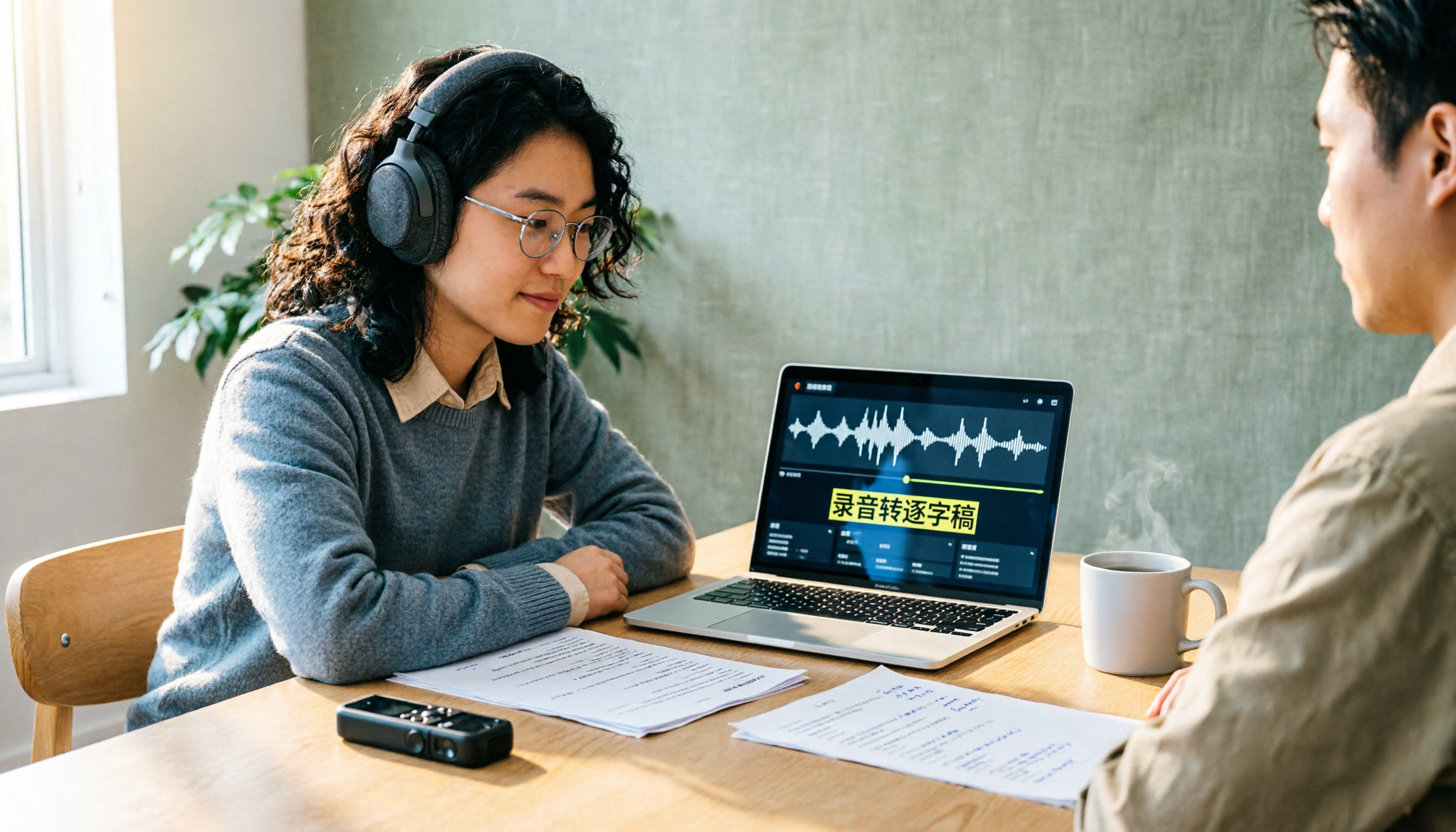
A transcript isn't just typing what you hear. This guide starts with the three most common inefficient approaches, then breaks down 5 practical steps: define the purpose, ensure good recording quality, let AI do the first pass, proofread against the audio, and label speakers before exporting. It also shares the author's most efficient tool after testing, Tinrec, along with when to use Notta, TurboScribe, and Yating Transcript.

2026 Zoom AI Meeting Summary Tools Compared: Is Built-in Enough?
How to enable Zoom AI meeting summaries, where to find them, and whether the free version is sufficient? This article starts from real meeting scenarios and compares Zoom's built-in Meeting summary, Tinrec, Otter.ai, and Notta. It covers 4 key selection points, 3 common pitfalls, and scenario-based recommendations to help you decide whether to use the built-in feature or switch tools.
2026 Zoom Transcription Comparison: Built-in, Transcribe, Tactiq, and Tinrec
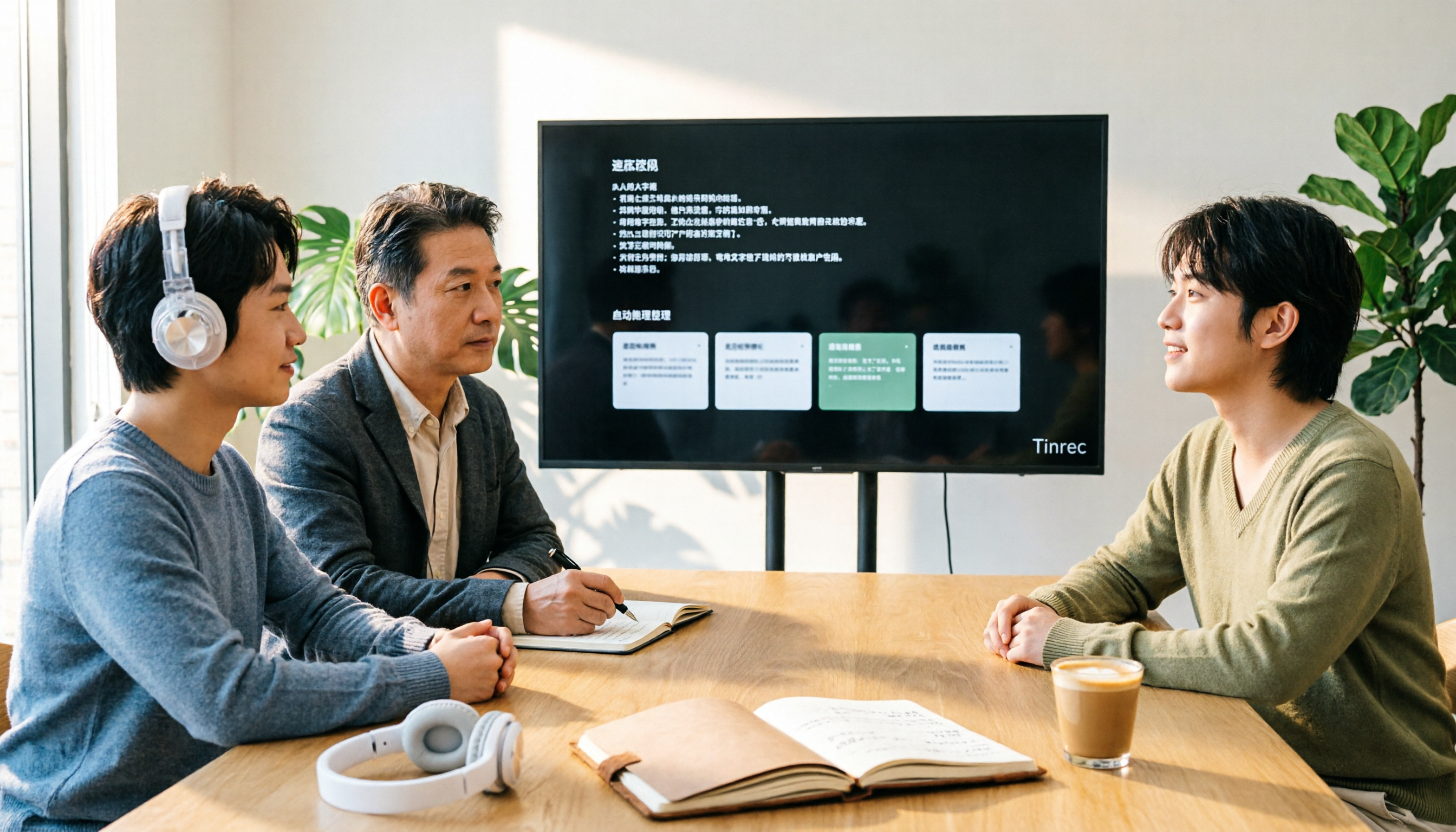
How do you get a transcript after a Zoom meeting? This comparison covers Zoom's built-in transcription, Transcribe, Tactiq, and Tinrec, breaking down recording methods, Chinese recognition, post-meeting organization, cross-platform support, team collaboration, and pricing to help you choose the approach that best fits your meeting habits.

Tinrec vs Granola 2026: 5-Dimension Comparison — Which Is Better for Chinese Interview Transcripts?
The biggest pitfalls in interview transcription are choosing the wrong mode and only comparing text conversion. This article compares Tinrec and Granola across 5 dimensions, from importing existing audio files, punctuation and paragraphing, post-meeting follow-up questions, to team data retention, explaining how to choose the most time-saving workflow for Chinese interview scenarios.