
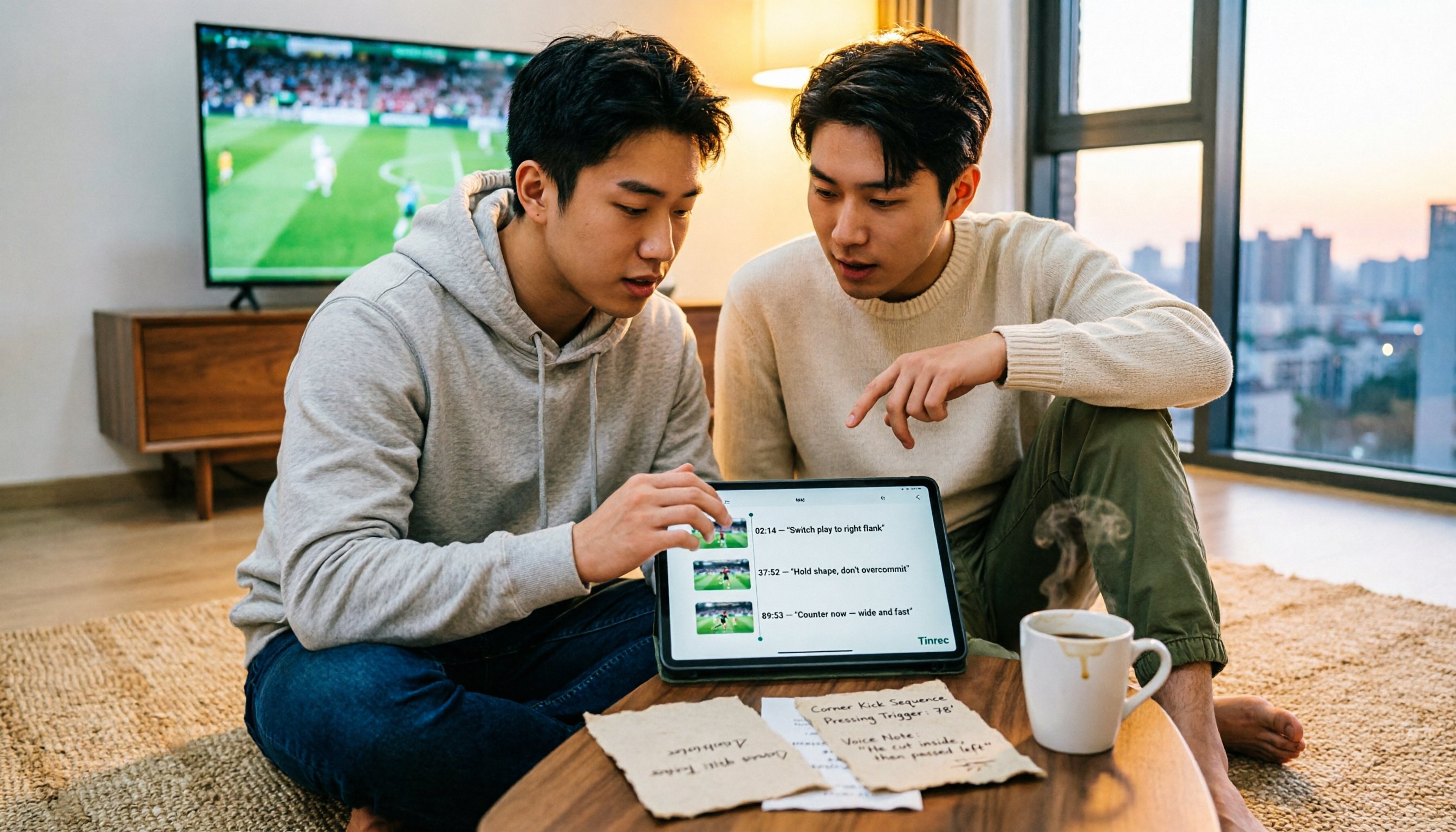
Turn recordings into transcripts and summaries in minutes
Upload audio or video for multilingual transcription, AI notes, and action items
Do you remember a 2-2, or just "2-2"?
On March 4, 2026, at Manchester City's home ground Etihad Stadium, the final score was 2-2.
Manchester City led twice and were pegged back twice. Rodri and Antoine Semenyo scored in the first and second halves respectively, with Morgan Gibbs-White's quick-reaction backheel goal in between.
For Manchester City, this was two points dropped in the title race. This season, they have now dropped 13 points from leading positions.
For Forest, new head coach Vitor Pereira is still without a league win, but this draw gives them a glimmer of hope in the relegation battle. Ryan Yates' header in stoppage time was just inches away, and Savinho's shot was cleared off the line.
According to the information listed on the Sofascore match page, the next meeting is scheduled for November 7, 2026, at the City Ground; the actual kick-off time is subject to official announcement.
That's the match summary. But my experience is that a week later, these details will have mostly faded from memory.
There's a common misconception here: thinking that "knowing the score" is the same as "understanding the match."
The pitfall I've fallen into is this: I'm fully engaged while watching, then I scroll through the highlights afterward and feel like I've grasped the whole picture. But when it comes time to write an analysis or reference this match in a meeting, I realize I'm left with only a vague impression.
So I open the 90-minute video again and drag the timeline back and forth to find that goal.
It's inefficient and really annoying.
Then I changed my approach: keep the "audio" and turn it into text data that can be searched and queried.
Commentary broadcasts, post-match podcasts, recordings of discussions with friends—these are all raw materials for understanding a match. The problem is that they used to remain in a "heard" state and couldn't be reused.
With the right tool, this shifts from "relying on memory" to "relying on data."
Before organizing match content, think through these 3 key points
When choosing tools, I ask a few questions first. These questions determine whether my post-match review can be sustained, rather than just a one-time enthusiasm.
First, language and terminology.
Chinese commentary, English international feed, player name translations, tactical terms (low block, transition, false nine). If the tool can't remember the terms you commonly use, the transcript will be full of errors, and proofreading afterward will take even more time. So I check whether it has the ability to customize terminology.
Second, can the audio file be kept?
Some note-taking tools only give you text and don't retain the audio. This is fatal for match review—because what you often want to go back and listen to is "why the commentator said that," not the text itself.
Third, can you query after transcription?
With only a transcript, you're still doing Ctrl+F. With AI Q&A, you can ask: "From which minute did Manchester City start losing control of this match?" "When did Forest's two equalizers occur?" That's the difference.
Fourth, cross-device and sharing.
Listening to podcasts on your phone during commute, organizing on your computer at night—the tool needs to keep up. If a group of you is writing the same match column, you also need a shared data space.
Tinrec (Miao Ting Recording) — My primary tool after hands-on testing
Tinrec is an AI recording and meeting notes tool for individuals and teams, supporting iOS, Android, desktop, and web. It doesn't just convert audio to text; it organizes content into data that can be searched, summarized, queried, exported, and further processed.
I've integrated it into my match review workflow in about four ways.
First, record commentary and post-match podcasts.
I open Tinrec while listening to a podcast, and the transcript is generated as I listen. By the end, the summary is automatically generated, making it clear which commentator said what and where the key points are.
Second, import existing audio or video files.
Post-match analysis show videos, my own voice notes—all can be dropped in and converted to text without re-listening.
Third, and most critically: use it to "ask" a match.
I open the transcript and ask directly: "When did Manchester City start losing momentum in this match?" "How did the commentators evaluate Forest's defensive structure?" It doesn't give a list of keywords but answers based on the semantic content. Honestly, this is a feature I find hard to give up among tools in the same price range.
Fourth, turn the results into deliverables.
Summaries, chapters, to-dos, and mind maps can be generated with one click, and you can further generate reports and tables, then export to tools like Notion, Google Docs, or OneNote to continue writing.
Stop organizing recordings by hand
Upload audio or video and automatically get a transcript, summary, and action items
If you're a sports media or content team, the team version provides an independent space: match recordings, transcripts, and summaries are stored centrally, members can view and reuse historical data, and administrators can manage roles, seats, usage, and audit logs. Currently, the team version offers a 7-day trial (1 free seat, 300 minutes of shared import quota), monthly payment USD 29.80 per paid seat per month, annual payment USD 199 per paid seat per year (approximately USD 16.58 per month); each paid seat provides 2,000 minutes of team shared import quota per month, and real-time recording under an active plan is currently not deducted by minutes. Prices and benefits are subject to the official purchase page.
Three advantages I particularly appreciate:
- No bot recording. The desktop version directly captures system audio, so you don't need to invite a bot to watch broadcasts or listen to podcasts.
- The post-transcription organization chain is complete. Summary, chapters, Q&A, export—it all connects seamlessly.
- Chinese and multilingual experience. Mixed Chinese-English commentary content can also be organized.
Honest limitations: The free version provides a basic quota; long-term heavy use requires payment. It's not a tool that "automatically records all broadcasts"—you still have to press record or import files yourself. Transcription quality is affected by recording environment, accents, and overlapping speakers; for important quotes, it's advisable to verify against the original audio.
Who is it for? People who need to turn a large amount of "listened" content into "searchable" data and want to be able to query it afterward.
Besides Tinrec, what other options are there?
Granola: A bot-free AI meeting notes tool that focuses on "your handwritten notes plus AI enhancement," with a free basic version. Its biggest difference is that it doesn't support uploading existing audio files and doesn't retain meeting audio. If you want to take real-time notes while listening to live commentary, it's very comfortable; but if you want to add post-match podcasts afterward and keep the audio for verification, this limitation will hurt.
Notta: A veteran multilingual transcription tool. The free version offers 120 minutes per month with a 3-minute limit per item; Pro annual payment is about USD 8.17 per month. It's suitable for people who purely need "file to text." But if you want post-transcription Q&A, summaries, to-dos, and team knowledge retention, you'll find the job is only half done.
PLAUD NotePin: AI recording hardware, device starting at USD 159, with additional membership subscription plans. Its value is in portability and on-site recording. But watching matches is mostly in front of a computer or TV, so you don't need to buy another device; and content recorded by hardware ultimately needs to be organized back in software—Tinrec covers this with web, desktop, and mobile.
Pitfall Guide: The 4 most common mistakes in organizing match notes
Pitfall 1: Recording only the score, not the context.
The three characters "2-2" will be worthless to you a month later. What's valuable is sentences like "Manchester City led twice but failed to hold on" or "dropped 13 points from leading positions this season" that can be extended into insights. Recording commentary and converting it to text is preserving the context for you.
Pitfall 2: Treating "watch later" as a plan.
I once saved a dozen highlight clips to my watch-later list and never watched a single one. The real approach is to convert the audio to text that same night, spend five minutes scanning the summary, and ask the key questions while you're at it.
Pitfall 3: Treating the tool as just a typewriter.
If you only use a transcription tool to "turn recordings into text," you're using only a third of its capability. Q&A, summaries, to-dos, and export—that's where data becomes insight.
Pitfall 4: Data scattered across personal accounts.
If you're a team and everyone's recordings are sitting on their own phones, three months later they're as good as gone. That's the point of a team space. Also, a reminder: before recording, please be aware of local regulations and obtain consent when necessary.
Conclusion: Which one should you choose?
To sum up in one sentence: to turn a match of the caliber of man city vs nottm into data you can use later, the key is never remembering the score, but preserving the audio, converting it to text, and learning to ask questions.
Scenario breakdown:
- Want to catch up on post-match commentary podcasts and analysis videos afterward, and need to keep the audio → Tinrec
- Want to take real-time notes while listening, don't mind no audio → Granola
- Just need to convert long files to text, no Q&A or team needed → Notta
- Need on-site portable recording → PLAUD NotePin
- Team writing match content together, need a shared data repository → Tinrec Team version
Quick start checklist (6 steps):
- Pick a match you really want to review seriously; don't try to do too many at once.
- Import the post-match podcast or commentary audio and let it transcribe first.
- Read only the summary and chapters to confirm the skeleton of the match.
- Ask three questions via Q&A: where was the turning point, who changed the tempo, and what was the commentator's assessment.
- Paste the answers back into your own notes and write a three-sentence insight.
- Come back a week later and ask again—you'll see the gap between memory and data.
Tools will change, but methods remain. Get the habit of "turning audio into queryable data" working smoothly, and no matter whether you're watching the Premier League, Champions League, or World Cup, you'll gradually build your own match database.
Test step by step, and you'll gradually master this method.
References
- Man City 2-2 Nottm Forest (Mar 4, 2026) Final Score - ESPN
- Nottingham Forest v Manchester City live scores & match info | Soccerway
- Nottingham Forest vs Manchester City live score, H2H and lineups | Sofascore
- Man City 2-2 Nottm Forest (Mar 4, 2026) Game Analysis - ESPN
- Man City 2-2 Nottingham Forest: Pep Guardiola's side lose more ground on Premier League leaders Arsenal after damaging draw | Football News | Sky Sports
Turn every recording into actionable outcomes
Get 60 free transcription minutes when you sign in. No credit card required.
Related Reading
You might also like

5 AI Transcription Tools Tested for 2026: Which Offers the Best Free Tier, Chinese Accuracy, and Post-Meeting Organization?
Two-hour meeting recording, but three more hours to organize? This article starts from real-world usage scenarios to explain what AI transcription can do for you and what core capabilities to look for. Using Tinrec as an example, it demonstrates the complete workflow of real-time transcription, bot-free online meeting recording, AI summaries, and action item extraction. It also compiles 6 purchase checkpoints and differences between personal and team plans.

Tinrec vs Yating Transcription 2026: 5-Dimension Comparison, Which Transcription Tutorial Should You Choose?
There are many transcription tutorials, but the real decision isn't 'how to convert audio to text'—it's 'whether the transcribed text can be used directly.' This article compares Tinrec and Yating Transcription across 5 dimensions: ease of use, input sources, post-transcription processing, cross-platform export, and team collaboration, helping you decide which workflow to learn.

4 Speech-to-Text Tools Tested in 2026: Notta Review, Usage Limits, and Alternatives
We break down Notta's pros and cons, free tier limits, and pricing based on real-world usage and public reviews, and compare it with Tinrec, Otter.ai, TurboScribe, and Fireflies.ai to help you decide which tool to use for Chinese meetings.
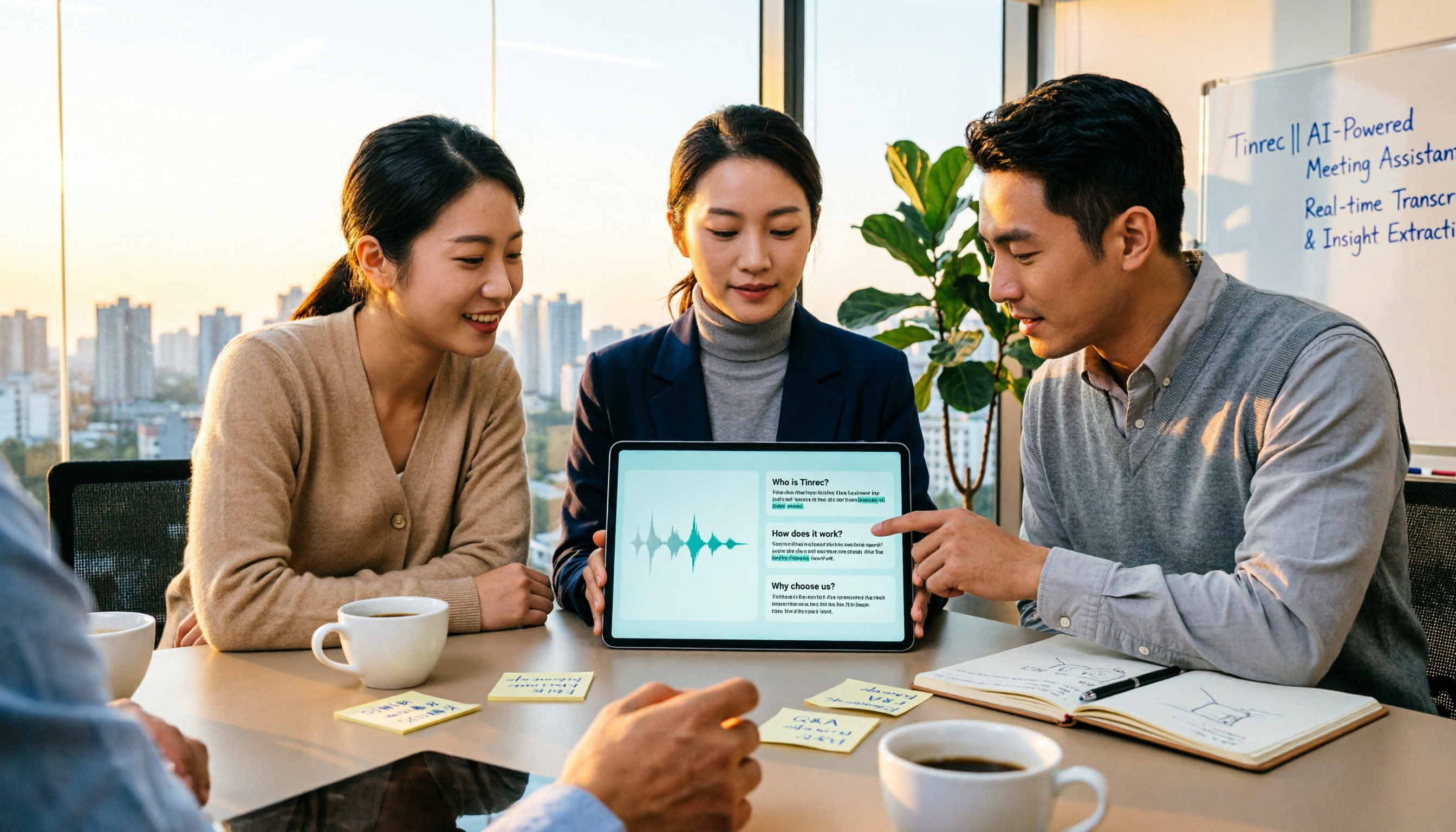
2026 Audio-to-Text Tools Compared: Notta Tutorial, Free Limits, and How Tinrec Differs
Starting from a meeting that ended with no one organizing the notes, this guide walks through Notta's actual workflow, its free plan limits of 120 minutes per month and 3 minutes per recording, and the differences between Pro and Business plans. It also compares Tinrec, Otter.ai, and TurboScribe on Chinese transcription, post-meeting AI Q&A, and team data management to help you pick the tool that truly saves time.

Arsenal vs Nottingham Forest 2026: 5 Key Comparisons — Stats, Lineups & Match Preview
Arsenal travel to the City Ground to face Nottingham Forest on October 18, 2026. This preview breaks down the kick-off time, league position gap, recent form, head-to-head record, and the 62% implied probability using verifiable data, and highlights the three things most often misread before kick-off plus a scoreline assessment.

Notta vs Granola 2026: Which AI Meeting Tool to Choose for Bot-Free Recording & Team Knowledge Base
Notta and Granola are both popular AI meeting note tools, but one focuses on all-around transcription and the other on note enhancement. This article compares them from five angles—meeting capture, audio retention, post-meeting Q&A, team knowledge retention, and pricing—to help you decide which workflow suits you, and explains the practical differences of Tinrec in bot-free recording and team data management.

2026 Comparison of 3 Audio-to-Text Tools: 3 Things to Know Before Using Notta
Most people searching for 'Notta tutorial' make the same mistake: they hit record, get a transcript, but still don't know the meeting conclusions. This article, from a student's hands-on perspective, breaks down three common pitfalls, shares my complete recording workflow this semester, and demonstrates how Tinrec handles real-time transcription, bot-free online meeting recording, AI summaries, and action items.

2026 AI Meeting Recorder Comparison: Notta Platform Review & Chinese Meeting Tool Picks
A complete Notta platform overview: core features, 58-language support, free plan limits of 120 minutes per month and 3 minutes per session, Pro and Business pricing, plus a comparison with Tinrec's bot-free meeting recording, AI Q&A, and team workspace to help you choose the right tool for your meeting needs.
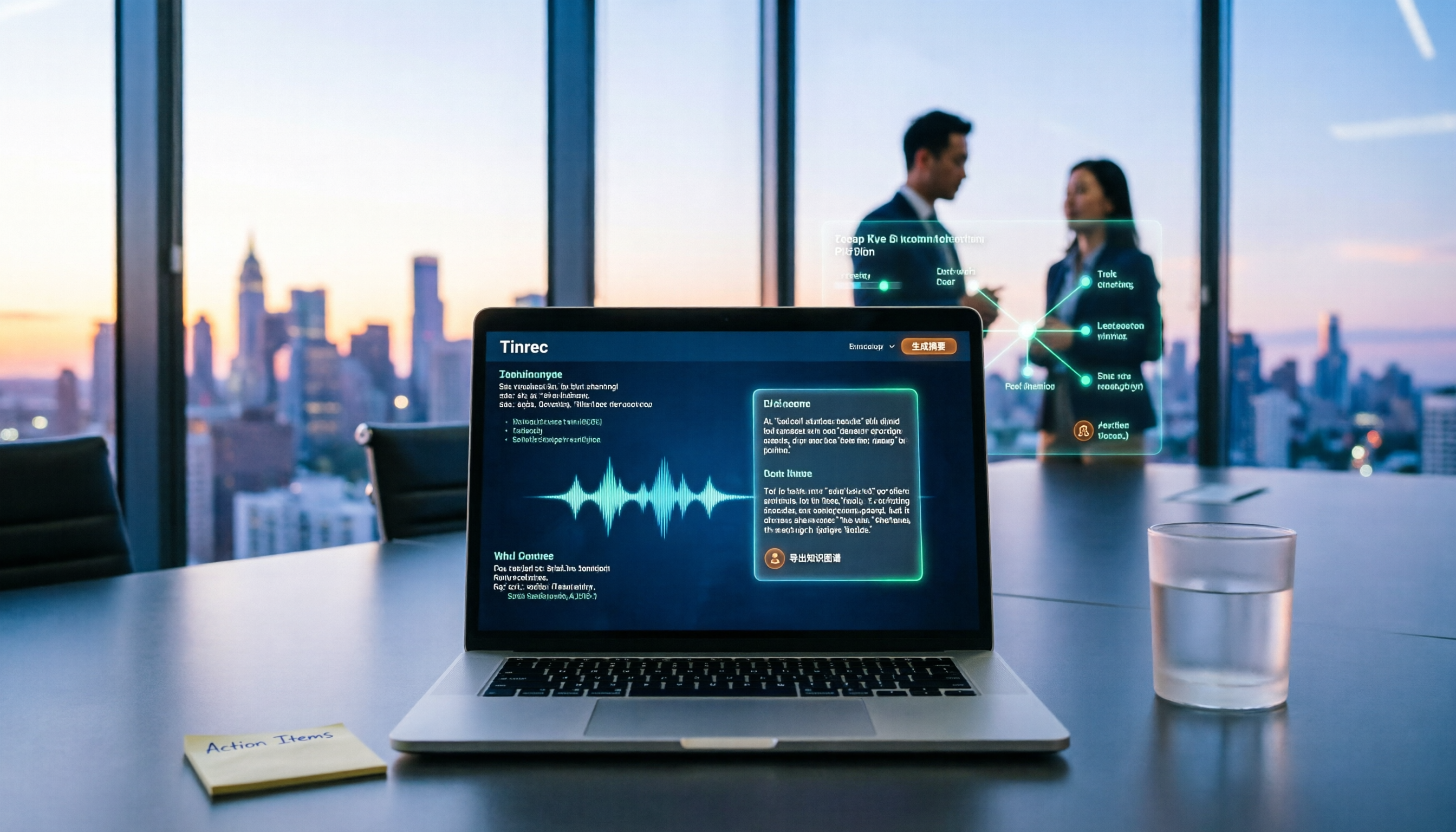
2026 AI Recording Tool Buying Guide: Notta Showcase and 3 Meeting Transcription Tools Tested
A process document took three days to revise, and meeting minutes took two hours to produce—the problem is often not the tool but the method. This article starts from the gap between "recording" and "data," first explains four key buying criteria, then tests Tinrec's bot-free recording, AI Q&A, and team knowledge retention, and explains who Notta Showcase, a flowchart and document tool, is for. It ends with a pitfalls guide and scenario-based selection advice.