

Turn recordings into transcripts and summaries in minutes
Upload audio or video for multilingual transcription, AI notes, and action items
The interview is over, and you have a 95-minute recording on your phone. Your manager needs a summary by tomorrow morning.
The old way was to put on headphones and type as you listen, rewinding the same sentence every time you hit a heavy accent. By the time you finish one interview, the afternoon is gone.
This is also a question I often get from readers lately: "What is Good Tape? Is it worth using?" The short answer: it's an online tool that turns recordings into transcripts, and its purpose is clear. But if your problem goes beyond "turn it into text" to the next step—"organize it into minutes, extract action items, and share it with the team"—then it's worth looking at another approach, such as an AI meeting notes tool like Tinrec.
What Is Good Tape? A One-Minute Overview
Good Tape is an online speech-to-text service from Denmark. It originated at Zetland, a Danish online news outlet, where editors were struggling with organizing audio files. The then-CEO developed the tool, and it spun off from the parent company in December 2022 to become an independent company.
Technically, it uses OpenAI's Whisper model, wrapped in an easy-to-use interface. Users upload audio or video and receive a timestamped transcript, and can also export subtitle files (.SRT). It supports languages including Chinese, English, Japanese, Korean, German, and French. For privacy, it complies with EU GDPR; files are kept for only 3 days when unregistered, and uploaded data is not used to train models.
Simply put, it solves the problem of "I have an audio file and want to turn it into text."
But "Turning It into Text" Is Usually Not the End
Honestly, a transcript is just an intermediate product. After getting a transcript, most people still need to do three things: extract key points, write minutes that others can understand, and identify "who needs to do what."
This work is still mostly manual. Tinrec aims to fill this gap by putting recording, transcription, summarization, action items, Q&A, and team sharing into a single workflow. With Tinrec, for example, at the end of a meeting you get not just a transcript but also a summary, chapters, key points, and a to-do list.
What Can Audio Transcription Do for You?
Scenario 1: Generate meeting minutes within 10 minutes after a meeting
A two-hour meeting used to take another hour to organize. Now, while the meeting is happening, Tinrec transcribes in real time, and after the meeting it directly lists the summary, chapters, and action items—who is responsible for what and when it's due, all at a glance.
Scenario 2: Mixed Chinese-English meetings without listening twice
International clients often switch between Chinese and English. Tinrec supports real-time translation, and you can choose to view the original text, translation, or bilingual view, so you don't have to stop and replay every English segment.
Scenario 3: Quickly archive interview materials
After interviewing three people, you have three audio files. Upload them to Tinrec, and transcripts, summaries, and key points are generated together. When you're ready to write, you can search keywords and jump right back to that segment.
Scenario 4: Accumulate fragmented notes
Ideas recorded on your phone, meetings on your desktop, audio files from others—all end up in one place instead of scattered across three devices and two messaging apps.
What Are Tinrec's Core Capabilities?
Real-time recording to text: Transcribes as you record, not after. Use it for in-person meetings and interviews—text appears on screen synchronously, so you can ask follow-up questions on the spot for missed points.
Record online meetings without a bot: Tinrec's desktop version directly captures your computer's system audio, so for Zoom, Google Meet, Microsoft Teams, Webex, and other online meetings, you don't need to invite a meeting bot as a participant. Note that this does not mean it automatically joins all calendar meetings—you still need to start recording yourself.
AI summaries, chapters, and action items: The hardest part of long meetings is finding the key points. Tinrec breaks content into chapters, condenses it into a summary, and lists action items separately, so you don't have to dig through the transcript line by line.
AI Q&A: After transcription, you can ask questions directly, such as "What was the budget cap the client mentioned?" or "What three things were decided in this meeting?" It answers based on the content, much faster than Ctrl+F through tens of thousands of words.
Multi-format export and post-processing: Results can be exported to Notion, Google Docs, OneNote, Dropbox, and other common tools. You can also use Agent post-processing to generate reports, tables, and documents—ready to deliver.
Practical Use Cases
Weekly project meetings and decision meetings
For regular weekly progress meetings, the biggest fear is that no one remembers the decisions. Record with Tinrec, and the summary retains the conclusions, while action items are assigned to owners. Before the next meeting, a quick review brings you up to speed.
Client interviews and requirements discussions
After a round of talks with a client, requirements, objections, and commitments are scattered throughout the conversation. Tinrec's transcript preserves timestamps, and the summary helps you capture key requirements, making it much faster to write proposals or reply to emails afterward.
Stop organizing recordings by hand
Upload audio or video and automatically get a transcript, summary, and action items
Courses, lectures, and internal training
Speakers talk fast and content is long, so note-taking often misses things. Import the audio into Tinrec, get the transcript first, then use AI Q&A to organize it into bullet points—no need to rewatch a two-hour video when reviewing.
Content creation and video-to-text
To turn podcasts, videos, or livestream archives into articles, a transcript is the necessary starting point. Tinrec supports audio and video file transcription and can directly export subtitle files, saving a round of work for editing or publishing.
5 Things to Consider When Choosing an Audio Transcription Tool
1. How broad are the input sources?
If the only entry point is file upload, you'll get stuck with online meetings. Tinrec supports real-time recording, desktop meeting recording, audio and video file import, and can handle some public web links—a more complete coverage.
2. Can it help you organize after transcription?
A transcript is raw material, not a finished product. When choosing a tool, I first look for summaries, chapters, action items, and Q&A. Tinrec does all of these in the same workflow, saving you from copying and pasting into another AI.
3. Performance with Chinese and mixed Chinese-English
Many tools are strong in English but start making mistakes with Chinese proper nouns. Tinrec focuses on Chinese meetings, supports mixed Chinese-English content and team hotwords—you can add your company's product names and abbreviations in advance. Actual performance will still be affected by recording quality, accents, noise, and multiple people speaking at once, so it's best to test with your own recording first.
4. Privacy and data storage
Meeting content often includes client data or non-public information. Besides confirming the service's encryption and regulatory compliance, also check data retention rules. Tinrec provides an audio recycle bin—deleted audio can be recovered before permanent deletion—and teams can check operation logs. Remember to get participants' consent before recording.
5. Team usage and seat management
Personal use and team use are two different things. Tinrec's team version is a separate team space where you can invite members, set owner and admin roles, and control who can record, upload, and edit via seats; members without seats can still view and play team data. When a member leaves, data belongs to the team and is not taken away by the individual.
Plans and Pricing: Is the Free Version Enough?
Tinrec's personal version includes a free version, weekly card, Pro monthly, and Pro annual. If you occasionally organize a recording, start with the free version to test the waters; if you have intensive interviews or courses in the short term, the weekly card is more suitable; if you have regular weekly meetings, the Pro monthly is more convenient; for those who need to accumulate recording data long-term, the annual card's monthly equivalent is usually more cost-effective.
The team version is priced separately: a 7-day trial is available for first-time eligible users, including 1 free seat and 300 minutes of team shared import quota; monthly is USD 29.80 per paid seat per month, annual is USD 199 per paid seat per year (about USD 16.58 per month). Each paid seat provides 2,000 minutes of team shared import quota per month; real-time recording is currently not deducted by minutes under valid plans and seats. Actual prices and promotions are subject to the official purchase page.
FAQ
Q1: How is Tinrec different from a simple conversion tool?
A: The difference is "after conversion." A simple conversion tool gives you a transcript; Tinrec also generates summaries, chapters, key points, and action items, and supports AI Q&A, translation, multi-format export, and ultimately centralizes data in a team space.
Q2: Do I need to let a meeting bot join online meetings?
A: No. Tinrec's desktop version directly captures computer system audio to record Zoom, Google Meet, Teams, Webex, and other meetings. Note that this is not automatic joining of all meetings—you still need to start recording yourself.
Q3: What can the free version do?
A: The free version provides basic quota to experience recording, import, transcription, and summarization. I recommend trying it with a recording you're familiar with to confirm Chinese recognition and summary quality meet your expectations before deciding whether to upgrade.
Q4: Can accuracy be guaranteed?
A: It's not advisable to promise a fixed number. Transcription quality is affected by recording quality, background noise, accents, overlapping speech, and technical terminology. In practice, important content should be cross-checked against the transcript timestamps and original recording.
Q5: What's the difference between the team version and the personal version?
A: Personal version data belongs to the individual account; the team version has a separate space with member invitations, role and seat management, shared import quota, usage analytics, audit logs, and an audio recycle bin—suitable for departments or project teams that need to collectively accumulate meeting data.
Q6: What should I pay attention to before recording?
A: First confirm local regulations and company policies, and obtain participant consent when necessary. Especially for content involving client data or internal decisions, pay extra attention to storage location and access scope.
Conclusion
The value of tools like Good Tape is clear: it turns recording from "spending an afternoon typing" into "getting a transcript in minutes."
But if your real problem is that meeting minutes can't be produced, action items can't be tracked, and data is scattered among individuals, then you need a tool that goes one step further. Tinrec connects recording, transcription, summarization, action items, Q&A, and team sharing into one line, so meeting content can truly be searched, tracked, and reused.
Why not start with the free version? Pick a meeting recording from last week, drop it in, and see what the generated minutes look like—then decide if it's worth adding to your daily workflow.
References
- Good Tape: The voice-to-text software that beat Yating and made reporters cry tears of joy—What's so special about it? | CommonWealth Magazine
- Good Tape: Automated audio-to-transcript tool supporting Chinese and many other languages
- Good Tape Taiwan - AI fully automatic transcription online cloud service, simple and fast, saving you a lot of typing time | Purchase inquiries
- Good Tape: Audio file to transcript software recommendation! The tool that best understands reporters' needs | Comprehensive AI Tools Introduction—Future Commerce
- Good Tape Introduction | AI Software Tools and Tutorials: AI Consultant FuturWiser™
Turn every recording into actionable outcomes
Get 60 free transcription minutes when you sign in. No credit card required.
Related Reading
You might also like

Otter.ai Chinese Review 2026: Traditional Chinese Limitations & Alternative Tools
Is Otter.ai Chinese version actually usable? This article examines three common misconceptions, explains that Otter officially lists only Simplified Chinese and that Otter Chat translation is not the same as transcription, and outlines four key factors for choosing a Chinese meeting tool, testing advice, pitfalls to avoid, and actual pricing. It also compares Tinrec, Otter.ai, Notta, and Granola for different use cases.

4 Meeting Transcription Tools Tested for 2026: Otter Means an Animal, But Which Tool Handles Chinese Meetings?
Otter means a water-loving mammal, but most people searching for it actually want Otter.ai, the meeting transcription tool. This article first clarifies the meaning and pronunciation of 'otter,' then compares Tinrec, Otter.ai, Notta, and TurboScribe for Chinese and Cantonese meetings—covering capture methods, post-meeting organization, and team collaboration—and highlights common pitfalls when choosing a tool.

How to Use Good Tape in 2025: 5-Step Guide to Transcribe Audio to Text
Good Tape is an AI transcription tool built by Danish news organization Zetland. It supports over 40 languages and can output timecoded transcripts and .srt subtitle files. This guide walks you through the 5 steps from uploading audio to exporting the final transcript, while also covering pricing, data retention policies, and limitations. It compares Tinrec, Notta, and TurboScribe to help you decide which tool fits your workflow.

2026 Comparison of 2 Meeting Transcription Tools: Otter Chinese Version vs. Tinrec — Which Is Better for Chinese Meetings?
Many people search for "Otter Chinese version," but what they really want to know is whether it can produce Chinese transcripts and whether the interface can be localized into Chinese. This article compares Otter.ai and Tinrec side by side across Chinese transcription, meeting recording methods, real-time translation, post-meeting organization, team collaboration, and pricing quotas to help you determine which one better fits the Chinese meeting needs of teams in Taiwan.

4 Otter Chinese Tools Tested for 2026: How to Download and Which Handles Traditional Chinese Best
People searching for "how to download Otter Chinese" often fall into three traps: assuming there's a separate Chinese app, downloading APKs from third-party sites, and thinking Chinese works perfectly once installed. This article clarifies Otter.ai's official download channels and Simplified Chinese limitations, then compares Tinrec, Otter.ai, Notta, and TurboScribe across four buying criteria to help you find a solution that truly handles Traditional Chinese meeting notes.
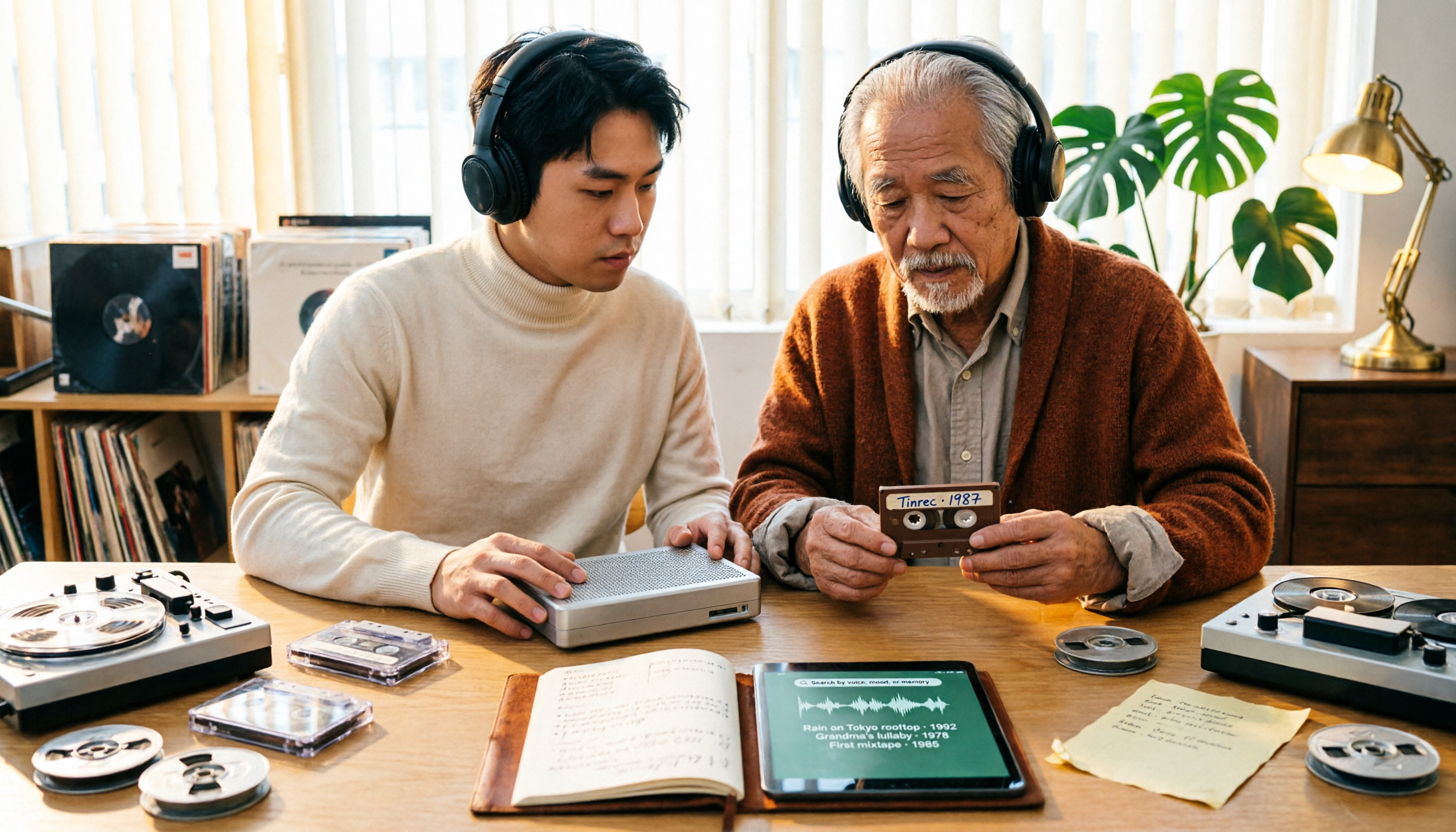
2026 Tapes Buying Guide: Reel-to-Reel, Cassette, and Live Recordings Compared
People searching for '2026 good tapes' fall into three groups: audiophiles looking for reel-to-reel tapes, music fans seeking cassette releases, and collectors hunting for live bootleg recordings. This guide breaks down the buying criteria for each type, then covers the most overlooked step—how to turn recordings into searchable, queryable data—and compares Tinrec, Granola, TurboScribe, and Otter.ai.

3 Meeting Transcription Tools Tested: How to Use Otter in Chinese and Which Understands Chinese Meetings Best?
People searching for 'otter Chinese' have two different needs: the literal meaning of the animal, and whether Otter.ai can handle Chinese meetings. This article clarifies common misconceptions and compares Otter.ai, Notta, TurboScribe, and Tinrec across four dimensions: Chinese recognition, meeting capture methods, post-meeting outputs, and team governance, to help you decide which tool truly suits Chinese meetings.
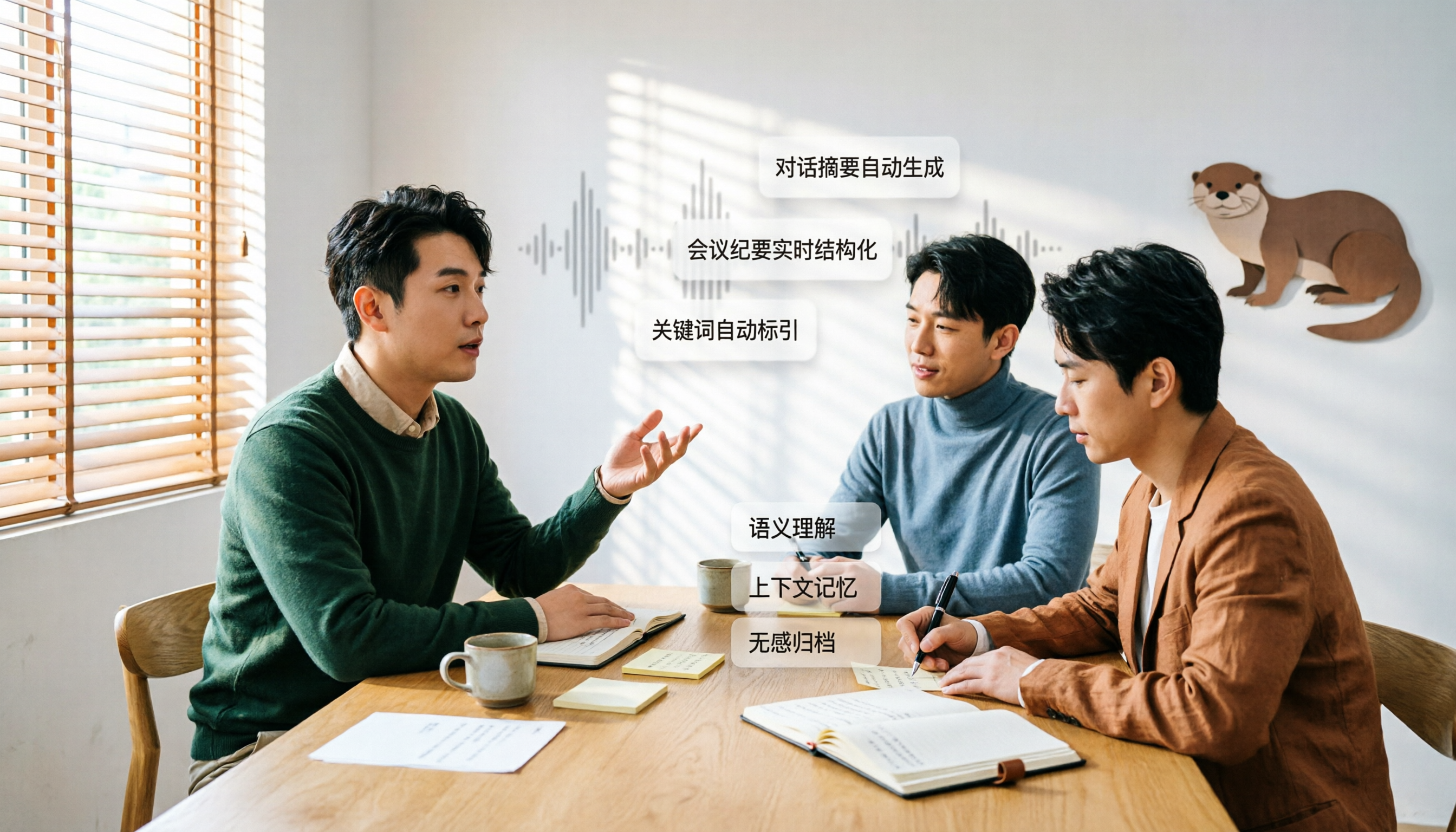
Otter in Chinese: Translation Guide, Meanings & 3 Practical Use Cases (2026)
Searching for 'otter in Chinese' returns multiple meanings: otter (水獺), sea otter (海獺), otter fur (水獺皮), and even the brand name Otter.ai. This guide clarifies the translations first, then explains what Chinese-speaking users should know if they're looking for the meeting tool Otter, and how Tinrec performs for Chinese meetings, bot-free recording, and team knowledge retention.

3 Meeting Transcription Apps Tested in 2026: Otter's Chinese Support and Download Options Explained
People searching for 'Otter Chinese how to download' often hit the same wall: the app downloads fine, but it can't produce usable Chinese meeting transcripts. This article first clarifies Otter.ai's download channels and official language support, then compares Tinrec, Otter.ai, Notta, and Granola using 4 key buying criteria, and finally gives clear recommendations based on different scenarios.