

Turn recordings into transcripts and summaries in minutes
Upload audio or video for multilingual transcription, AI notes, and action items
2026 Comparison of 4 Sales Meeting Note Tools: Evaluation Criteria and Which AI Meeting Notes Are Most Practical
A sales rep just finished a one-hour client meeting: the client said the budget might be reduced, the competitor comparison reached the third round, and they promised to provide a formal quote next week. Back at the office, the recording is on the phone, notes are on paper, and to-dos are scattered across group chats—everyone remembers a different version. The biggest fear with sales meeting notes isn't missing a recording; it's having a recording that can't be used to advance the next deal. This article breaks down the evaluation criteria using sales scenarios and compares 4 tools.
The Pain Point of Sales Meeting Notes Isn't "Did We Record It?" but "Can We Take Action?"
The first scenario: after a client meeting, the sales rep only remembers the client said "we'll re-evaluate," but can't clearly explain whether it was budget, features, or the decision process that stalled. The second: a manager asks "which two competitors did the client mention last week?" and the team has to go back and re-listen to a 60-minute recording. The third is even more common: meeting notes document the discussion process but lack decisions, owners, and deadlines, and only at the next meeting do they realize the action items never moved.
These problems aren't because sales reps aren't diligent; it's because the note-taking process lacks evaluation criteria. When choosing a sales meeting note tool, if you only look at "how many free minutes" or "how accurate is the transcription," you can easily buy a tool that only produces verbatim transcripts but can't help the team advance the client. Below, we first explain how to choose, then discuss the actual use cases of the 4 tools.
5 Evaluation Criteria for Sales Meeting Note Tools
This article doesn't use official accuracy rankings, but evaluates based on "can it be used after a sales meeting." The weights are as follows; you can adjust them according to your team's pain points:
| Evaluation Criteria | Weight | Key Points to Look for in Sales Scenarios |
|---|---|---|
| Transcription and Terminology | 25% | Chinese, mixed Chinese-English, product names, competitor names, accents, and multiple people talking over each other |
| Post-Meeting Action Output | 25% | Summary, decisions, client needs, objections, to-dos, owners, and deadlines |
| Meeting Capture Method | 20% | Whether a bot needs to join, ability to handle Zoom, Meet, Teams, Webex |
| Export and Knowledge Retention | 15% | Ability to bring into Notion, Google Docs, OneNote, Dropbox, and team spaces |
| Team Governance and Cost | 15% | Roles, seats, usage, audit, recycle bin, and cost per person |
1. Transcription and Terminology: First, look at what your meetings are like. Sales meetings are rarely standard Mandarin; they often include product codes, competitor names, English abbreviations, and mixed Chinese-English. Don't just look at the official 98% claim; see whether the tool can handle your own recording conditions: air conditioning noise in the meeting room, sales reps talking over each other, client accents. If there's team hotword or terminology management, it's more practical than simply comparing minutes.
2. Post-Meeting Action Output: Can you give the sales rep a follow-up-ready record within 10 minutes? Sales meeting notes should at least include: client needs, client objections, decision-makers and budget clues, commitments made, next steps and deadlines. A verbatim transcript alone isn't meeting notes; being able to organize the discussion into summaries, chapters, and to-dos truly saves post-meeting time.
3. Meeting Capture Method: Will it disturb the client? Many meeting tools rely on a bot joining the meeting. For internal meetings, it's fine, but for client meetings, an extra unfamiliar account often requires extra time to explain. If a tool can capture computer system audio via a desktop version, it's more natural for sales settings. However, note that this is "user-initiated recording," not automatically joining all calendar meetings, and it doesn't mean official partnerships with Zoom or Teams.
4. Export and Knowledge Retention: Records must return to existing workflows. Sales reps don't work in just one tool. Whether meeting results can be exported to Notion, Google Docs, OneNote, Dropbox, and whether reports, tables, or documents can be generated, determines whether the record is locked in the tool or can continue to be used.
5. Team Governance and Cost: Don't just look at monthly fees; look at seats and data ownership. A team edition isn't multiple people sharing one personal account. You need to see whether roles can manage members and settings, whether seats can control recording and uploading, whether usage can be viewed, and whether data can be handed over when a member leaves. Price should also be converted to cost per person per month, not just the total price.
Tinrec (Miao Ting Lu Yin) — The Most Balanced Top Choice for Sales Meeting Scenarios
Tinrec (Miao Ting Lu Yin) is an AI meeting notes and collaboration tool for individuals and teams, supporting iOS, Android, desktop, and web. It doesn't just convert audio to text; it organizes meeting recordings into searchable, summarizable, queryable, exportable, and further processable data. For sales teams, this positioning is closer to daily work than "audio-to-text."
During meetings, Tinrec's desktop version can directly capture computer system audio, handling meetings played on the computer via Zoom, Google Meet, Microsoft Teams, Webex, etc., without pulling a meeting bot into client meetings. For sales reps, this is very practical: clients won't see an extra unfamiliar account, and you don't have to explain who the bot is on the spot. For offline visits or interviews, you can also use your phone or real-time recording to transcribe as you record.
Stop organizing recordings by hand
Upload audio or video and automatically get a transcript, summary, and action items
After the meeting, Tinrec converts the recording into a verbatim transcript and automatically organizes summaries, chapters, key points, and to-dos. What sales managers want to see: what the client needs, where the concerns are, who committed to what, and when the next deadline is. If this content is only presented as a verbatim transcript, it leaves the organizing work to humans; Tinrec's value is producing the first draft of post-meeting organization, allowing sales reps to supplement and confirm on that basis.
More critically, AI Q&A. You can directly ask: "What was the reason this client mentioned last time for the budget freeze?" or "In the competitor comparison, what two points did the client care about most?" It answers based on the meeting content, rather than just throwing keyword search results. For sales and customer success teams that need to look back at client historical meetings, this is closer to daily work than simply saving recordings. Tinrec also supports real-time translation, viewable in original, translated, or bilingual format; audio and video files can be uploaded for transcription; after the meeting, you can export to Notion, Google Docs, OneNote, Dropbox, etc., or use Agent post-processing to generate reports, tables, and documents.
The team edition places data in an independent team space, with members, roles, seats, sharing permissions, usage analysis, audit logs, audio recycle bin, and team hotwords. Here, it's important to distinguish "roles" and "seats": roles determine who can manage the team, members, and settings; seats determine whether members can record, upload, edit, import, and export. Members who are active but have no seat can still view, play, and read team data, but cannot perform resource usage operations. Team resources belong to the team; when a member exits or is removed, the resources they are responsible for must be handed over to other active members, and won't be directly taken away by the individual.
Limitations should also be clearly stated: the free version is a basic quota, suitable for light experience; file and web imports consume team shared import minutes, and not all scenarios are unlimited. The team edition paid seat provides 2,000 minutes of shared import quota per month; real-time recording is currently not deducted by minutes under an active plan and active seat; monthly payment is USD 29.80 per paid seat, annual payment is USD 199 per paid seat (about USD 16.58/month). The first eligible team trial is 7 days, 1 free seat, and 300 minutes of team shared import quota.
Who it's for: If you mainly hold Chinese sales meetings, often have mixed Chinese-English, don't want bots joining client meetings, need to quickly extract to-dos and client objections after meetings, and need to retain data as team assets, Tinrec is the most balanced choice under this evaluation criteria. Important commitments should still be verified by reviewing the transcript timestamps and recordings; don't treat AI output as the sole basis.
Besides Tinrec, What Other Options Are There?
Otter.ai: A mature choice for English business meetings. Basic is free with 300 minutes per month; Pro annual billing is about USD 8.49/user/month, including 1,200 minutes of in-app recording and 10 file imports per month. Its English meeting automation and workflow mindset are strong, suitable for English-dominant multinational teams. If your sales meetings are mainly Chinese or mixed Chinese-English, Tinrec is closer to the scenario in Traditional Chinese post-meeting output, team hotwords, and bot-free desktop recording; but for pure English meetings, Otter remains a reasonable option.
Fireflies.ai: Mature sales automation and integration capabilities. Meeting bots, summaries, AskFred, and team analytics are strengths. Official annual pricing: Pro USD 10/seat/month, Business USD 19, Enterprise USD 39. If you already have a complete sales process and extensive integration needs, it's worth evaluating; but if you don't want bots joining client meetings, Tinrec's desktop system audio capture is less disruptive to clients, and its Chinese meeting and team data retention are more targeted at Taiwan teams.
Granola: Bot-free AI meeting notes. Transcribes via desktop system audio and microphone, combined with handwritten notes to generate content. Basic is free, Business USD 14/user/month, Enterprise USD 35. Note that it doesn't support uploading pre-recorded audio files and doesn't save meeting audio; if you need to retain recordings, re-listen after meetings, or organize historical documents, Tinrec supports audio and video import and retains audio—this is a clear difference. If you only do real-time meetings and don't need audio retention, Granola can be included in the comparison.
Pitfall Guide: The 4 Most Common Mistakes When Choosing Sales Meeting Note Tools
Pitfall 1: Only comparing free minutes. A large free quota doesn't equal time saved. What you really need to calculate is: can it directly produce to-dos, client objections, and next steps after the meeting? If manual re-listening and organizing are still required, no amount of free minutes is worth it.
Pitfall 2: Letting bots join client meetings. An extra bot in a client meeting affects trust and may also encounter platform permission or waiting room issues. Before purchasing, confirm whether desktop system audio recording is possible and whether manual initiation is required.
Pitfall 3: Treating verbatim transcripts as meeting notes. Without decisions, owners, and deadlines, there is no record. Sales meeting notes must answer: what the client wants, who agreed to what, when it will be completed, and what to follow up on next time.
Pitfall 4: Ignoring seats and data ownership. A team edition isn't a shared personal account. Roles manage governance, seats manage usage; members without seats can view but cannot upload or edit. When members leave, team resources must be transferable, otherwise meeting assets leave with the person.
Conclusion: Which One Should Your Sales Meetings Choose?
In one sentence: the evaluation criteria for sales meeting notes isn't "whose transcript is longest," but "who can make the next follow-up faster."
- Chinese sales meetings, mixed Chinese-English, no bots in client meetings → Tinrec
- Need AI Q&A, to-dos, export, and team data retention after meetings → Tinrec
- Multiple team members, need roles, seats, usage, and audit → Tinrec Team Edition
- English meetings dominant, need mature English meeting workflow → Otter.ai
- Already have a complete sales process, value automation and extensive integration → Fireflies.ai
- Only real-time meetings, no need for audio retention and pre-recorded files → Granola
If you're evaluating team adoption, it's recommended to first use the free version or the eligible 7-day team trial to run a real client meeting, and see whether the post-meeting summary, to-dos, and AI Q&A fit your sales process. Tools are just aids; important commitments and pricing terms should still be verified against the transcript and recording; validate before upgrading—it's more stable than buying the largest plan from the start.
References
- Public Construction Commission, Executive Yuan - Legal System - Procurement Evaluation Committee Review Regulations
- Meeting Minutes Guide: Examples, Tips, and Templates | Lark
- How to Take Meeting Minutes? 2026 Complete Guide for Beginners - Meta Note
- Meeting Minutes Format Template [Copy Directly] 4 Key Points + Writing Examples
- Meeting Minutes = Verbatim Transcript? Professional Meeting Minutes Only Record 3 Key Points | Writing Tips and Templates | 104 Career Power
Turn every recording into actionable outcomes
Get 60 free transcription minutes when you sign in. No credit card required.
Related Reading
You might also like

Which Sales Meeting Notes Template Is Best? 2026 Hands-On Test of 4 AI Tools—This One Wins for Chinese Sales Meetings
Still manually filling out sales meeting notes in Excel? I tested 4 AI meeting tools, comparing Chinese transcription, post-meeting action item extraction, AI follow-up questions, and team data ownership. Here are the key buying factors, pitfalls to avoid, and recommendations for different sales teams.

Otter Chinese Alternatives Compared 2026: Tinrec vs Notta — Which Is More Practical for Chinese?
Is Otter.ai actually good for Chinese? I tested and compared Otter.ai, Tinrec, and Notta on Chinese meetings, mixed Chinese-English speech, post-meeting organization, and team collaboration to tell you which one is better suited for teams in Taiwan, plus key points to consider when choosing.
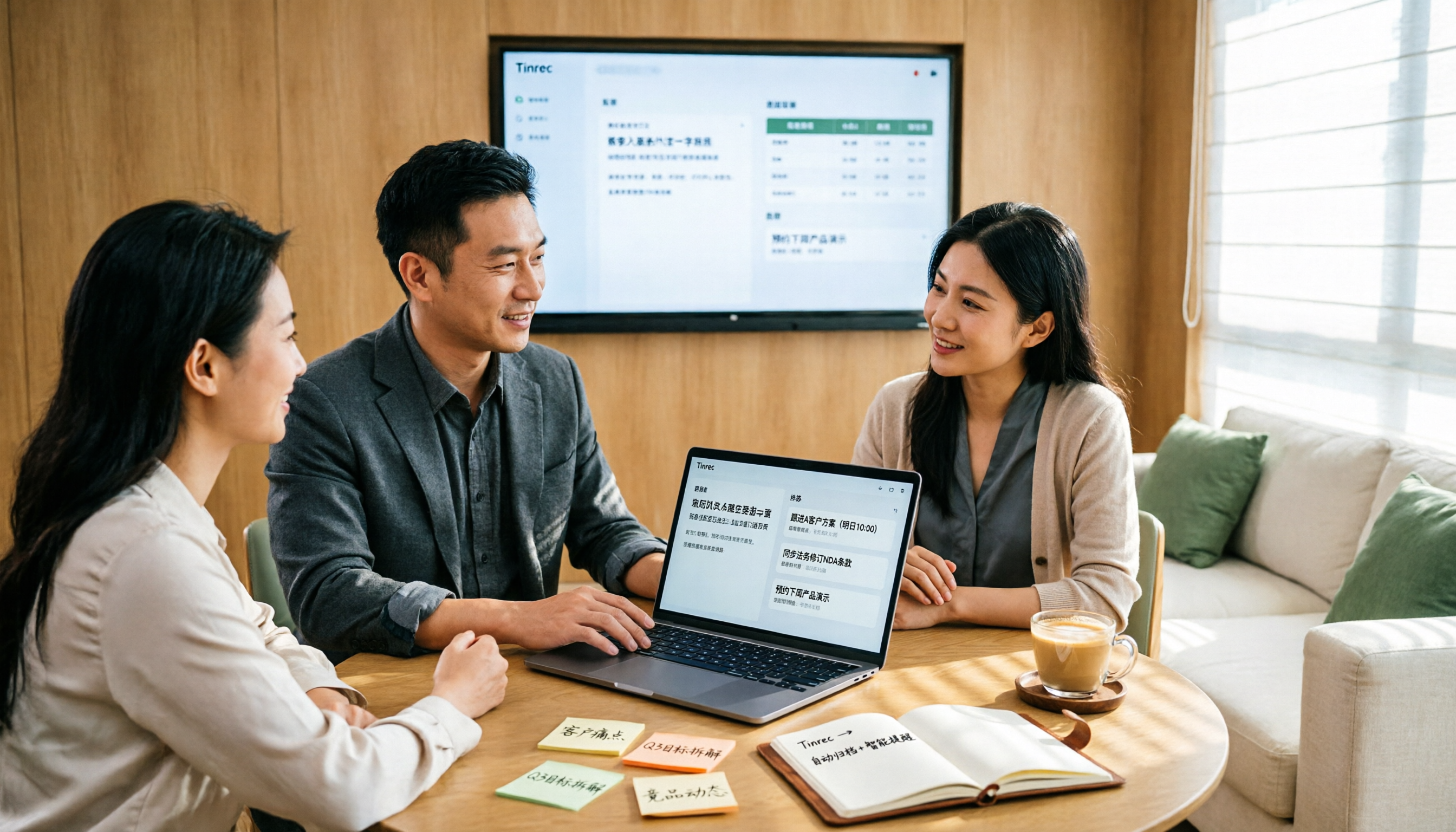
2026 Sales Meeting Notes Table Tools Buying Guide: 6 Hands-On Tests and Recommendations
The most common pitfall with sales meeting notes tables is filling in fields from memory after the meeting. Drawing on real-world experience from mid-level managers, this article reviews six tools that can turn sales meetings into transcripts, summaries, action items, and exportable tables, including Tinrec, Otter.ai, Fireflies.ai, Notta, Granola, and TurboScribe. It explains each tool's positioning, pricing, and ideal users, and offers selection advice and usage notes.
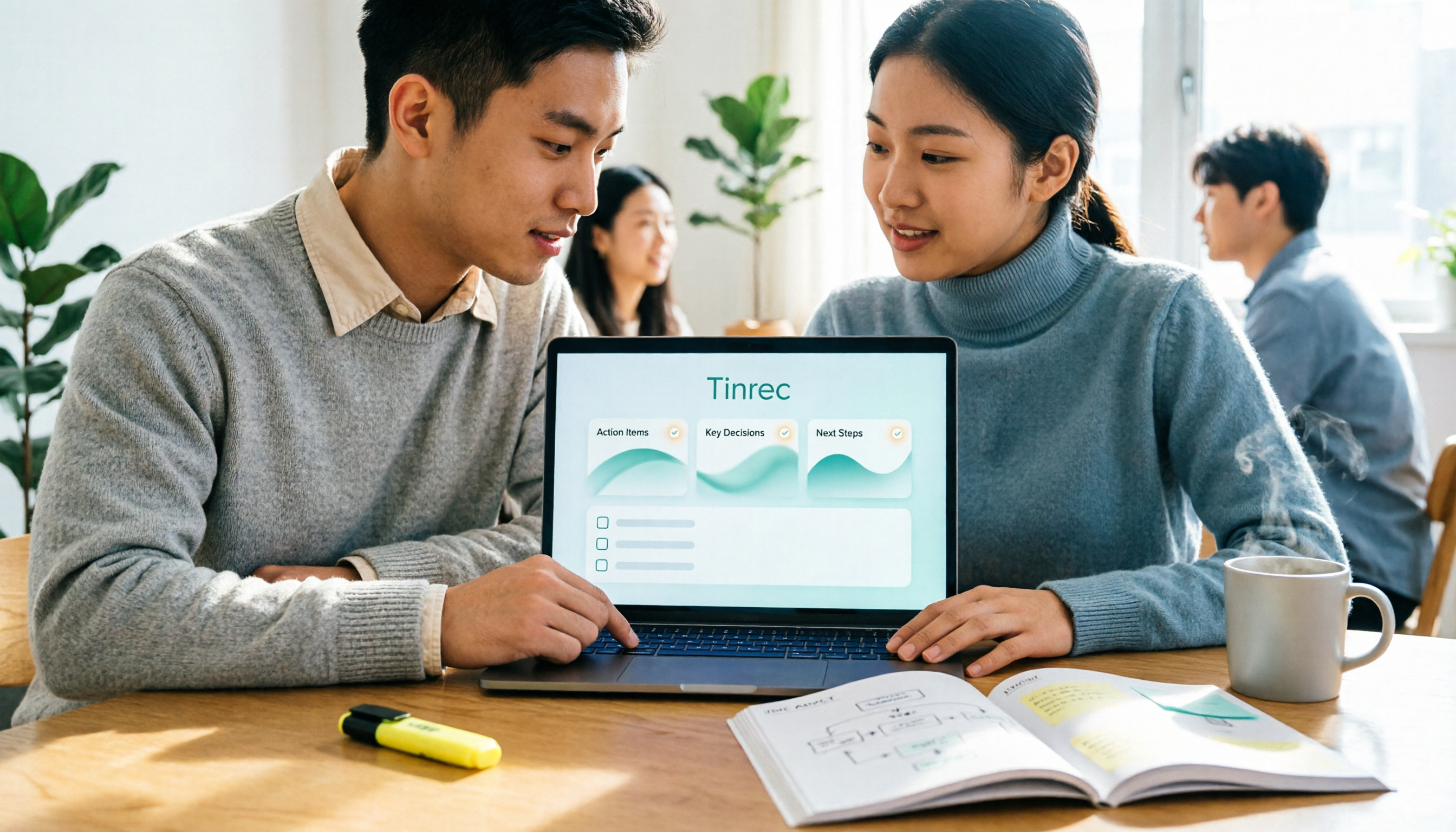
2026 Sales Meeting Notes Templates: 6 Free Options Compared
Starting from a student's perspective of getting tired of searching for templates on Dcard, this article reviews 6 sales meeting notes solutions: from plain text templates and free transcription tools to AI meeting notes that can automatically generate summaries and action items. It includes each option's free quota, pricing, and use cases to help you pick the most time-saving one.

2026 Comparison of 4 Sales Meeting Note Tools: Which One Turns Customer Conversations into Trackable Sales Leads?
Starting from the pain point of a sales intern unable to follow up on customer commitments after meetings, this article uses a decision comparison chart to break down 4 sales meeting note tools: Tinrec, Otter.ai, Fireflies.ai, and Granola. The focus is not on transcription minutes, but on whether you can ask questions, hand off, and retain information after the meeting.

2026 Comparison of 4 Sales Meeting Note Tools: Which One Best Organizes Customer Needs and Action Items?
Sales meeting notes aren't just about transcribing conversations verbatim. This article addresses common pitfalls and compares Tinrec, Granola, TurboScribe, and Notta on recording methods, post-meeting organization, Chinese language experience, and team collaboration to help you choose the right tool.

2026 Sales Meeting Notes Template Platforms Compared: Tinrec vs. Notta vs. Fireflies — Which Is Best for Sales Teams?
Starting from common pitfalls of sales meeting notes templates, this article outlines 8 essential fields and demonstrates a 5-step workflow using Tinrec Team Edition: pre-meeting preparation, recording transcription, AI summary, action item tracking, and team knowledge retention. It also briefly compares the positioning of Notta and Fireflies.

Sales Meeting Notes Platform 2026: Templates + AI Action Items
Sales meeting notes are more than just jotting things down. This guide covers template fields you can use right away and shows how Tinrec turns client visits, weekly sales meetings, and cross-team discussions into transcripts, summaries, action items, and searchable team meeting assets.

2026 Sales Meeting Minutes Templates: 4 Free Tools Compared
A sales meeting minutes template is only as good as its follow-up. This article breaks down the 7 essential fields for a usable template, compares the free tiers, Chinese transcription, and post-meeting organization capabilities of Tinrec, Notta, Otter.ai, and PLAUD Note, and highlights the 3 most common mistakes when choosing a meeting notes tool—helping you decide whether to keep your template or switch to an AI tool.