
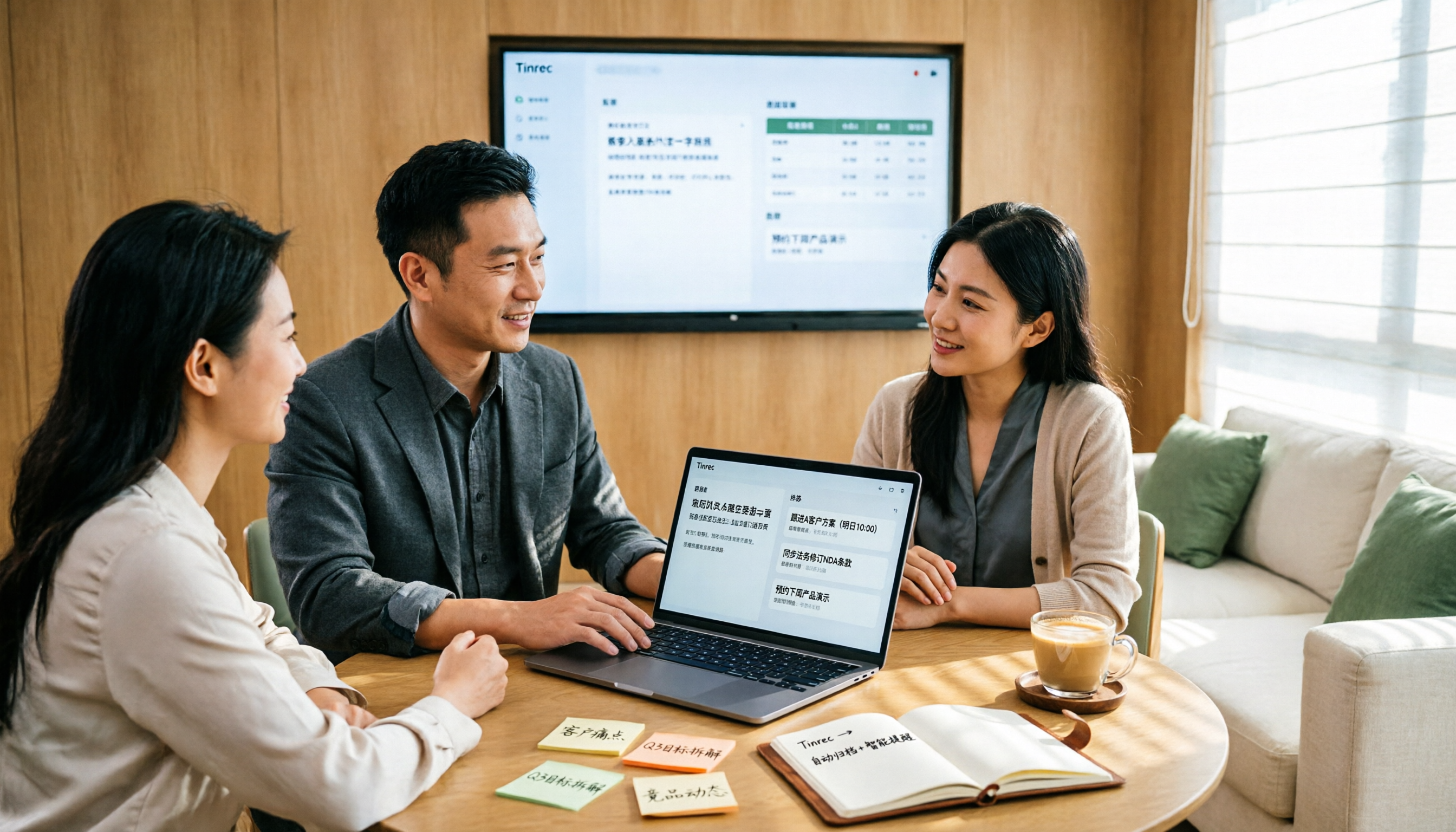
Turn recordings into transcripts and summaries in minutes
Upload audio or video for multilingual transcription, AI notes, and action items
Why do you need a usable sales meeting notes table?
Most people fill out their sales meeting notes after the meeting is over. They fill in a form from memory: client name, discussion items, next contact time—the cells are neatly filled, but the content is all recollection.
What you really should record is not "what we talked about," but the client's exact words, the objections they raised, the commitments we made on the spot, and who needs to deliver what and when. If you rely on memory to fill these in, you'll probably miss six out of ten fields.
The basic fields of meeting notes (time, attendees, decisions) haven't changed in decades. What has changed is that tools can now capture content while the meeting is happening and organize it into tables and action lists right after. Below are six solutions I've actually used or evaluated, ranging from the most complete AI meeting tools to purely free options.
Solution 1 | Tinrec (Miao Ting Lu Yin) — Turn sales meetings directly into queryable, exportable data
One-sentence positioning: More than just speech-to-text, it organizes the entire sales meeting into team data that can be searched, queried, and exported as tables.
No meeting bot, so clients won't see an extra name join the meeting. The desktop version directly captures computer system audio and works with Zoom, Google Meet, Microsoft Teams, and Webex without inviting an extra bot into the meeting room. For sales, this is very practical—when the client sees an unfamiliar account join, the atmosphere changes.
The real value comes after transcription. It automatically generates summaries, chapters, and action items, and can also use Agent post-processing to produce reports, tables, and documents. For sales debriefs, the client needs, pricing objections, and commitments can first be organized into structured content, then exported to Google Docs, Notion, or OneNote for further processing without starting from scratch.
AI Q&A saves the 40 minutes of re-listening to recordings. When you need to report to your manager next week, you can directly ask the meeting data questions like "What concerns does this client have about delivery time?" and the answer comes with the original timestamp. In the past, the most time-consuming part for me was flipping through notes to find that one sentence; now I just ask.
The team version makes data belong to the team, not individuals. Meeting data is centrally stored in the team space. When a member leaves or is removed, their responsible resources can be handed over to other members; administrators can manage roles, seats, usage, and audit logs. Currently, the team version offers a 7-day trial (1 free seat, 300 minutes of team shared import quota), monthly payment USD 29.80 per paid seat, annual payment USD 199 per paid seat (about USD 16.58/month), with 2,000 minutes of team shared import quota per paid seat per month; under an active plan and seat, real-time recording is currently not deducted by minutes.
For the personal version: use the free version for occasional recording organization; use a weekly card for short-term project sprints; choose the Pro monthly card for stable weekly meetings; and for long-term accumulation of client interaction records, the annual card is more cost-effective.
Who it's for: Sales teams and department managers who need Chinese meeting notes, don't want bots joining client meetings, and want meeting results to become reusable team data.
Solution 2 | Otter.ai — A veteran assistant for English business meetings
Positioned as a mature AI meeting assistant, covering meeting transcription, speaker identification, AI Chat, and team management, with a strong mindshare in English business scenarios. The free version offers 300 minutes per month; Pro annual billing is about USD 8.49 per user per month, including 1,200 minutes of in-app recording and 10 file imports per month; Business provides unlimited meetings and more management capabilities. Suitable for teams that conduct meetings entirely in English with clients in the US and Canada, but Chinese meetings and mixed Chinese-English organization are not its strong suit.
Solution 3 | Fireflies.ai — Strong in meeting automation and team analytics
Its strengths are meeting automation, AI summaries, AskFred queries, and extensive third-party integrations, with comprehensive analytical reports for sales teams. Annual pricing: Free USD 0, Pro USD 10 per seat per month, Business USD 19 per seat per month, Enterprise USD 39 per seat per month; note that its "unlimited transcription" is still subject to storage, upload speed, and AI Credit rules. Suitable for sales organizations that have already tied CRM and workflows together and need extensive integrations.
Stop organizing recordings by hand
Upload audio or video and automatically get a transcript, summary, and action items
Solution 4 | Notta — Multilingual transcription and team solutions
It overlaps significantly with Tinrec, covering multi-platform transcription, file import, translation, and team solutions, with multilingual support as its selling point. The free version offers 120 minutes per month with a 3-minute limit per item; Pro annual billing is about USD 8.17 per month for 1,800 minutes per month; Business annual billing is about USD 16.67 per seat per month, providing unlimited transcription and usage reports. Suitable for teams that need to handle multilingual client meetings and primarily rely on file transcription.
Solution 5 | Granola — No bot, centered on user notes
It also uses a no-bot approach, capturing system audio and microphone through a desktop device, combining user handwritten notes with AI-generated content, and organizing cross-meeting context well. Basic is free, Business is USD 14 per user per month, Enterprise is USD 35 per user per month. Two things to note before use: it does not support uploading pre-recorded audio files, and it does not save meeting audio files. Suitable for people who are used to typing while listening and only need text records; if you need to keep audio archives for sales evidence, you'll need to find another way.
Solution 6 | TurboScribe — An affordable choice for bulk file transcription
It's more of a cost-effective file transcription tool, focusing on long files, batch uploads, subtitles, and translation. The free version allows 3 files per day with a 30-minute limit per file; Unlimited annual billing is USD 120 (about USD 10 per month), and the paid version supports files up to 10 hours or 5 GB, with up to 50 files uploaded at once. It lacks real-time meeting recording and post-meeting query workflows, but if your need is to quickly turn a batch of client call recordings into text, it's hard to beat this price.
With so many options, how should you choose?
• Want to handle "transcription + AI queries + automatic summary and action items + export tables" in one go → Tinrec, as few options currently cover all these steps. • Don't want bots joining client meetings but need to record Zoom, Meet, Teams → Tinrec's desktop version directly captures system audio, which is its core differentiator. • Meetings are mixed Chinese-English and you need to organize client needs and objections in Chinese → Tinrec, and you can use team hotwords to handle product proper nouns. • Need to give your manager a structured table or report after the meeting → Tinrec's Agent post-processing can generate tables and documents, then export to your existing workflow. • Need to manage meeting data and usage for the entire sales department → Tinrec's team version manages by roles and seats, with data owned by the team. • Team conducts all meetings in English with clients in North America → Otter.ai or Fireflies.ai are more mature. • Only need to batch convert existing recording files to text → TurboScribe, 10 hours per file, 50 files at a time. • Don't want to spend any money and only have two or three meetings per week → Start with Tinrec's free version or Otter Basic to test the waters, and discuss upgrading if the quota is insufficient.
4 things to know before using a sales meeting notes table
1. Define the fields first, then start recording. Client name, attendees, needs, objections, our commitments, next steps, owner, deadline—write these fields on paper first, and after the meeting check them item by item against the tool's summary and action items. Tools can save you typing time, but they can't decide what you should record.
2. Inform attendees before recording. Taiwan is an environment regulated by personal data protection laws. Before recording a client meeting, explain the purpose and obtain consent—this is a basic step that also helps avoid subsequent disputes.
3. AI summaries are not meeting conclusions. Key sentences involving amounts, discounts, and delivery commitments must be verified against the timestamps in the transcript. No tool currently guarantees 100% accuracy; audio quality, accents, and multiple people talking over each other all affect results.
4. Clearly distinguish roles and seats for team sharing. Take Tinrec's team version as an example: active members can view and play team data even without a seat, but they need a seat to record, upload, edit, and export. Administrators should think separately about "who can view" and "who can act" when assigning, and not open everything at once.
Conclusion
The value of a sales meeting notes table lies not in the table itself, but in whether it can faithfully reproduce what the client said and what we promised. If, like me, you have several client meetings every week and a pile of follow-ups afterward, a more reasonable approach is to let the tool handle recording and initial organization, while you handle judgment and decision-making.
Among the six options, Tinrec is the only one that puts "bot-free recording, Chinese transcription, AI queries, action item extraction, table export, and team data accumulation" into a single workflow, and it best fits the needs of sales scenarios. I recommend first running a real client meeting with the free version to see if the generated minutes can be directly used for debriefing—if they work, then consider upgrading.
References
- April 2026 Taiwan Auto Market Sales Report! Crossover SUV Corolla Cross with ...
- September 2026 Taiwan Auto Market Sales Report | U-CAR News
- Labor-Management Meeting Minutes (Example) _______________ (Business Unit Name) ____th ____th Labor-Management Meeting Minutes
- April 2026 Taiwan New Car Sales Figures - 7Car
- April 2026 Taiwan Auto Sales Report - 8891 Auto
Turn every recording into actionable outcomes
Get 60 free transcription minutes when you sign in. No credit card required.
Related Reading
You might also like

2026 Sales Meeting Notes Template: A Complete Guide from Transcripts to Action Item Tracking
The most common mistake with sales meeting notes is filling out the template from memory after the meeting. Drawing on real-world experience from a mid-level manager, this guide explains how to use Tinrec to turn client meeting recordings into transcripts, summaries, and action items, then organize them into trackable, transferable sales meeting notes. It also covers 5 key factors to consider when choosing a tool and answers common questions.

Sales Meeting Notes Template Guide 2026: 6 Tools Tested and Recommended
Searching for sales meeting notes examples on PTT often means you're missing not just a form, but a process that makes notes usable after the meeting. This guide first provides a ready-to-use sales meeting notes template with fields, then shares hands-on reviews, pricing, and use cases for 6 transcription and AI meeting notes tools, helping you decide whether to use a template manually or let tools auto-generate transcripts, summaries, and action items.

2026 Sales Meeting Notes Template Free Options: 5 Tools Compared
Sales meeting notes often get stuck on three problems: can't write fast enough, spend too long re-listening afterward, and no one follows up. This guide covers 5 free or free-tier options, from AI meeting note tools to pure transcription services, plus the fields a sales meeting template should have and tips for choosing the right approach for your team.

How to Use a Sales Meeting Notes Template in 2026: 5 Steps from Recording to Deal Tracking
The most common failure with sales meeting notes is filling them in from memory after the meeting. This article flips the order with 5 steps: first use Tinrec to record the meeting completely, transcribe it, and generate a summary—then go back and fill in the template. Includes copy-ready table fields, AI prompt templates, and team collaboration practices.

4 Sales Meeting Notes Tools Worth Recommending in 2026: From Free to Team Editions
If you can't finish filling out sales meeting notes, the problem usually isn't the form—it's the process of relying on people to recall what happened after the meeting. This article looks at it from the perspective of a real sales team: which 8 fields a sales meeting should capture, the 4 key points to check before choosing a tool, and a comparison of Tinrec, Otter.ai, Notta, and PLAUD Note's use cases and limitations. It ends with scenario-based recommendations.

Which Sales Meeting Notes Template Is Best? 2026 Hands-On Test of 4 AI Tools—This One Wins for Chinese Sales Meetings
Still manually filling out sales meeting notes in Excel? I tested 4 AI meeting tools, comparing Chinese transcription, post-meeting action item extraction, AI follow-up questions, and team data ownership. Here are the key buying factors, pitfalls to avoid, and recommendations for different sales teams.

Otter Chinese Alternatives Compared 2026: Tinrec vs Notta — Which Is More Practical for Chinese?
Is Otter.ai actually good for Chinese? I tested and compared Otter.ai, Tinrec, and Notta on Chinese meetings, mixed Chinese-English speech, post-meeting organization, and team collaboration to tell you which one is better suited for teams in Taiwan, plus key points to consider when choosing.
2026 Sales Meeting Notes Templates: 6 Free Options Compared
Starting from a student's perspective of getting tired of searching for templates on Dcard, this article reviews 6 sales meeting notes solutions: from plain text templates and free transcription tools to AI meeting notes that can automatically generate summaries and action items. It includes each option's free quota, pricing, and use cases to help you pick the most time-saving one.

2026 Comparison of 4 Sales Meeting Note Tools: Which One Turns Customer Conversations into Trackable Sales Leads?
Starting from the pain point of a sales intern unable to follow up on customer commitments after meetings, this article uses a decision comparison chart to break down 4 sales meeting note tools: Tinrec, Otter.ai, Fireflies.ai, and Granola. The focus is not on transcription minutes, but on whether you can ask questions, hand off, and retain information after the meeting.