

Turn recordings into transcripts and summaries in minutes
Upload audio or video for multilingual transcription, AI notes, and action items
2026 Sales Meeting Notes Template Free Options: 5 Tools Compared
The first time you're asked to write sales meeting notes, many people's first instinct is to search online for a template.
There are plenty of discussions like this on Dcard's work forum: some ask whether meeting notes should be finished during the meeting, while others say they transcribe from start to finish, and before they're done the next person starts talking, so they end up re-listening to an hour and a half of recording afterward to fill in the gaps.
The template itself isn't the problem—the problem is treating it as a one-size-fits-all form.
The three most common pitfalls I've seen:
- Treating the template as a verbatim transcript format, filling every field but losing the key points.
- Trying to keep up by typing speed alone, missing the meeting content, and spending more time re-listening afterward.
- Finishing the notes, but customer needs, objections, and commitments have no owner and no deadline.
This guide covers 5 tools and free options that work with sales meeting notes, and explains clearly what a template should look like.
Why do sales meetings especially need a good notes template?
The information in a sales meeting is different from a regular weekly meeting.
Regular weekly meetings record progress and task assignments; sales meetings record customer background, budget, decision chain, competitor comparisons, objections raised on the spot, and what we committed to.
If this information isn't recorded, the next meeting will happily require asking again, and the customer won't feel great about it either.
Moreover, the same group of customers often has multiple conversations, and each record is the negotiation foundation for the next one.
So what really needs solving isn't "how fast you type," but "whether the information that should be kept is kept, and whether it can be found next time."
Option 1 | Tinrec — The most complete AI meeting notes and team collaboration
Tinrec is an AI meeting notes and collaboration tool for individuals and teams. It's not just audio-to-text; it turns meetings into searchable, queryable, and further-processable data.
No meeting bot, no extra account for the client. The desktop version directly captures computer system audio, handling online meetings on Zoom, Google Meet, Microsoft Teams, Webex, and similar platforms without inviting an extra bot into the meeting room. For sales scenarios, this is very practical—you don't want the client to see a stranger's account in the participant list.
Keep asking after transcription. After the transcript is generated, you can do AI Q&A for a single meeting or across meetings, for example going back to confirm "what was the budget cap the client mentioned last time" or "who is this deal stuck with." This is the biggest difference from most pure transcription tools.
Deliverables directly after the meeting. Summaries, chapters, key points, action items, and mind maps are automatically organized, and you can further generate reports, tables, and documents, and export to Notion, Google Docs, OneNote, Dropbox for continued use.
Team version keeps data within the team. Meeting data belongs to the team, with member and role management, seat allocation, usage analytics, audit logs, audio recycle bin (30-day retention), and team hotwords. When a member leaves or loses their seat, resources can be handed over to other members and won't disappear with the individual account.
On pricing, the personal version has a free version to try basic quotas, plus weekly cards, Pro monthly, and Pro annual, suitable for different usage frequencies. The team version offers a 7-day trial for first-time eligible users, including 1 free seat and 300 minutes of team shared import quota; monthly billing is USD 29.80 per paid seat per month, annual billing is USD 199 per paid seat per year (about USD 16.58 per month), with each paid seat providing 2,000 minutes of team shared import quota per month. Under an active team plan and seat, live recording currently does not deduct by minutes. Actual prices and promotions are subject to the official purchase page.
Who it's for: Sales and customer success teams whose sales meetings are mainly in Chinese or mixed Chinese-English, and who need to turn customer communications into team assets.
Option 2 | Fireflies.ai — Meeting automation and sales analytics oriented
Fireflies.ai's strength is meeting automation: a meeting bot joins online meetings, automatically generates summaries and action items, AskFred Q&A, team analytics, and extensive third-party integrations.
If your team is already used to having a bot join meetings and relies heavily on integration workflows, its completeness is high. Note that its "unlimited transcription" is still subject to storage, upload speed, and AI Credit rules—it shouldn't be understood as all capabilities being unlimited.
Annual pricing is Free USD 0, Pro USD 10 per seat per month, Business USD 19 per seat per month, Enterprise USD 39 per seat per month, subject to the official pricing page.
Who it's for: Sales teams that mainly hold English meetings and value automation and integrations.
Option 3 | Otter.ai — Mature for English business meetings
Otter.ai is a mature AI meeting assistant covering Zoom, Microsoft Teams, and Google Meet, offering live transcription, speaker identification, AI Chat, and team management.
Stop organizing recordings by hand
Upload audio or video and automatically get a transcript, summary, and action items
On pricing, Basic is free with 300 minutes per month; Pro annual billing works out to about USD 8.49 per user per month, including 1,200 minutes of in-app recording per month and 10 file imports; Business offers unlimited meetings and in-app recording, with actual prices possibly affected by promotions.
It has deep experience in English business meetings, but Chinese meetings and mixed Chinese-English are not its home turf.
Who it's for: Companies that hold meetings in English daily and need mature English transcription and team management.
Option 4 | Notta — Multilingual transcription and team plans
Notta's coverage is similar to most AI meeting tools, including multi-platform transcription, meeting notes, file import, translation, and team plans; its multilingual capability is often mentioned.
The free version offers 120 minutes per month, with a maximum of 3 minutes per item; Pro annual billing works out to about USD 8.17 per month with 1,800 minutes per month; Business annual billing works out to about USD 16.67 per seat per month, including unlimited transcription, role permissions, and usage reports.
Who it's for: Small and medium teams that need multilingual transcription and have a clear budget range.
Option 5 | TurboScribe — A purely free entry-level transcription option
TurboScribe is closer to a cost-effective file transcription tool, focusing on long files, batch uploads, subtitles, and translation—not real-time meeting oriented.
The free version offers 3 files per day, with a maximum of 30 minutes per file; Unlimited annual billing is USD 120 (about USD 10 per month), and the paid version supports files up to 10 hours or 5GB, with up to 50 files uploaded at once.
If you just occasionally transcribe a customer call recording into text and don't need real-time transcription, Q&A, or team management, this free quota is enough.
Who it's for: Individual salespeople with zero budget who only need to process existing recording files.
With so many options, how should you choose?
First, look at whether you're solving "during the meeting" or "after the meeting."
• Want the most complete post-meeting workflow (transcript + summary + action items + AI Q&A + export + report generation) → Tinrec, which is one of the few that strings these stages into a single workflow. • Sales meetings mainly in Chinese or mixed Chinese-English → Tinrec, as Chinese and multilingual meetings are its main coverage. • Don't want clients to see a meeting bot join → Tinrec desktop version (captures system audio), or Granola, which also takes a bot-free approach. • Need to leave meeting data to the whole team and hand over when someone leaves → Tinrec team version, with role and seat management, data belongs to the team. • Mainly English meetings, heavily reliant on automation and CRM-type integrations → Fireflies.ai or Otter.ai. • Need multilingual transcription with a tight budget → Notta. • Only want occasional transcription and don't plan to pay at all → TurboScribe free version.
5 things to know before using a sales meeting notes template
1. Fields matter more than writing style. A usable sales meeting record should at least include: customer and attendees, meeting purpose, customer current situation and needs, budget and timeline, decision makers and influencers, what competitors were mentioned, customer objections, our commitments, next steps with owners and deadlines. If the fields are right, plain writing is still usable.
2. Only record four things during the meeting. Decisions, numbers, commitments, objections. Everything else is the transcript's job—you don't need to transcribe while listening.
3. Organize as soon as possible after the meeting. Waiting until the next day to re-listen increases memory gaps, and it usually takes longer than the meeting itself.
4. Confirm consent before recording. Taiwan and other regions have different regulations on recording, and company policies may also have requirements. Making it a habit to ask at the start is easier than fixing it afterward.
5. Let tools handle the transcript; humans handle judgment. This is the most practical approach in my view: use a tool like Tinrec to generate the transcript, summary, and action items first, then verify and add judgment according to the template fields above. Note that AI may still miss or misunderstand; important numbers and commitments should be checked against the transcript timestamps and recording.
Conclusion
The difficulty of sales meeting notes has never been typing speed, but whether there's a fixed set of fields plus a tool that saves you re-listening time.
If you just want a template, create a Google Doc with the fields from point 1 above and you're set.
If you want every meeting to automatically have a transcript, summary, and action items, and for this data to stay in the team for reuse, Tinrec is the one most worth trying first on this list—the free version lets you run through the workflow once before deciding whether to move to the team version.
FAQ
Q1: Does a sales meeting notes template have to use a table?
Not necessarily. The advantage of a table is fixed fields and easy comparison of progress across customers; if you prefer bullet points, just keep the field names consistent. The key is to use the same set every time so you can search later.
Q2: Is the free version enough?
Depends on frequency. For occasional recording organization, the free quota is usually enough; with several customer meetings every week, you'll hit the quota limit. The tools mentioned in this article all have free or free-tier options, so you can start with the free version to confirm the workflow suits you.
Q3: What's the difference between a meeting bot and Tinrec desktop version?
A meeting bot joins online meetings as a participant; Tinrec desktop version captures the system audio currently playing on the computer, without inviting an extra account into the meeting. Note that the user still needs to actively start recording—it doesn't automatically join all meetings on the calendar.
Q4: Can I trust the transcription accuracy?
With clear audio and non-overlapping speech, performance is usually good; but audio quality, accents, multiple people speaking at once, and technical terms all affect results. It's recommended to treat AI output as a draft and verify important amounts and commitments.
Q5: What's the difference between the team version and personal version?
Personal version data belongs to the individual account; the team version is an independent team space with additional members, roles, seats, shared benefits, usage analytics, audit logs, and audio recycle bin. Note that roles and seats are two different things: members without a seat can still view and play team data, but need a seat to record, upload, and edit.
Q6: What if the customer doesn't agree to recording?
Then go back to manual notes. Prepare the template fields in advance, capture only decisions and numbers during the meeting, and complete the notes the same day—you can still write a usable sales meeting record.
References
Turn every recording into actionable outcomes
Get 60 free transcription minutes when you sign in. No credit card required.
Related Reading
You might also like

2026 Sales Meeting Notes Template: A Complete Guide from Transcripts to Action Item Tracking
The most common mistake with sales meeting notes is filling out the template from memory after the meeting. Drawing on real-world experience from a mid-level manager, this guide explains how to use Tinrec to turn client meeting recordings into transcripts, summaries, and action items, then organize them into trackable, transferable sales meeting notes. It also covers 5 key factors to consider when choosing a tool and answers common questions.

Sales Meeting Notes Template Guide 2026: 6 Tools Tested and Recommended
Searching for sales meeting notes examples on PTT often means you're missing not just a form, but a process that makes notes usable after the meeting. This guide first provides a ready-to-use sales meeting notes template with fields, then shares hands-on reviews, pricing, and use cases for 6 transcription and AI meeting notes tools, helping you decide whether to use a template manually or let tools auto-generate transcripts, summaries, and action items.

How to Use a Sales Meeting Notes Template in 2026: 5 Steps from Recording to Deal Tracking
The most common failure with sales meeting notes is filling them in from memory after the meeting. This article flips the order with 5 steps: first use Tinrec to record the meeting completely, transcribe it, and generate a summary—then go back and fill in the template. Includes copy-ready table fields, AI prompt templates, and team collaboration practices.

4 Sales Meeting Notes Tools Worth Recommending in 2026: From Free to Team Editions
If you can't finish filling out sales meeting notes, the problem usually isn't the form—it's the process of relying on people to recall what happened after the meeting. This article looks at it from the perspective of a real sales team: which 8 fields a sales meeting should capture, the 4 key points to check before choosing a tool, and a comparison of Tinrec, Otter.ai, Notta, and PLAUD Note's use cases and limitations. It ends with scenario-based recommendations.

Which Sales Meeting Notes Template Is Best? 2026 Hands-On Test of 4 AI Tools—This One Wins for Chinese Sales Meetings
Still manually filling out sales meeting notes in Excel? I tested 4 AI meeting tools, comparing Chinese transcription, post-meeting action item extraction, AI follow-up questions, and team data ownership. Here are the key buying factors, pitfalls to avoid, and recommendations for different sales teams.

Otter Chinese Alternatives Compared 2026: Tinrec vs Notta — Which Is More Practical for Chinese?
Is Otter.ai actually good for Chinese? I tested and compared Otter.ai, Tinrec, and Notta on Chinese meetings, mixed Chinese-English speech, post-meeting organization, and team collaboration to tell you which one is better suited for teams in Taiwan, plus key points to consider when choosing.
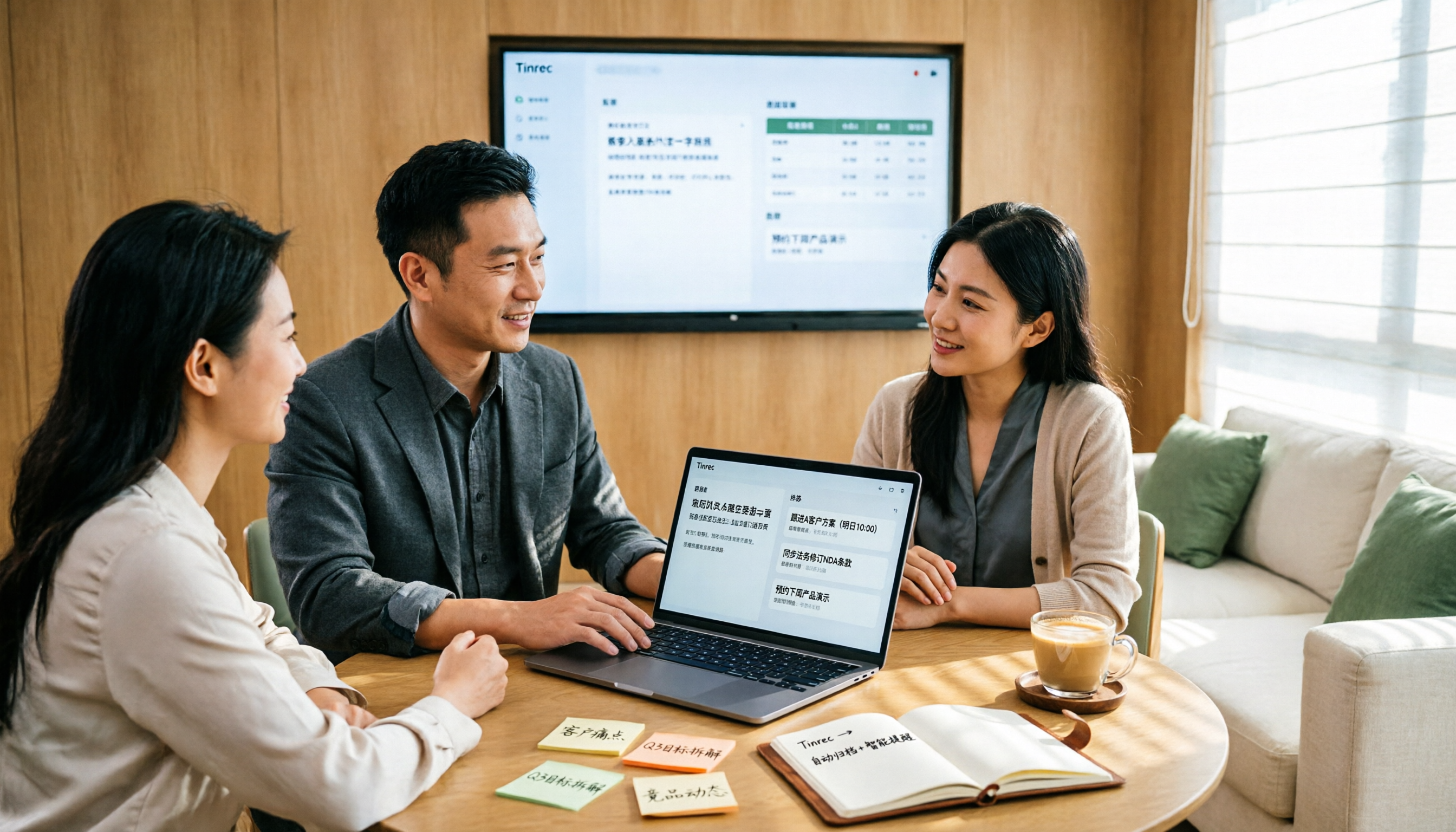
2026 Sales Meeting Notes Table Tools Buying Guide: 6 Hands-On Tests and Recommendations
The most common pitfall with sales meeting notes tables is filling in fields from memory after the meeting. Drawing on real-world experience from mid-level managers, this article reviews six tools that can turn sales meetings into transcripts, summaries, action items, and exportable tables, including Tinrec, Otter.ai, Fireflies.ai, Notta, Granola, and TurboScribe. It explains each tool's positioning, pricing, and ideal users, and offers selection advice and usage notes.
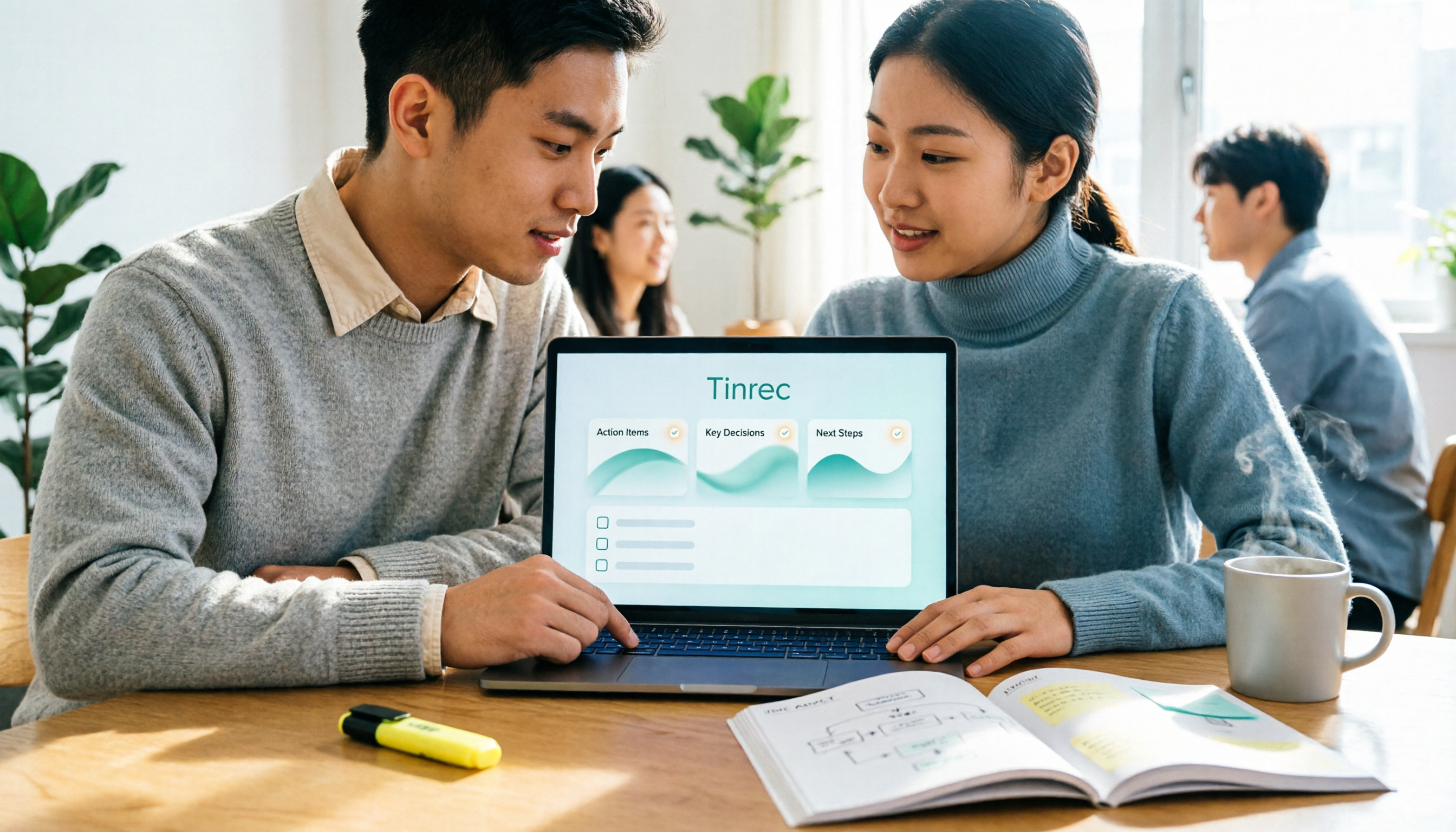
2026 Sales Meeting Notes Templates: 6 Free Options Compared
Starting from a student's perspective of getting tired of searching for templates on Dcard, this article reviews 6 sales meeting notes solutions: from plain text templates and free transcription tools to AI meeting notes that can automatically generate summaries and action items. It includes each option's free quota, pricing, and use cases to help you pick the most time-saving one.

2026 Comparison of 4 Sales Meeting Note Tools: Which One Turns Customer Conversations into Trackable Sales Leads?
Starting from the pain point of a sales intern unable to follow up on customer commitments after meetings, this article uses a decision comparison chart to break down 4 sales meeting note tools: Tinrec, Otter.ai, Fireflies.ai, and Granola. The focus is not on transcription minutes, but on whether you can ask questions, hand off, and retain information after the meeting.