

Turn recordings into transcripts and summaries in minutes
Upload audio or video for multilingual transcription, AI notes, and action items
Otter Chinese Alternatives Compared 2026: Tinrec vs Notta — Which Is More Practical for Chinese?
Last week I had a meeting with a small team of 8 people, and my manager asked me straight away: "Can Otter actually handle Chinese?"
I've been asked this question more than once.
Let me be clear about one thing first. If you're looking up the Chinese translation of the English word "otter"—whether it's 水獺 (river otter), 海獺 (sea otter), or 水獺皮 (otter skin)—then you want the Cambridge Dictionary, and the answer is on the first page of search results. It has nothing to do with AI tools.
But if you're asking about Otter.ai, the AI meeting notes tool, whether it works well for Chinese and whether there are better options, then this article is for you.
I lead a team myself, so I have to manage the budget and choose the tools. This time I re-tested the tools I have on hand and got familiar with Tinrec's team version. Here are my honest thoughts.
Why are people starting to look for Otter.ai alternatives?
Otter.ai is a veteran player in AI meeting transcription, founded in 2016 by former Google engineers. It blew up in 2020 during the remote meeting boom thanks to its Zoom integration, and now has over 15 million users worldwide (according to a May 2026 Chinese review). For English meeting scenarios, it's really mature.
But Chinese users hit the same roadblocks.
Several 2026 Chinese reviews all point to the same thing: Otter.ai's strength is in English business meetings, and its Chinese transcription gets very mixed reviews—some think it's barely usable, others say there are so many errors you have to retype everything; another review directly states "limited support for Chinese."
This isn't anyone badmouthing it; it's a product positioning issue.
If 90% of your meetings are in English with occasional Chinese phrases, Otter is hard to fault. But if your meetings are mainly in Chinese, mix Chinese and English, and are full of company-specific terminology, then you'll naturally start looking for another way.
Tinrec is one option on that path that I think is worth knowing about.
Tinrec vs Otter.ai: What's different in the core experience?
1. Transcription experience for Chinese meetings
The real difficulty in Chinese meetings isn't the "words" but the "mixing"—a Chinese sentence with an English product name stuck in, a speaker switching terms mid-sentence, plus air conditioning and keyboard noise in the background.
Tinrec covers Chinese, Traditional Chinese, and multilingual meeting scenarios, supports mixed Chinese-English content organization, and the team version lets you add company-specific terminology to "team hotwords" to improve recognition of professional terms.
Honestly, I won't give you a pretty but fake accuracy number. Actual results depend on recording quality, accent, background noise, and overlapping speakers—that's the same for every vendor.
But directionally, Tinrec is designed with Chinese meetings as its home turf.
2. Record online meetings without an extra bot
Many people don't care about this at first, but once you've used it, you know the difference.
Tinrec's desktop version directly captures your computer's system audio, handling Zoom, Google Meet, Microsoft Teams, and Webex without needing a meeting bot to join as a participant.
Meeting attendees won't see a "Bot has joined the meeting" notification. For client meetings and cross-department communication, this matters more than you'd think.
One caveat: this doesn't mean it automatically joins all meetings on your calendar. You still need to actively open Tinrec and start recording.
3. After the transcript is where the real value is
Otter also has summaries and AI Chat—no denying that.
But Tinrec stretches the entire "post-meeting" phase much further: AI summary, chapters, key points, action items, and mind map all at once, and you can keep asking follow-up questions about the meeting content.
What I use most is asking it directly: "What was the conclusion of this meeting?" "Who's responsible for what?"
No need to flip through 30 pages of transcript yourself.
Further down the line, there's Agent post-processing that can directly generate reports, tables, and meeting minutes, then export to Notion, Google Docs, OneNote, or Dropbox for further work.
If you only get a transcript, you've really only done half the job.
4. Real-time translation and bilingual view
Cross-language meetings are a pain point for many teams.
Tinrec can switch between original text, translation, or bilingual view during recording—no need to wait until after the meeting to translate the whole thing. You can compare on the spot.
Stop organizing recordings by hand
Upload audio or video and automatically get a transcript, summary, and action items
You don't notice this feature when you don't need it, but once you have foreign colleagues or clients, the difference is obvious.
5. Team space and seat governance
Personal use and team use are two completely different things.
Tinrec's team version isn't "multiple people sharing one account"—it's an independent team space. Meeting data belongs to the team, new members can directly view historical data, and action items and post-meeting outputs stay with the team.
The first eligible team trial is 7 days, 1 free seat, and 300 minutes of team shared import quota. Paid seats are USD 29.80/month, or USD 199/year (about USD 16.58/month), with each paid seat providing 2,000 minutes of team shared import quota per month.
Under an active team plan, real-time recording currently doesn't deduct minutes; only file and web imports use the shared quota.
Here's something that often confuses teams in Taiwan: roles and seats are two different things.
Roles determine who can manage the team, members, audit, and settings; seats determine whether you can record, upload, edit, import, and export.
Members without a seat can still view, play, and read team data—they just can't perform actions like uploading or editing.
One more thing I particularly care about: when a member leaves or is removed, their team resources are transferred to other active members and don't disappear with the individual.
Tinrec's core features at a glance
Real-time recording to text: Open and record, transcribe as you go, and see the text synchronously during the meeting to confirm you haven't missed key points. By the time the meeting ends, the transcript is already there.
Bot-free online meeting recording: The desktop version captures system audio, handling Zoom, Meet, Teams, and Webex without disrupting the meeting room.
Audio/video file transcription: Upload existing lecture recordings, interview files, or podcast material and turn them into text—great for backfilling historical records.
AI summary, chapters, and action item extraction: Long meetings are automatically structured, with key points and action items organized at once—no more spending half an hour writing notes after the weekly meeting.
AI Q&A and Agent post-processing: Keep asking questions about the meeting content, or directly generate reports, tables, and documents to turn content into something you can deliver.
Real-world use cases
Weekly department meetings: I used to host and take notes at the same time, often missing details. Now I just record with Tinrec, and the summary and action items come out directly—who's responsible for what is crystal clear, and tracking is much better.
Client interviews and sales meetings: Customer needs, concerns, and on-the-spot commitments are all in the transcript. Audio files are also kept, so you can double-check important sections without worrying about misremembering.
Lecture and course recordings: In a two-hour class, key points are scattered across sections. With chapter splitting and AI Q&A, you can directly ask "What three methods did the speaker mention?" when reviewing—much faster than listening again.
Mixed Chinese-English technical meetings: Product names, API names, internal codes flying everywhere. Put terminology into team hotwords and use bilingual view, and at least you won't have entire sections you can't understand.
Points to consider when choosing a speech-to-text tool
1. Test with your own recordings, don't just look at the website: Take a real mixed Chinese-English meeting audio file and test it—that's more accurate than any review. The free tier quota is for exactly this.
2. Are audio files retained?: Some tools only give you the transcript and don't store audio. AI will always make mistakes—being able to go back and check the original recording makes a big difference. Tinrec does retain audio files.
3. Can it directly produce output after the meeting?: Tools that only give transcripts still require you to organize everything yourself. When choosing a tool, you can ask directly: Can it generate meeting minutes, action items, and reports for me?
4. What happens when team members change?: Small teams have high turnover. Whether data is tied to individual accounts or team spaces is something you should clarify before adoption.
5. Quota and billing methods: Pay attention to whether "real-time recording" and "file import" are calculated separately—many tools don't share a single minute pool.
Conclusion: Is Tinrec worth a try?
If you're an English-focused international team, Otter.ai remains a mature option—no argument there.
But if your meetings are mainly in Chinese, mix Chinese and English, and you need more than just a transcript—summaries, action items, Q&A, export, and even team knowledge retention—Tinrec is one of the few choices I've tested that fills in every part of that path.
Especially the team version's design for roles, seats, usage, audit, and recycle bin—for companies of 5 to 20 people, these are things you'll actually use, not just spec sheet decorations.
I suggest starting with the free version and testing with a real meeting recording from your own team. Reading a hundred reviews is nothing compared to listening to the transcription result yourself once.
Recording transcription involves personal data, so remember to confirm compliance with local regulations and obtain consent from participants when necessary.
References
- Which Otter Chinese translation is best? 4 tested in 2026, Cambridge Dictionary is most complete - 秒聽錄音Blog
- OTTER Chinese (Traditional) Translation: Cambridge Dictionary
- Is Otter.ai good for Chinese? 2026 Taiwan user in-depth review (with alternatives)
- Otter.ai doesn't support Chinese? 2026 best Chinese speech-to-text and AI meeting notes alternatives - 秒聽錄音Blog
- Chinese translation of Otter | English-Chinese Dictionary
Turn every recording into actionable outcomes
Get 60 free transcription minutes when you sign in. No credit card required.
Related Reading
You might also like

2026 Sales Meeting Notes Template: A Complete Guide from Transcripts to Action Item Tracking
The most common mistake with sales meeting notes is filling out the template from memory after the meeting. Drawing on real-world experience from a mid-level manager, this guide explains how to use Tinrec to turn client meeting recordings into transcripts, summaries, and action items, then organize them into trackable, transferable sales meeting notes. It also covers 5 key factors to consider when choosing a tool and answers common questions.

Sales Meeting Notes Template Guide 2026: 6 Tools Tested and Recommended
Searching for sales meeting notes examples on PTT often means you're missing not just a form, but a process that makes notes usable after the meeting. This guide first provides a ready-to-use sales meeting notes template with fields, then shares hands-on reviews, pricing, and use cases for 6 transcription and AI meeting notes tools, helping you decide whether to use a template manually or let tools auto-generate transcripts, summaries, and action items.

2026 Sales Meeting Notes Template Free Options: 5 Tools Compared
Sales meeting notes often get stuck on three problems: can't write fast enough, spend too long re-listening afterward, and no one follows up. This guide covers 5 free or free-tier options, from AI meeting note tools to pure transcription services, plus the fields a sales meeting template should have and tips for choosing the right approach for your team.

How to Use a Sales Meeting Notes Template in 2026: 5 Steps from Recording to Deal Tracking
The most common failure with sales meeting notes is filling them in from memory after the meeting. This article flips the order with 5 steps: first use Tinrec to record the meeting completely, transcribe it, and generate a summary—then go back and fill in the template. Includes copy-ready table fields, AI prompt templates, and team collaboration practices.

4 Sales Meeting Notes Tools Worth Recommending in 2026: From Free to Team Editions
If you can't finish filling out sales meeting notes, the problem usually isn't the form—it's the process of relying on people to recall what happened after the meeting. This article looks at it from the perspective of a real sales team: which 8 fields a sales meeting should capture, the 4 key points to check before choosing a tool, and a comparison of Tinrec, Otter.ai, Notta, and PLAUD Note's use cases and limitations. It ends with scenario-based recommendations.

Which Sales Meeting Notes Template Is Best? 2026 Hands-On Test of 4 AI Tools—This One Wins for Chinese Sales Meetings
Still manually filling out sales meeting notes in Excel? I tested 4 AI meeting tools, comparing Chinese transcription, post-meeting action item extraction, AI follow-up questions, and team data ownership. Here are the key buying factors, pitfalls to avoid, and recommendations for different sales teams.
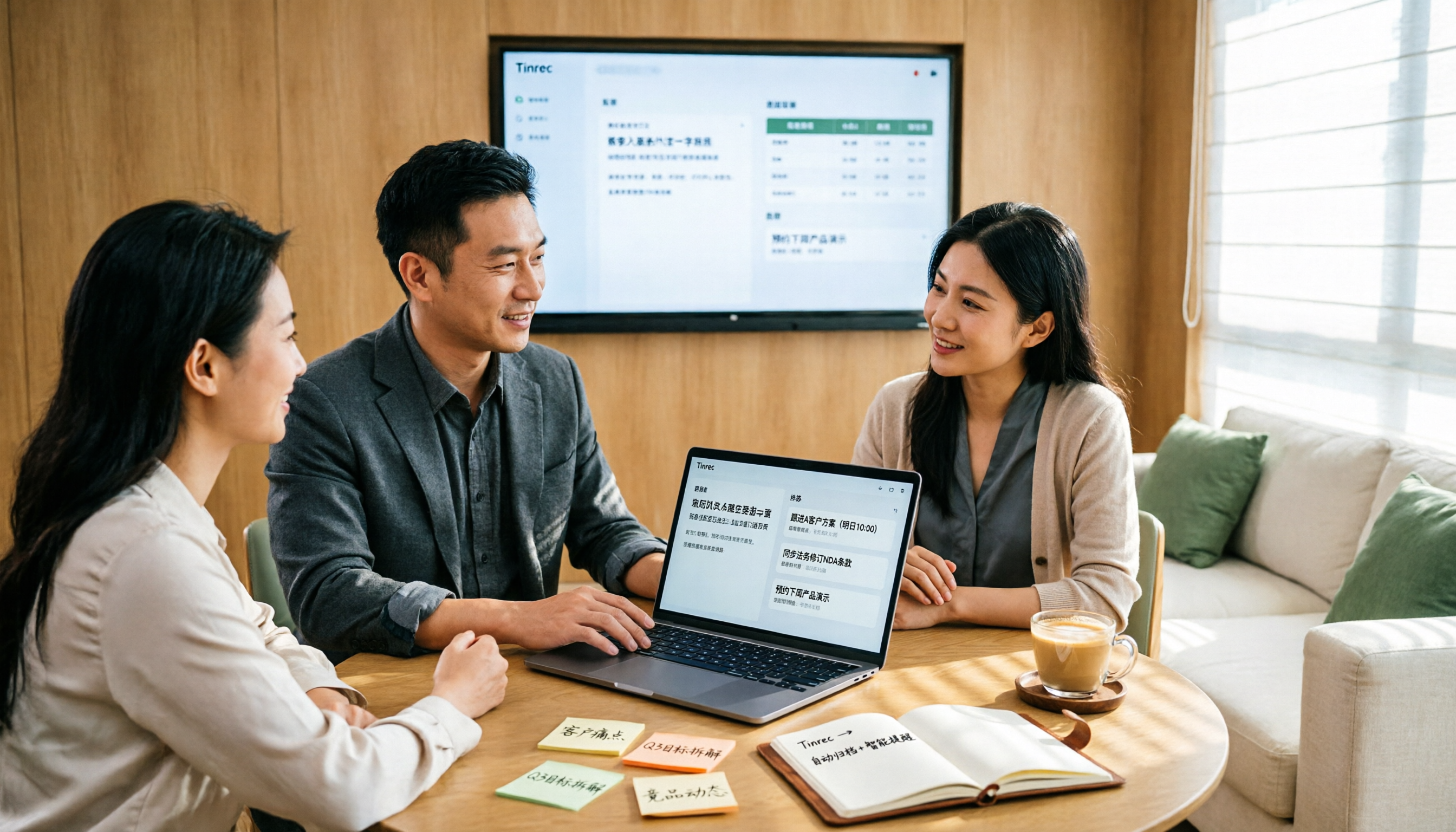
2026 Sales Meeting Notes Table Tools Buying Guide: 6 Hands-On Tests and Recommendations
The most common pitfall with sales meeting notes tables is filling in fields from memory after the meeting. Drawing on real-world experience from mid-level managers, this article reviews six tools that can turn sales meetings into transcripts, summaries, action items, and exportable tables, including Tinrec, Otter.ai, Fireflies.ai, Notta, Granola, and TurboScribe. It explains each tool's positioning, pricing, and ideal users, and offers selection advice and usage notes.
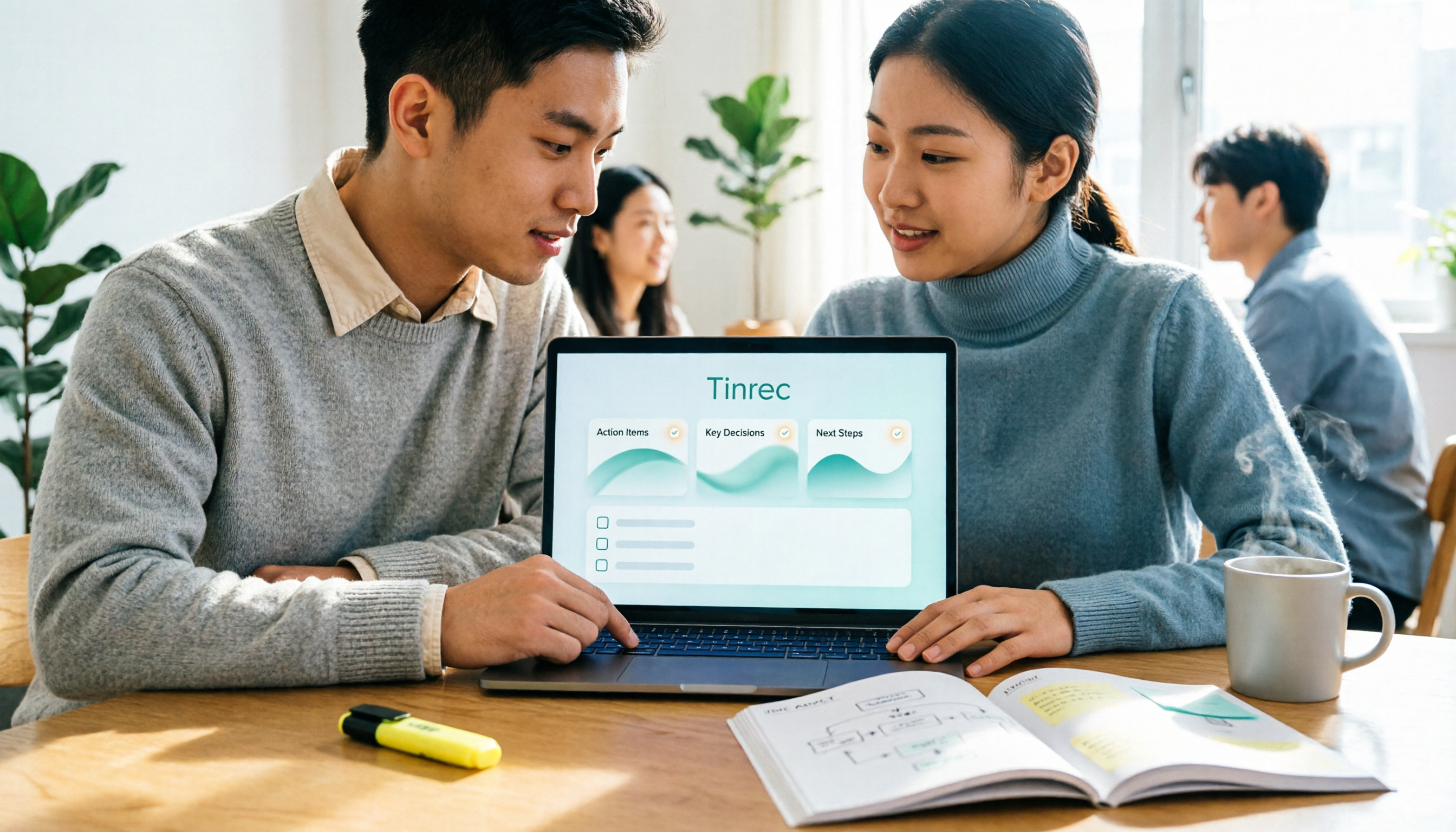
2026 Sales Meeting Notes Templates: 6 Free Options Compared
Starting from a student's perspective of getting tired of searching for templates on Dcard, this article reviews 6 sales meeting notes solutions: from plain text templates and free transcription tools to AI meeting notes that can automatically generate summaries and action items. It includes each option's free quota, pricing, and use cases to help you pick the most time-saving one.

2026 Comparison of 4 Sales Meeting Note Tools: Which One Turns Customer Conversations into Trackable Sales Leads?
Starting from the pain point of a sales intern unable to follow up on customer commitments after meetings, this article uses a decision comparison chart to break down 4 sales meeting note tools: Tinrec, Otter.ai, Fireflies.ai, and Granola. The focus is not on transcription minutes, but on whether you can ask questions, hand off, and retain information after the meeting.