

Turn recordings into transcripts and summaries in minutes
Upload audio or video for multilingual transcription, AI notes, and action items
2026 Comparison of 6 Client Visit Recording Tools: Which Is Easiest to Write and Hand Off?
Why Are Client Visit Notes Always Unfinished?
Many people treat visit notes as something to jot down quickly in the car while memory is still fresh. That's the most common approach—and the easiest to get wrong.
The first pitfall is only recording what was discussed, not where the client got stuck. Next visit, you have to ask the same questions again.
The second pitfall is scattered data. A note in your phone's memo app, a snippet in LINE, a row in Excel—when your manager asks for it, it doesn't add up.
The third pitfall is typing while talking. In those three seconds you look down to note a keyword, the client says the most critical concern.
This article reviews six tools, from turning recordings into text to turning visits into searchable team data, to help you decide which fits your visit rhythm.
Tinrec — Moving Visits from Recording to Follow-Up Questions
Tinrec is an AI meeting notes and collaboration tool for individuals and teams. It doesn't just convert speech to text; it organizes visit content into searchable, summarizable, queryable, and exportable data.
Highlight 1: No bot to join meetings. When clients meet on Zoom, Google Meet, Microsoft Teams, or Webex, the desktop version captures system audio directly—no extra bot as an audience member.
Highlight 2: Record online and offline. Live recording suits in-person visits and on-site interviews; audio and video uploads suit organizing old visit recordings.
Highlight 3: The real value is after the meeting. It automatically generates summaries, chapters, key points, and action items, and you can use AI Q&A to ask follow-up questions like "What was the budget cap the client mentioned?" or "What were their concerns about the delivery timeline?"—no need to replay an hour-long recording.
Highlight 4: Data stays put. Supports export to Notion, Google Docs, OneNote, and other tools; the team version centralizes meeting data in a team space, and when members change, it can be handed off to other active members—it won't disappear when someone leaves.
Plans are divided into individual and team versions. The individual version has a free tier, weekly pass, Pro monthly, and Pro annual—choose based on usage frequency. The team version offers a 7-day trial for first-time eligible users, 1 free seat, and 300 minutes of shared team import quota; monthly is USD 29.80 per paid seat per month, annual is USD 199 per paid seat per year (about USD 16.58 per month), each paid seat gets 2,000 minutes of shared team import quota per month, and live recording under an active plan currently does not deduct minutes.
Who it's for: sales and customer success teams whose visit content is mainly in Chinese, who need to ask follow-up questions after meetings, and who need to hand off client data to colleagues.
Otter.ai | A Mature Choice for English Business Meetings
Otter is a mature AI meeting assistant supporting Zoom, Teams, Google Meet, live transcription, speaker identification, and AI Q&A.
Pricing: Basic is free with 300 minutes per month; Pro annual works out to about USD 8.49 per user per month, including 1,200 minutes of in-app recording per month and 10 file imports. Business plans and pricing may be affected by promotions—check the official page before ordering.
If your clients are European or American companies and visits are entirely in English, Otter is very mature; for mixed Chinese conversations, verify once more.
Notta | Multilingual Transcription and Translation
Notta overlaps heavily with most transcription tools, covering multi-platform transcription, meeting notes, file import, and translation.
Free version: 120 minutes per month, up to 3 minutes per single item; Pro annual works out to about USD 8.17 per month with 1,800 minutes per month; Business annual works out to about USD 16.67 per seat per month, including unlimited transcription, role permissions, and usage reports.
Suited for teams whose visit targets span multiple languages and who need transcripts plus translation. The free version's 3-minute limit per item won't be enough for a full visit.
Fireflies.ai | Meeting Automation and Team Analytics
Fireflies' strengths are meeting automation, AI summaries, team analytics, and extensive integrations.
Annual pricing: Free USD 0, Pro USD 10 per seat per month, Business USD 19 per seat per month, Enterprise USD 39 per seat per month. Note that "unlimited transcription" is still subject to storage, file upload speed, and AI Credit rules—don't take it as unlimited everything.
Stop organizing recordings by hand
Upload audio or video and automatically get a transcript, summary, and action items
Suited for sales teams that heavily automate the visit process and need integration with other systems.
Granola | Bot-Free AI Meeting Notes
Granola also uses a bot-free approach, transcribing in real time via desktop system audio and microphone, then combining with your handwritten notes to generate meeting content. Pricing: Basic free, Business USD 14 per user per month, Enterprise USD 35 per user per month.
Note that it does not support uploading pre-recorded audio files and does not save meeting audio. If you want to replay the client's tone afterward or need archiving, think this through first.
TurboScribe | A Free Starting Point for Bulk File Transcription
TurboScribe is more of a cost-effective file transcription tool, focusing on long files, batch uploads, subtitles, and translation.
Free version: 3 files per day, up to 30 minutes per file; Unlimited annual is USD 120 (about USD 10 per month), paid version supports up to 10 hours or 5 GB per file and up to 50 files at once.
If your need is simply "turn visit recordings into text," the cost is very low. But without post-meeting Q&A, action item extraction, and team governance, you'll still need to archive visit data separately.
With So Many Options, How Should You Choose?
• Want Chinese visit transcription + summaries + AI follow-up questions all in one → Tinrec is currently the option that has all of these. • Don't want an extra bot in the client's online meeting → Tinrec desktop or Granola (but Granola doesn't keep audio files). • Visit data needs to be handed off to colleagues and visible to managers → Tinrec team version, with team space, roles, seats, usage analytics, and audit logs. • Clients mainly present in English → Otter.ai. • Visit targets are multilingual and need transcripts plus translation → Notta. • High visit volume and only need plain text files → TurboScribe. • Want a wearable hardware recorder → PLAUD NotePin (USD 159) or Note Pro (USD 189), but visit notes still rely on the app and manual organization.
4 Things to Know Before Using Tools to Write Visit Notes
1. Handle recording consent first. Visit recording involves personal data; explain the purpose and get consent before recording—this matters more than any tool setting.
2. Fix your fields first so the tool has something to organize. Keep these five columns: client needs, budget, decision-maker, main objections, next steps and timing—then the transcript can connect to your notes. Tinrec's summaries and action items are built around this logic.
3. A transcript is not a record. AI may miss or misunderstand; verify important numbers and commitments against the original timestamp.
4. Files belong to the team, not on personal phones. Recordings on personal devices break when the person leaves. The team version centralizes Audio, Folder, and TODO; members without seats can still view, play, and read, but need a seat to upload, edit, and export.
Conclusion
Visit notes are hard to write—mostly not a writing problem, but because "typing while talking" goes against human nature.
Let tools handle the recording, keep your attention on the client, and fill in the content afterward with summaries, action items, and Q&A—that's the least effortful approach today.
For Chinese visits requiring post-meeting follow-up and team handoff, Tinrec has the most complete workflow on this list; if you only need pure transcription, TurboScribe or Otter's free tier is enough to start. Think clearly about who ultimately receives the visit notes before choosing a tool—that's more practical than comparing minutes.
FAQ
Q: Do visit notes require recording?
Not necessarily, but pure handwriting makes it hard to capture the client's original words. A compromise is recording plus key handwritten notes, then letting the tool produce a transcript and summary afterward.
Q: Is the free version enough?
Depends on frequency. For an occasional visit, Tinrec's free version or Otter Basic (300 minutes per month) can be tried first; for weekly client meetings, paid plans offer more stable quotas and features.
Q: Can team members without a seat still see visit data?
They can view, play, and read team data, but cannot upload, edit, import, or export. Roles govern management; seats govern usage eligibility—view them separately.
Q: Can deleted team audio files be recovered?
After audio files enter the team recycle bin, they can be restored before permanent deletion; the current retention period is 30 days. Action items are not covered by the recycle bin.
Q: Can transcription accuracy be guaranteed?
We don't recommend promising that. Actual results are affected by recording quality, noise, accents, simultaneous speakers, and technical terms; important content should still be checked against the original and recording.
Q: Do visit notes automatically sync to CRM?
Currently, don't expect that. Tools can help you organize client communication content and export it as follow-up material, but a complete CRM automation workflow still needs to be built separately.
References
- Tips and Strategies Before Visiting Clients: How to Effectively Improve First Meeting Success Rate? - Lanhai Intelligence
- Top Sales Have an SOP for Client Visits! Prepare This Way for Effective Visits | Manager Today
- [Sample Form - Marketing & Sales] Business Visit Plan Form | 101Form.net
- No Matter Who the Target Is, You Must Prepare Materials Before Visiting Clients! - Walk Cloud
- Opening Lines and Conversation Techniques for Client Visits: Are You Ready? - Lanhai Intelligence
Turn every recording into actionable outcomes
Get 60 free transcription minutes when you sign in. No credit card required.
Related Reading
You might also like

Tinrec vs Notta 2026: 5-Dimension Comparison — Which Is More Practical for Sales Meeting Notes?
Starting from real sales meeting scenarios, this comparison examines the practical differences between Tinrec and Notta for sales meeting notes, covering field design, AI summaries, action-item tracking, team collaboration, and export workflows—helping you turn meeting notes into followable sales assets.
How to Turn Client Visit Notes into a Recommendation Letter in 2026: A 5-Step Guide
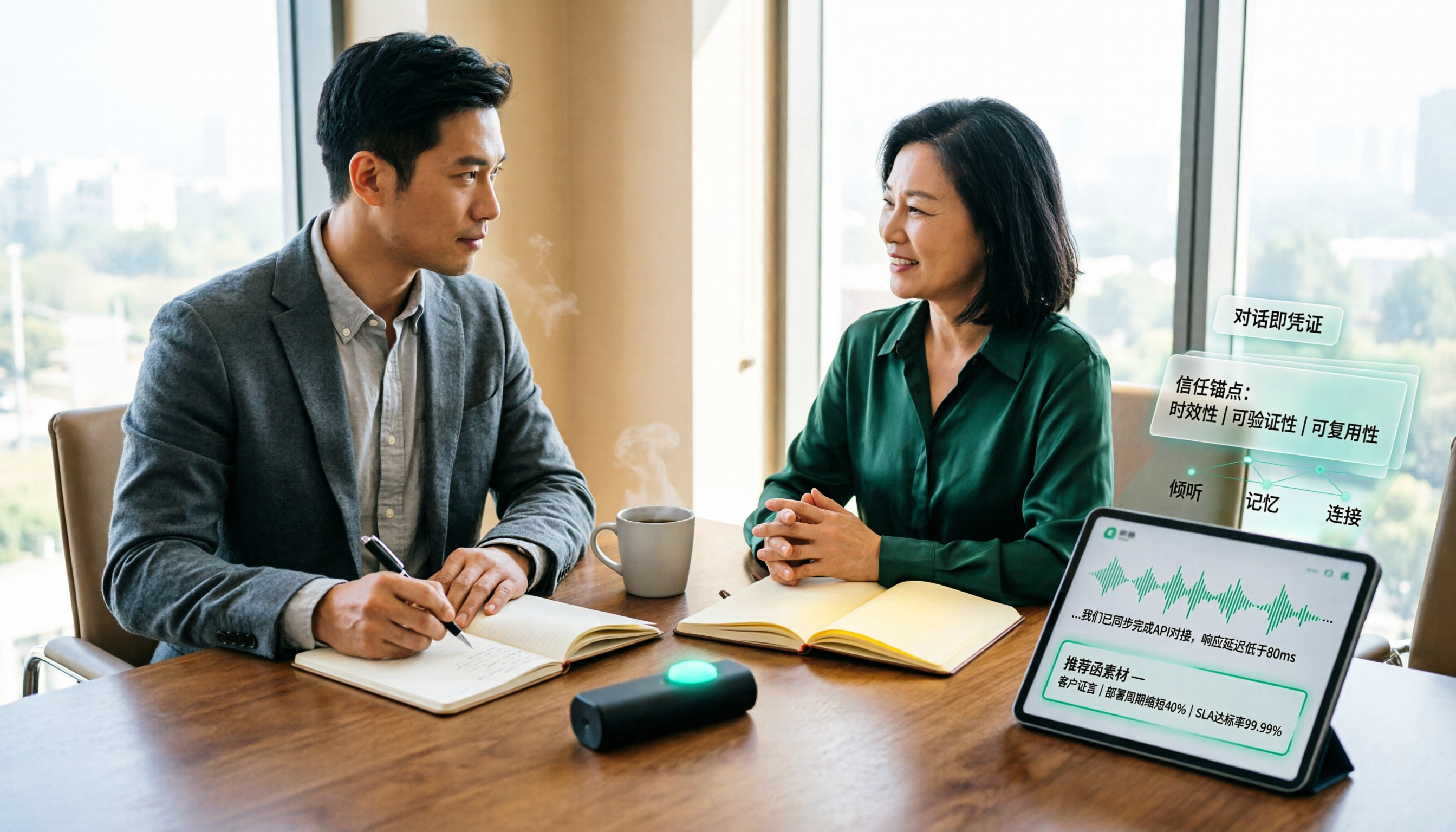
Scattered client visit notes make writing a recommendation letter afterward difficult—the problem is usually not writing skill but a lack of quotable material captured on-site. This guide breaks down the process into 5 steps: pre-visit preparation, live audio-to-text transcription, post-meeting AI Q&A to find details, fitting content into a recommendation letter structure, and team archiving. It also compares use cases for tools like Otter.ai, Granola, and PLAUD.

2026 Customer Visit Logging Tools Comparison: Tinrec vs Otter.ai — Which Is Better for Sales Follow-Up?
The hardest part of a customer visit log isn't the format—it's that no one wants to fill it out afterward. This article compares Tinrec and Otter.ai from a real sales workflow perspective, covering Chinese visit transcription, summary and action item extraction, customer data retention, export options, and pricing, to help you decide which tool can truly save you time on paperwork.

Best Client Visit Record Tools in 2026: 5 Tested Options, Free Templates & AI Recording Guide
Struggling to capture all the details after a client visit? We tested 5 client visit record methods—from free Excel templates on Pikbest and Lovepik, to 101Form, Notta, Otter.ai, and Tinrec. This article honestly lists each option's free quota, limitations, and best-use scenarios, plus 3 key buying criteria and pitfalls to avoid, helping you find a visit record method you'll actually complete, can search later, and can hand off to teammates.

Customer Visit Log Template: 5 Key Fields + AI Auto-Organize (2026 Guide)
Should your customer visit log be an Excel template, an online form, or audio automatically transcribed into notes? Starting from real sales pain points, this article compares manual forms with Tinrec across 5 dimensions and provides a ready-to-use field checklist plus pricing details.

5 Proven Ways to Write Client Visit Reports in English: Templates, Phrases & Tools Compared (2026)
After a client visit, do you only remember "they said they'd reevaluate"? This guide covers the correct English terms, standard structure, and common phrases for client visit reports. We also test and compare tools like Tinrec, Otter.ai, Notta, and Granola to see which one turns your visit notes into a deliverable English report fastest.

2026 Comparison of 4 Client Visit Recording Tools: Which Saves the Most Time on Audio Transcription?
Are client visit record forms useful? The problem often isn't the form itself, but whether you have the energy to fill it out cell by cell after the visit. This article starts from real sales scenarios, outlines 4 key points for choosing a visit recording tool, and compares Tinrec, Otter.ai, Notta, and PLAUD in terms of Chinese visit records, post-meeting organization, and team handover, with common pitfalls and selection advice.

How to Write a Customer Visit Report in English: 5 Steps from Terminology to Documentation
Should a customer visit report be called a customer visit report or a call report? This article first compiles common English terms for visiting customers, sales visits, and regular client visits, along with report fields. It then compares traditional handwritten visit notes with Tinrec's instant recording across 5 dimensions to help you decide which approach better suits your visit frequency and team size.

2026 Comparison of 3 Client Visit Recording Tools: How Tinrec Ensures No Follow-Up Is Missed
From paper notes and phone memos to AI recording tools, we compare how client visit records differ. A hands-on test of Tinrec shows how it turns visit recordings into transcripts, summaries, and action items while supporting team collaboration and follow-up.