

Turn recordings into transcripts and summaries in minutes
Upload audio or video for multilingual transcription, AI notes, and action items
2026 Comparison of 4 Client Visit Recording Tools: Which Saves the Most Time on Audio Transcription?
After a client visit, the real exhaustion hits on the drive back
After seeing two clients in the morning, you get back in the car at noon and open your notebook to start recalling: How much did they say the budget was? Who mentioned they needed to confirm with their manager? Did I ever send that material I promised last time?
For the parts you can't remember, you can only fill in from impression.
What's worse, these records are usually scattered across three or four places: phone memos, Line chats, Excel, and that notebook that's always in your bag. Putting them back together before the next visit takes half an hour.
This is also the real reason many people search "are client visit record forms useful?" The form itself isn't hard to use; the hard part is whether you have time to sit down after the visit and fill in every field.
Before Choosing a Client Visit Recording Tool, Understand These 4 Key Points
1. Can the fields fit your visit process?
Every company needs to record different things: some note needs and budget, some note objections and commitments, some only track the next contact date. If a tool only lets you fill in "date + client name + notes," it's still not enough.
2. Is it "recalling afterward" or "recording on the spot"?
Forms rely on memory, while audio-to-text captures the conversation as it happens. This makes a big difference, because details usually disappear when you try to recall them.
3. Can you find it later?
You write 200 records, but all you can do is Ctrl+F for the client name—that's as good as not writing them. The key is whether you can directly ask, "What concerns did this client raise last time?"
4. Does the data belong to the individual or the company?
A salesperson may keep very complete personal records, but when they leave, the client history goes with them. Teams need data to stay with the company and someone to take over during handover.
Tinrec: Turn Visit Conversations Directly into Searchable Records
Tinrec is an AI meeting notes and collaboration tool for individuals and teams, supporting iOS, Android, and web, and the desktop version can directly record online meetings on your computer. In the client visit scenario, it solves exactly the problem of "not being able to finish the record form."
During the visit, generate a transcript while you chat. Start real-time recording on your phone, and the other party's words are converted to text simultaneously. By the end of the visit, you already have a complete conversation, not just a few lines of summary from memory.
For online client meetings, no bot needs to join. When clients meet via Zoom, Google Meet, Microsoft Teams, or Webex, the Tinrec desktop version directly captures the computer's system audio without an extra meeting bot. Note that this supports recording audio played on the computer from these platforms; it does not mean an official partnership with the platforms.
After the meeting, summaries, chapters, and to-dos are generated automatically. This part is closest to the original purpose of a visit record form: who is responsible for what, when to reply, and what the client cares about. AI extracts these from the discussion, and you just verify—no need to start from scratch.
Before a visit, review the client with AI Q&A. This is where it differs most from ordinary transcription tools. You can directly ask, "What was the budget cap this client mentioned last time?" and it will answer based on the meeting content, rather than dumping a bunch of keyword search results on you.
Cross-language visits are also covered. Real-time translation supports original text, translated text, or bilingual display, so you don't need to find a separate translator for foreign-language clients.
Output can be brought back into your existing workflow. Transcripts and organized results can be exported to Notion, Google Docs, OneNote, Dropbox, and other tools; you can also use Agent post-processing to turn a visit into a report, table, or meeting minutes.
If your whole sales team uses it, the team version provides an independent team space: meeting data belongs to the team, with role and seat management, usage analytics, audit log query and export, audio recycle bin, and team hotwords. When a member leaves or loses a seat, resources can be handed over to other active members and won't disappear with the individual.
Stop organizing recordings by hand
Upload audio or video and automatically get a transcript, summary, and action items
Currently, the team monthly plan is USD 29.80 per paid seat per month, and the annual plan is USD 199 per paid seat per year (about USD 16.58 per month); each paid seat provides 2,000 minutes of team shared import quota per month. Eligible teams can try 7 days with 1 free seat and 300 minutes of shared import quota for the first time. Real-time recording under an active plan and active seat is currently not deducted by minutes.
3 reasons I think it's worth it:
First, visit records change from "written afterward" to "generated on the spot"—this is a process change, not just a tool swap. Second, AI Q&A makes historical visits truly reviewable, rather than sitting on a hard drive. Third, the team version's seat and audit design is practical for sales departments with handover needs.
Things to note:
The free version has a basic quota, suitable for trying a few real visits first. File and web imports consume the team shared quota, not personal quota. Transcription quality is affected by recording quality, noise, accents, and multiple people talking over each other—same as any tool—so for important content, it's recommended to check back against the original text and recording. Also, the team version currently focuses on team-level sharing, managing governance and usage eligibility through roles and seats, not fine-grained file-level permissions.
Who it's for: People whose visits are mainly in Chinese, who want a transcript and to-dos right after the visit, and who need to keep client history within the team.
Besides Tinrec, What Other Options Are There?
Otter.ai: A mature English AI meeting assistant. Basic is free with 300 minutes per month; Pro annual billing is about USD 8.49 per user per month with 1,200 minutes per month. It's sufficient if client meetings are almost entirely in English. However, Chinese and Traditional Chinese transcripts are not its strong suit, and it has less focus on team data retention—Tinrec is closer to the Taiwan sales context in this regard.
Notta: Covers multi-platform transcription, file import, and translation. Free is 120 minutes per month (max 3 minutes per session); Pro annual billing is about USD 8.17 per month with 1,800 minutes per month. Suitable for users who mainly transcribe files. The difference is that Tinrec's desktop version can record online client meetings without a bot, and can also use Agent post-processing to turn transcripts into visit reports.
PLAUD Note / NotePin: AI recording hardware. NotePin is priced at USD 159, Note Pro at USD 189; membership Starter is 300 minutes per month, Pro is USD 99.99 per year. The advantage is portability and the ability to record phone calls. The cost is carrying an extra device and an extra hardware expense, and post-visit organization still has to go back to software; Tinrec requires no device purchase and works on phone, desktop, and web.
Pitfall Guide: The 4 Most Common Mistakes When Choosing a Visit Recording Tool
Pitfall 1: Designing fields to be as complete as possible. The result is skyrocketing filling costs—very diligent for the first two weeks, then blank from the third week. The right approach is fewer but key fields, and let recording and AI summaries fill in the rest.
Pitfall 2: Keeping records in the salesperson's hands. Normally fine, but when there's a job rotation or resignation, the entire client history disappears. This is the reason team versions exist—not to see more reports.
Pitfall 3: Treating the tool only as a voice recorder. If you only use it for "audio-to-text," you're using only one-third of it. The real time-saver is directly asking for key points and to-dos after the meeting.
Pitfall 4: Confusing roles and seats. In the team version, "roles" control who can manage the team and members, while "seats" control whether one can record, upload, edit, and export. Members without a seat can still view, play, and read team data, but cannot perform resource usage operations. Before purchasing, think clearly about how many people need to actually do the work.
One more reminder: recording and transcription involve local regulations, so it's best to inform the other party and obtain consent before the visit—much easier than remedying afterward.
Conclusion: Which One Should You Choose?
- Visits mainly in Chinese, want a transcript and to-dos right after the visit → Tinrec
- Need to quickly review client history and commitments before a visit → Tinrec (AI Q&A)
- Clients abroad, need bilingual display → Tinrec (real-time translation)
- Department needs to share client data and enable handover → Tinrec team version (seats + usage + audit)
- Meetings almost entirely in English, budget is 0 → Otter.ai Basic, the only scenario in this article where a competitor is recommended
If you're still unsure whether record forms are useful, my advice is simple: don't rush to design a prettier form. Find one real visit, record the entire conversation, and see whether the summary and to-dos it produces are closer to the facts than the one you wrote by hand. That's more accurate than looking at any spec sheet.
References
- [Sample Form - Marketing Sales] Sales Visit Plan Form | 101Form.net
- [Sample Form - General Affairs] Visitor Registration Form | 101EIP.net
- No matter who the client is, you must prepare materials well before visiting! - Walker Cloud
- No development needed! Easily build a "Client Visit Record" data structure
- Baidu
Turn every recording into actionable outcomes
Get 60 free transcription minutes when you sign in. No credit card required.
Related Reading
You might also like

Tinrec vs Notta 2026: 5-Dimension Comparison — Which Is More Practical for Sales Meeting Notes?
Starting from real sales meeting scenarios, this comparison examines the practical differences between Tinrec and Notta for sales meeting notes, covering field design, AI summaries, action-item tracking, team collaboration, and export workflows—helping you turn meeting notes into followable sales assets.
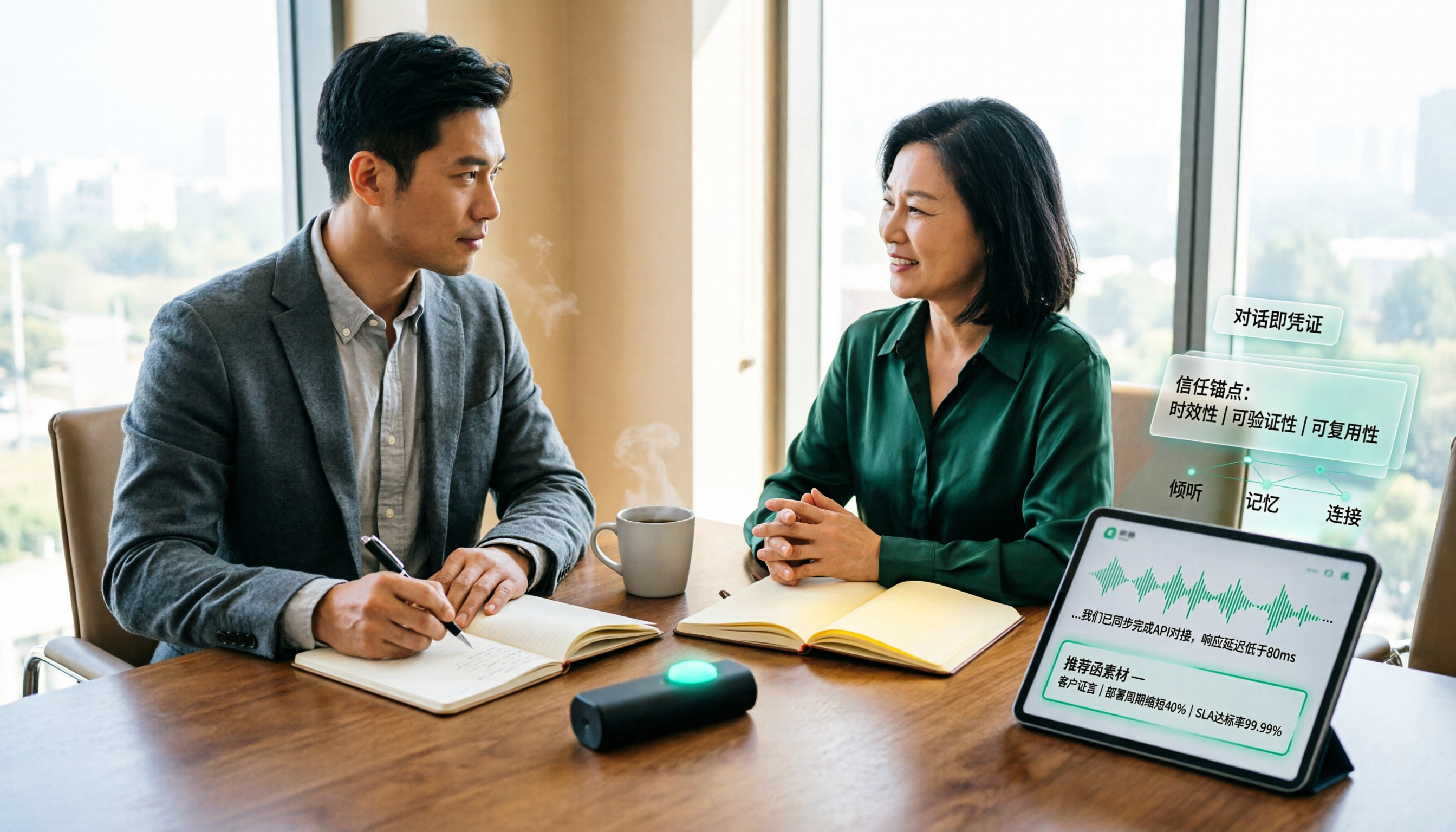
How to Turn Client Visit Notes into a Recommendation Letter in 2026: A 5-Step Guide
Scattered client visit notes make writing a recommendation letter afterward difficult—the problem is usually not writing skill but a lack of quotable material captured on-site. This guide breaks down the process into 5 steps: pre-visit preparation, live audio-to-text transcription, post-meeting AI Q&A to find details, fitting content into a recommendation letter structure, and team archiving. It also compares use cases for tools like Otter.ai, Granola, and PLAUD.

2026 Customer Visit Logging Tools Comparison: Tinrec vs Otter.ai — Which Is Better for Sales Follow-Up?
The hardest part of a customer visit log isn't the format—it's that no one wants to fill it out afterward. This article compares Tinrec and Otter.ai from a real sales workflow perspective, covering Chinese visit transcription, summary and action item extraction, customer data retention, export options, and pricing, to help you decide which tool can truly save you time on paperwork.

Best Client Visit Record Tools in 2026: 5 Tested Options, Free Templates & AI Recording Guide
Struggling to capture all the details after a client visit? We tested 5 client visit record methods—from free Excel templates on Pikbest and Lovepik, to 101Form, Notta, Otter.ai, and Tinrec. This article honestly lists each option's free quota, limitations, and best-use scenarios, plus 3 key buying criteria and pitfalls to avoid, helping you find a visit record method you'll actually complete, can search later, and can hand off to teammates.

Customer Visit Log Template: 5 Key Fields + AI Auto-Organize (2026 Guide)
Should your customer visit log be an Excel template, an online form, or audio automatically transcribed into notes? Starting from real sales pain points, this article compares manual forms with Tinrec across 5 dimensions and provides a ready-to-use field checklist plus pricing details.

5 Proven Ways to Write Client Visit Reports in English: Templates, Phrases & Tools Compared (2026)
After a client visit, do you only remember "they said they'd reevaluate"? This guide covers the correct English terms, standard structure, and common phrases for client visit reports. We also test and compare tools like Tinrec, Otter.ai, Notta, and Granola to see which one turns your visit notes into a deliverable English report fastest.

How to Write a Customer Visit Report in English: 5 Steps from Terminology to Documentation
Should a customer visit report be called a customer visit report or a call report? This article first compiles common English terms for visiting customers, sales visits, and regular client visits, along with report fields. It then compares traditional handwritten visit notes with Tinrec's instant recording across 5 dimensions to help you decide which approach better suits your visit frequency and team size.

2026 Comparison of 3 Client Visit Recording Tools: How Tinrec Ensures No Follow-Up Is Missed
From paper notes and phone memos to AI recording tools, we compare how client visit records differ. A hands-on test of Tinrec shows how it turns visit recordings into transcripts, summaries, and action items while supporting team collaboration and follow-up.

2026 Comparison of 6 Client Visit Recording Tools: Which Is Easiest to Write and Hand Off?
Client visit notes are often hard to finish—not because of typing speed, but because of how you record. This article reviews six client visit recording tools—Tinrec, Otter, Notta, Fireflies, Granola, and TurboScribe—comparing Chinese transcription, post-meeting follow-up questions, team handoff, and free tiers to help you choose the one that truly lets you finish notes and hand them off.